
Tapmap – Interactive Image Maps & Unit Picker
| 开发者 | hasseandre |
|---|---|
| 更新时间 | 2026年11月3日 04:30 |
| PHP版本: | 7.4 及以上 |
| WordPress版本: | 7.1 |
| 版权: | GPLv2 or later |
| 版权网址: | 版权信息 |
详情介绍:
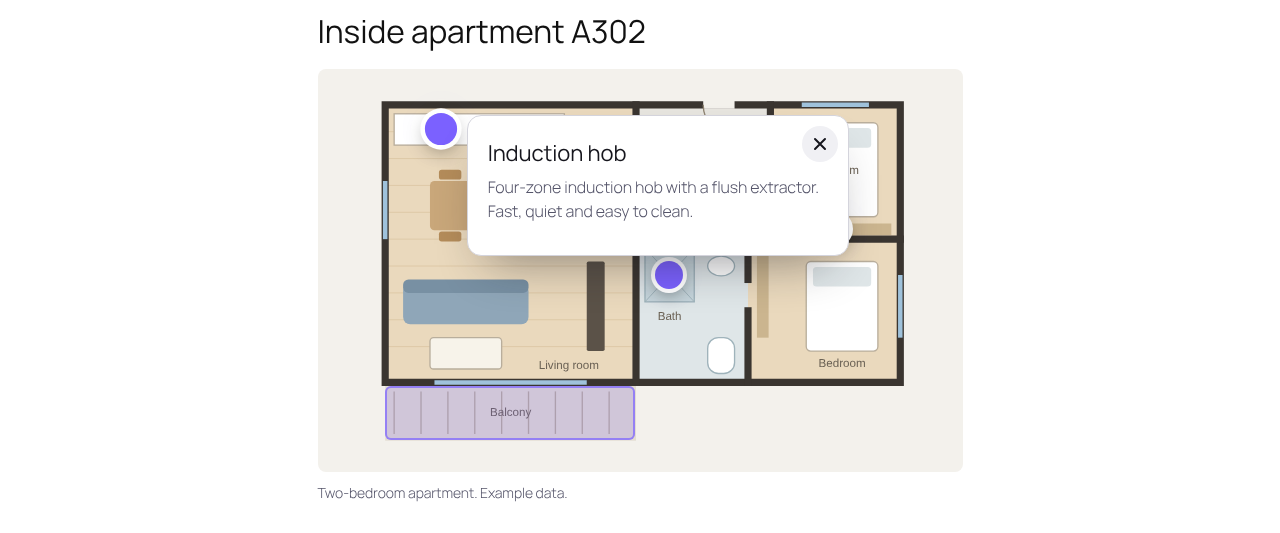
Tapmap turns an image into something people can explore: a floor plan, a building facade, a site plan, a product photo or a map.
Hotspots
Put points and areas on an image. Each one opens a small card with a title, text and a link. On phones the card slides up from the bottom of the screen.
Unit picker
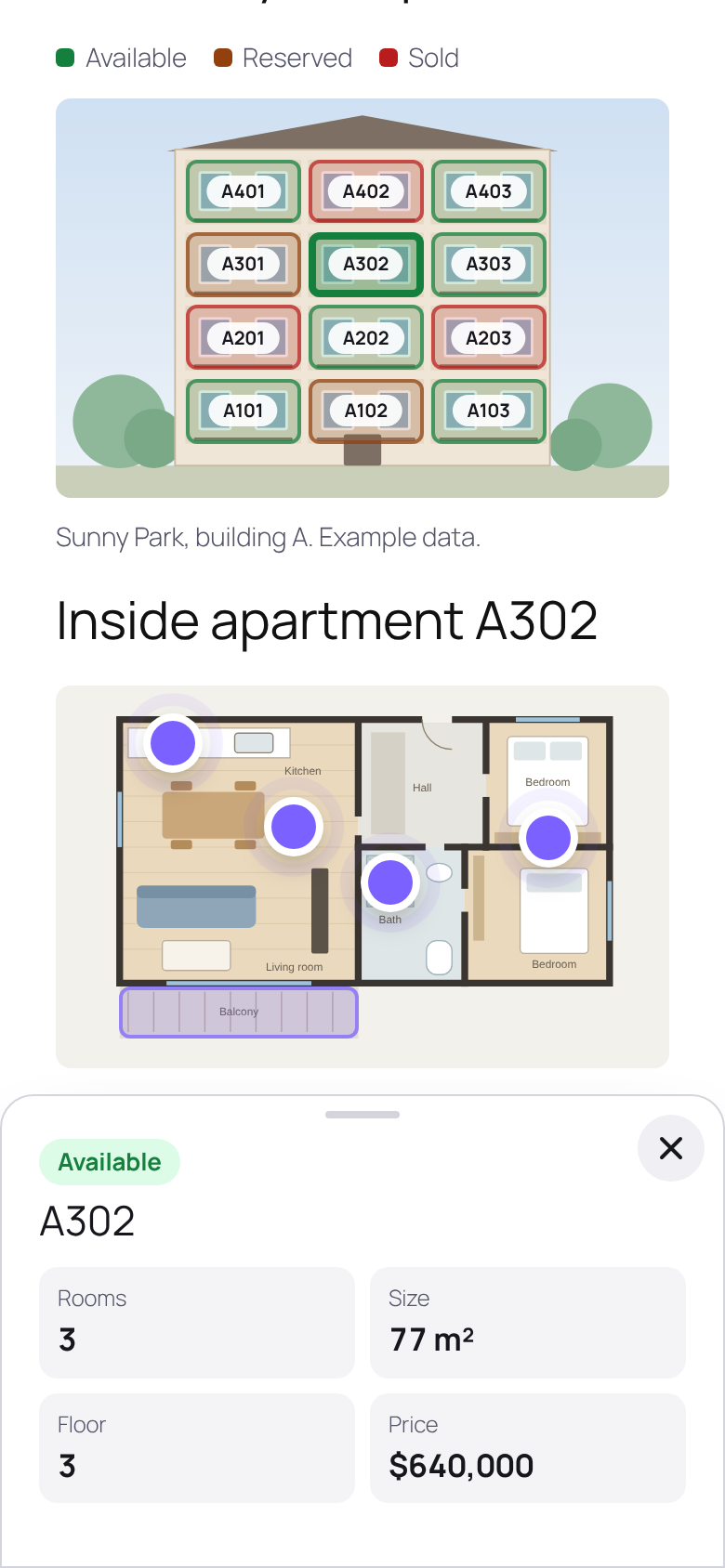
Draw the apartments on a facade, the spaces in a car park or the berths in a marina, and mark each one as available, reserved or sold. Visitors see the status at a glance, with a colour legend, and open a unit to see its details. You name the four fields yourself (for example rooms, size, floor and price), or start from a template for apartments, parking, marina berths, plots or event stands.
Drawing in the block editor
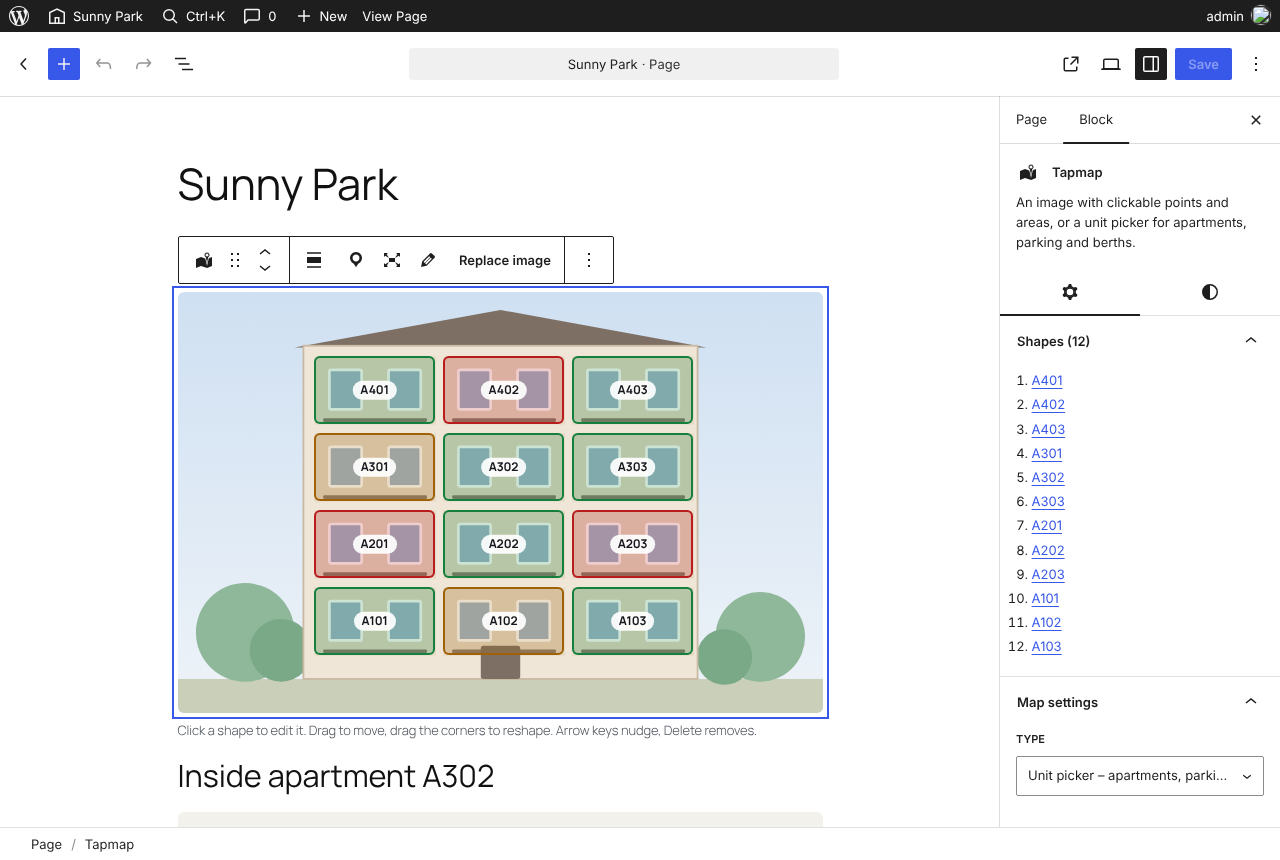
- Points, rectangles and freeform shapes that follow a balcony or an angled parking space.
- Drag to move, drag the corners to reshape. Arrow keys nudge, Delete removes.
- Duplicate a shape, or repeat it in a row with automatic names (P01, P02, P03 …).
- Unlimited maps and shapes.
- Every point and area is a real button with a name, so it works with a keyboard and a screen reader. Status is shown with text as well as colour.
- No jQuery. The script is small, loads deferred, and only on pages that use the block.
屏幕截图:
常见问题:
Which images can I use?
Any image in your media library. Shapes are stored in percent, so they stay in place at every screen size.
Does it work with page builders?
Tapmap is a block for the WordPress block editor, and works with block themes and classic themes. It has no shortcode yet.
更新日志:
0.5.1
- Readable demo data in the editor script, and a depth limit when scanning nested blocks.
- Split into the free plugin and the optional Tapmap Pro add-on.
- New floor plan demo for hotspots.
- Add-ons can extend the block, the editor and the Tapmap menu through filters.
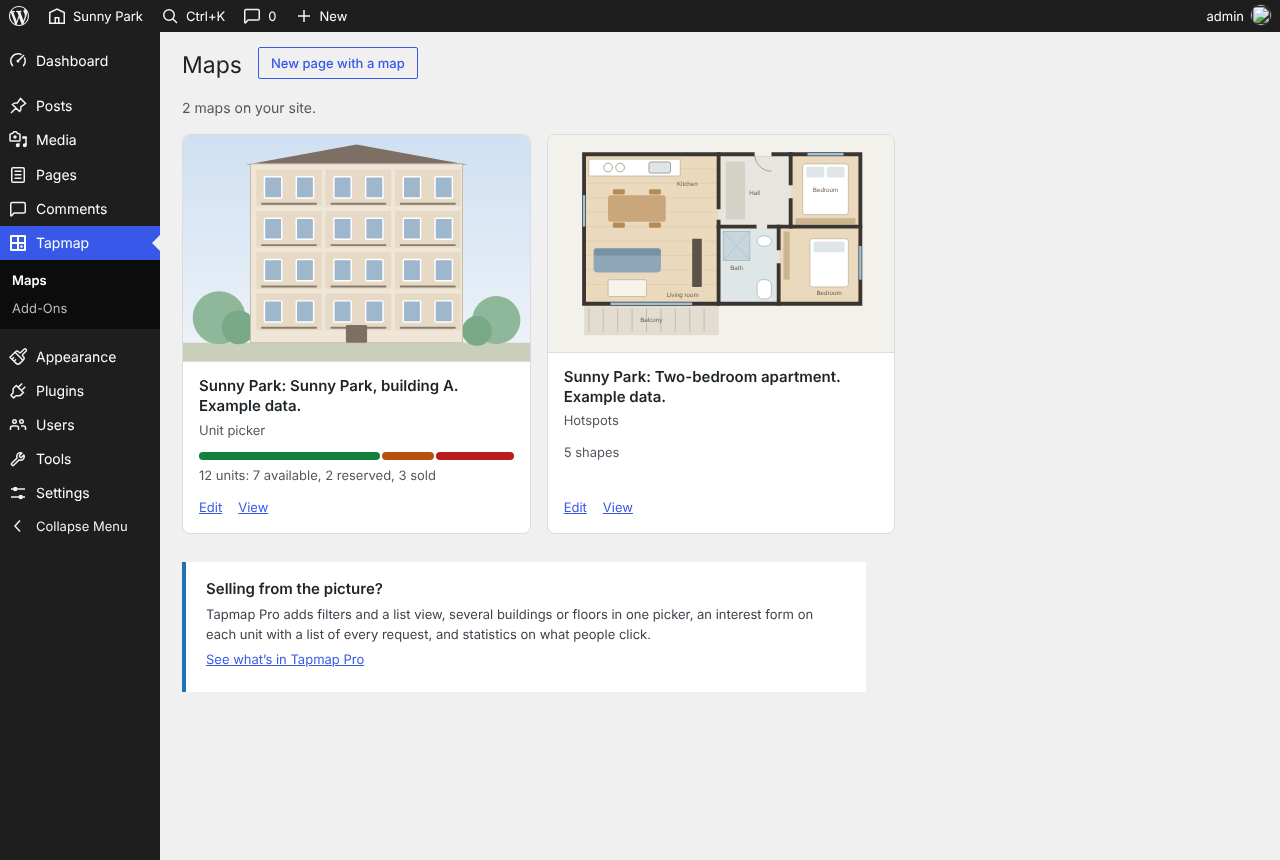
- Tapmap menu with an overview of all maps.
- The close button on the info card keeps its shape in themes that style all buttons.
- Better contrast for the "Reserved" status.
- Freeform shapes, duplicate and repeat in a row, your own field names with templates, keyboard editing, parking demo.
- First prototype.