Taxually For WooCommerce
| 开发者 | taxually |
|---|---|
| 更新时间 | 2026年10月4日 19:01 |
| PHP版本: | 7.4 及以上 |
| WordPress版本: | 7.1 |
| 版权: | GPL-3.0-or-later |
| 版权网址: | 版权信息 |
详情介绍:
- Connect your WooCommerce store in a few clicks — simple setup, no custom code required
- Automatic tax calculation at checkout (VAT, GST, US sales tax) — classic and Blocks checkout both supported
- Automatic background product classification — no manual tax-code mapping required
- Free Tax Radar (economic-nexus threshold tracking) and tax registrations summary
- Imports an existing customer VAT/tax ID from EU VAT Number, EU VAT for WooCommerce, or Germanized if present
- VAT and sales tax registration across 100+ countries
- Monthly filing and remittance handled by tax experts
- Direct representation with tax authorities
- Fiscal representation where legally required
- Self-service onboarding — identity verification, documents, and power of attorney in one place
- Secure OAuth 2.0 connection
安装:
- Install and activate the plugin
- Go to WooCommerce > Settings > Tax > Taxually
- Click "Connect to Taxually" and sign in (or create an account)
- You're connected — Taxually pulls your transaction data automatically and starts monitoring your compliance obligations right away
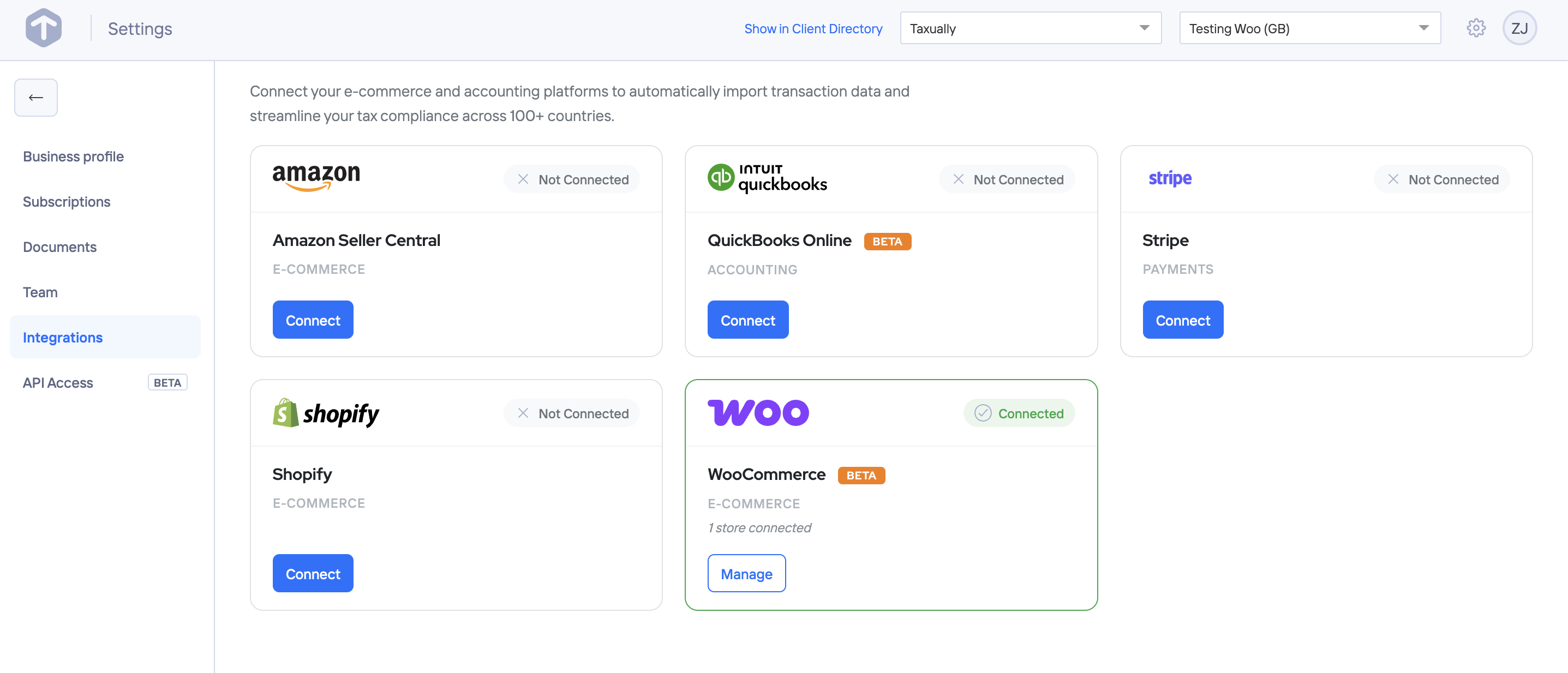
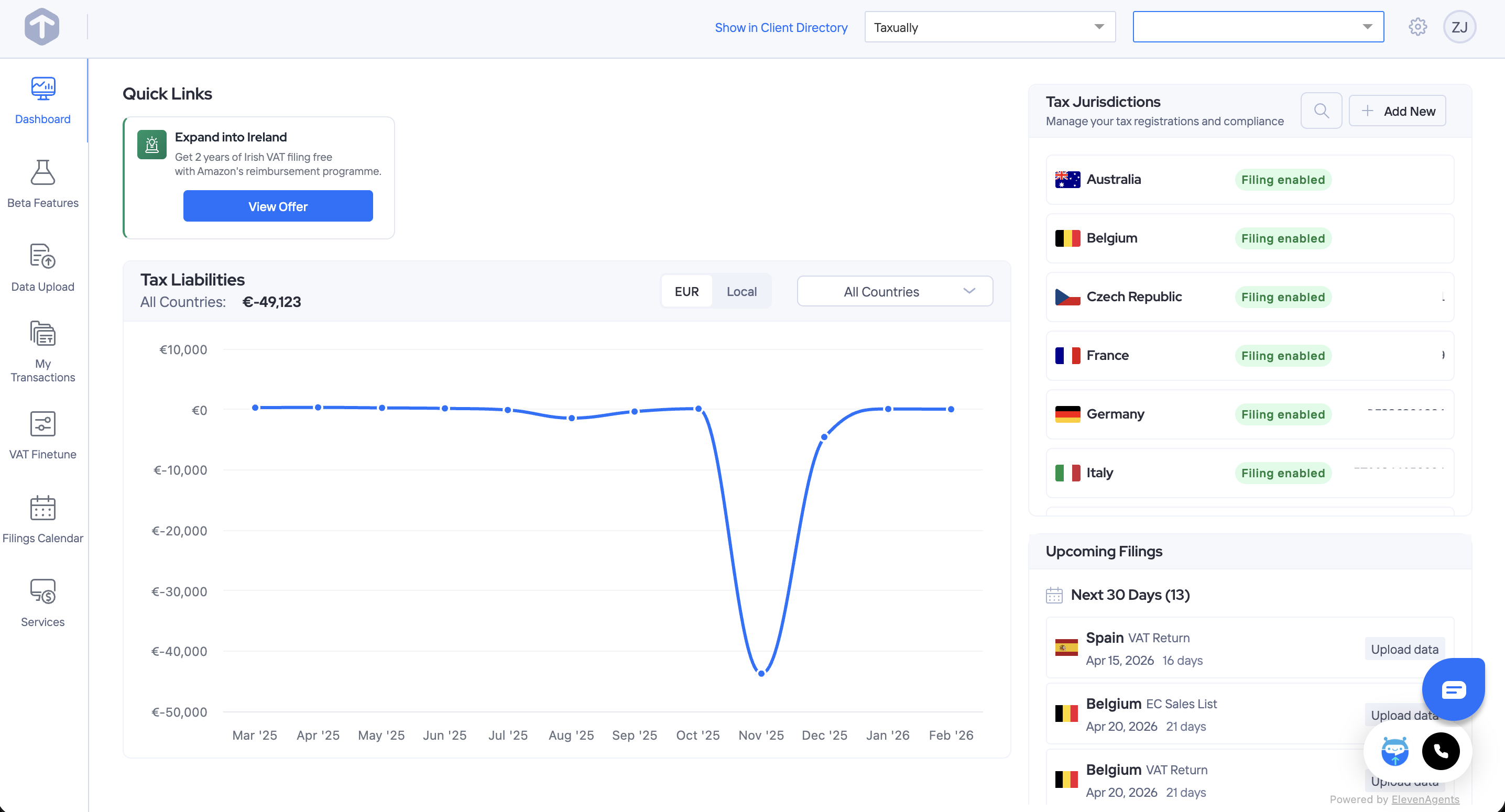
屏幕截图:
常见问题:
Will this plugin affect my checkout or break anything?
Checkout behavior doesn't change until you explicitly turn on "Enable tax calculations at checkout" in Settings — pricing and tax stay exactly as they are today. What does start immediately on connect is background data sync: your order data (amounts, shipping addresses, product details) begins flowing to Taxually right away, so compliance monitoring (Tax Radar, registrations) can start working.
What if I already have a tax calculation tool handling my checkout?
Keep it, and only use Taxually for filing and registration — checkout tax calculation is opt-in and stays off unless you turn it on. If you'd rather have Taxually handle checkout tax too, disable your other tool's calculation first to avoid double taxation.
When does data start syncing?
Immediately after connecting — Taxually begins pulling your transaction data (order amounts, shipping addresses, product details) right away, independent of whether checkout tax calculation is turned on.
Is my store data secure?
Yes. The plugin uses OAuth 2.0 with PKCE authentication. Your credentials are generated on connection and immediately revoked when you disconnect. Taxually is trusted by 20,000+ businesses globally.
Do I need to be a tax expert to use this?
No. Taxually's tax professionals handle the complexity. Everything you need to get compliant — identity verification, document uploads, power of attorney — is handled in one place. No paperwork scattered across multiple portals.
Does this plugin calculate tax at checkout?
Yes, once you turn it on. After connecting, go to Settings and enable "Enable tax calculations at checkout" — until then, checkout uses your existing WooCommerce tax setup and nothing changes. Taxually also handles what happens after: registration, filing, and representation.
What countries are covered?
EU VAT: all 27 EU member states, UK, Norway, and Switzerland. US sales tax: all states with obligations. Australia GST and additional international jurisdictions.
How does Taxually know if my products are taxable?
Taxually uses AI to automatically suggest the correct tax category for each product in your catalogue, based on its name, description, and category — so there's no manual tax-code mapping to start with. You can review and adjust any product's classification at any time in your Taxually dashboard. As with any tax setup, you're responsible for confirming your products are categorized correctly.
Can I disconnect at any time?
Yes. Disconnect from the plugin settings at any time — this immediately revokes Taxually's API access to your store.
Where are the plugin settings?
Go to WooCommerce > Settings > Tax > Taxually.
Does this plugin require WooCommerce?
Yes. WooCommerce must be installed and activated.
Is this plugin compatible with WooCommerce HPOS?
Yes, fully compatible with WooCommerce High-Performance Order Storage (HPOS).
更新日志:
- Fix - The cart no longer asks Taxually for a tax estimate before the shopper has entered an address. Until a country (and a state, for US addresses) is known, WooCommerce's own tax applies, and Taxually takes over as soon as the address is entered. This removes a large number of failed estimate requests.
- New - When a cart or order has a shipping address, Taxually now uses it for the calculation. Tax on physical goods follows the delivery address, not the billing address.
- Fix - Removed an installation step referencing "specify your fulfilment location(s)" — no such step exists in the connect flow, and it caused confusion for digital-only sellers
- Tweak - Clarified the FAQ on data syncing: checkout tax calculation stays off until explicitly enabled, but background compliance data sync begins immediately after connecting
- New - Added an FAQ on how Taxually determines product tax categories, and how to review or adjust a classification
- Fix - Added a QIT-specific phpcs ignore for two gated debug-logging error_log() calls, flagged by the WooCommerce Marketplace Quality Insights Toolkit as potential leftover debug code
- Tweak - Updated "WC tested up to" and "Tested up to" headers to the current stable WooCommerce (11.0) and WordPress (7.1) releases
- Fix - Cancelling or refunding an order that had already been reported to Taxually always failed, since the amount sent included tax while Taxually tracks the refundable balance net of tax — every attempt was silently rejected. Cancellations and refunds now correctly report to Taxually.
- Fix - Error logging required WordPress's own WP_DEBUG setting to be on, in addition to this plugin's own Debug Mode toggle -- on hosts where WP_DEBUG isn't enabled (most managed hosting), every logged error was silently invisible even with Debug Mode switched on. Errors now always show up in the "Recent activity" panel when Debug Mode is on, regardless of WP_DEBUG.
- Tweak - Added an order note whenever a tax calculation is committed, voided, or refunded with Taxually, so this is visible directly on the order instead of only showing up as an error if something goes wrong.
- Fix - Orders paid by an offline method (Check Payments, bank transfer, cash on delivery) never finalized their tax calculation with Taxually, since WooCommerce doesn't automatically mark these as paid — a refund on such an order silently did nothing, since there was nothing to refund yet. Tax now finalizes as soon as the order is confirmed and being fulfilled, regardless of payment method, and automatically reverses itself if the order is later cancelled or fails instead of completing.
- Tweak - Added a "Refresh" button to the Tax Radar and Tax registrations cards, so a jurisdiction you just registered for in the Taxually dashboard doesn't take up to 15 minutes to show up here.
- Fix - The 1.4.6 fix for Blocks checkout losing tax on the persisted order didn't actually take effect: it re-read the shopping cart at the point WooCommerce builds the order, but by then WooCommerce's own internal cache lookup for that cart had gone stale, so the correction silently never applied. Confirmed live: the checkout page correctly showed calculated tax, but the placed order still recorded $0.00. The already-calculated tax is now carried forward directly instead of being looked up again, so it reliably reaches the order.
- Fix - The 1.4.5 fix for orders showing $0.00 tax only worked on classic checkout. WooCommerce Blocks checkout (the default for most stores) recalculates each order's tax from scratch immediately after creating it, silently discarding the correct amount again — orders could persist with tax fully removed, not just miscounted. Live tax calculations are now re-applied to correct this on both classic and Blocks checkout, without affecting orders that are legitimately VAT-exempt (e.g. valid reverse-charge business customers).
- Fix - Orders placed with checkout tax calculation enabled could be saved with $0.00 tax on the order itself, even though the correct amount was charged and shown throughout checkout — caused by two WooCommerce internals (the order's own recorded tax total, and its itemized tax line on the invoice) both reading from cart fields this plugin wasn't writing to. Both now stay correct on classic and Blocks checkout alike.
- Fix - Closed the remaining ways two overlapping requests to Taxually could disconnect the store: every authenticated call now shares one connection-handling path instead of five separate ones, so a connection token rotated by one request in flight is transparently picked up by another instead of looking like a lost connection
- Fix - Two shoppers checking out around the same moment the Taxually connection token happened to need renewing could disconnect the store from Taxually entirely (and silently turn off "Enable tax calculations at checkout"), with no warning until the merchant checked settings
- Fix - "Enable tax calculations at checkout" could not actually be turned on: the confirmation dialog showed the wrong direction ("Turn off" when switching it on) and, since the wrong direction was also what got saved, confirming never actually enabled checkout tax calculation
- Tweak - Expanded the External Services disclosure to explicitly describe real-time checkout data transmission (billing/shipping address and cart contents) when checkout tax calculation is enabled, not just the background compliance sync
- Fix - Disconnecting from the Taxually dashboard now properly disconnects the plugin too, instead of the settings page continuing to show "Connected" indefinitely with a token that no longer works
- Fix - Tax Radar / registrations statuses now use WooCommerce's actual colored order-status classes (blue/green/tan/red) instead of two that don't exist in WooCommerce's own stylesheet, which made an urgent "Registration required" status look identical to a routine "Monitoring" one
- Fix - "Enable tax calculations at checkout" is now a native checkbox instead of a custom toggle-switch widget, matching every other setting on this page
- Fix - Disconnecting now shows the same styled confirmation dialog as the checkout toggle, instead of mixing a plain browser confirmation for one and a styled dialog for the other
- Fix - Tax Radar, tax registrations, and product classification statuses now use WooCommerce's own status-badge styling instead of custom badge CSS
- Tweak - "Debug Mode" is now "Debug mode" for consistent sentence casing with every other setting label
- Tweak - "(sandbox)" next to your connection status now reads "(test mode)"
- Tweak - The setup notice leads with what to do first, instead of a "get started" preamble
- Tweak - Clarified a checkout tax-line-item message to use active voice
- Fix - Removed an unused REST endpoint that returned the store's WooCommerce API secret to any shop-manager-capable user; nothing in the plugin or Taxually's backend ever called it -- the real legacy connection flow generates this key locally and pushes it to Taxually, it never gets pulled back out
- Fix - Renamed the plugin's main file and text domain from taxually-for-woocommerce to taxually, matching the actual live WordPress.org plugin slug -- updating from an older version no longer changes the plugin's file path, so existing installs stay active instead of silently deactivating on update
- Fix - Corrected nonce-verification lint suppressions in the tax calculation module that WordPress's Plugin Check tool was flagging; no behavior change
- Fix - The live-checkout toggle now syncs to your Taxually dashboard, so it correctly shows whether tax calculation is enabled for this store
- Fix - Clicking Disconnect (or deleting the plugin) now tells your Taxually dashboard, so it stops showing as connected
- New - Automatic tax calculation at checkout (VAT, GST, US sales tax) — classic and Blocks checkout both supported
- New - Automatic background product classification, no manual tax-code mapping required
- New - Tax registrations summary and free Tax Radar (economic-nexus threshold tracking) on the settings page
- New - Imports an existing customer VAT/tax ID from EU VAT Number, EU VAT for WooCommerce, or Germanized if present, so repeat customers don't have to re-enter it
- New - Partial and full refund support, kept in sync with Taxually's compliance records
- New - Enable/disable audit trail (who, when) for the live-checkout toggle
- Fix - Debug-mode activity log for diagnosing calculation issues on hosts where debug.log isn't reachable
- Fix - Declared compatibility with WordPress 7.0
- Fix - Updated license to GPL-3.0-or-later
- Fix - Added function existence checks to prevent fatal errors when multiple plugin versions are active simultaneously
- Update plugin listing copy
- Initial release