3D Bin Packing - Shipping & Load Optimization
| 开发者 | smartwebminds |
|---|---|
| 更新时间 | 2026年4月3日 03:12 |
| PHP版本: | 8.0 及以上 |
| WordPress版本: | 6.9 |
| 版权: | GPLv2 or later |
| 版权网址: | 版权信息 |
详情介绍:
Overview
This plugin optimizes shipping by automatically calculating the most efficient way to pack products into boxes, pallets, or containers based on dimensions and weight. It integrates with the 3DBinPacking API to provide real-time packing simulations directly in your WooCommerce admin panel.
Perfect for stores with physical products that need to minimize shipping costs and improve warehouse efficiency.
Key Features
Automatic Packing Optimization
- Calculates optimal product arrangement in real-time
- Supports multiple packaging types: boxes, pallets, crates, containers
- Uses 3DBinPacking algorithms considering dimensions and weight
- Handles product rotations for better space utilization
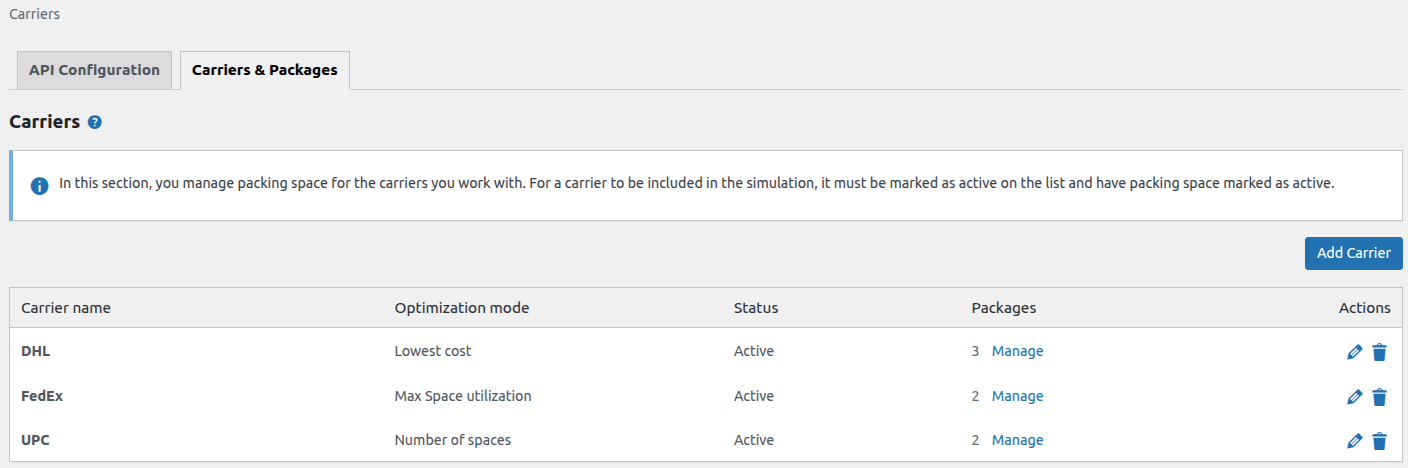
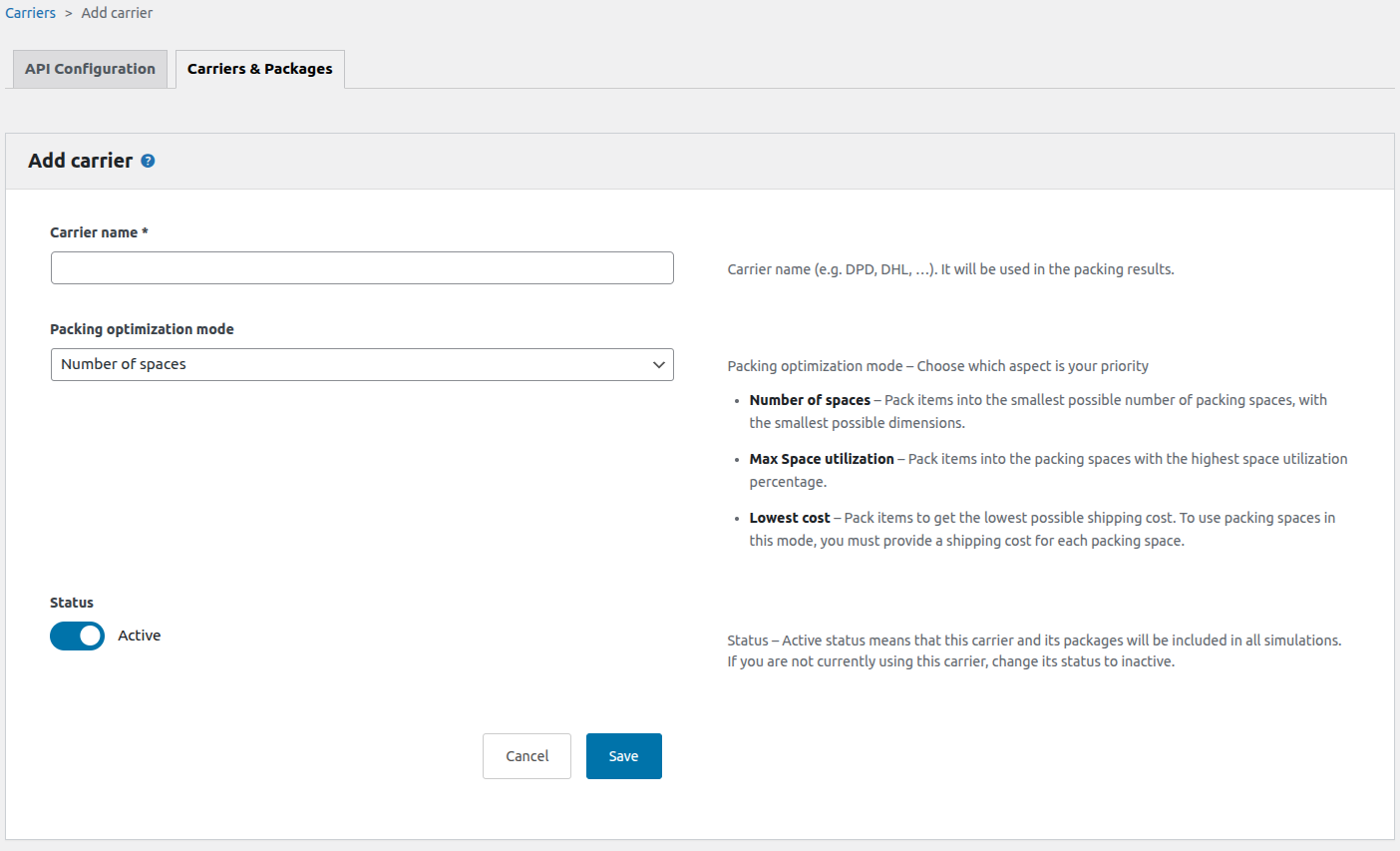
- Configure unlimited carriers with custom packing rules
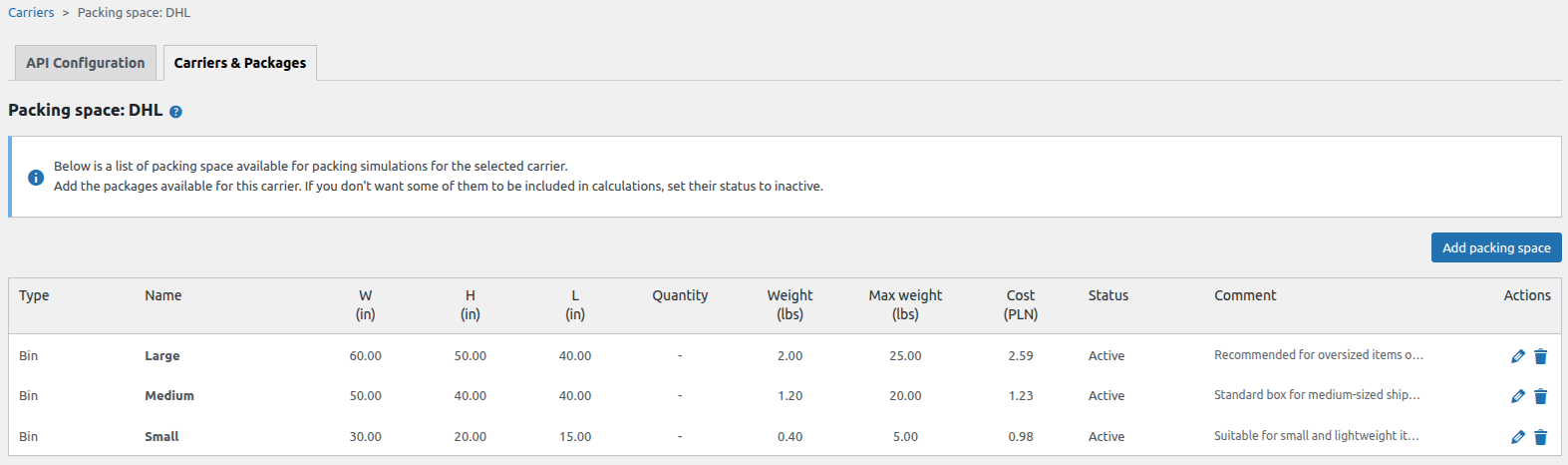
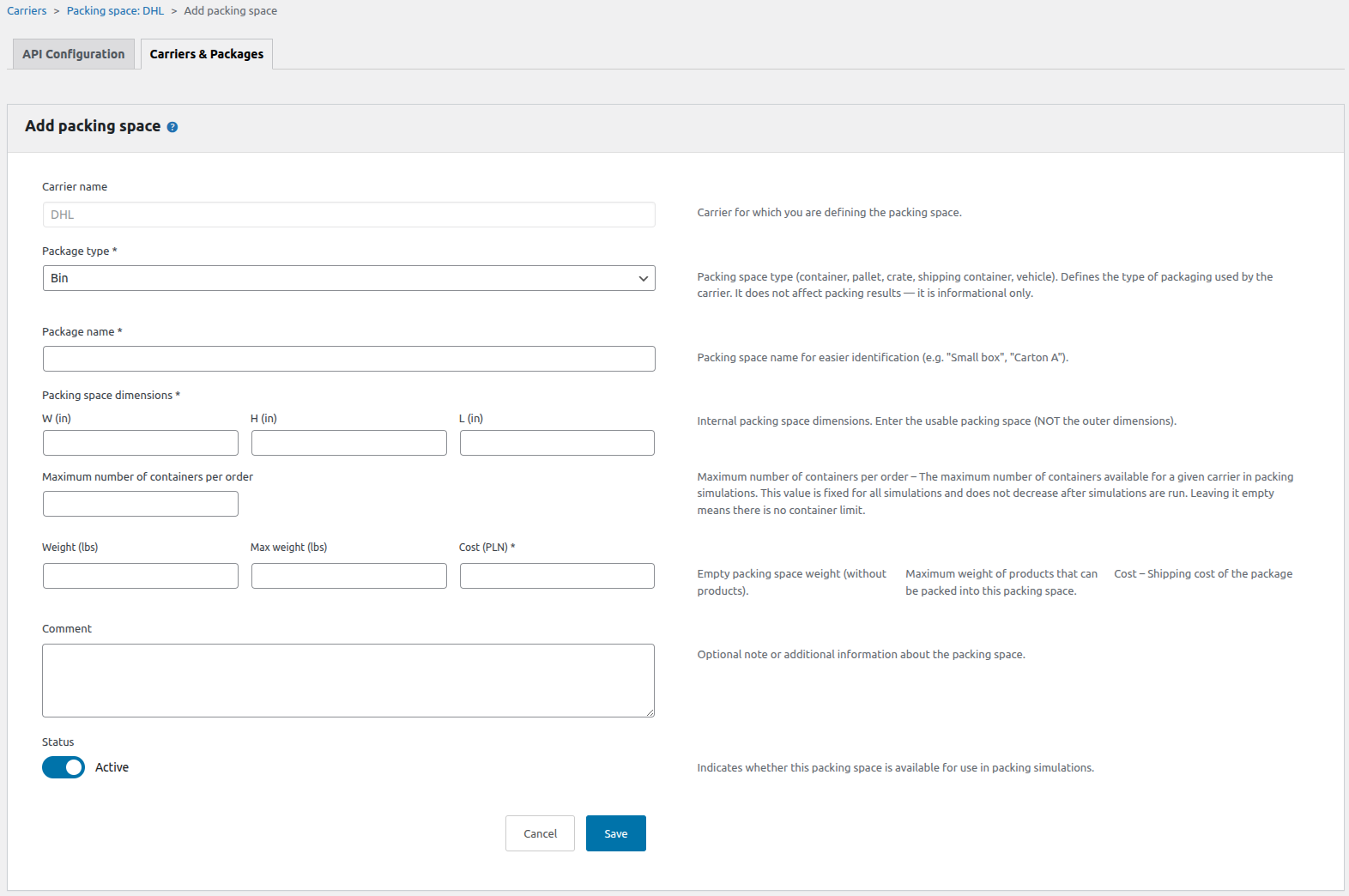
- Define packaging stock with dimensions, weight limits, and costs
- Set optimization modes: minimize bins, maximize utilization, or lowest cost
- Active/inactive status control for carriers and packaging
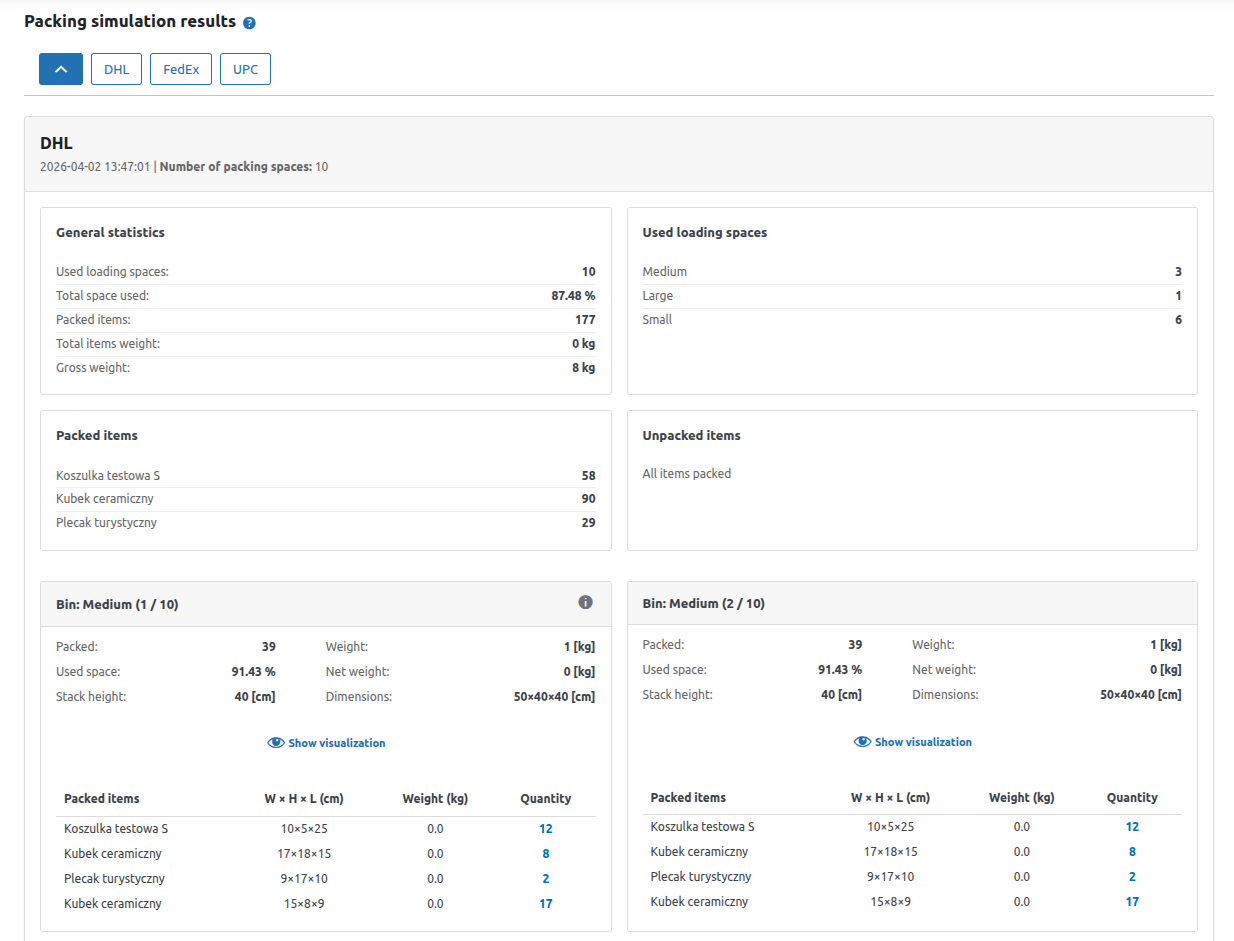
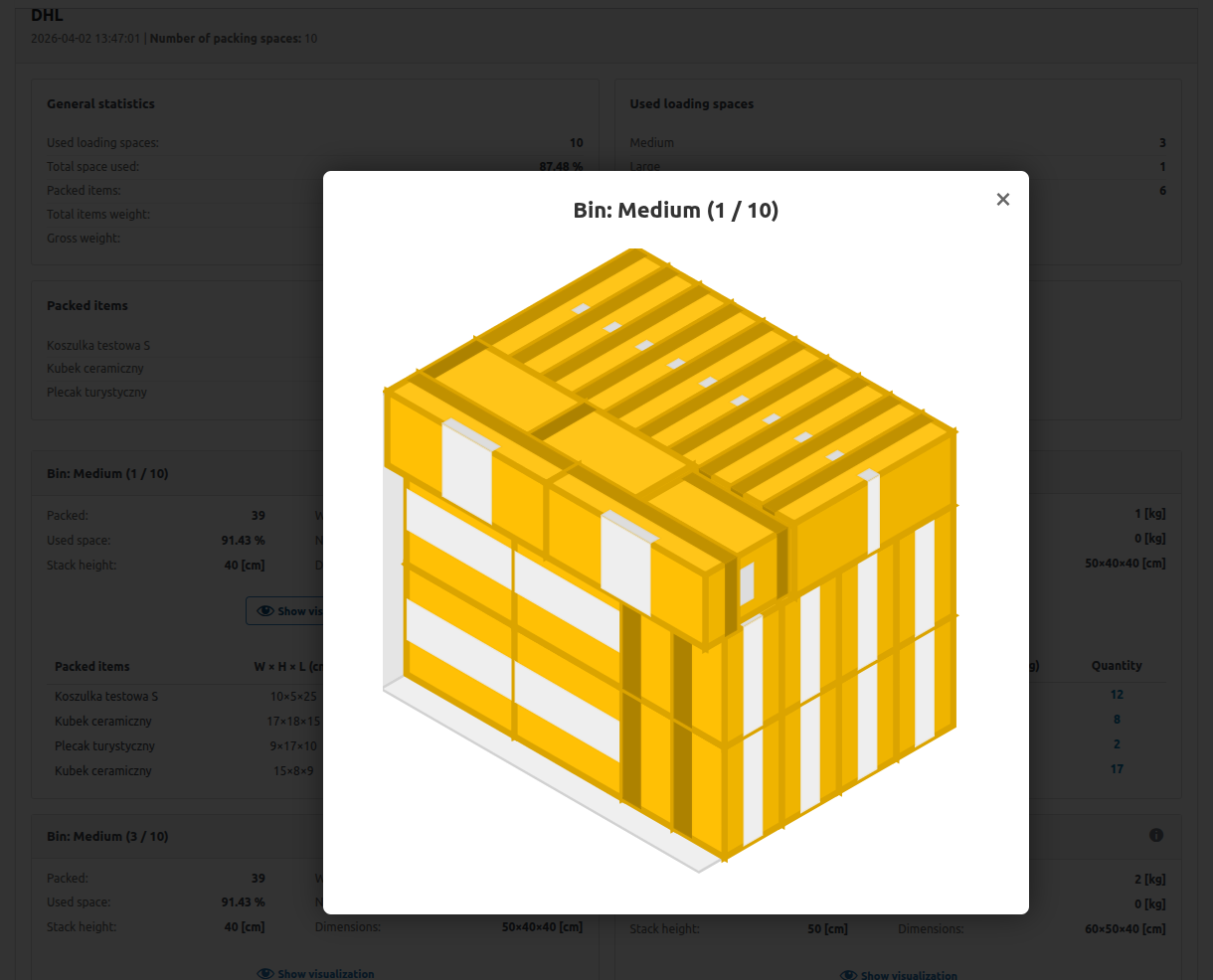
- Visual packing results for each order
- Shows unpacked items and reasons
- Detects logistics changes automatically
- Manual or automatic simulation triggers
- Secure 3DBinPacking API connection
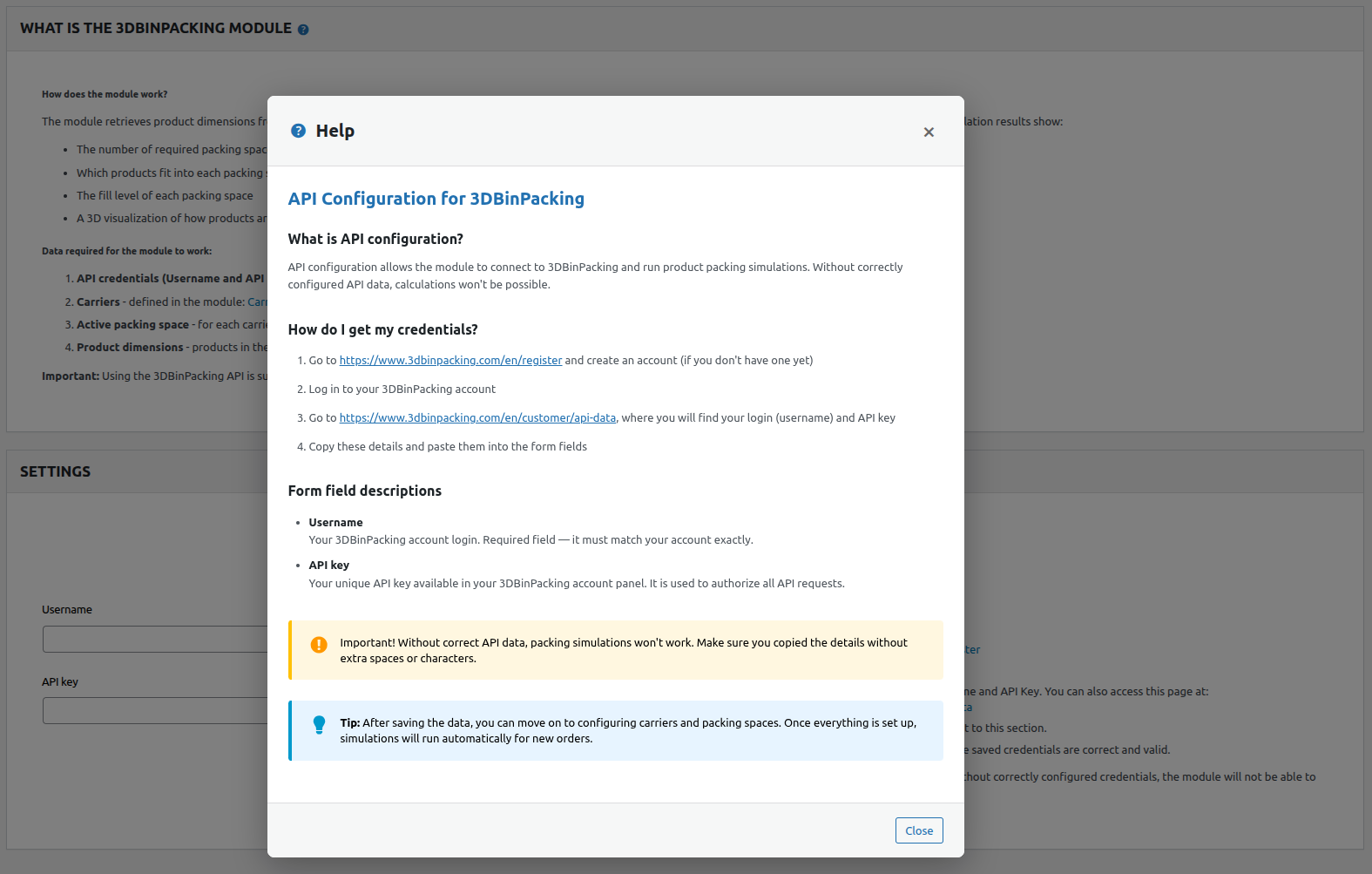
- API credential verification
- Error logging and reporting
- Configure API credentials and carriers
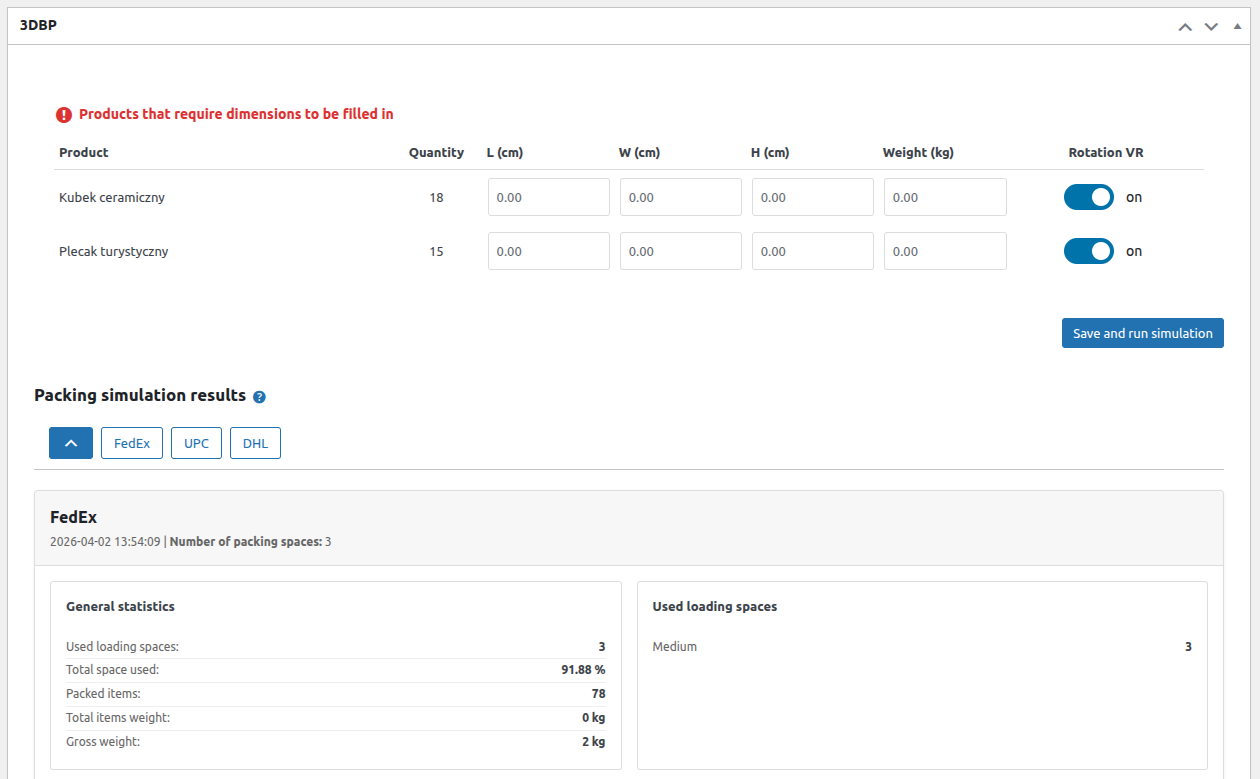
- Ensure products have dimensions filled
- Open order and execute packing simulation
- System calculates optimal packing
- View results and choose best shipping option
- WordPress 6.7 or higher (WordPress 6.8 or higher required for WooCommerce 10.4 and 10.5)
- WooCommerce 8.0 or higher (tested up to 10.5)
- PHP 8.0 or higher
- 3DBinPacking account with API access
- Plugin slug: tdbinpacking
- Plugin version: 1.0.1
- Author: smartwebminds
- Minimum WordPress version: 6.7
- Minimum WooCommerce version: 8.0
- Maximum WooCommerce version tested: 10.5
- Minimum PHP version: 8.0
安装:
Automatic installation
- Log in to your WordPress admin panel
- Go to Plugins > Add New
- Search for "3D Bin Packing"
- Click "Install Now"
- Click "Activate"
- Go to WooCommerce > 3D Bin Packing to configure the plugin
- Download the plugin ZIP file
- Log in to your WordPress admin panel
- Go to Plugins > Add New
- Click "Upload Plugin"
- Upload the ZIP file and click "Install Now"
- Click "Activate"
- Go to WooCommerce > 3D Bin Packing to configure the plugin
- Extract the ZIP file
- Upload the
tdbinpackingfolder to/wp-content/plugins/ - Go to Plugins in WordPress admin
- Click "Activate" next to the plugin
- Go to WooCommerce > 3D Bin Packing to configure the plugin
屏幕截图:
常见问题:
Does this plugin require WooCommerce?
Yes. WooCommerce must be installed and activated.
What PHP version is required?
PHP 8.0 or higher.
How does the optimization algorithm work?
The plugin uses 3D bin packing algorithms to calculate the most efficient way to arrange products in available packaging space, taking into account dimensions and rotation possibilities.
Can I use custom packaging sizes?
Yes. Custom dimensions can be configured in the plugin settings.
Do I need a 3DBinPacking account?
Yes. A 3DBinPacking account with API access is required to perform packing simulations.
更新日志:
1.0.1
- Initial release