
TechByIt SMTP – WordPress SMTP & Email Delivery
| 开发者 | techbyit |
|---|---|
| 更新时间 | 2026年10月11日 21:48 |
| PHP版本: | 7.4 及以上 |
| WordPress版本: | 7.1 |
| 版权: | GPLv2 or later |
| 版权网址: | 版权信息 |
详情介绍:
wp_mail() function, including contact form submissions, WooCommerce order emails, password reset emails, and notifications from other plugins.
If your WordPress emails are not sending, landing in spam, or being rejected by recipients, an SMTP plugin is the standard fix. TechByIt SMTP replaces the default PHP mail() function with authenticated SMTP delivery, which improves email deliverability and gives you control over how your site sends mail.
From the TechByIt SMTP admin menu you can configure your SMTP server, choose the active provider, set a default sender name and address, send a test email to confirm everything works, and review a log of the messages the plugin sends.
WordPress SMTP Plugin Features
- Custom SMTP configuration — host, port, encryption (TLS/SSL), authentication, and connection timeout settings.
- Default From name and email — set a consistent sender for all outgoing WordPress email.
- Test email form — verify your SMTP connection with success and error feedback.
- Email logs — search messages, filter by status, provider, and date, and open the details of each message.
- Dashboard statistics — sent and failed counts, success rate, and recent failures for the last 7 or 30 days.
- Log retention — logs are deleted automatically after the period you choose. Storing message bodies is optional and off by default.
- Encrypted credential storage — provider passwords and API keys are encrypted at rest.
- Capability-based access — settings are restricted to WordPress users with permission to manage site options.
- Works with
wp_mail()— compatible with any plugin or theme that sends email through WordPress.
- Gmail SMTP (with an app password)
- Google Workspace SMTP
- Microsoft 365 / Outlook SMTP
- Amazon SES SMTP
- SendGrid SMTP
- Mailgun SMTP
- Brevo (Sendinblue) SMTP
- Postmark SMTP
- Any other standard SMTP server
安装:
- Upload the built
techbyit-smtpdirectory to/wp-content/plugins/. The plugin package must includecomposer.json,vendor/, anddist/. - Activate TechByIt SMTP from the WordPress Plugins screen.
- Open TechByIt SMTP → Providers and select Custom SMTP.
- Enter the SMTP host, port, and encryption settings supplied by your email service. Enable authentication and enter your username and password if required.
- Select Save Settings, then Set as Active Provider.
- Open TechByIt SMTP → Settings to save your default From name and email address, if needed.
- Open TechByIt SMTP → Dashboard, enter a recipient address you control, and select Send Test Email.
composer install --no-dev and pnpm install --frozen-lockfile && pnpm build before activation.屏幕截图:
常见问题:
How do I fix WordPress emails not sending?
Install TechByIt SMTP, configure your SMTP server under TechByIt SMTP → Providers, activate Custom SMTP, and send a test email. Routing WordPress email through an authenticated SMTP server is the most common fix for missing or undelivered WordPress emails.
Do I need an SMTP service to use this plugin?
Yes. To send through Custom SMTP you need access to an SMTP server and its connection details. TechByIt SMTP does not provide an email account or SMTP service — it connects your WordPress site to one you already have.
Which SMTP providers work with TechByIt SMTP?
Any provider that offers standard SMTP connection details works with Custom SMTP, including Gmail, Google Workspace, Microsoft 365, Amazon SES, SendGrid, Mailgun, Brevo, and Postmark. Enter the host, port, encryption, username, and password from your provider.
What happens when no SMTP provider is active?
WordPress keeps its usual mail behavior. TechByIt SMTP starts routing mail through Custom SMTP after you configure and activate that provider.
Can I connect Gmail, Microsoft 365, or an API provider directly?
Their dedicated configuration forms can save settings, but their sending transports are not implemented. Saving OAuth client credentials does not connect an account. Use Custom SMTP with a service that supplies compatible SMTP connection details.
Does a successful test email guarantee inbox delivery?
No. Success means the SMTP server accepted the message. Check the recipient's inbox and spam folder to confirm where the message arrived.
Can I view email logs or resend messages?
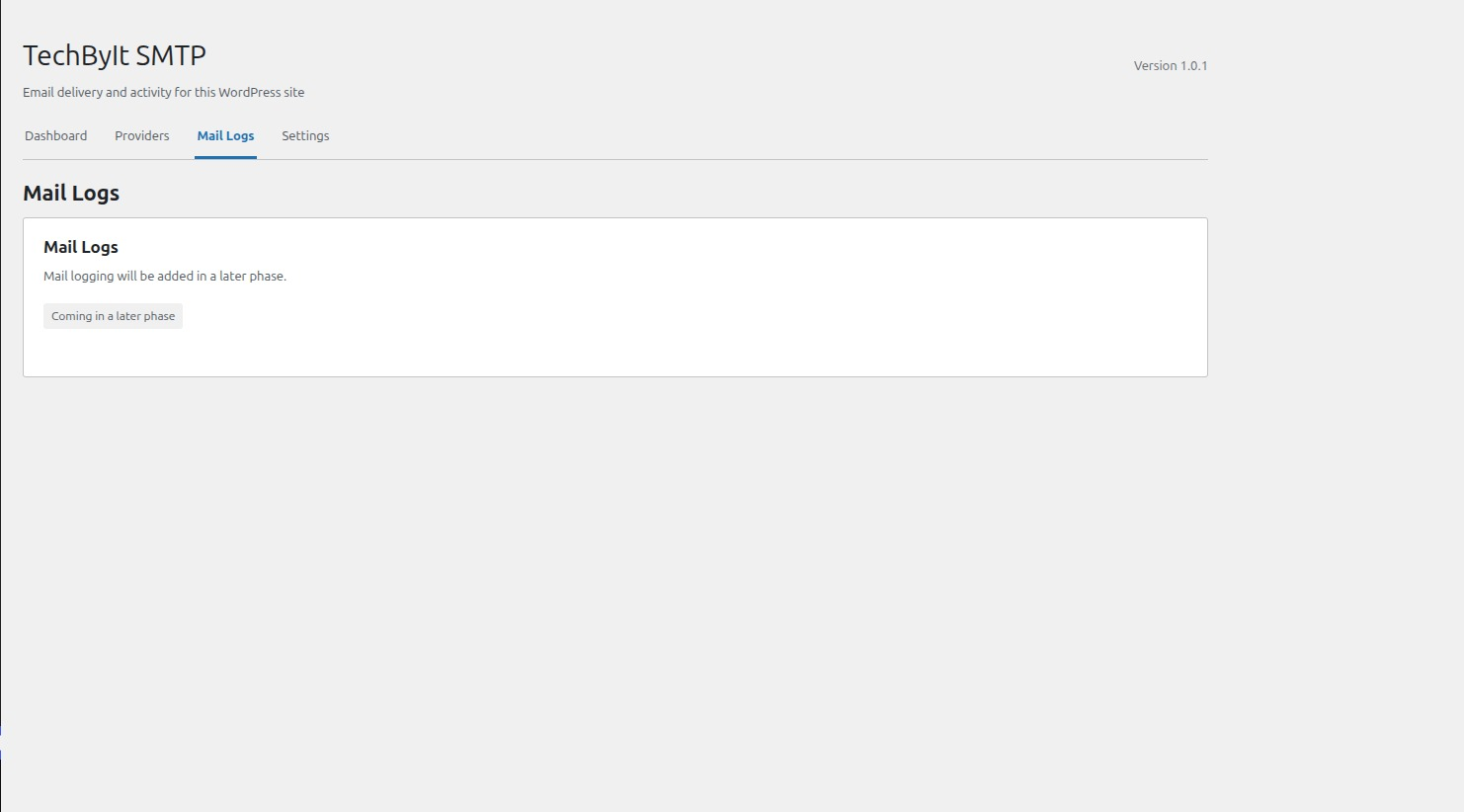
Yes, you can view logs. Open TechByIt SMTP → Mail Logs to search and filter messages sent through TechByIt SMTP and open their details. Logging is on by default and can be turned off in TechByIt SMTP → Settings. Retry and resend are not available yet.
What do email logs store?
The sender, recipients, subject, provider, status, a safe error summary, the server message ID, and attachment file names. Message bodies are stored only when Store message bodies is on, because they can contain private information such as password reset links. Attachment contents and credentials are never stored. Logs are deleted after the retention period, 30 days by default.
Why are saved passwords not shown in the form?
Saved secrets are not displayed again. Leaving a saved password field blank keeps the existing value. Enter a new value to replace it. If your site's WordPress salts change, enter the credentials again.
Where are the development instructions?
Install development dependencies with composer install and pnpm install --frozen-lockfile. Run composer test, composer lint:php, pnpm test, pnpm typecheck, pnpm lint, and pnpm build to check the project.
更新日志:
- Added email logs. Open TechByIt SMTP → Mail Logs to search messages, filter by status, provider, and date, view message details, and delete one entry or all logs.
- Added dashboard statistics for the last 7 or 30 days: sent and failed counts, success rate, and recent failures.
- Added Mail Logging settings: turn logging on or off, optionally store message bodies (off by default), and choose how many days to keep logs (1–365, default 30).
- Added a daily cleanup task that deletes logs older than the retention period. Deactivating the plugin removes the task.
- Logs never store credentials, authorization headers, or attachment contents; only attachment file names are recorded.
- Updated the log table schema with an error code, attachment names, and a date index. The table updates automatically.
- Fixed the admin screens failing with "Could not load TechByIt SMTP data." on sites that use plain permalinks.
- Expanded the public product documentation with SMTP provider examples and form-plugin compatibility guidance.
- Added clearer installation, security, reliability, and troubleshooting information.
- Clarified that Custom SMTP is the current sending transport and that email logs and dedicated API/OAuth transports remain planned.
- Updated and synchronized the plugin release metadata.
- Added Custom SMTP sending through WordPress mail hooks.
- Added provider configuration forms and encrypted credential storage.
- Added default sender settings and an admin test email form.
- Added the plugin admin interface and a database schema for future mail logging.
- Included the Composer manifest and public source link in the release documentation.
- Renamed the plugin to TechByIt SMTP and updated its public slug and text domain.
- Kept existing site settings and integration hooks compatible.