
TechnologyWisdom Process Flow Timeline for Elementor
| 开发者 | technologywisdom |
|---|---|
| 更新时间 | 2026年11月5日 21:03 |
| PHP版本: | 7.4 及以上 |
| WordPress版本: | 7.1 |
| 版权: | GPLv2 or later |
| 版权网址: | 版权信息 |
详情介绍:
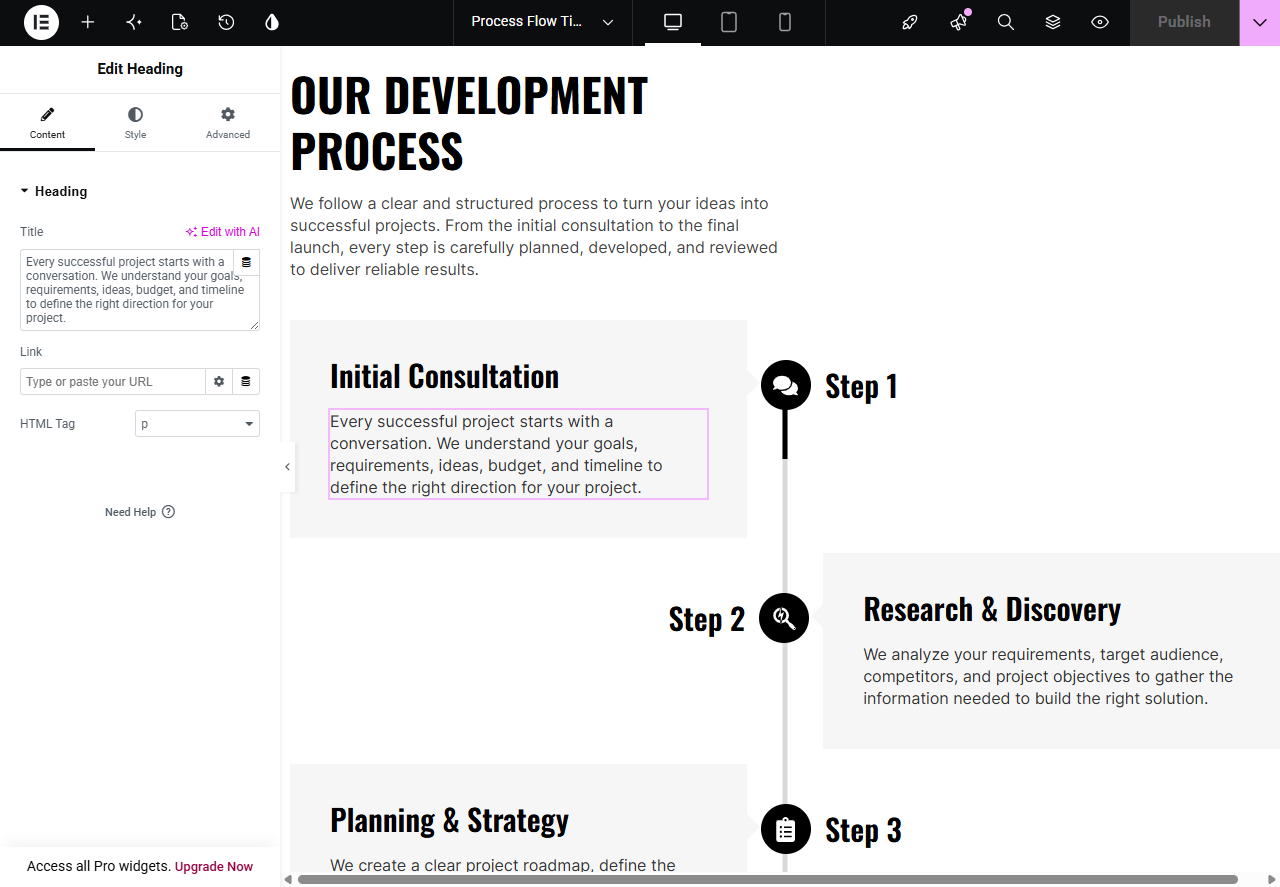
- A bundled Flexbox Container template imported into Templates → Saved Templates
- Demo process steps you can edit, duplicate, or remove in the Elementor editor
- No HTML, CSS, or JavaScript widgets required inside the template
- Gray track (
#d9d9d9) with a black fill - 5px centered line
- Line runs from the center of the first icon to the center of the last icon
- Vanilla JavaScript, no jQuery, no extra libraries
- CSS and JS load only on pages that contain the timeline
- The public timeline makes no analytics, telemetry, or remote requests
- CSS and JavaScript ship uncompressed so reviewers can inspect them
- The public timeline does not collect, store, or transmit visitor data
- Optional support and review forms send site details only after an administrator checks the consent box
- Uninstalling the plugin stops the progress line. The Elementor template stays in your library so your layout is not deleted
- The progress line is marked
aria-hiddenso screen readers skip the decorative track
assets/js and assets/css. There is no build step.
安装:
- Go to Plugins → Add New in your WordPress admin
- Search for "TechnologyWisdom Process Flow Timeline for Elementor"
- Click Install Now, then Activate
- Confirm Elementor is installed and active
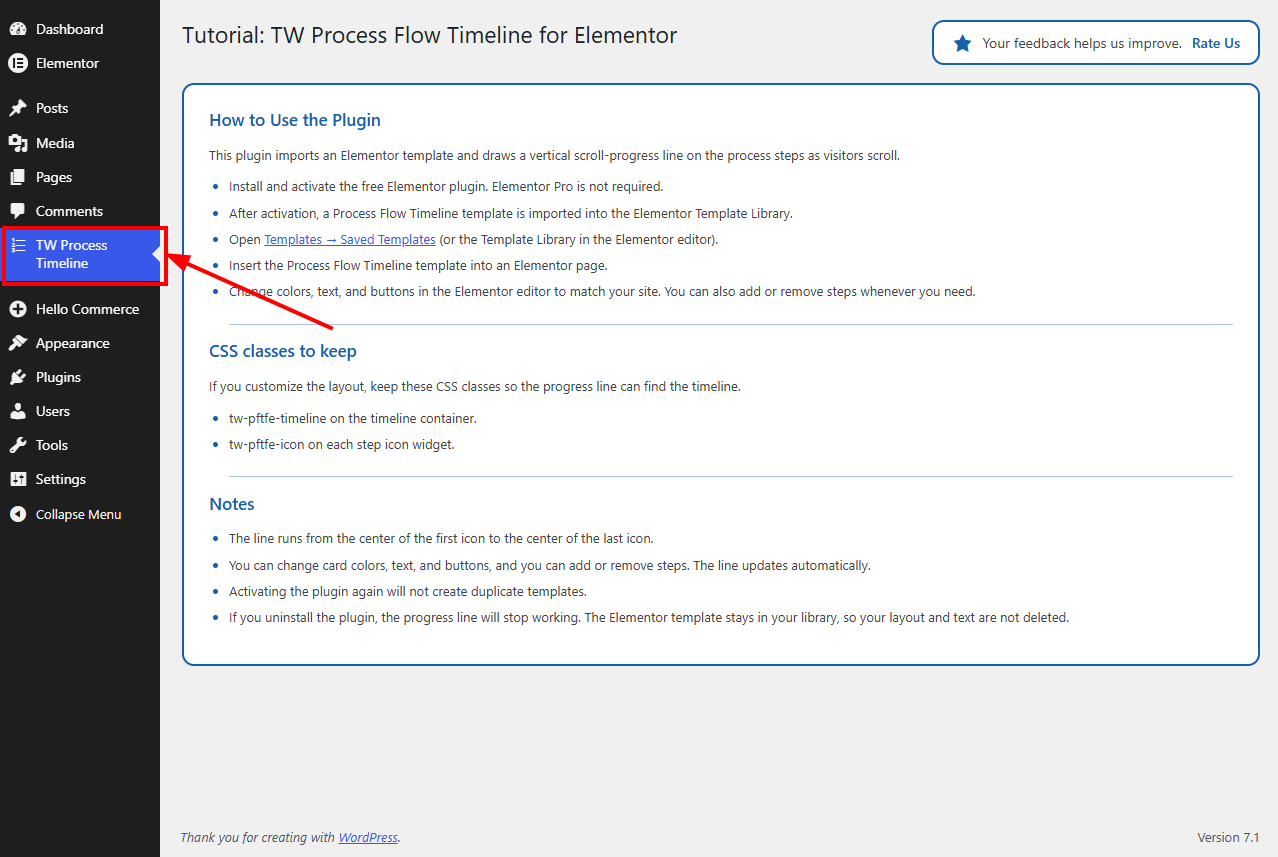
- Open Templates → Saved Templates (or the Template Library in the Elementor editor)
- Find the imported Process Flow Timeline template
- Insert it into an Elementor page
- Edit the steps in Elementor as needed
屏幕截图:
常见问题:
Does this plugin require Elementor Pro?
No. It is designed to work with Elementor Free.
Does the plugin track visitors?
No.
Does it require an external service?
No. The timeline works without any external service. All timeline assets are bundled with the plugin and load only on pages that use the timeline. An optional Technology Wisdom support connection can be enabled from the plugin's Support screen. See Privacy / External Service below. It is not required to use the timeline.
Can I customize the timeline?
Yes. Open the template in Elementor and change colors, text, buttons, and other styles to match your site. You can also add or remove steps. Keep the timeline and icon CSS classes so the progress line can find the layout.
Will activating the plugin again create duplicate templates?
No. The import is idempotent. If the imported template is later deleted, the plugin can recreate that bundled template once on a later activation.
Does deactivating or uninstalling the plugin delete my template?
No. The saved Elementor template stays on your site. After you delete the plugin, the progress line stops working because that feature belongs to the plugin. Your step layout and text remain so you can keep or edit the template.
更新日志:
- Priority support system with consent
- Initial release.