
TempAccessly – Temporary Admin Access
| 开发者 | aksharmakwana6 |
|---|---|
| 更新时间 | 2026年9月11日 02:21 |
| PHP版本: | 7.2 及以上 |
| WordPress版本: | 7.1 |
| 版权: | GPL-2.0-or-later |
| 版权网址: | 版权信息 |
详情介绍:
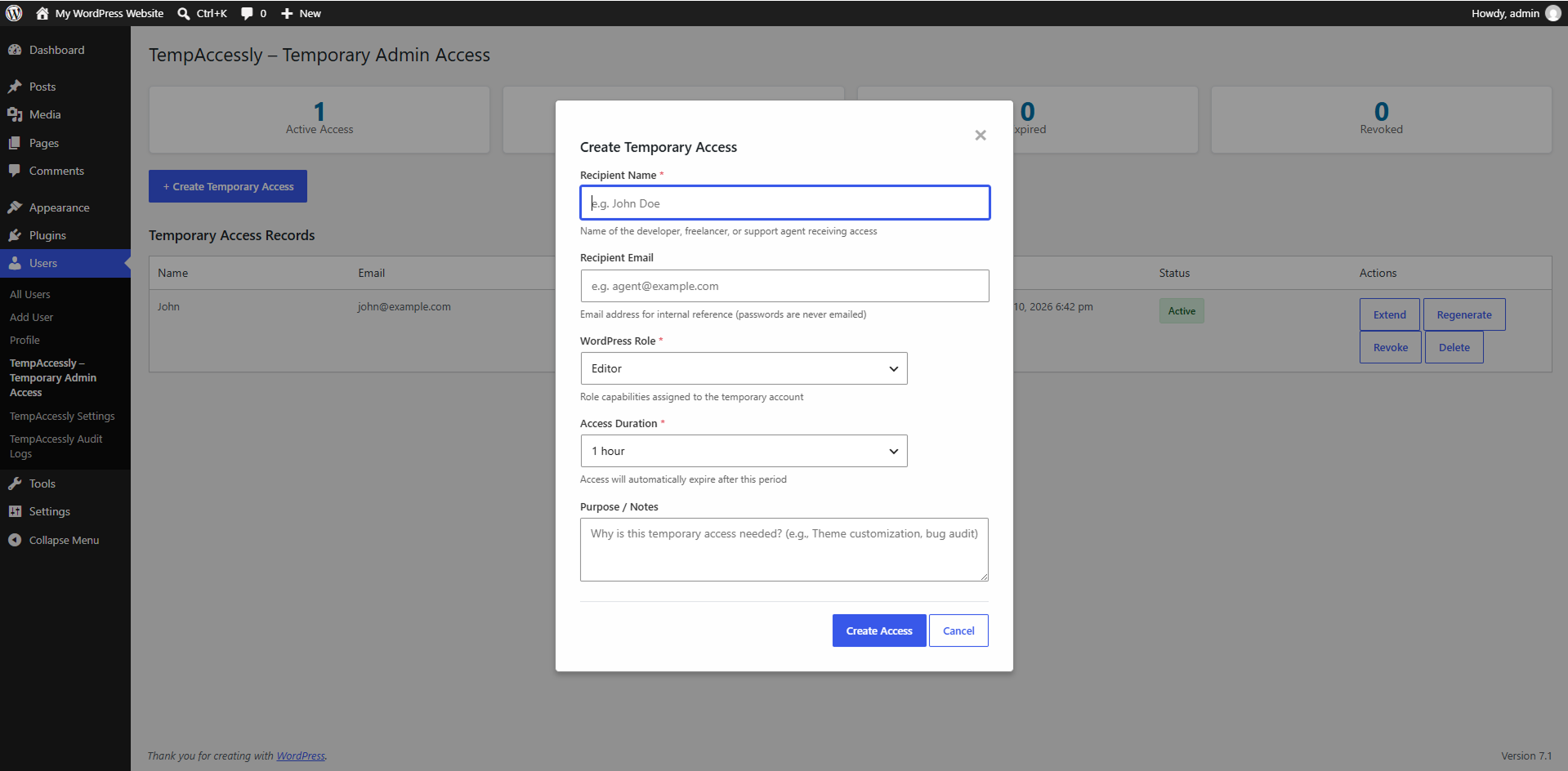
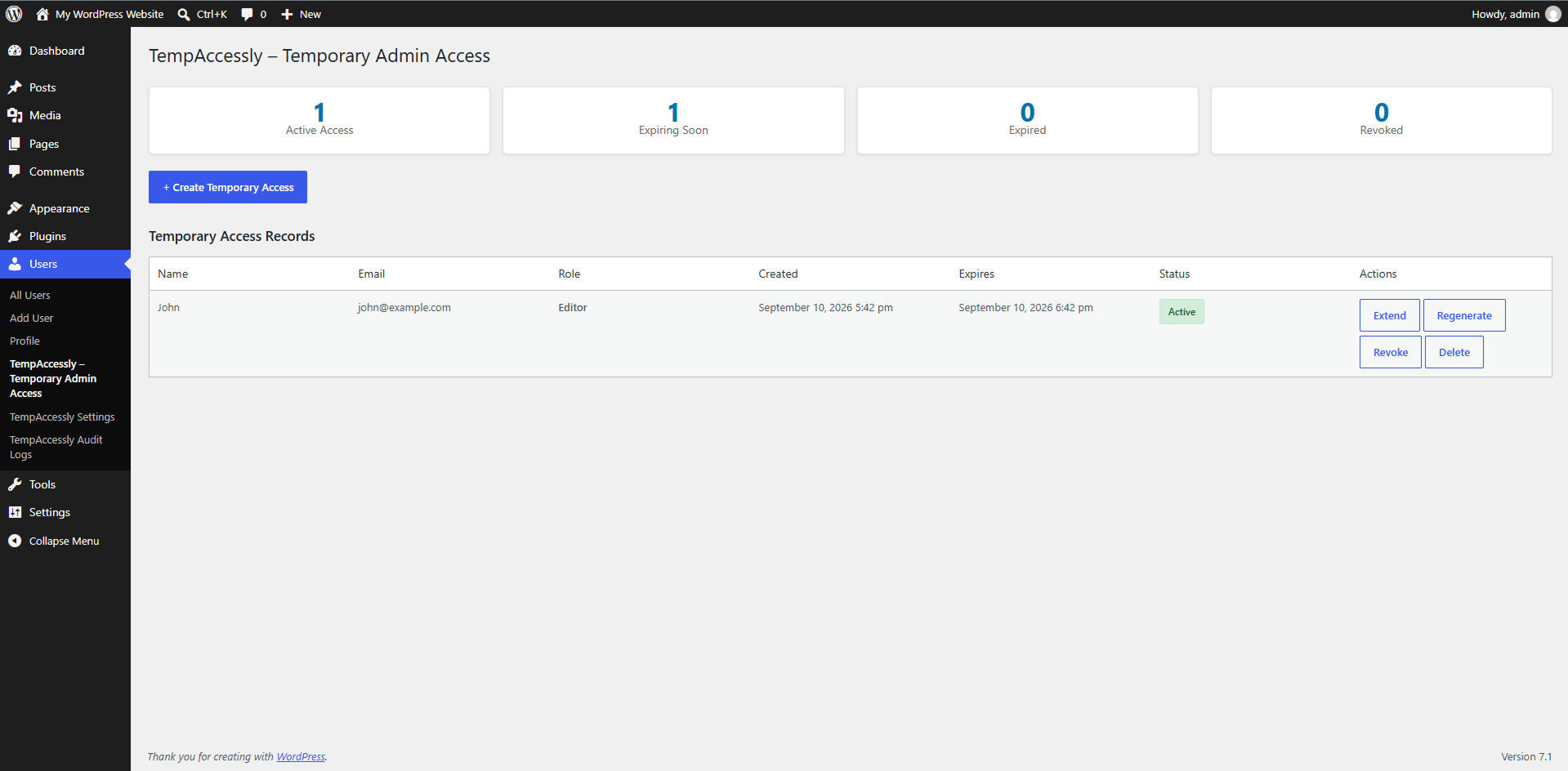
- TempAccessly – Temporary Admin Access — create and manage temporary access records.
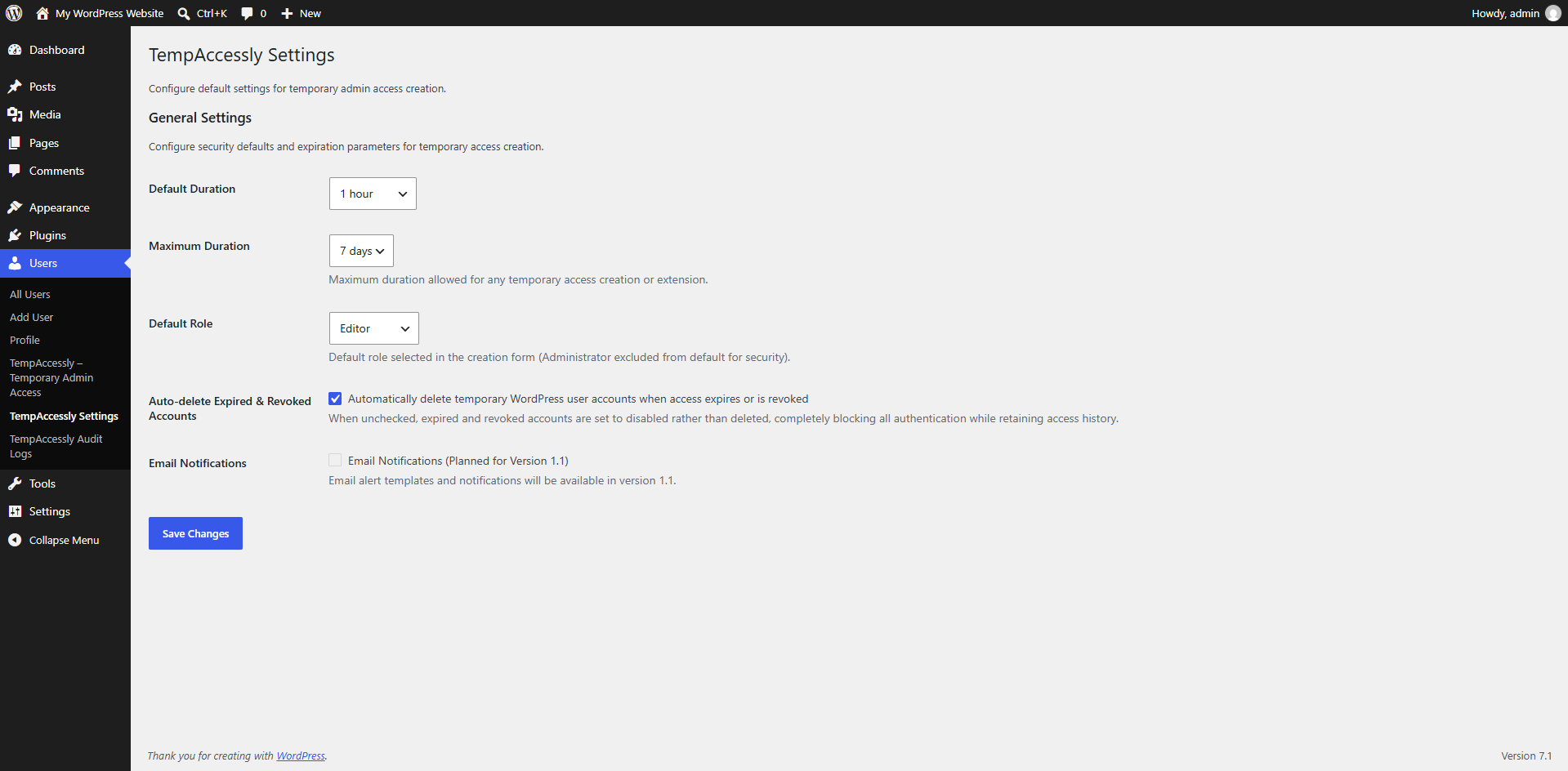
- TempAccessly Settings — configure default role, duration, maximum duration, and account cleanup.
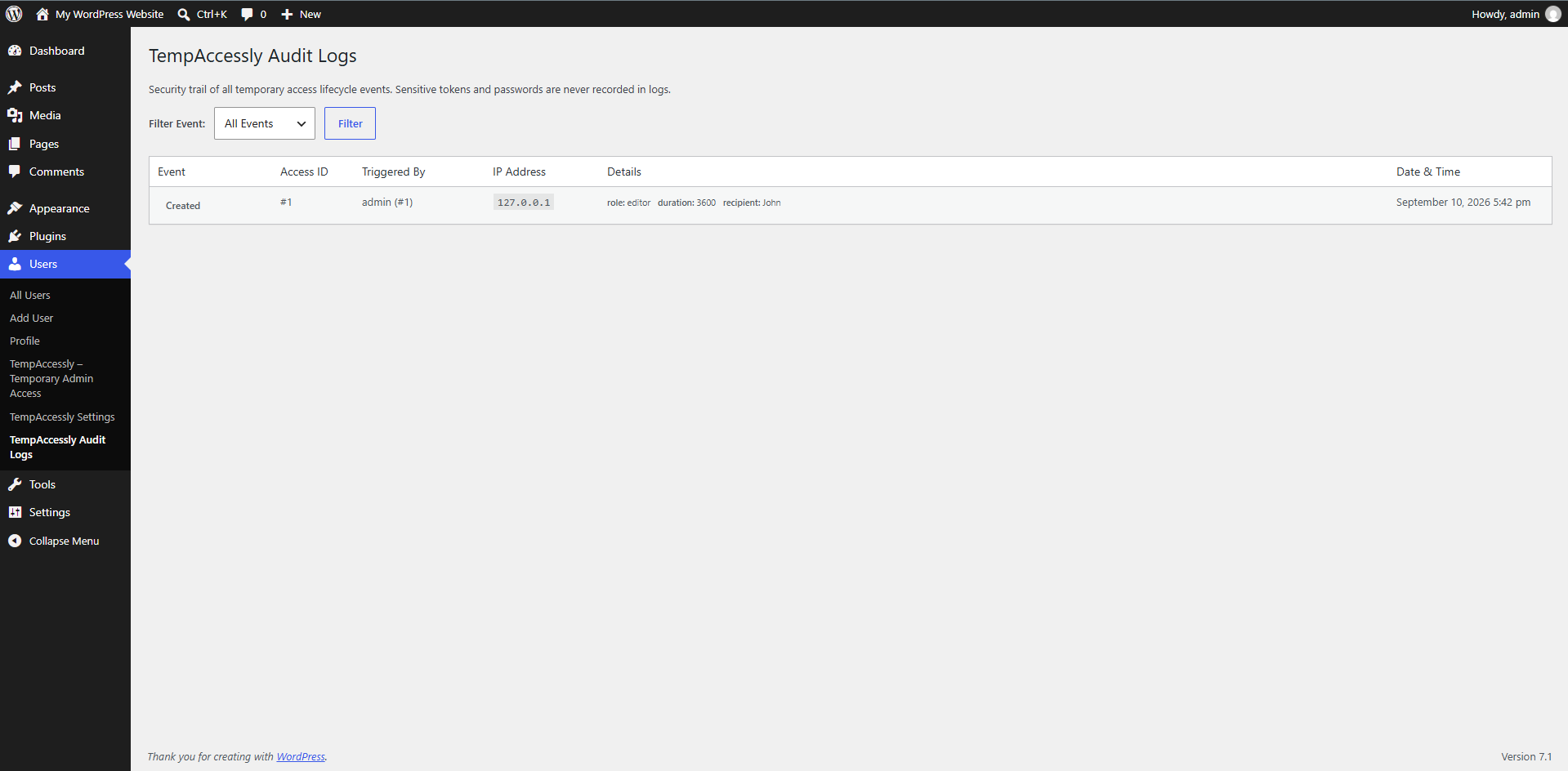
- TempAccessly Audit Logs — review access lifecycle events.
安装:
- Upload the
tempaccesslyfolder to/wp-content/plugins/, or upload the ZIP from Plugins > Add New > Upload Plugin. - Activate TempAccessly – Temporary Admin Access.
- Open Users > TempAccessly – Temporary Admin Access.
屏幕截图:
常见问题:
Can I create Administrator access?
Yes. Administrator is available when the role exists on the site, but the creation form requires an explicit confirmation because it grants full site control.
Does the recipient need a password?
No. The recipient uses the generated login URL while the access record is active.
What happens when access expires?
The token stops working, active sessions are terminated, and the temporary account is deleted by default. When automatic deletion is disabled, the temporary account is disabled instead. A daily WP-Cron task also performs retention cleanup; WP-Cron execution can be delayed on low-traffic sites.
Can I revoke access before it expires?
Yes. Revocation invalidates the token, terminates active sessions, and deletes or disables the temporary account according to the cleanup setting.
Can I regenerate a login link?
Yes. Regeneration creates a new token and invalidates the previous URL while retaining the same account and expiration.
Can I extend access?
Yes. Only active records can be extended, and the new expiration cannot exceed the configured maximum duration measured from the original creation time.
Are permanent users affected?
No. TempAccessly only deletes or disables accounts that carry its own temporary-user marker and expected username prefix. User ID 1 is always protected.
Does the plugin use an external service?
No. TempAccessly does not send access, account, or audit information to an external API or third-party service.
更新日志:
- Renamed the plugin to a distinctive product name and aligned the slug, folder, main file, text domain, and translation template.
- Replaced the short TAA prefix with the unique
tempaccesslyprefix across plugin-owned code, options, metadata, tables, AJAX actions, CSS, and JavaScript. - Removed plugin-owned
function_exists()andclass_exists()guards so the plugin no longer relies on collision-prone conditional declarations. - Reviewed capability checks, nonce verification, input sanitization, output escaping, SQL preparation, token handling, temporary-user safeguards, and stored-data handling.
- Improved cleanup of related audit events and updated privacy documentation.