
Templix Studio – Blocks, Patterns & Full-page Templates
| 开发者 | sorinxofficial |
|---|---|
| 更新时间 | 2025年11月27日 10:36 |
| PHP版本: | 7.2 及以上 |
| WordPress版本: | 6.8 |
| 版权: | GPLv3 |
| 版权网址: | 版权信息 |
详情介绍:
Templix Studio is a lightweight pattern library that helps you build stunning layouts directly in the WordPress block editor. It uses native WordPress blocks, so you get fast performance, reliable compatibility, and a smooth editing experience.
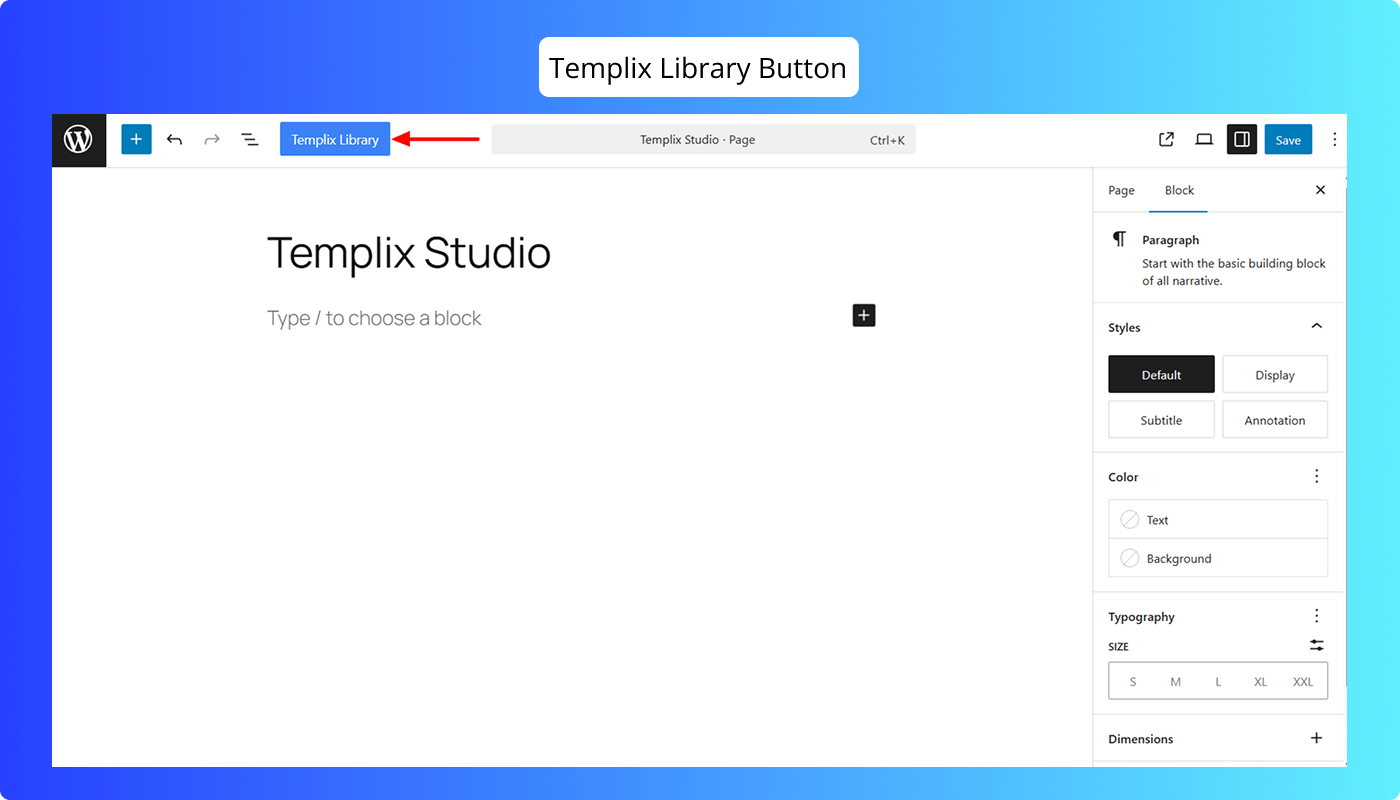
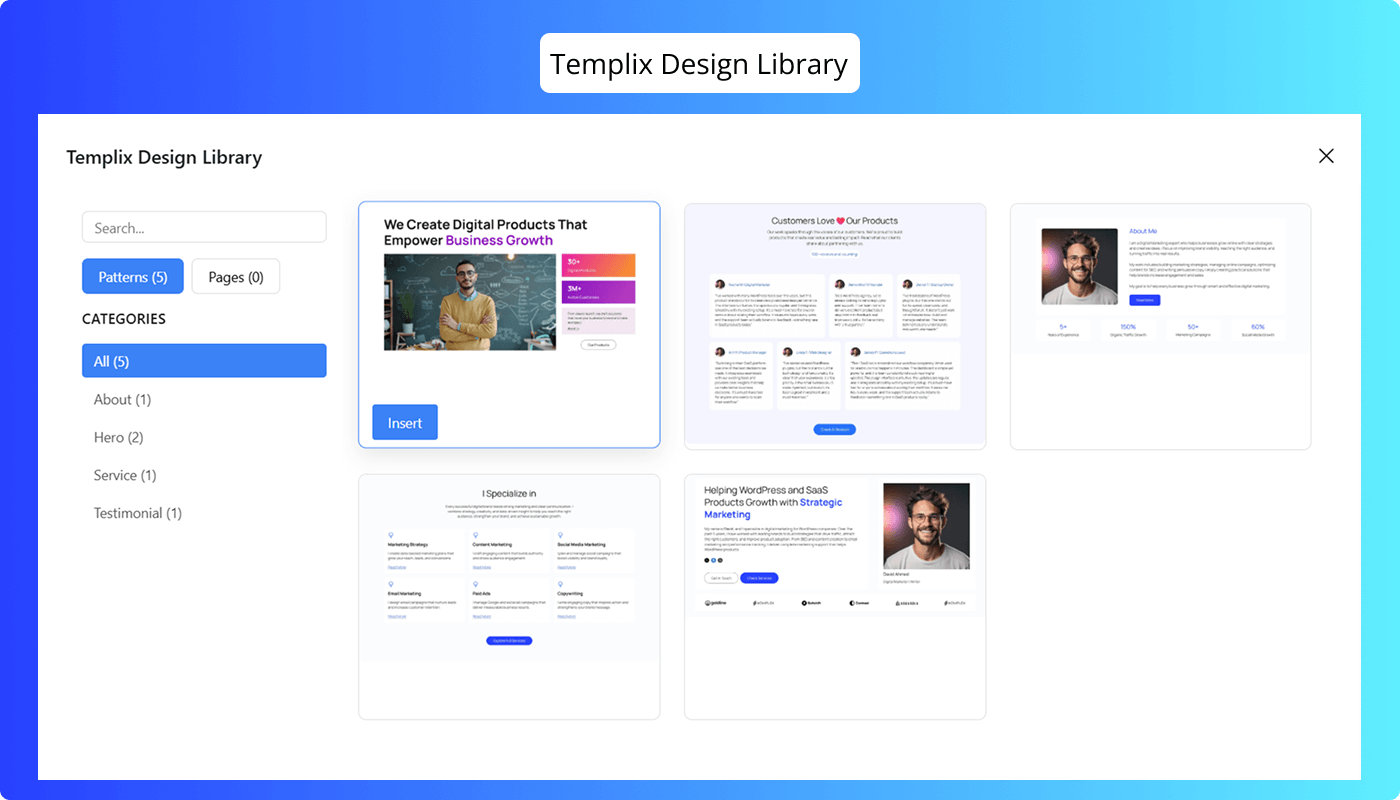
Browse a growing collection of predesigned block templates through a clean modal interface built right into your editor. Every pattern maintains consistent design quality, spacing, and responsiveness across all devices. Insert any pattern with one click – no coding, shortcodes, or complicated page builder setup.
Templix Studio gives you professional design blocks without the complexity. It works seamlessly with your existing theme and content, helping you build pages that look great and load fast.
Whether you're a designer, developer, or content creator, Templix Studio offers a reliable way to speed up website creation while keeping your code clean and native.
We store all designs securely in the cloud, keeping the plugin lightweight while giving you instant access to new patterns as we release them. Build landing pages, service sections, portfolios, or blog layouts – all within the native WordPress editor.
安装:
To install the Templix Studio plugin, you follow the steps below:
- Navigate to the WordPress Dashboard > Plugins > Add New area.
- Type in the search bar "Templix Studio".
- When the plugin appears, click on the Install button and then on Activate.
屏幕截图:






更新日志:
1.0.0
- Initial public release
- Cloud-based pattern loading system
- Modal interface for browsing and inserting patterns
- Collection of predesigned responsive layouts
- Optimized for performance and editor compatibility