Temporary Login
| 开发者 | elemntor |
|---|---|
| 更新时间 | 2024年11月27日 00:13 |
| PHP版本: | 7.4 及以上 |
| WordPress版本: | 6.7 |
| 版权: | GPLv3 |
| 版权网址: | 版权信息 |
详情介绍:
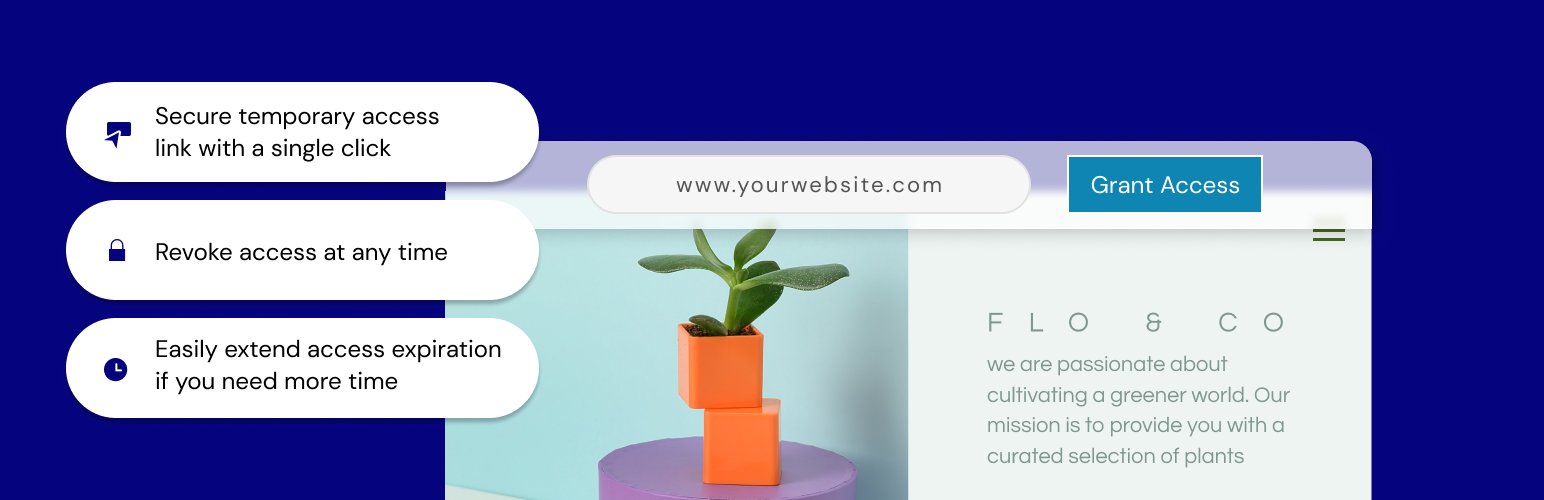
- Grant access to your site with a single click; a temporary URL will be created that you can share for admin-level access to your site and it will automatically expire 7 days from creation.
- Extend access - need more time? No problem. Just click to extend access so that users don’t get locked out.
- All done? Revoke access and the link becomes inaccessible.
- Auto disable access - whether you forget to revoke access or lose track of the timing, there’s no need to worry. We will automatically disable the access URL at the expiration, within 7 days.
安装:
- Install using the WordPress built-in Plugin installer, or Extract the zip file and drop the contents in the wp-content/plugins/ directory of your WordPress installation.
- Activate the plugin through the ‘Plugins’ menu in WordPress.
- Go to the Temporary Login tab within the Users menu.
- Click "Grant Access", and you’re all set.
常见问题:
Why do I need to use this plugin?
Temporary Login is a useful plugin that allows you to create an easy login option for temporary access to your website. If you need a support agent to help troubleshoot a problem or a colleague to make a simple change, just grant access and provide them with the URL. As soon as the work is done, you can disable access immediately.
Can I extend the access period?
Access can be extended up to 1 week from the original expiration date by simply clicking the ‘Extend Access’ button and confirming the action.
How secure is the URL?
The URL is very secure. In fact, it would be easier for a hacker to determine your username and password than to figure out the encryption we use here.
What if I forget to revoke access?
Not to worry. The URL is automatically disabled at the expiration time with no action needed on your part.
I deleted the plugin but forgot to revoke access first; what should I do?
Nothing! We disable the access as soon as you delete the plugin, so there’s nothing for you to worry about.
How can I report security bugs?
You can report security bugs through the Patchstack Vulnerability Disclosure Program. The Patchstack team help validate, triage and handle any security vulnerabilities. Report a security vulnerability.
更新日志:
- New: Added option to save content created by temporary user (Topic)
- Tweak: Extend the default access time from 7 to 14 days
- Tweak: Added button to share temp login with Elementor support
- Tweak: Added site token to mitigate security risk
- Initial release