Tendforge Statement Forge for EAA
| 开发者 | tendforge |
|---|---|
| 更新时间 | 2026年7月18日 21:30 |
| PHP版本: | 7.4 及以上 |
| WordPress版本: | 7.0 |
| 版权: | GPLv2 or later |
| 版权网址: | 版权信息 |
详情介绍:
- Guided wizard — five short steps: who/scope, an honest yes/no self-assessment, your known limitations, the feedback route and enforcement country, then review and publish. Org name, URL, email and country are pre-filled from your WordPress settings
- Conservative conformance — your answers decide the status. With no testing the status is "non-conformant"; a tested-but-imperfect site is "partially conformant"; "fully conformant" is only possible if every answer is "Yes" and you deliberately confirm it
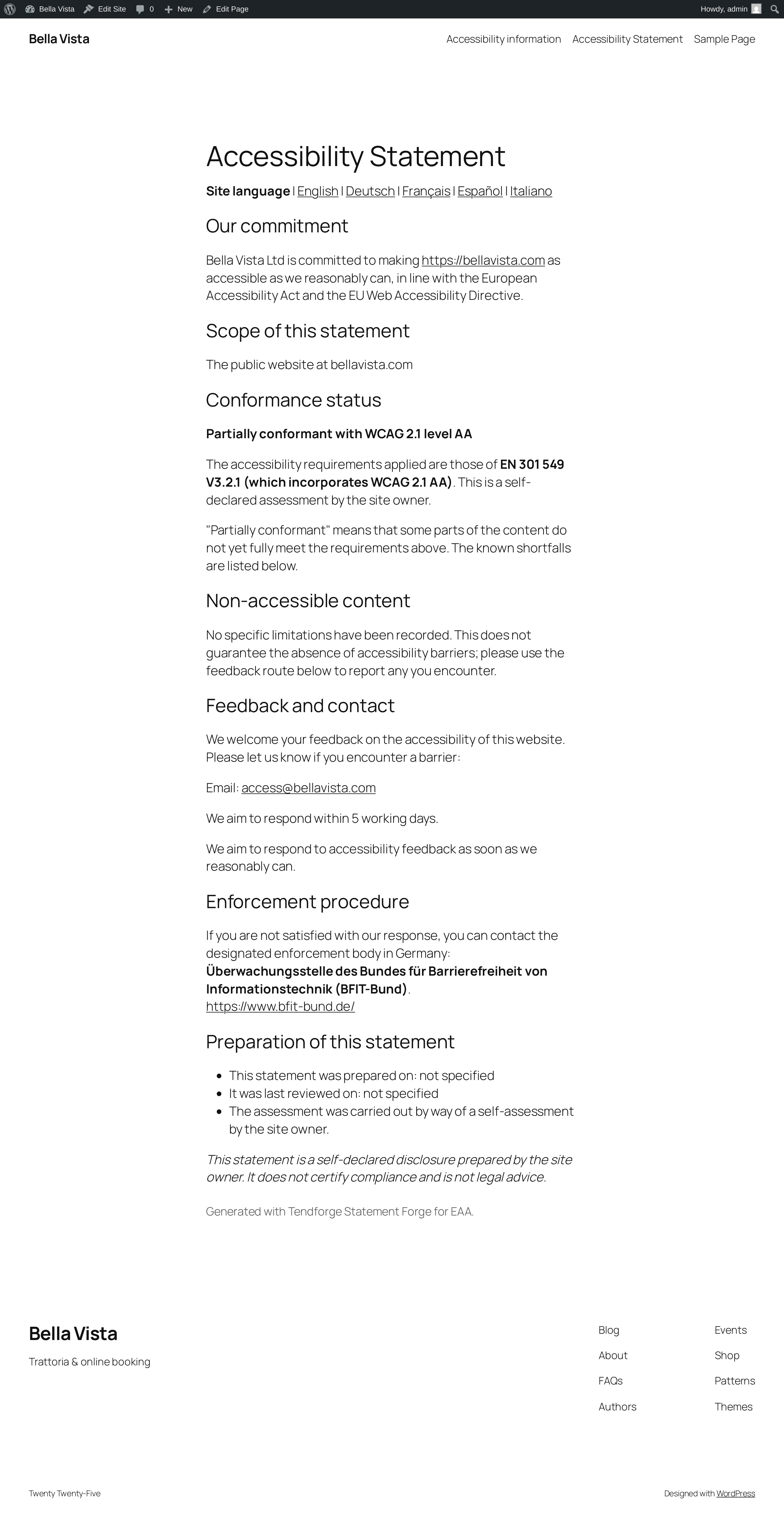
- All the required sections — commitment, scope, conformance status citing EN 301 549 V3.2.1 (which incorporates WCAG 2.1 or 2.2 AA), the three buckets of non-accessible content (non-compliance, disproportionate burden, out of scope), the feedback mechanism, the enforcement procedure with your country's designated body, and the preparation/review dates and assessment method
- 27 EU enforcement bodies built in — pick your member state and the correct national complaints/enforcement body is cited with its official link
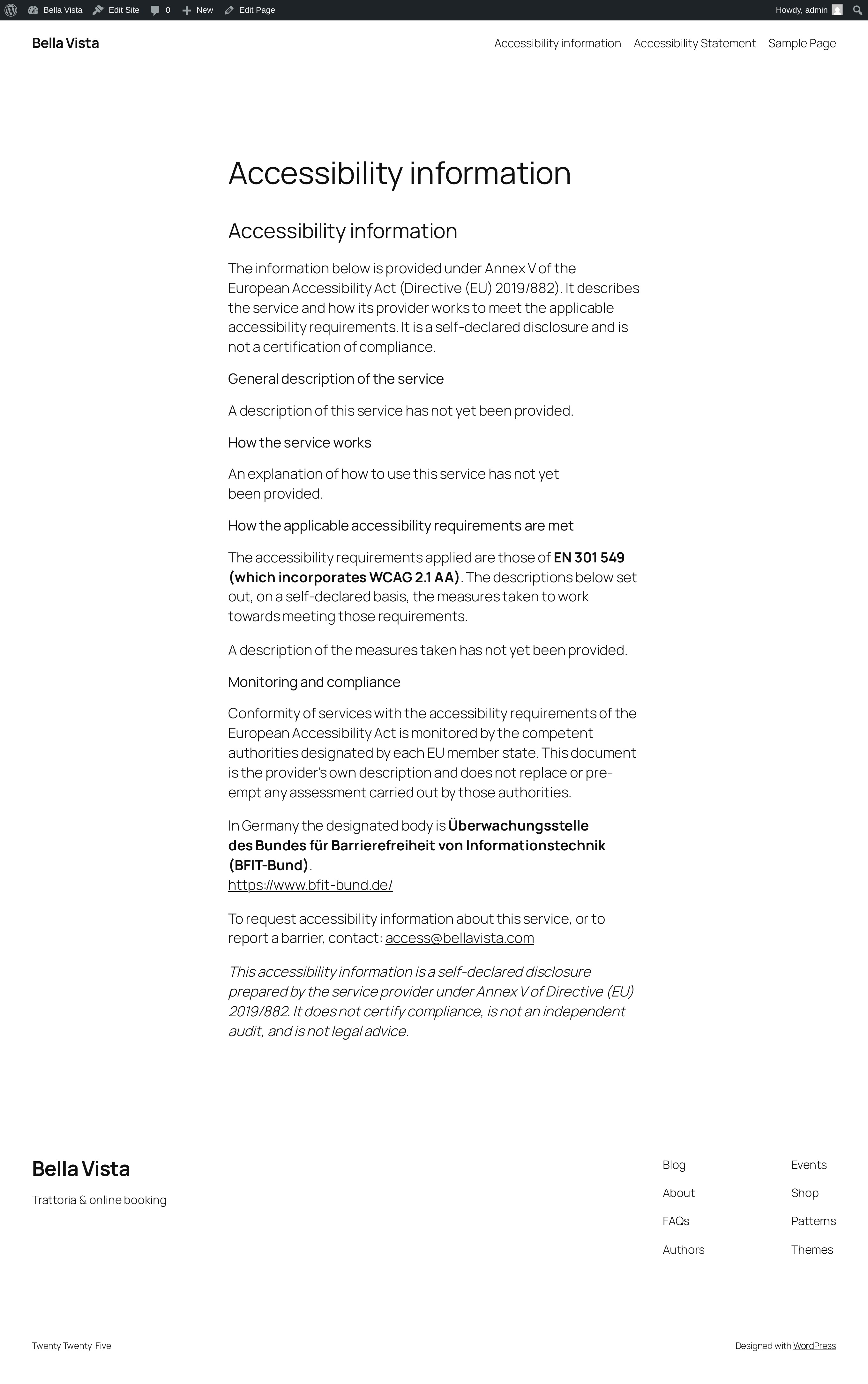
- Feedback mechanism — a contact route is generated alongside the statement, available as a
[tsffe_feedback]shortcode - Shortcode — drop the statement anywhere with
[tsffe_statement]; an optional one-click footer link is also available - Non-removable disclaimer — every generated statement ends with a plain note that it is a self-declared disclosure, not a certification of compliance and not legal advice
安装:
- Install and activate the plugin.
- In the WordPress admin menu, open Accessibility Statement.
- Follow the five-step wizard: your organisation and scope, an honest yes/no self-assessment, your known limitations, the feedback route and enforcement country, then review.
- Click Publish — the plugin creates an "Accessibility Statement" page for you.
- (Optional) Drop the statement or feedback route anywhere else with the
[tsffe_statement]and[tsffe_feedback]shortcodes, or enable the one-click footer link.
屏幕截图:
常见问题:
Does this make my site accessible or compliant?
No. It generates a statement — a disclosure of where your site stands, in the format the legislation expects. Real accessibility comes from fixing your content and code. This plugin is deliberately not an overlay and makes no compliance claims.
How is the conformance status decided?
From your own yes/no answers. No testing gives "non-conformant"; testing with known gaps gives "partially conformant"; "fully conformant" requires every answer to be "Yes" and a deliberate confirmation tick. The default is always the conservative one.
Which standard does the statement cite?
EN 301 549 V3.2.1, which incorporates WCAG 2.1 (or 2.2, if you choose) at level AA — the harmonised European standard referenced by the accessibility legislation.
Can I edit the page afterwards?
Yes. The wizard republishes the page from your saved answers, and the page itself is an ordinary WordPress page you can place anywhere via the shortcode.
更新日志:
- Initial public release: guided five-step wizard, conservative conformance logic, full EAA / Web Accessibility Directive statement structure citing EN 301 549 V3.2.1 (WCAG 2.1 / 2.2 AA), 27 EU enforcement bodies, feedback mechanism,
[tsffe_statement]and[tsffe_feedback]shortcodes, optional footer link, and a non-removable honest disclaimer.