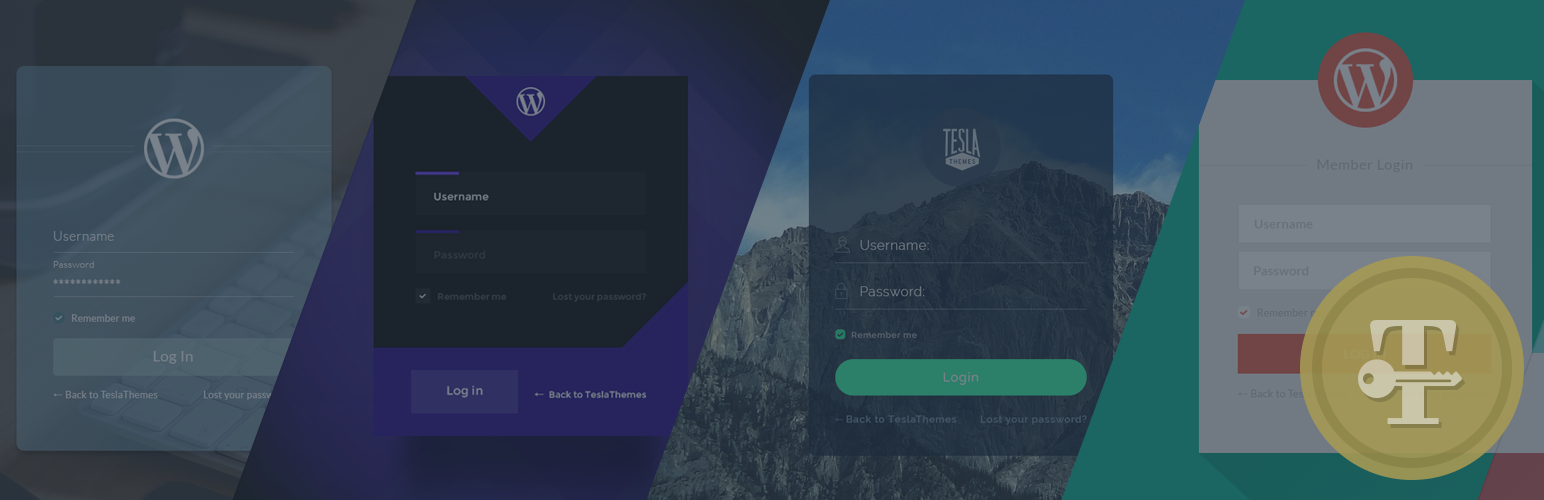
Tesla Login Customizer
| 开发者 | TeslaThemes |
|---|---|
| 更新时间 | 2016年4月12日 20:07 |
| PHP版本: | 3.9 及以上 |
| WordPress版本: | 4.4.2 |
| 版权: | GPLv2 or later |
| 版权网址: | 版权信息 |
详情介绍:
Easily customize your WordPress login page in minutes with no coding skills required.
Transform the default log-in page into a professional and unique page that blends nicely with your brand or identity.
Customize your WordPress login/register/forgot password page with simple options. Change the layout of the login form or add layers of security with ease.
Live demos
- Demo 1 - Mercury with reCaptcha
- Demo 2 - Venus
- Demo 3 - Terra
- Demo 4 - Mars
- Demo 5 - Jupiter Tesla Login Customizer allows you to change almost any aspect of the login page:
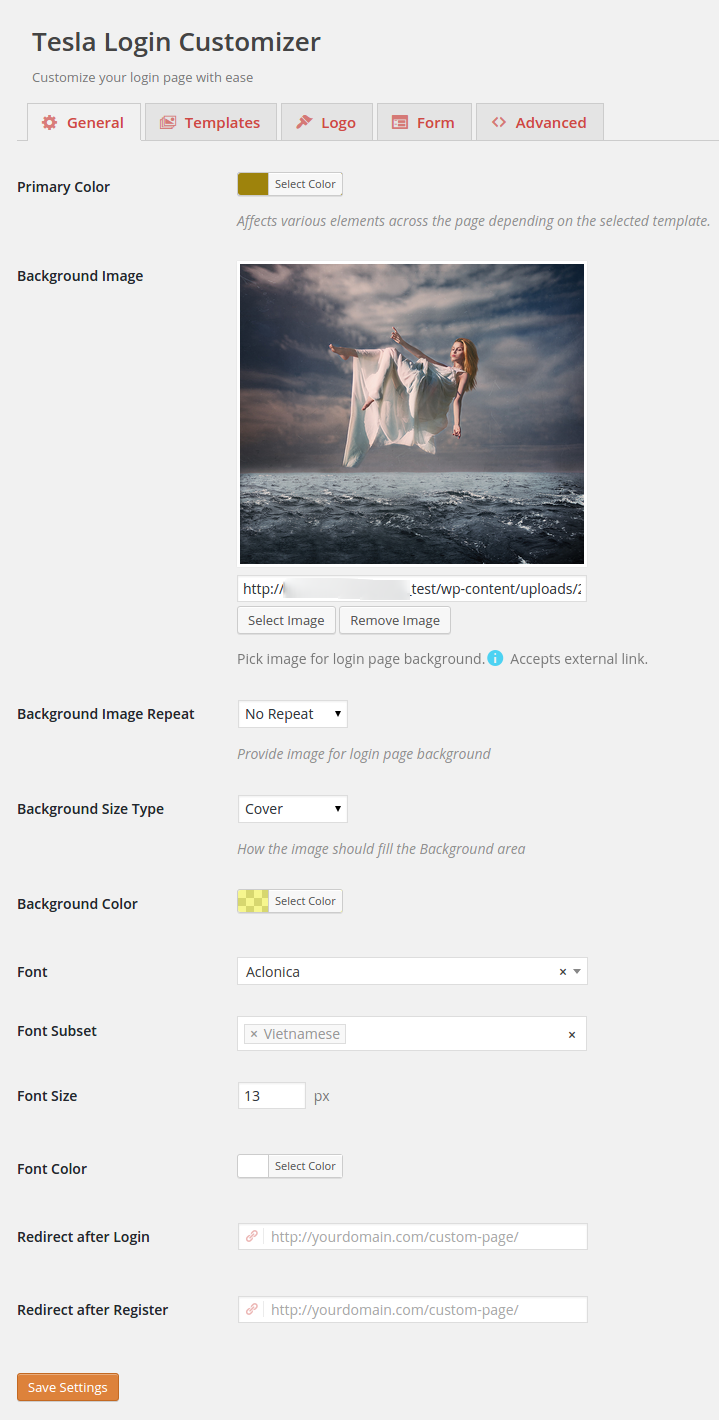
- Primary Color
- Background Image
- Background Image repeat
- Background Size Type
- Background Color
- Background Color
- Font Family
- Font Variations
- Font Subset
- Font Size
- Font Color
- Redirect after Login
- Redirect after Register
- Custom Login Url
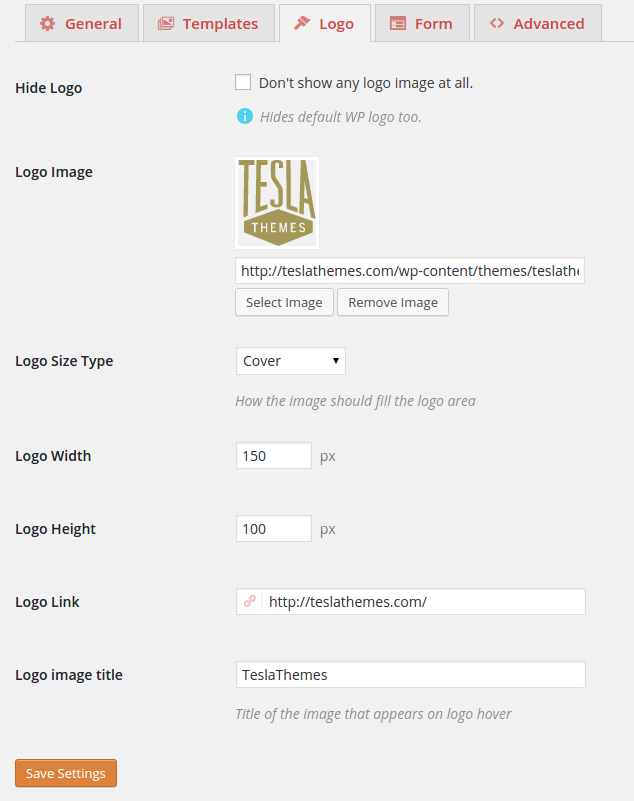
- Hide Logo
- Logo Image
- Logo Size Type
- Logo Width
- Logo Height
- Logo Link
- Logo image title
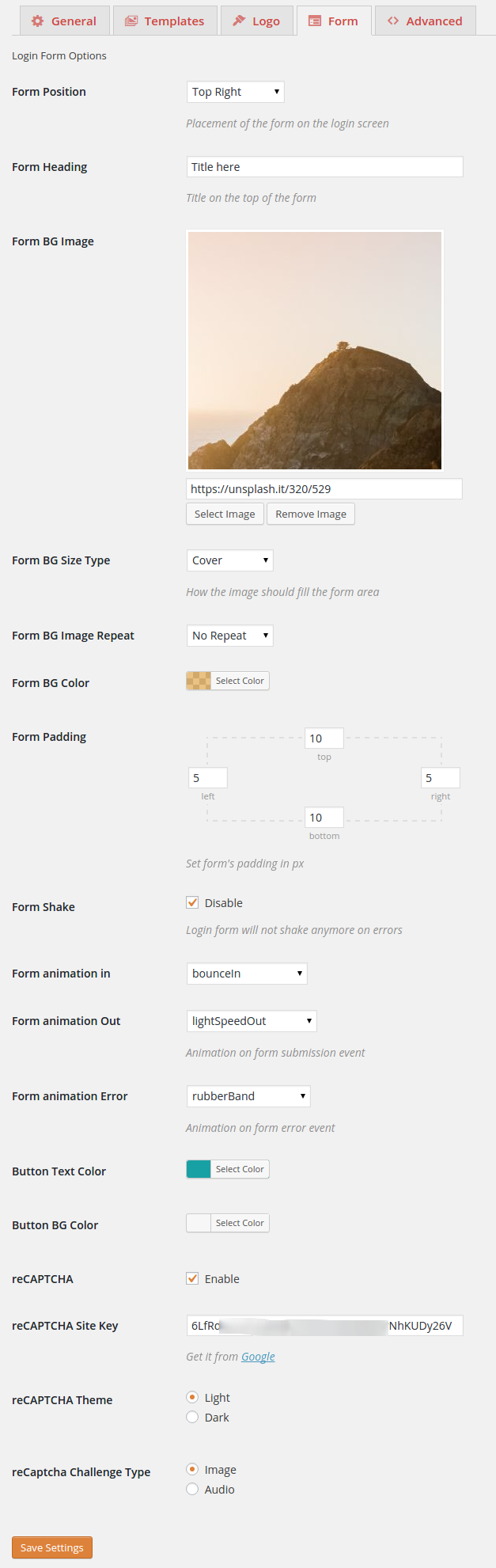
- Form Position
- Form Heading
- Form BG Image
- Form BG Size Type
- Form BG Image Repeat
- Form BG Color
- Form Padding
- Form Shake Disable
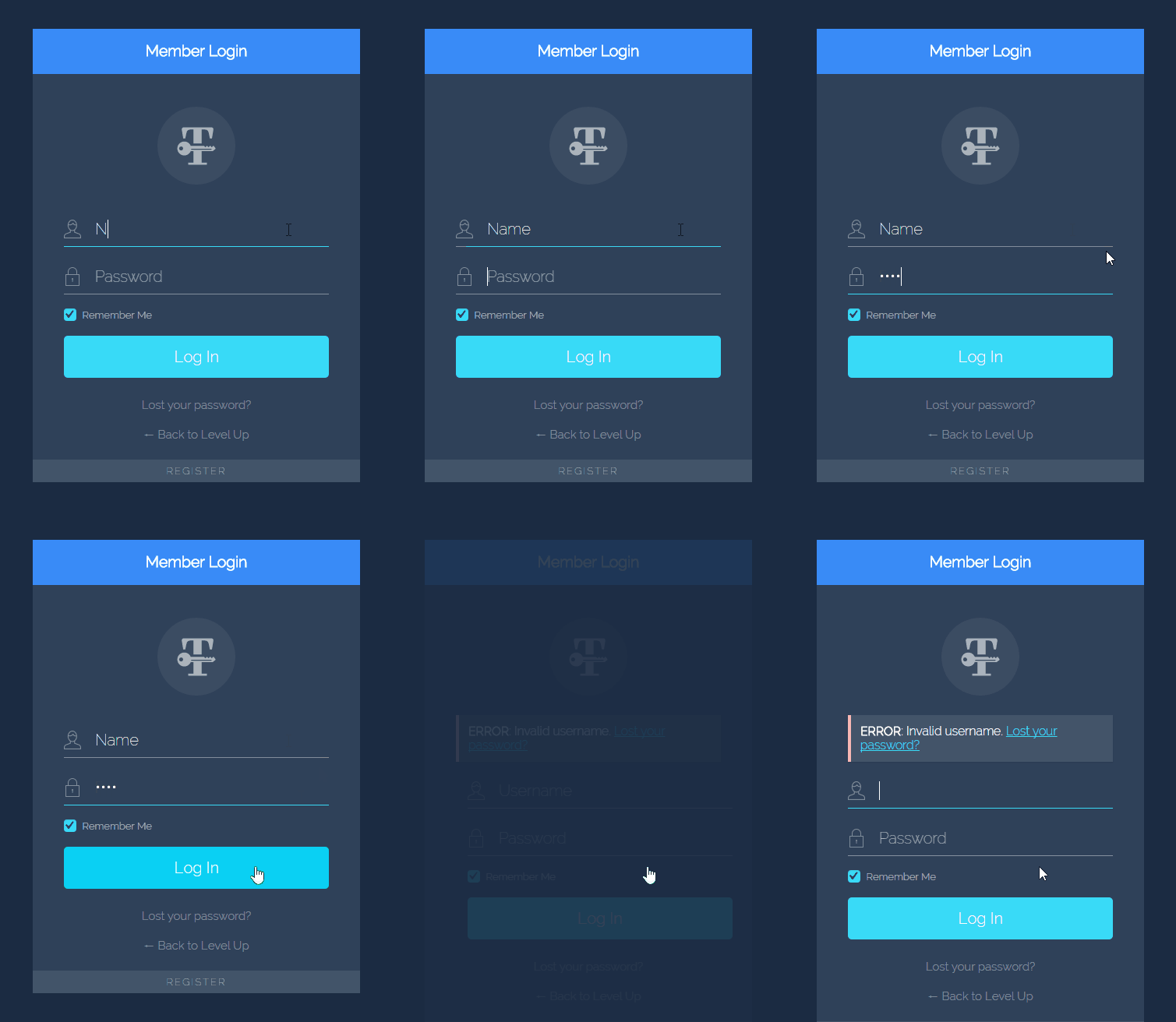
- Form animation in
- Form animation Out
- Form animation Error
- Button Text Color
- Button BG Color
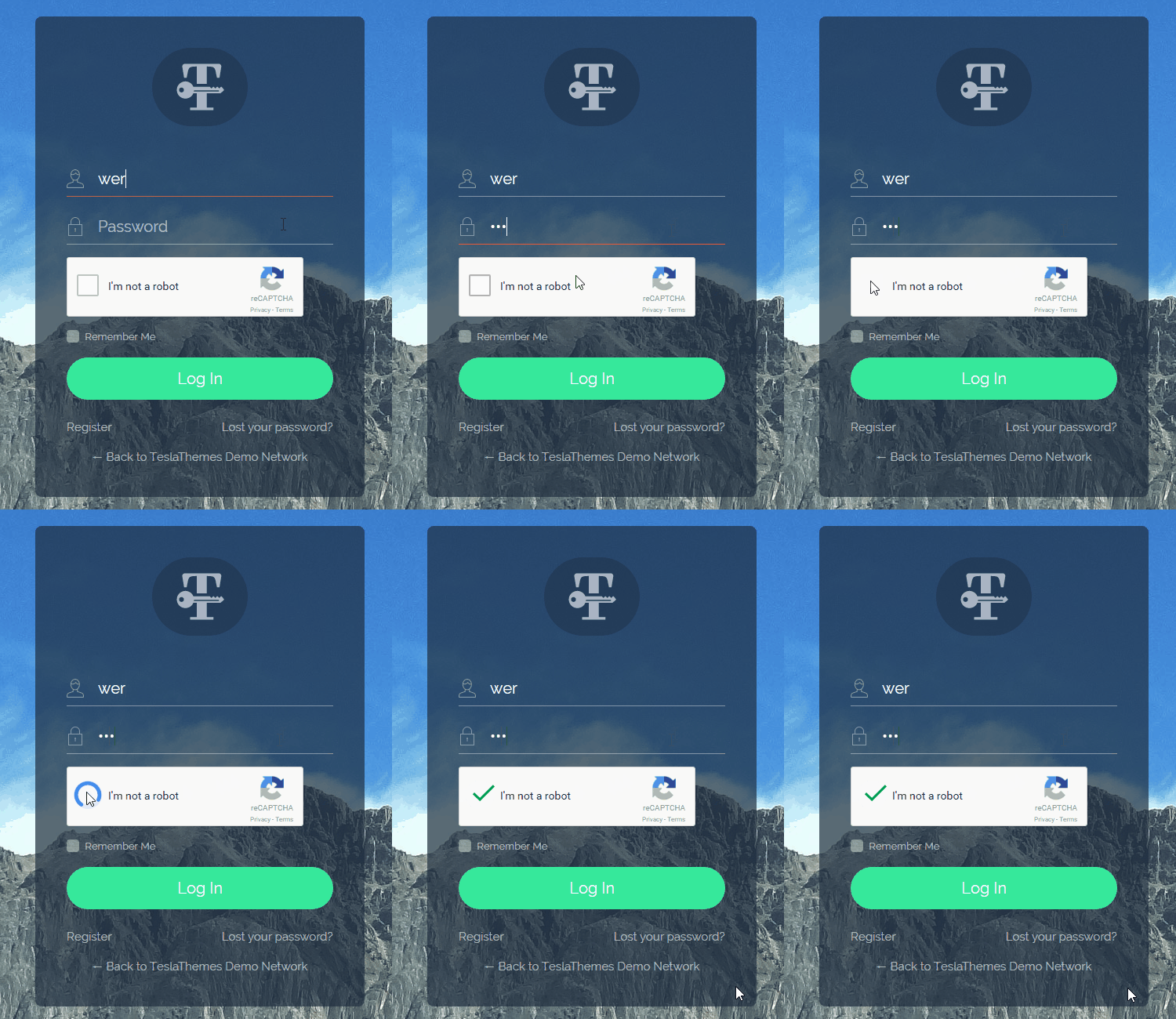
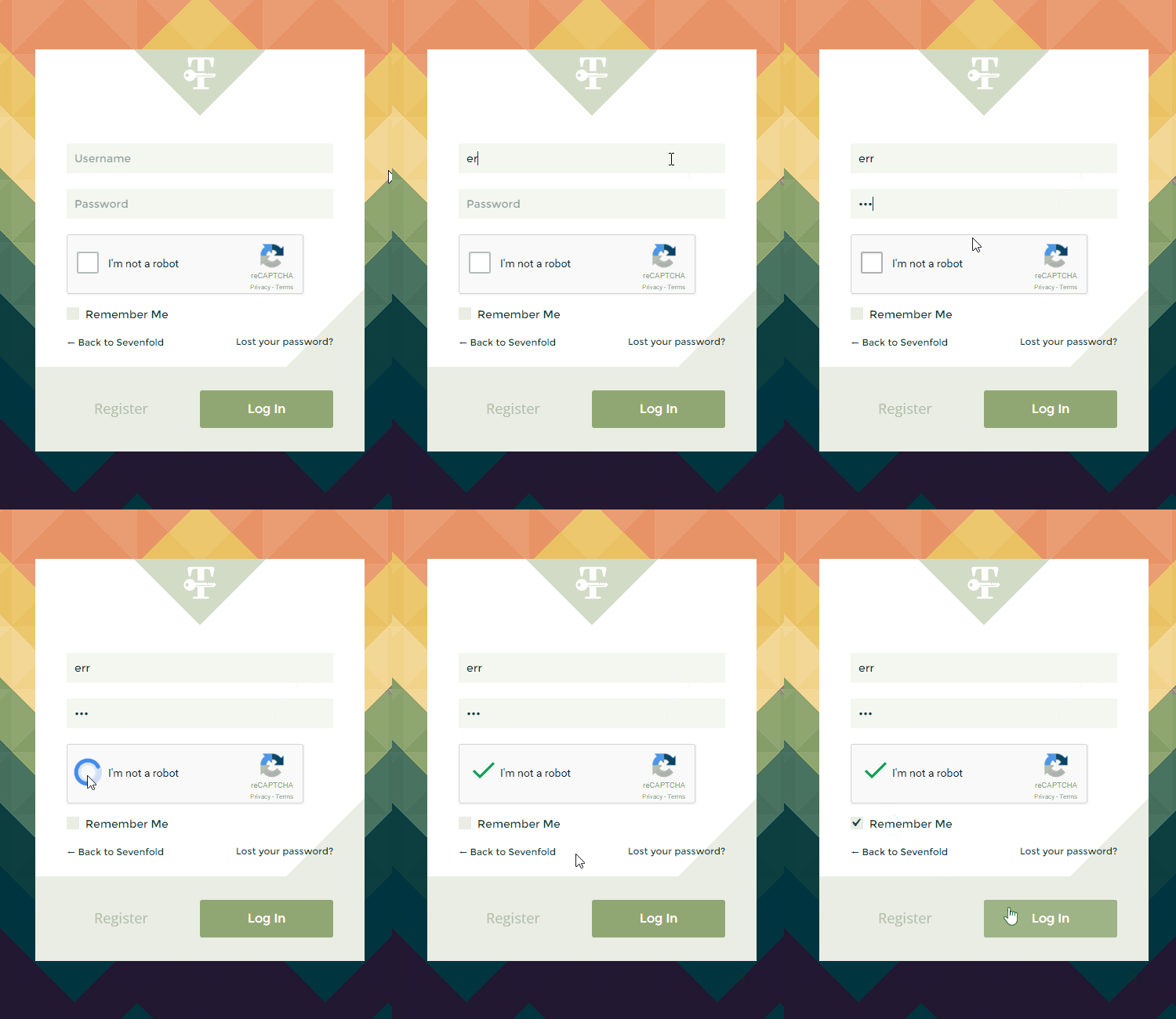
- reCAPTCHA
- reCAPTCHA Site Key
- reCAPTCHA Theme
- reCaptcha Challenge Type
- reCaptcha Language
- Custom CSS
- Custom JS
安装:
- Upload
tesla-login-customizerto the/wp-content/plugins/directory - Activate the plugin through the 'Plugins' menu in WordPress
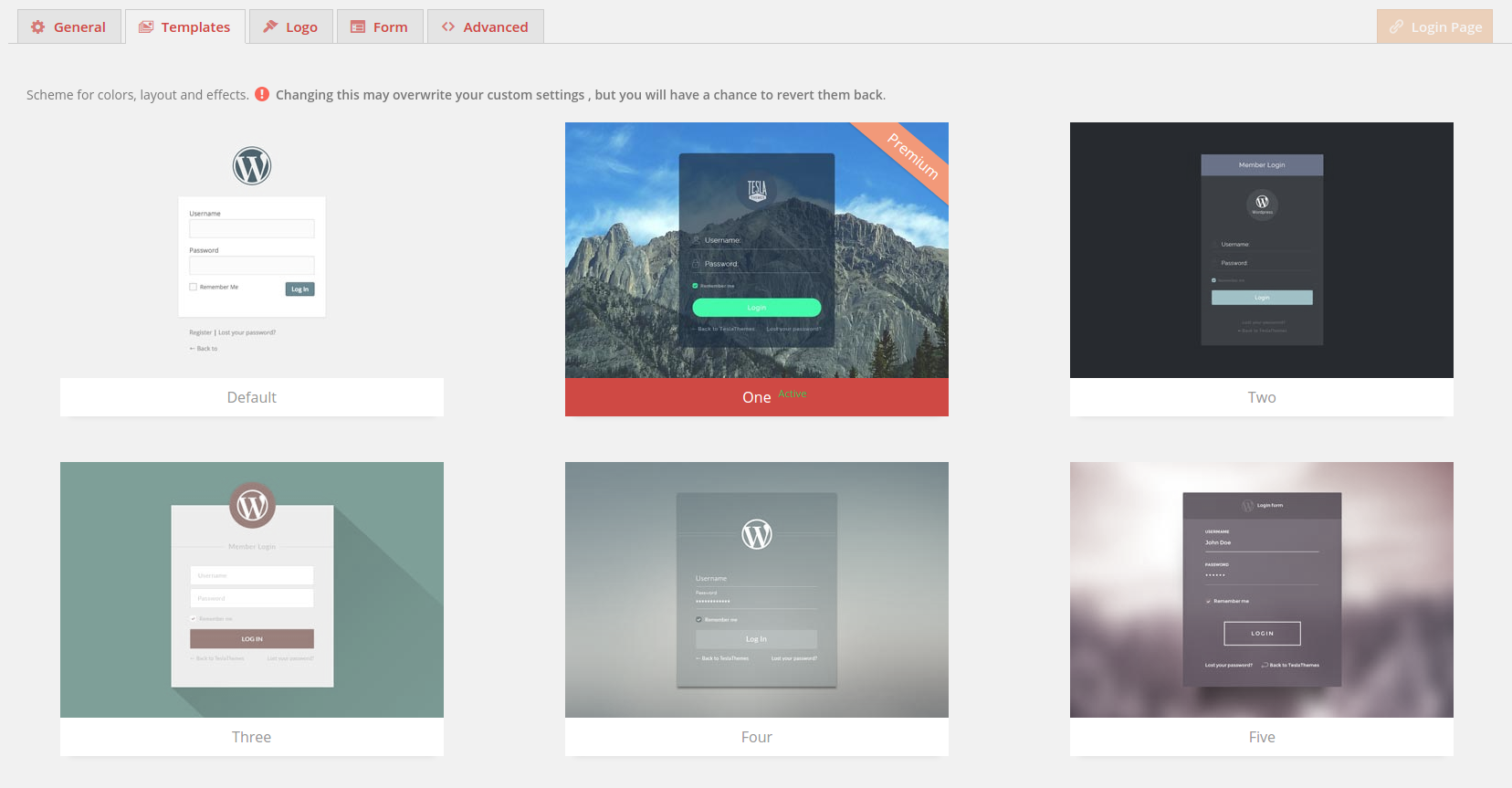
- Enable one of our Login Templates or easily make one of yours by changing options.
- Enjoy your custom login page.
屏幕截图:


常见问题:
Is Tesla Login Customizer multisite ready ?
Yes.
Does Tesla Login Customizer work with custom login url ?
Yes. Versions 1.0.4 +
Is Tesla Login Customizer retina ready ?
Yes. Versions 1.2+
How to change the form padding ?
Go to Tesla Login -> Form -> Form Padding and insert any padding values you want.
How to customize a template ?
Pick it in the template tab and then start changing options. Use the advanced tab to insert custom css & js.
Do I need to use a template ?
No. You can use the Default one which is the WordPress' default view, and just change needed settings.
How to disable default WordPress form shake on error ?
Go to Tesla Login -> Form -> Form Shake and disable it.
How to add animation to the form ?
Go to Tesla Login -> Form -> Form animation (In/Out/Error) and select your desired ones.
How to change reCaptcha's language ?
Go to Tesla Login -> Form -> reCaptcha Language and insert the desired language code.
更新日志:
1.3.4
- Fix : Less Library Class Compatibility
- Fix : Custom CSS loading last
- Added : Compatibility with plugin "My Private Site"
- Fix : detecting login page
- Fix : Forgot password placeholder
- Fix : Forgot password submit with out animation
- Added : reCaptcha language option
- Fixed : Blurry logo on retina screens
- Fixed : Multiple forms on login page submission
- Fixed : Responsive minor fix
- Fixed : Var dump appearing occasionally removed
- Fixed : Font picker cache not retrieving from googleapis
- Fixed : WP 4.4 Compatibility (only style issues)
- Fixed : reCaptcha not appearing on Register page
- Added : All templates are now free , even the Premium Mercury one
- Fixed : Localization files not being loaded
- Fixed : Error from custom css/js
- Fixed : Error from array shorthand [] in PHP < 5.4.0
- Added : Custom Login Url option added to use when the automatic way won't work
- Added : Working with Custom Login URL
- Fixed : Register & Lost Pass links not visible when font size null
- Fixed : Error from array shorthand on older PHP versions
- Changed : Load optimization
- Fixed : less images path
- Added : Demo pages for all templates
- Changed : Local Images
- Fixed : less for WP installations with register on
- Initial release.