
Testimonial Customer Feedback
| 开发者 |
awordpresslife
razipathhan hanif0991 muhammadshahid fkfaisalkhan007 sharikkhan007 zishlife FARAZFRANK |
|---|---|
| 更新时间 | 2026年10月8日 18:23 |
| 捐献地址: | 去捐款 |
| PHP版本: | 7.0 及以上 |
| WordPress版本: | 7.1 |
| 版权: | GPLv2 or later |
| 版权网址: | 版权信息 |
标签
下载
详情介绍:
安装:
- Upload the plugin folder to the
/wp-content/plugins/directory or install it directly via Plugins > Add New from the WordPress admin panel. - Activate the plugin.
- Navigate to Testimonial Maker in your WordPress dashboard menu.
- Click Add New Testimonial to publish your first client review.
- Create a Shortcode, select templates and settings, then copy and paste the generated shortcode (e.g.
[TML_FORM id="X"]or[TML_SHORTCODE id="Y"]) into any page or post.
屏幕截图:
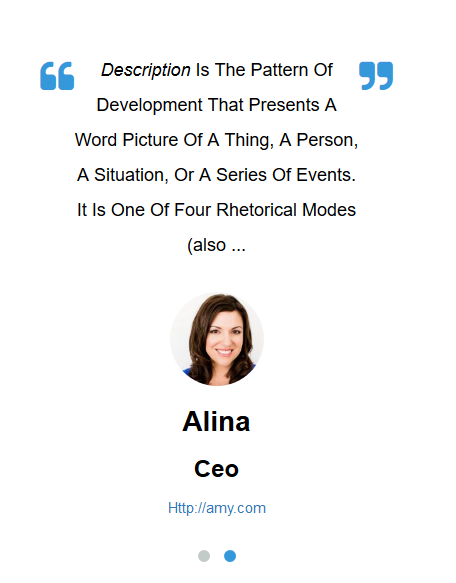
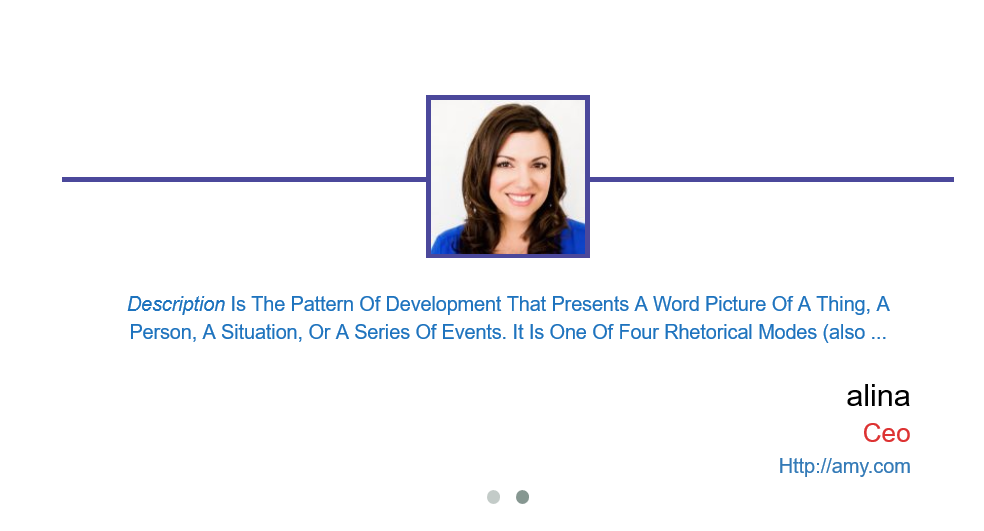
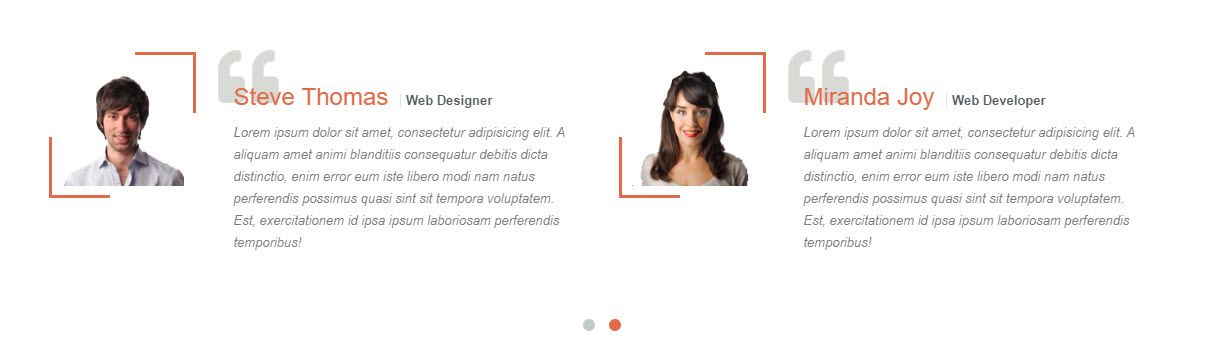
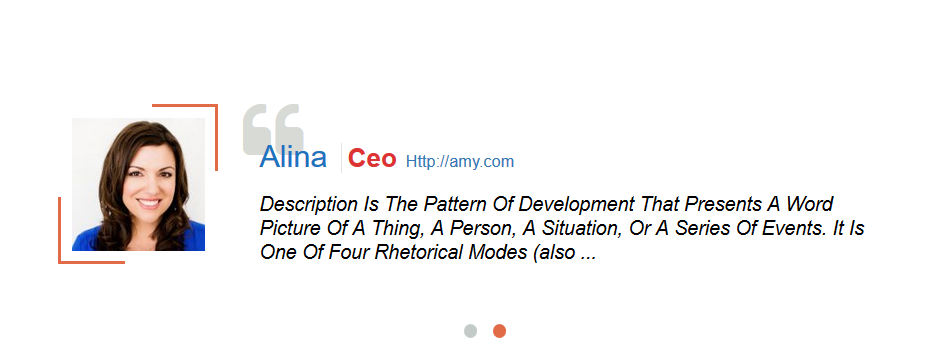
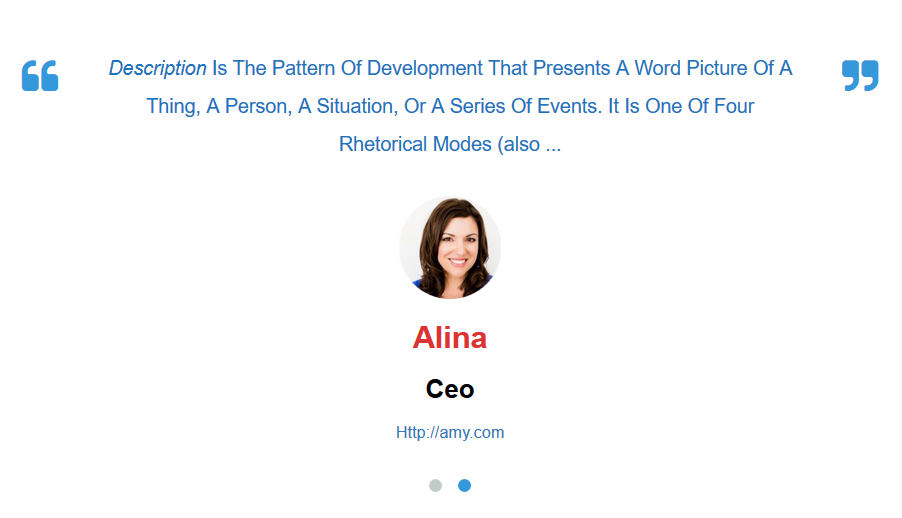
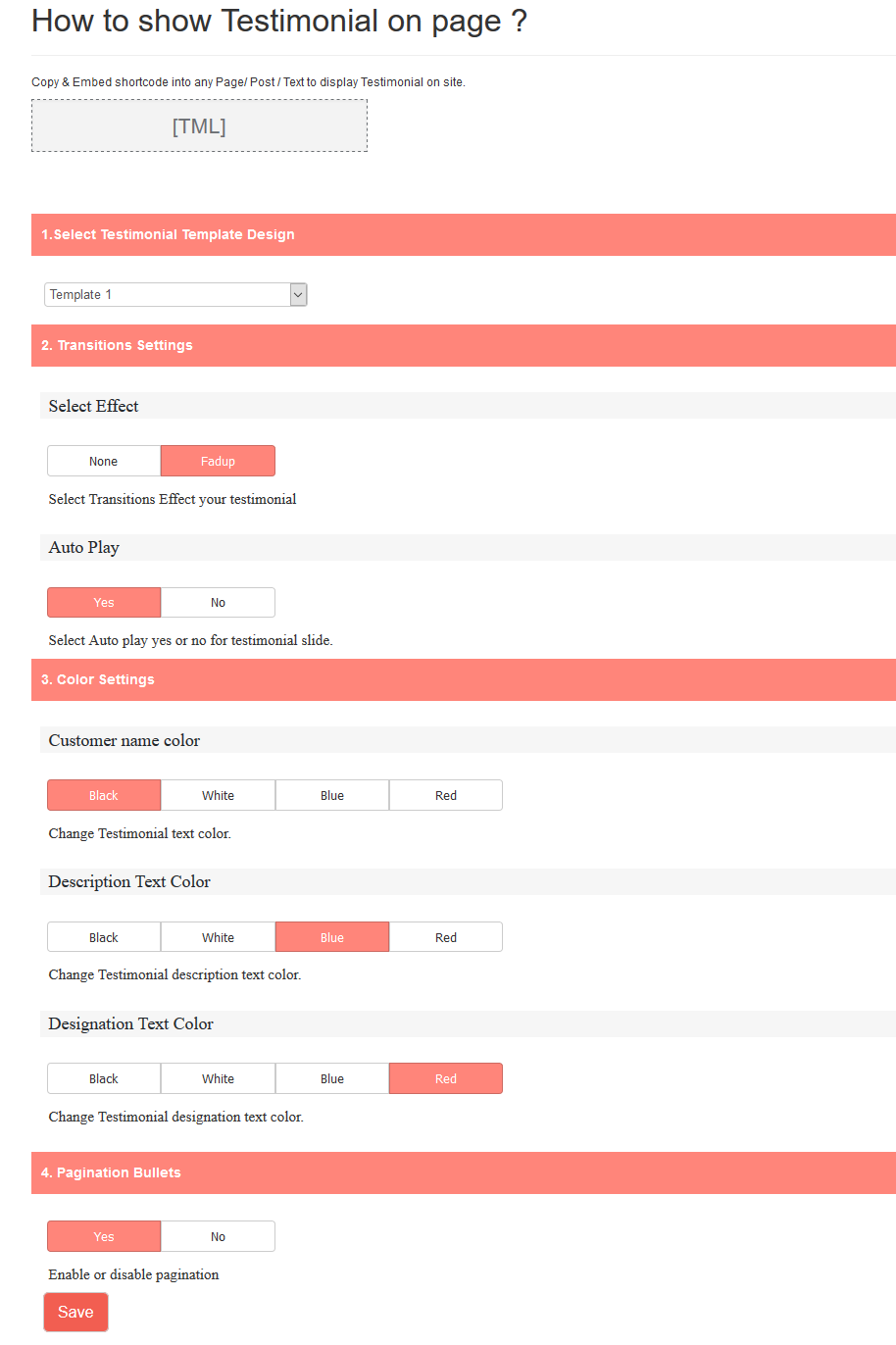
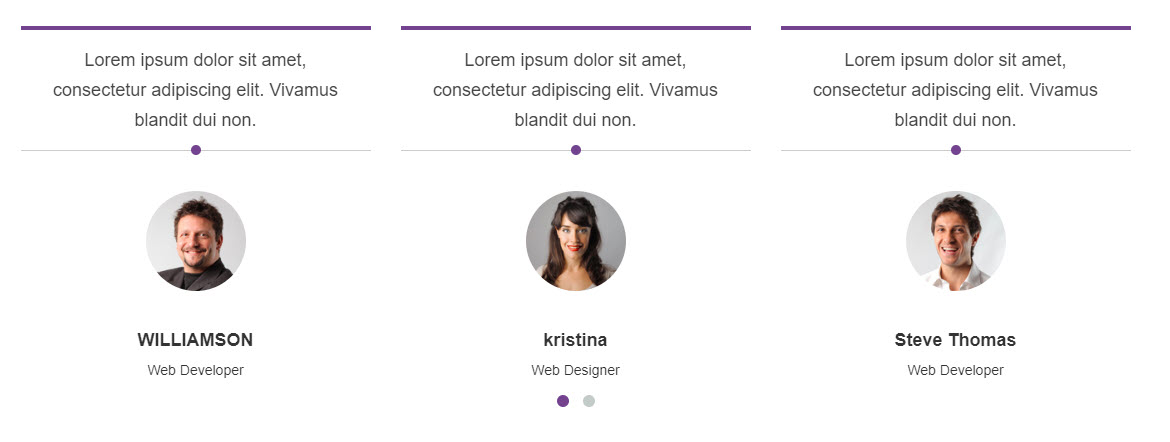

常见问题:
How do I collect testimonials from website visitors?
Go to Testimonial Maker > Form Builder, configure the fields, copy the form shortcode (e.g., [TML_FORM id="25"]), and paste it on any public page. Visited users can then submit reviews.
Where do testimonials go after frontend submission?
All submitted testimonials are saved as "Pending" drafts. Go to Testimonial Maker > All Testimonials in your dashboard to review and approve/publish them.
Can I show reviews in a sidebar?
Yes! Add a Custom HTML or Text widget to your sidebar, paste the shortcode, and save it.
Does it support video testimonials?
The Free version supports standard text-based reviews. To let customers record videos or upload YouTube/Vimeo links via the submission form, upgrade to the Premium version.
How do I change the rating star colors?
Navigate to Testimonial Maker > Shortcodes, open your shortcode settings, find the Star Color panel under settings tabs, and select your custom hex color.
Can I customize the order in which testimonials are displayed?
Yes. In the settings panel under Carousel / Layout settings, you can choose sorting orders like Newest First or Oldest First. Upgrading to the PRO version unlocks dynamic Random Sorting on page load.
How do I show only testimonials from a specific category?
When creating/editing a testimonial, assign it to a category. When editing a shortcode, select the specific category from the Category settings dropdown to display only reviews matching that category.
Can I control the number of columns on mobile devices?
Yes. The plugin is mobile-responsive. Under shortcode column settings, you can define specific column layouts for Desktop, Tablet, and Mobile devices separately.
Can I customize the colors and text of the submit button on the frontend form?
Yes. Go to Testimonial Maker > Form Builder, click on the Form Styles tab. There you can customize button label text, background colors, hover state colors, and input border radius to match your theme.
Can I hide fields like Client Designation or Website URL from the display?
Yes. The shortcode options panel contains toggle checkboxes to show or hide the user's designation, avatar, rating stars, content, and website link, letting you clean up the testimonial cards.
更新日志:
- Fixed: Vulnerability.
- Fixed: Resolved unclosed HTML elements inside the Display Settings tab that corrupted layout structure.
- Updated: Completely redesigned and updated the testimonial design layouts.
- Added: Fully integrated frontend testimonial submission form with many exciting features.
- Improved: Performance optimizations, cleaner core workflows, and layout styling fixes.
- Template 5,6,7,8 Added
- Video Testimonial Added
- Testimonial Star Rating Added
- Tested up to WordPress 6.9
- Fixed: Translation loading notice in WordPress 6.7+ (_load_textdomain_just_in_time warning)
- Changed textdomain loading from 'plugins_loaded' to 'init' hook for WordPress 6.7 compatibility
- Tested up to WordPress 6.9
- Tested with WordPress 6.8.3
- Tested with WordPress 6.8.1
- Tested with WordPress 6.7.2
- Fixed color selection issue
- Tested with WordPress 6.7.1