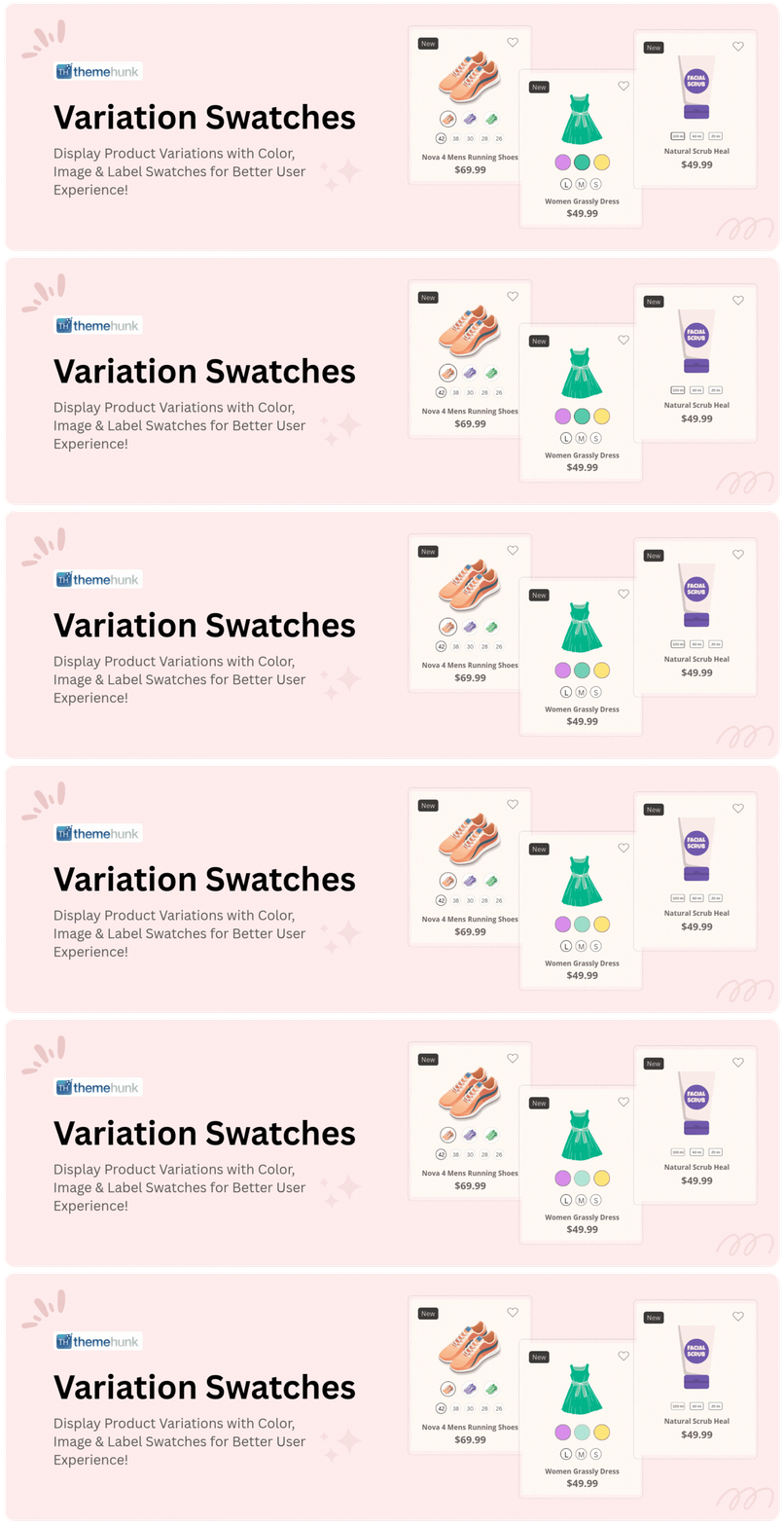
Variation Swatches for WooCommerce
| 开发者 | ThemeHunk |
|---|---|
| 更新时间 | 2026年8月22日 21:26 |
| PHP版本: | 5.8 及以上 |
| WordPress版本: | 7.1 |
| 版权: | GPLv2 or later |
| 版权网址: | 版权信息 |
详情介绍:
安装:
- Upload the
th-variation-swatches.zipto the/wp-content/plugins/directory - Activate the plugin through the 'Plugins' menu in WordPress
- Get started from Dashboard > TH Variation Swatches Builder
常见问题:
How to Install Plugin
Just upload the th-variation-swatches.zip to the /wp-content/plugins/ directory, and then activate it from 'Plugins' menu in WordPress.
How can i get Support if my TH Variation Swatches Builder Plugin is not Working ?
If you're facing any problem while using our TH Variation Swatches builder plugin, Please first follow the below steps :
- Deactivate all plugins you are using and check if the problem is still occurring with our TH Variation Swatches Builder.
- Check the theme and plugin version, if it is latest or not.
- Check the plugin with default theme, to make sure error is not due to theme you're using.
How can i get more advanced features of TH Variation Swatches Builder ?
You can get more features with the premium version of TH Variation Swatches Builder Plugin, available on ThemeHunk. Please follow this link and get to know about more advanced features.
Is it Compatible with All WordPress Themes ?
It is compatible with all ThemeHunk themes and almost all WordPress themes, We always try to make our Plugin compatible with All WordPress Themes. If TH Variation Swatches builder will create any kind of issue with any theme. You're Free to contact us , Our Team will be Happy to help you.
Can I translate TH Variation Swatches Builder plugin to Multi Language ?
Yes, You can translate our plugin to desired language.
更新日志:
- Update: Languages files added.
- Update: Color Option issues resolved.
- Update: Deactivation form added.
- Update: Style Improved.
- Update: Single page variation form style updated.
- Update: Style Updated.
- Update: Languages files added.
- Update: Backend style updated.
- Update: Front style updated.
- Update: Image Tooltip issue resolved.
- Update: Issues Resolved.
- Update: Style Improved.
- Update: Admin area with live preview style updated.
- Update: Mobile responsive design added.
- New: Languages folder added.
- Update: Issues resolved.
- Update: Style settings working at frontend also added.
- Update: Tooltip live working added.
- Update: Swatches new front style added.
- Update: Settings rearranged to live preview.
- Update: admin area style made same as front style.
- Update: first time attribute not saving value resolved.
- Update: Tested width WordPress 7.0.
- Update: Style Updated.
- Update: Tested with WordPress 6.9.
- Update: PHP 8.1 compatibility improvements.
- Themehunk Plugins page style updated.
- Update: Tested With WordPress 6.8.
- Update: Variation margin bottom style updated.
- Fix: Show Title setting not working issue resolved.
- Security Issue Fixed.
- Fix : Creation of dynamic property Th_Variation_Swatches_Settings::$settings_name is deprecated on wp-content\plugins\th-variation-swatches\inc\thvs-settings.php on line 20
- Fix : Activate ajax issue resolved.
- Update: Admin style improved.
- Update: Premium Link updated.
- HPOS compatibility issue fixed.
- Admin style modification.
- Background Modification.
- Delete Notice.
- Security Issue Fixed.
- Ad Change.
- Color Picker Issue Resolved.
- TH Notice Issue Resolved.
- Pro Notice Improved.
- New Option panel added.
- Pro Notice add.
- Amaz Store Banner add.
- Useful Plugins add.
- Improve Text.