th23 Specials
详情介绍:
Customize your Wordpress website even more to your needs via simple admin settings instead of code modifications.
Setting up new websites from time to time I realized, that I keep using similar sets of modifications over and over again. This plugin gives you a wide range of modifications at hand without any core or theme code changes - making them persistent across updates or switching to another theme.
th23 Specials core features include (all available as options in admin dashboard):
- Mail sending via SMTP server instead of default PHP mail function - and with custom subject prefix
- Revision and edit restrictions for posts and pages
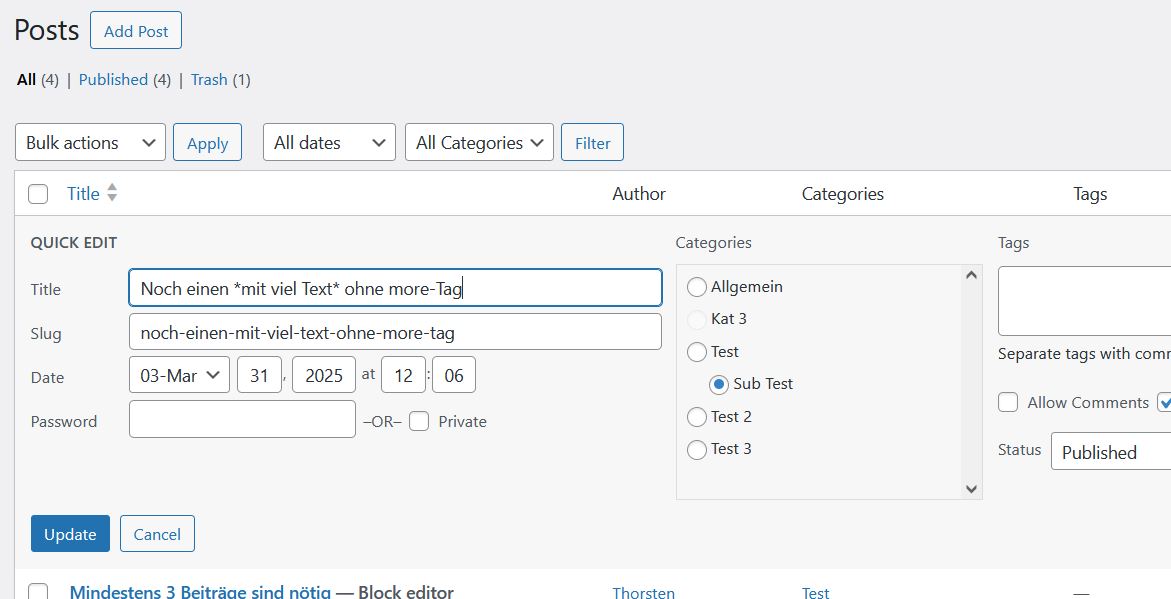
- Highlighting in titles of posts and pages - for custom styling via theme
- Category selection via radio button, forcing single category assignment and option to restrict available categories - via Classic and Gutenberg / Block editor
- Excerpts for pages
- Sticky posts also sticky on archive pages
- Disabling author links and archives
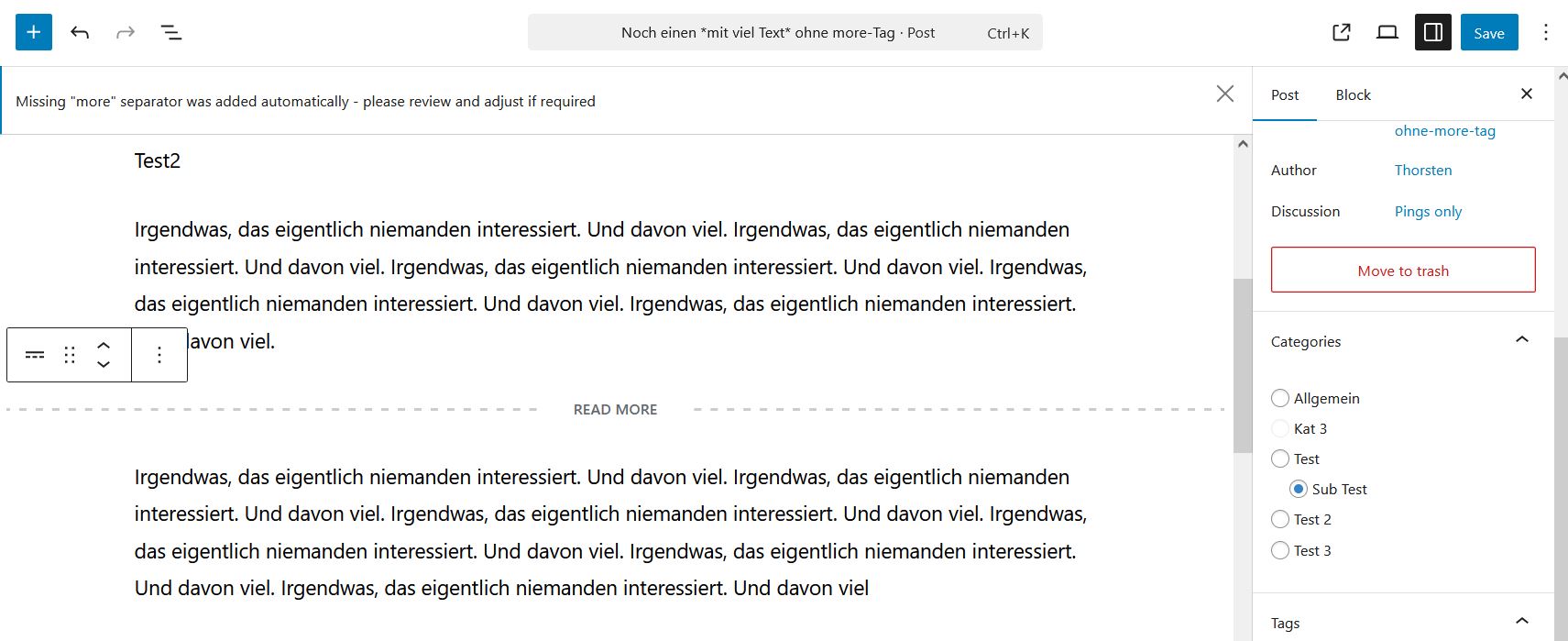
- Enforcing usage of more tag / block / separator in posts and pages - preventing too long full text display on home and overview pages
- Disable various headers - core version info, links, jQuery Migrate, inline CSS, emojis, oEmbed, legacy contact options
*matching stars* in the editor. This part will be enclosed by <span></span> tags in the HTML on the frontend, allowing styling by theme via the CSS selector .entry-title span.
NOTE
Some options change important core functionality of Wordpress - make sure you properly test your website before usage in production environment!
安装:
For a manual installation upload extracted
th23-specials folder to your wp-content/plugins directory.
The plugin is configured via its settings page in the admin area. Find all options under Settings -> th23 Specials. The options come with a description of the setting and its behavior directly next to the respective settings field.屏幕截图:
常见问题:
Is there a way to identify existing posts / pages that do not comply with the one category only requirement or that are missing the "read more" block / tag?
Yes, there are links in the descriptions on the th23 Specials settings page, next to the respective option to search for "non-compliant" posts / pages. Upon a click on this link you will see all currently non-compliant posts / pages. You can modify these by clicking on their titles, which loads them into your default editor.
Some settings seem to have no effect - eg oEmbed features are still active depsite deactivated?
This might be happening as some options can be "overruled" by settings by your theme. For settings that might be affected, please see the description on the settings page. To change such settings, please check your active theme and adjust them there, if required.
更新日志:
v6.0.3
- fix: upgrade to th23 Admin class 1.7.0, removing some inconsistencies
- enhancement: upgrade to th23 Plugin Info class 1.0.0
- fix: upgrade to th23 Admin class 1.6.2
- fix: update th23 Admin class to v1.6.1
- fix: typos and wording adjustments
- n/a: first public release