Most Elementor sites end up stacking a separate plugin for each job - a blog, a store, a mega menu, popups, a custom header. Every extra plugin is more page weight, more conflicts and another thing to keep updated.
The Plus Addons for Elementor is one addon that replaces six separate plugins for the
Elementor Website Builder -
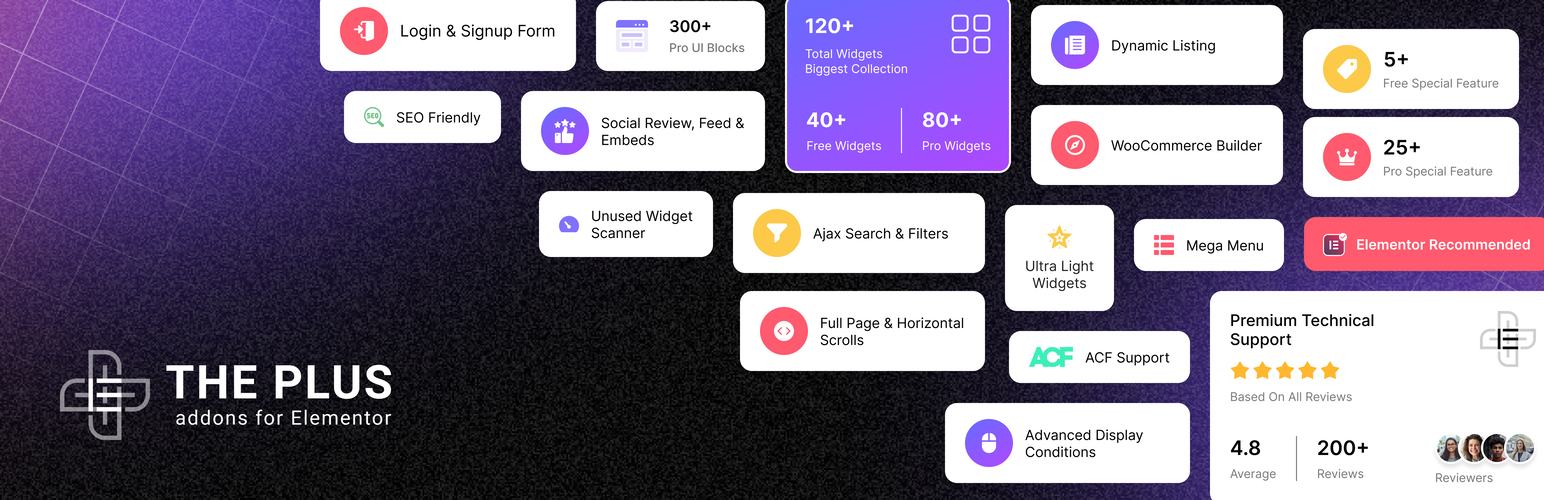
120+ widgets & extensions, 1000+ templates, and a built-in AI layer that lets AI agents like ChatGPT and Claude edit your live Elementor site. Trusted by
100,000+ active websites, rated
4.6 out of 5 by users on
WordPress.org, and tested with Elementor 4.3.
Build a complete website without piling on plugins -
Blog Builder, WooCommerce Store Builder, Mega Menu, Header & Footer Builder, Popup Builder and Grid Builder - all in one lightweight plugin.
VIEW ALL WIDGET DEMOS | FREE vs PRO
--
Visit Website |
Video Tutorials|
Documentations |
Roadmap |
Join Facebook Community |
Join Discord Community |
Free Support |
Premium Support |
Compare FREE vs PRO |
MCP Abilities |
Widget Recipes |
AI Chat (Instant Answers)
🤖 Control Elementor with AI (New)
Connect ChatGPT, Claude, Cursor or any MCP-compatible AI agent - including WordPress
Angie - directly to your real Elementor site.
80+ AI abilities let you build and edit pages, widgets and settings by prompt, guided by four built-in design skills (design, motion, WooCommerce and theme builder) so the AI builds on-brand, not just functional. No API key, no copy-paste.
Copy a ready-made prompt for any widget and the agent builds it for you.
⚡ Lightweight by Design - No Bloat
- One-Click Auto Widget Scanner turns off every unused widget automatically, so only what your page actually uses ever loads 🚀
- Modular asset delivery - per-widget CSS/JS, and icon fonts load only on the widgets that use them
- Nothing extra on your visitors' pages - admin and editor-only files are not loaded on the frontend
- Security issues can be reported through the public Patchstack Vulnerability Disclosure Program, which validates and triages every report 🔐
⚖️ Free vs Pro - What You Get
✅ Included Free (35+ widgets & extensions)
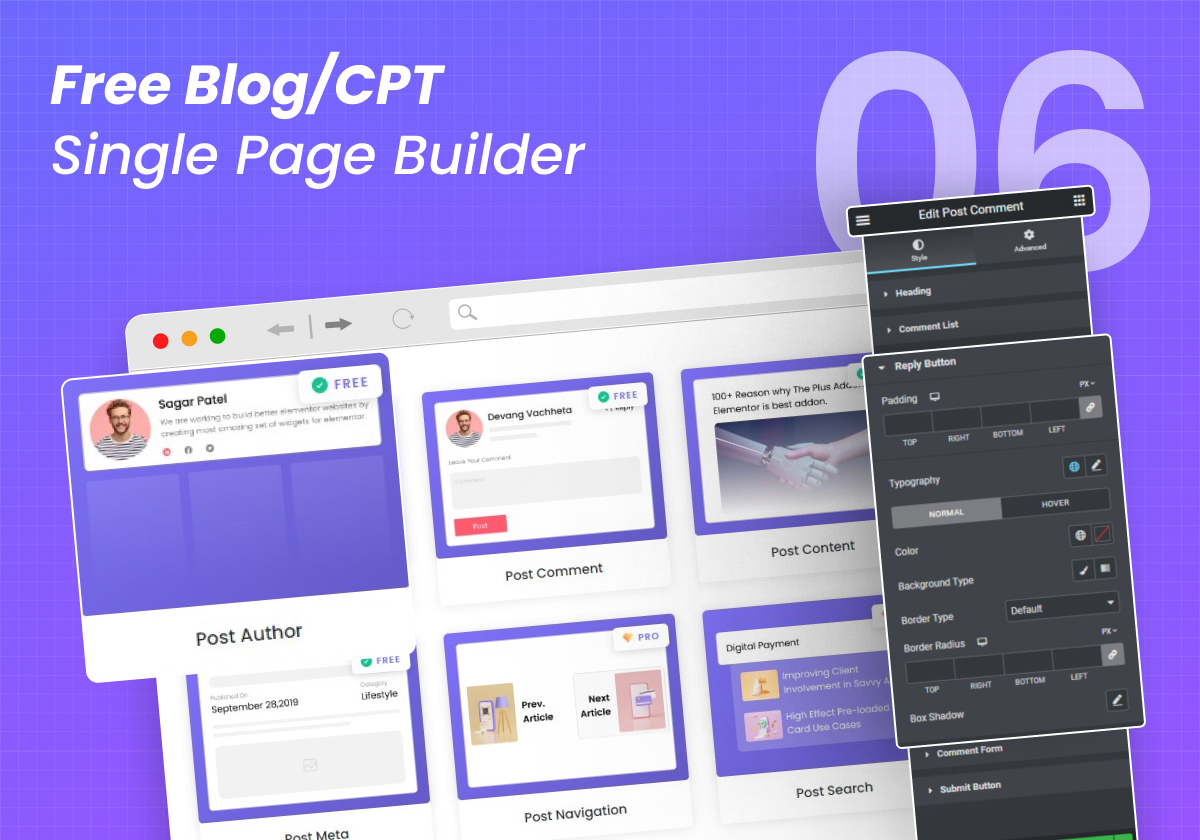
- Blog / CPT Single-Page Builder
- Post Listing - Grid, Masonry, Metro & Carousel
- Image Gallery, Team, Testimonials & Client Logos
- Accordion, Tabs, Flip Box, Info Box, Pricing Table & Countdown
- Form Builder & Form stylers - Contact Form 7, WPForms, Gravity, Ninja & Everest
- Dynamic Tags for Elementor
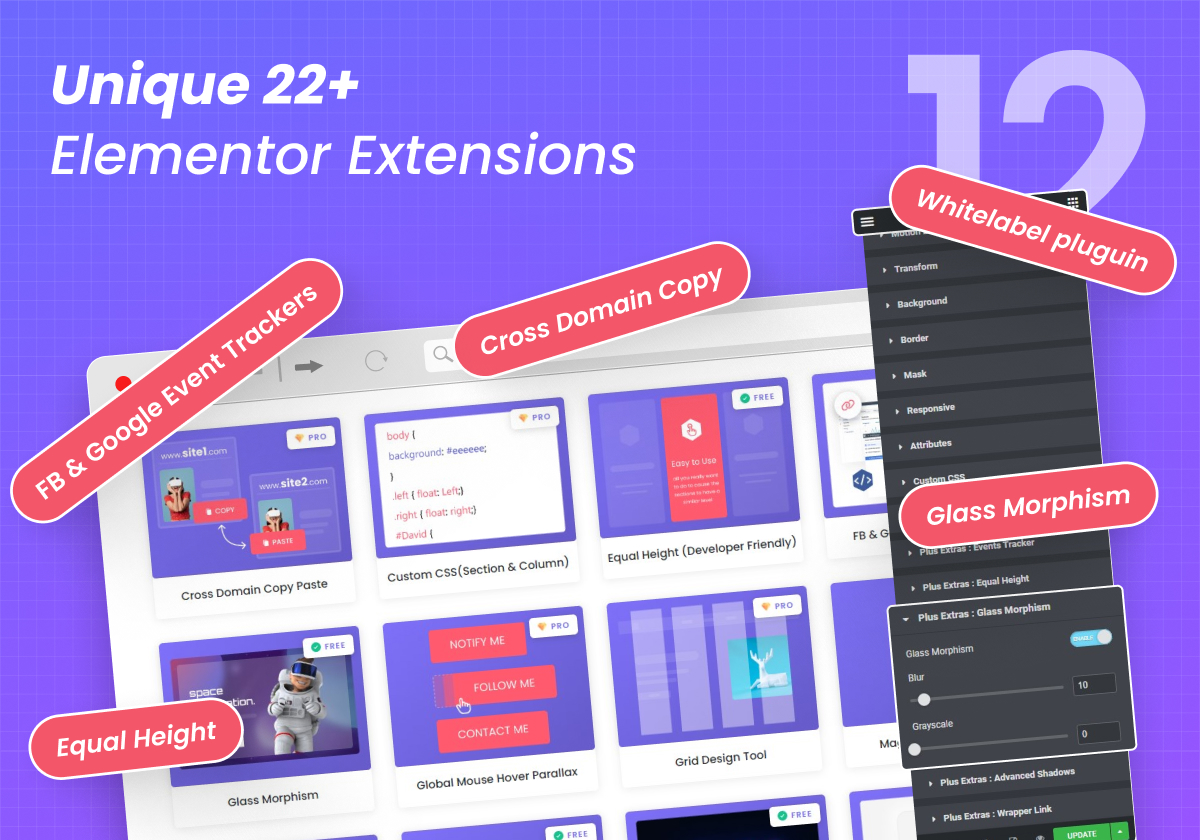
- Cross-Domain Copy & Paste, Dark Mode, Glass Morphism, Equal Height & Wrapper Link
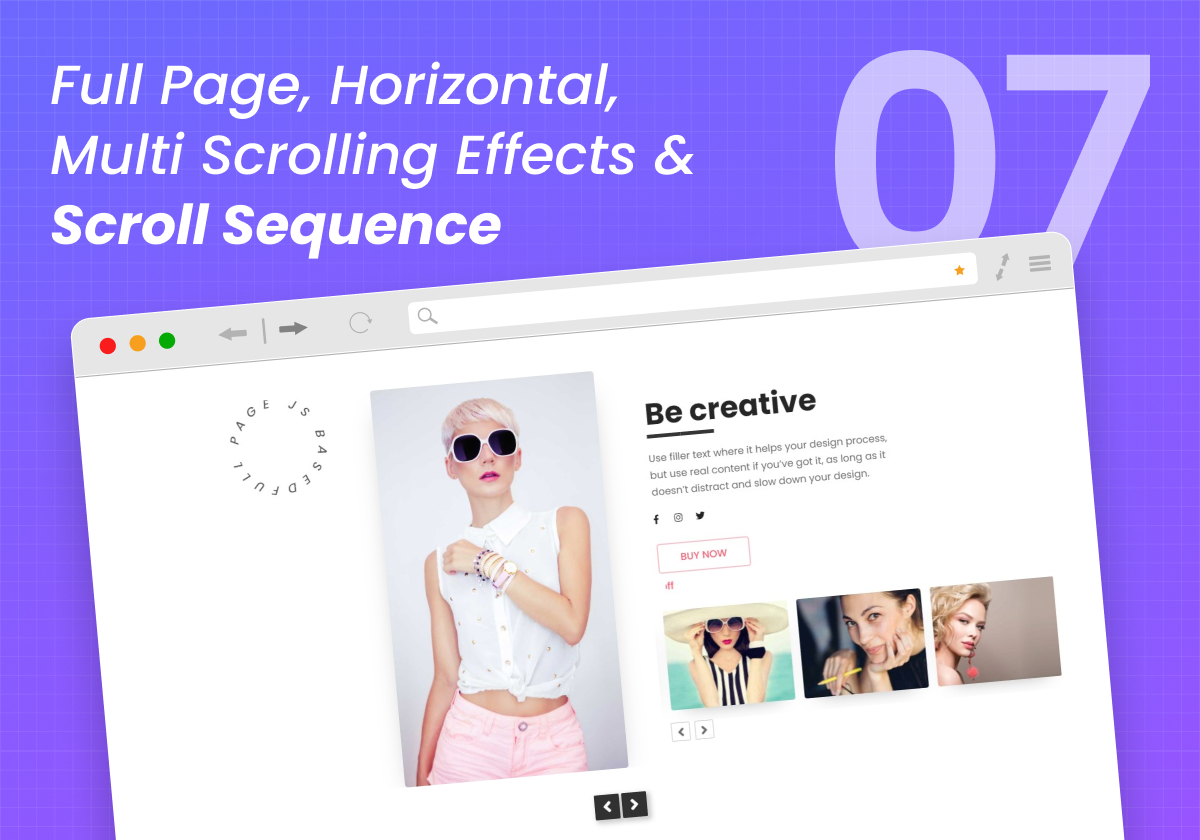
- Full Page Scroll, Video Player, Age Gate & Advanced Text Block
- Facebook & Google Reviews · One-Click Auto Widget Scanner
- 80+ AI abilities (MCP) with built-in design skills to control widgets by prompt
⭐ Pro Unlocks (120+ widgets total)
- WooCommerce Store Builder - Cart, Checkout, My Account, Thank You & Single Product
- Vertical & Horizontal Mega Menu Builder
- Header & Footer Builder + Navigation Builder
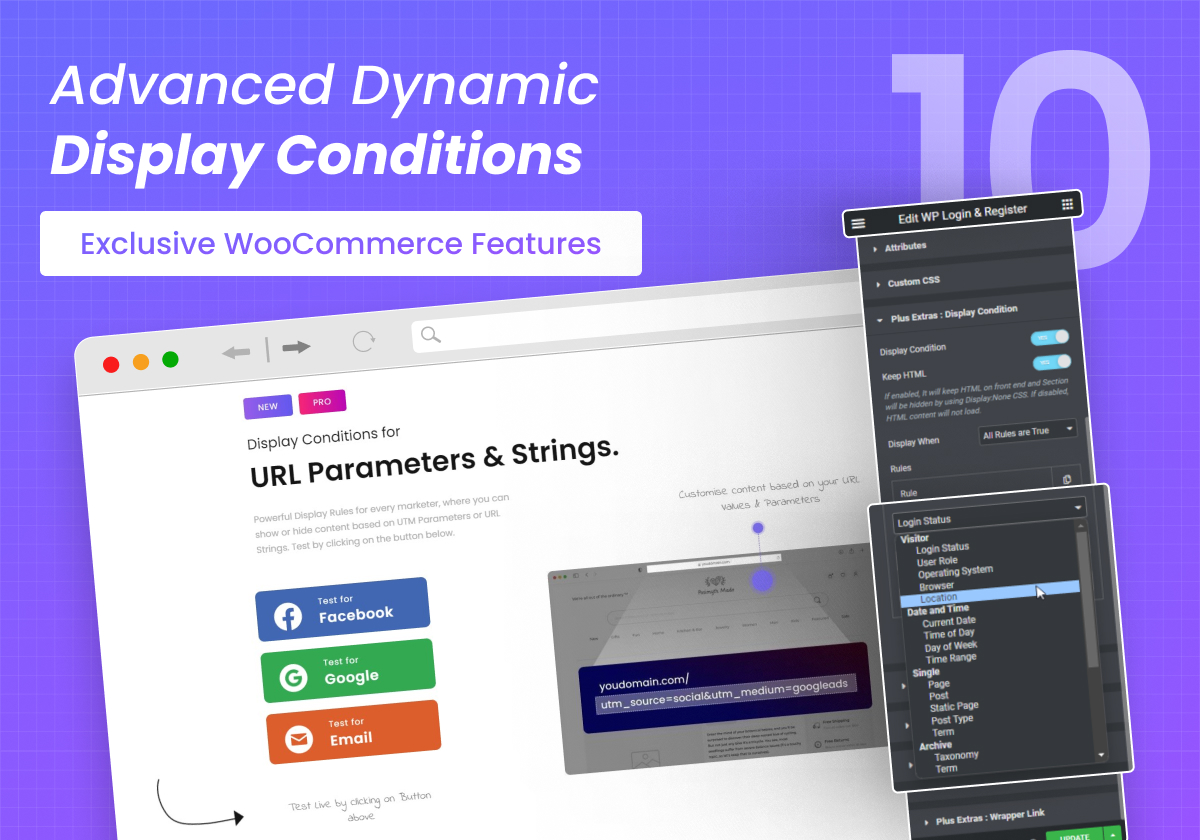
- Popup Builder & Display / Conditional Rules
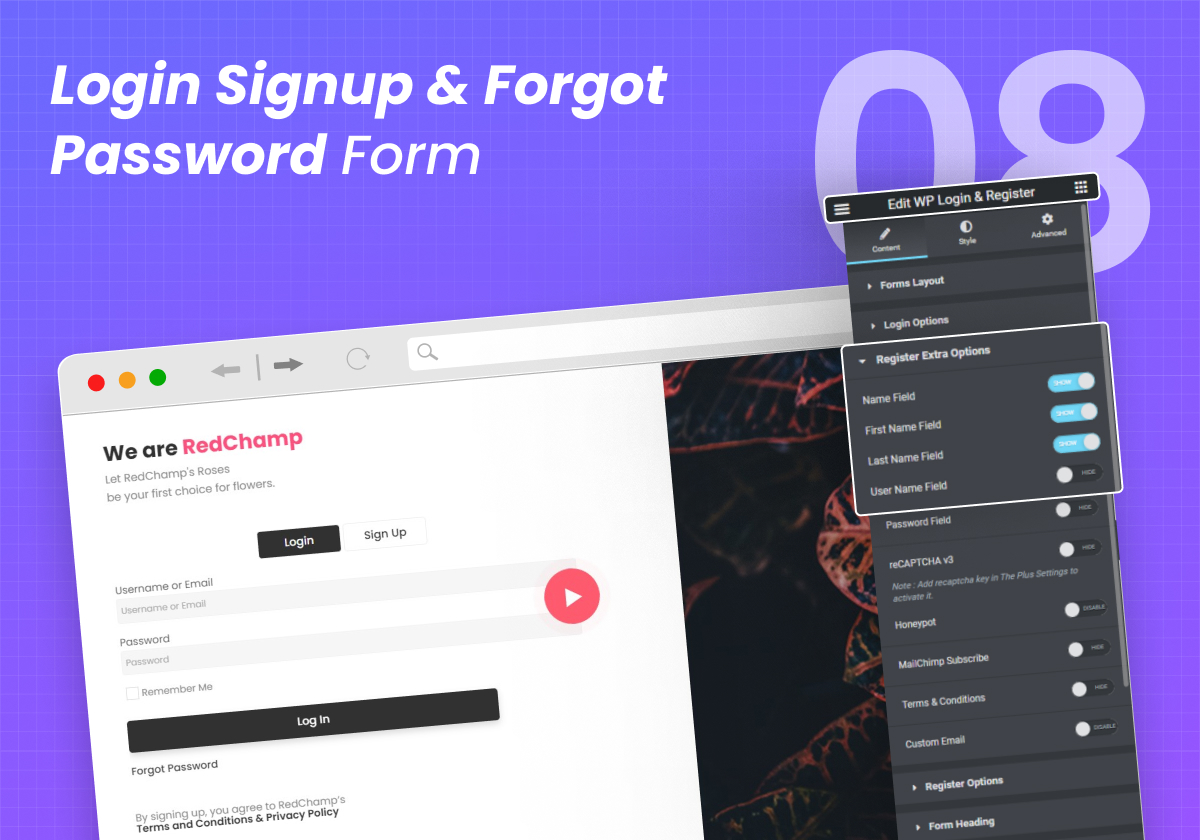
- Login, Signup & Password Reset Forms
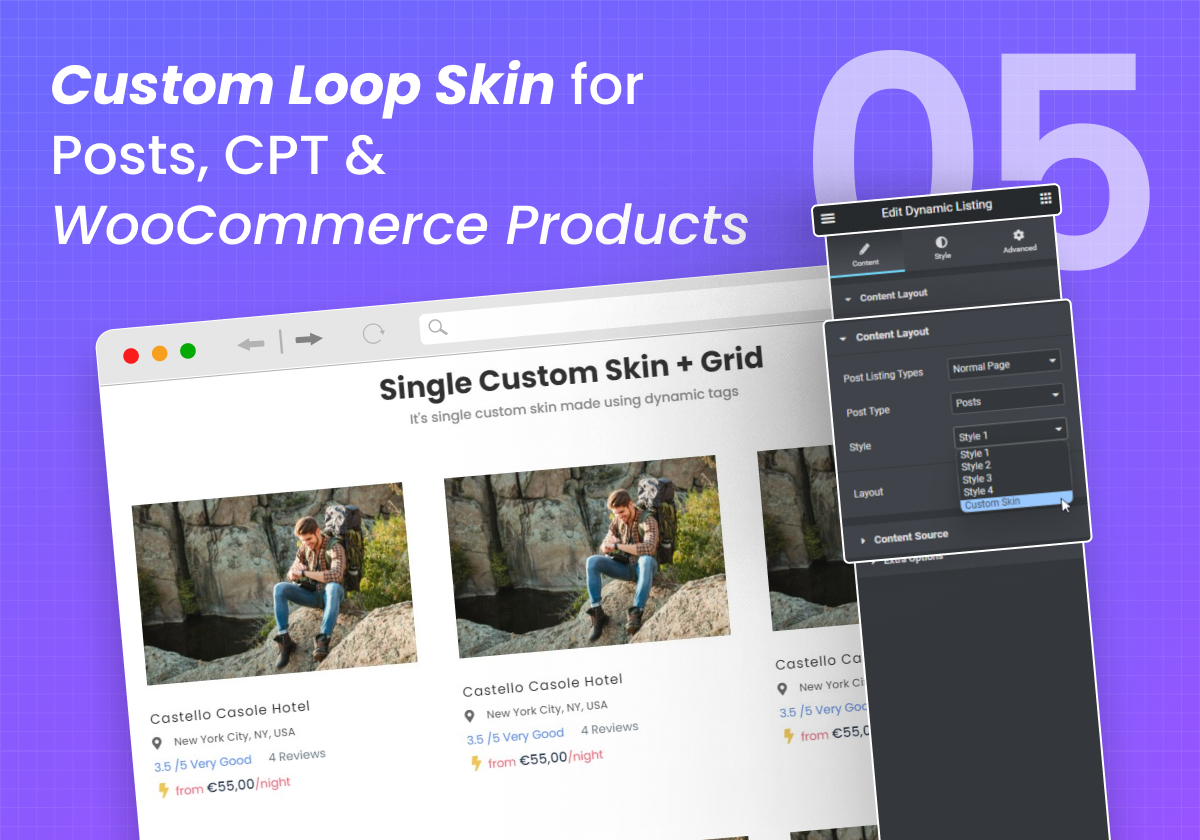
- Custom Loop Skin Builder for Posts, CPT & Products
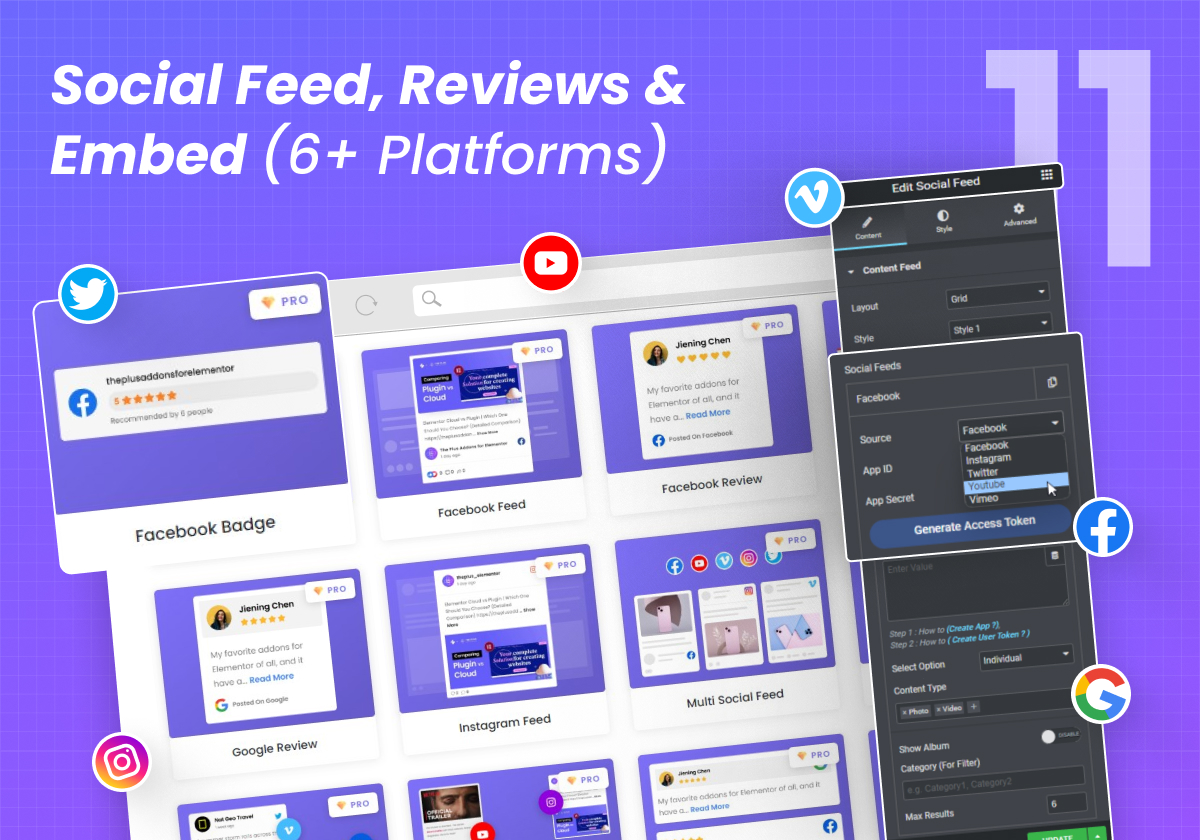
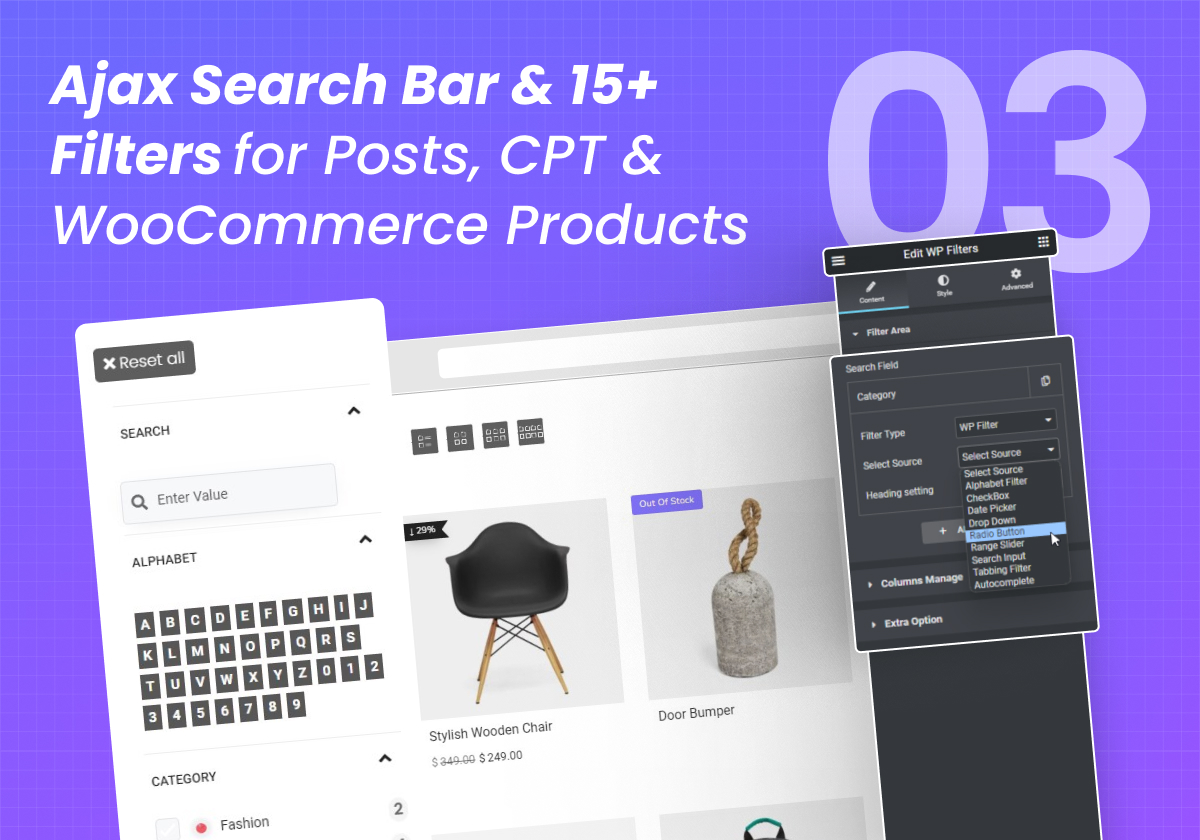
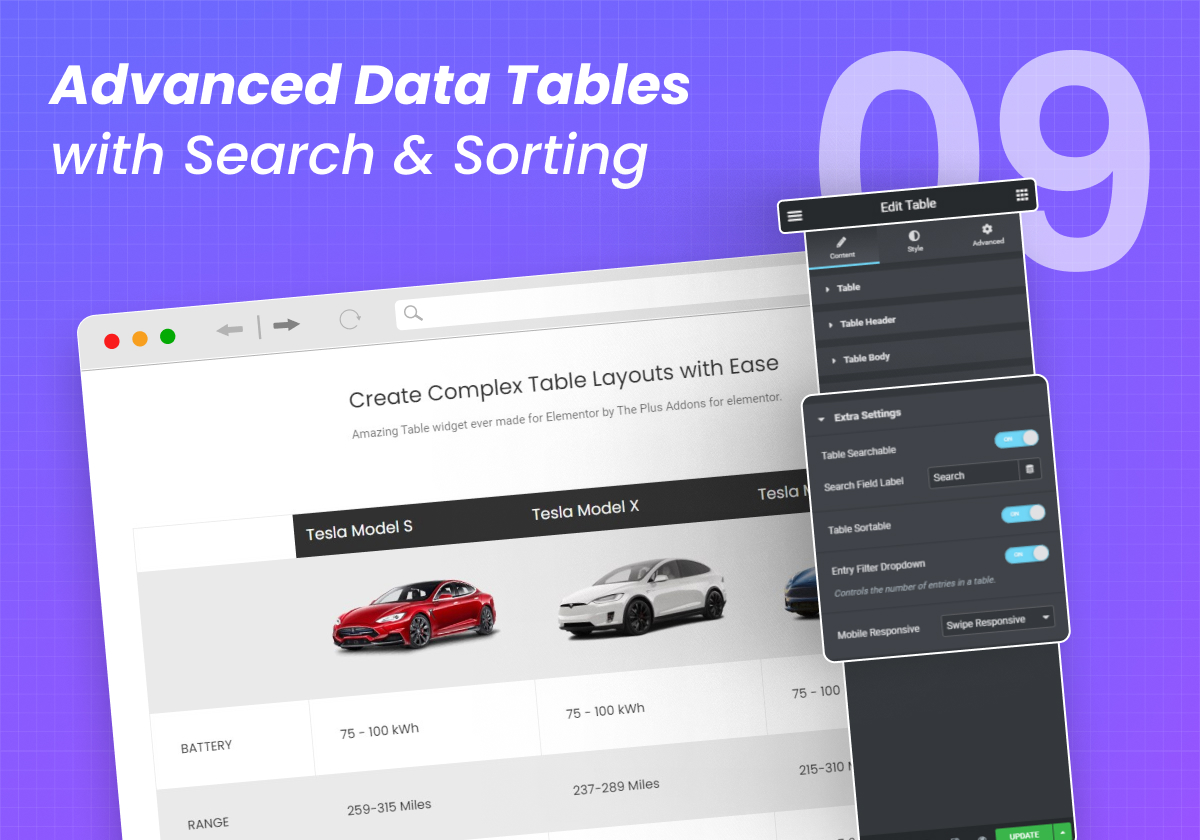
- Ajax Search Bar + 15 Filters · Data Table · Social Feeds (6 platforms)
- Horizontal Scroll, Image Scroll Sequence, Lottie, Off-Canvas & Timeline
- White Label · Facebook Pixel & Google Events 4 Tracker
See the full Free vs Pro comparison →
Complete Elementor Addon Features Explained Under 4 Mins
Watch Now
https://www.youtube.com/watch?v=yG_oyhz-oAY
🧩 What You Can Build - No Extra Plugins Needed
Header & Footer Builder
Create sticky, transparent and conditional headers and footers that work with any theme, with a full Navigation Builder and Mobile Menu. Effects that used to need a premium theme.
Mega Menu Builder
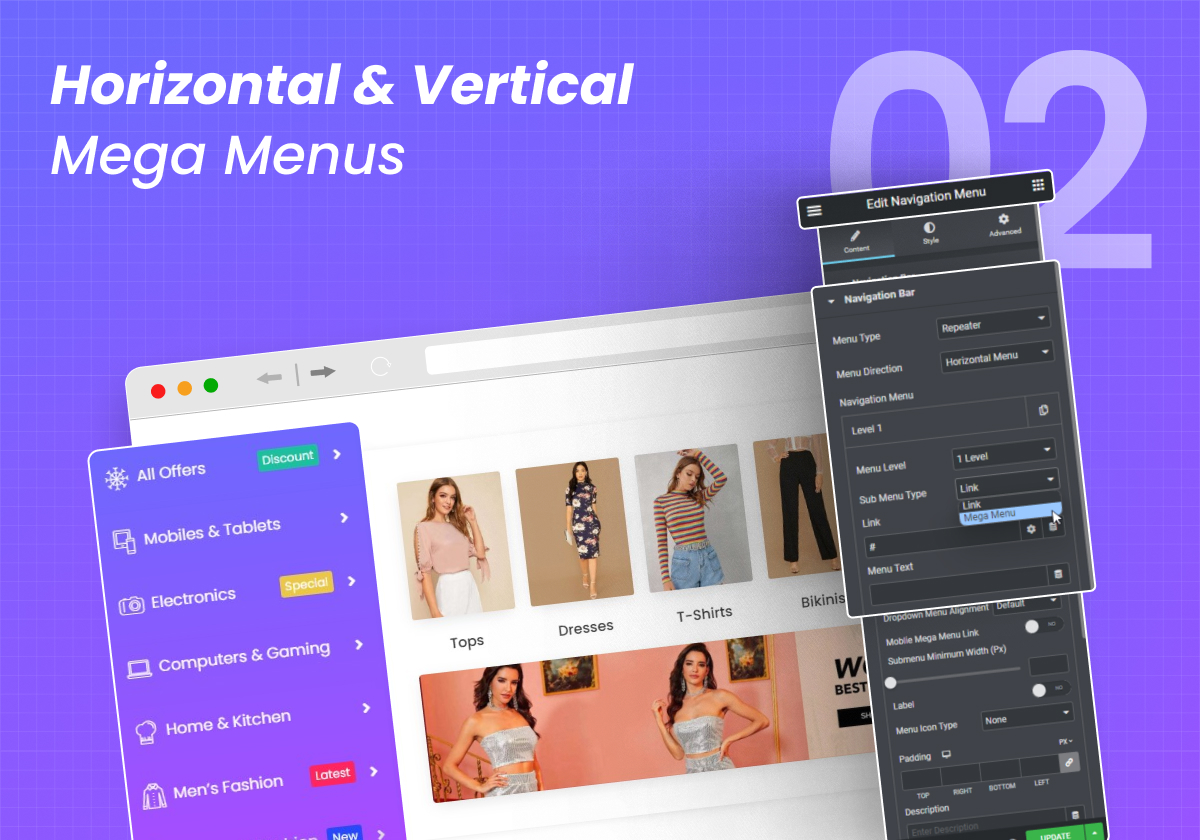
Build horizontal and vertical mega menus with full Elementor content inside every dropdown panel: images, icons, columns, CTAs and saved templates. No code, no third-party mega menu plugin.
Free Blog & CPT Builder
Build custom single post and archive templates for posts, custom post types and WooCommerce products: Post Title, Content, Meta, Author, Comments and Navigation, completely free.
WooCommerce Store Builder
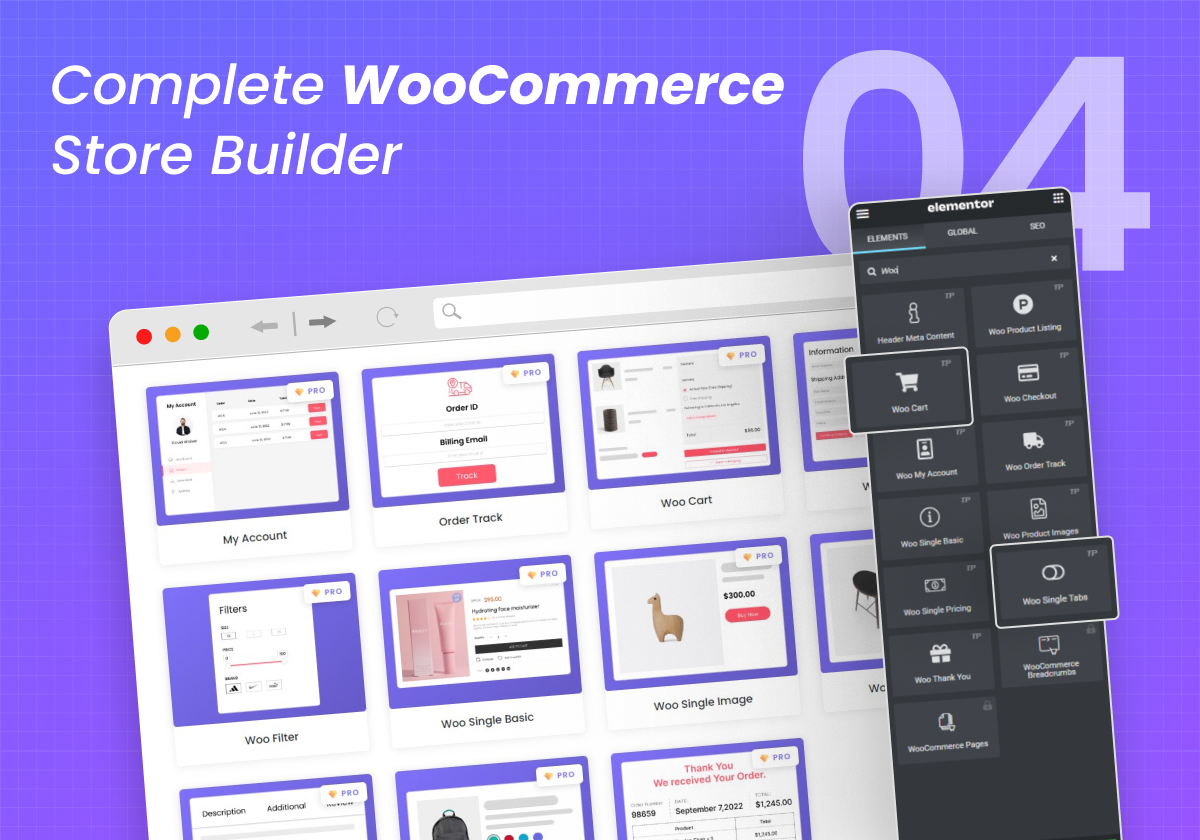
Design every WooCommerce page in Elementor: Cart, Checkout, My Account, Order Tracking, Single Product and Thank You. Add product Quick View, Wishlist, Compare, Coupon Code and multi-step checkout, plus Ajax product filters and product grids. No separate WooCommerce template plugin needed.
Popup Builder
Build popups directly in Elementor with multiple popup types and display conditions, then design each one like a full page. No separate popup plugin required.
✨ More Features & Compatibility
- Carousel Anything converts any section into a carousel 🔥
- Preloader Animation and Page Transition for Elementor
- Custom Cursor Icons for Elementor
- Integrated with ACF, Toolset, Pods, WooCommerce, Mailchimp and more
- Elementor 3.28 or newer, tested with Elementor 4.3
- Supports RTL | WPML or any Translation | Multisite Networks
- SEO Friendly, A/B Tested Designs and Mobile Friendly
- Compatible with most WordPress themes like Nexter, Blocksy, Kadence, Astra, OceanWP, GeneratePress, Neve and more
💬 What People Are Saying
From our users on WordPress.org
- "Amazing support and great features" - Dvelop IT
- "Excellent Plugin with Amazing Features & Outstanding Customer Support" - ayoubtech
- "Excellent Product & Great Support" - Rami Michaeli
- "Great plugin and great support" - lachamade
From top YouTubers & bloggers
- "This might be the only Elementor Addon you ever need" - WP Learning Lab
- "An amazing plugin,i think it is a kind of full pack addon for elementor" - GO TECH UG
- "The Plus Addons for Elementor is definitely one of the best addons that are available as of today for Elementor Page Builder." - DriodCrunch
Read more real reviews from our users on
WordPress.org.
⭐ Enjoying The Plus Addons?
If The Plus Addons has helped you build a better website, please consider
leaving a quick review on WordPress.org. Your feedback helps other creators find the plugin and helps us keep making it better. Need a hand or have a question?
Ask in our free support forum,
join our Facebook community or
chat with us on Discord.
Complete List of Our Elementor Widgets & Extensions ⤵️
🏆 35+ Free Elementor Widgets
Content & Blog
Media & Gallery
Interactive Elements
Forms
People & Social Proof
Navigation & Header
Effects & Scrolling
Utility & Workflow
🏆 75+ PREMIUM ELEMENTOR Widgets
WooCommerce
Content, Blog & Data
Media, Sliders & Galleries
Creative & Visual
Navigation, Header & Menus
Dynamic Listing & Showcase
Search & Filters
Scroll & Motion Effects
People & Social
Layout & Responsive
Marketing, Access & Membership
Developer & Utility
More Widgets & Extensions
🔍 OUR PRODUCTS
🥇 Nexter Blocks - 90+ WordPress Blocks for Default Gutenberg Block Editor. The Same Plus Power for Core Gutenberg Block Editor.
🥇 NexterWP Theme - Best Starter and lightweight Theme for Elementor.
🥇 Nexter Extension - Power up your WordPress website with 20+ extensions that work with all themes, boost performance, and harden security.
🥇 UiChemy - Convert Figma, Prompts and AI Builds to Elementor, Gutenberg and Bricks - Start from a prompt, a client brief, a Figma design or an AI build. UiChemy turns it into real, editable WordPress you own.
🥇WDesignKit - 1000+ Elementor Template, Elementor Widget Builder, Widget Convertor to Block, Bricks, Cloud Template & Widget Storage & more.
⚠️ NOTE: This plugin is an extension for Elementor Page Builder
Elementor Page Builder plugin must be installed and activated to use our plugin.
☑️ 5 Steps for Installation
- Go to ‘Plugins’ option in your dashboard and select 'add new'
- Search for 'The Plus Addons for Elementor' and install it
- Now You will have all widgets available in your Elementor Panel. You may check categories like “Plus Essential”, “Plus Listing”, “Plus Header” and so on.
- You may enable/disable widgets & features from The Plus Settings from Dashboard.
- Congratulation, Now your site is ⚡ SUPERCHARGED, Get ready to build amazing websites
For Gutenberg Block Editor, check Nexter Blocks6.5.3
Add : UiChemy : Dismissible admin notice and editor hints that install UiChemy and open its AI Website Creator, only when an administrator clicks
Improvement : Assets : In separate-file mode, widget script URLs change with the plugin version, so browsers fetch updated files
Fix : Carousel : Dot navigation no longer freezes the page on carousels with pagination dots
Fix : Assets : The global script is printed once, after the doctype, when a theme builder loads it early
Fix : Plus Form : The submit token could be frozen by page caching, which made submissions fail
Fix : Minor Bug Fixes & Performance Improvements
6.5.2
Important : Elementor 3.28 or newer is now required. On an older Elementor the widgets pause and an admin notice explains why, instead of erroring
Add : MCP Abilities : New get-design-guide, duplicate-page and set-post-status abilities for connected AI agents
Add : AI Design Skills : Bundled design, motion, WooCommerce and theme-builder skills that guide AI agents to build on-brand
Add : Carousel : Keyboard-focusable pause and play control on autoplaying carousels
Improvement : MCP Abilities : Optional in-editor channel for WordPress Angie with a curated, safer tool set
Improvement : Tabs & Tours : Full keyboard operation and a corrected ARIA tab structure, including the mobile titles
Improvement : Navigation Menu : Wrapped in a nav landmark, opens on keyboard focus, and marks the current page
Improvement : Pricing Table : Plan name renders as a heading, each button has an accessible name, and the old price uses del
Improvement : Social Icon : Icon-only links now carry an accessible name
Improvement : Load More : Now keyboard operable across all listing widgets
Improvement : Number Counter : Renders the target number before scripts run
Improvement : Dark Mode : Toggle button label is now translatable
Improvement : WooCommerce : Declared compatibility with High-Performance Order Storage
Improvement : WPML : Configuration extended to cover five more widgets
Improvement : Dashboard : Remote content is fetched off the admin page load
Improvement : Multiple Widgets : Output rendering improved across several widgets for better compatibility
Improvement : Plugin listing and readme content refreshed
Improvement : Plugin code quality and structure improved
Fix : Abilities : Setting a page to published, private or scheduled now requires the matching publish permission
Fix : Hardened template loading in the blog and showcase widgets
Fix : Assets : Restored the frontend request token for logged-out visitors, which some public features depend on
Fix : Assets : Structural styles kept loading after a page's cache was generated, which could leave layouts unstyled on On Demand Assets
Fix : Info Box : Button text stays editable, gated styles no longer render empty markup, and the editor copy was corrected
Fix : Team Member : Carousel layout falls back correctly, and the image and name link only when a URL is set
Fix : Carousel Anything : Corrected a stray quote in the wrapper markup
Fix : Forms : The five form widgets are exempt from Elementor's Element Cache
Fix : Uninstall : Removes its own leftover options and per-term rows, and no longer touches shared keys
Fix : Generated style and script bundles are cleaned up when a post is deleted permanently
Fix : PHP 8.4 : Guarded two paths that emitted notices on the newest PHP
Fix : Minor Bug Fixes & Performance Improvements
6.5.1
Improvement : MCP Abilities : Widgets and controls are discoverable and controllable by WordPress AI agents, including Angie, through the Abilities API
Improvement : Icon Library : Icon font now loads only on the widgets that use it
Improvement : Gallery Listing : Added a description to the Category Wise Filter option
Improvement : Process Steps : Removed stray separators splitting the control groups
Improvement : Multiple Widgets : Output rendering improved across several widgets for better compatibility
Improvement : Plugin code quality and structure improved
Fix : Editor : Hardened handling of query values in widget option lookups Security Patch (Low Security)
Fix : Editor : Clearing cached widget data no longer errors on an unrecognised widget
Fix : Breadcrumbs : Hardened output escaping of home and author labels Security Patch (Low Security)
Fix : Blog Listing : Hardened output escaping of author names and excerpts Security Patch (Low Security)
Fix : Listing Widgets : Category filter no longer breaks the page when a category is unavailable
Fix : Dynamic Tags : Post term tags now resolve against the current item instead of the archive
Fix : Dynamic Tags : Tags now resolve correctly inside the editor
Fix : Post Content & Post Meta : No longer error when used outside a Theme Builder template
Fix : Social Embed : Twitter timeline height no longer triggers a notice
Fix : Gravity Form : Password strength meter text restored
Fix : Minor Bug Fixes & Performance Improvements
6.5.0
Add : Tabs & Tours : Accordion toggle icon option added
Update : Compatibility : Tested up to WordPress 7.1
Update : Blog Listing : Smart Loop Builder is now out of beta
Update : Hover Card : Widget is deprecated and will be removed in an upcoming release
Update : Syntax Highlighter : Widget is deprecated and will be removed in an upcoming release
Improvement : MCP Abilities : Added support to build and edit whole pages, not just widget settings
Improvement : MCP Abilities : Abilities stay discoverable to AI clients on WordPress 7.1
Improvement : Dashboard : Input validation, remote request handling and theme installation hardened for better security
Improvement : i18n : Corrected text domain so all strings are translatable
Improvement : Elementor : Shows an admin notice instead of a fatal error when the installed Elementor version is unsupported
Improvement : Performance : Admin and editor only files are no longer loaded on frontend requests
Improvement : Performance : Widget asset dependencies moved to a single registry for faster lookups
Improvement : Performance : Admin styles and scripts now load only on plugin screens
Improvement : Multiple Widgets : Output rendering improved across widgets for better security and compatibility
Improvement : Widget Registration : Free's widgets now register correctly if the Pro plugin does not load them
Improvement : Accordion : Accessibility improved with proper keyboard support and open or closed state announcements
Improvement : Forms : Form submission and request handling improved for better security
Improvement : SVG : Validation improved for SVG and SVGZ files
Improvement : Syntax Highlighter : Bundled highlighting library updated to the latest version
Improvement : Uninstall : Generated cache, markers and plugin transients are now fully removed
Improvement : Plugin code quality and structure improved
Fix : Caching : Cache regenerates on plugin update and activation, and the purge action now completes reliably
Fix : Caching : First page view after clearing cache is no longer unstyled
Fix : Notices : Broken banner image and stale notice states
Fix : Admin Menu : Plugin menu icon, submenu and notification badge now display on every admin screen
Fix : Editor : Plus badge overlap and duplicate inactive widget promotion dialog
Fix : Multisite : Uninstall now removes plugin data from all subsites
Fix : Removed Widgets : Content saved with a removed widget is preserved instead of lost
Fix : Blog Listing : Columns gap now applies between items only, not on the outer edges
Fix : Blog Listing : Metro background and lightbox attributes restored
Fix : Blog Listing : Author avatar image now includes proper alt text
Fix : Gallery Listing : Metro background and lightbox attributes restored
Fix : Gallery Listing : Multiple reported issues fixed
Fix : Post Meta : Author link and taxonomy handling updated for the current WordPress API
Fix : Post Listing : Layout no longer re-initializes twice on window resize
Fix : Posts Not Found : Message background color improved for better text visibility
Fix : Header Extras : Mini Cart count on pages without an active WooCommerce cart
Fix : Header Extras : Icon option now defaults to a valid choice
Fix : Tabs & Tours : Multiple reported issues fixed
Fix : Process Steps : Multiple reported issues fixed
Fix : Plus Copy Paste : Garbled popup text when switching browser tabs
Fix : Progress Bar : Lottie animation not rendering
Fix : Isotope : Console errors no longer appear before the layout has initialized
Fix : Testimonial : Description not rendering when the limit is set to words
Fix : Testimonial : Read More not working
Removed : Caldera Forms : Deprecated widget removed
Removed : Post Search : Deprecated widget removed
Fix : Minor Bug Fixes & Performance Improvements
6.4.18
Add : Privacy : Data sharing is off by default. When enabled, shared non-sensitive details help us improve the plugin and build a better experience for users
Improvement : Privacy : Nothing is shared until you turn it on, and never any personal data
Add : Elementor Templates : Search, Free/Pro and category filters, AI Compatible filter and pagination
Update : Deactivation Feedback : Refreshed the feedback form shown when deactivating the plugin
Fix : Roll Back Plugin : Version list sorted correctly and failures now reported instead of reloading
Fix : Minor Bug Fixes & Performance Improvements
6.4.17
Add : Blog Listing : Style-1 (Metro layout) - Added Read More button
Add : Video Player : Added full-height option
Update : Dashboard : Menu icon updated
Improvement : MCP Abilities : Free widget ability list synced and reliability improved
Fix : Infobox : Width issue
Fix : Blog Listing : Style-5 - Width issue
Fix : Form Widget : Dropdown field values now captured in email Output
Fix : Minor Bug Fixes & Performance Improvements
6.4.16
Compatibility : Added compatibility with WordPress v7.0
Improved : Dynamic Tags : Dynamic Tags enabled by default
Improved : Core : Deprecated Elementor controls_registered hook migrated to current API
Improved : Widgets Loader : Inline styles replaced with WordPress standard wp_add_inline_styles
Improved : Blog Listing : Style-5 deprecated PHP timestamp function replaced with current WordPress API
Improved : Gravity Form : Input handling improved with caching-plugin compatibility
Improved : Unused code removed from widgets loader
Fix : Carousel Anything : Stored Cross-Site Scripting (XSS) Security Patch (Medium Security)
Fix : Gallery Listing : Style-2 extra text removed
Fix : Navigation Menu : Broken layout when Blocksy theme is active fixed
Fix : Post Listing : Isotope layout re-initialised on window load for consistent display
Fix : Plus Copy Paste : Hardcoded strings made translatable
Fix : Minor Bug Fixes & Performance Improvements
6.4.15
Add : Stylish List : Added Gap & Alignment options
Improved : Dashboard : Category switcher support added
Improved : Security hardening for output escaping across Blog Listing, Gallery, Team Member, Table, Post Search, Video Player, Testimonials, Stylish List, Accordion, Navigation Menu Lite, Carousel Anything, Hovercard, Client Listing, Form Widget, White Label, Social Embed & Dashboard Listing
Improved : Security enhancements for input sanitization and URL validation across Form Handler, Load More, Theme Builder Downloader, Wdkit API, Dynamic Categories & Custom CSS/JS
Improved : Dashboard AJAX security with allowlisted option/transient keys, external API URL validation & stricter capability/nonce checks
Improved : SVG/SVGZ upload security with malformed file rejection and capability-based MIME validation
Improved : Capability checks across Plus Copy/Paste upload, Wdkit Preset install, Deactivation Feedback, Create Temp AJAX, Dynamic Tag notice & Theme Builder editor notice
Improved : SQL identifier handling and query security
Improved : Update Popup performance by removing unused frontend asset loading
Improved : Social Embed & Meeting Scheduler script loading via WordPress standard wp_enqueue_script
Improved : Dynamic Categories updated to latest WordPress term query API
Improved : Translation function handling across Breadcrumbs Bar, Widget Category names & other interface strings
Improved : Code quality cleanup with labeled error logging across Template Editor, Wdkit Preview popup, Install Elementor & Nxt Extension notices
Fix : Dynamic Tags : Multiple tags showing wrong term on archive pages, deprecation notices and AI flag
Fix : Dynamic Tags : Tag/Category description and post count showing wrong term on archive pages
Fix : Global Dimensions : Preset leaks across widgets on tablet/mobile
Fix : Dynamic Categories : Image Resolution not working
Fix : Post Navigation : PHP Warning on missing featured image and undefined post vars
Fix : Template Widgets : Content template CSS missing on initial load with Elementor External File CSS
Fix : Minor Bug Fixes & Performance Improvements
6.4.14
Add : Blog Listing : Style-5 - Added global button style option for the Submit button
Update : Post Comment : Added global button style option for the Submit button
Improvement : Unused code removed from the plugin
Fix : Plus Copy Paste Button : String are not Translatable
Fix : Dynamic Tag : Featured Image tag not working in the Container hover Background Style
Fix : Minor Bug Fixes & Performance Improvements
6.4.13
Add : MCP Integration : Added support to control widgets and their settings through MCP setup.
Add : GSAP Scroll Animation : Add option for the Stagger Effect
Add : Testimonials : Add Stagger option in the On Scroll Animation
Improvements : TPAE Widgets causing issues sometimes while using in the loop-items Templates
Improvements : Global Dimensions : Responsiveness and Conditions Improvements
Improvements : On Scroll Animation : File Structure Improvements
Improvements : Info Box : Text hover style changes - now styles applies on the hover of the box instead of the text
Improvements : White Label : Condition Improvements
Improvements : Accordion : Condition Improvements
Improvements : Blog Listing : Condition Improvements
Improvements : Hovercard : Condition Improvements
Improvements : Navigation Menu Lite : Condition Improvements
Improvements : Social Embed : Condition Improvements
Fix : TPAE Widgets are not working with the Elementor Popup
Fix : Blog Listing : Stored Cross-Site Scripting (XSS) Security Patch (Medium Security)
Fix : Table : Stored Cross-Site Scripting (XSS) via Button Custom Attributes Security Patch (Medium Security)
Fix : Table : Stored Cross-Site Scripting (XSS) via Mobile Heading Text Security Patch (Medium Security)
Fix : Post Meta : Icon not showing correctly
Fix : Testimonials : Border Radius Causing issue when Global Border Radius selected
Fix : Accordion : Fixed security issue
Fix : Carousel Anything : Fixed security issue
Fix : Page Scroll : Fixed security issue
Fix : Stylish List : Fixed security issue
Fix : Navigation Menu Lite : Fixed security issue
Removed : Smart Loop Builder : Removed ready preset button
Fix : Minor Bug Fixes & Performance Improvements
6.4.12
Add : Global option : Scroll Animation global option
Add : Flip Box : Add option for the Global Button Styles
Add : Info Box : Add option for the Global Button Styles
Add : Pricing Table : Add option for the Global Button Styles
Add : Blog Listing : Add option for the Global Button Styles in the Load More Button
Add : Form Widget : Add option for the Global Button Styles
Add : Blog Listing : Add option for the Global Scroll Animation
Add : Client Listing : Add option for the Global Scroll Animation
Add : Gallery Listing : Add option for the Global Scroll Animation
Add : Stylish List : Add option for the Global Scroll Animation
Add : Social Icon : Add option for the Global Scroll Animation
Add : Team Member Listing : Add option for the Global Scroll Animation
Add : Testimonials : Add option for the Global Scroll Animation
Add : Social Icon : Add Stagger option in the On Scroll Animation
Improvements : Global Button Styles : Responsive option for the Margin, Padding, Border Width and Border Radius
Improvements : Global Button Styles : Styles Improved
Improvements : Button : Icon Option for the global
Improvements : On Scroll Animation : File Structure Improved
Fix : Global Button Styles : Global color not working
Fix : Dynamic Tag : Post featured image not working on the container
Fix : Dynamic Tag : Improved permission handling for dismiss notice feature
Fix : Global Box Shadow : Improved output handling for box shadow CSS values
Fix : Global Gradient Color : Improved output handling for gradient CSS values
Fix : Button : Improved Custom Attributes handling for better compatibility
Fix : Countdown : Improved data attribute handling for labels
Fix : Cross Copy Paste : Improved permission handling for live paste feature
Fix : Heading Title : Improved output handling for title text
Fix : Navigation Menu Lite : Stored Cross-Site Scripting (XSS) Security Patch (Medium Security)
Fix : Table : On Scroll Animation not working
Fix : Table : Improved output handling for header heading text
Fix : Translation Issue : Strings are not Translatable
Fix : Minor Bug Fixes & Performance Improvements
6.4.11
Add : Smooth Scroll : Lenis Smooth Scroll option Added
Add : Scroll Navigation : Option to set position of the navigation dots
Add : Testimonials : Author Image hide/show option
Add : Global option : Box-shadow global option (Beta)
Add : Global option : Gradient color global option (Beta)
Add : Global option : Dimensions global option (Beta)
Add : Global option : Button Styles global option (Beta)
Improvement : Age Gate : Controller Improvement
Improvement : Blog Listing : Controller Improvement
Improvement : Button : Controller Improvement
Improvement : Dark Mode : Controller Improvement
Improvement : Dynamic Categories : Controller Improvement
Improvement : Gallery Listing : Controller Improvement
Improvement : Icon : Controller Improvement
Improvement : Info Box : Controller Improvement
Improvement : Navigation Menu : Controller Improvement
Improvement : Number Counter : Controller Improvement
Improvement : Post Content : Controller Improvement
Improvement : Post Prev/Next : Controller Improvement
Improvement : Progress Bar : Controller Improvement
Improvement : Team Member listing : Controller Improvement
Improvement : Global Text Animation : Add labels for the options
Improvement : Global Image Animation : Add labels for the options
Improvement : Global GSAP Animation : Add labels for the options
Fix : Accordion : PHP Warning
Fix : Post Title : Title limit option not working properly
Fix : Progress Bar : Chart fill color not working
Fix : Progress Bar : Icon title before/after not working
Fix : Text Block : Alignment not working
Fix : Video Player : Mask Image not working
Fix : Translation Issue : String are not Translatable
Fix : Minor Bug Fixes & Performance Improvements
6.4.10
Fix : Progress Bar : Stored XSS Security Patch (Medium Security)
Fix : Navigation Menu Lite : Repeater - SVG icon not showing
Fix : Minor Bug Fixes & Performance Improvements
6.4.9
Add : Dynamic Tag : Post Category Image, Description & Category post count tag support
Add : Dynamic Tag : Post Tag Description & Tag post count tag support
Add : Number Counter : Responsive support for the icon width
Add : Text Block : Add option for the Text Swap Style
Add : Social Icon : Add option for the Font Awesome 5 Icons & Fill/Stroke color
Improvement : Breadcrumbs Bar : Add labels for the options
Improvement : Countdown : Add labels for the options
Improvement : Flip box : Add labels for the options
Improvement : Header Meta Content : Add labels for the options
Improvement : Heading Title : Add labels for the options
Improvement : Info Box : Add labels for the options
Improvement : Navigation Menu Lite : Add labels for the options
Improvement : Number Counter : Add labels for the options
Improvement : Page Scroll : Add labels for the options
Improvement : Pricing Table : Add labels for the options
Improvement : Process Steps : Add labels for the options
Improvement : Scroll Navigation : Add labels for the options
Improvement : Stylish List : Add labels for the options
Improvement : Switcher : Add labels for the options
Improvement : Blockquote : Language Compatibility
Improvement : Button : Language Compatibility
Improvement : Carousel Anything : Language Compatibility
Improvement : Dynamic Categories : Language Compatibility
Improvement : Info Box : Language Compatibility
Improvement : Social Embed : Language Compatibility
Improvement : Stylish List : Language Compatibility
Improvement : Tabs/Tours : Language Compatibility
Improvement : Video Player : Language Compatibility
Fix : Dashboard : Translation Issue
Fix : Minor Bug Fixes & Performance Improvements
6.4.8
Fix : Encrypt/Decrypt Data Handling : Security Patch (Low Security)
Fix : Post Type Authorization : Capability Validation Security Patch (Low Security)
Fix : Minor Bug Fixes & Performance Improvements
6.4.7
Improvement : Breadcrumbs Bar : Condition Improvement
Improvement : Dashboard : Design Improvement
Improvement : Dashboard : Language Compatibility
Improvement : Unused files & code removed from the plugin
Improvement : Age Gate : Add labels for the options
Improvement : Contact Form 7 : Add labels for the options
Improvement : Dark Mode : Add labels for the options
Improvement : Everest Form : Add labels for the options
Improvement : Gravity Form : Add labels for the options
Improvement : Heading Animation : Add labels for the options
Improvement : Hover Card : Add labels for the options
Improvement : Meeting Scheduler : Add labels for the options
Improvement : Ninja Form : Add labels for the options
Improvement : Post Comment : Add labels for the options
Improvement : Post Content : Add labels for the options
Improvement : Post Featured Image : Add labels for the options
Improvement : Post Meta : Add labels for the options
Improvement : Post Prev/Next : Add labels for the options
Improvement : Post Title : Add labels for the options
Improvement : Progress Bar : Add labels for the options
Improvement : Smooth Scroll : Add labels for the options
Improvement : Syntax Highlighter : Add labels for the options
Improvement : Text Block : Add labels for the options
Improvement : Video Player : Add labels for the options
Improvement : WP Form : Add labels for the options
Fix : Blog Listing : Style5 - Box shadow not working
Fix : Blog Listing : Translation Issue
Fix : Post Comment : Translation Issue
Fix : Dashboard : Console Errors
Fix : Minor Bug Fixes & Performance Improvements
6.4.6
Add : New Extension : Dynamic Tag (Post, Site)
Add : New Extension : GSAP Scroll Interactions - Basic and Global (Beta)
Add : New Extension : GSAP Global Text Animation (Beta)
Add : Text Block : Add GSAP Animation Option (Beta)
Add : Heading Title : Add GSAP Animation Option (Beta)
Add : Number Counter : Add Fill/Stroke color option for the Font Awesome 5 Icons
Add : Stylish List : Add Fill/Stroke color option for the Font Awesome 5 Icons
Add : Video Player : Icon option Added for the only icon image option
Improvement : Advanced Shadow : UI Improvements
Improvement : Equal Height : UI Improvements
Improvement : Glass Morphism : UI Improvements
Improvement : Wrapper Link : UI Improvements
Improvement : White Label Condition Improvement
Fix : Post Author : Author link not working in multisite
Fix : Post Comment : Language Compatibility issue
Fix : Post Content : Alignment not working while selecting excerpt from the Post Content Type
Fix : Switcher : Active Padding not working in the second switcher
Fix : Minor Bug Fixes & Performance Improvements
6.4.5
Fix : Minor Bug Fixes & Performance Improvements
6.4.4
Fix : Minor Bug Fixes & Performance Improvements
6.4.3
Improvement : Heading Animation : Language Compatibility
Improvement : Preset Option : File Structure Improvement
Improvement : Smart Loop Builder Option : File Structure Improvement
Fix : Button : Style8 - Icon issue while enabling Full Width option
Fix : Compatibility with WordPress Version 6.9
Fix : Minor Bug Fixes & Performance Improvements
6.4.2
Add : Button : Add a none option for the Icon
Add : Button : Add Icon circle size option for the Style-2
Add : Heading Title : Add Separator Width/Height option for the Vertical Border Style
Add : Heading Title : Add Spacing option between title & separator for the Classic Style
Add : Heading Title : Add Spacing option between sub-title & separator for the Classic Style
Improvement : Blog Listing : Add labels for the options
Improvement : Clients Listing : Add labels for the options
Improvement : Form Widget : Add labels for the options
Improvement : Gallery Listing : Add labels for the options
Improvement : Social Embed : Add labels for the options
Improvement : Social Icon : Add labels for the options
Improvement : Team Member Listing : Add labels for the options
Improvement : Testimonial : Add labels for the options
Improvement : Accordion : Add option to create or edit Template
Improvement : Carousel Anything : Add option to create or edit Template
Improvement : Navigation Menu Lite : Add option to create or edit Template
Improvement : Page Scroll : Add option to create or edit Template
Improvement : Switcher : Add option to create or edit Template
Improvement : Tabs/Tours : Add option to create or edit Template
Improvement : Equal Height : Language Compatibility
Improvement : Dashboard : Design Improvements
Improvement : Dashboard : Language Compatibility
Fix : Accordion : Remove unnecessary bottom spacing
Fix : Breadcrumbs Bar : Separator Global Background color not applying to the Arrow (Style-2)
Fix : Post Comment : Remove unnecessary bottom & top spacing
Fix : Post Comment : Reply text not working
Fix : Minor Bug Fixes & Performance Improvements
6.4.1
Add : Blog listing : % option added for the content box for the style-5
Add : Pricing Table : Support Font Awesome 5
Add : Pricing Table : Image styling option
Improvement : Accordion : Add labels for the options
Improvement : Carousel Anything : Add labels for the options
Improvement : Tabs/Tours : Add labels for the options
Improvement : Accordion : Language Compatibility
Improvement : Adv Text Block : Language Compatibility
Improvement : Age Gate : Language Compatibility
Improvement : Blockquote : Language Compatibility
Improvement : Blog Listing : Language Compatibility
Improvement : Clients Listing : Language Compatibility
Improvement : Countdown : Language Compatibility
Improvement : Dark Mode : Language Compatibility
Improvement : Form widget : Language Compatibility
Improvement : Gallery Listing : Language Compatibility
Improvement : Header Meta Content : Language Compatibility
Improvement : Heading Title : Language Compatibility
Improvement : Hovercard : Language Compatibility
Improvement : Info box : Language Compatibility
Improvement : Meeting Scheduler : Language Compatibility
Improvement : Message Box : Language Compatibility
Improvement : Navigation Menu lite : Language Compatibility
Improvement : Number Counter : Language Compatibility
Improvement : Pricing Table : Language Compatibility
Improvement : Progress Bar : Language Compatibility
Improvement : Social Icon : Language Compatibility
Improvement : Stylish list : Language Compatibility
Improvement : Switcher : Language Compatibility
Improvement : Syntax Highlighter : Language Compatibility
Improvement : Tabs/Tours : Language Compatibility
Improvement : Team Member listing : Language Compatibility
Fix : Form widget : Icon spacing not working
Fix : Navigation Menu lite : Repeater - Mega menu alignment not working
Fix : Testimonial : Style-4 layout breaking
Fix : Testimonial : Carousel Column not working in the responsive
Fix : Minor Bug Fixes & Performance Improvements
6.4.0
New : Revamped Onboarding
Add : Blog Listing : Add Preset Option for the Ready design
Add : Client Listing : Add Preset Option for the Ready design
Add : Gallery Listing : Add Preset Option for the Ready design
Add : Form Widget : Add Preset Option for the Ready design
Add : Team Member Listout : Add Preset Option for the Ready design
Add : Testimonial : Add Preset Option for the Ready design
Add : Blog Listing : Style 5 Option
Add : Blog Listing : Title limit option
Add : Blog Listing : Content limit option
Improvement : Adv Text Block : UI Improvements
Improvement : Client Listing : UI Improvements
Improvement : Gallery Listing : UI Improvements
Improvement : Header Meta Content : UI Improvements
Improvement : Navigation Menu Lite : UI Improvements
Improvement : Post Author : UI Improvements
Improvement : Post Meta : UI Improvements
Improvement : Pricing Table : UI Improvements
Improvement : Team Member Listing : UI Improvements
Improvement : Testimonial : UI Improvements
Improvement : Countdown : Language Compatibility
Improvement : Table : Added labels for the options
Improvement : Dashboard : Design Improvements
Improvement : Dashboard : Language Compatibility
Fix : Blog Listing : Author Image tag in the Smart Loop builder option
Fix : Buttton : Style 8 Alignment Issue
Fix : Minor Bug Fixes & Performance Improvements
For older changelog entries, please see the
additional changelog.txt file included with the plugin.