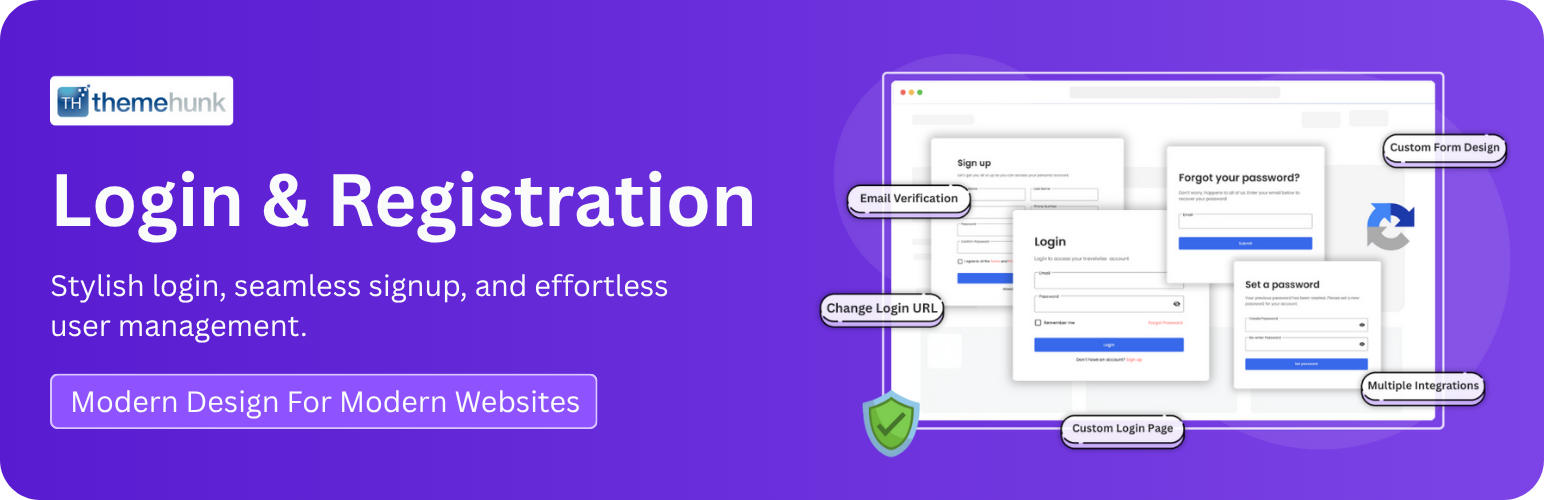
TH Login Registration
| 开发者 | ThemeHunk |
|---|---|
| 更新时间 | 2026年7月1日 20:53 |
| PHP版本: | 7.4 及以上 |
| WordPress版本: | 7.0 |
| 版权: | GPLv2 or later |
| 版权网址: | 版权信息 |
详情介绍:
- 🔐 Custom Frontend login, registration & password reset forms
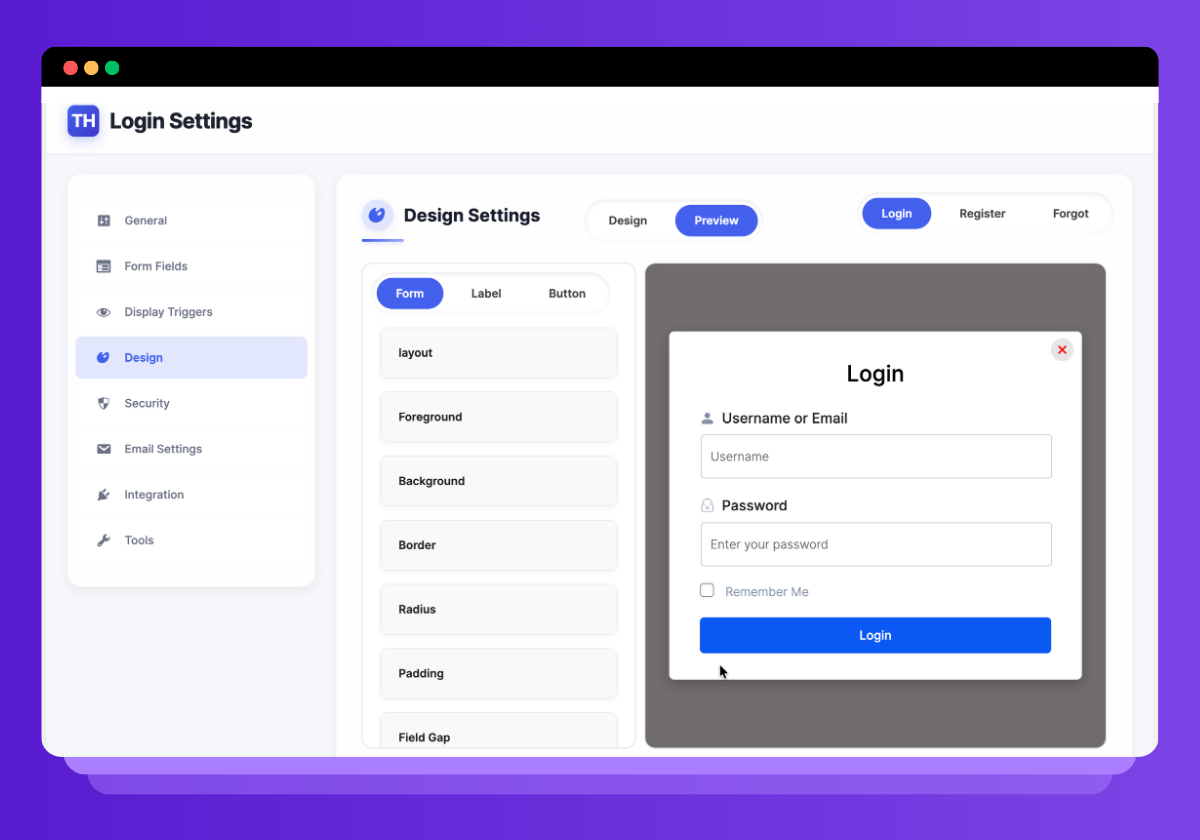
- 🎨 Fully customizable design: colors, backgrounds, typography, borders, spacing
- 💬 Popup or inline display modes
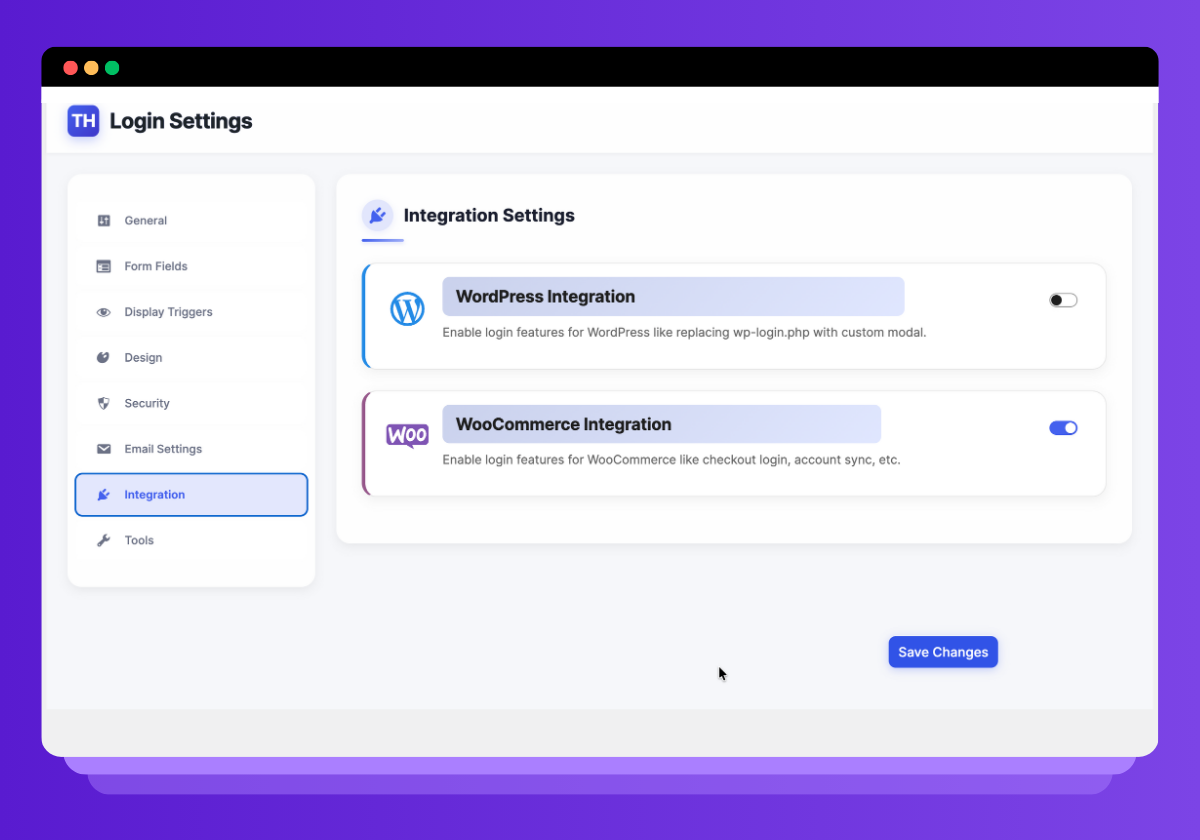
- 🛒 Seamless WooCommerce integration
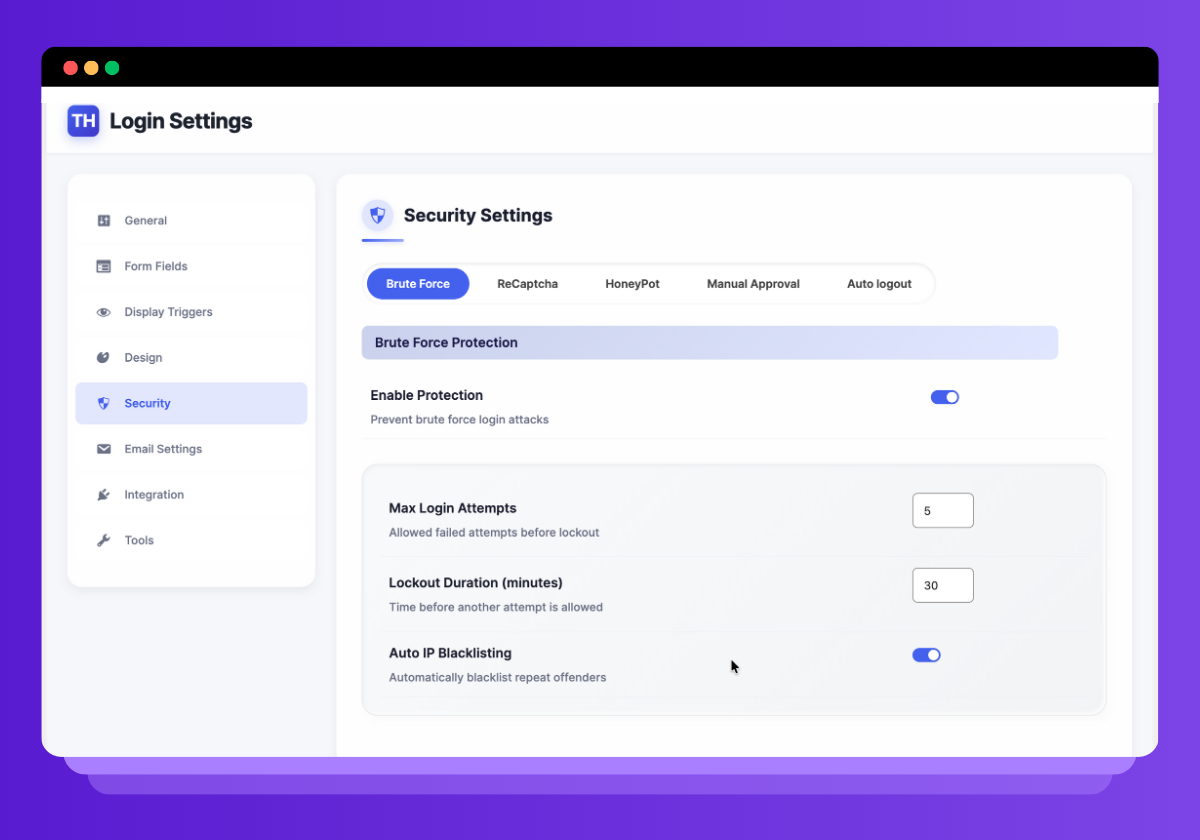
- 🛡️ Advanced security: reCAPTCHA v2, honeypot, brute force protection
- 🔁 Role-based redirection after login, logout, registration
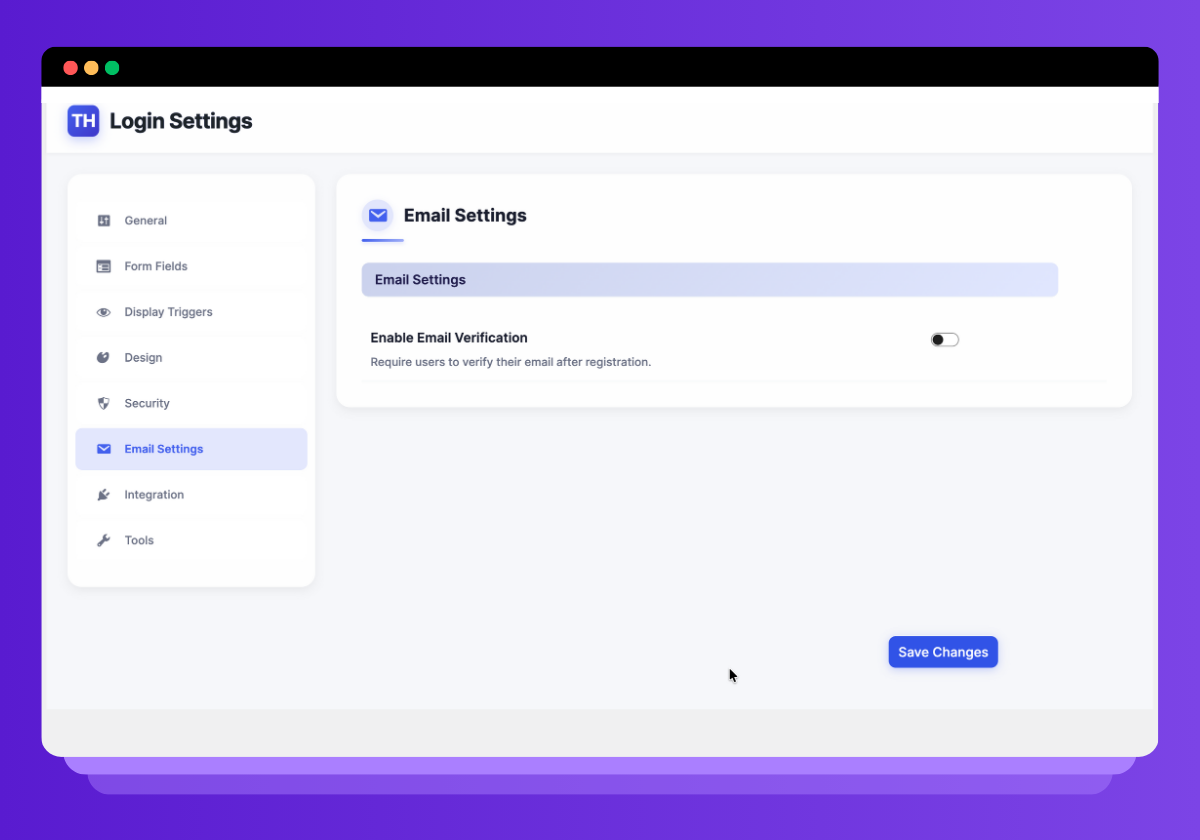
- 🧾 Manual user approval & email verification (optional)
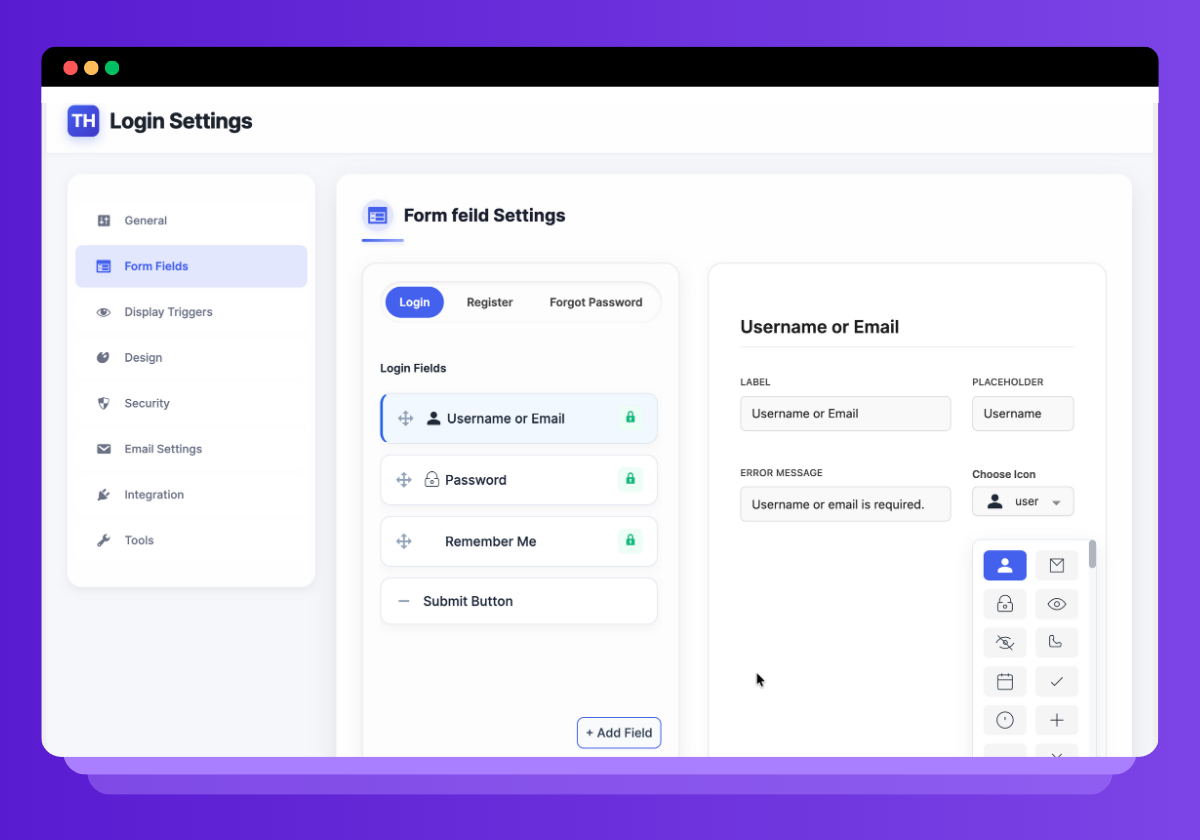
- ⚙️ Add and manage custom registration fields
- 📱 Mobile-responsive design
- 🔗 Navigation menu integration with login/logout links
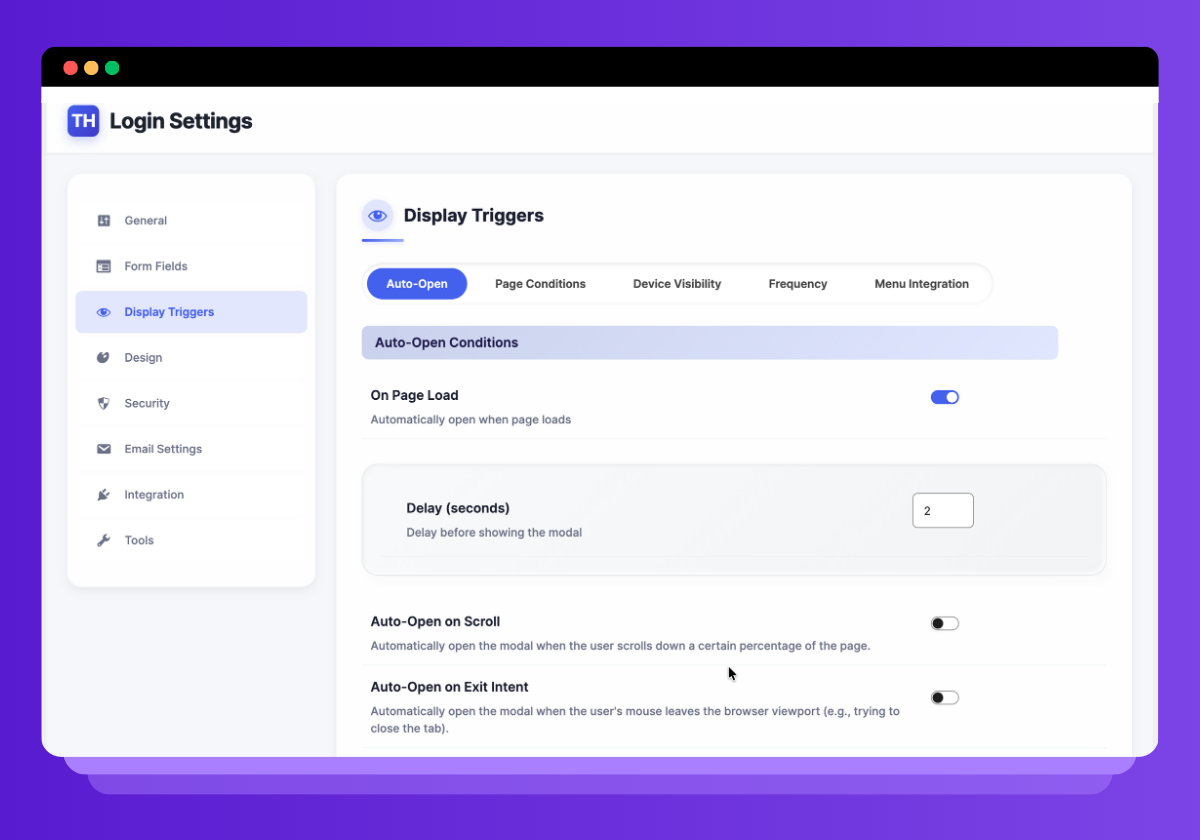
- ⚡ Auto popup triggers: on delay, scroll, or exit intent
安装:
- Upload the plugin files to
/wp-content/plugins/themehunk-login-registrationor install it directly from the WordPress plugin repository. - Activate the plugin through the "Plugins" menu in WordPress.
- Go to Settings > Themehunk Login Registration to configure login, registration, design, and behavior.
屏幕截图:
常见问题:
Frequently Asked Questions
= Is Themehunk Login Registration free? =\
Yes! Themehunk Login Registration is completely free and includes all core features.
= Can I use this with my existing theme? =\
Absolutely. Themehunk Login Registration works with all modern WordPress themes and page builders.
= How do I display the login popup? =\
You can add the CSS class thlogin-trigger to any button or link. You can also enable auto-popup triggers in the settings.
= Does it work with WooCommerce? =\
Yes, Themehunk Login Registration integrates seamlessly with WooCommerce’s account and checkout flows.
= Can I customize form fields and layout? =\
Yes! You can manage form fields, toggle visibility, and apply your own styles using the built-in design editor.
= Is reCAPTCHA supported? =\
Yes, Themehunk Login Registration supports Google reCAPTCHA v2 for login, registration, and password reset forms.
= Can I approve users manually before login? =\
Yes. You can enable manual user approval from the settings.
How do I enable reCAPTCHA on my login page?
- Navigate to the plugin settings under "Settings" > "Themehunk Login Registration Security".
- Enable reCAPTCHA and enter your Google reCAPTCHA site key and secret key.
- Save changes and reCAPTCHA will be active on your login page.
Can I disable reCAPTCHA?
Yes, you can disable reCAPTCHA by unchecking the reCAPTCHA option in the plugin settings.
更新日志:
- Security Fix: Prevented privilege escalation via the frontend registration REST endpoint (client-supplied role was previously honored).
- Security Fix: Email verification token now uses a cryptographically secure random string instead of a predictable value.
- Security Fix: Verification token comparisons now use a timing-safe check.
- Fix: Registration/login password fields are no longer altered by text sanitization before being hashed.
- NEW: Login Registration Form release
- Update: all text domain change, readmefile update , registerd_enque add, all file escaping
- Update: Reviewer issues resolved.
- Update: Plugin Check issue resolved.
- class-thlogin-rest-api.php permission_callback issues resolved.
- Initial release with complete frontend login, registration, and password reset flow.
- Fully customizable popup and inline form layouts.
- WooCommerce integration.
- reCAPTCHA, honeypot, and brute force protection.
- Role-based redirection, menu link login/logout support.
- Auto-display popups and manual user approval options.
- Languages Folder Added.