
ThinkCaptcha – Login Captcha, Register Captcha & Checkout reCAPTCHA
| 开发者 | thinkplugin |
|---|---|
| 更新时间 | 2025年11月30日 18:34 |
| PHP版本: | 5.5 及以上 |
| WordPress版本: | 6.9 |
| 版权: | GPLv2 or later |
| 版权网址: | 版权信息 |
详情介绍:
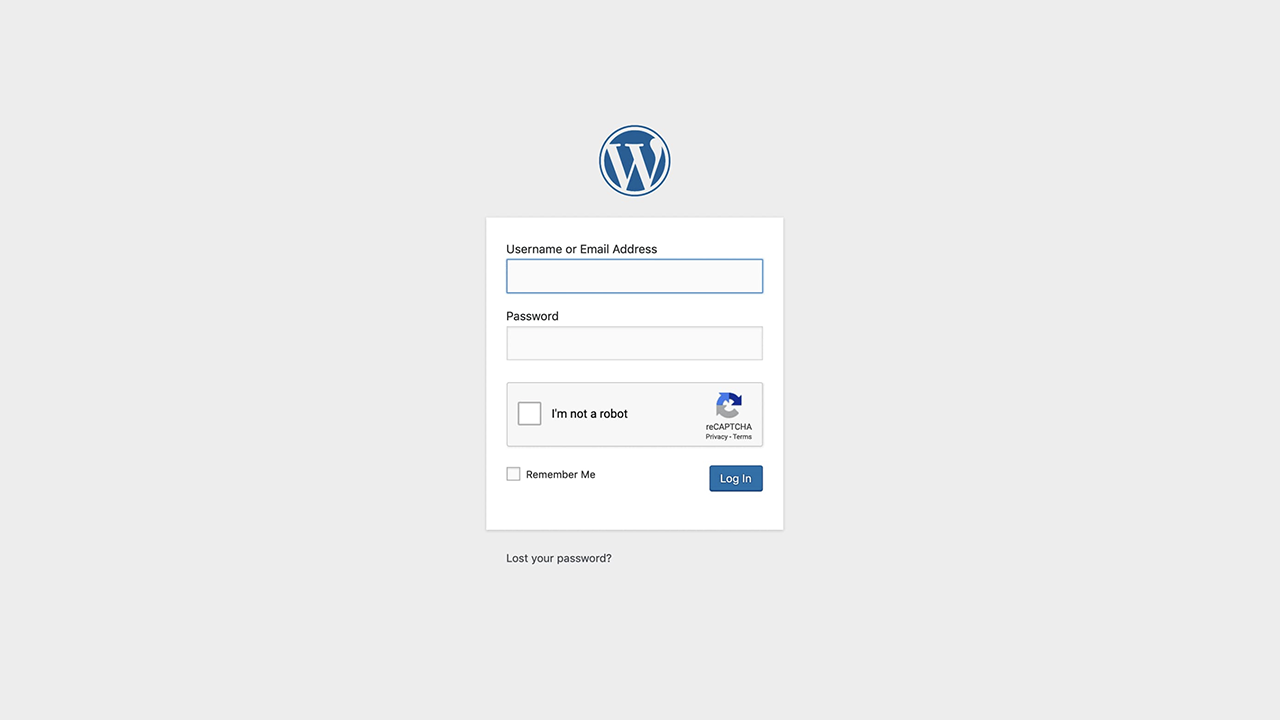
- WordPress Login Captcha: Implement a secure login captcha on your
/wp-login.phppage to stop brute-force attacks and enhance login security. - WooCommerce Login Captcha: Protect your customer accounts by adding a WooCommerce captcha to the login form.
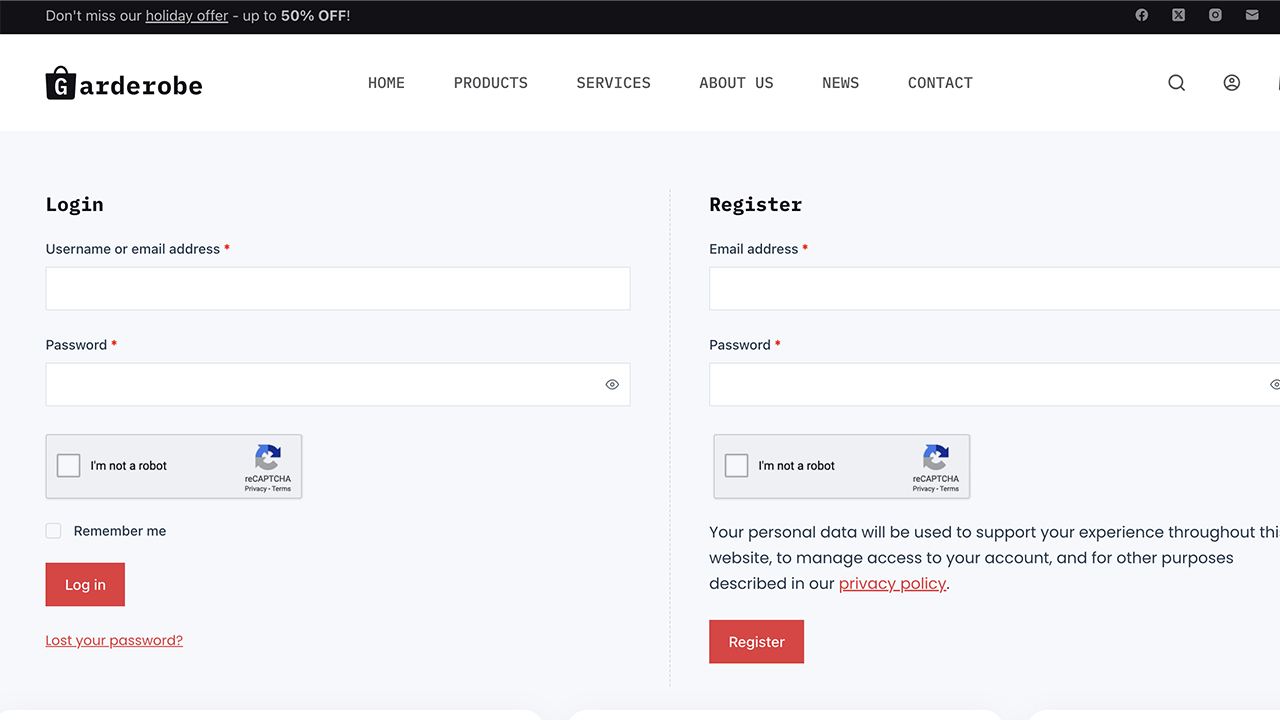
- WooCommerce Register Captcha: Stop fake user sign-ups with a robust register captcha on your WooCommerce registration form.
- Password Reset Captcha: Secure both WordPress and WooCommerce password reset forms from bot abuse.
- Optimized for Performance: The Google reCAPTCHA script loads asynchronously and only on pages where it is needed.
- WooCommerce Checkout Captcha: The best way to prevent fraudulent orders and spam. Add a checkout captcha to your WooCommerce checkout page.
- Contact Form 7 reCAPTCHA: Our most requested feature! Add a Contact Form 7 reCAPTCHA to every contact form and eliminate junk mail forever.
- WPForms Captcha: Secure all forms created with WPForms with a powerful WPForms captcha.
- WordPress Register Captcha: Block spambots from creating user accounts on your main WordPress registration form with a secure register captcha.
- Secure your entire website today. Get ThinkCaptcha Pro Now!
安装:
- Upload the
thinkcaptchafolder to the/wp-content/plugins/directory. - Activate the plugin through the 'Plugins' menu in WordPress.
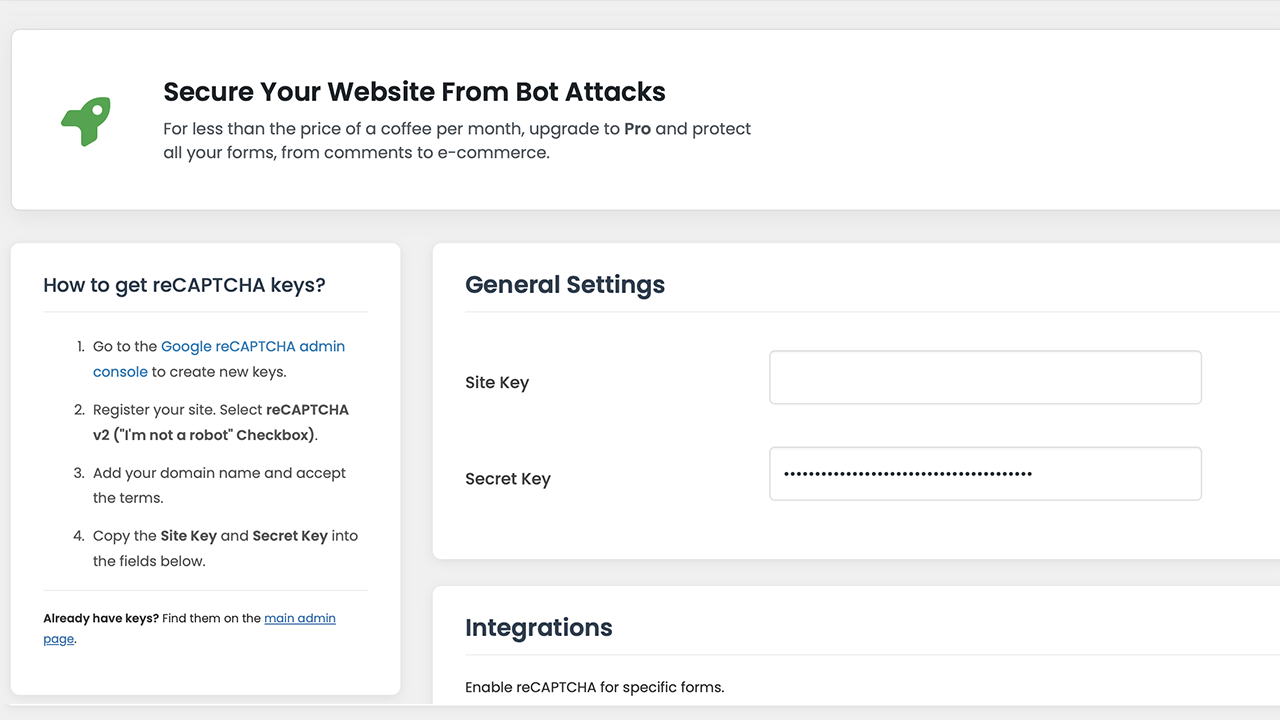
- Go to the "ThinkCaptcha" menu in your WordPress admin dashboard.
- Visit the Google reCAPTCHA admin console to get your Site Key and Secret Key for reCAPTCHA v2 ("I'm not a robot" Checkbox).
- Copy and paste your keys into the plugin's settings page to begin protecting your forms with reCAPTCHA.
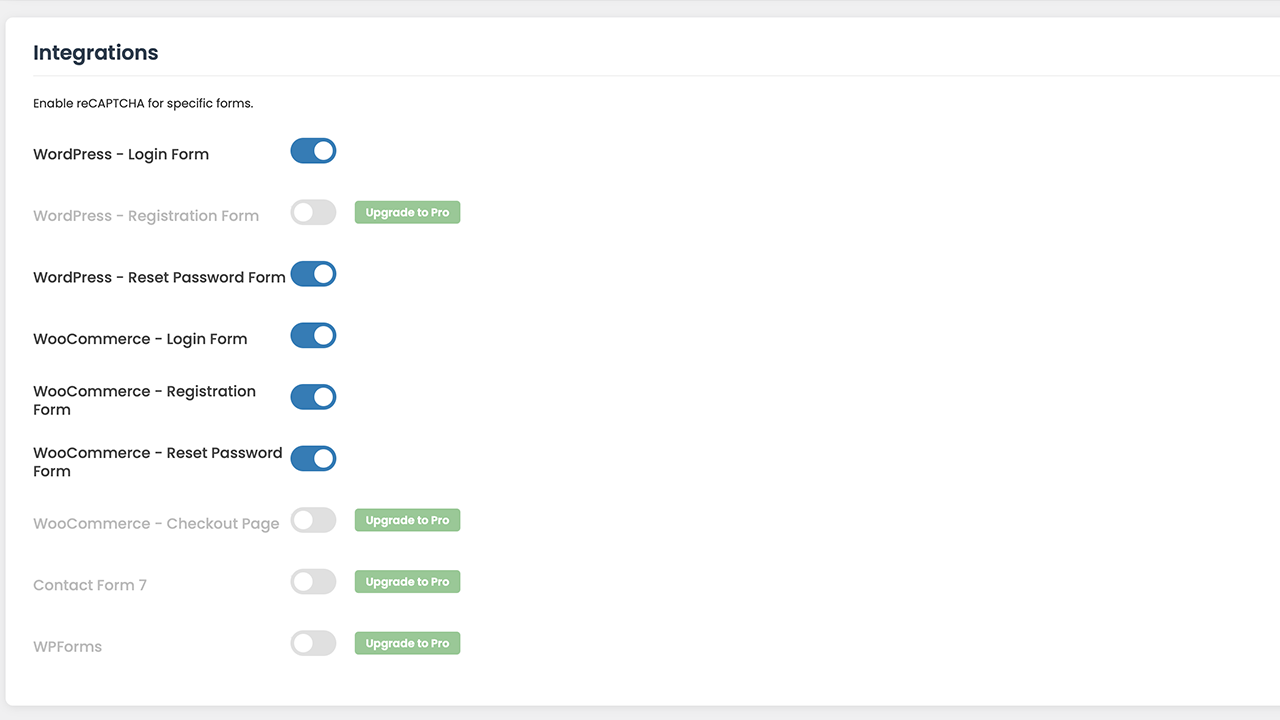
- Use the simple toggles to enable the login captcha, register captcha, or other forms.
- Save changes, and your form security is active!
屏幕截图:
常见问题:
How do I add a login captcha for WordPress login security?
ThinkCaptcha makes it easy. After installing and adding your Google reCAPTCHA keys, simply go to the ThinkCaptcha settings page and toggle on "WordPress - Login Form". A secure login captcha will automatically be added to your login page, dramatically improving your site's login security against brute-force attacks.
How can I add Google reCAPTCHA to my WooCommerce forms?
Our plugin offers deep integration with WooCommerce. You can add a WooCommerce captcha to the login, registration, and password reset forms directly from our settings panel with a single click. The Pro version also allows you to add a checkout captcha.
Does this plugin work as a Contact Form 7 reCAPTCHA solution?
Yes! The Pro version is the perfect Contact Form 7 reCAPTCHA plugin. It automatically integrates with all your CF7 forms to block spam submissions effectively.
What is the difference between a captcha and reCAPTCHA?
"Captcha" is the general term for a test to tell humans and bots apart. "reCAPTCHA" is Google's specific, advanced version of a captcha, which uses sophisticated risk analysis to provide a better user experience. ThinkCaptcha uses Google's secure and user-friendly reCAPTCHA v2.
Does this plugin slow down my site?
No. The plugin is lightweight, and the Google reCAPTCHA script is loaded asynchronously using WordPress best practices, meaning it doesn't block your page from loading. It only loads on pages where the captcha is active.
更新日志:
- TWEAK: Tested up to WordPress 6.9.
- FIX: Resolved "Short Description" length warning in readme.txt.
- FIX: Resolved "Tested up to" tag validation error by correcting version format.
- FIX: Resolved translation loading notice by optimizing text domain calls.
- FIX: Added missing translator comments to settings file for better I18n compliance.
- TWEAK: Removed Google Fonts dependency to improve GDPR compliance; switched to native WordPress admin fonts.
- TWEAK: Enhanced IP detection for sites behind Cloudflare or Proxy.
- TWEAK: Optimized plugin name, description, and tags for better SEO and discovery on WordPress.org.
- TWEAK: Added tags to plugin header file for better search discovery.
- FIX: Implemented
wp_enqueue_scriptfor loading external JavaScript to adhere to WordPress.org standards. - FIX: Added nonce checks to all form submissions for improved security against CSRF attacks.
- FIX: Implemented sanitization and unslashing for all
$_POSTand$_SERVERinputs. - FIX: Added versioning to all enqueued scripts and styles to prevent caching issues.
- FIX: Corrected readme.txt to match plugin version, tag count, and description length requirements.
- FIX: Added
issetcheck for$_SERVERvariables to prevent potential notices.
- FIX: Bundled Font Awesome library locally to comply with WordPress.org guidelines and remove external dependencies.
- TWEAK: Updated version number.
- Initial public release.