
Login Security by ThisData
| 开发者 |
thisdata
timfield |
|---|---|
| 更新时间 | 2016年7月13日 12:17 |
| 捐献地址: | 去捐款 |
| PHP版本: | 4.5 及以上 |
| WordPress版本: | 4.5.3 |
| 版权: | GPLv2 or later |
| 版权网址: | 版权信息 |
详情介绍:
ThisData is a security service that monitors for suspicious logins to your WordPress websites.
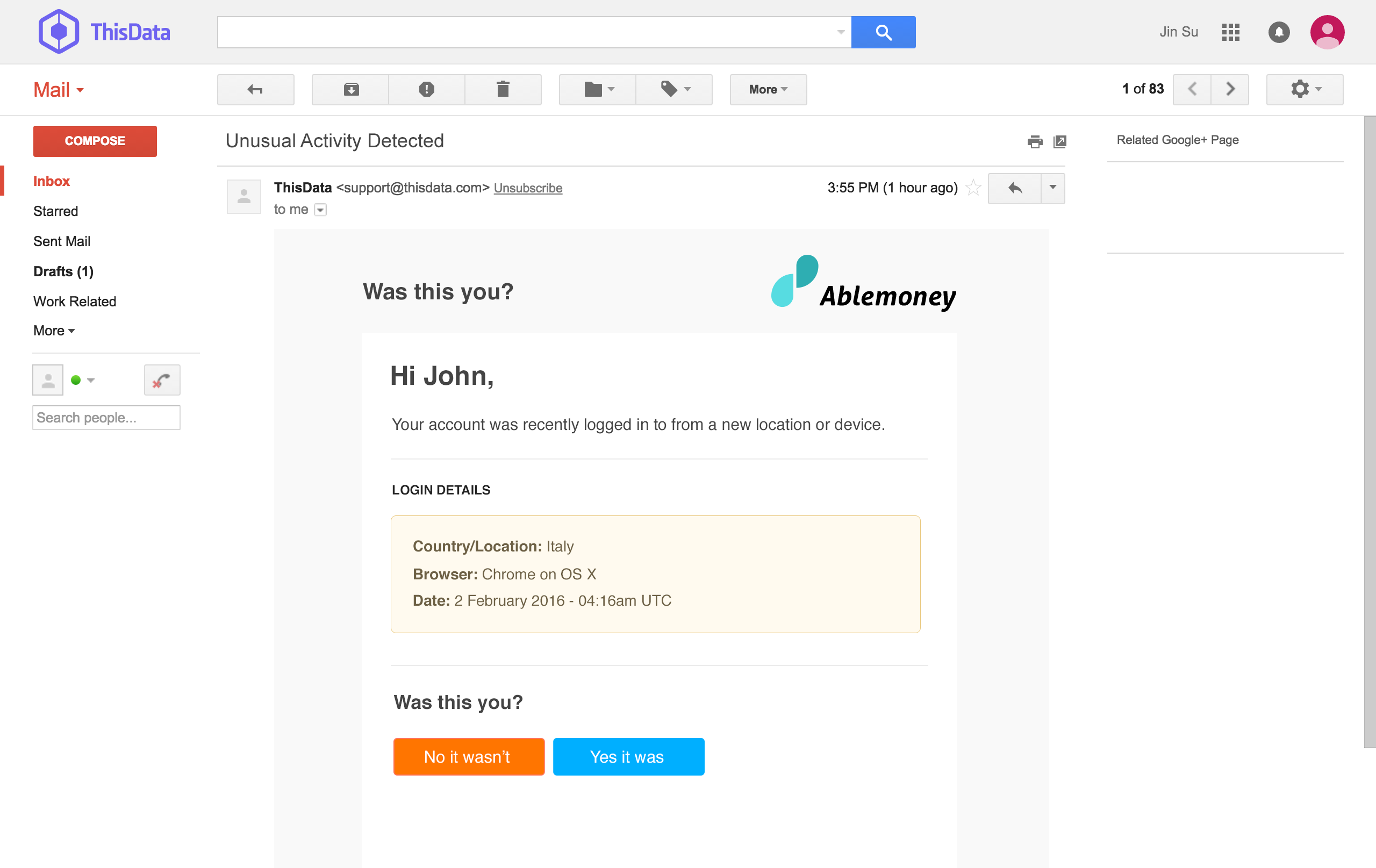
When suspicious logins are detected ThisData will immediately notify the user by email, asking if the login was actually them.
If the user responds to the email indicating it was not them, then the user session can be automatically terminated and a password reset email will be sent.
It relies on the ThisData anomaly detection algorithms which take into account many behavioral factors including:
- Location & Velocity
- Devices
- Time of day
- Tor usage
- Risky IP addresses
- And more...
安装:
To complete the installation of this plugin you will need a ThisData account.
- Get a free ThisData account at https://thisdata.com/sign-up
- Go to your email and confirm your ThisData account using the link in the email that was just sent to you.
- You will now see a Getting Started screen.
- Take a copy of your ThisData API Key and Javascript Write Key. You will use them in the plugin setup.
- Upload the plugin files to the
/wp-content/plugins/thisdatadirectory, or install the plugin through the WordPress plugins screen directly. - Activate the plugin through the 'Plugins' screen in WordPress
- Use the Settings->ThisData screen to configure the plugin
- Copy your ThisData API Key and Javascript Write Key into the boxes provided and click "Save Changes"
- From your WordPress->Settings->ThisData screen copy the Alert Webhooks Path which should look like
http://[your domain]/thisdata/webhook - In your ThisData account click on API Settings from the top nav bar and near the bottom of the screen you will see an "Internal Notifications" section.
- Enter your Alert Webhooks Path into the ThisData Webhook Url box and click "Save API Settings"
- Note: You don't need to enter anything for the "Secret for Webhook Signatures"
屏幕截图:
更新日志:
1.0
- Yay! ThisData is finally available for WordPress users!