Three Importer
| 开发者 | callahancodes |
|---|---|
| 更新时间 | 2026年8月18日 22:45 |
| PHP版本: | 6.7 及以上 |
| WordPress版本: | 7.0 |
| 版权: | GPL-2.0-or-later |
| 版权网址: | 版权信息 |
详情介绍:
[ti3d_scene] shortcode. Developers can also use the [ti3d_sceneinject] shortcode to call project-specific libraries from THREE and use them within custom scripts.
安装:
- Download the ZIP folder from the repository.
- In your WordPress dashboard, go to Plugins > Add New > Upload Plugin.
- Select the ZIP folder and click Install Now.
- Activate the plugin.
屏幕截图:
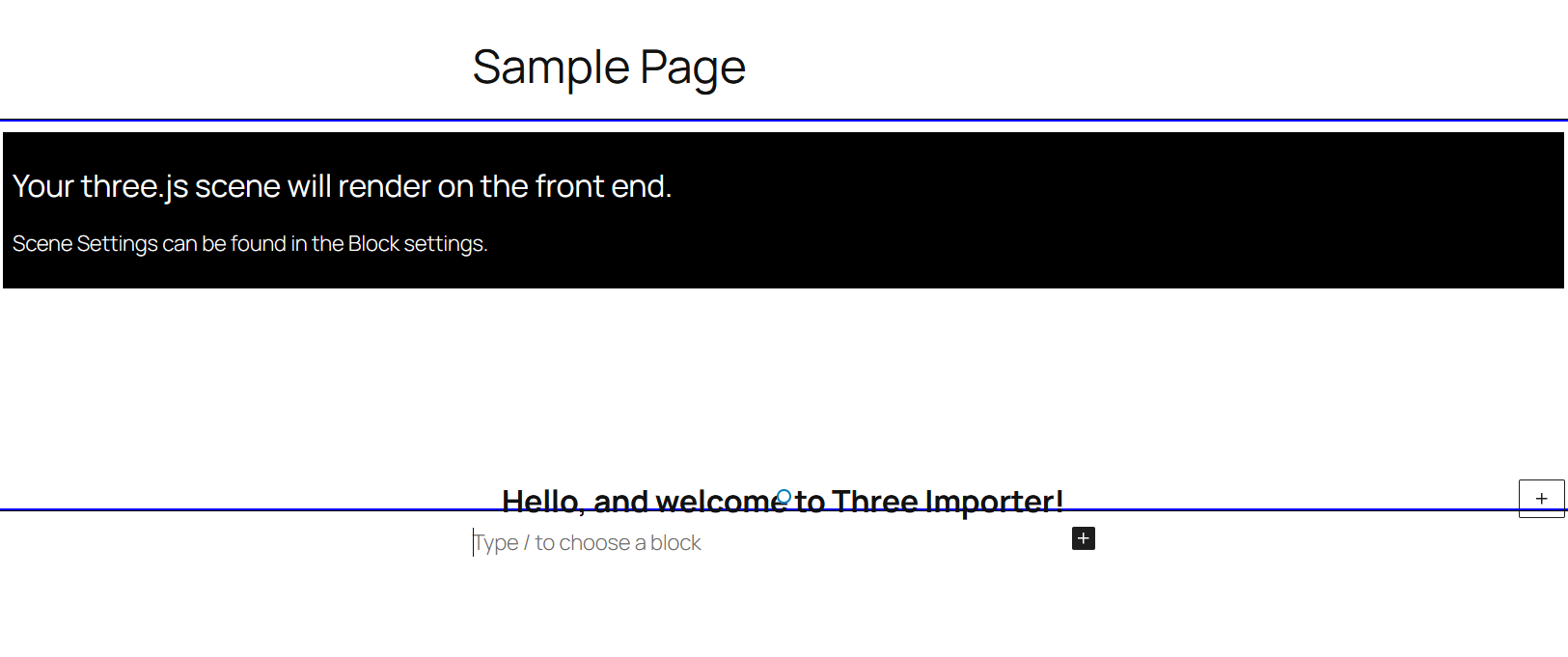
![Sample Page using [ti3d_scene] shortcode](https://cdn.jsdelivr.net/wp/three-importer/assets/screenshot-3.png)
![Editor Page using [ti3d_scene] shortcode](https://cdn.jsdelivr.net/wp/three-importer/assets/screenshot-4.png)
![Sample Page using [ti3d_sceneinject] shortcode](https://cdn.jsdelivr.net/wp/three-importer/assets/screenshot-5.png)
![Editor Page using [ti3d_sceneinject] shortcode](https://cdn.jsdelivr.net/wp/three-importer/assets/screenshot-6.png)
常见问题:
Why cant I see my Geometry?
Check your Camera Position, Geometry Position, or Geometry Rotation. Ensure the camera position isn't inside the mesh position.
Why are multiple instances of THREE being imported?
This happens when using multiple TI implementations. Stick to using just blocks or either shortcodes on a single page (avoid mixmatching both TI blocks and TI shortcodes on a single page). This warning shouldn't break anything, as it's just a warning, but will slow that page's loading speed.
How can I use the custom scene inject function?
Place the shortcode [ti3d_sceneinject module1 module2 ...], then add the TI id to a div and your script in a Custom HTML block.
[ti3d_sceneinject orbitcontrols axeshelper]
Example Script:
`
document.addEventListener('three-modules-ready', () => {
const scene = new THREE.Scene();
const container = document.getElementById('ti');
const width = container.clientWidth;
const height = container.clientHeight;
const camera = new THREE.PerspectiveCamera(75, width / height, 0.1, 1000);
camera.position.z = 5;
const renderer = new THREE.WebGLRenderer({ antialias: true, alpha: true });
renderer.setSize(width, height);
container.appendChild(renderer.domElement);
const geometry = new THREE.BoxGeometry(2, 2, 2);
const material = new THREE.MeshNormalMaterial();
const cube = new THREE.Mesh(geometry, material);
scene.add(cube);
if (THREE.AxesHelper) {
const axesHelper = new THREE.AxesHelper(3);
scene.add(axesHelper);
}
let controls;
if (THREE.OrbitControls) {
controls = new THREE.OrbitControls(camera, renderer.domElement);
}
function animate() {
requestAnimationFrame(animate);
cube.rotation.x += 0.01;
cube.rotation.y += 0.01;
if (controls) controls.update();
renderer.render(scene, camera);
}
animate();
});
`
更新日志:
- Initial Release.
- Added "None" geometry option for background-focused functionality. Removed non-essential settings when selected to improve UI.
- Added orbitcontrols toggle (default = true).
- Fixed item justification bug of horizontal-misalignment for block inner content.
- Fixed TI Block height adjustment bug; was working in the page editor but not the frontend (block previously stayed at default 400px height).
- Changed geometry X/Y/Z rotation to float from int to support more specific rotation speeds.
- Added outline to TI Block in editor.
- Fixed warning.js not showing warning in editor when TI Blocks are nested within each other.
- Attempted fix at incorrect padding and full-width styling.
- Added message in editor for disabled Orbit Controls when backgrounds are used to prevent users escaping the background viewpoint.
- Added Shader background option.
- Added CORS to GLTF loader function.
- Cleaned up editor.scss styling.
- Fixed no innerblock rendering caused by 1.2.0 update.
- Added environment to loadGLTF() for textures.