Thrifting
| 开发者 |
thriftingltd
thrifting |
|---|---|
| 更新时间 | 2026年4月23日 18:09 |
| PHP版本: | 7.4 及以上 |
| WordPress版本: | 6.9 |
| 版权: | GPLv2 or later |
| 版权网址: | 版权信息 |
详情介绍:
- Giveaway wheel — optional on-stream giveaway / prize spinner you control from Mission Control.
- Trivia — optional trivia rounds to engage viewers during your show.
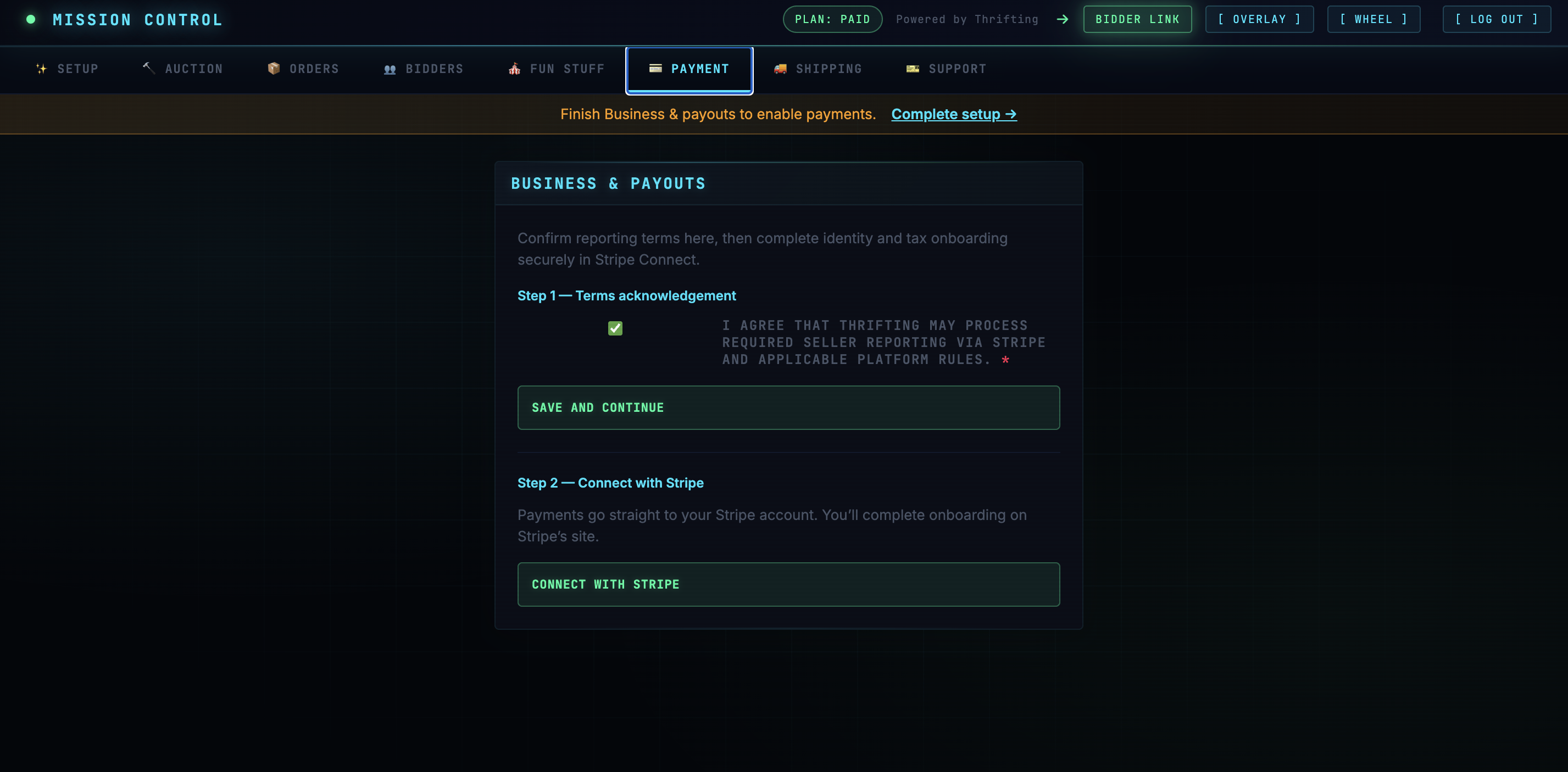
- Stripe (Connect) — required before you run paid live auctions: you must connect and complete Stripe onboarding in Mission Control so bidders can pay and you can receive payouts.
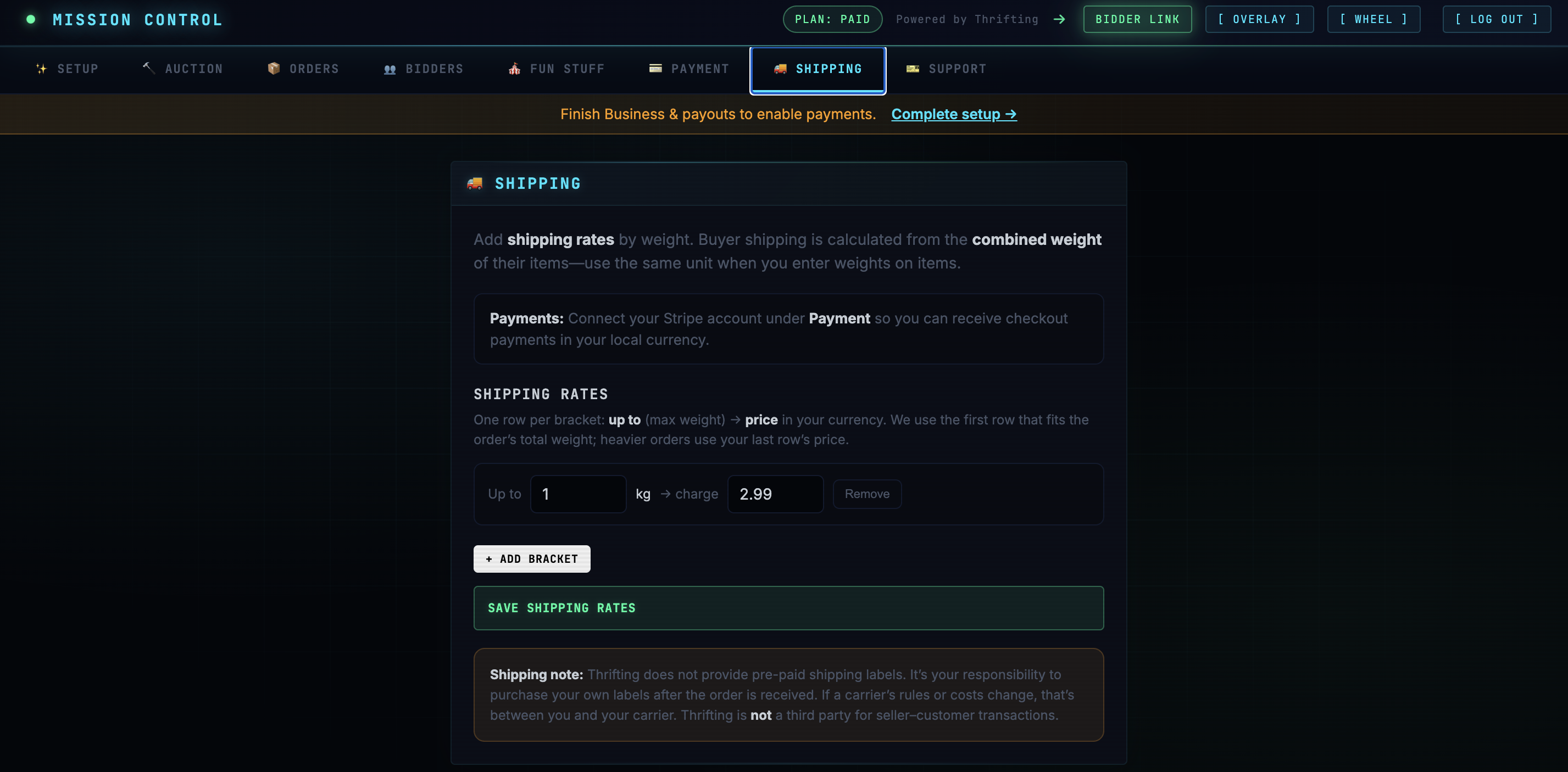
- Shipping — you set your own rates, regions, and rules based on your carriers and local pricing; Thrifting does not choose shipping costs for you.
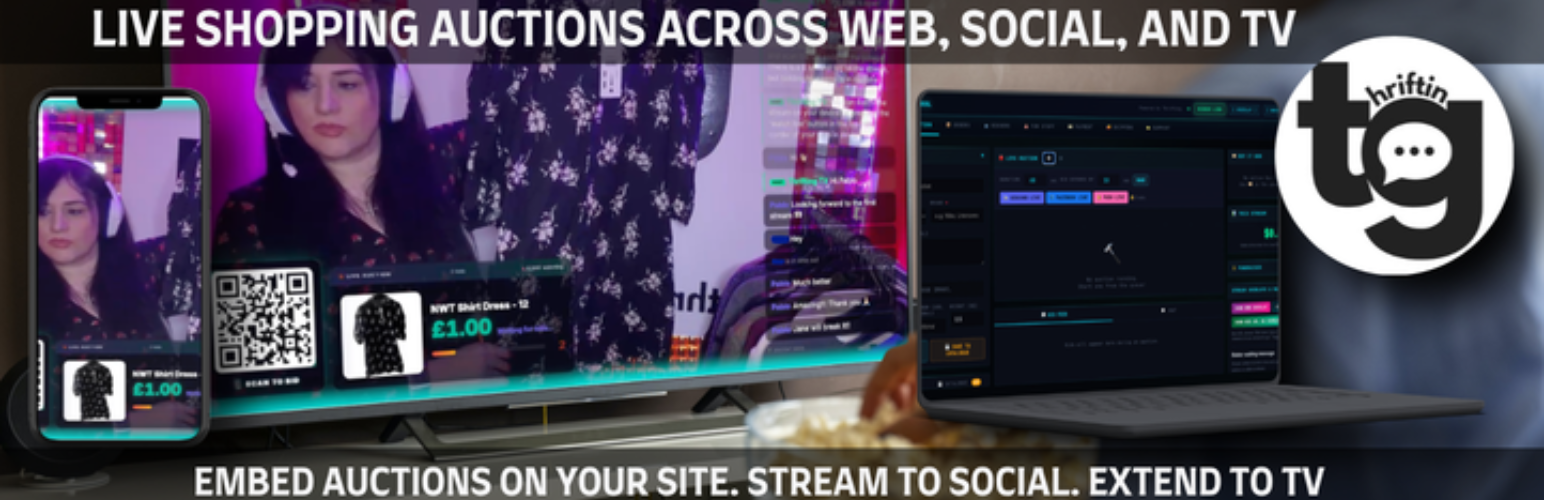
- Own the experience — bidders stay on your WordPress page while you host the show elsewhere.
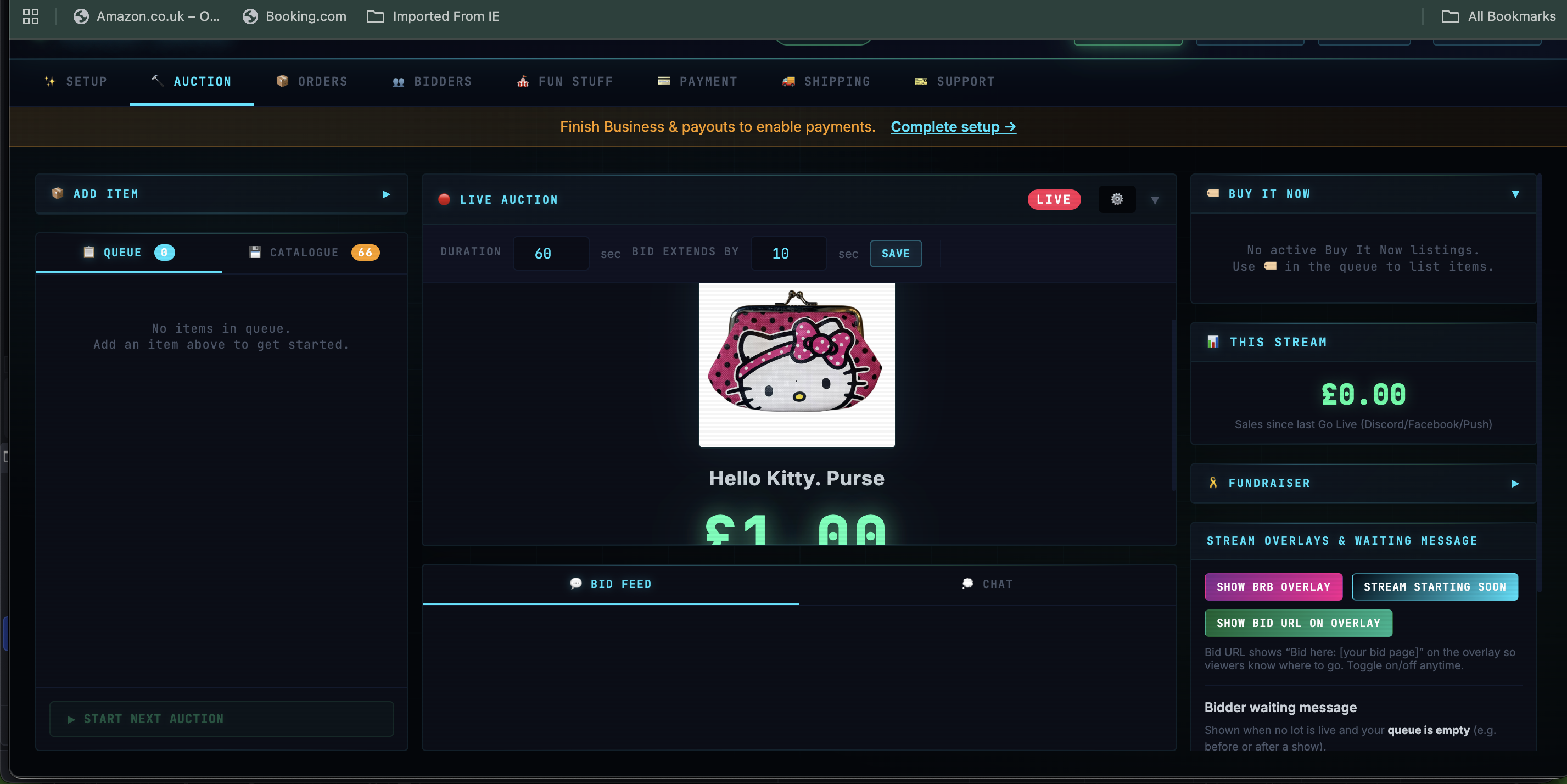
- Built for live video — same workflow as running a live sale: go live, run lots, see bids in real time in Mission Control.
- Straightforward economics — no platform cut on each sale from Thrifting; only Stripe processing fees apply to card payments.
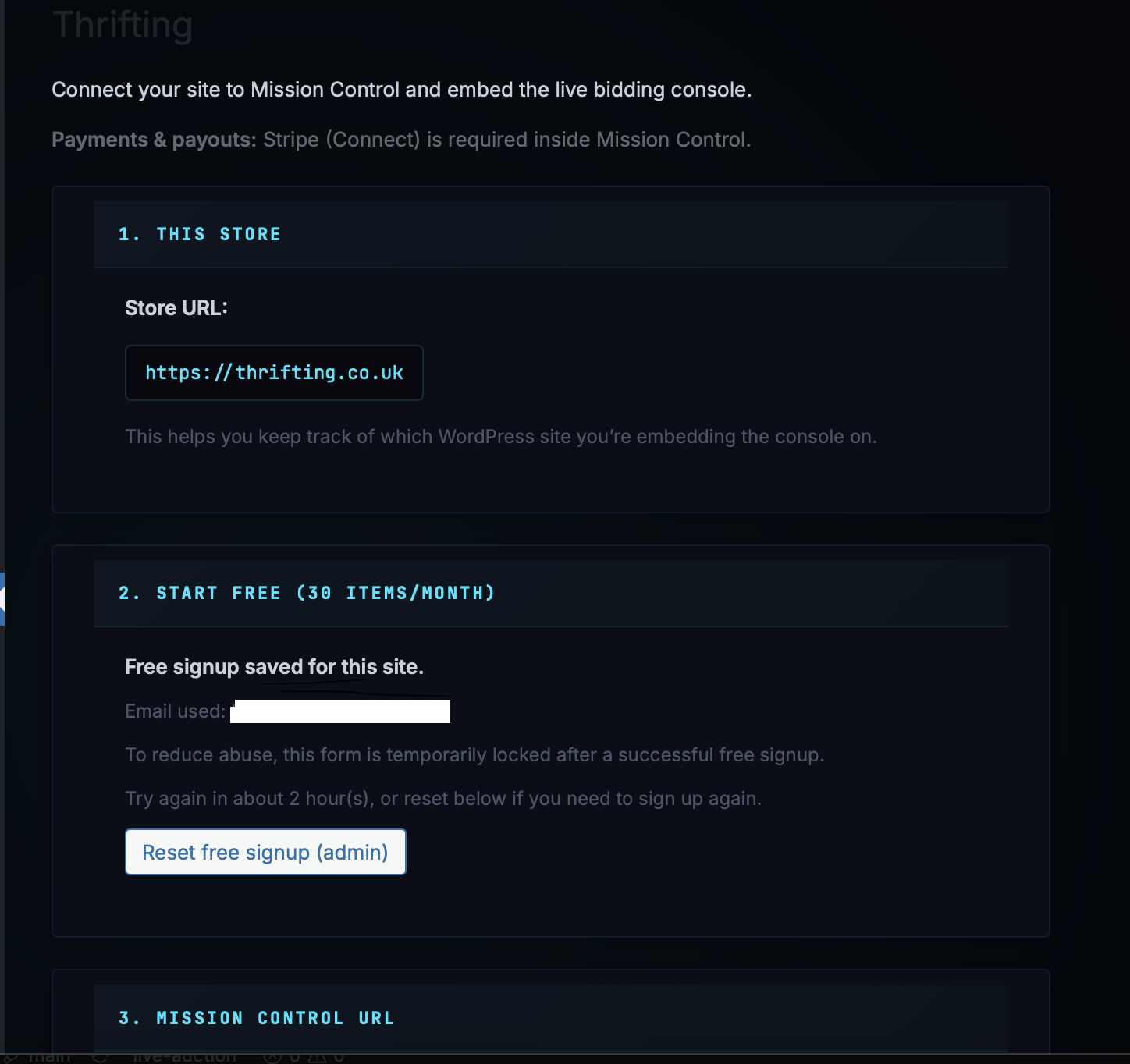
- Thrifting in the admin sidebar (and WooCommerce → Thrifting if WooCommerce is installed): optional Create free account, set Mission Control URL, save Bid page URL for embeds (often filled automatically after signup).
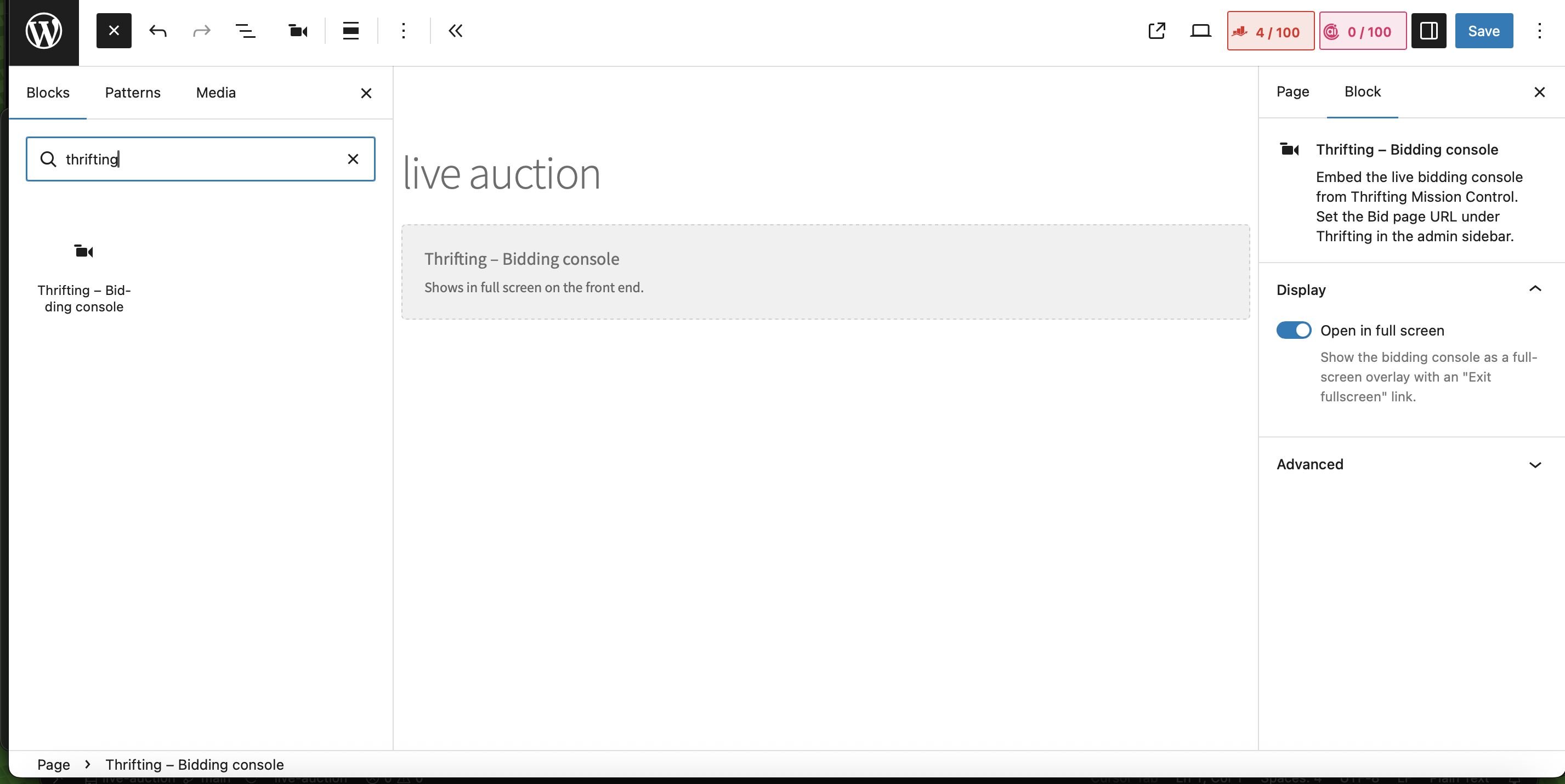
- Block: “Thrifting – Bidding console” in the block editor.
- Shortcode:
[thrifting](alias of[thriftingtv_bid]) or[thrifting url="..." height="80vh" fullscreen="1"]for the classic editor or theme templates.
安装:
- Upload the plugin folder to
/wp-content/plugins/or install the zip from Plugins → Add New → Upload. - Activate Thrifting through the Plugins menu.
- Open Thrifting in the left admin menu. Use Create free account (or paste your Mission Control URL from your welcome email), confirm Bid page URL is set, then add the block or shortcode to a page (e.g.
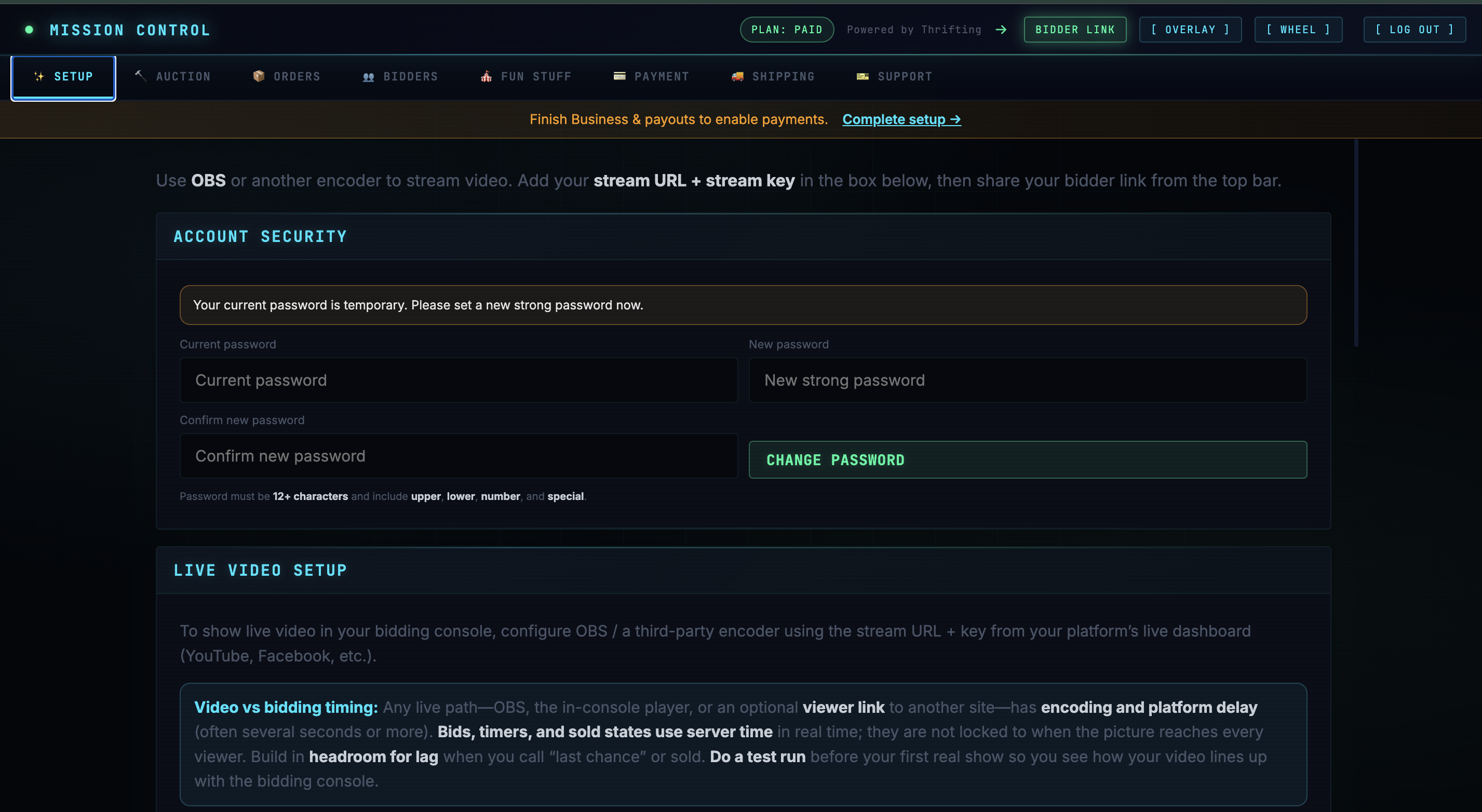
/live). - In Mission Control (open your Mission Control URL in the browser): before your first paid live auction, complete Stripe (Connect) onboarding and set shipping rates and rules that match your carriers and regions.
屏幕截图:
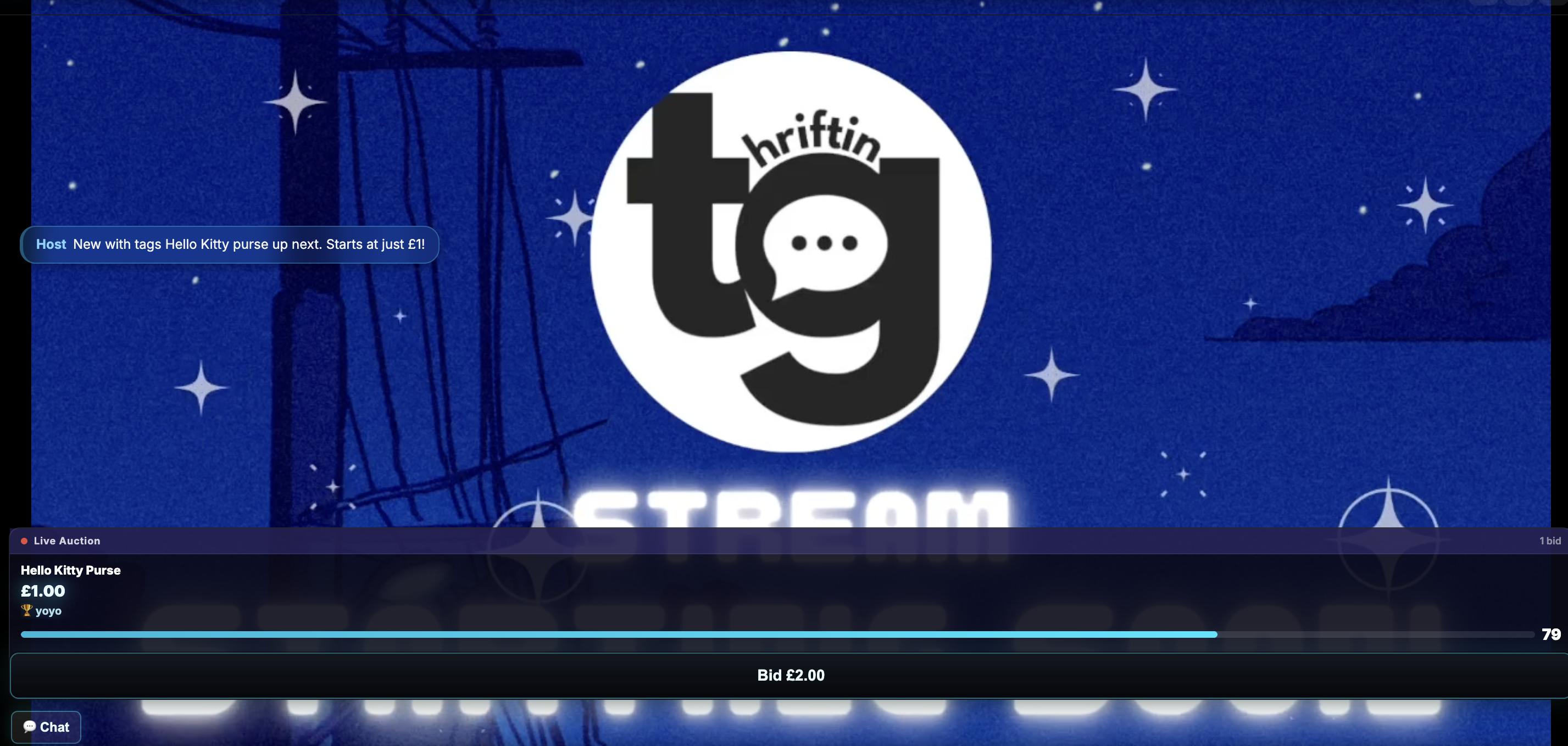
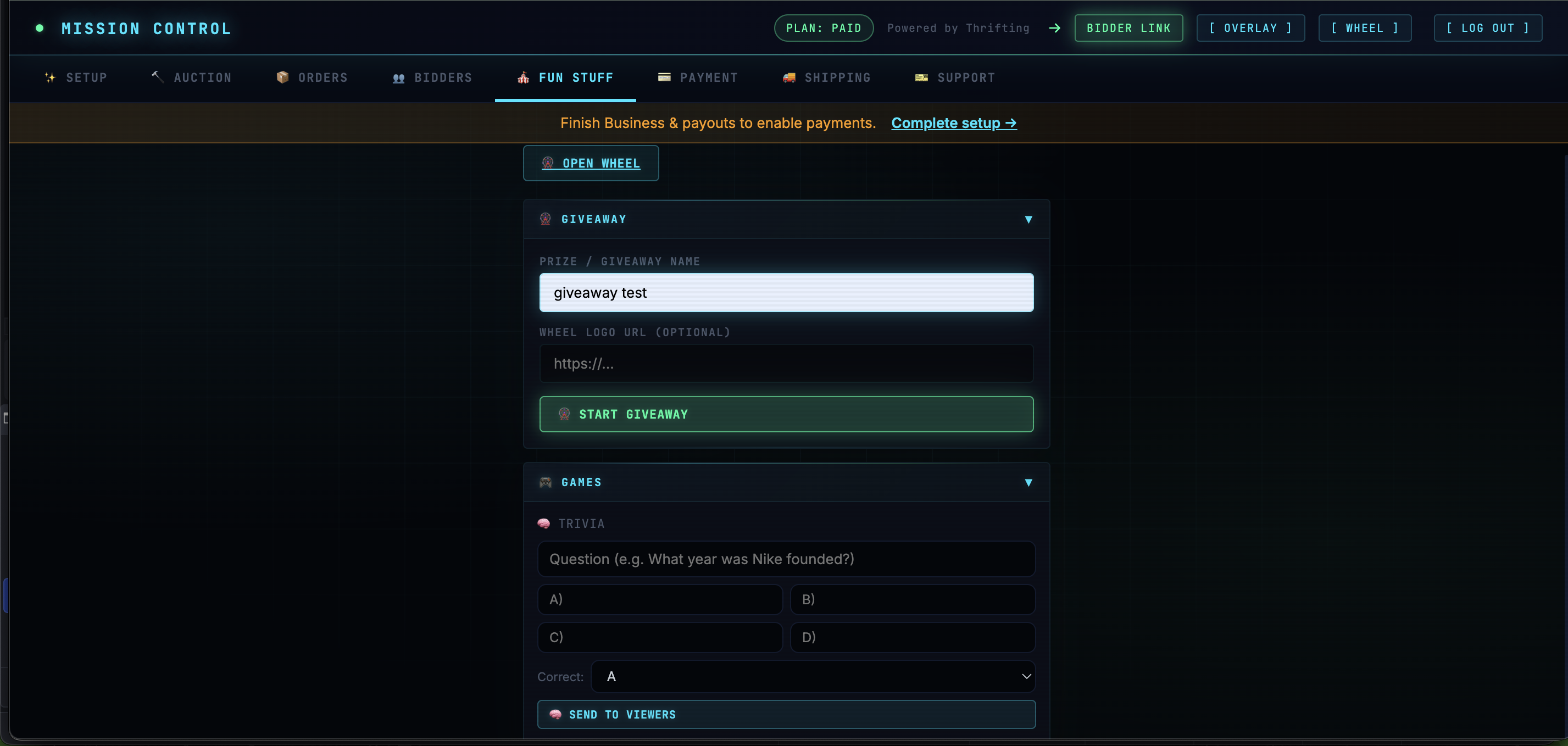
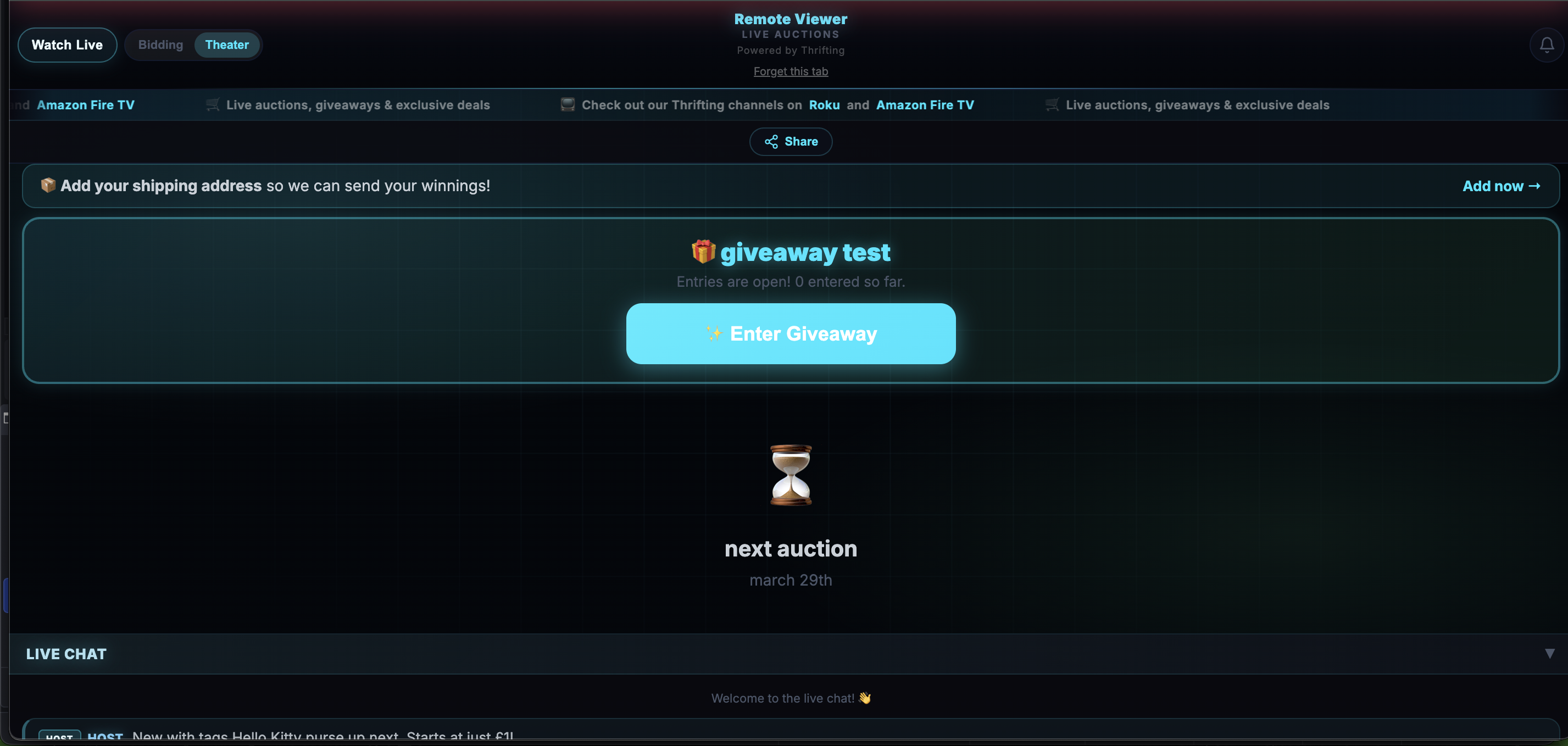
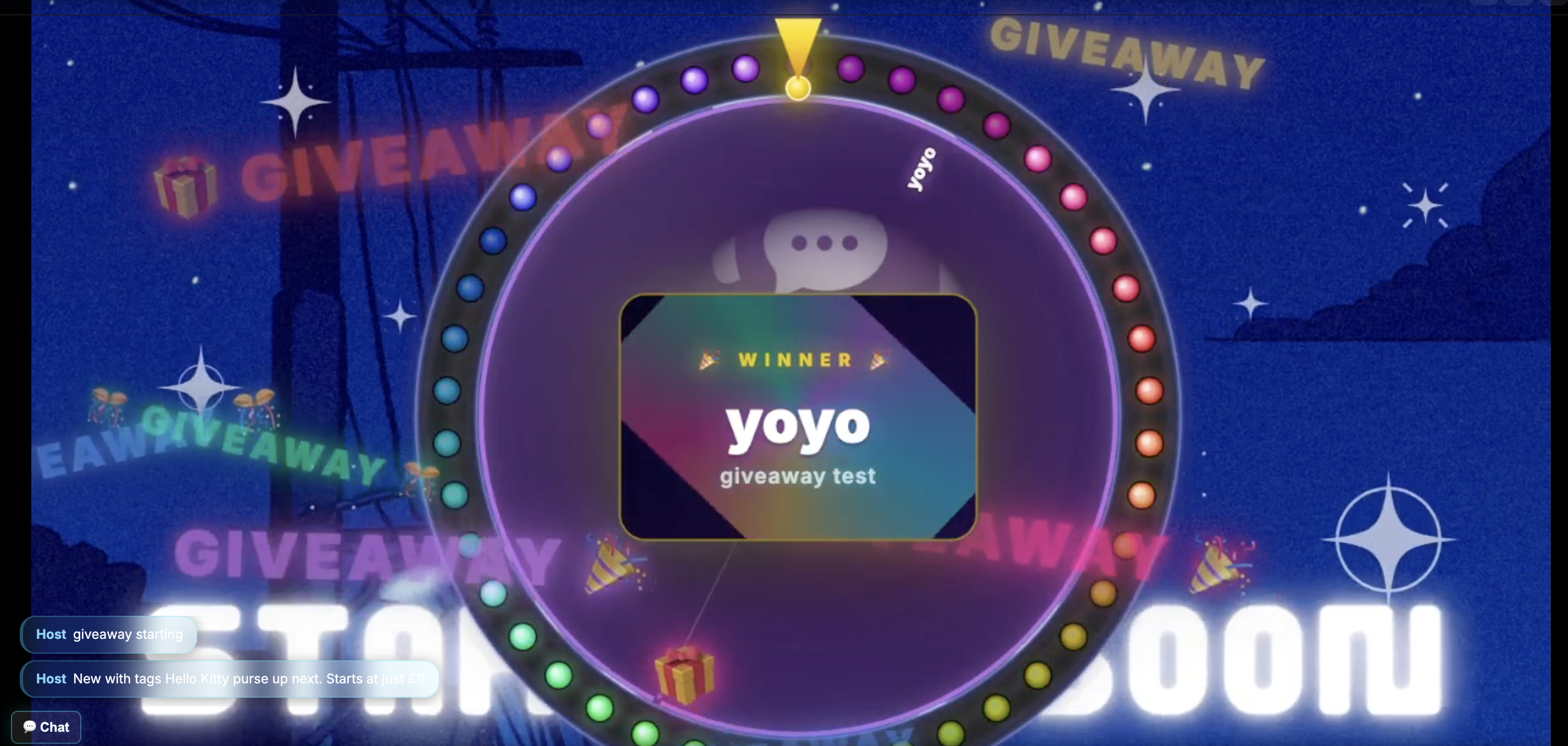
其他记录:
常见问题:
Does this plugin sync WooCommerce orders?
No. Orders and payments are handled in Mission Control with Stripe (Connect). This plugin helps you sign up, configure, and embed the bidding experience on your WordPress site.
Where do I get the Bid page URL?
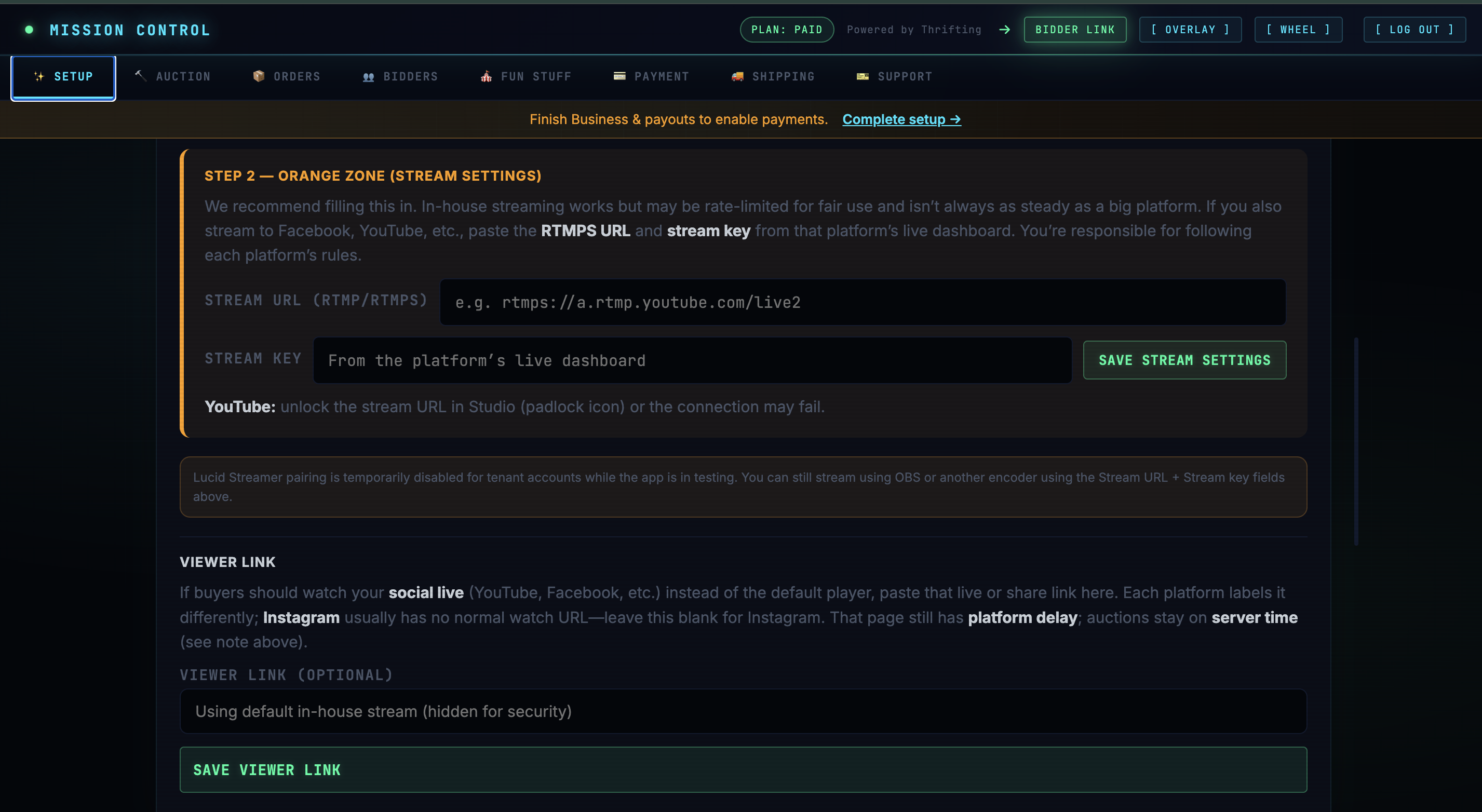
In Mission Control, click the green glowing Bidder link at the top of the page and copy it. Paste it under Thrifting (sidebar) → Bid page URL.
Where is Mission Control hosted?
Mission Control is hosted separately from this plugin. Paste the URL you received in your welcome email into Thrifting in the admin sidebar.
Does Thrifting take a commission on each sale?
No. Thrifting does not charge a per-sale commission. You receive payouts through Stripe (Connect); Stripe’s standard processing fees apply to card payments. Thrifting may offer paid subscription plans for higher limits—the free tier includes 30 items per month in Mission Control.
Do I need Stripe connected before running paid auctions?
Yes. In Mission Control you must complete Stripe (Connect) setup before you can take payment for live auctions. This plugin does not replace that step—it only helps you reach Mission Control and embed the bid page.
Who sets shipping rates?
You do. Configure shipping in Mission Control using rates that match your carriers, countries, and business rules. Thrifting does not supply or enforce carrier pricing for you.
What are the giveaway wheel and trivia?
They are optional engagement features in Mission Control (not in this WordPress plugin): a giveaway wheel for promos or prizes, and trivia you can run alongside your stream. Use them if they fit your show.
Is Thrifting responsible if I misconfigure something or if there is a glitch?
You are responsible for following setup guidance: connecting Stripe, setting shipping accurately, and running your sales in line with applicable law and platform rules. Software and networks can fail; Thrifting is not liable for losses caused by user misconfiguration, third-party services (e.g. Stripe, hosts, CDNs), or bugs or outages except where required by law. If something breaks, use Mission Control / Thrifting support channels—we want you back on air quickly.
更新日志:
- Fix - Readme: add owner account to Contributors and disclose external service (Mission Control free signup) with Terms/Privacy links for WordPress.org review.
- Fix - Text domain set to thrifting to match the plugin directory slug (Plugin Check / WordPress.org i18n rules).
- Fix - Nonce POST values sanitized before
wp_verify_nonce; Mission Control linkhrefusesesc_url()at output;wp_register_styleincludes a version string. - Change - Block
block.jsonuses apiVersion 3 (iframe editor compatibility). Requires at least WordPress 6.3 (was 6.0). - Note - Developer checklist moved out of the distributed plugin folder (see Git repo
docs/if you use it). - Update - Readme / listing copy for live-stream auction sellers; FAQ clarifies no per-sale commission from Thrifting (Stripe fees and plans apply).
- Update - Readme: Mission Control giveaway wheel, trivia, Stripe + shipping seller duties, liability / “as operated” disclaimer (Other Notes + FAQ).
- Update - Installation step 4: complete Stripe and shipping in Mission Control before first paid show.
- Change - Admin fonts (Inter, JetBrains Mono) are bundled locally; no Google Fonts or other remote font requests on the Thrifting settings page (WordPress.org privacy expectations).
- Fix - Free signup always runs on the main host (thriftingtv.com) so it quietly assigns the next pool slot (no tenant-instance errors)
- Change - Free signup no longer asks for a channel/business name (less confusing setup)
- Fix - Removed script that blocked saving an empty Mission Control URL (you can clear saved URLs now)
- Fix - Bid page URL field shows the saved value; clear + Save removes it (
delete_option) - Fix - Admin notices render inside the Thrifting screen with readable contrast on the dark theme
- Fix - Free signup now shows a clear error if the security nonce fails (no more silent reload)
- Fix - Forms POST to an explicit admin URL (reliable after moving to a top-level menu)
- Improve - Clearer messages for 404/429/503 and JSON decode failures (admin debug box)
- Change - Thrifting settings use a top-level admin menu (sidebar) with a video icon instead of hiding under Settings
- Added - After free signup (or duplicate-email response with URLs), save Mission Control URL and Bid page URL automatically when the API returns them
- Change - Product name unified as Thrifting in the admin UI and documentation
- Update - readme and marketing copy aligned with Mission Control + embed workflow (no WooCommerce order sync)
- Update - Added shortcode alias
[thrifting](same as[thriftingtv_bid])
- Added - Mission Control URL setting, free signup from wp-admin, optional Bid page URL for embeds
- Added - Bidding console block and shortcode [thriftingtv_bid]
- Initial release