
ThumbAPI — Auto Featured Images
| 开发者 | dinall |
|---|---|
| 更新时间 | 2026年7月30日 05:13 |
| PHP版本: | 7.4 及以上 |
| WordPress版本: | 7.0 |
| 版权: | GPLv2 or later |
| 版权网址: | 版权信息 |
详情介绍:
ThumbAPI for WordPress turns your post title into a production-ready featured image with a single click. No template design, no image editing, no extra steps in your publishing flow.
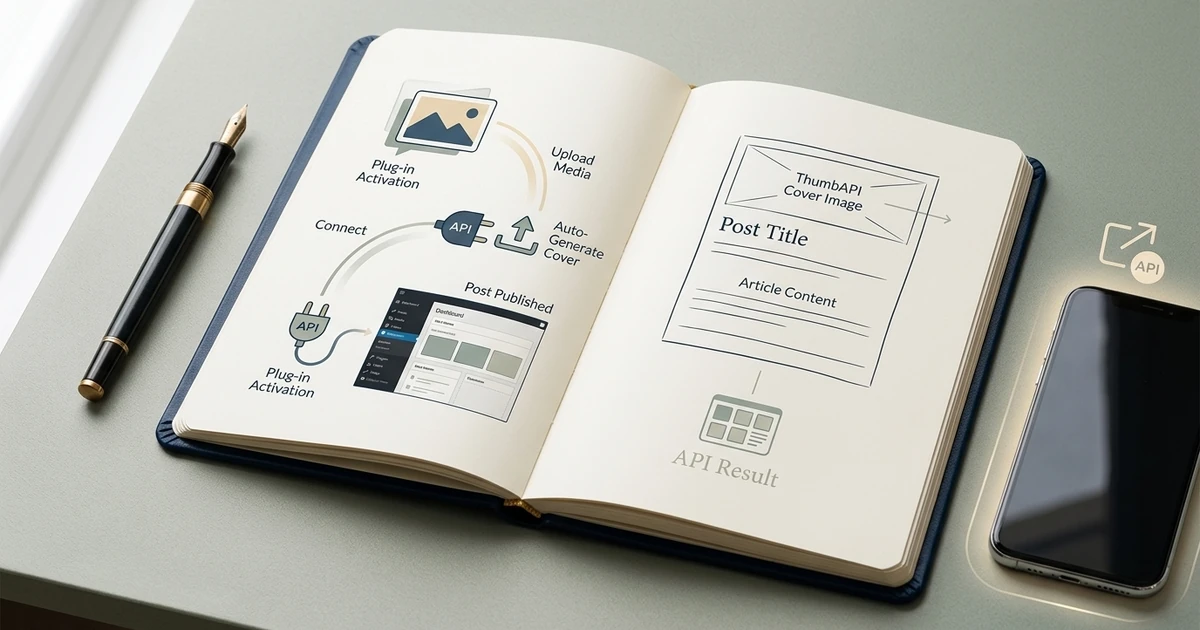
The plugin adds a panel to the post editor (both the block editor and the classic editor). When you click Generate featured image, the current post title is sent to your ThumbAPI account, the returned image is uploaded to the Media Library, and it is set as the post's featured image automatically.
Features
- One-click featured image generation from the post title
- Block editor sidebar panel and classic editor meta-box integration
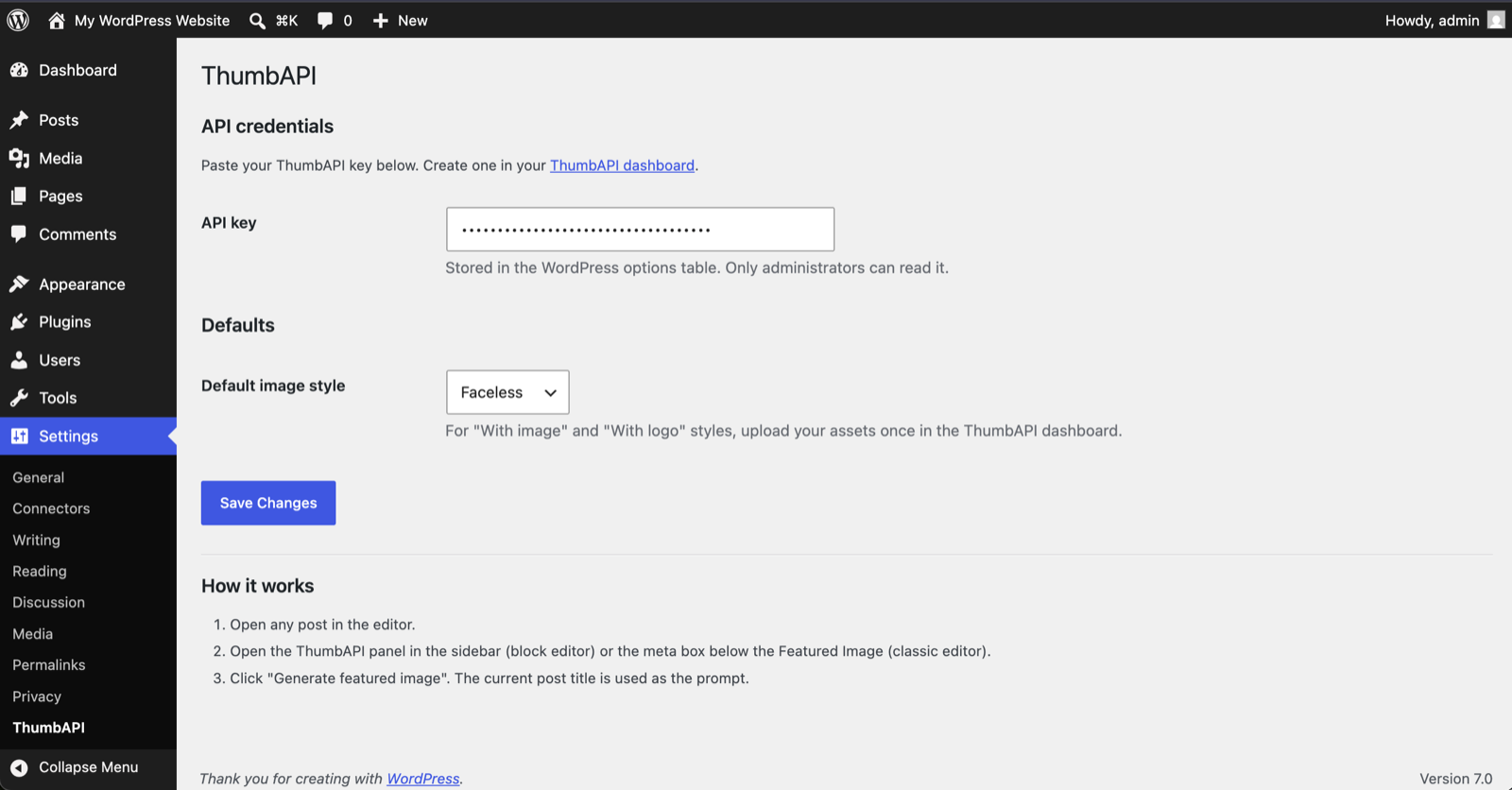
- Five output formats: Blog post (1200×630), YouTube (1280×720), Instagram (1080×1080), X (1200×675), LinkedIn (1200×627)
- Three image styles: faceless, with personal photo, with logo
- Generated images go through the standard WordPress Media Library — full thumbnail sizes are generated automatically
- No bundled scripts or styles loaded outside the post editor and the plugin's own settings page
- A ThumbAPI account and an API key from app.thumbapi.dev
- For "With image" or "With logo" styles, upload your personal photo or logo once in your ThumbAPI dashboard
https://api.thumbapi.dev), which is a paid third-party service operated by ThumbAPI. When you click Generate featured image, the plugin sends the post title, your selected format, and your selected image style to the ThumbAPI POST /v1/generate endpoint, authenticated with the API key you saved in the plugin settings. ThumbAPI returns a generated image which the plugin then stores in your WordPress Media Library.
- Service: ThumbAPI
- Endpoint:
https://api.thumbapi.dev/v1/generate - Data sent: post title, output format, image style, your API key (as
x-api-keyheader) - Terms of service: https://thumbapi.dev/terms-of-service
- Privacy policy: https://thumbapi.dev/privacy-policy
安装:
- Upload the
thumbapifolder to/wp-content/plugins/or install the plugin from the WordPress plugin directory. - Activate the plugin from the Plugins screen.
- Go to Settings → ThumbAPI and paste your API key from app.thumbapi.dev.
- Open any post, give it a title, then click Generate featured image in the ThumbAPI panel.
屏幕截图:
常见问题:
Do I need a paid ThumbAPI plan?
You need a ThumbAPI account and an API key. Pricing is set by ThumbAPI; see thumbapi.dev for current plans.
What happens to the generated image?
It is stored in your Media Library exactly like any other upload. You can edit, replace, or delete it like any other attachment.
Does it overwrite an existing featured image?
Yes — clicking the button always sets the new generated image as the featured image. Your previous featured image stays in the Media Library and can be reassigned.
Can I use my own saved photo or logo?
Yes. Upload your personal photo or logo once in the ThumbAPI dashboard, then pick the matching style ("With image" or "With logo") in the plugin panel.
Does the plugin support the classic editor?
Yes. A small panel is added below the standard Featured Image meta box.
更新日志:
1.0.2
- Removed unnecessary require_once calls for wp-admin/includes/file.php and wp-admin/includes/media.php in the image handler. The remaining wp-admin/includes/image.php include is now loaded immediately before wp_generate_attachment_metadata(), matching the allowed exception in the plugin guidelines.
- Block editor: the Generate button now reads "Regenerate" when a featured image is already set, with a hint that it will replace the current image.
- Classic editor: after a successful generation, the button re-labels to "Regenerate featured image" so authors can create a new cover without reloading.
- Moved inline settings page CSS and JS into properly enqueued assets (admin/css/admin.css, admin/js/settings.js).
- Removed unnecessary load_plugin_textdomain() call (handled automatically by WordPress.org since 4.6).
- Initial release.