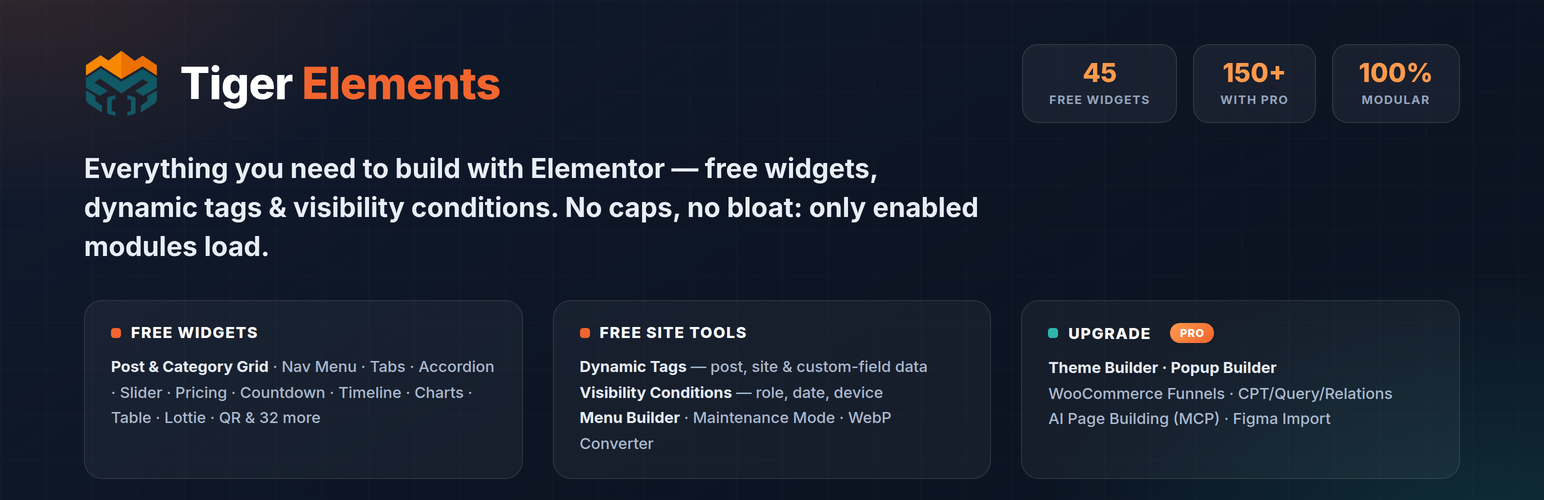
Tiger Elements – Elementor Addons, Widgets, Slider, Charts & Dynamic Tags
| 开发者 | tigerelements |
|---|---|
| 更新时间 | 2026年8月19日 13:38 |
| PHP版本: | 7.4 及以上 |
| WordPress版本: | 7.1 |
| 版权: | GPLv2 or later |
| 版权网址: | 版权信息 |
详情介绍:
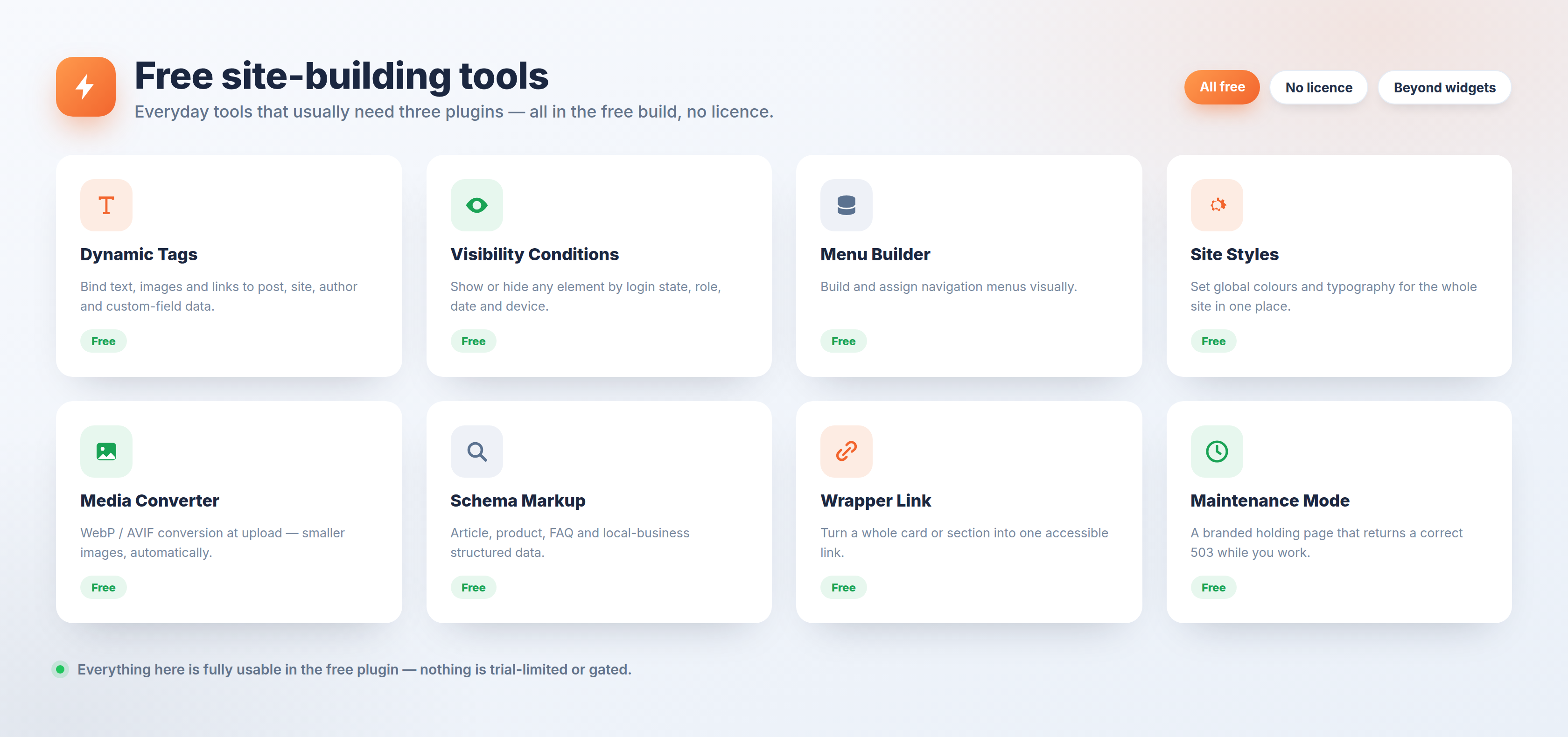
- Menu Builder — build and assign navigation menus visually.
- Site Styles — global colours and typography for the whole site in one place.
- Schema Markup — structured data (article, product, FAQ, local business) without a separate SEO plugin.
- Media Converter — convert images to WebP or AVIF on upload, or convert your existing library in resumable batches.
- Marketing & SEO — meta fields plus optional Google Tag Manager and GA4 tag output.
- Wrapper Link — make any container or column a single clickable link.
- Maintenance Mode — a holding page while you build.
- Theme Builder — headers, footers, single, archive, 404 and loop templates with display conditions.
- Popup Builder — exit-intent, scroll, delay and click triggers with audience targeting.
- WooCommerce store and funnel builder — custom checkout, cart, my-account and thank-you templates, order bumps, post-purchase upsells, side cart, swatches, quick view, wishlist and compare.
- Dynamic content engine — CPT Builder, Custom Content Types with their own tables, visual Query Builder, bi-directional Relations, Dynamic Loop, Query Grid, AJAX Grid, Loop Carousel and a faceted filter suite.
- AI page building over MCP — connect Claude or another AI assistant and build pages conversationally, plus Figma import.
- Premium widgets — Google Reviews, Instagram Feed, Store Locator, Yelp and Trustpilot Reviews, Hero, Testimonials, Mega Menu, Off-Canvas and advanced carousels.
安装:
- Install and activate the free Elementor page builder first — Tiger Elements is an addon and needs it.
- In WordPress, go to Plugins → Add New, search for Tiger Elements, then click Install Now and Activate. To install manually, upload the
tiger-elementsfolder to/wp-content/plugins/and activate it from the Plugins screen. - Open Tiger Elements in the admin menu to switch individual widgets and modules on or off.
- Edit any page with Elementor — the Tiger widgets appear in the panel under their own section.
屏幕截图:
常见问题:
Does Tiger Elements require Elementor Pro?
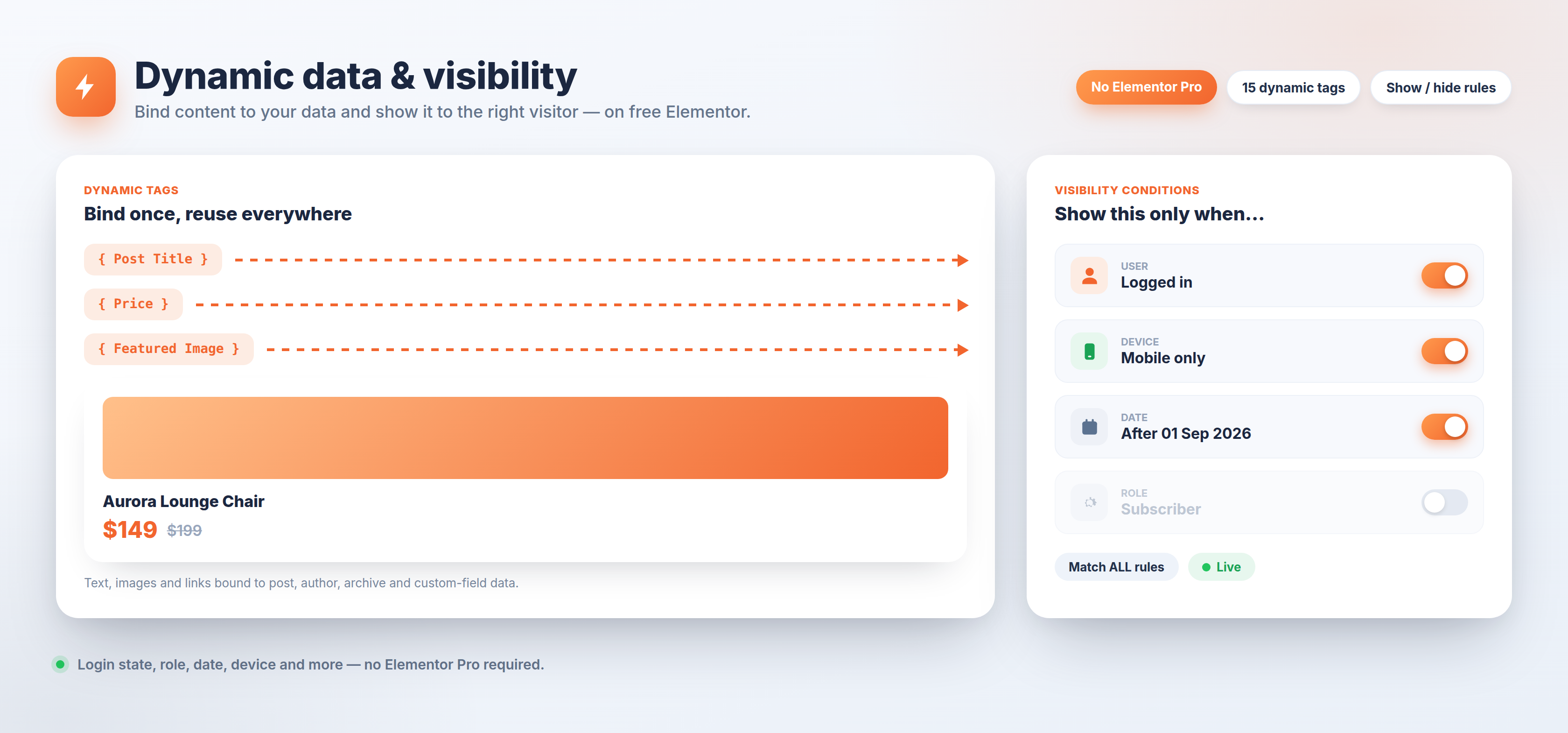
No. Tiger Elements works with the free Elementor plugin. Dynamic tags and visibility conditions, which usually require Elementor Pro, are included here for free.
Is the free version limited in any way?
No. Every feature that ships in the free plugin is fully usable, with no usage caps and no settings locked behind a licence. Pro features are a separate plugin and none of their code is included in this download.
How many widgets are included?
45 widgets, all active by default and all switchable individually.
Will it slow my site down?
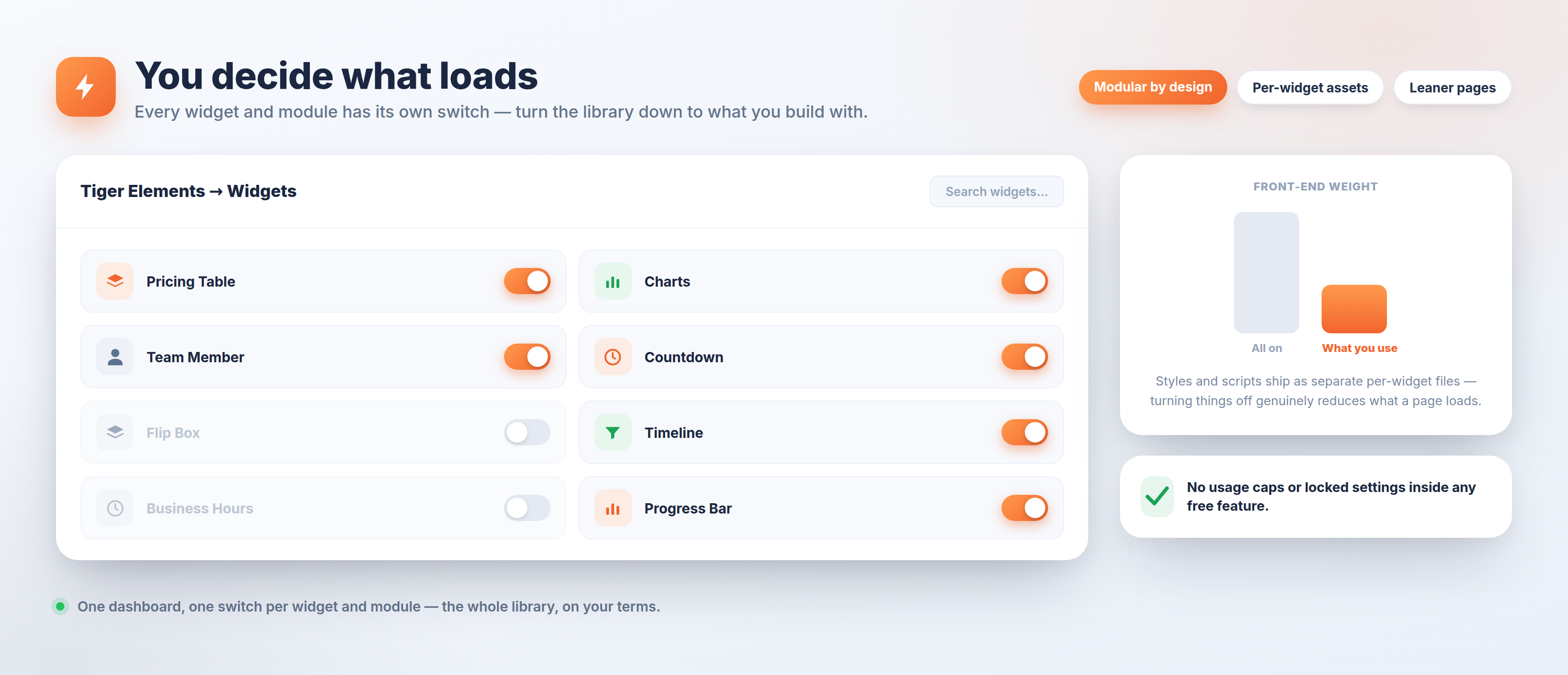
Each widget and module can be switched off from the dashboard, and front-end styles and scripts are shipped per widget rather than as one bundle, so a page loads only the assets the widgets on it actually need.
Can I turn off widgets I do not use?
Yes. Every widget and module has its own toggle under the Tiger Elements dashboard. Switching one off also stops its assets loading.
Does it work with my theme?
Yes. Tiger Elements works with any theme that supports Elementor.
Does it work with the block editor or with other page builders?
No. It is an Elementor addon, and its widgets appear inside the Elementor editor only.
What happens if a widget causes an error on my site?
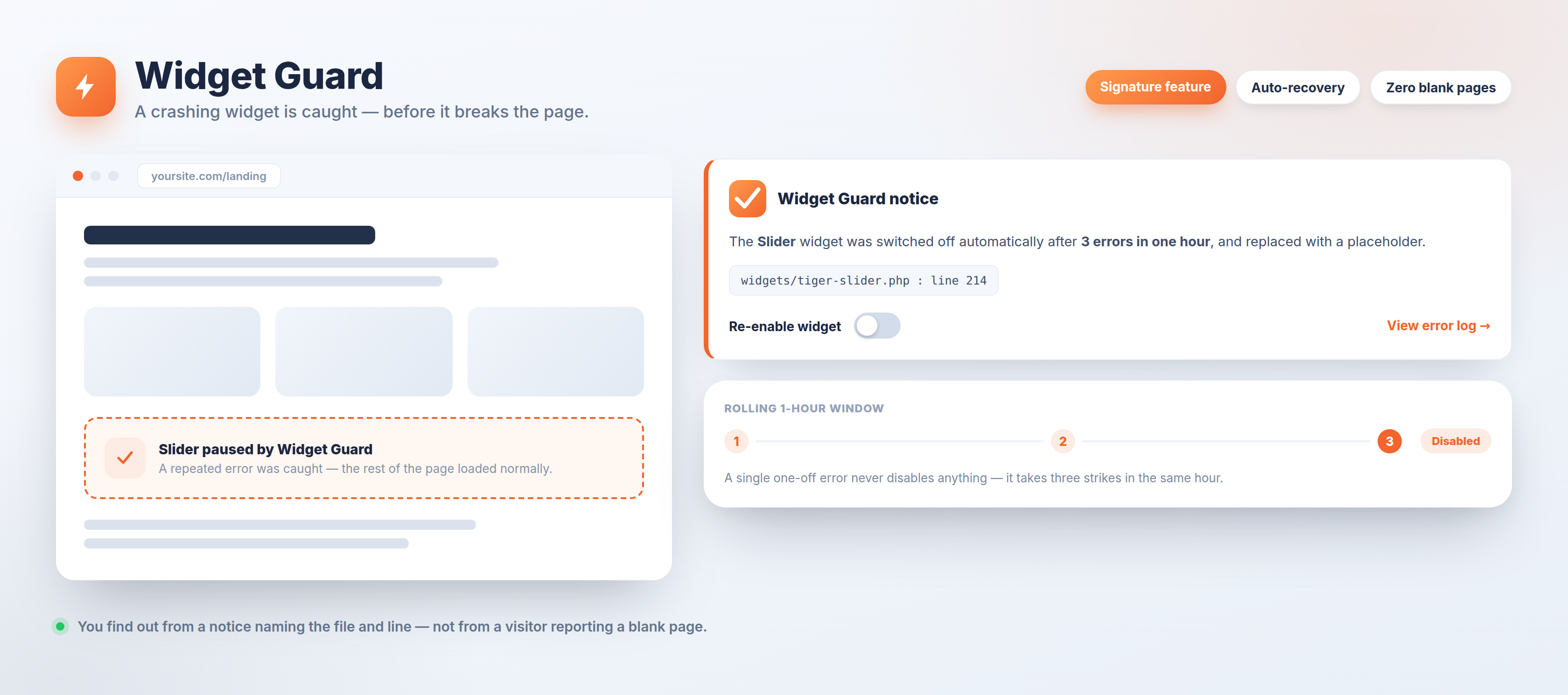
Widget Guard catches it. After three errors from the same widget within a rolling hour, that widget is switched off automatically and replaced with a placeholder, and an admin notice names the widget, file and line so you can fix it and switch it back on. A single one-off error never disables anything.
Can I upload SVG files?
Yes, but it is off by default and deliberately narrow. Switch it on under Tiger Elements → Tools → Media Converter. Only users who can already publish unfiltered HTML (administrators) may upload an SVG, and every file is sanitised as it arrives — scripts, event handlers, javascript: links and external entities are stripped, and a file that will not parse as valid SVG is rejected.
Does the free plugin send data to external services?
Not by default. Every optional integration and what it sends is documented in the External Services section below.
Where do I get support?
Use the support forum on this plugin page.
更新日志:
- WordPress 7.1 compatibility: 7.1 lets the browser convert an image to WebP before it is uploaded. Media Converter treated those uploads as "nothing to do" and stopped producing the AVIF copies on sites set to keep both formats. It now adds them.
- Gravity Forms Styler: the Submit button controls and the textarea minimum height had no effect on forms using the Gravity Forms "orbital" theme, whose own styles outranked the widget's. The panel now wins.
- Licence screen: the panel is laid out properly on its own page instead of inheriting nothing from the dashboard — a real card, one row of actions and a readable key field.
- Housekeeping: cleared every remaining Plugin Check error (translators comments, redundant query flags, one false-positive annotation). No behaviour changes.
- Media Converter: convert images that are already in your library, not just new uploads. Scan first to see what is in scope and roughly what it saves, then convert in batches you can stop and resume. Every skip states its reason, and a run survives closing the page.
- Media Converter: convert exactly the files you pick — select them in the Media Library and choose "Convert with Tiger Elements" from Bulk actions.
- Media Converter: fixed the per-file "Skip this file for the media converter" box being missing whenever automatic upload conversion was switched off (the default) — the one control that protects a file was absent exactly when it was needed.
- Media Converter: the page now says when new uploads are not being converted yet, and warns that converted images become WebP so anything that must stay PNG/JPEG can be excluded first.
- Widget Guard: reactivating the last disabled widget left the "1 widget was auto-disabled" banner and menu badge on screen above an empty table, which read as if the fix had failed.
- Dashboard and Plugin Settings disagreed about how many modules and widgets were active. Both now count the same things; a phantom widget id that never existed no longer inflates the total.
- Menu Builder was loading its off-canvas stylesheet on every page of the free build, for widgets that build does not ship. Also removed a dead admin view that was still shipping to Pro customers.
- Widgets whose target plugin is missing no longer appear in the Elementor panel: the CF7 and Gravity Forms stylers, and the WooCommerce widgets. Saved pages are unaffected — the widgets stay registered and return the moment the plugin is back.
- Timeline: layout and behaviour switches moved into their own Settings section, and the vertical rail now stops at the last marker instead of running past it.
- Table Builder: a table set to four columns now asks for four cells per row, not six.
- Image Compare: the divider follows the cursor while dragging in the editor, and each label now hides only when its own image is off screen.
- Info Box: the feature list is centred and no longer inherits an oversized font from the theme.
- CTA Section: the newsletter form follows the Content Alignment setting instead of sitting off-centre.
- Site Logo: added the missing Style tab, and the site-name fallback is no longer clipped.
- Defaults polish across badges (post grid, portfolio, team, category, product grid), flip-box lists, and the search focus ring.
- Review hardening: Widget Guard's disabled-widget placeholder now renders through Elementor's render_content filter instead of an output buffer spanning two hooks, and the guard now applies its three-strikes threshold to load-time failures too, so a transient environment blip can no longer disable widgets. Every JSON block printed into a script context is encoded with the full JSON_HEX_* flag set, and the inline-asset collector neutralises tag-terminating sequences in CSS/JS bodies. Removed from this build: the opt-in telemetry scaffolding (was never active), the last external CDN reference, all unused Pro-widget asset files, and a dead admin view. Readme title aligned with the plugin name; External Services now also documents the gallery's YouTube/Vimeo embeds.
- WordPress.org review hardening: removed the site-wide Custom Code feature (raw head/body/footer boxes) from the free build entirely; replaced all output-buffering (
ob_start) in admin screens and widgets with string building through WordPress's inline-asset APIs; escaped every remaining echoed value at output (esc_attr/esc_url/wp_kses); prefixed the search transient; and guarded the editor against a Pro-only class reference. No functional changes for users.
- WordPress.org compliance: the free build now contains no Pro widget code, no locked "PRO" editor cards, no Pro catalog and no gating logic — the paid widgets/modules live only in the separate Tiger Elements Pro plugin. Removed the Mailchimp and YouTube integrations from the free build. Every admin and front-end style/script is now emitted through WordPress's enqueue / wp_add_inline_style / wp_add_inline_script APIs instead of raw <style>/<script> tags. Documented all optional external services.
- Fixed: opening a Pro-only admin screen (Theme Builder, Figma Importer, Build with AI, API Settings, Search & Replace) or the Elementor editor no longer triggers a "critical error" — these screens now show the upgrade page instead of trying to load code that ships only in Pro.
- Compliance & security hardening for the WordPress.org build: removed the licensing/update client, all Pro-module loaders, the Native Pages HTML renderer, the CPT Builder, per-page custom CSS/JS, and the raw header/body/footer code fields from the free build (these live only in the separate Pro plugin). Bundled/removed remote library calls, hardened API-key encryption, sanitised nonce/referer inputs, escaped JSON-LD output, moved the admin menu below the core items, and documented all optional external services.
- First public release. 45 free Elementor widgets, dynamic tags and visibility conditions, plus the free Menu Builder, Site Styles, Schema Markup, Marketing & SEO, Media Converter, Wrapper Link and Maintenance Mode modules — every widget and module is active by default, nothing is capped, and no license is needed.
- Pro adds the Theme, Popup and WooCommerce builders, the CPT / CCT / Query / Relations data engine, and AI page building through your own Claude, Cursor or VS Code subscription over MCP.