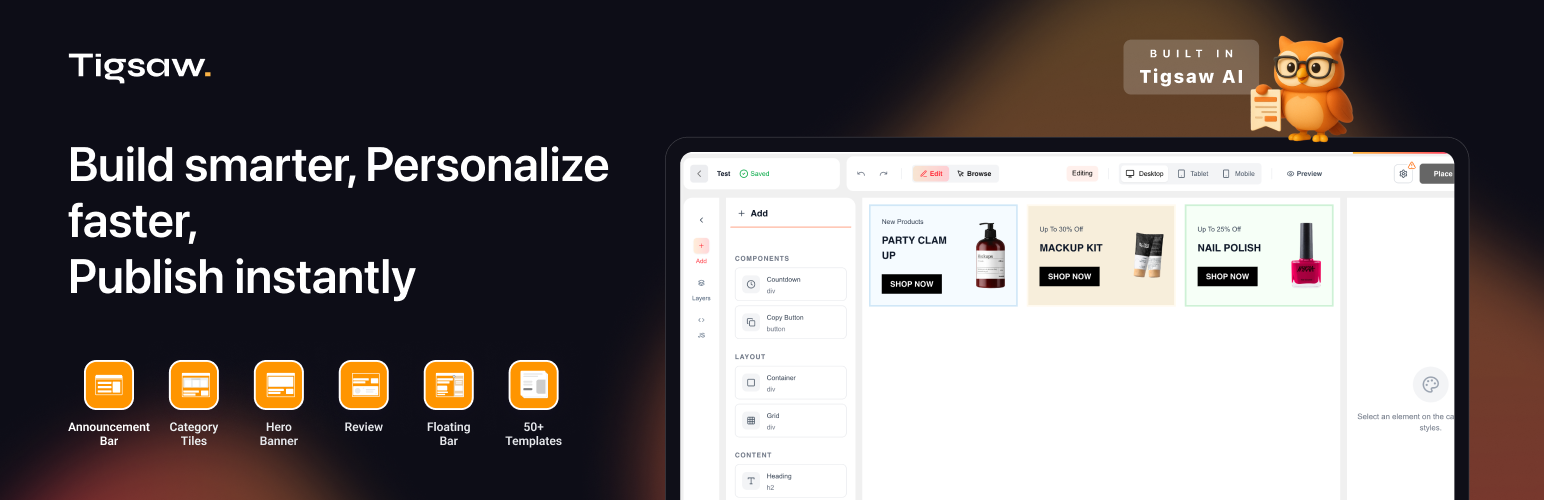
Tigsaw - AI + Visual Editor
| 开发者 | naveenrao |
|---|---|
| 更新时间 | 2025年11月26日 23:23 |
| PHP版本: | 7.4 及以上 |
| WordPress版本: | 6.8 |
| 版权: | GPLv2 or later |
| 版权网址: | 版权信息 |
详情介绍:
- Automatic Domain Detection - Automatically detects your WordPress domain for easy setup
- Container Management - Fetch and select from available Tigsaw containers
- Smart Script Integration - Automatically adds Tigsaw smart script to all pages
- Cache Clearing - Supports 25+ caching plugins for instant changes
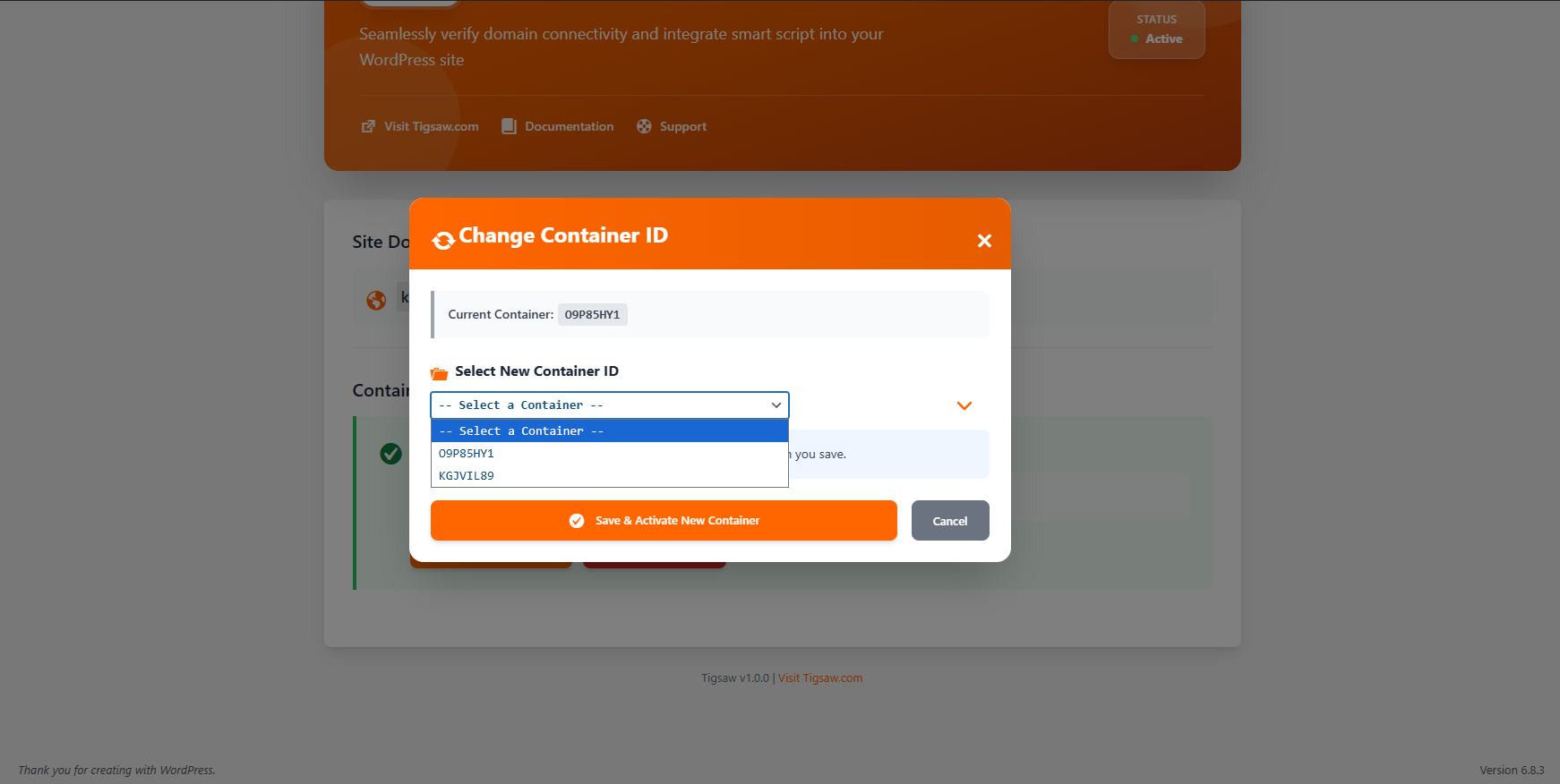
- Container Switching - Easy interface to change containers without losing settings
- Container Verification - Verifies container activation before enabling
- Multisite Compatible - Full support for WordPress multisite installations
- Manual Entry - Allows manual container ID entry for localhost/development
- Install & Activate - The plugin redirects you to settings after activation
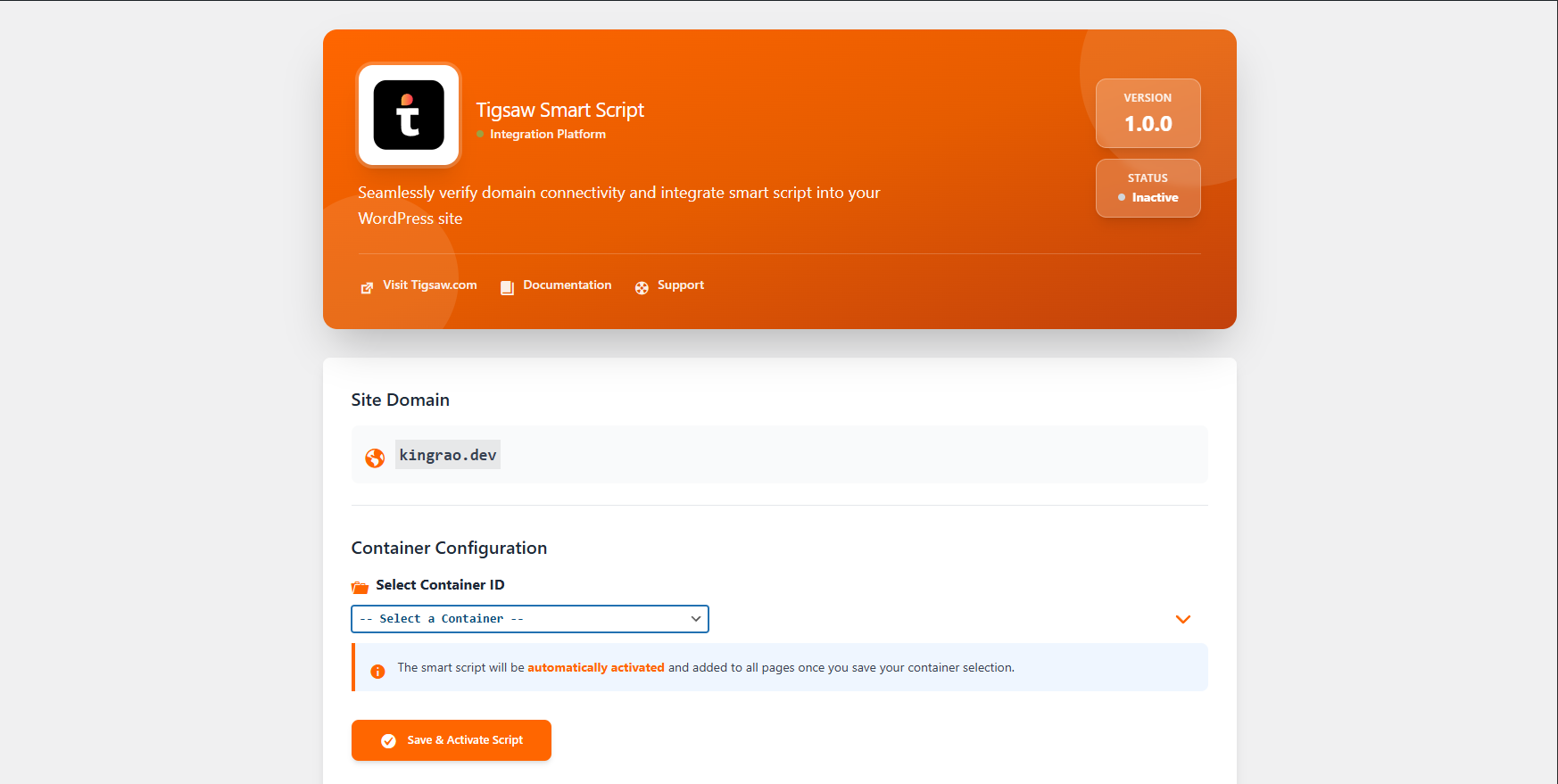
- Fetch Container - Click to fetch available containers from Tigsaw API
- Select Container - Choose your container ID from the dropdown
- Automatic Activation - Script is automatically enabled when you save
- Cache Cleared - All caches are automatically cleared for instant effect
- Used to fetch available container IDs for your domain
- Used to verify container activation status
- Data sent: Your WordPress site domain URL, selected container ID
- Privacy Policy: https://tigsaw.com/privacy
- Terms of Service: https://tigsaw.com/tos Tigsaw Smart Script (https://static.tigsaw.com/delivery/smartscript.js)
- Loaded on the front-end when a container is activated
- Enables AI-powered editing and visual features
- Data handling governed by Tigsaw Privacy Policy By using this plugin, you agree to the terms and privacy policies of these third-party services.
- WP Super Cache
- W3 Total Cache
- WP Fastest Cache
- LiteSpeed Cache
- WP Rocket
- Autoptimize
- Comet Cache
- Cache Enabler
- SG Optimizer
- WP-Optimize
- Swift Performance
- Perfmatters
- NitroPack
- Pantheon Advanced Page Cache
- WP Engine Cache
- Kinsta Cache
- Pagely Cache
- Redis Object Cache
- And more!
安装:
- Log in to your WordPress admin dashboard
- Navigate to Plugins > Add New
- Search for "Tigsaw"
- Click Install Now and then Activate
- You'll be redirected to the Tigsaw settings page
- Download the plugin zip file
- Log in to your WordPress admin dashboard
- Navigate to Plugins > Add New
- Click Upload Plugin at the top
- Choose the zip file and click Install Now
- Click Activate Plugin
- Navigate to Tigsaw in the admin menu
- After activation, you'll see the Tigsaw menu in your WordPress admin
- Click Fetch Container ID to retrieve available containers from Tigsaw
- Select your container from the dropdown
- Click Save & Activate Script
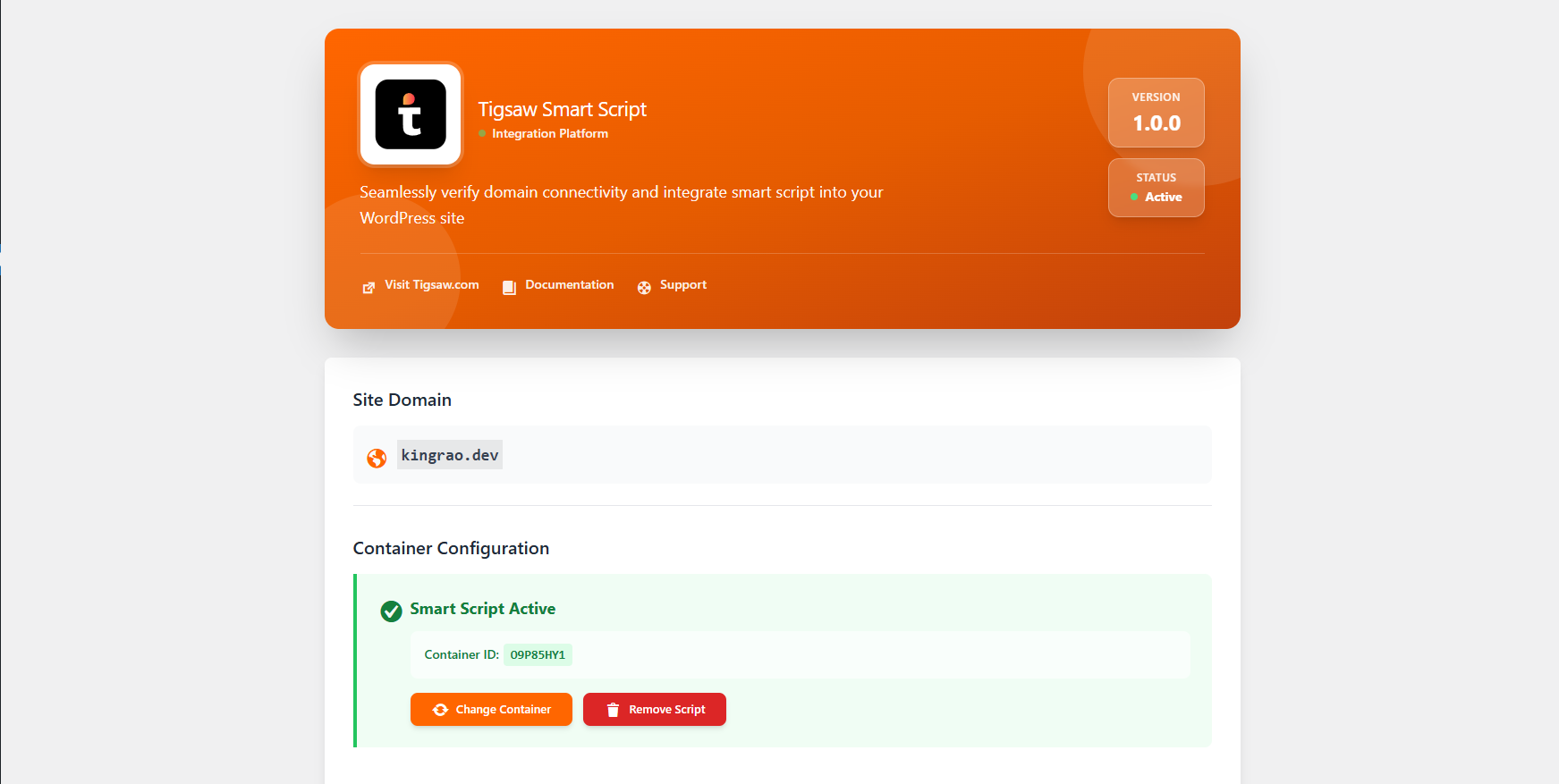
- The smart script is now active on all pages!
- Use the Enter Manual Container ID option to input a container ID directly
- This is useful for testing before going live
屏幕截图:
常见问题:
What is Tigsaw?
Tigsaw is an AI-powered visual editor platform that enables advanced content editing and management capabilities on your WordPress site.
Do I need a Tigsaw account?
Yes, you need to create a container on Tigsaw.com for your domain before using this plugin.
Is this plugin free?
The plugin itself is free, but you may need a Tigsaw account. Check Tigsaw.com for their pricing and plans.
Does this work with multisite?
Yes! The plugin fully supports WordPress multisite installations. Each site can have its own container configuration.
What data is sent to Tigsaw?
The plugin sends your WordPress domain URL to fetch available containers and your selected container ID for verification. No other WordPress data is transmitted.
Does this slow down my site?
No. The smart script is loaded asynchronously and won't block page rendering. It's optimized for performance.
Can I use this on localhost?
Yes! Use the manual entry option to input a container ID for local development and testing.
How do I change containers?
Click the "Change Container" button on the settings page, fetch available containers, select a new one, and save. The new container will be activated automatically.
What happens when I deactivate the plugin?
The smart script will stop loading on your site. Your settings are preserved in case you reactivate later.
What happens when I uninstall the plugin?
All plugin settings and data are completely removed from your database. You'll need to reconfigure if you reinstall.
Which caching plugins are supported?
The plugin supports 25+ caching plugins including WP Super Cache, W3 Total Cache, WP Rocket, LiteSpeed Cache, and many more. Cache is automatically cleared when you save settings.
Can I disable the script without deactivating the plugin?
Yes, use the "Remove Script" button to disable the script while keeping the plugin active.
Does this work with page builders?
Yes! The plugin injects the script into the header, so it works with all page builders including Elementor, Divi, WPBakery, Beaver Builder, and others.
Is the plugin translation-ready?
Yes, the plugin is fully internationalized and ready for translation into any language.
更新日志:
- Enhanced: Improved WordPress coding standards compliance
- Enhanced: Implemented proper wp_enqueue_script() for JavaScript files
- Enhanced: Implemented proper wp_enqueue_style() for CSS files
- Enhanced: Removed inline CSS and JavaScript for better performance
- Enhanced: Added dedicated admin.css and admin.js files
- Enhanced: Better browser caching with versioned assets
- Fixed: WordPress.org plugin review compliance issues
- Initial release
- Automatic domain detection
- Container ID fetching from Tigsaw
- Smart script injection
- Auto-enable on container selection
- Support for 25+ caching plugins
- Ability to change containers
- Multisite compatibility
- Complete uninstall cleanup