
Timeline Full Widget
| 开发者 | Blackstar1991 |
|---|---|
| 更新时间 | 2026年4月30日 02:54 |
| 捐献地址: | 去捐款 |
| PHP版本: | 5.0 及以上 |
| WordPress版本: | 7.0 |
| 版权: | GPLv2 or later |
| 版权网址: | 版权信息 |
详情介绍:
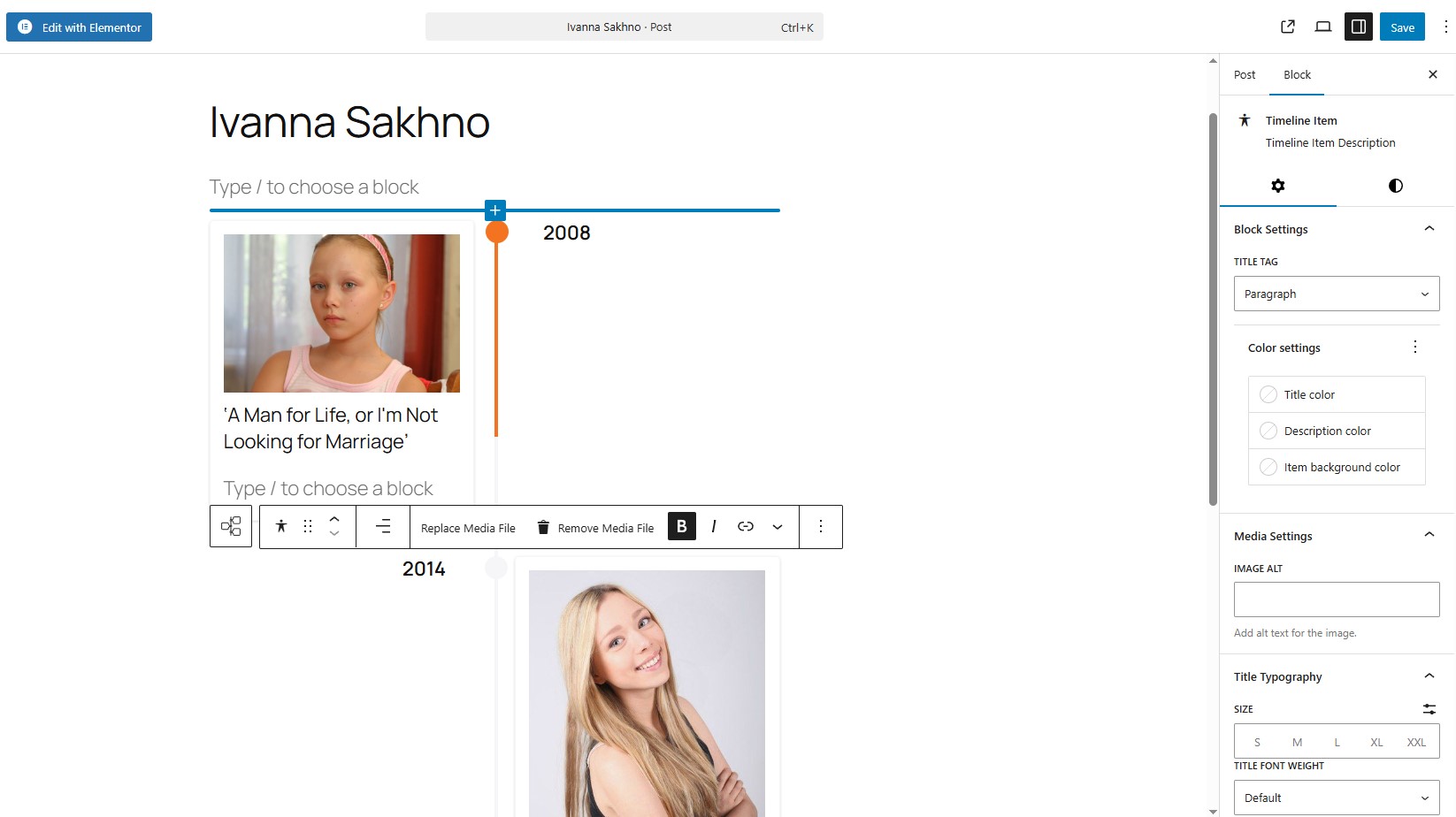
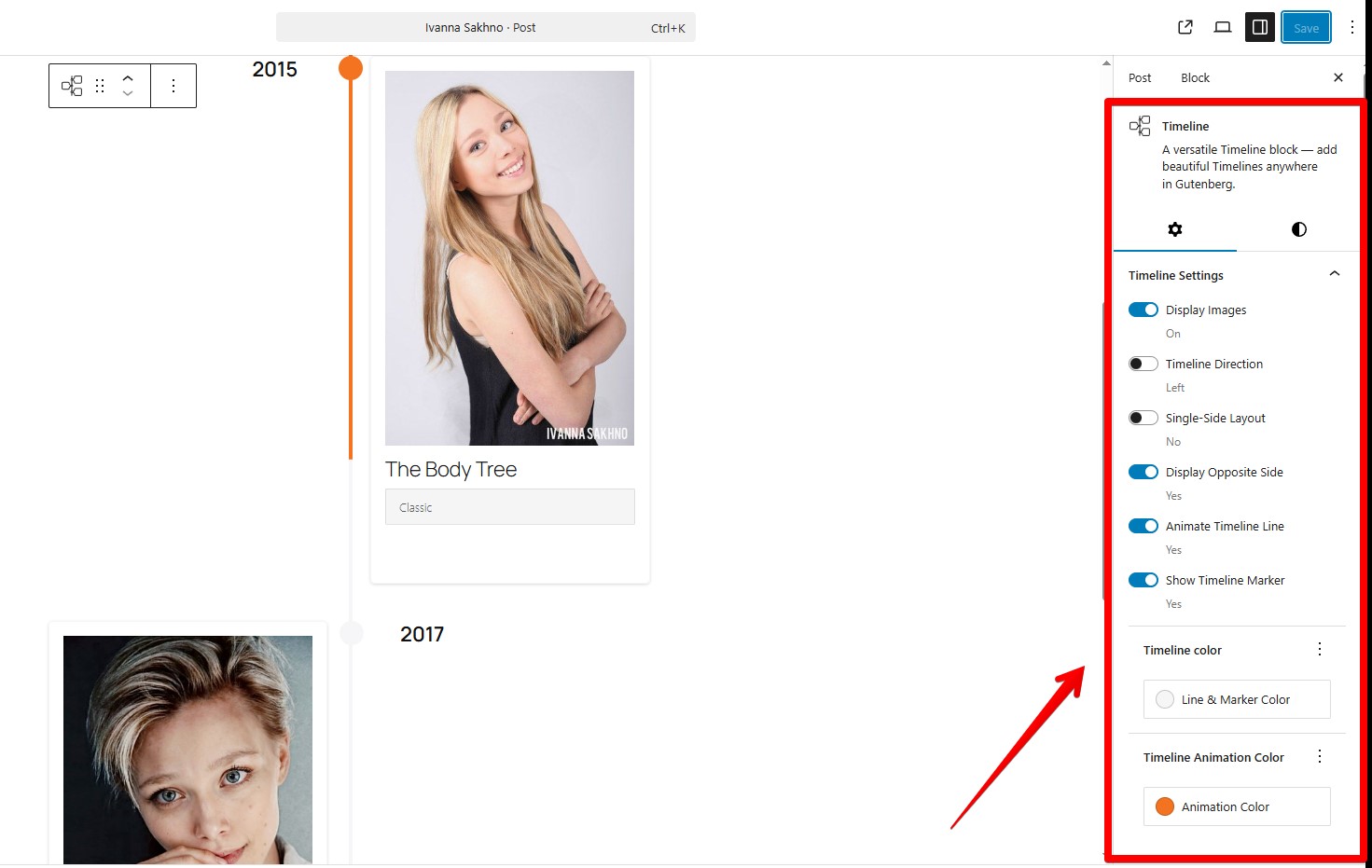
- Works with Elementor and Gutenberg
- Clean and simple editing experience
- Customizable styles (colors, typography, spacing)
- Support for images and video
- Responsive layout
- Reusable styles between timeline items
- Project timelines
- Roadmaps
- Company history
- Event timelines
- Milestones
安装:
- Upload the plugin files to the
/wp-content/plugins/timeline-full-widgetdirectory, or install it through the WordPress plugins screen directly. - Activate the plugin through the 'Plugins' screen in WordPress.
- Use the Elementor editor or Gutenberg editor.
屏幕截图:

常见问题:
Does it work with the latest Elementor?
Yes, tested with Elementor 4.0.3 and WordPress 6.9.
Does it support Gutenberg (block editor)?
Yes, the plugin includes a native Gutenberg block. Type “/timeline”
Can I change the marker on the timeline items?
Yes, you can. Use the "Edit marker" button. In "Marker Settings" you need choose "Unique Marker" option, after that you would be able to set a personal marker like a image.
Can I customize timeline item styles?
Yes, you can control colors, typography, spacing, and alignment for each item.
How to apply the same styles to all Timeline items in block component?
Use the "Apply item styles to other items" button. It copies styles from the current item to all other items.
Can I set a unique marker that is wider (width) than 30 px?
Yes, but timeline styles may need adjustment. Example: @media (min-width: 701px) { .tl-mark:has(img) { max-width: 42px !important; height: 30px; left: calc(50% + 2px); } }
Is it responsive?
Yes, the timeline layout adapts to different screen sizes.
Will it work with my theme?
Yes, it works with most WordPress themes, including block and classic themes.
更新日志:
- Bug fixes.
- Added WordPress Playground support.
- Added support for horizontal and vertical content layouts.
- Added an option to reverse media and content order.
- Bug fixes.
- Improved Title Typography controls.
- Added link wrapper support for media elements.
- Added timeline width style controls.
- Added a button to copy styles from the current item.
- Added responsive media queries for the Gutenberg block timeline.
- Added responsive media queries for the Elementor widget timeline.
- Added controls for media width inside timeline items.
- Fixed Content Typography style issues in Elementor.
- Separated line and marker color styles.
- Corrected timeline styles in the Gutenberg block.
- Bug fixes.
- Bug fixes.
- Added font-family selection for Title elements in the Gutenberg block.
- Added sticky text settings for the opposite side of the timeline.
- Corrected marker animation behavior.
- Release Date - 25th September 2025.
- Initial Release.