
TimerPlus: Countdown & Urgency Suite
| 开发者 | polosatest |
|---|---|
| 更新时间 | 2026年10月13日 00:25 |
| PHP版本: | 8.0 及以上 |
| WordPress版本: | 7.1 |
| 版权: | GPLv2 or later |
| 版权网址: | 版权信息 |
详情介绍:
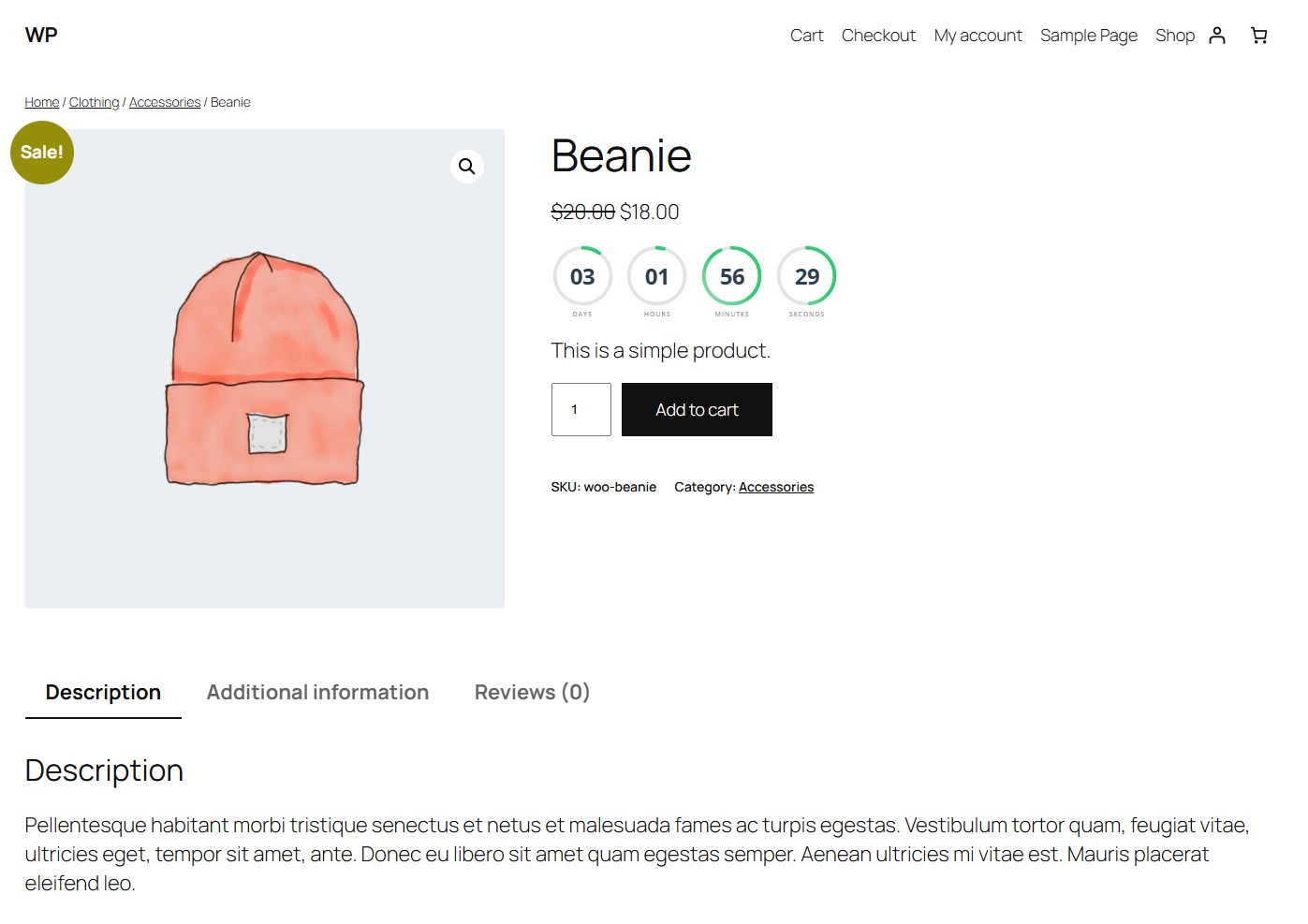
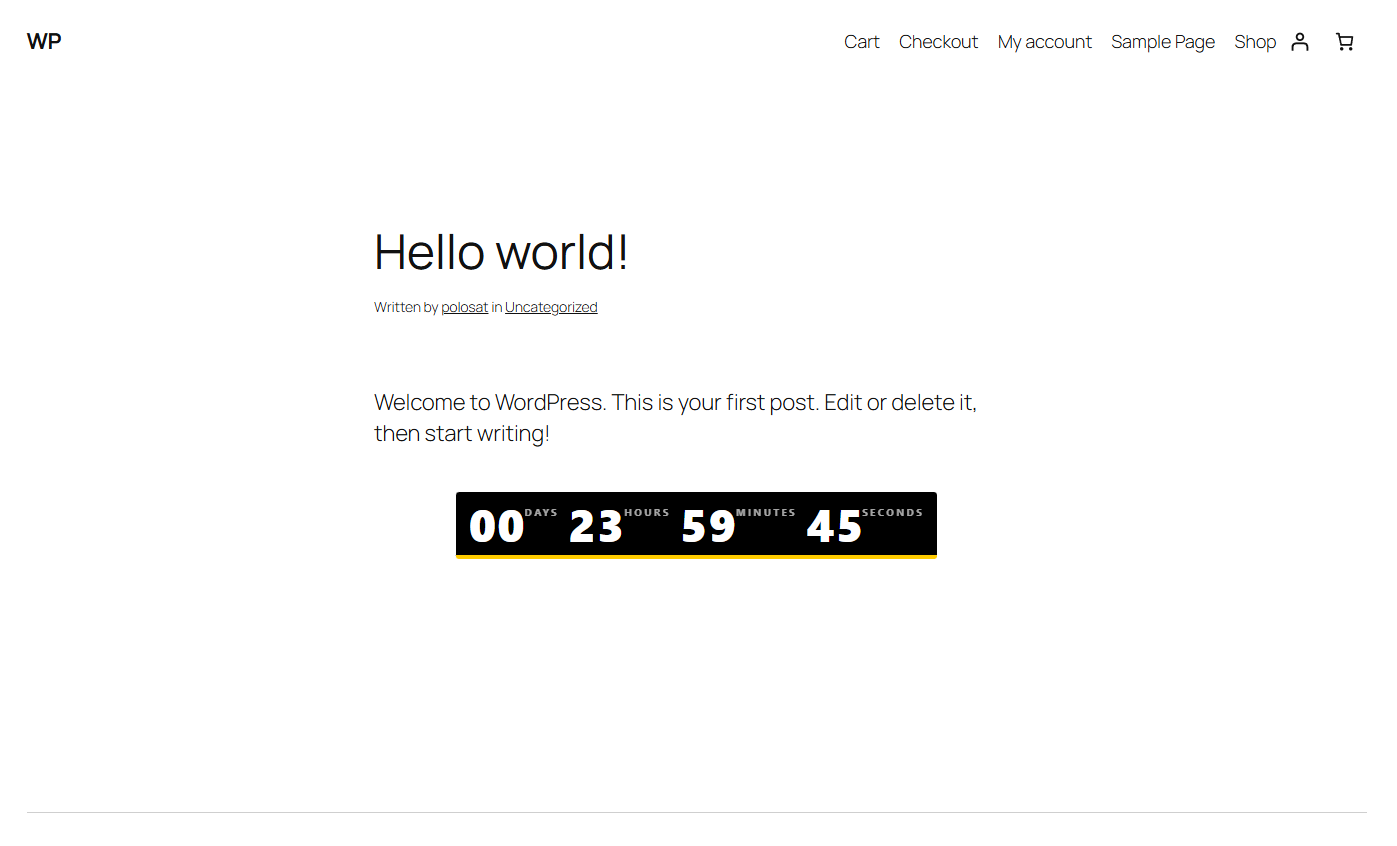
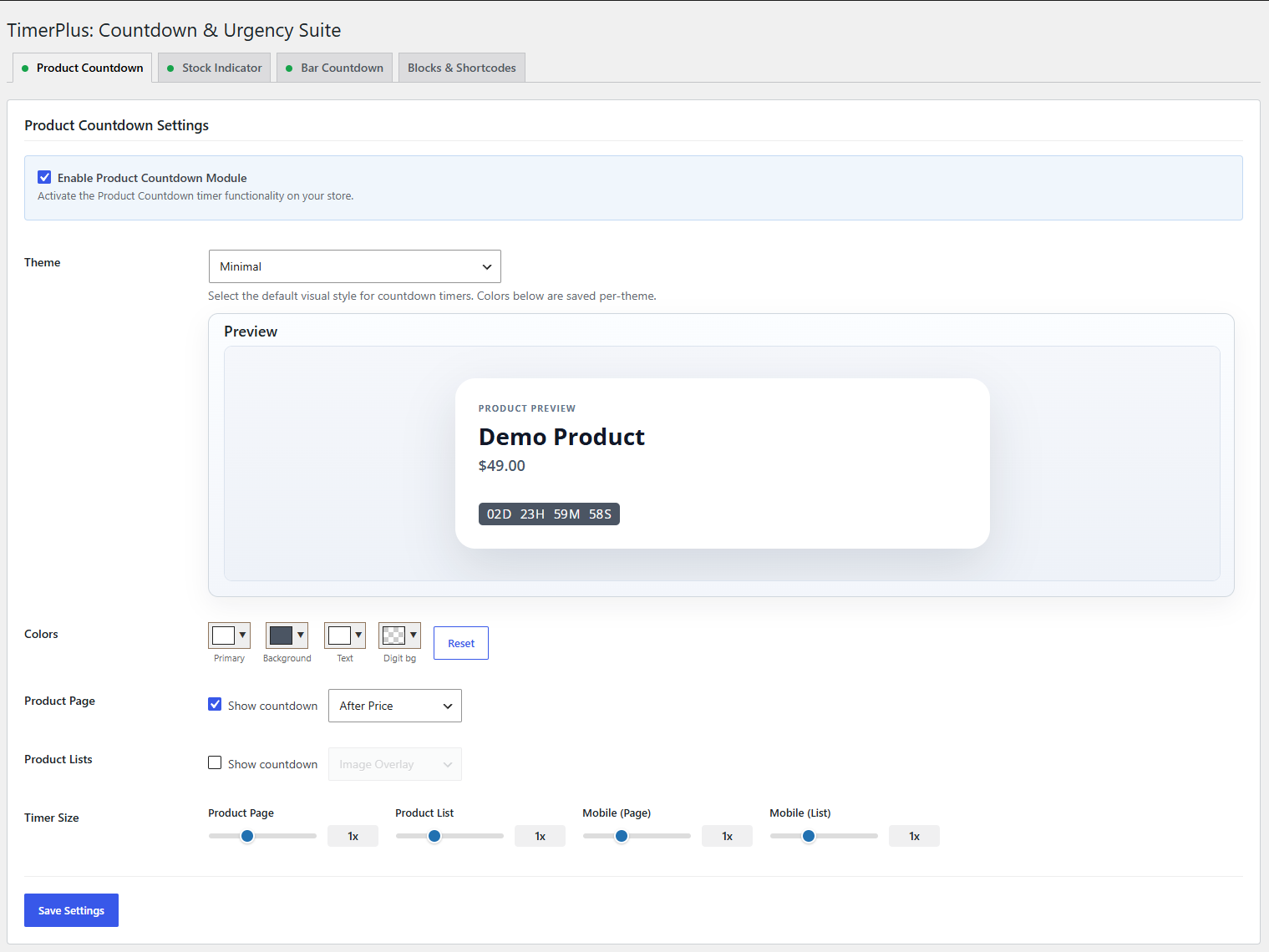
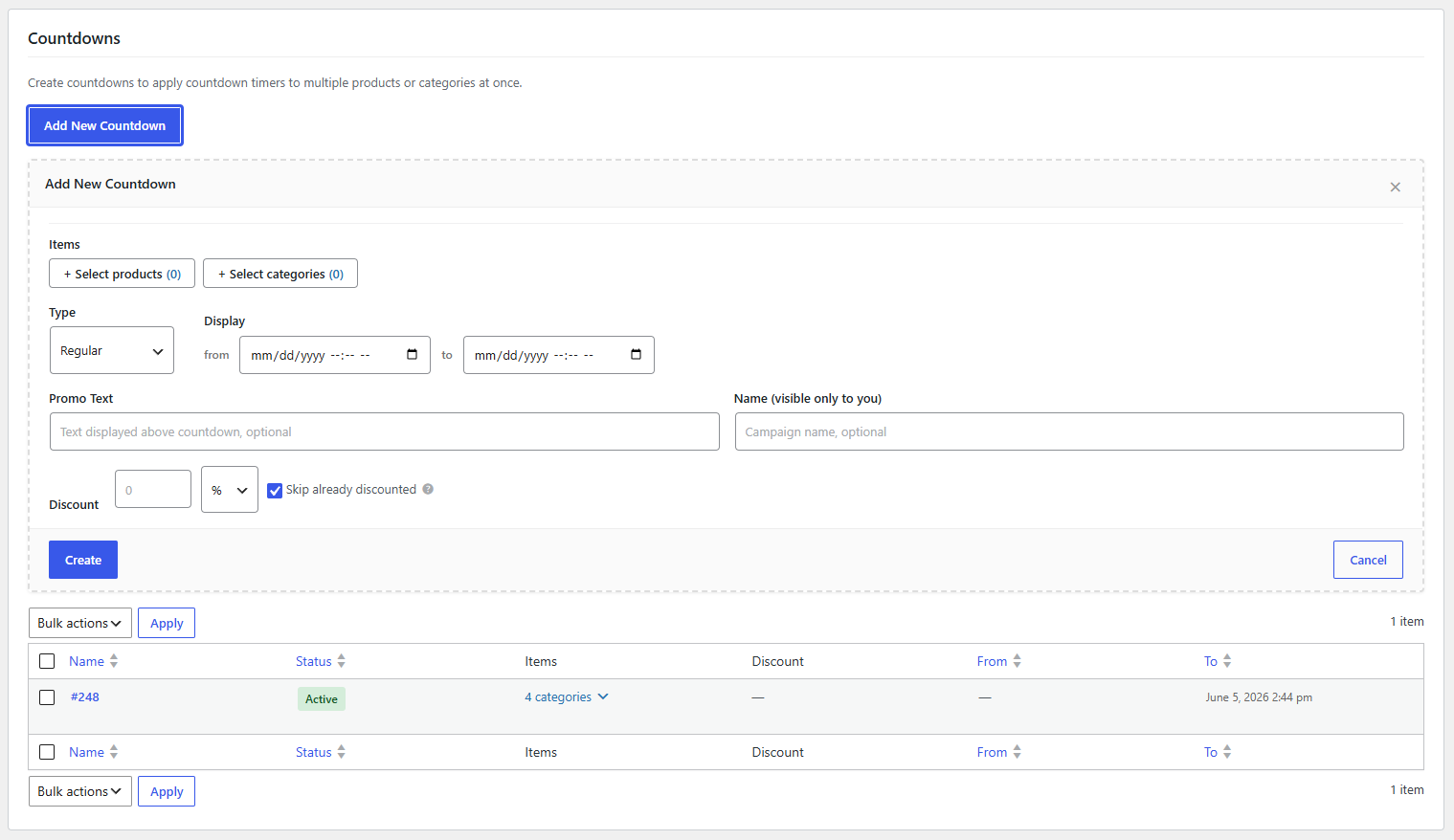
- WooCommerce product countdown timers for fixed promotions, scheduled sale dates, or evergreen offers.
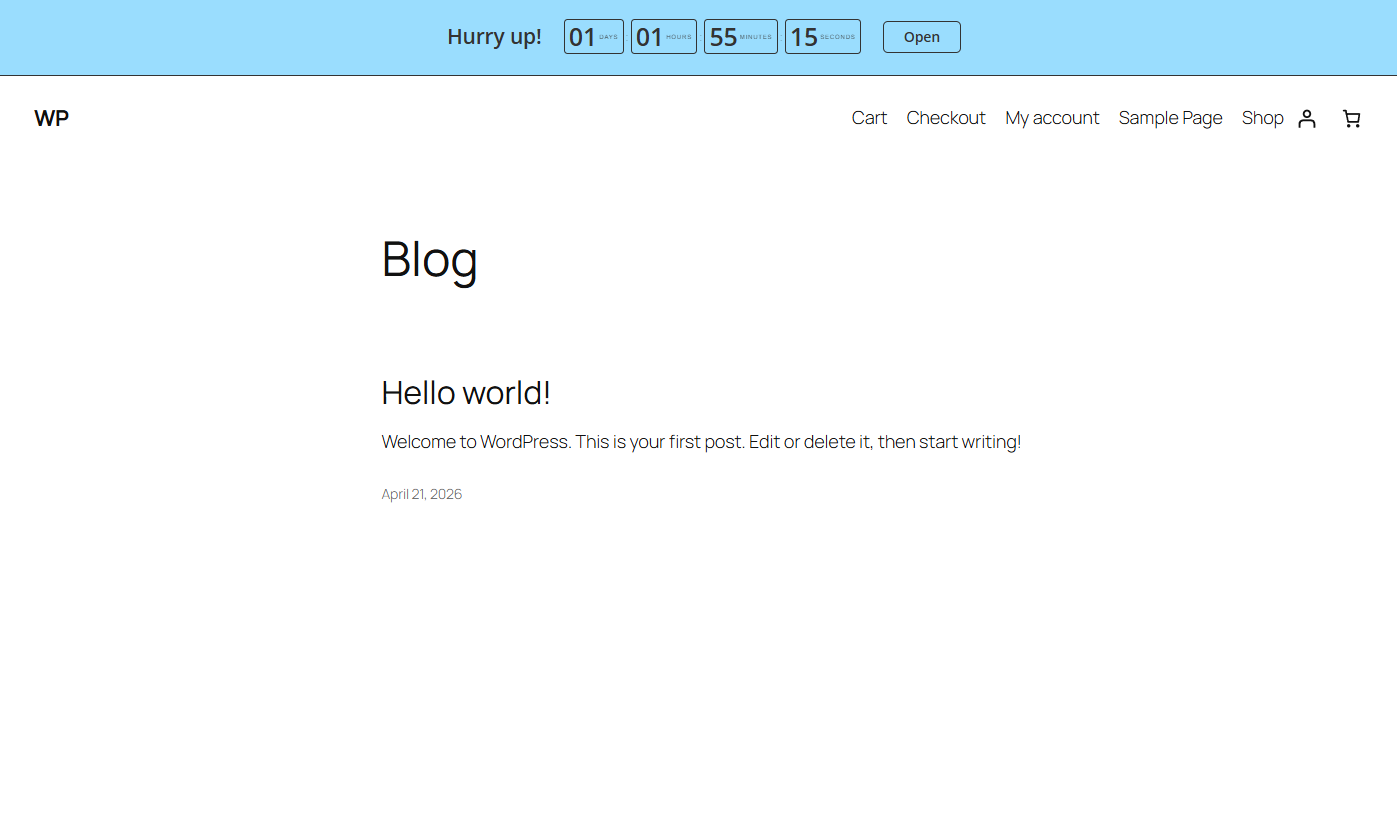
- Sitewide sale countdown bars and announcement bars with a message, countdown timer, and optional call-to-action button.
- Countdown blocks for the WordPress block editor, plus countdown shortcodes for classic content, widgets, and builders.
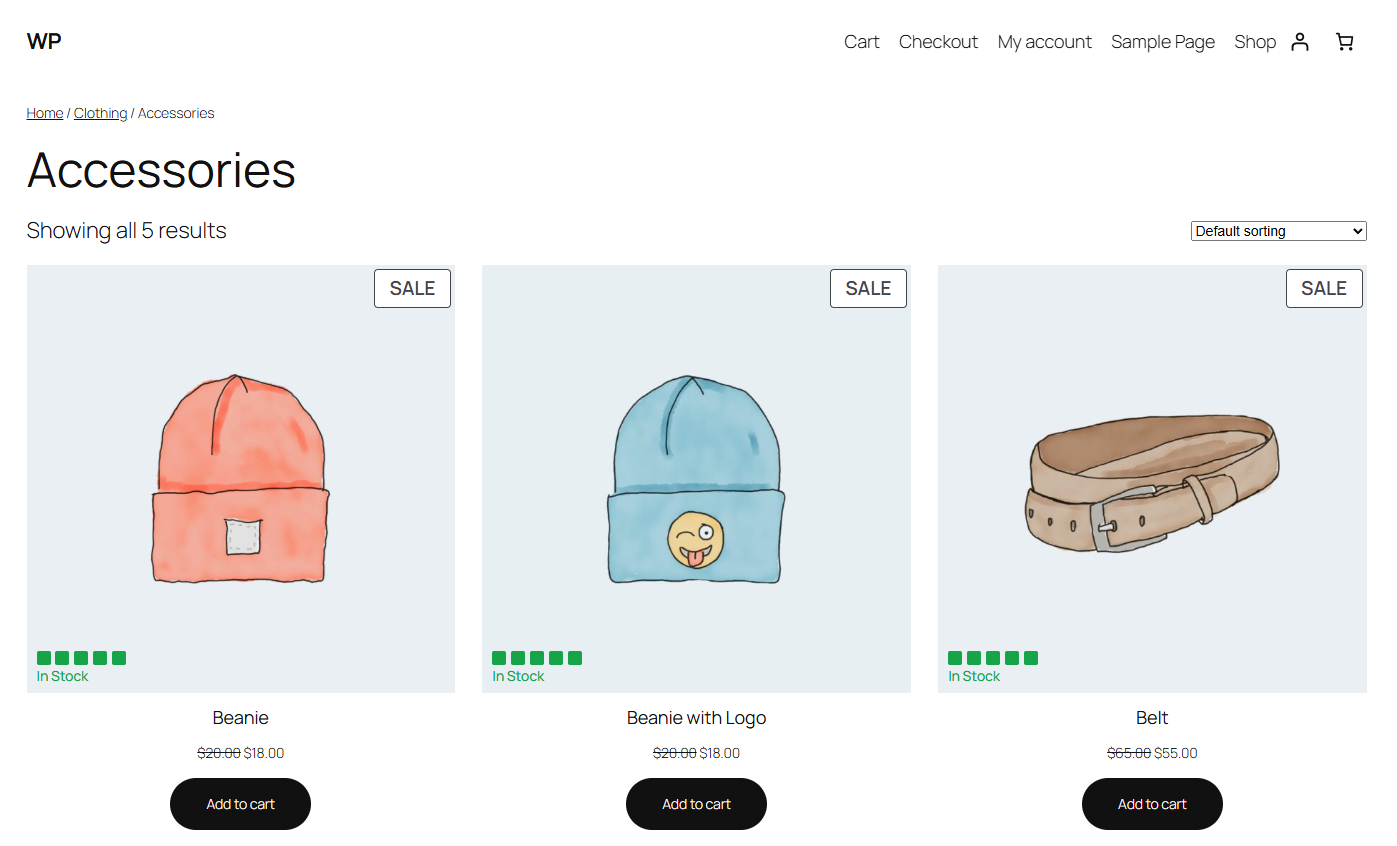
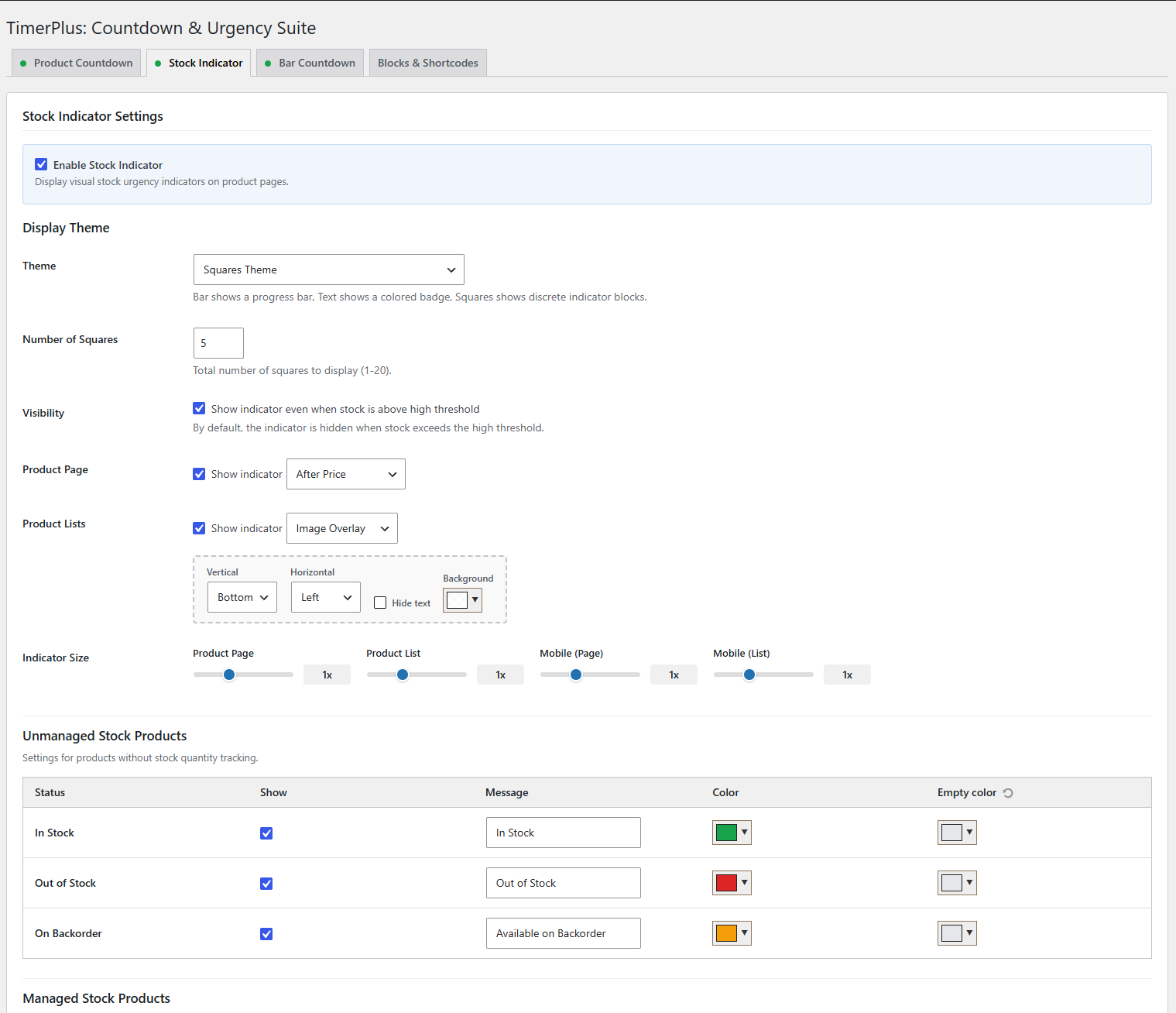
- Stock indicators for WooCommerce product pages, including low stock messages and visual stock progress bars.
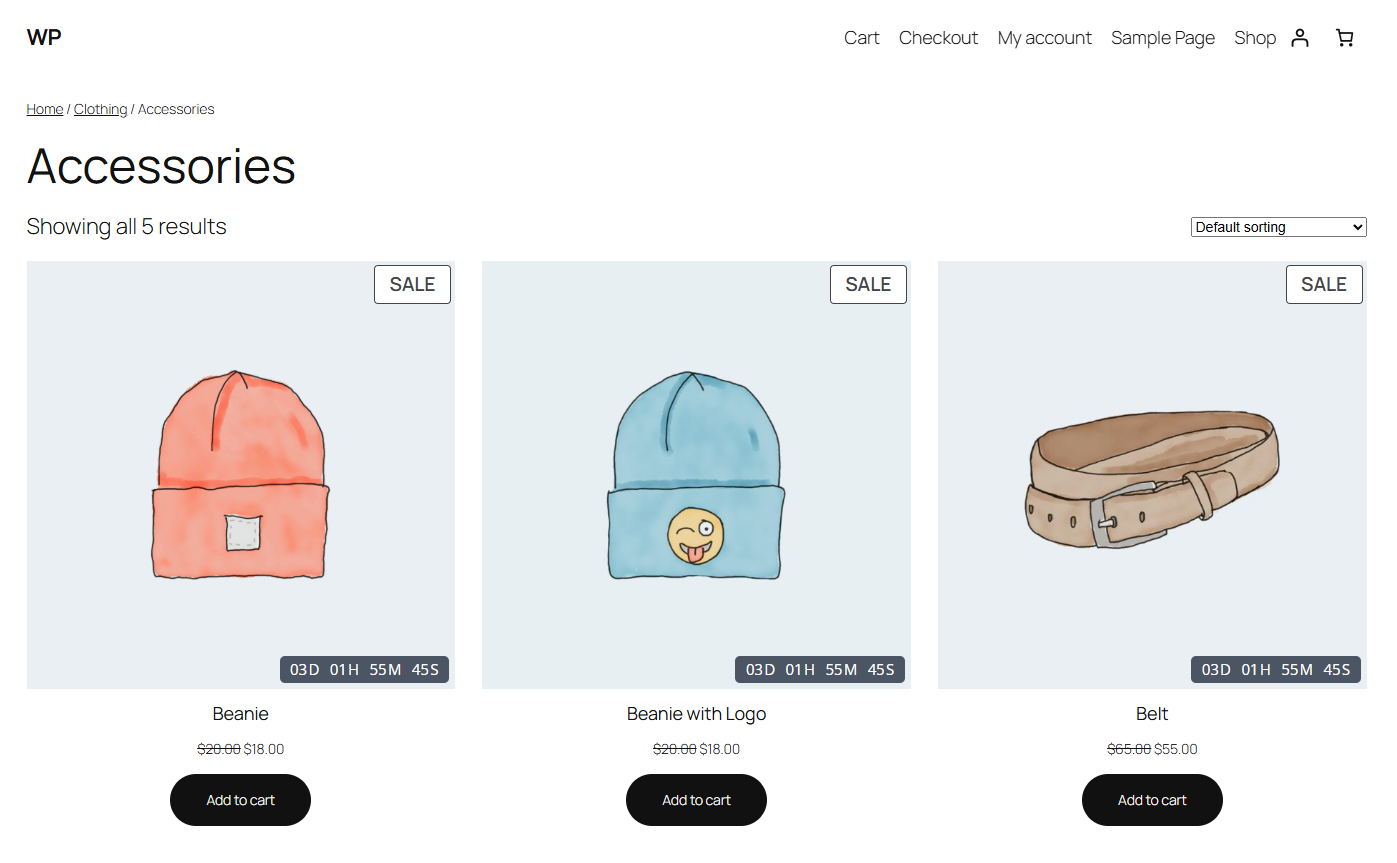
- Product archive countdowns and stock urgency indicators on WooCommerce shop and category pages.
Settings -> TimerPlus: Countdown & Urgency Suite.
安装:
- Upload the plugin package to
/wp-content/plugins/or install it throughPlugins -> Add New -> Upload Plugin. - Activate
TimerPlus: Countdown & Urgency SuitethroughPlugins -> Installed Plugins. - If you want Product Countdown or Stock Indicator, install and activate WooCommerce.
- Go to
Settings -> TimerPlus: Countdown & Urgency Suite. - Enable the modules you want to use and configure their settings.
- Add standalone countdowns in the block editor with the
Countdown & Urgencyblock or use the shortcode generator from theBlocks & Shortcodestab.
屏幕截图:
常见问题:
Does this plugin require WooCommerce?
No. TimerPlus: Countdown & Urgency Suite works without WooCommerce for Bar Countdown, shortcodes, and the Gutenberg block. WooCommerce is required only for Product Countdown and Stock Indicator.
Can I create a WooCommerce product countdown timer?
Yes. You can add a countdown timer to WooCommerce product pages with individual product settings or product countdown campaigns.
Can countdown timers follow WooCommerce sale dates?
Yes. Product countdowns can use fixed dates, follow WooCommerce scheduled sale dates, or run as evergreen countdown timers for each visitor.
Can I show countdown timers on WooCommerce shop or category pages?
Yes. TimerPlus: Countdown & Urgency Suite can show compact product countdown timers in WooCommerce product loops, including shop and category archive pages.
Can I add a sticky announcement bar with a countdown?
Yes. Bar Countdown lets you create a sitewide sale countdown bar or announcement bar with a custom message, countdown timer, and optional call-to-action button.
Can I show low stock messages or stock progress bars?
Yes. Stock Indicator can show WooCommerce stock urgency messages, low stock labels, and visual stock progress bars on product pages and product archive cards.
Can I use a countdown block or shortcode?
Yes. Use the Countdown & Urgency block in the block editor, or generate a countdown shortcode for classic content areas, widgets, or builders that support shortcodes.
Can I place countdowns outside product pages?
Yes. You can place standalone countdown timers in posts, pages, widgets, and builder layouts with the block or shortcode.
Where do I configure the plugin?
Open Settings -> TimerPlus: Countdown & Urgency Suite in your WordPress admin. From there you can enable modules and manage bar countdowns, standalone embeds, and, when WooCommerce is active, product countdowns and stock indicators.
What data does the plugin store?
TimerPlus: Countdown & Urgency Suite can store limited browser and admin preview data to support its countdown and bar features:
- Dismissible bar countdowns may store a browser cookie so a dismissed bar stays hidden for the configured duration.
- Evergreen product countdowns may store a browser
localStoragevalue so each visitor sees a consistent countdown end time on later page loads. - Admin countdown preview tools temporarily store signed-in preview state in user meta and transients so preview iframes can render the latest settings.
更新日志:
- Tested with WordPress 7.1 and WooCommerce 11.2.1
- Initial release