
Titanium Compatibility Control – Rollback, Download & Update History
| 开发者 | aplugins |
|---|---|
| 更新时间 | 2026年9月5日 19:53 |
| PHP版本: | 7.4 及以上 |
| WordPress版本: | 7.1 |
| 版权: | GPLv2 or later |
| 版权网址: | 版权信息 |
详情介绍:
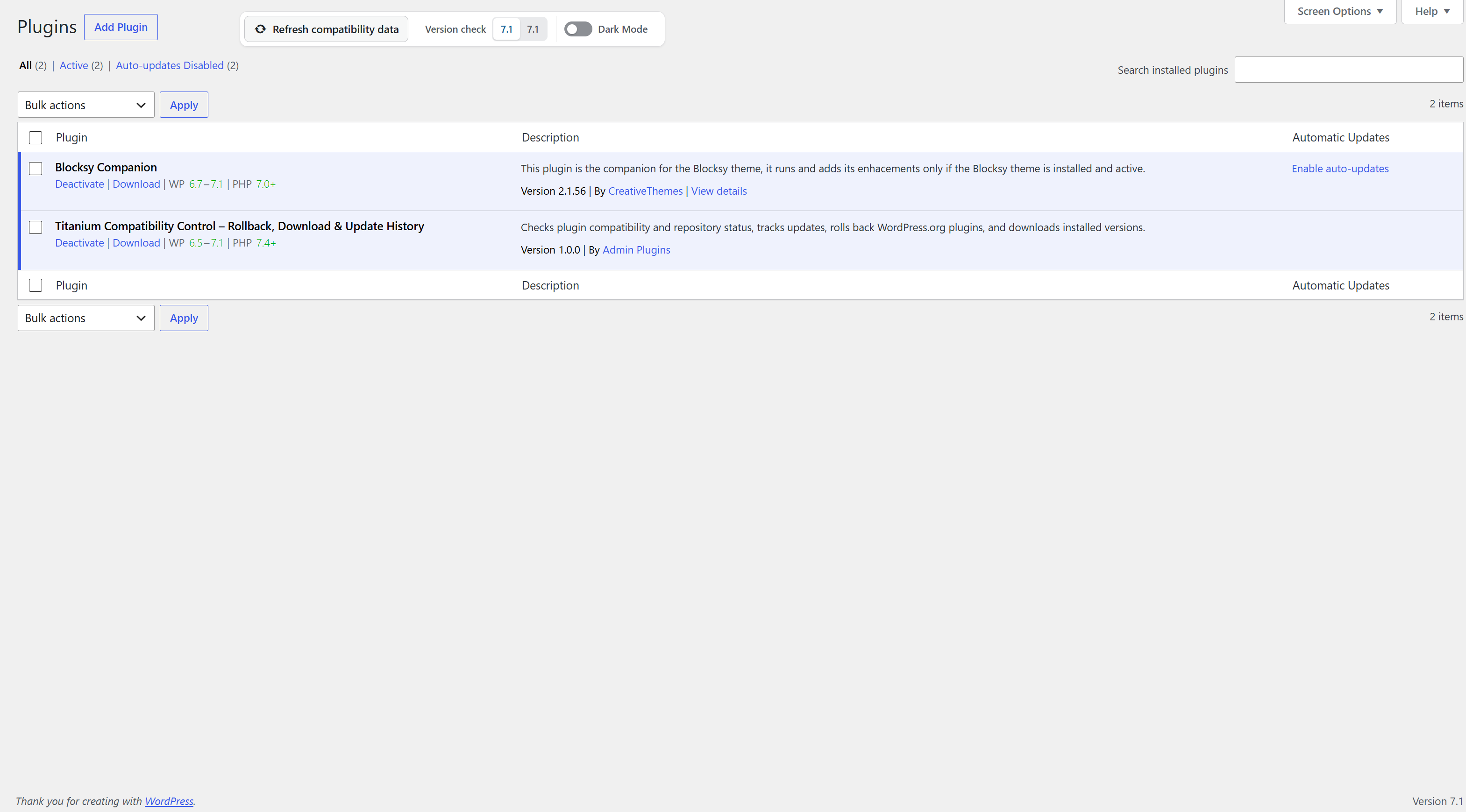
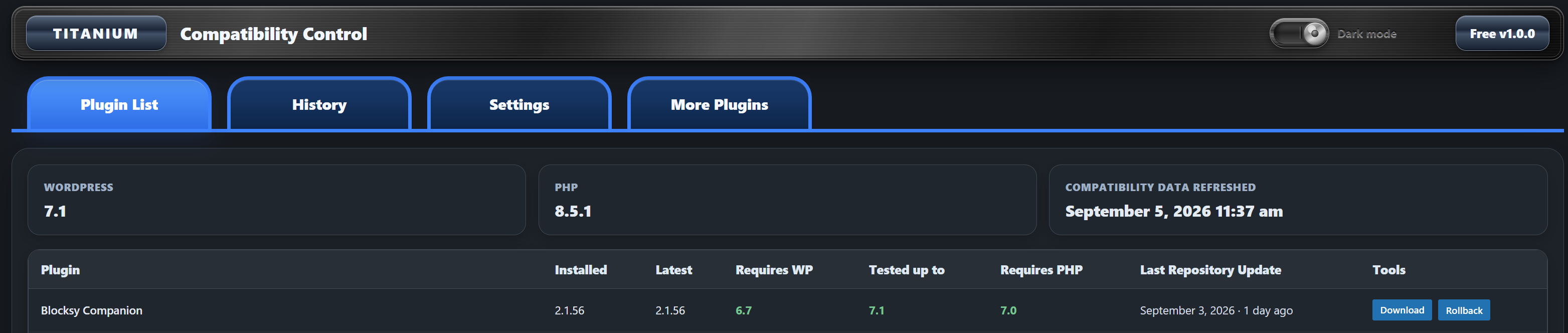
- Requires WordPress shows the minimum WordPress version declared by the installed plugin.
- Tested up to shows the WordPress version through which the installed plugin declares testing.
- Requires PHP shows the minimum PHP version declared by the installed plugin.
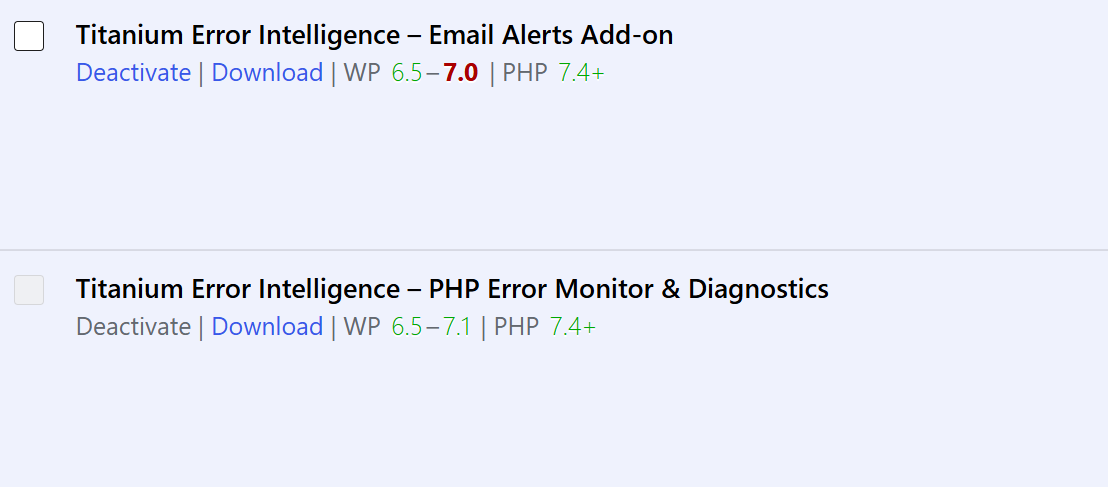
- Green indicates the declared range covers the compared environment; deep red highlights an unmet/outdated declaration. Missing metadata is shown as unavailable instead of guessed.
- Version Check supports major/minor or exact comparison. By default, Tested up to 7.0 stays valid throughout WordPress 7.0.x and becomes outdated at 7.1.
- Manual refresh is available after plugin files are replaced by FTP, file manager or another external method.
- Download is available directly from the normal Plugins screen for authorized administrators.
- Unmaintained: the Last Repository Update age reached the configured threshold. Default: 180 days.
- Removed from WordPress.org: a previously identified WordPress.org plugin is reported as not found by the WordPress.org Plugins API.
- Temporary WordPress.org/API failures are not treated as removal.
- Repository not detected: the plugin could not be reliably identified as a WordPress.org repository plugin. This does not claim it definitely is not on WordPress.org.
- External / private: the plugin explicitly declares a non-WordPress.org update source.
安装:
- Upload the
titanium-compatibility-controlfolder to/wp-content/plugins/, or install it through WordPress when available in the Plugin Directory. - Activate the plugin. On multisite, activate it for the network.
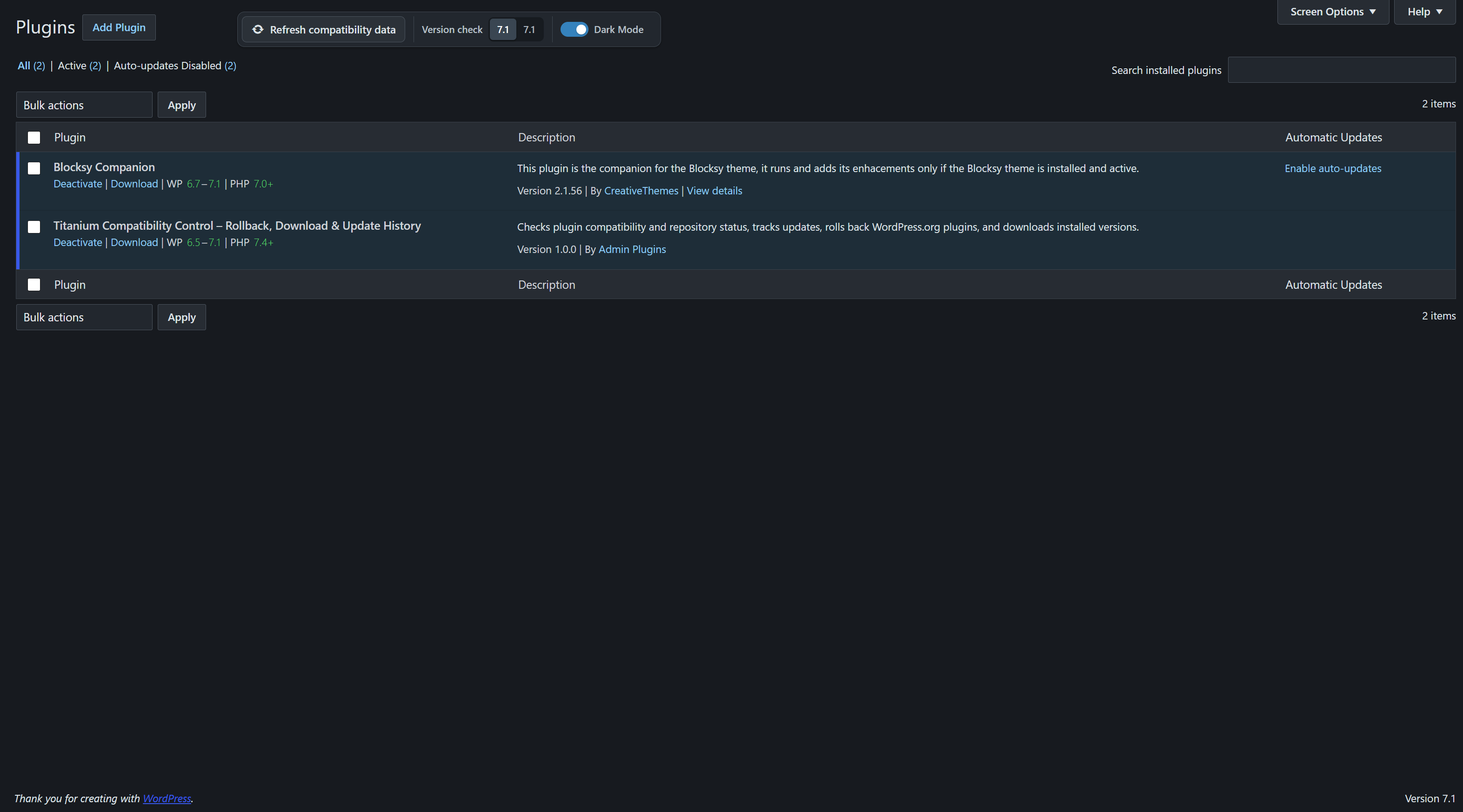
- Open Plugins for compact compatibility information and Download.
- Open Titanium Compatibility > Plugin List for the detailed table, repository status, Download and Rollback.
- Use History for recorded plugin updates and Settings for the Unmaintained threshold.
屏幕截图:
常见问题:
Does Titanium scan plugin PHP source code?
No. It reports declared plugin and WordPress.org metadata; it does not claim to prove source-code compatibility.
What is the difference between Last Repository Update and Update History?
Last Repository Update is the repository date reported by WordPress.org. Update History records version changes that occurred on this WordPress installation after Titanium was installed.
What does Repository not detected mean?
Titanium could not reliably identify the installed plugin as a WordPress.org repository plugin. This is intentionally different from Removed from WordPress.org.
Does Unmaintained mean unsafe?
No. It only means the repository update age reached your configured threshold.
Can every plugin be rolled back?
No. Rollback is limited to eligible WordPress.org plugins installed in their normal repository folder. Private, custom, removed or unidentified plugins do not receive WordPress.org rollback versions.
Can private or premium plugins be downloaded?
Yes, when their installed files are inside the normal WordPress plugins directory and can be packaged safely. Download contains files only; it is not a database or full-site backup.
Why might an update be missing from History?
History starts after Titanium is installed and relies on successful WordPress updater events with a reliable before/after version. Direct external file replacement cannot be detected reliably.
更新日志:
- Initial release