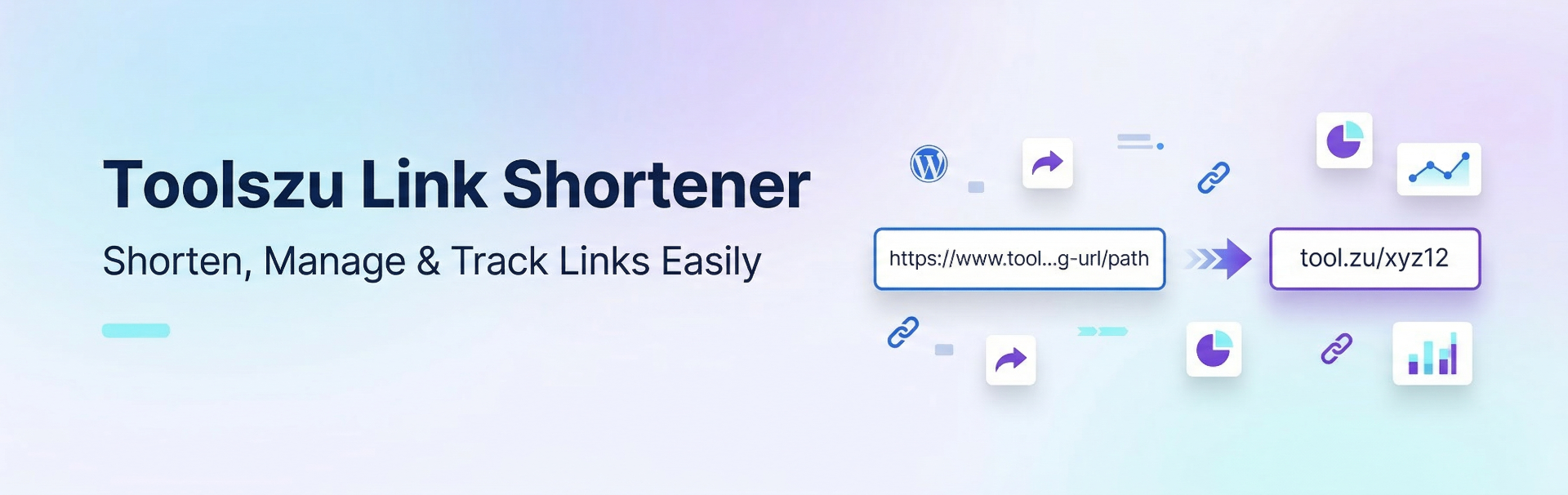
Toolszu Link Shortener
| 开发者 | toolszu |
|---|---|
| 更新时间 | 2026年9月15日 22:02 |
| PHP版本: | 7.4 及以上 |
| WordPress版本: | 7.1 |
| 版权: | GPL-2.0+ |
| 版权网址: | 版权信息 |
详情介绍:
- Auto-Shorten on Publish: Automatically generates a short link in the background the moment a post goes live.
- Custom Domain Support: Choose exactly which branded domain you want to use for your links (e.g.,
biopage.link,myzu.link). - Customizable Link Styles: Choose between short & random codes (e.g.,
aX7b9Q) for social media, or SEO-friendly slugs (e.g.,my-post-name-123) for email newsletters. - One-Click Copy: Easily view and copy your generated short links directly from the WordPress "All Posts" and "All Pages" list views.
- Retroactive Generation: Quickly generate short links for your older, existing posts with a single click.
- Live Link Preview: See exactly what your short URL will look like before you save your settings.
- Local Reset: Easily "Unlink" a URL from your WordPress post if you have deleted it in your Toolszu dashboard, giving you a clean slate to generate a new one.
安装:
- Download the plugin ZIP file.
- Go to Plugins > Add New in your WordPress admin dashboard.
- Click Upload Plugin at the top of the page.
- Choose the ZIP file and click Install Now.
- Click Activate Plugin.
- Go to your Toolszu Creator Dashboard and copy your API Key.
- In your WordPress dashboard, click on the new Toolszu Links menu in the left sidebar.
- Paste your API Key into the configuration settings.
- Select your preferred Custom Domain and Link Style Format.
- Click Save Toolszu Settings.
- Start publishing!
屏幕截图:
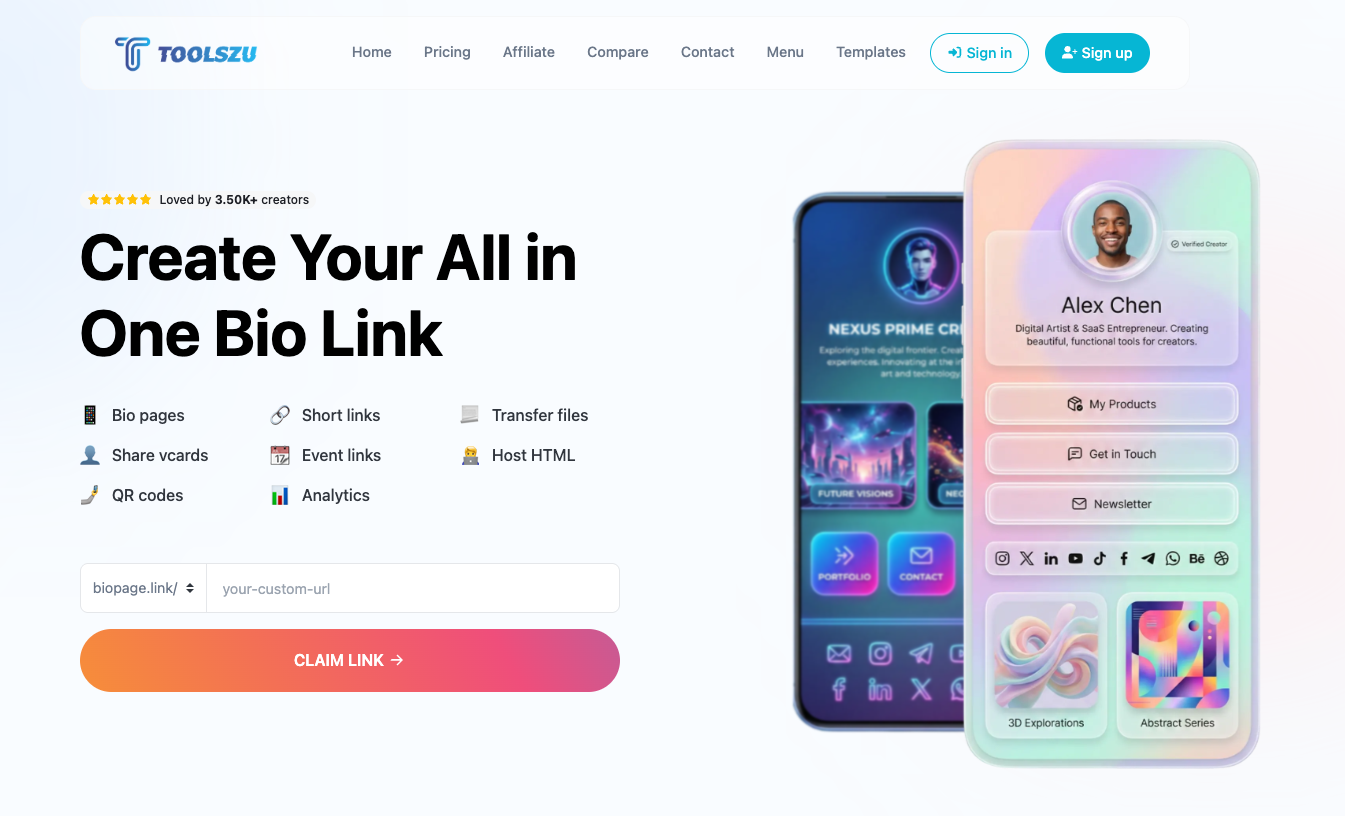

常见问题:
Do I need a Toolszu account to use this plugin?
Yes. This plugin requires an active Toolszu Creator account to generate links. You can sign up at https://toolszu.com/creator/.
Where do I find my API Key?
Log in to your Toolszu Creator dashboard, navigate to your Account/Developer settings, and generate or copy your Bearer API Key.
How do I delete a link?
To prevent accidental link breakage on your active marketing campaigns, permanent link deletion is managed directly from your Toolszu Creator dashboard. Once deleted there, you can click the red "Unlink" (X) button next to your post in WordPress to reset the local view and generate a fresh link.
Why aren't links generating for my old posts automatically?
The auto-shorten feature only triggers when a post transitions to a "Published" state. To generate a link for an older post, go to your All Posts menu and click the "Generate Link" button next to the specific post.
更新日志:
- Added a new "Connect With Us" widget in the sidebar for easy access to Toolszu's social media and other apps.
- Integrated Font Awesome for faster, cleaner, and more reliable admin icon rendering.
- Improved UI styling and hover animations for the settings page sidebar.
- Updated API endpoint path for improved compatibility.
- Initial public release.
- Features automatic background URL shortening upon post publish.
- Added support for custom Toolszu domains (
biopage.link,myzu.link). - Includes dynamic link styling (random aliases vs. SEO slugs).
- Features one-click generation and copy tools natively integrated into the WordPress dashboard.
- Added a local "Unlink" feature to safely reset the WordPress view after managing links in the SaaS dashboard.