TopBar Buddy
| 开发者 |
rpetersen29
adeelraza_786hotmailcom elearningevolve |
|---|---|
| 更新时间 | 2026年9月29日 23:49 |
| 捐献地址: | 去捐款 |
| PHP版本: | 7.4 及以上 |
| WordPress版本: | 6.9.4 |
| 版权: | GPLv3 or later |
| 版权网址: | 版权信息 |
详情介绍:
- Shop Owners - Run timed promo banners with a scheduled announcement bar WordPress workflow.
- Bloggers & Publishers - Share important updates with a sticky notification bar WordPress visitors can dismiss.
- Agencies - Deploy branded alert bars across client sites quickly.
- Course Creators - Highlight enrolment deadlines and live class reminders.
安装:
- Upload the plugin files to
/wp-content/plugins/topbar-buddy, or install through the WordPress plugins screen. - Activate the plugin through the Plugins menu in WordPress.
- Go to TopBar Buddy in the admin menu to configure your banner.
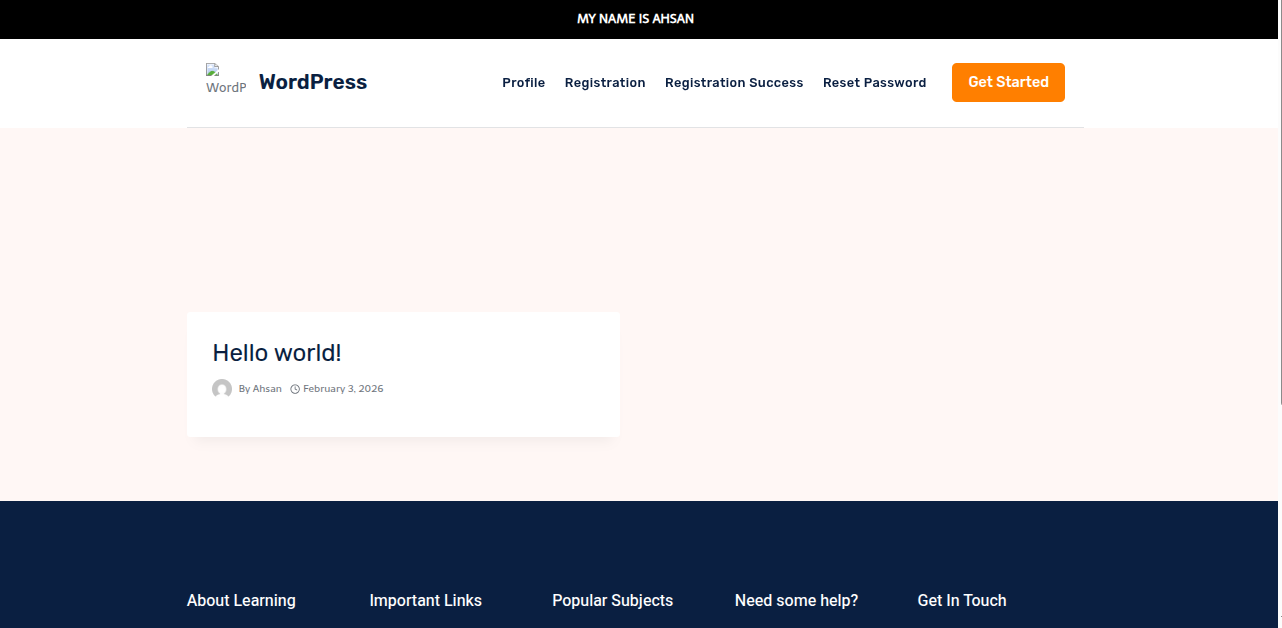
屏幕截图:
常见问题:
What is TopBar Buddy?
TopBar Buddy is a WordPress announcement bar plugin and WordPress alert bar plugin for sticky notification bars with scheduling, customisation, and page targeting.
Is this a free announcement bar WordPress plugin?
Yes. TopBar Buddy is free, including date scheduling, live preview, page exclusions, and custom CSS.
Can I use this as a WordPress notification bar?
Yes. Display site-wide alerts, promo messages, and updates as a sticky notification bar WordPress visitors see on every page.
Does it support a scheduled announcement bar WordPress workflow?
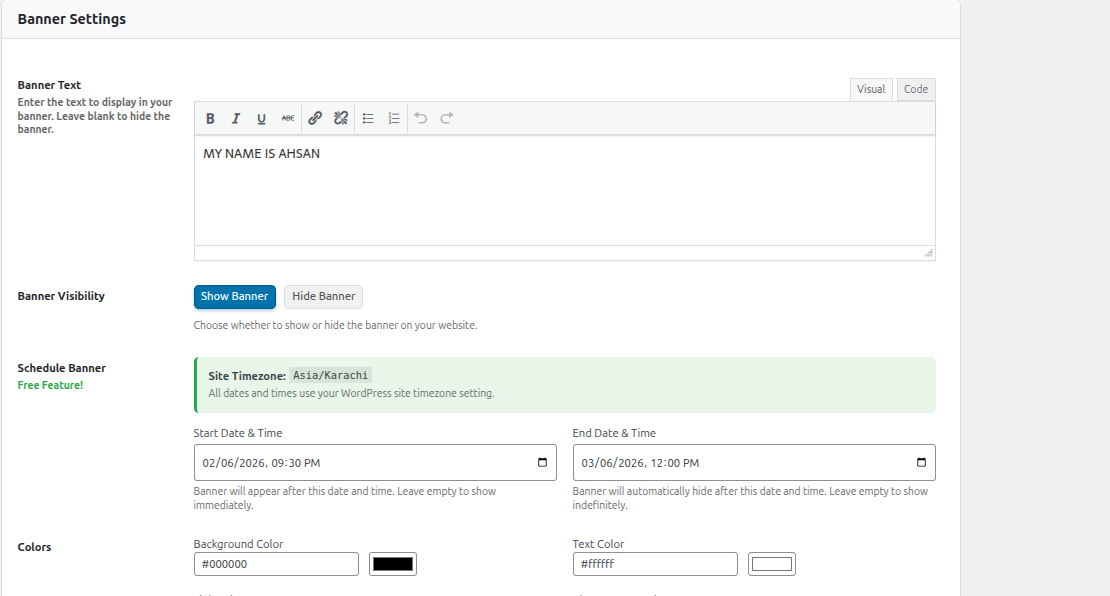
Yes. Set start and end dates with times. The plugin uses your WordPress site timezone automatically.
Can I create a sticky header bar WordPress banner?
Yes. Position your banner at the top or bottom of the page so it stays visible while visitors browse.
Is the close button GDPR compliant?
Yes. The close button uses strictly necessary cookies, which are GDPR compliant for dismiss functionality.
Can I hide the banner on specific pages?
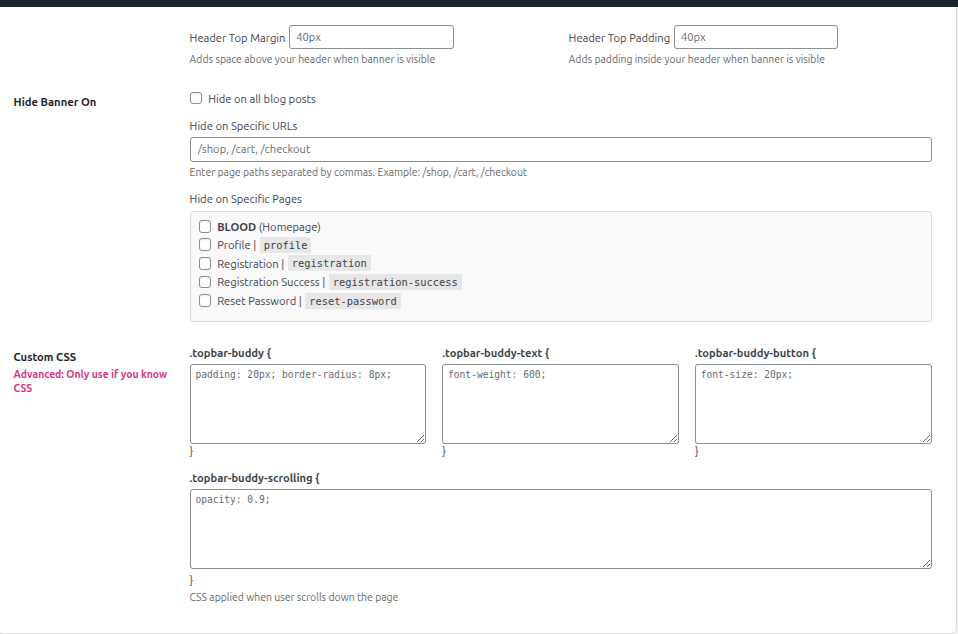
Yes. Use the Hide Banner On section to exclude pages, posts, or custom URLs.
Can I customise banner colours and CSS?
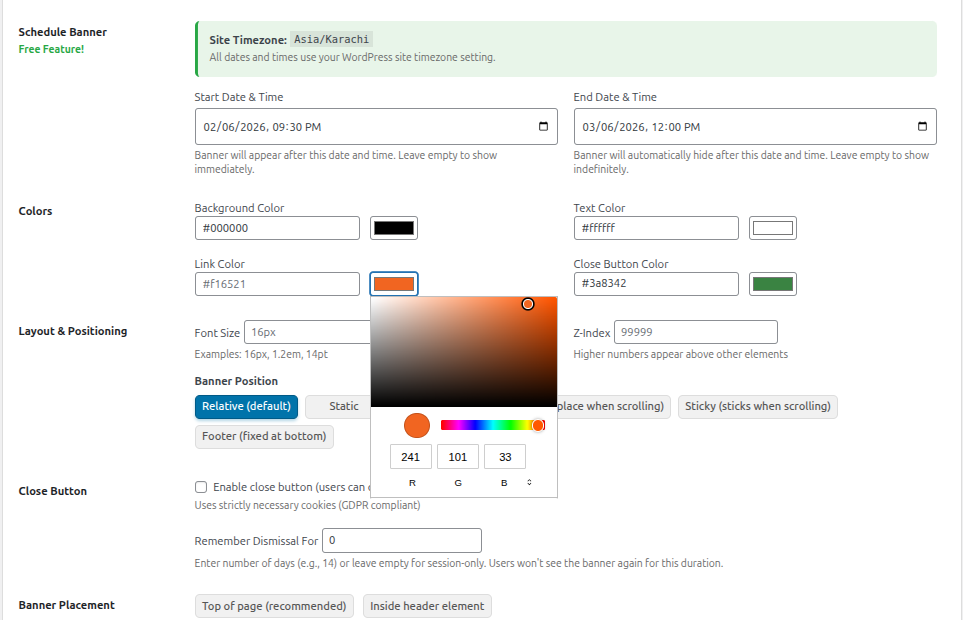
Yes. Use colour pickers for background, text, links, and the close button. Add custom CSS for advanced styling.
Does this work on mobile?
Yes. Banners are fully responsive on all devices.
Does TopBar Buddy work with Divi?
Yes. Version 1.1.0 added Divi theme compatibility so banners display correctly for all users.
更新日志:
- Updated: Readme optimised with UK SEO keywords, concise FAQs, proper markdown links, and improved WordPress.org discoverability.
- Divi theme compatibility - Banner now displays correctly for all users when using the Divi theme
- Theme fallback - For themes that do not support wp_body_open, the banner is output via wp_footer
- Code cleanup - Removed unused script options and redundant code
- Initial release of TopBar Buddy
- Free Date Scheduling - Schedule banners with start and end dates
- WYSIWYG Editor - Rich text editor for banner content
- Page Exclusions - Hide banners on specific pages, posts, or custom URLs
- Server-Side Timezone Handling - All date checks use WordPress timezone