Transaction Validation - Fraud Mitigation
| 开发者 | transactionvalidation |
|---|---|
| 更新时间 | 2026年4月20日 12:18 |
| PHP版本: | 7.4 及以上 |
| WordPress版本: | 6.9 |
| 版权: | GPLv2 or later |
| 版权网址: | 版权信息 |
详情介绍:
- Secure JWT Authentication - Connect securely to Transaction Validation service using industry-standard JWT (JSON Web Tokens)
- Easy Registration - Simple account creation process directly from your WordPress admin panel
- Customer Account Management - Automatically register as a customer on the Transaction Validation platform
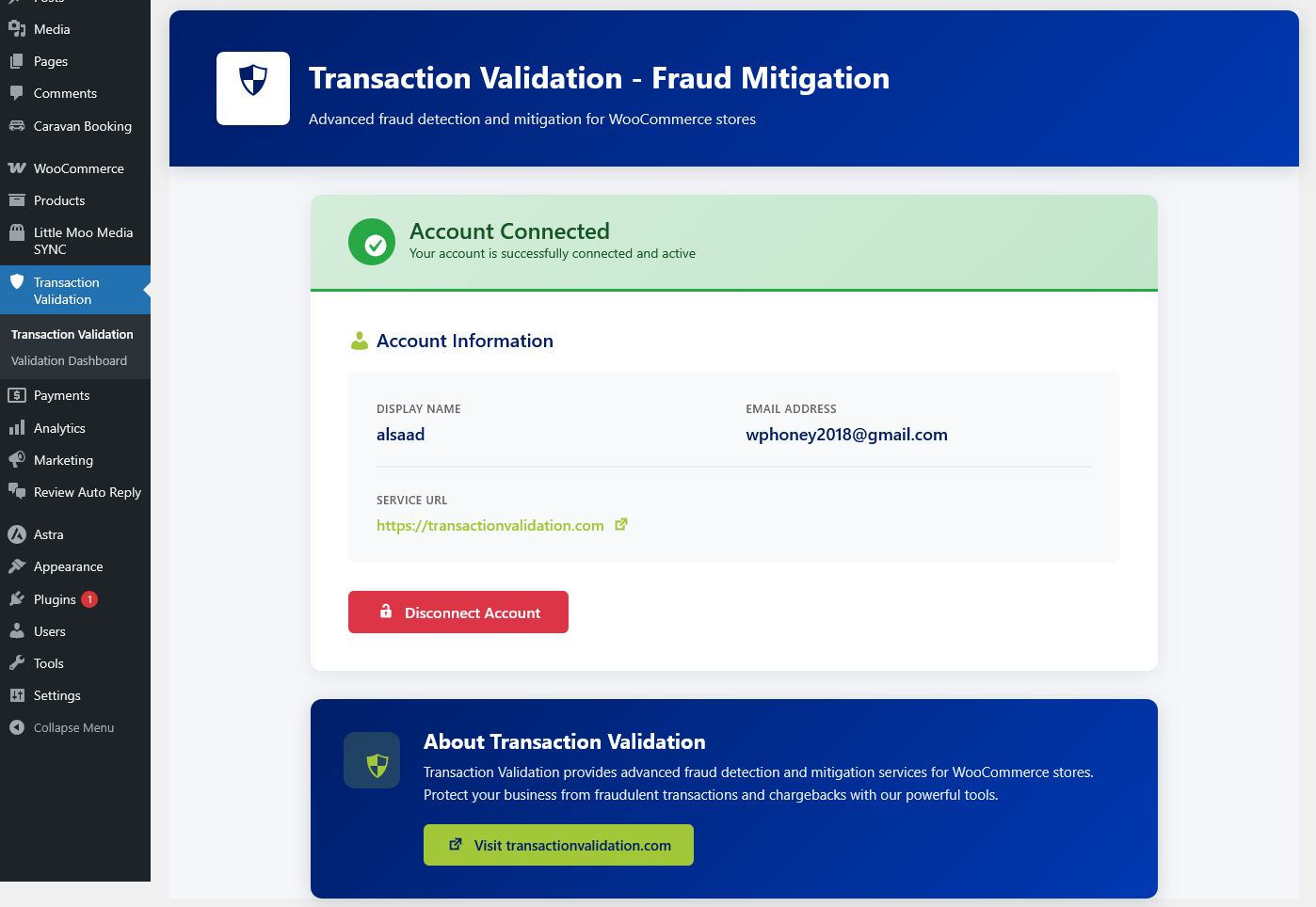
- Real-time Connection Status - Monitor your connection status and API health
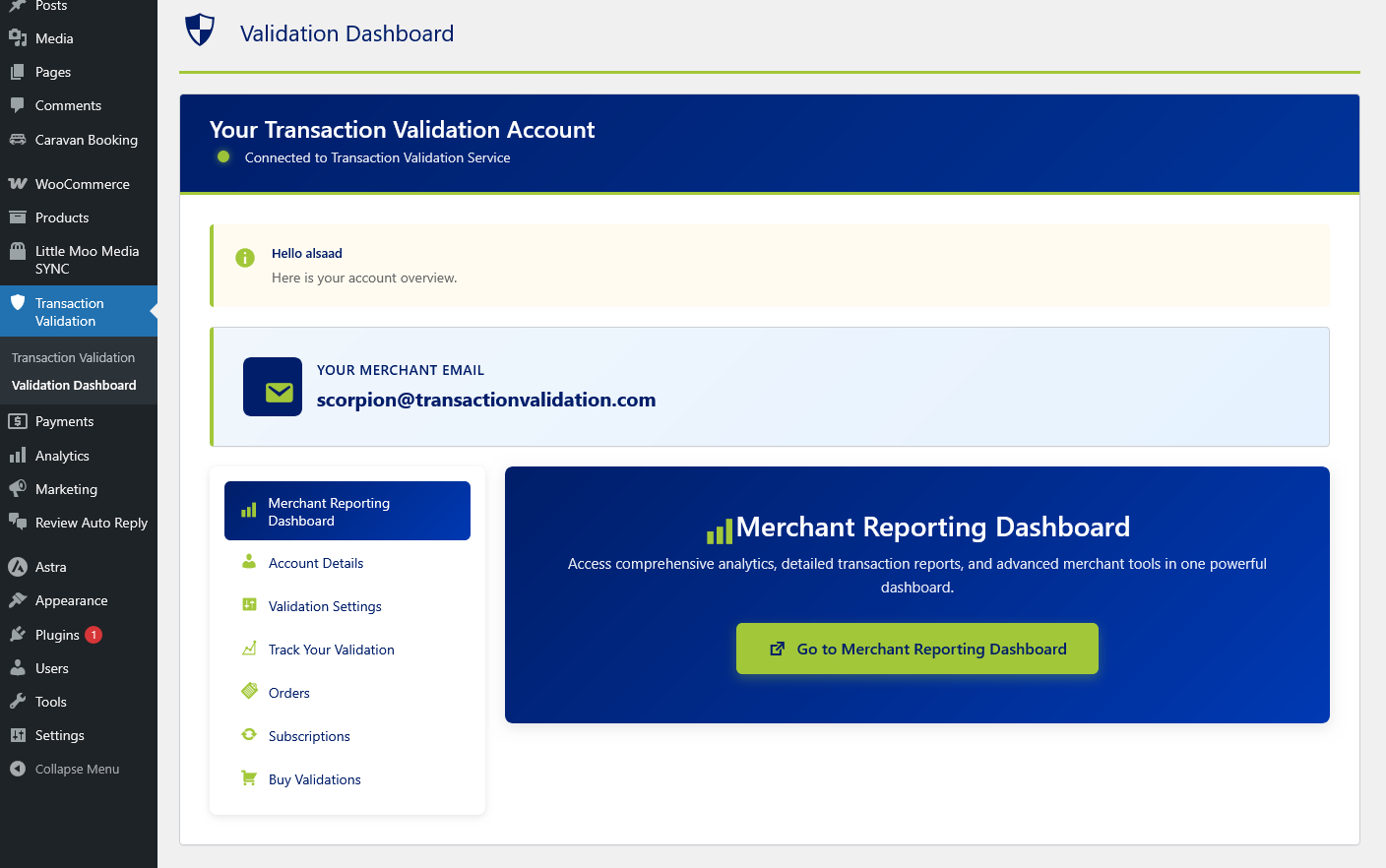
- Professional Admin Interface - Clean, user-friendly dashboard for managing your account and settings
- WordPress.org Standards - Built following WordPress coding standards and best practices
- Install and activate the plugin on your WooCommerce site
- Navigate to the Transaction Validation menu in your WordPress admin
- Create a new account or login with existing credentials
- Your site is now connected to Transaction Validation service
- Start protecting your transactions from fraud
- All communications encrypted with JWT tokens
- Passwords never stored locally
- Nonce verification on all forms
- Data sanitization and validation
- Follows WordPress security best practices
- WordPress 5.8 or higher
- WooCommerce 5.0 or higher
- PHP 7.4 or higher
- Active internet connection
安装:
- Log in to your WordPress admin panel
- Navigate to Plugins > Add New
- Search for "Transaction Validation - Fraud Mitigation"
- Click "Install Now" and then "Activate"
- Download the plugin zip file
- Log in to your WordPress admin panel
- Navigate to Plugins > Add New > Upload Plugin
- Choose the downloaded zip file and click "Install Now"
- Activate the plugin
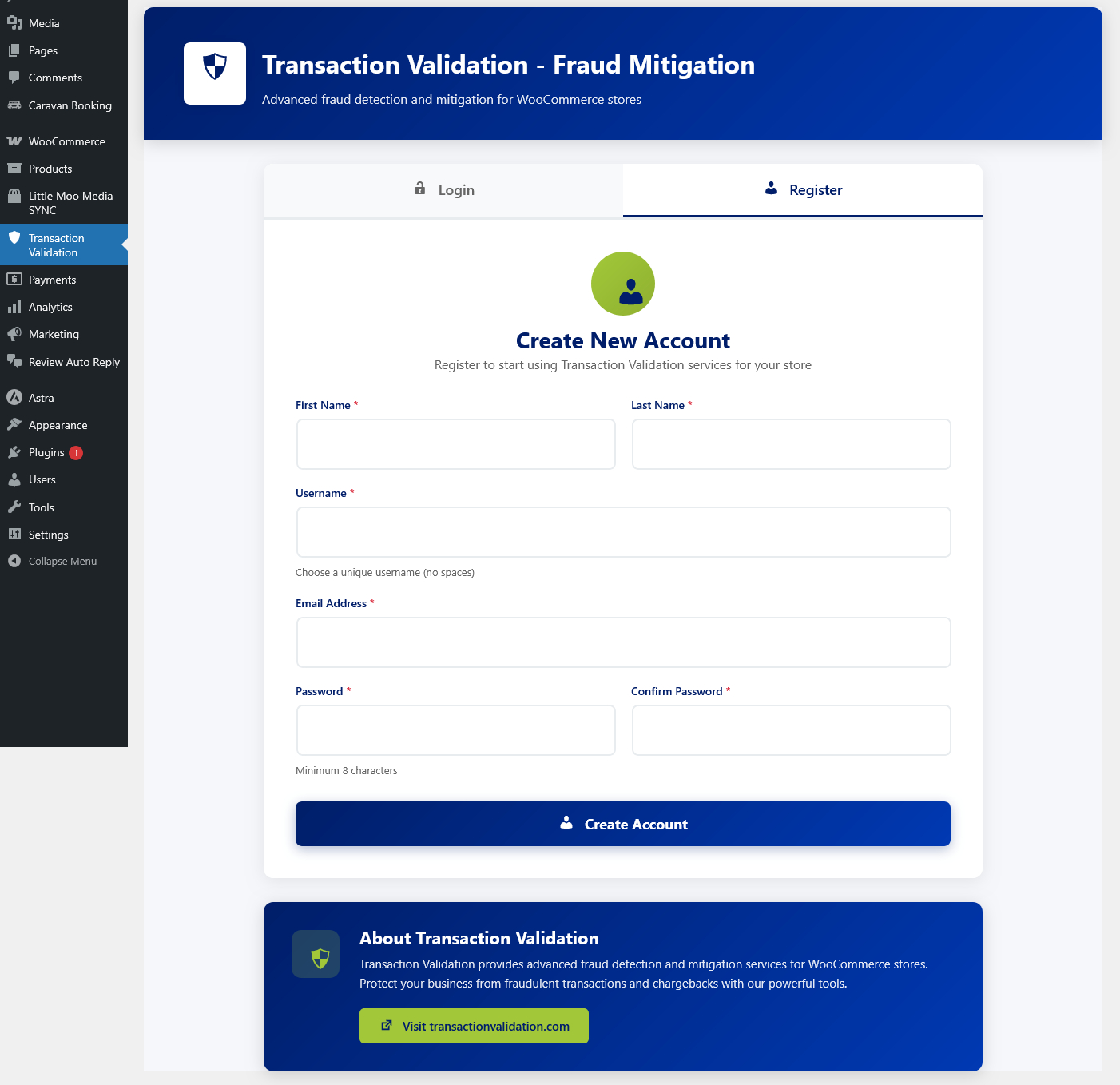
- Go to Transaction Validation menu in the admin sidebar
- Choose to either create a new account or login with existing credentials
- Fill in the required information
- Click "Create Account" or "Login"
- Your site is now connected!
屏幕截图:
常见问题:
Do I need a Transaction Validation account?
Yes, you need to create an account to use the service. You can create one directly from the plugin interface - no need to visit the website separately.
Is this plugin free?
The plugin itself is free. The Transaction Validation service may have different pricing plans. Please visit transactionvalidation.com for current pricing information.
What is JWT Authentication?
JWT (JSON Web Token) is an industry-standard method for securely transmitting information between parties. It ensures your connection to Transaction Validation service is encrypted and secure.
Do you store my password?
No. Passwords are transmitted securely to the Transaction Validation service but are never stored on your WordPress site.
Can I disconnect my account?
Yes, you can disconnect your account at any time from the plugin's admin page. You can reconnect later by logging in again.
What happens if my connection fails?
The plugin includes error handling and will display clear messages if there are connection issues. You can also check the connection status in the Settings page.
Is WooCommerce required?
Yes, this plugin requires WooCommerce to be installed and active on your site.
Which PHP version do I need?
PHP 7.4 or higher is required. We recommend using the latest stable PHP version for optimal performance and security.
更新日志:
- Updated plugin class naming to use plugin prefix for coding standard compliance.
- Internal maintenance and packaging update for WordPress.org submission.
- Removed deprecated manual translation loading to satisfy Plugin Check.
- Removed duplicate URI header issue by keeping Plugin URI only.
- Improved endpoint setup error messaging for clearer support guidance.
- Initial release
- JWT authentication integration
- User registration and login functionality
- Secure connection to Transaction Validation service
- Admin dashboard and settings page
- Connection status monitoring
- WordPress.org compliant code structure