
TruSync
| 开发者 | developstudio1119 |
|---|---|
| 更新时间 | 2026年8月14日 03:51 |
| PHP版本: | 7.4 及以上 |
| WordPress版本: | 7.1 |
| 版权: | GPLv2 or later |
| 版权网址: | 版权信息 |
详情介绍:
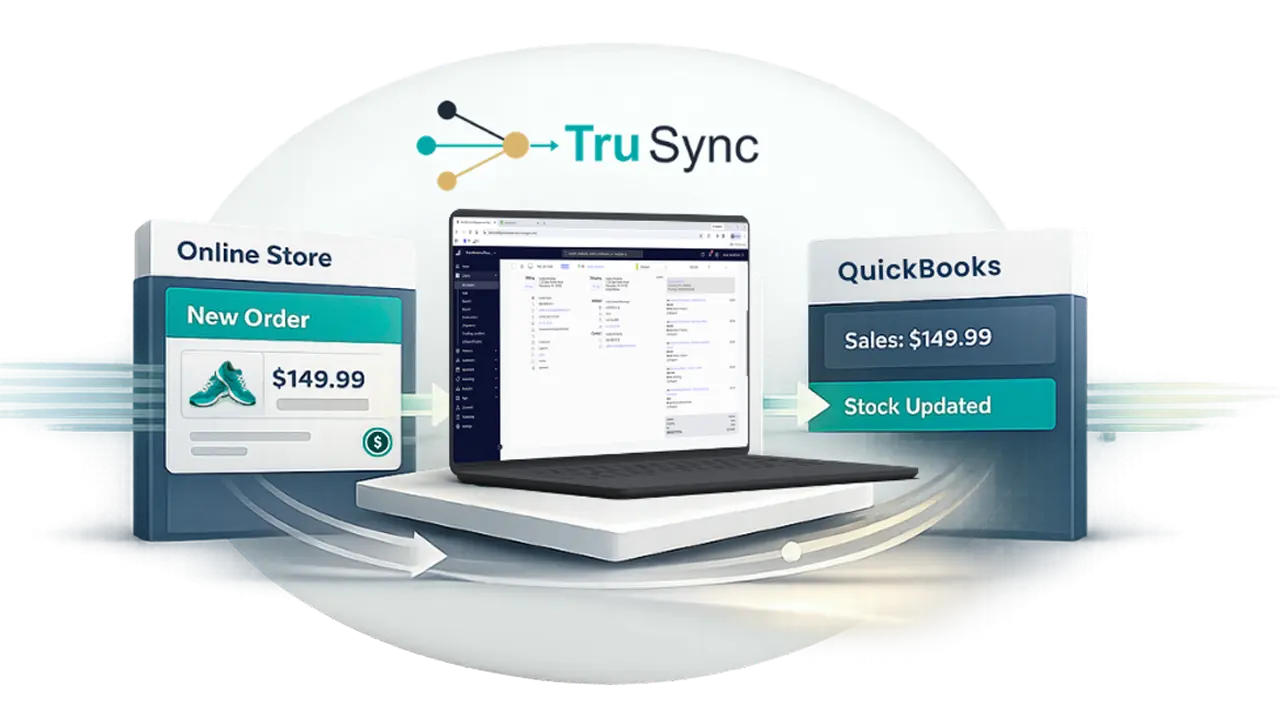
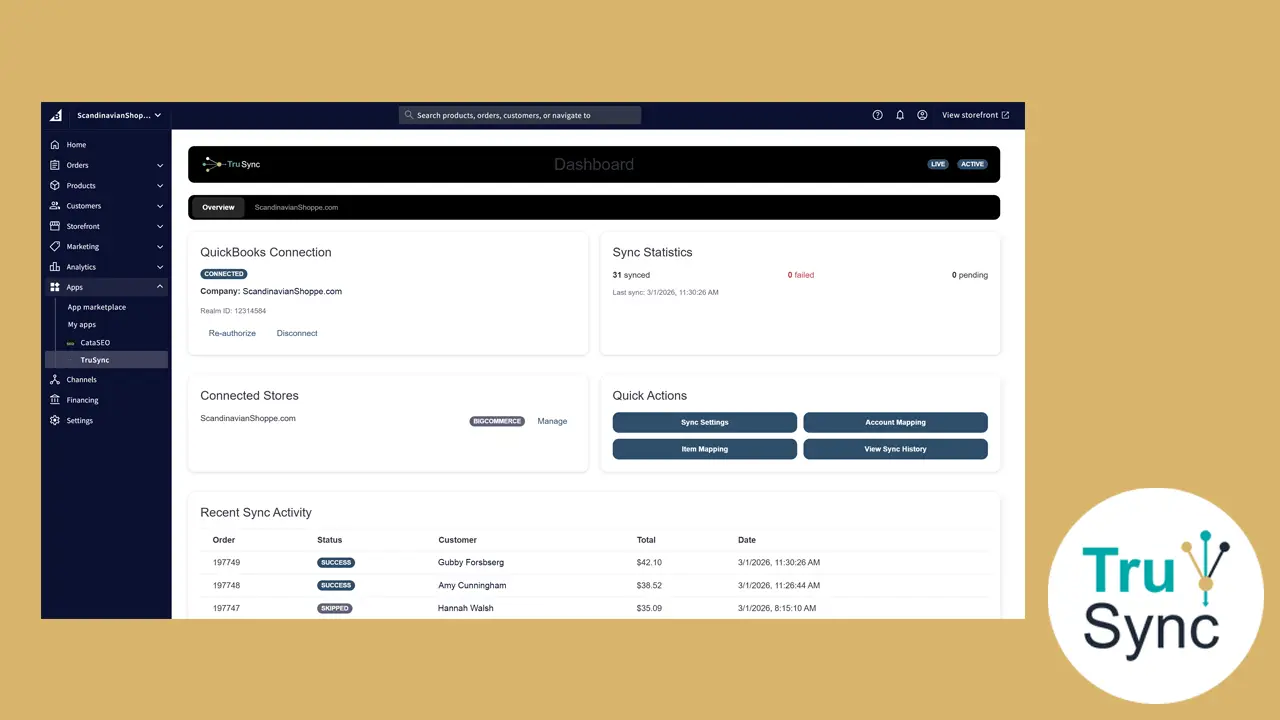
TruSync connects your WooCommerce store to the TruSync cloud service, which automatically posts your orders and inventory to QuickBooks Online so your accounting records stay in sync without manual data entry.
Once you connect your store, TruSync keeps WooCommerce and QuickBooks Online aligned:
- Order sync — each WooCommerce order is posted to QuickBooks Online as the matching sales document, in real time via WooCommerce webhooks.
- Inventory sync — stock changes flow between QuickBooks Online and WooCommerce so quantities match in both systems.
- Payment mapping — order payment methods are mapped to the correct QuickBooks Online deposit accounts.
- Sales tax mapping — order tax lines are mapped to your QuickBooks Online tax jurisdictions.
- Product matching — your WooCommerce products are matched to existing QuickBooks Online items, with historical order backfill available.
- Service: https://app.trusync.ai
安装:
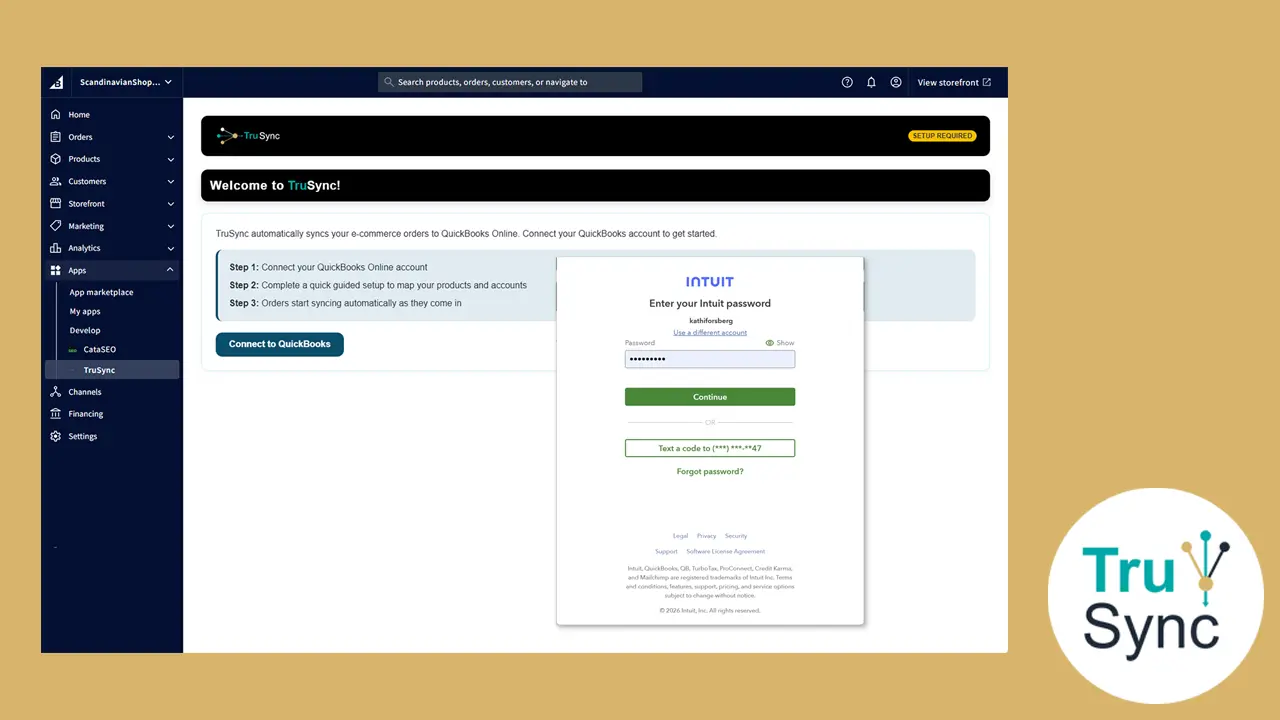
- Upload the plugin zip through Plugins > Add New > Upload Plugin, or install from the WordPress.org directory.
- Activate the plugin through the Plugins menu in WordPress.
- Click the TruSync menu item in the admin sidebar.
- Click Connect to authorize the connection to your TruSync account and start syncing.
屏幕截图:
常见问题:
Do I need a QuickBooks Online account?
Yes. TruSync synchronizes your WooCommerce store with QuickBooks Online, so an active QuickBooks Online account is required.
Do I need a TruSync account?
Yes. The plugin connects your store to the TruSync service, which performs the synchronization. You can create an account during the connection step.
Where does the synchronization happen?
Order and inventory processing happens on the TruSync service. The plugin connects your store to that service and does not store accounting data in your WordPress database.
What happens when I uninstall the plugin?
The plugin removes its own options, the WooCommerce webhooks it registered, and the WooCommerce API keys created during connection. Your WooCommerce orders and products are never modified or deleted.
更新日志:
0.1.0
- Initial release.