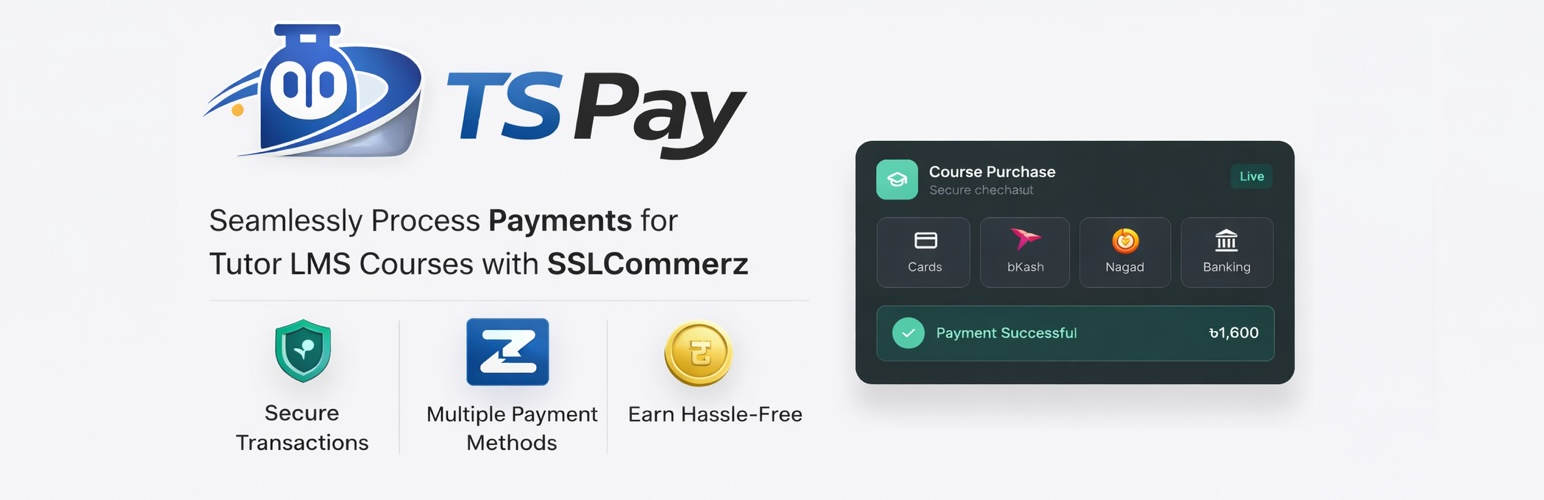
TS Pay
| 开发者 | hasinhayder |
|---|---|
| 更新时间 | 2025年12月27日 13:33 |
| PHP版本: | 7.4 及以上 |
| WordPress版本: | 6.9 |
| 版权: | GPLv2 or later |
| 版权网址: | 版权信息 |
详情介绍:
- One-time payments for course purchases
- Multi-currency support (BDT, USD, EUR, GBP, SGD, INR, MYR)
- Sandbox and Live environments for testing and production
- IPN (Instant Payment Notification) integration for automatic order updates
- Secure payment processing with hash validation and transaction verification
- All SSLCommerz payment methods (Cards, Mobile Banking, Internet Banking)
- WordPress HTTP API for secure external communications
- Comprehensive error handling and logging
- WordPress 5.3 or higher
- PHP 7.4 or higher
- Tutor LMS (Free version)
- SSLCommerz merchant account
- Student initiates course purchase
- Plugin sends payment request to SSLCommerz
- Student completes payment on SSLCommerz secure page
- SSLCommerz sends IPN notification to your site
- Plugin validates transaction and updates order status
- Student gains course access upon successful payment
- Hash verification for callback signatures
- Transaction validation through SSLCommerz API
- Amount verification to prevent tampering
- SSL-secured API communications
安装:
- Upload the plugin folder to
/wp-content/plugins - Activate the plugin through the WordPress admin
- Ensure Tutor LMS is installed and activated
- Go to Tutor LMS > Settings > Payments
- Enable SSLCommerz and configure settings
- Register at https://developer.sslcommerz.com/registration/
- Receive Store ID and Store Password via email Live (Production):
- Apply for merchant account at https://sslcommerz.com/
- Complete KYC verification
- Get Store ID and Store Password from merchant panel Step 2: Configure Plugin
- Go to Tutor LMS > Settings > Payments
- Find SSLCommerz in payment gateways
- Enable and configure:
- Environment: Sandbox for testing, Live for production
- Store ID: Your SSLCommerz Store ID
- Store Password: Your Store Password (not login password)
- IPN URL: Copy this URL
- Login to SSLCommerz merchant panel
- Go to IPN Settings
- Add the IPN URL from plugin settings
- Save settings
常见问题:
Do I need a SSLCommerz account?
Yes, you need a merchant account. Sign up at https://sslcommerz.com/ for live or https://developer.sslcommerz.com/registration/ for sandbox.
Does this support subscriptions?
No, only one-time payments are supported. SSLCommerz doesn't provide native recurring payment functionality.
Can I test before going live?
Yes, use Sandbox environment with test credentials. Test cards available in SSLCommerz documentation.
What currencies are supported?
BDT (primary), USD, EUR, GBP, SGD, INR, MYR. Non-BDT currencies are auto-converted to BDT at current rates.
How do I troubleshoot payment issues?
- Verify Store ID and Password are correct
- Ensure IPN URL is configured in SSLCommerz panel
- Check environment settings (Sandbox vs Live)
- Enable WordPress debug logging
- Verify SSL certificate on your site
What payment methods are supported?
All SSLCommerz methods: Credit/Debit Cards, Mobile Banking (bKash, Nagad, Rocket), Internet Banking, and others available in Bangladesh.
Is there a transaction fee?
Transaction fees depend on your SSLCommerz merchant agreement. Contact SSLCommerz for pricing details.
Can I process refunds?
Refunds must be processed manually through the SSLCommerz merchant panel. The plugin doesn't handle automatic refunds.
更新日志:
- Renamed: Plugin has been renamed to TSPay (Tutor SSLCommerz Pay) due to WordPress guidelines on trademark usage
- Improvement: Code cleanup and optimization
- Security: Added comprehensive input sanitization to prevent XSS attacks
- Security: Implemented proper data validation for all user inputs
- Security: Enhanced hash verification with sanitized inputs
- Improvement: Enhanced error handling and logging
- Improvement: Code organization and structure improvements
- Feature: Added complete internationalization (i18n) support
- Feature: Created translation template (.pot file)
- Improvement: Added languages directory for translation files
- Improvement: Updated plugin constants and code structure
- Improvement: Enhanced documentation with translation information
- Improvement: Replaced cURL with WordPress HTTP API for better compatibility
- Improvement: Enhanced error handling and JSON validation
- Improvement: More descriptive error messages
- Security: Fixed fatal errors in IPN handling
- Security: Improved validation for webhook requests
- Improved: Better error logging and debugging
- Fixed: Corrected payment amount sending (was sending 0)
- Fixed: Updated to use correct Tutor LMS field names
- Improved: Added payment amount validation
- Initial release
- One-time payment support
- Sandbox and Live environments
- IPN integration
- Multi-currency support
- Transaction validation