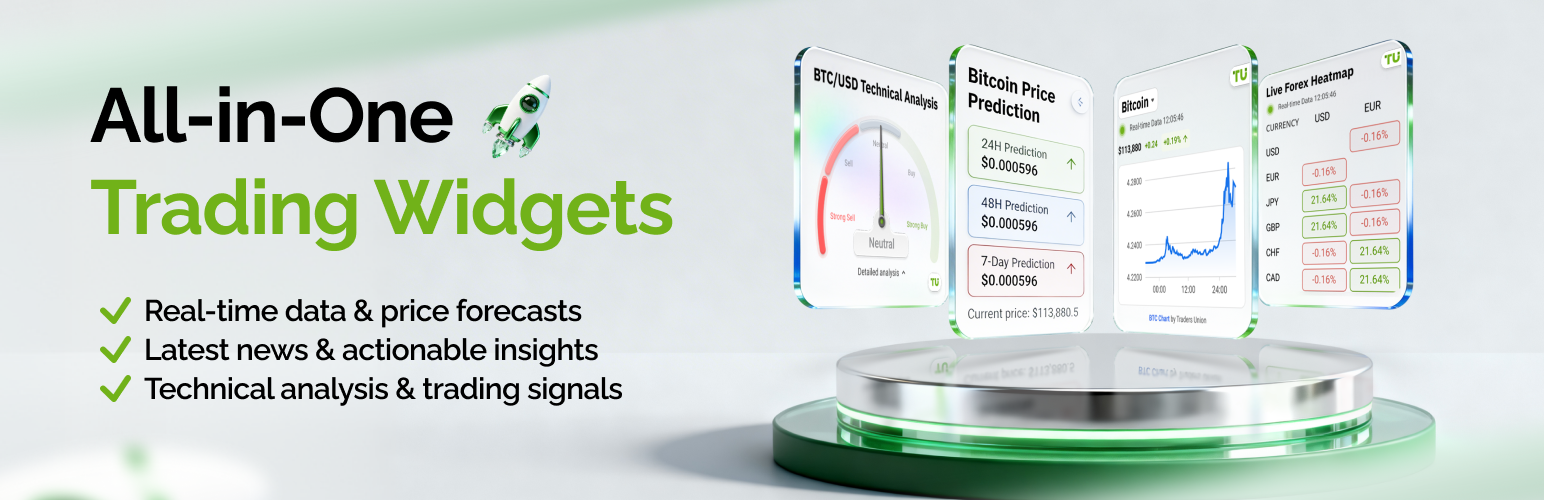
TU Crypto Widgets
| 开发者 | tuwidgets |
|---|---|
| 更新时间 | 2026年5月28日 14:53 |
| PHP版本: | 5.0 及以上 |
| WordPress版本: | 7.0 |
| 版权: | GPLv2 or later |
| 版权网址: | 版权信息 |
详情介绍:
安装:
- Log in to your WordPress admin panel.
- Go to the Plugins menu and click "Add New".
- Search for "TU Crypto Widgets".
- Click "Install Now" and wait for the installation to complete.
- Click "Activate" to enable the plugin.
- After activation, use shortcodes or blocks to add widgets to your pages and posts.
- Download the plugin ZIP file from WordPress.org.
- Unzip the archive on your computer.
- Upload the
tu-crypto-widgetsfolder to the/wp-content/plugins/directory. - Go to the Plugins menu in WordPress.
- Find "TU Crypto Widgets" and click "Activate".
- Use shortcodes or blocks to embed widgets into your content.
屏幕截图:
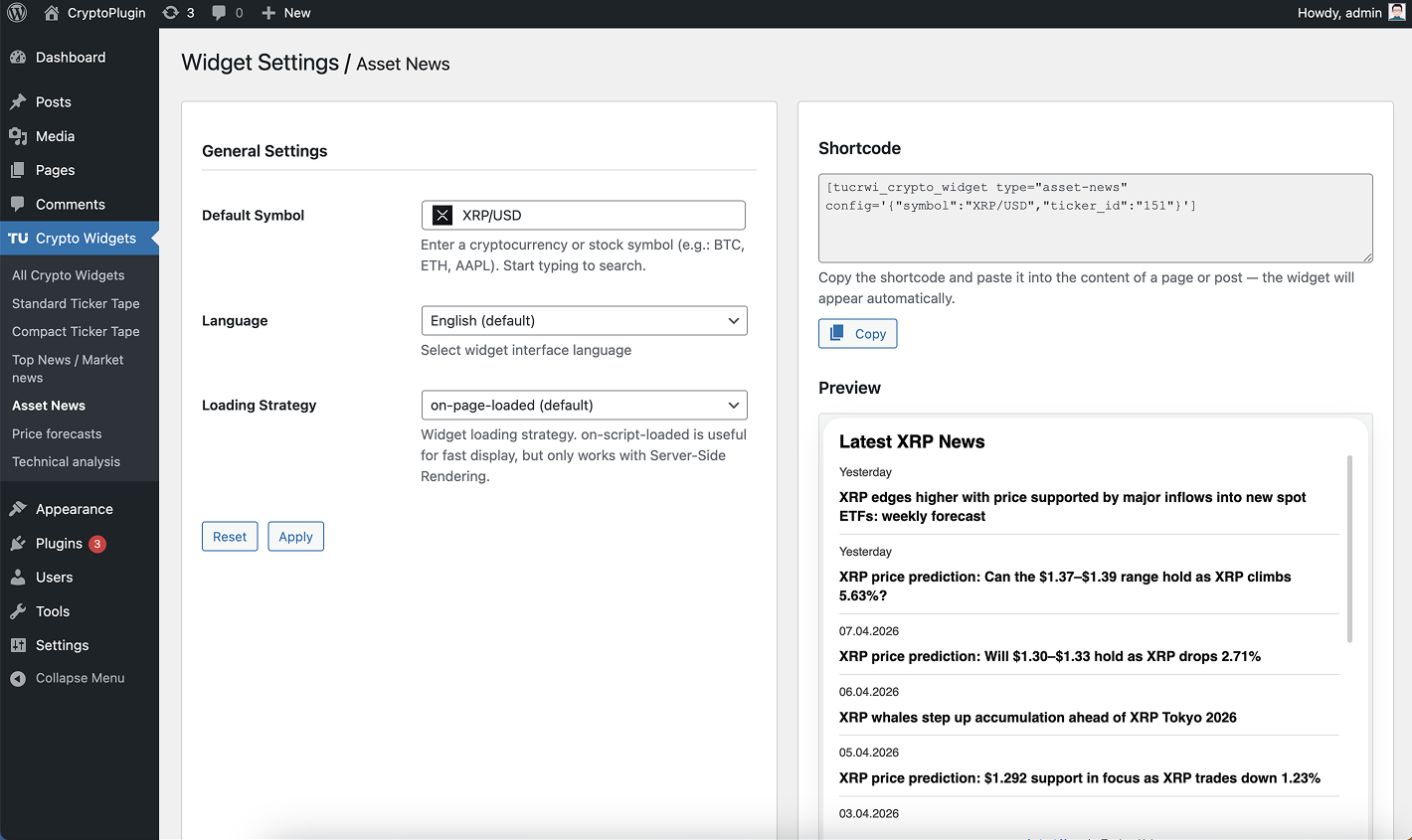
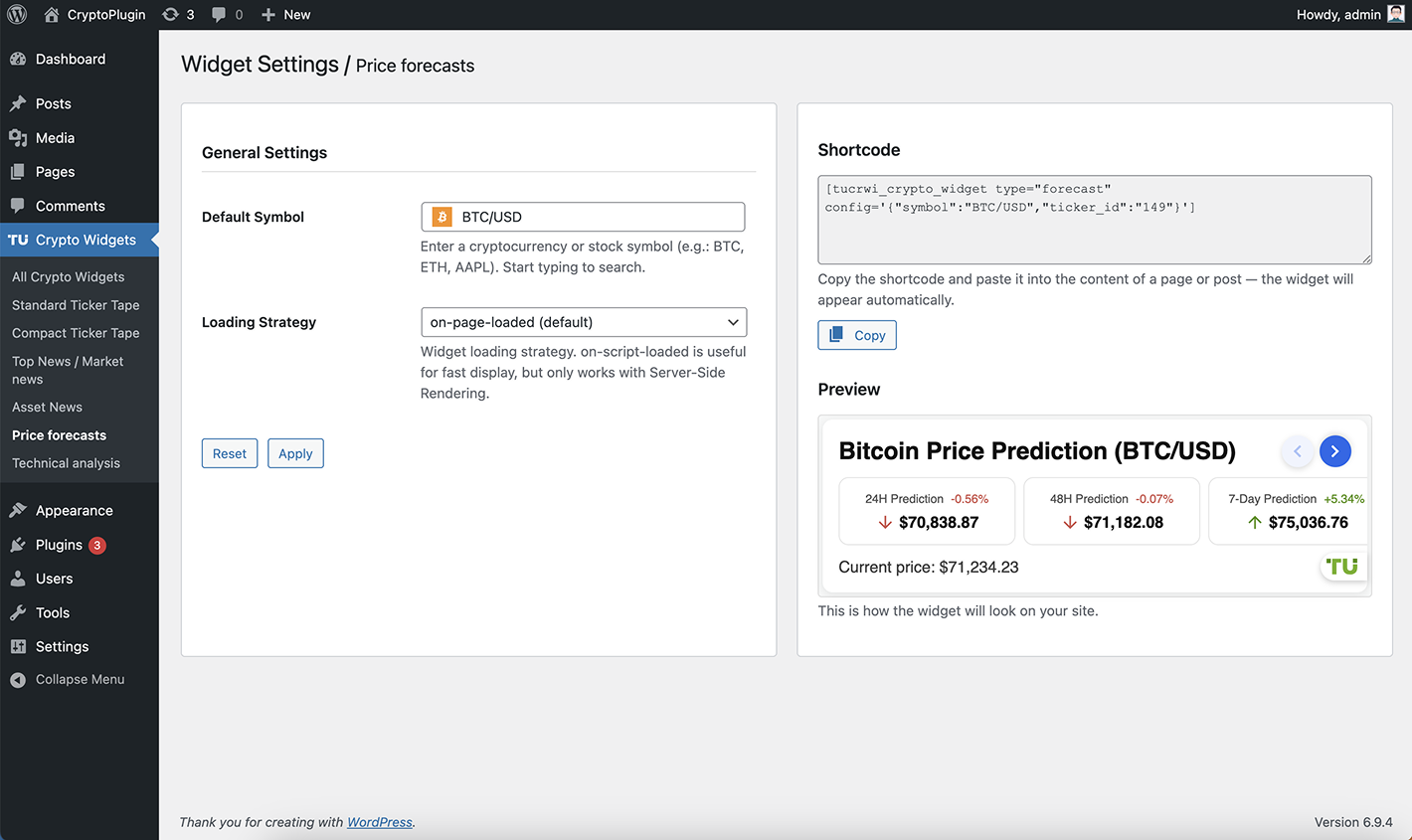
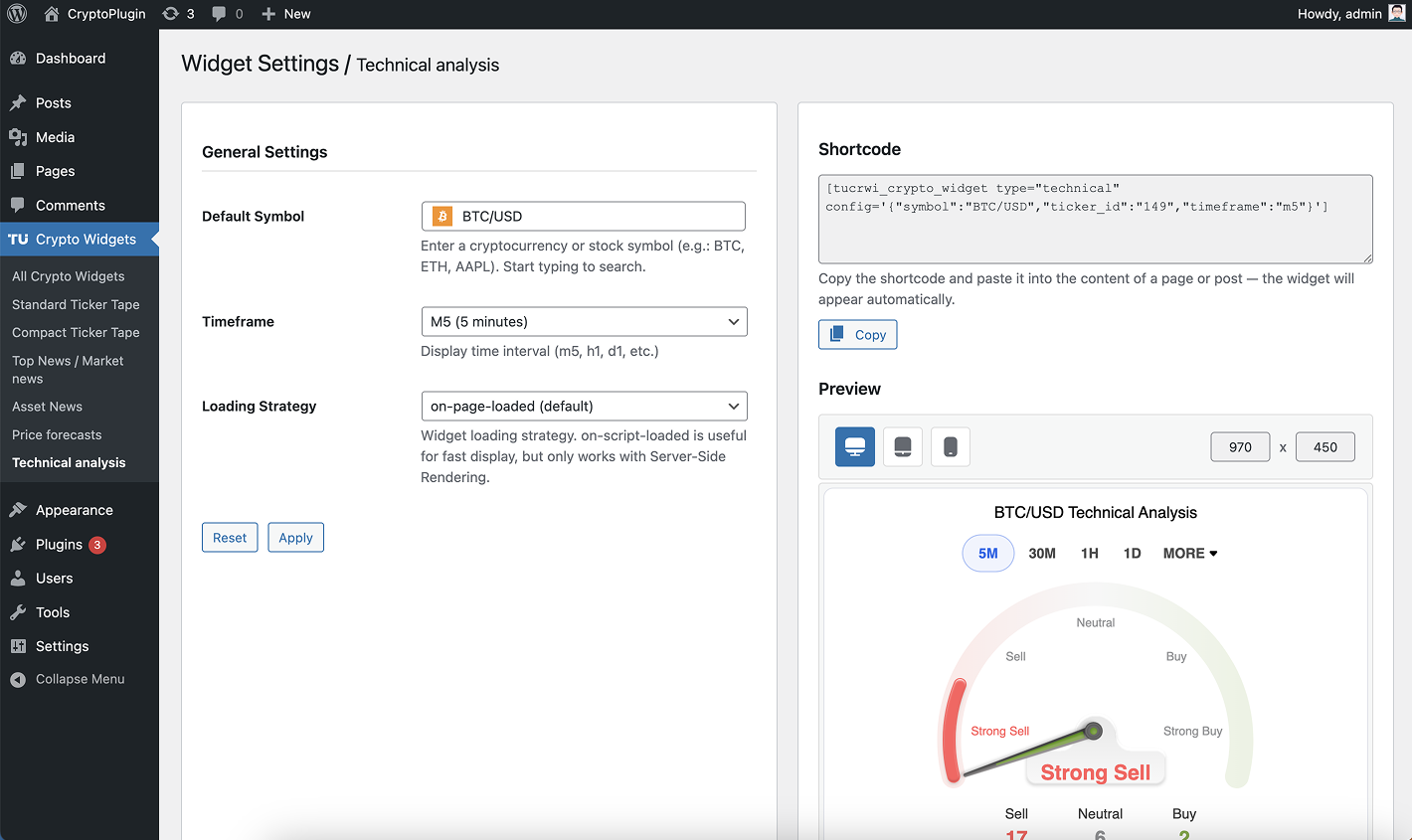
常见问题:
How do I add a widget to a post or page?
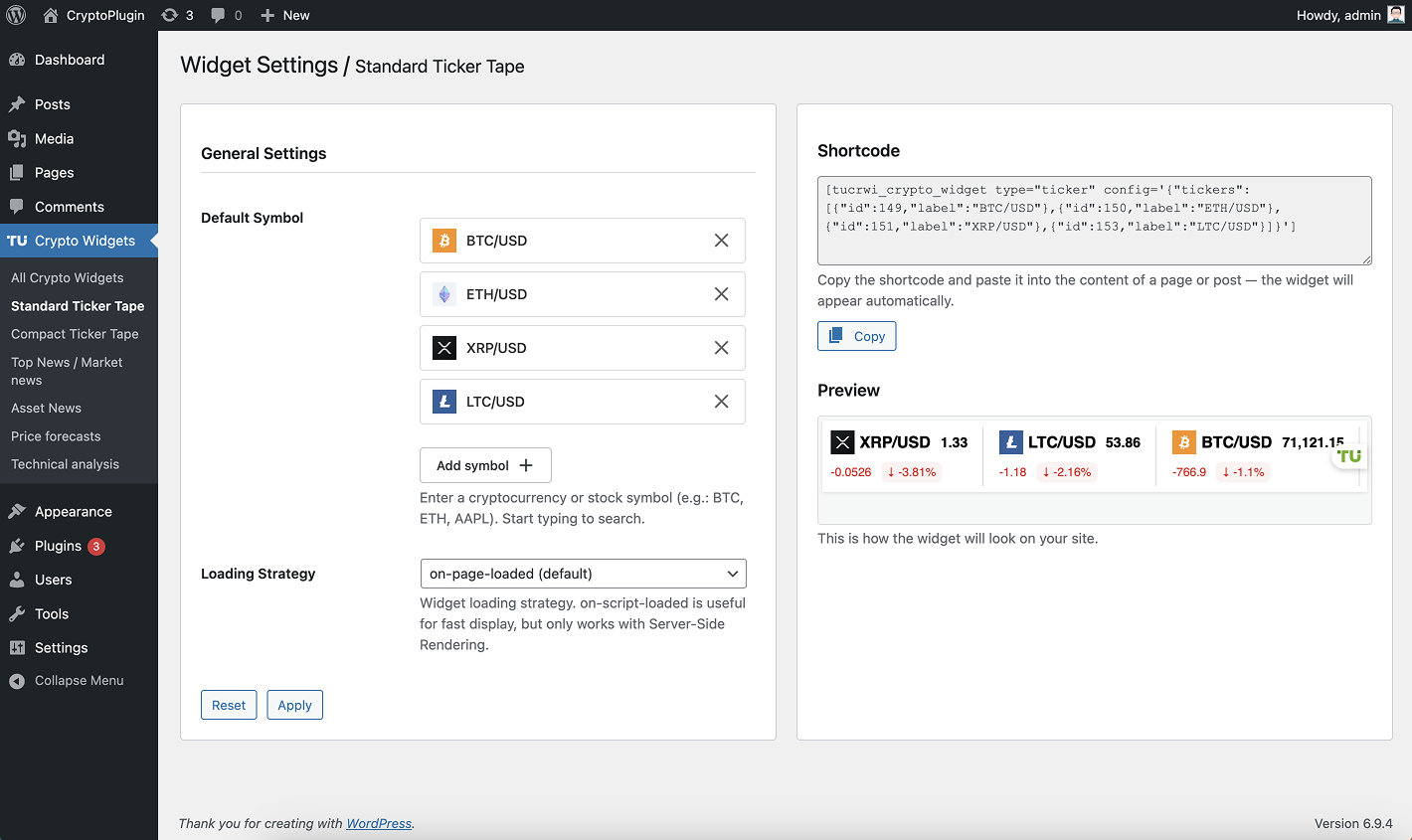
You can add TU Widgets using a shortcode or Gutenberg block. Example shortcode: [tucrwi_crypto_widget type="ticker"] Simply paste it into any post, page, or widget area.
What types of widgets are available?
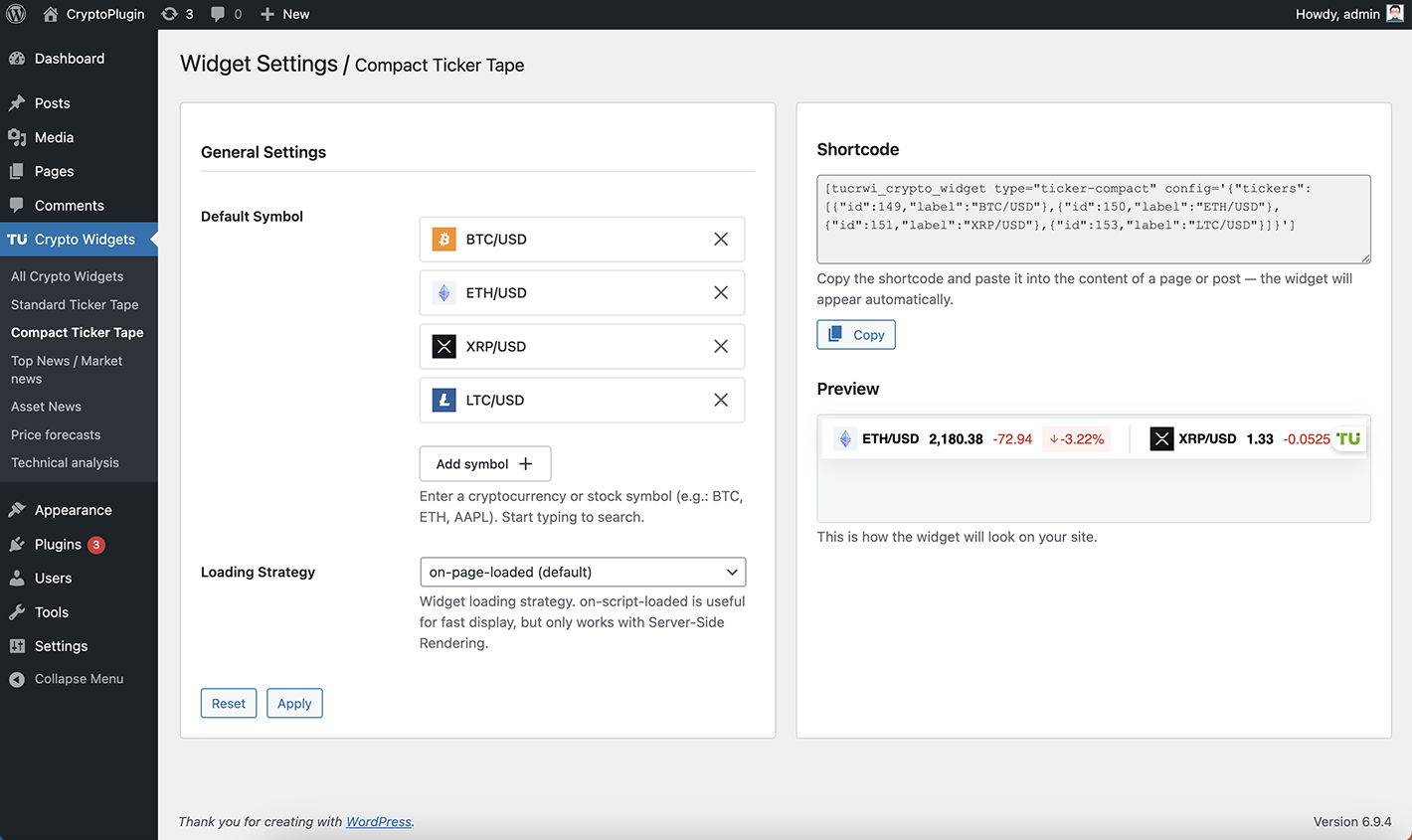
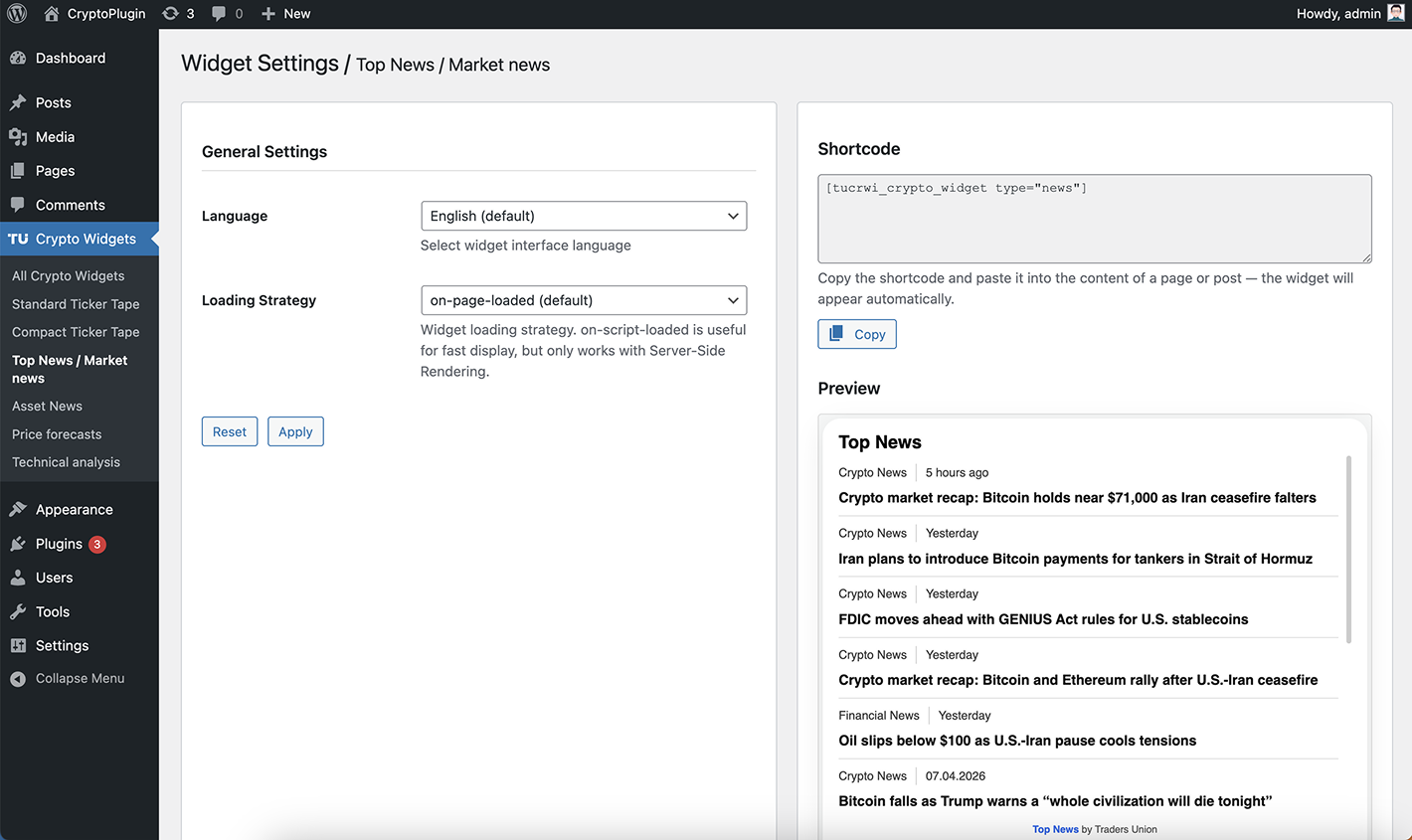
TU Widgets includes a variety of financial widgets such as price tickers, market news, forecasts, and technical analysis tools.
Does the plugin support cryptocurrency, Forex, and stock market data?
Yes, TU Widgets supports cryptocurrency, Forex, and stock markets. You can display real-time data for coins, currency pairs, and stocks using a variety of customizable widgets.
Do the widgets update in real time and affect performance?
Yes, all widgets update automatically in real time and are optimized to load asynchronously with minimal impact on performance.
Is the plugin easy to use and suitable for non-developers?
Yes, no coding skills are required. You can easily add and configure widgets using shortcodes or Gutenberg blocks.
What external services does this plugin use?
This plugin embeds cryptocurrency widgets provided by Traders Union (TU) on WordPress websites using shortcodes. The widgets are rendered using an external JavaScript file loaded from: https://tradersunion.com/widgets/quotes/client/tu-widgets-quotes.js When a widget is displayed, widget configuration parameters (such as widget type, selected assets, and language) are sent to the Traders Union service to retrieve widget data. Standard technical request data such as IP address and user-agent may also be transmitted. Service provider:
Where can I see a live demo of the widgets?
You can view a demo here: https://www.youtube.com/watch?v=1CkbbmC9lKU Live demo page: https://tradersunion.com/widgets/live-demo/
更新日志:
- Fix shortcode in layout
- Fix shortcode preview for Elementor
- Initial release
- Added support for 6 widget types
- Added widget list page
- Added settings page and shortcode generator
- Added shortcode handling in posts
- Improved admin panel navigation
- Fixed Technical Analysis timeframe issue
- Improved widget previews