
TurtleReport - SEO Client Monitoring & Reporting
| 开发者 | hellokhoyer |
|---|---|
| 更新时间 | 2026年10月30日 03:00 |
| PHP版本: | 7.4 及以上 |
| WordPress版本: | 7.1 |
| 版权: | GPLv2 or later |
| 版权网址: | 版权信息 |
详情介绍:
All Your SEO Clients. One Clear View.
TurtleReport helps SEO agencies monitor clients, spot important changes, and automate reports from one dashboard.
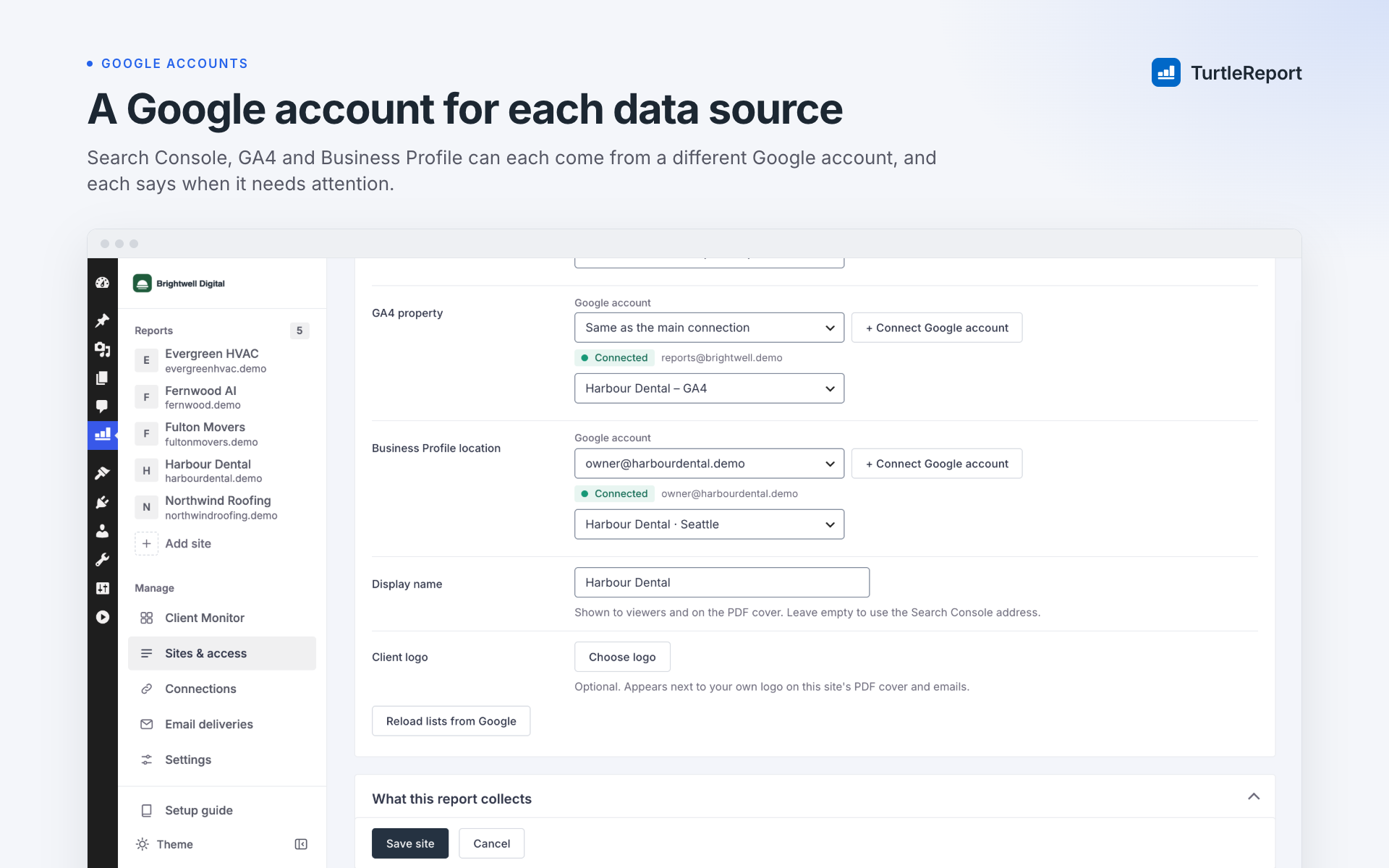
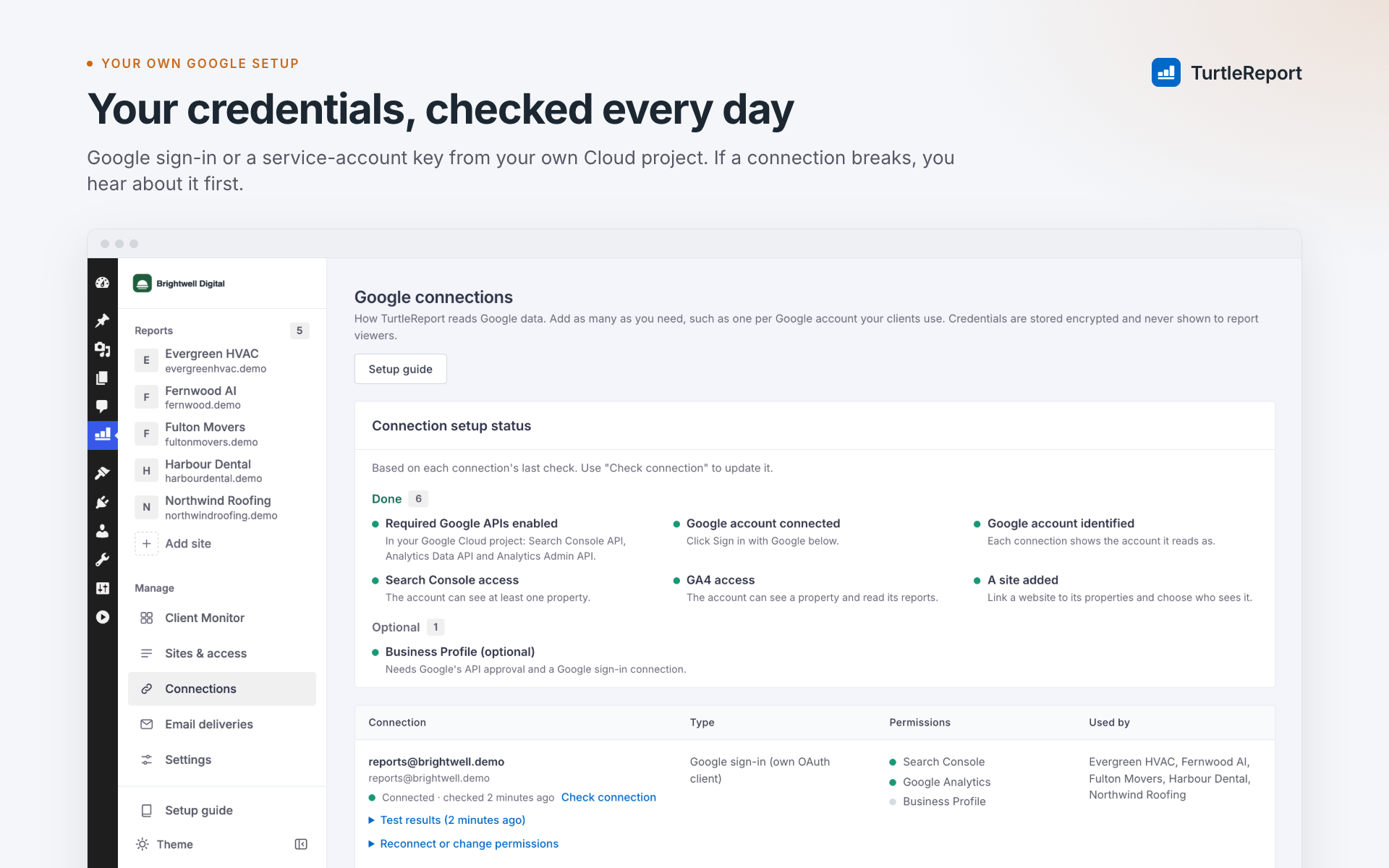
It connects Google Search Console, Google Analytics 4 (GA4), and optionally Google Business Profile, so you can see what's happening without checking multiple tools.
Client Monitor: See What Needs Attention
Get a clear overview of all your clients in one place.
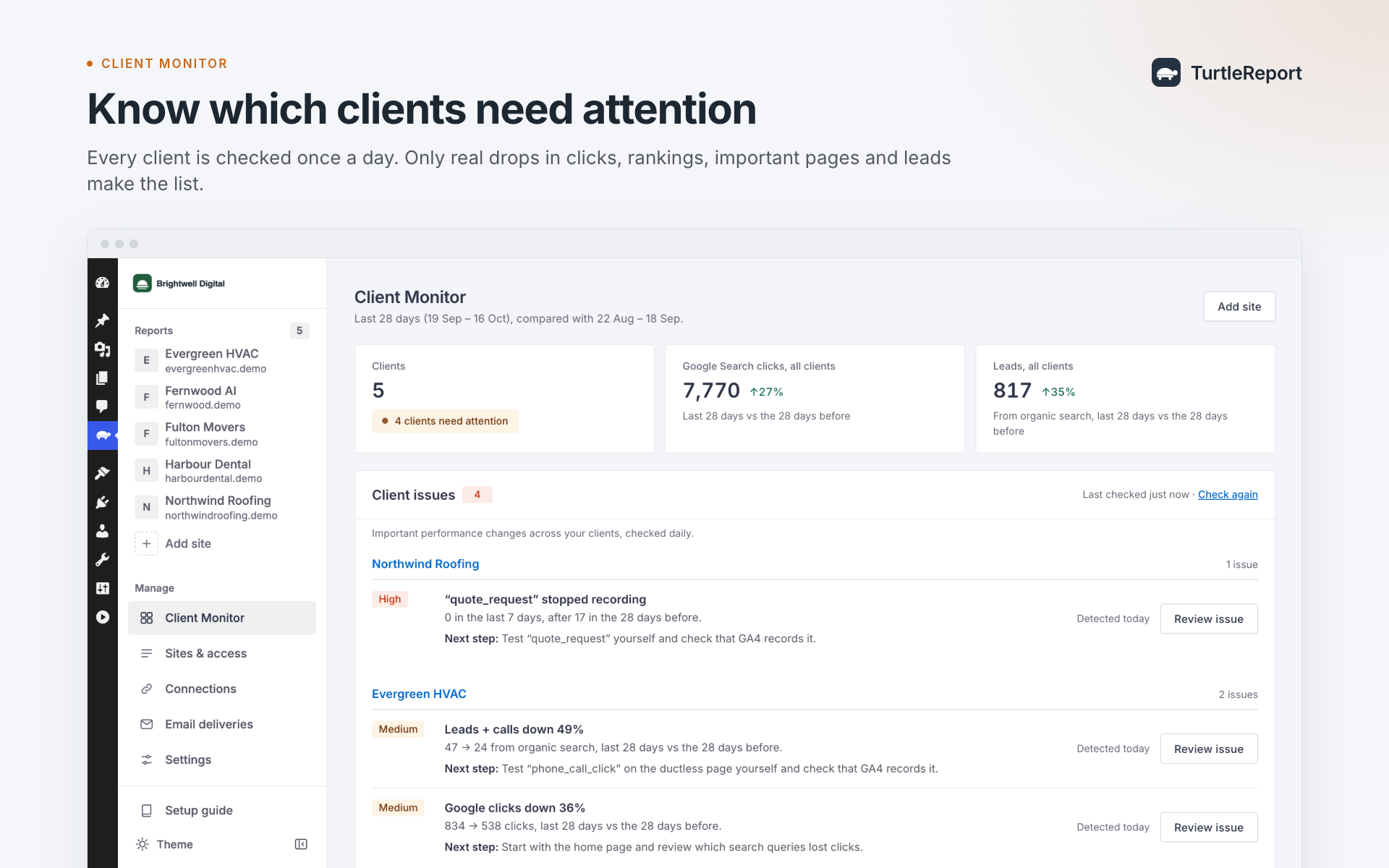
- See which clients are performing well and which need attention.
- Detect important drops in traffic, rankings, pages, and leads.
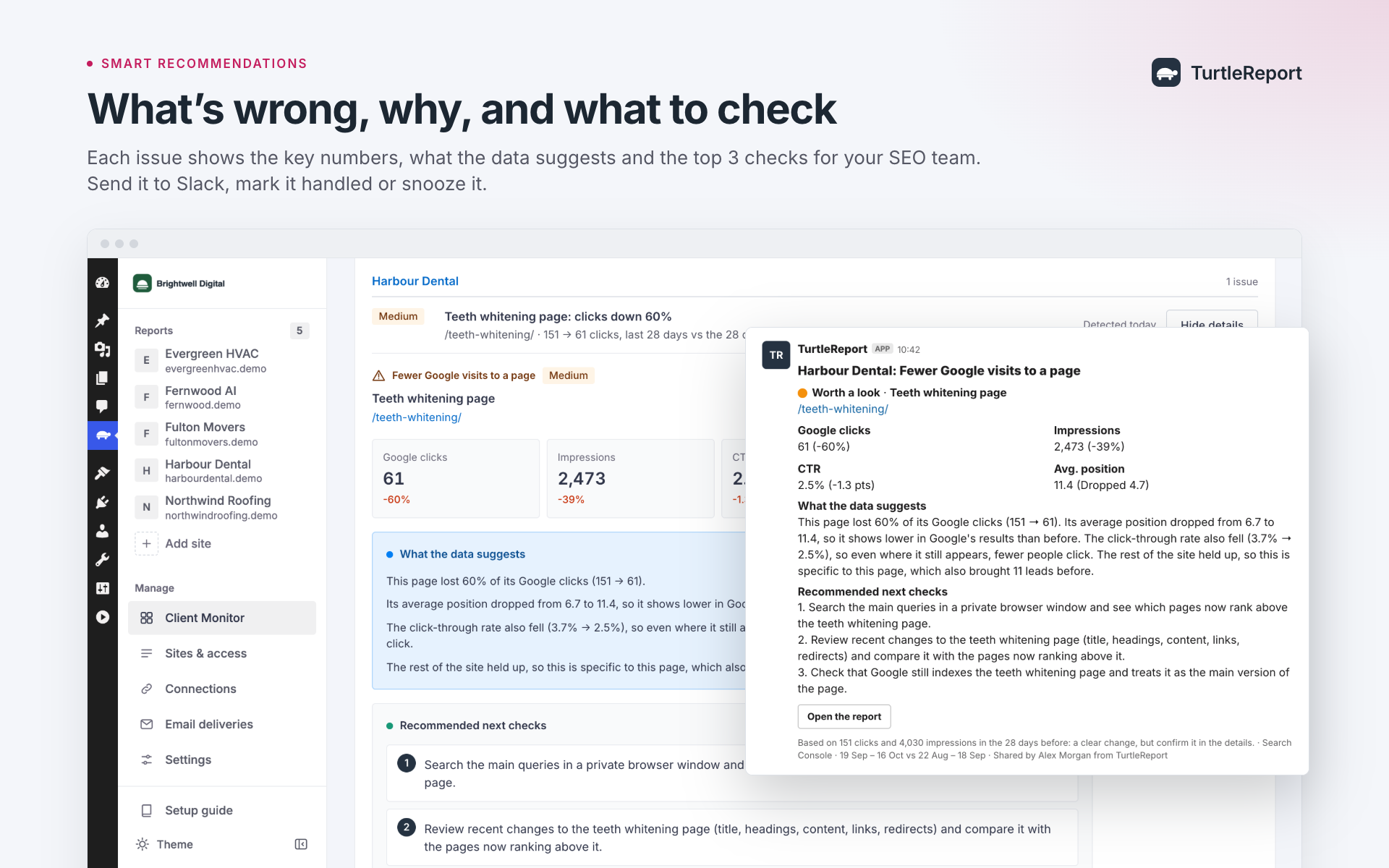
- Understand what changed, with real numbers and suggested next steps.
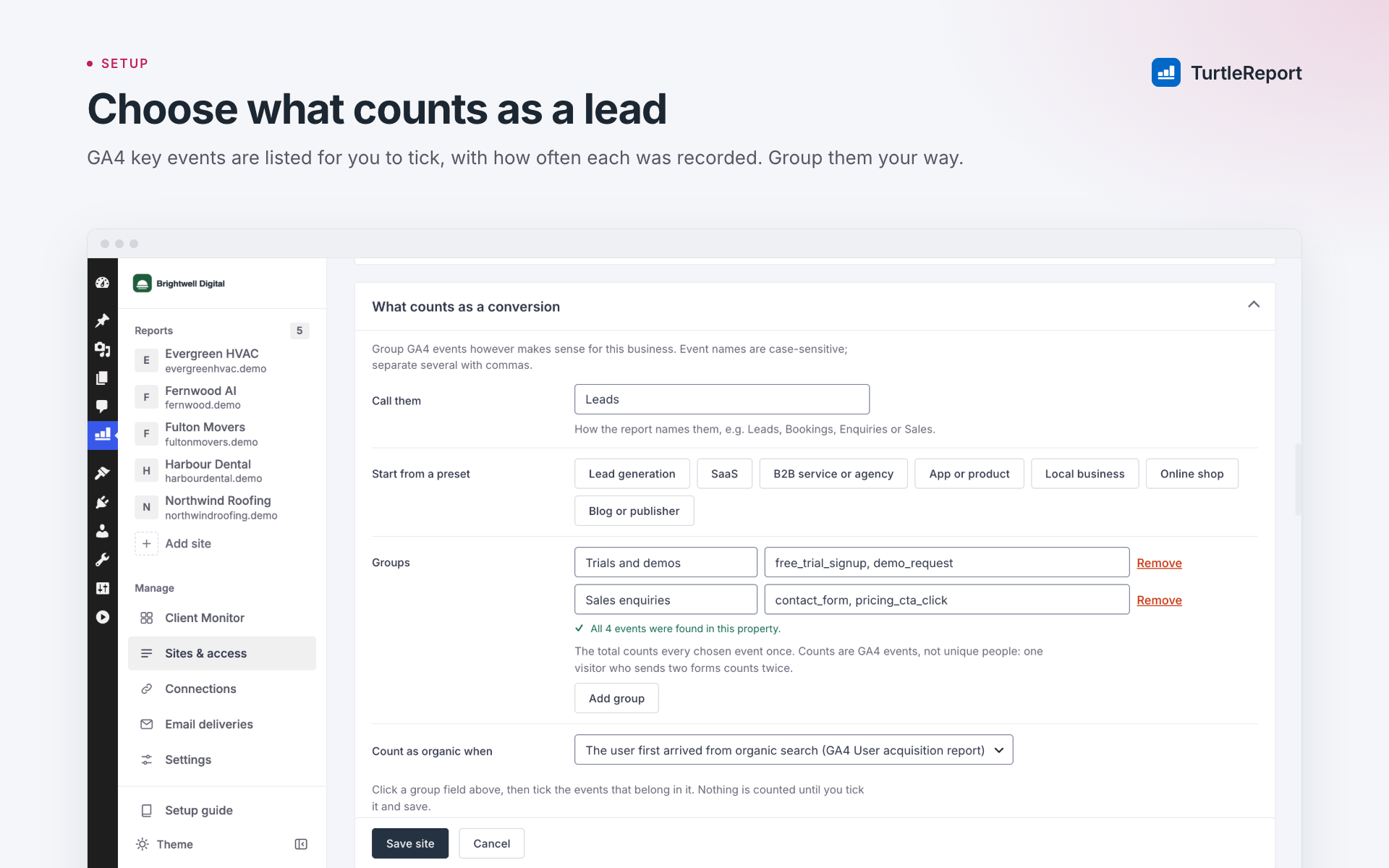
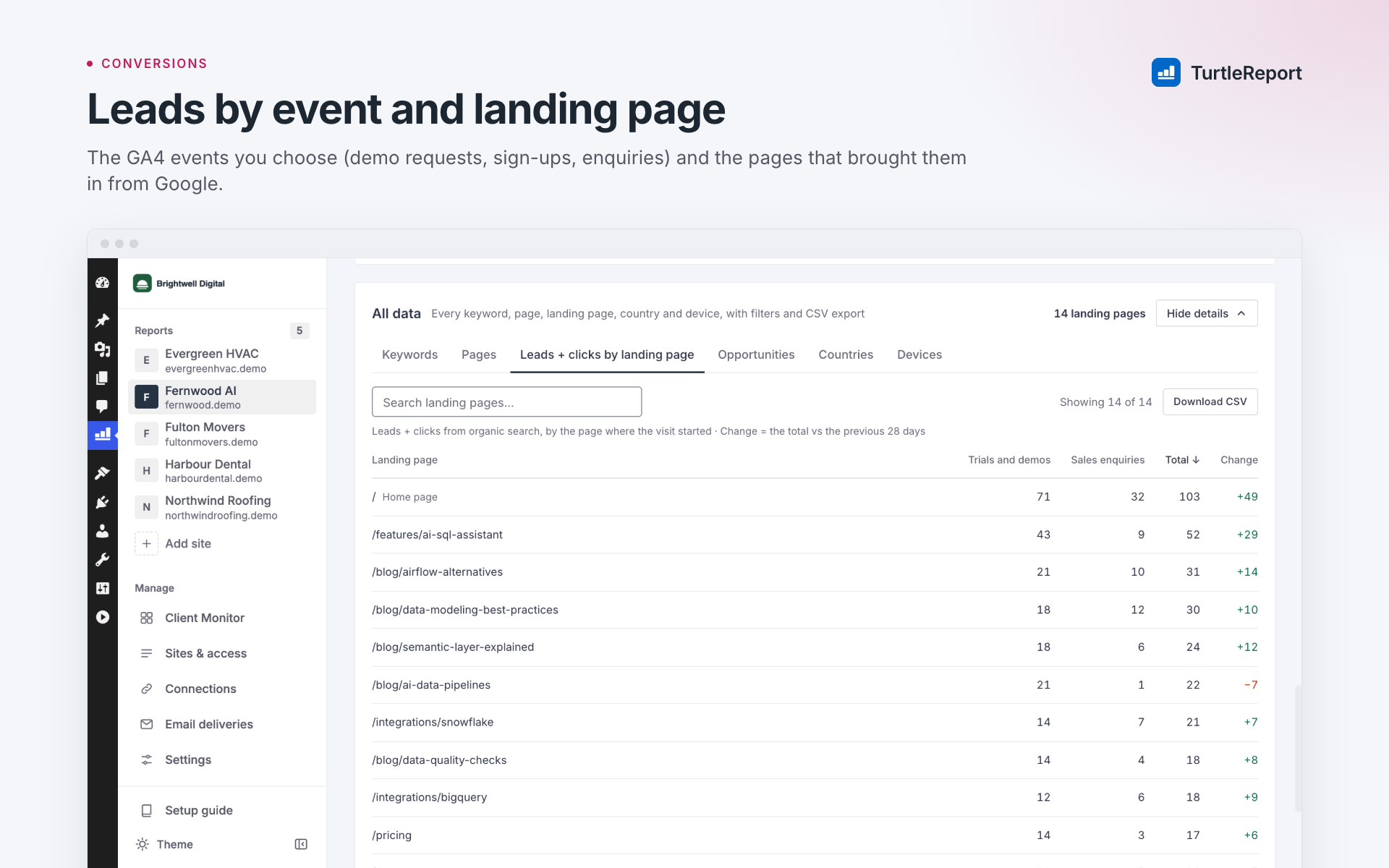
- Prioritize important pages and conversion events.
- Mark issues as handled, snooze them, or share them with your team through Slack.
- Get optional weekly summaries of clients needing attention.
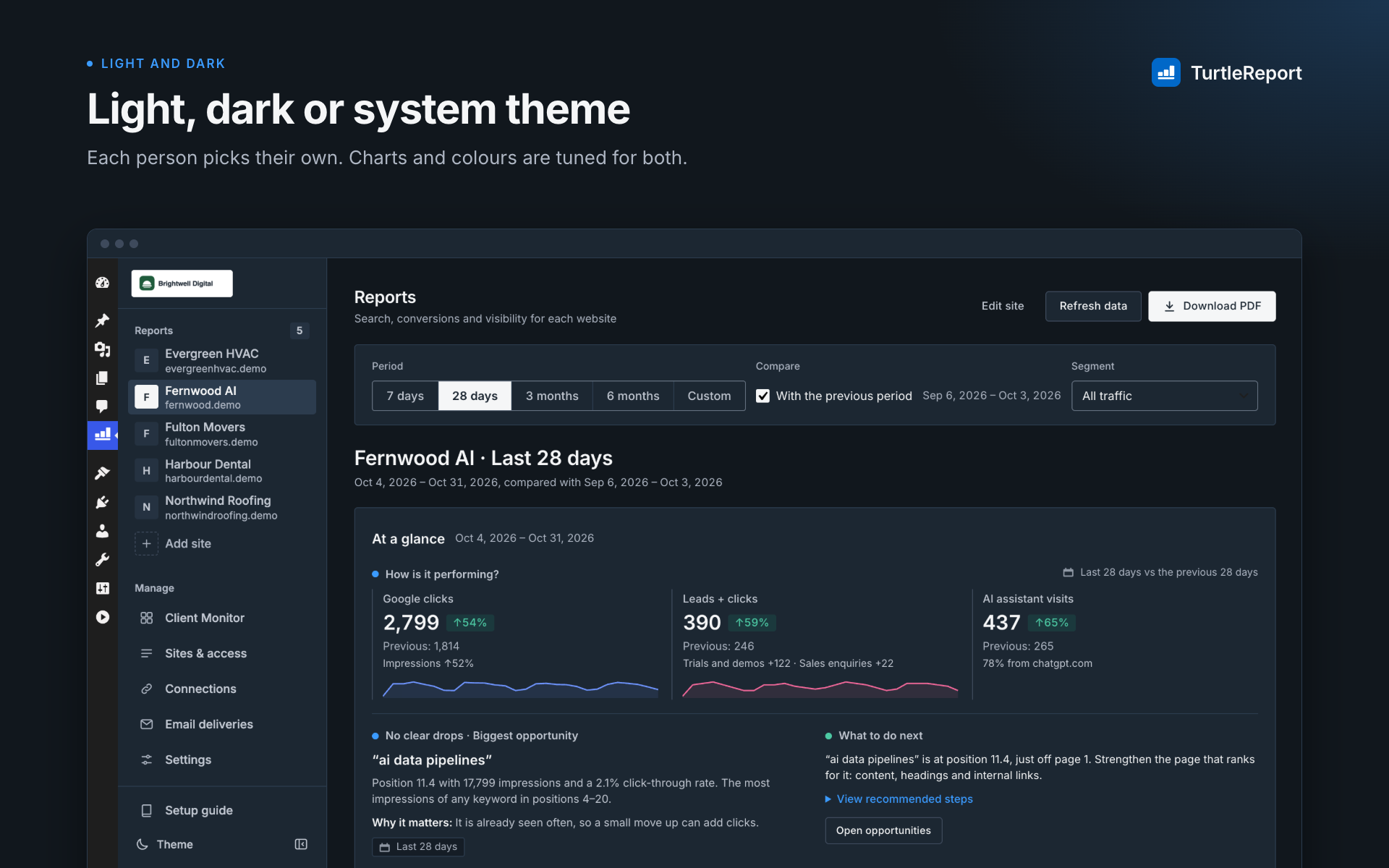
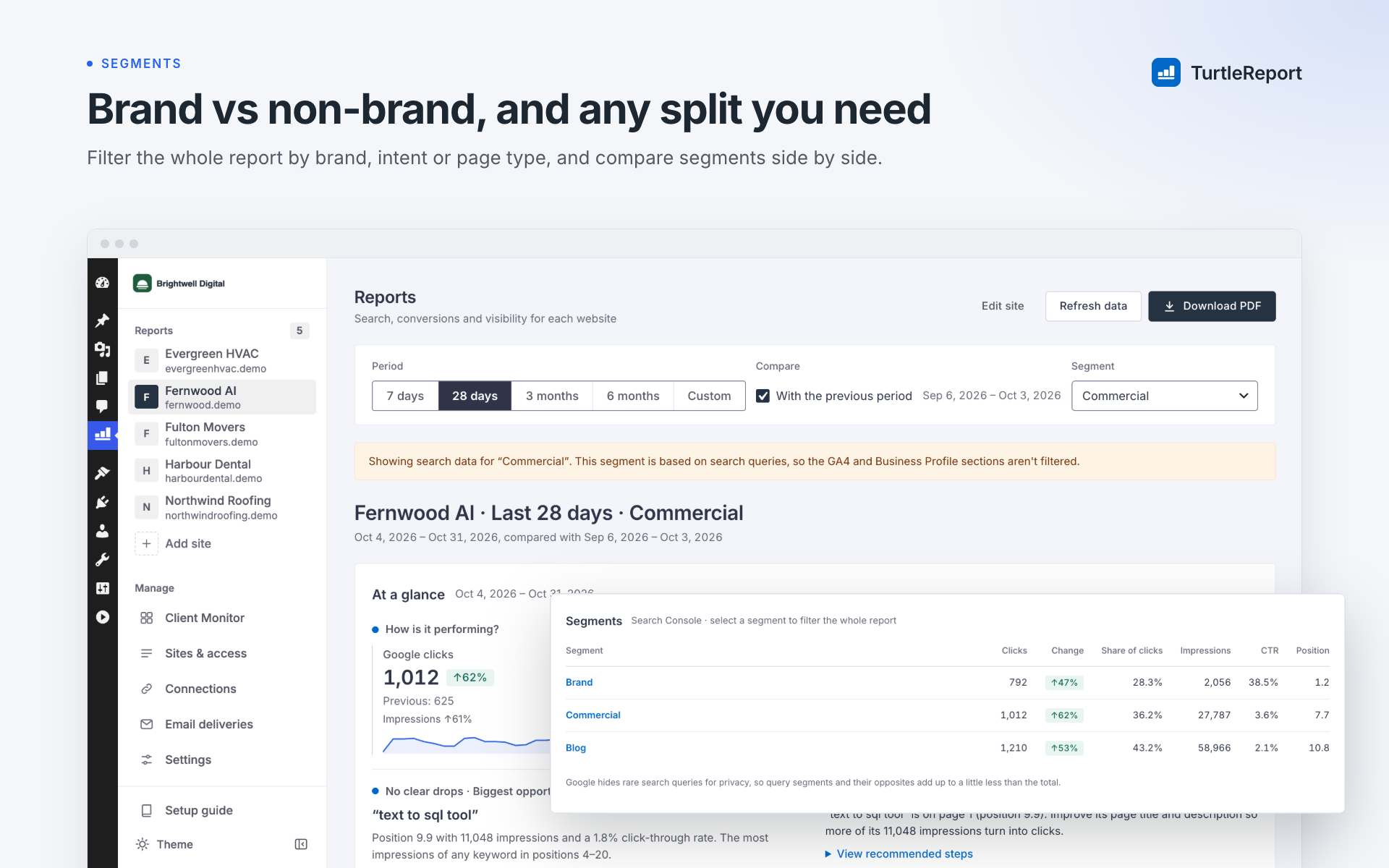
- Search Console: Clicks, impressions, rankings, keyword changes, and page performance.
- GA4: Website traffic, engagement, leads, and conversions.
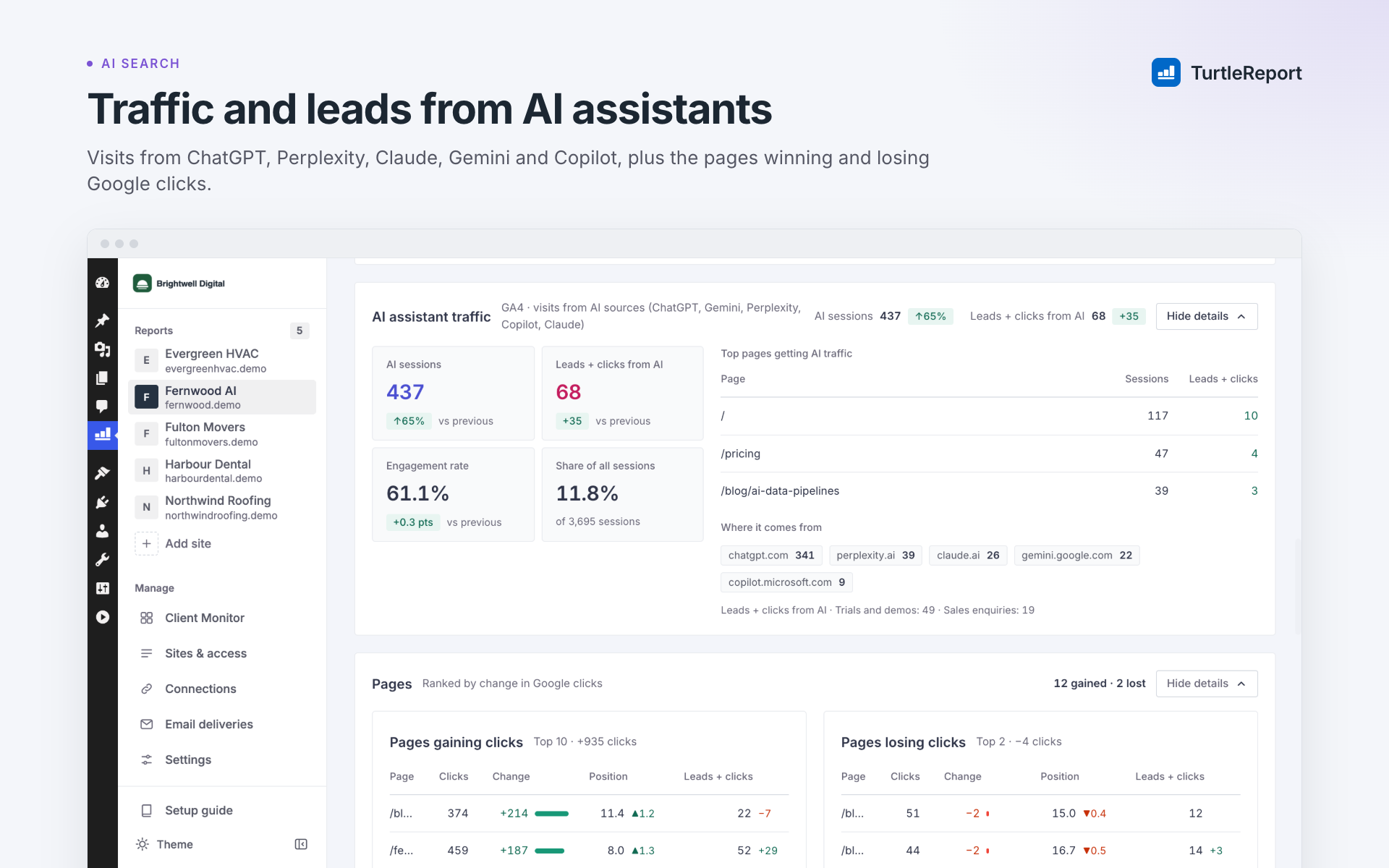
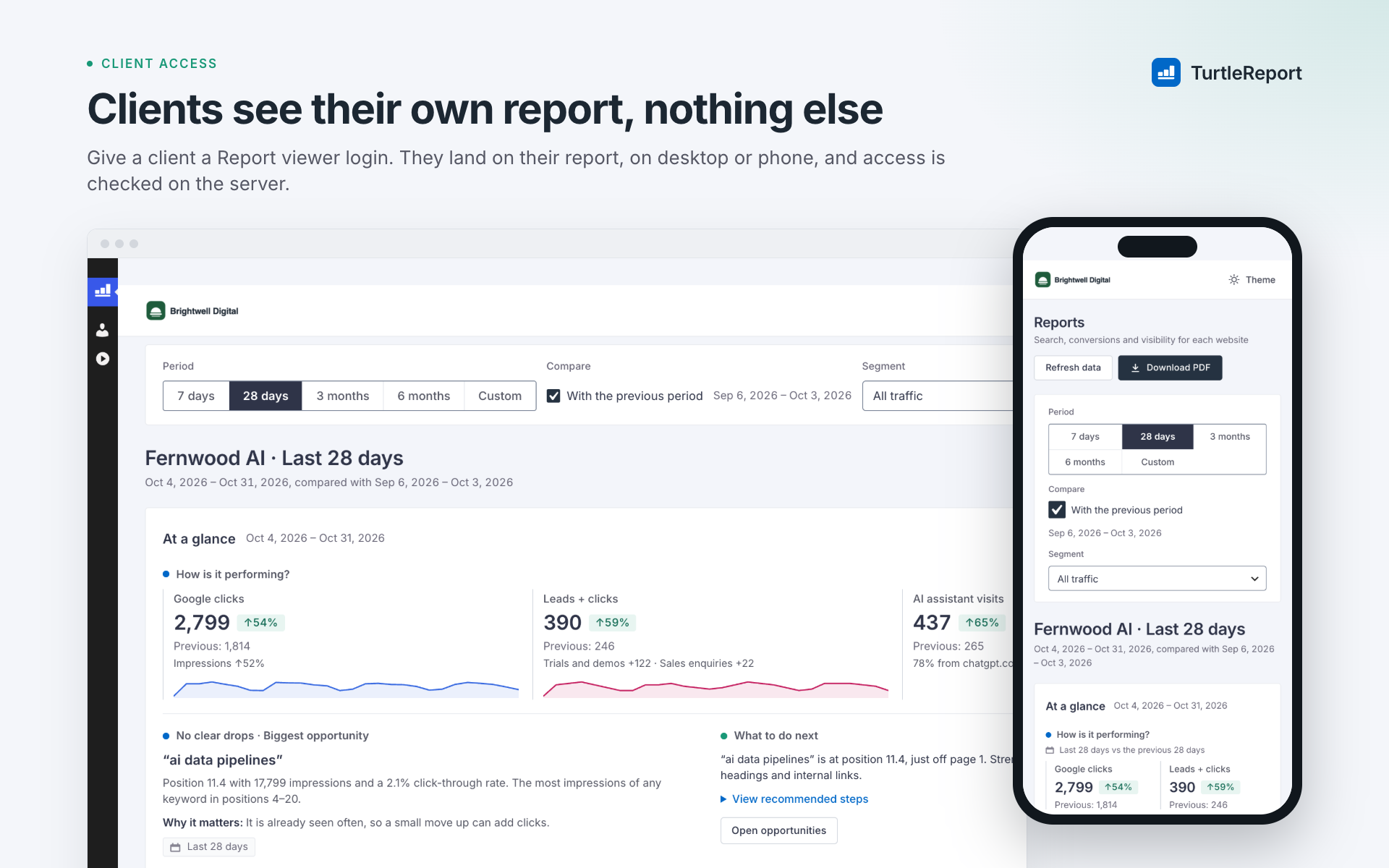
- AI traffic: See visits from AI assistants reported in GA4.
- Google Business Profile: Track calls, website clicks, directions, and profile views.
- Comparisons: Compare different periods, search terms, page types, and custom segments.
- Why did this client's traffic drop?
- Which pages need attention?
- What improved this month?
- What should we investigate next?
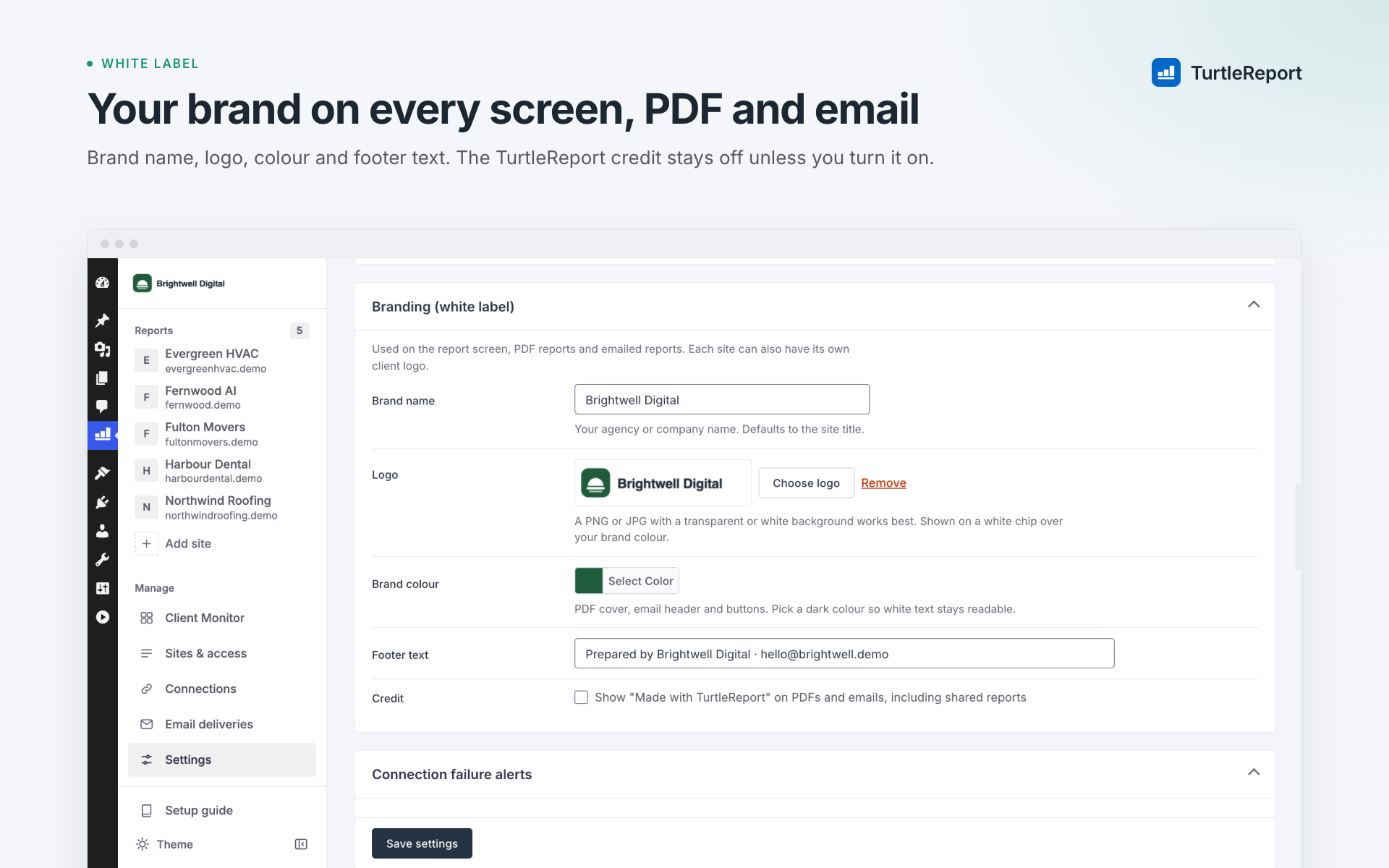
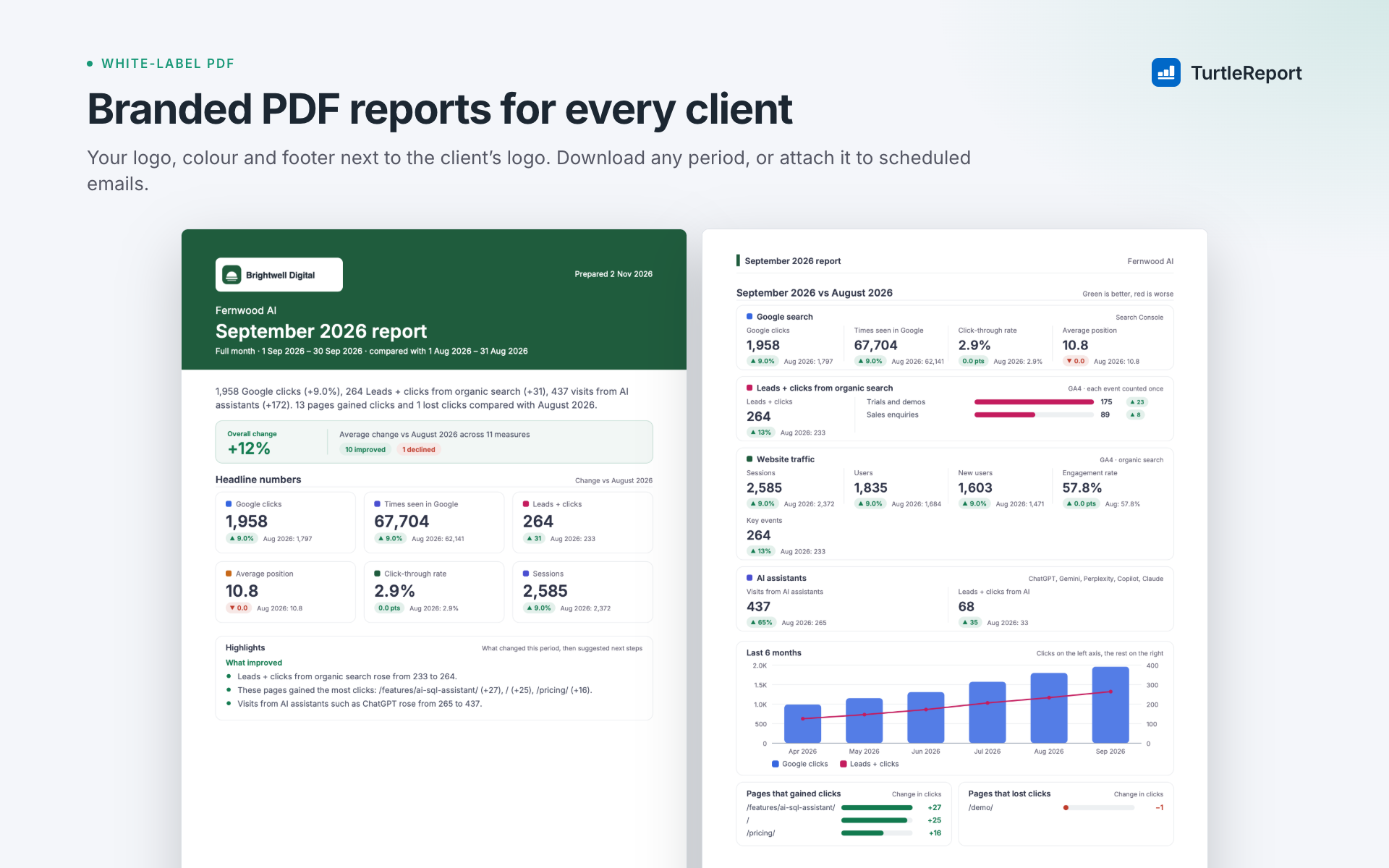
- Create branded reports with your agency logo and colors.
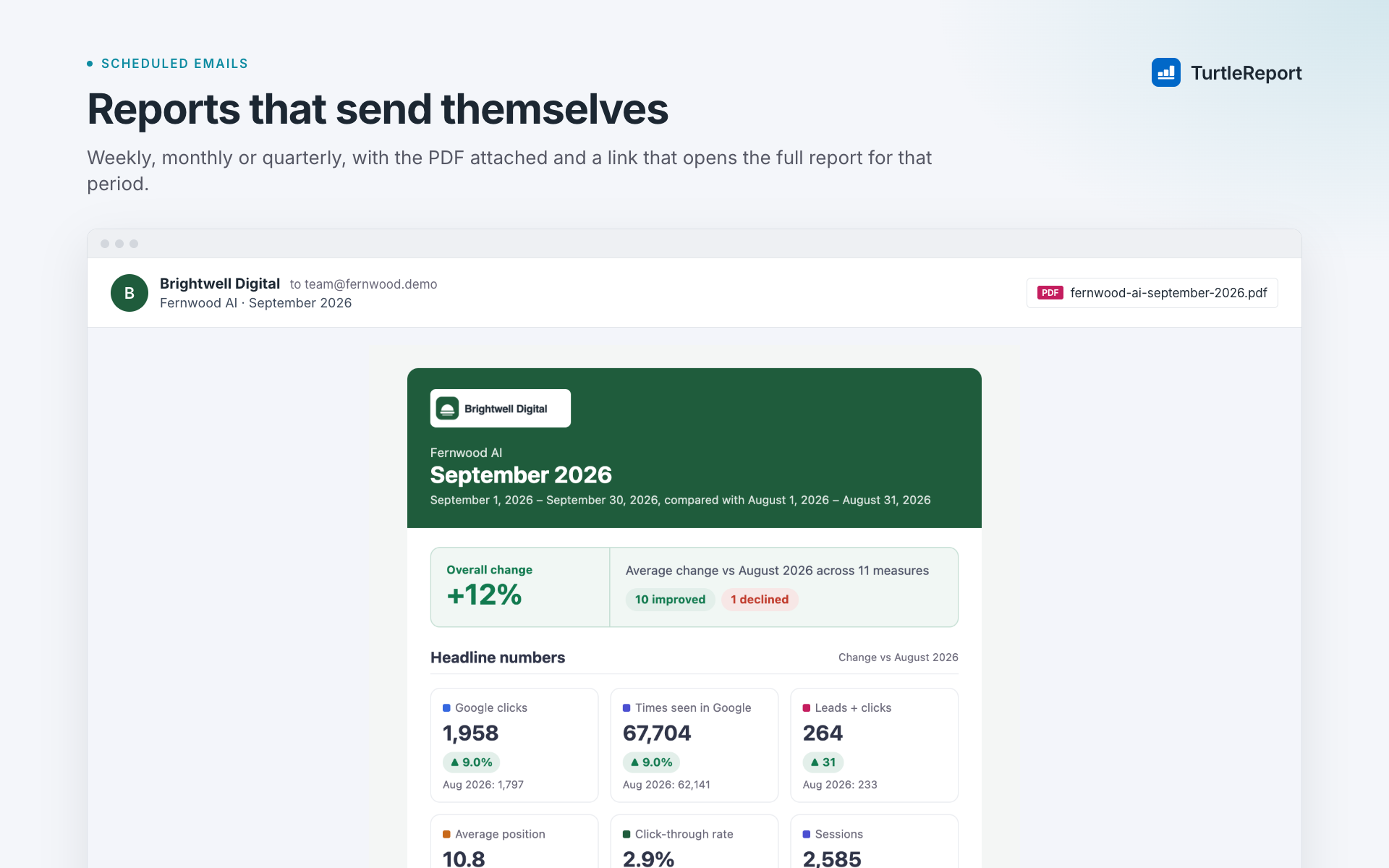
- Automatically email PDF reports on your chosen schedule.
- Review reports before sending when needed.
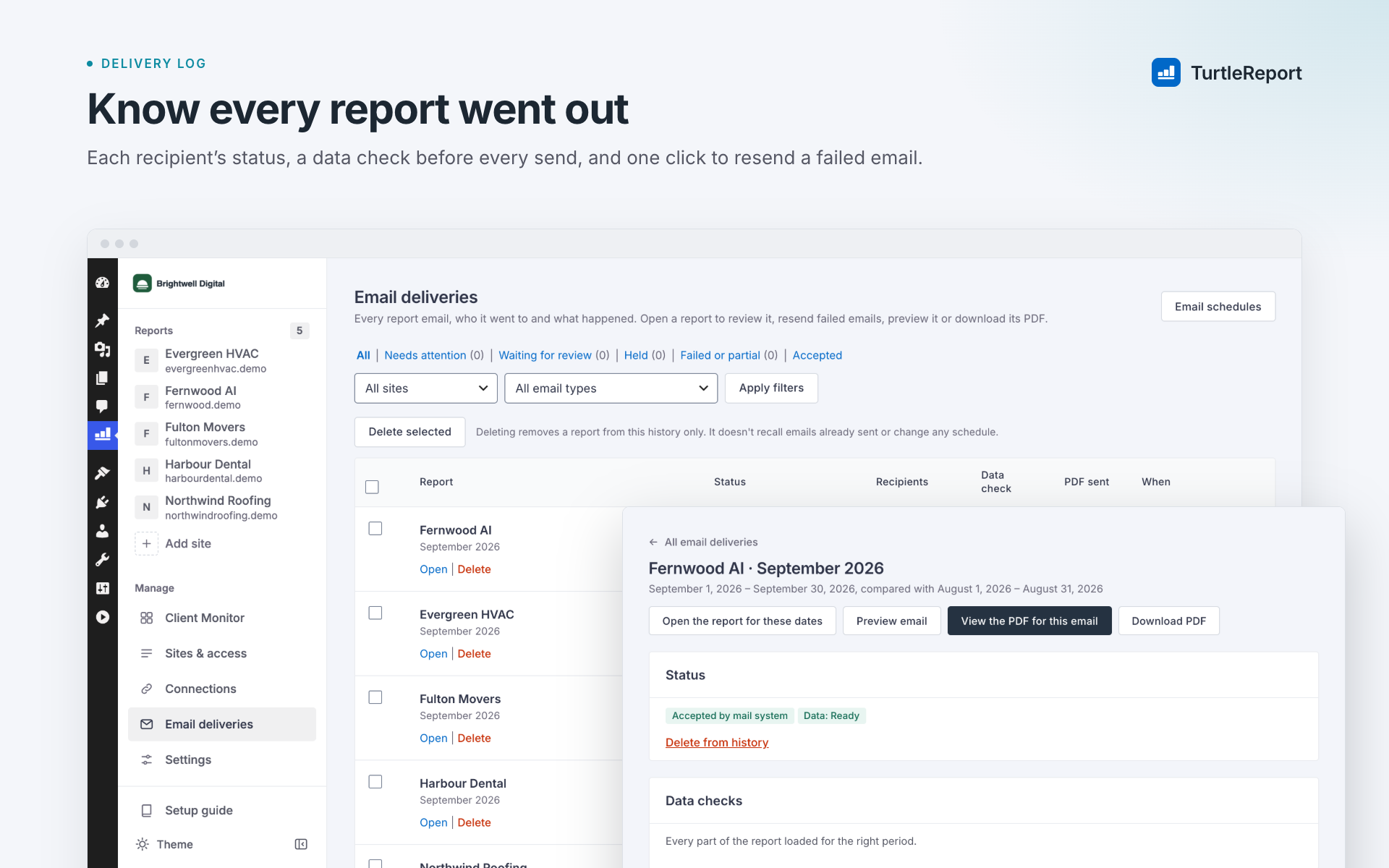
- Track email delivery status and retry failed sends.
- Give clients secure access to their own reports.
屏幕截图:
更新日志:
1.5.0
- Sign in with Google without a Google Cloud project: the Connections screen now connects an account in a few clicks through TurtlePlugins Connect, which passes the sign-in back to your site and stores nothing. Google data is still read directly from your server.
- Your own OAuth client and service-account keys are still available under Advanced, and existing connections keep working unchanged.
- Adding another Google account from a site's settings no longer needs an existing OAuth client.
- Connection checks and the setup checklist no longer ask you to fix a Cloud project you don't use.
- The setup guide is now two steps: sign in with Google, then add a client website. Your own Google Cloud project moves to an Advanced section.
- New plugin banner that matches the redesigned plugin.
- No functional changes.
- A consistent design across every screen: one spacing scale, one type scale, the same height and corners for buttons, fields and badges, and one style for key numbers.
- Settings labels line up with their fields, report tiles fill even rows, closed report sections line up, and paragraphs keep a readable line length.
- Fixed: WordPress styles no longer change spacing on settings forms, the period buttons fill their frame, the selected Movers option is visible, and Client Monitor cards on phones show their labels without extra frames.
- Better contrast for field borders and separators, one focus style everywhere, and severity read out to screen readers.
- Updated screenshots.
- Switching on the AI Advisor, or changing its provider, now asks an administrator to confirm that client data will be sent to that provider. Settings shows who confirmed and when.
- An AI Advisor that is already switched on keeps working with its current provider.
- The plugin author is now shown as TurtlePlugins, linking to turtleplugins.com.
- Add links to the website, setup guide, documentation and changelog in the plugin description.
- No functional changes.
- Internal code restructuring for easier maintenance.
- No functional changes: reports, exports, emails, connections, settings and access grants are unchanged.
- Developers: internal PHP classes were reorganised; hooks and filters are unchanged.
- Rename the plugin to "TurtleReport - SEO Client Monitoring & Reporting" and refresh its description.
- No functional changes: reports, connections, settings, schedules and access grants are unchanged.
- Add daily Client Monitor checks, evidence-based alerts, handling and snooze controls, and client goals and priorities.
- Add optional Slack sharing and a weekly client-monitor summary email.
- Add an optional AI Advisor using your own OpenAI, Anthropic, Gemini or xAI key, with client-scoped context and usage limits.
- Improve report summaries, comparisons, navigation and setup guidance.
- Respect the WordPress menu preference and show scheduled weekly summary outcomes.
- Turning secure report links off and on again now invalidates links sent earlier.
- People left without a role on a site no longer receive its scheduled reports.
- Keep scheduled emails and summaries on time across daylight-saving changes.
- Preserve the 1.0 security, delivery, privacy and data-storage safeguards.
- First release of TurtleReport.
- Search Console, GA4 and Google Business Profile reports, PDF exports, scheduled emails, delivery review and per-site access control.