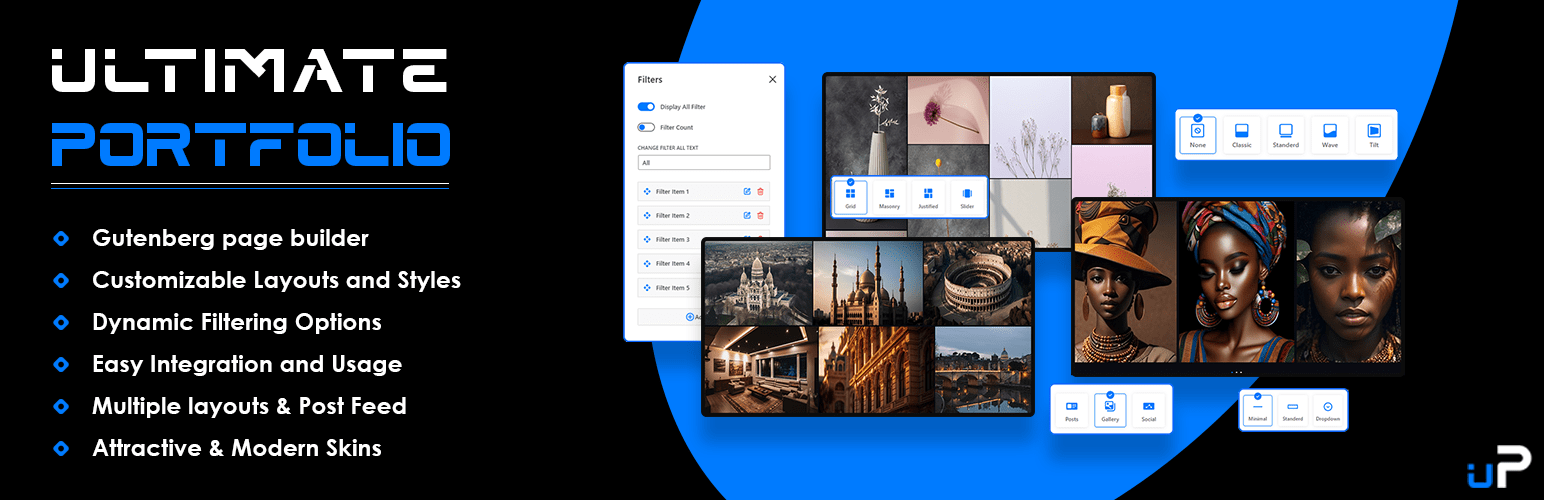
Portfolio Gallery – Ultimate Portfolio, Filterable Grid & Image Slider
| 开发者 |
webenvo
awordpresslife FARAZFRANK hanif0991 razipathhan fkfaisalkhan007 zishlife muhammadshahid sharikkhan007 |
|---|---|
| 更新时间 | 2026年9月15日 17:50 |
| PHP版本: | 7.0 及以上 |
| WordPress版本: | 7.1 |
| 版权: | GPLv2 or later |
| 版权网址: | 版权信息 |
详情介绍:
- Native Gutenberg Block: Add portfolio galleries, post grids, and sliders directly into any page or post.
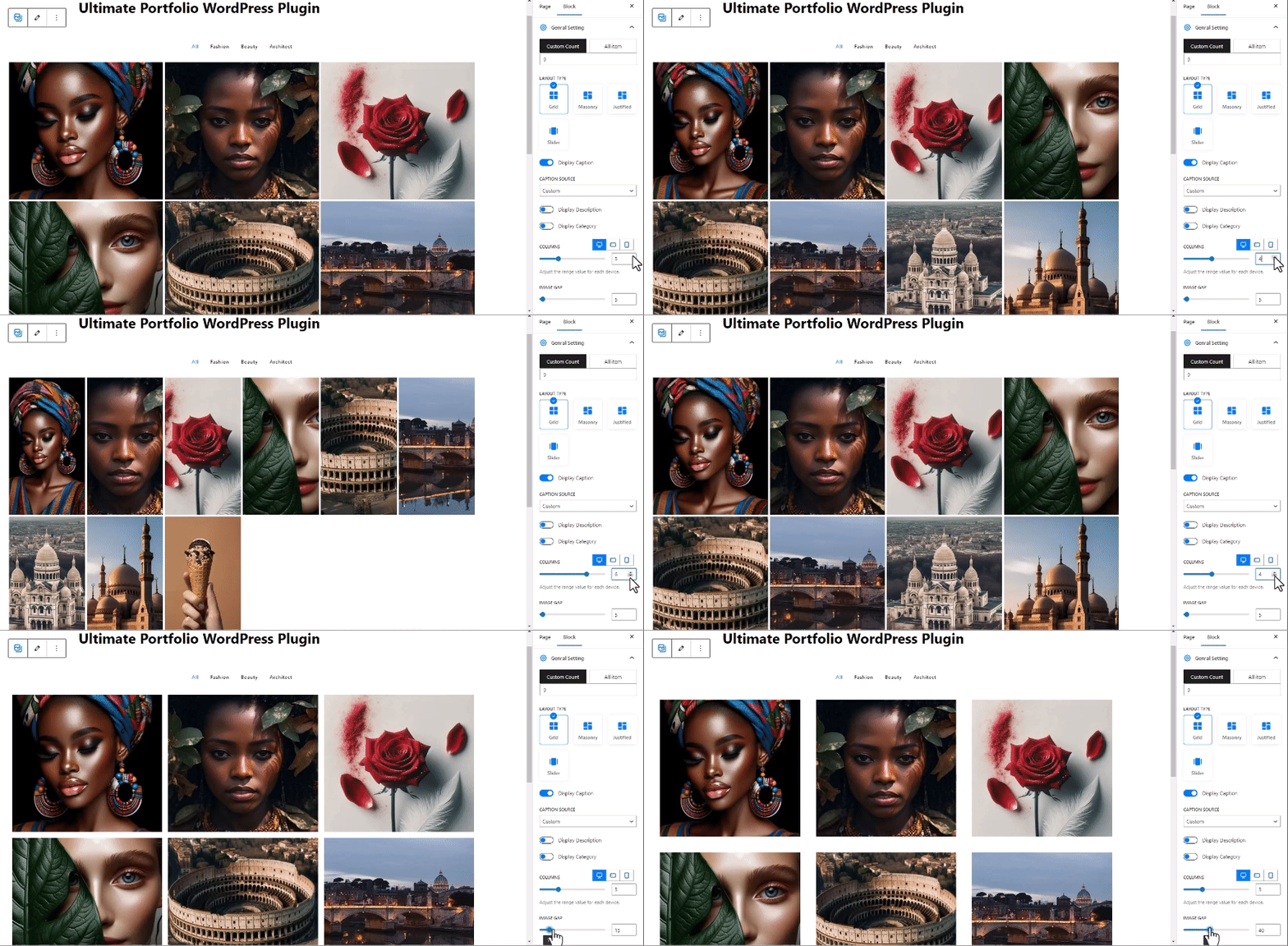
- Multiple Layout Types: Choose between clean Grid, Pinterest-style Masonry, Edge-to-edge Justified, or touch-friendly Slider layouts.
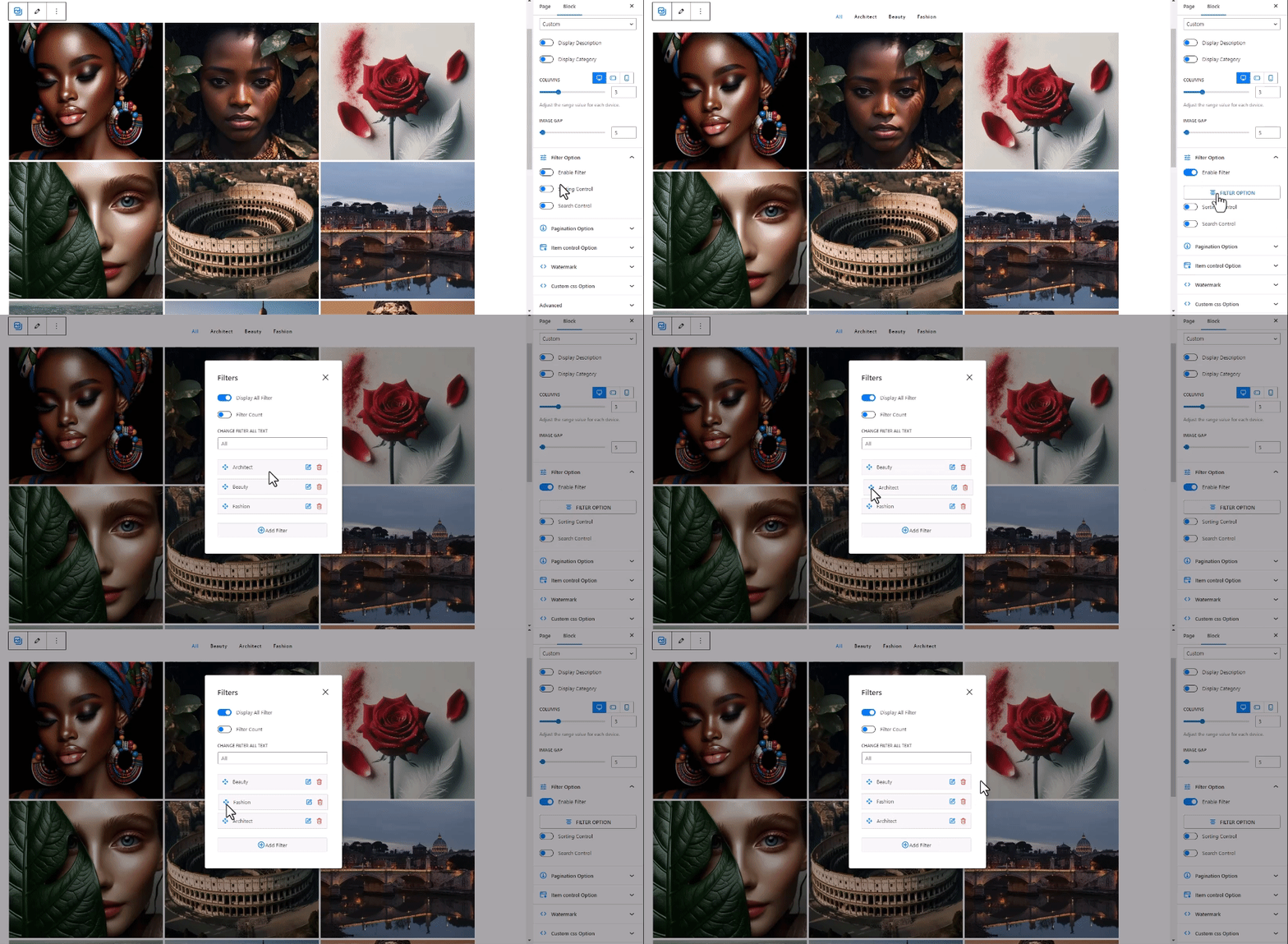
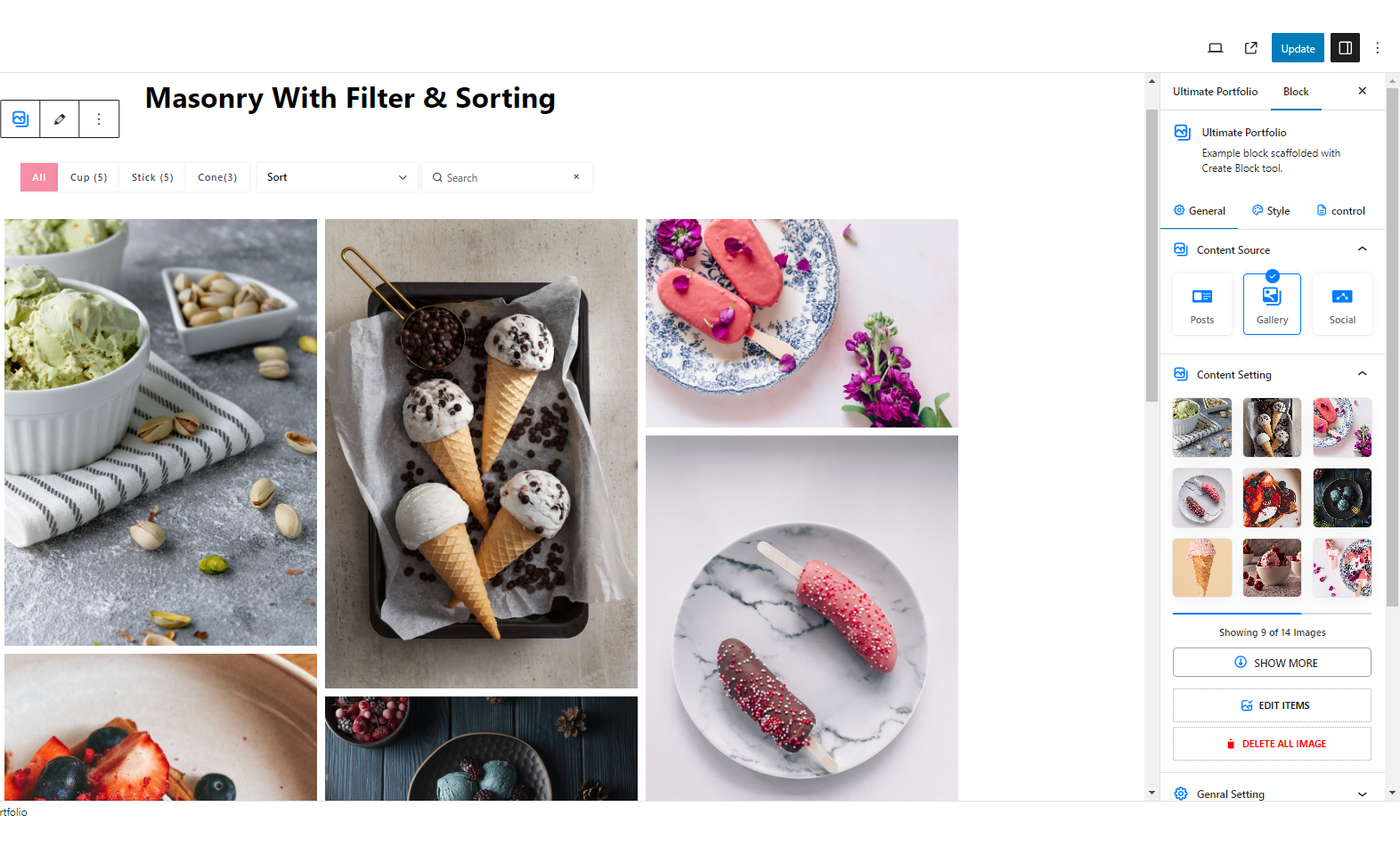
- Category Filtering: Allow visitors to instantly filter portfolio items and blog posts by category using interactive Isotope filter buttons.
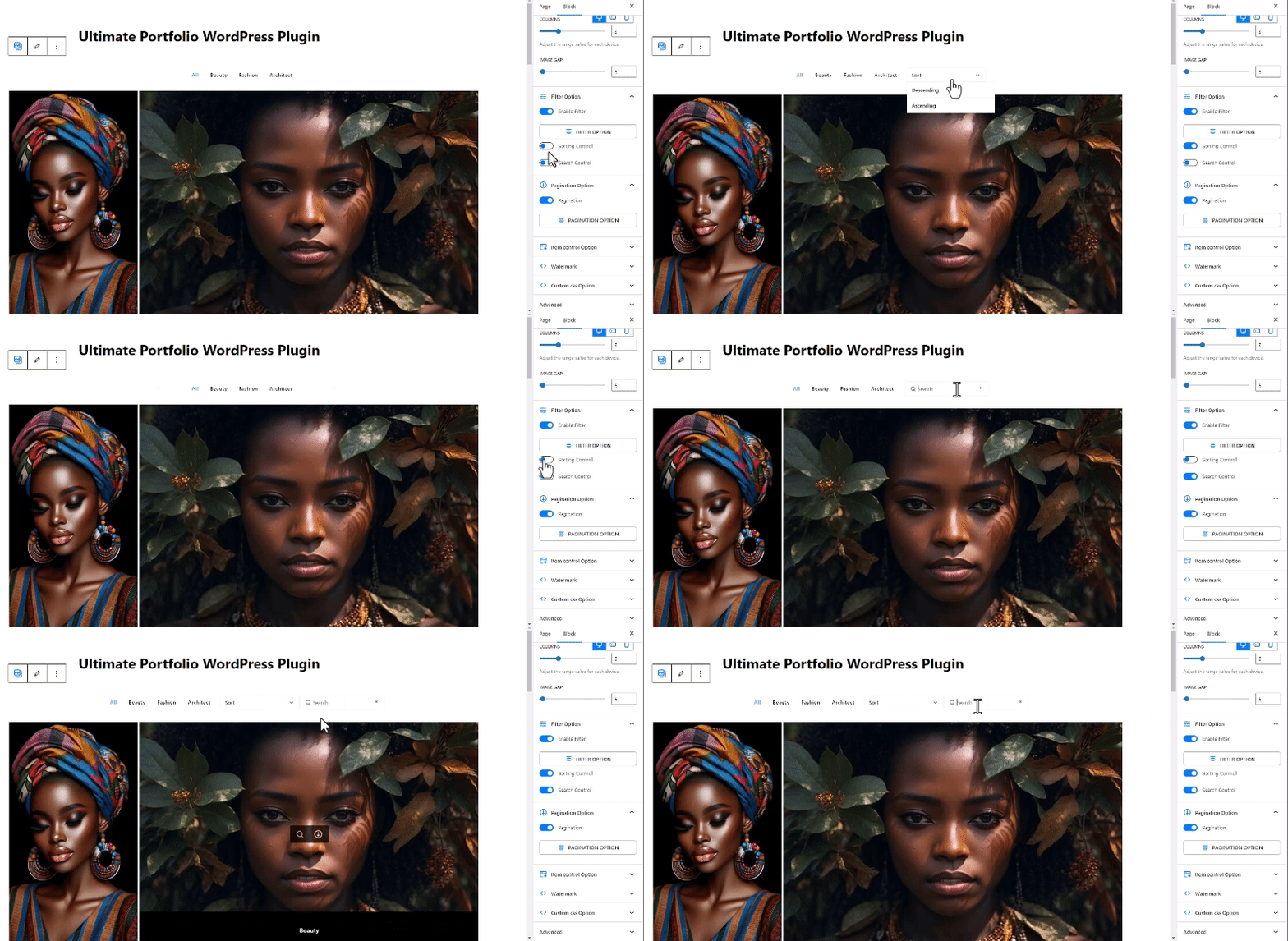
- Real-Time Search and Sorting: Include a live search bar and sorting controls so users can sort items by title, date, or order.
- Lightbox Popup Integration: Enable full-screen lightbox view with zoom capabilities, slideshow mode, and image sharing.
- Dynamic Content Querying: Display custom image galleries, WordPress blog posts, custom post types, or WooCommerce products.
- Responsive Column Controls: Define custom column counts, image heights, border radiuses, and item gaps independently for desktop, tablet, and mobile screens.
- Flexible Pagination Options: Choose between standard numbered pagination, AJAX Load More buttons, or infinite scroll on page scroll.
- Performance Optimized Lazy Loading: Load images dynamically as visitors scroll down the page to ensure fast load times and optimal page speed scores.
- Shortcode Integration: Display saved portfolio layouts anywhere on your site using the [ultimate_portfolio id="123"] shortcode.
- Photography Portfolio: Showcase high-resolution photos in masonry or justified image gallery layouts with full-screen lightbox previews.
- Creative Project Showcase: Highlight agency case studies and design projects with category filters and interactive hover overlays.
- Blog Post Grid and Post Slider: Turn standard WordPress blog posts into attractive post grids or responsive post sliders with post dates, author metadata, and excerpts.
- Product Showcase: Display WooCommerce products in filterable grid layouts with custom hover titles and direct page links.
- Responsive Grid, Masonry, and Justified portfolio layouts.
- Single-level category filtering with customizable color schemes.
- Responsive column adjustments for mobile, tablet, and desktop views.
- Lightbox popup with full-size image viewing.
- Image drag-and-drop ordering in the editor.
- Lazy loading support for improved site speed.
- Custom CSS field for tailored styling. Pro Version Extras:
- Advanced Carousel and Slider effect options.
- Multi-level taxonomy filtering for complex portfolios.
- Deep linking for filterable portfolio URLs.
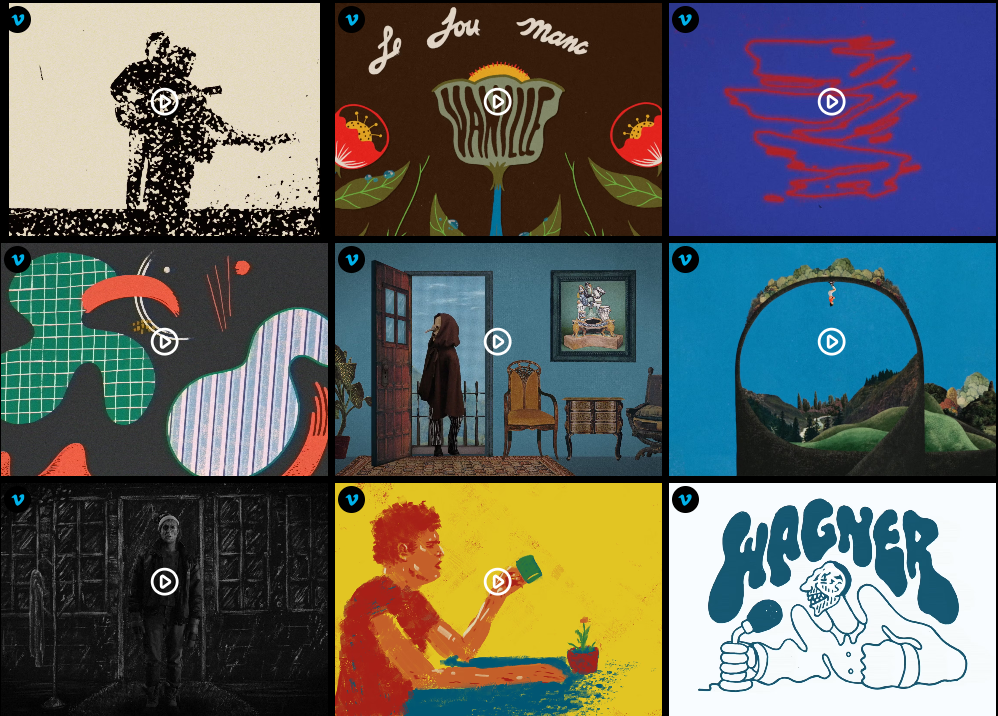
- Social Media feed integrations including Instagram, YouTube, Vimeo, Flickr, and Unsplash.
- Custom load and hover animation effects.
- Priority email support. For live demonstrations and plugin details:
- Pro Version Demo
- Upgrade to Pro
安装:
- Log into your WordPress admin dashboard and navigate to Plugins > Add New.
- Search for "Ultimate Portfolio" in the search field.
- Click Install Now and then Activate the plugin.
- Open any page or post in the Gutenberg editor and insert the "Ultimate Portfolio" block.
- Configure your layout, choose your content source (images or blog posts), and publish.
- Download the plugin zip file and upload it via Plugins > Add New > Upload Plugin.
- Activate the plugin through the Plugins menu in WordPress.
屏幕截图:
常见问题:
How do I create a portfolio gallery with category filters?
Insert the Ultimate Portfolio block into your page editor. In the block inspector on the right, enable the Filter option under the Filter Controls section. Assign category tags to your images or select categories from your portfolio post items.
Can I use this plugin to display WordPress blog posts in a slider or grid?
Yes. In the block settings, change the Content Source option from media images to WordPress posts. You can display blog posts in a standard grid, masonry layout, or dynamic post slider complete with featured images, titles, excerpts, and category badges.
Is the portfolio block fully responsive on mobile devices?
Yes. The plugin allows you to set specific column counts for desktop, tablet, and mobile screens independently. Image heights and layout gaps automatically adjust for optimal mobile viewing.
Does Ultimate Portfolio support shortcodes for page builders like Elementor?
Yes. Every portfolio item created under the Ultimate Portfolio menu generates a unique shortcode formatted as [ultimate_portfolio id="123"]. You can paste this shortcode into Elementor, Beaver Builder, Divi, or standard widget areas.
Will adding a large image gallery slow down my website?
No. The plugin includes built-in lazy loading that only loads gallery images as visitors scroll down to view them. This ensures fast initial page loading times regardless of how many images your portfolio contains.
Can I customize hover effects and background colors?
Yes. The block settings include controls for hover styles, overlay colors, background colors, text colors, font alignments, and border radiuses.
更新日志:
- Date: 01 September 2026
- Fixed default lazy load image uploader on the plugin settings page by properly enqueuing the WordPress media library and resolving
wp.mediamodal handlers. - Fixed admin menu sidebar icon visibility across all WordPress dashboard screens by loading lightweight menu icon styles globally.
- Fixed Block Editor preview rendering for Slider and Masonry layouts inside Gutenberg iframe canvas by integrating core Swiper and multi-column grid layout rules into editor stylesheets.
- Added cross-window library constructor resolution (
window,window.parent,window.top) and layout debounce for seamless Gutenberg editor responsiveness. - Hardened settings form submission with user permission checks (
manage_options), safe unserialization, and preserved attachment IDs.
- Date: 31 August 2026
- Fixed Gutenberg block editor preview crash when navigating from setup wizard to live layout view.
- Fixed iframe canvas readyState null-reference errors in modern WordPress iframe editor.
- Enqueued required block vendor dependencies (Isotope, ImagesLoaded, Swiper, Fancybox) in block editor assets hook.
- Added defensive runtime checks for layout libraries and safe term/metadata extraction for posts without categories/tags.
- Fixed fatal error regarding undefined constant ULTIMATEPORTFOLIO_BLOCK_ADMIN_URL on early init hooks.
- Redesigned inspector sidebar selector buttons (Content Source, Content Setting) into a clean 3-column responsive card grid with aligned SVG icons and top-right checkmark badges.
- Added direct "Upload Images" button to notice prompt when finishing setup wizard with an empty gallery.
- Hardened nonce verification across AJAX endpoints and isolated Tailwind styles to prevent admin contamination.
- Date: 30 July 2026
- Fixed leftover debug print output polluting frontend AJAX filtering and pagination layouts.
- Fixed performance bottleneck by removing global rewrite rule flushing on every request.
- Sanitized custom CSS block attribute input to prevent potential stored XSS vulnerabilities.
- Fixed admin bar menu output buffering to prevent header HTML rendering out of order.
- Added missing file dependency checks for media upload functions on plugin activation.
- Synchronized version constants and updated documentation for WordPress search optimization.
- Rewrote documentation and description for enhanced SEO and keyword relevance.
- Refined feature breakdown and layout options.
- Updated compatibility verification with WordPress 6.9.
- Verified compatibility with WordPress 6.9.
- General bug fixes and stability improvements.
- Fixed an issue where category filters were disappearing under certain theme configurations.
- General maintenance and code optimization.
- Resolved special character encoding issues within portfolio category filter titles.
- Verified compatibility with WordPress 6.8.2.
- Resolved Gutenberg block rendering inconsistencies.
- Adjusted filter spacing and alignment rules.
- Improved Isotope filtering performance.