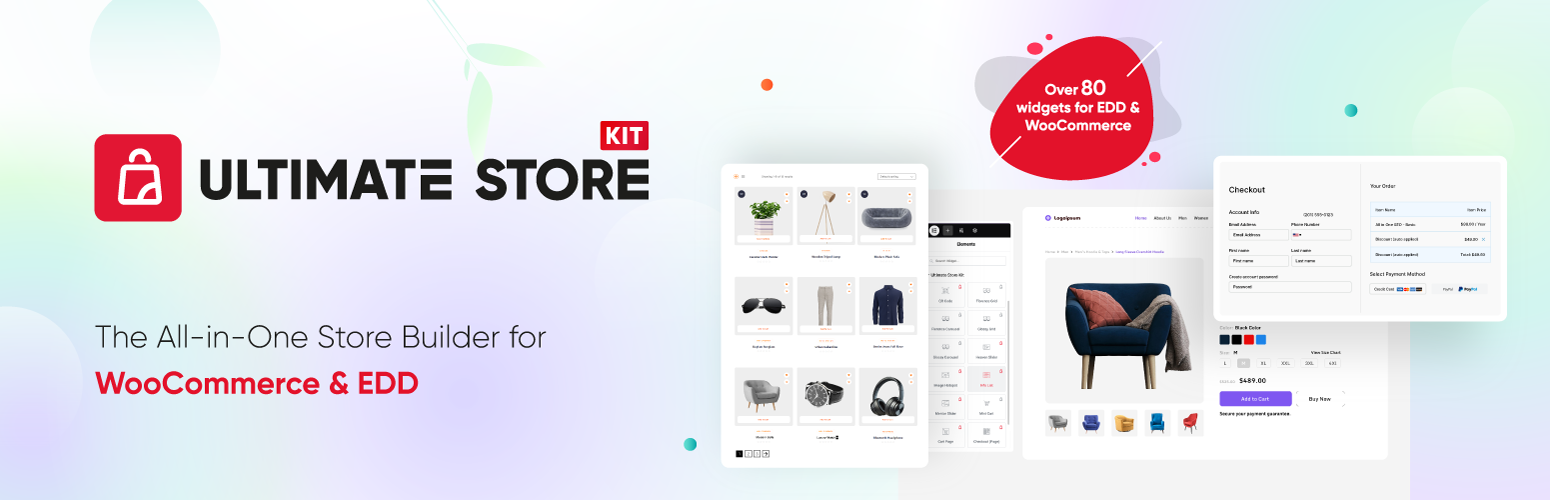
Ultimate Store Kit - Store Builder Addons for Elementor, WooCommerce Store Builder, EDD Store Builder
| 开发者 |
bdthemes
selimmw mohammaadfarid bdkoder abutalib maudud sohanurrahman rakibulpk muhammadasik suzauddowla shaikatazim mohan00 syedfarhanreza shmusuf arafatakashakku shamim496 saifullahnakiih |
|---|---|
| 更新时间 | 2026年10月21日 13:38 |
| 捐献地址: | 去捐款 |
| PHP版本: | 6.8 及以上 |
| WordPress版本: | 7.1 |
| 版权: | GPL3 |
| 版权网址: | 版权信息 |
标签
下载
详情介绍:
- Build WooCommerce and Easy Digital Downloads layouts with Elementor.
- Choose from 80+ free and Pro Elementor widgets listed in this readme.
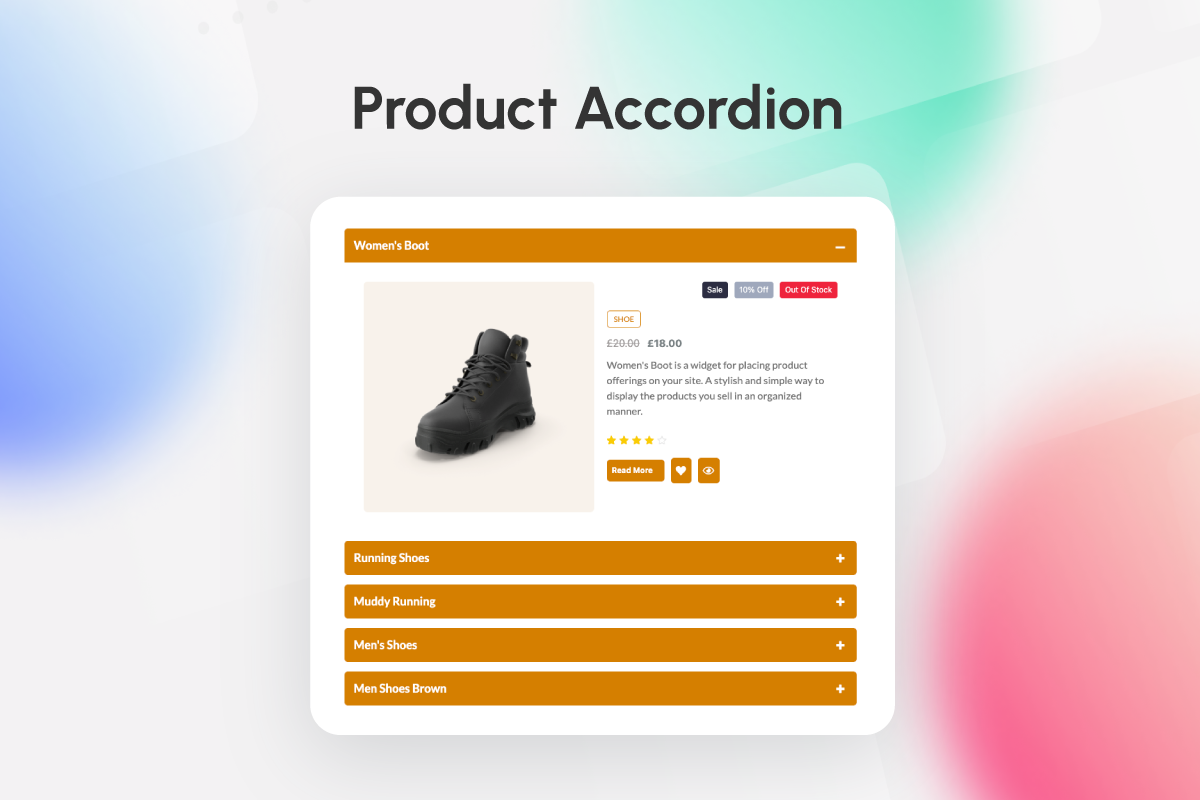
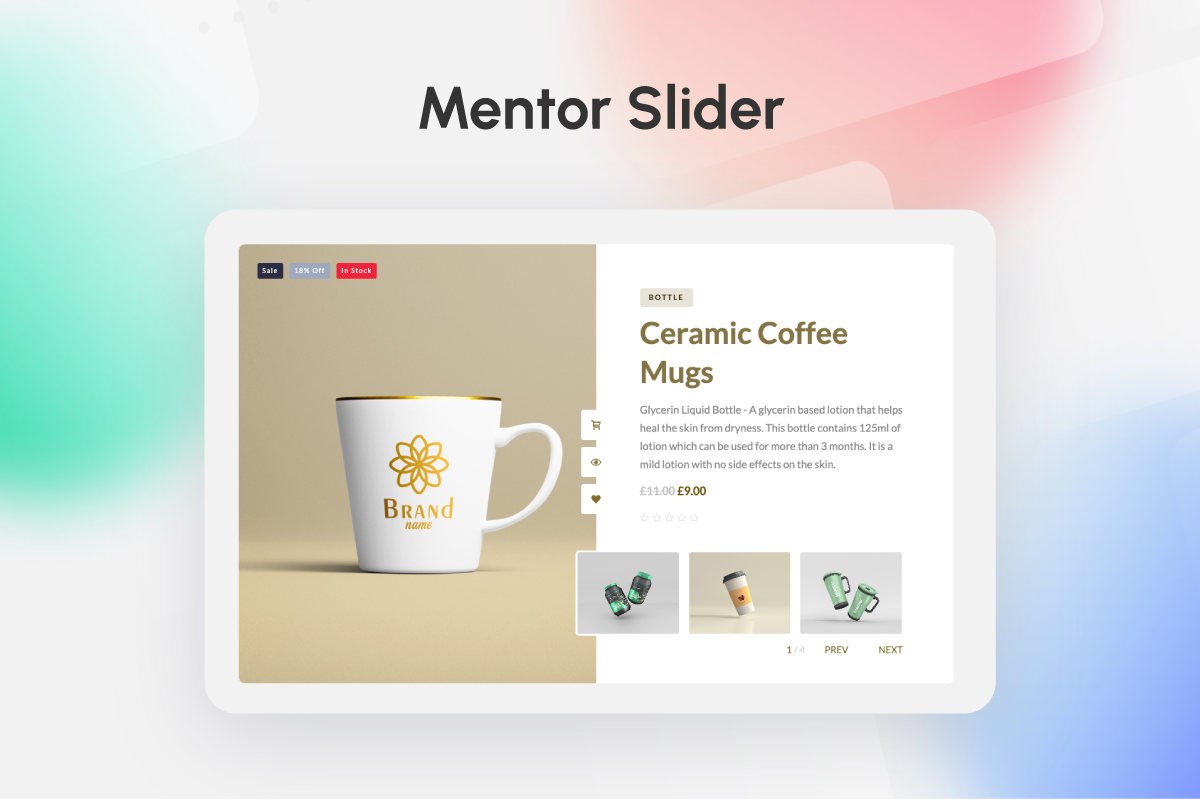
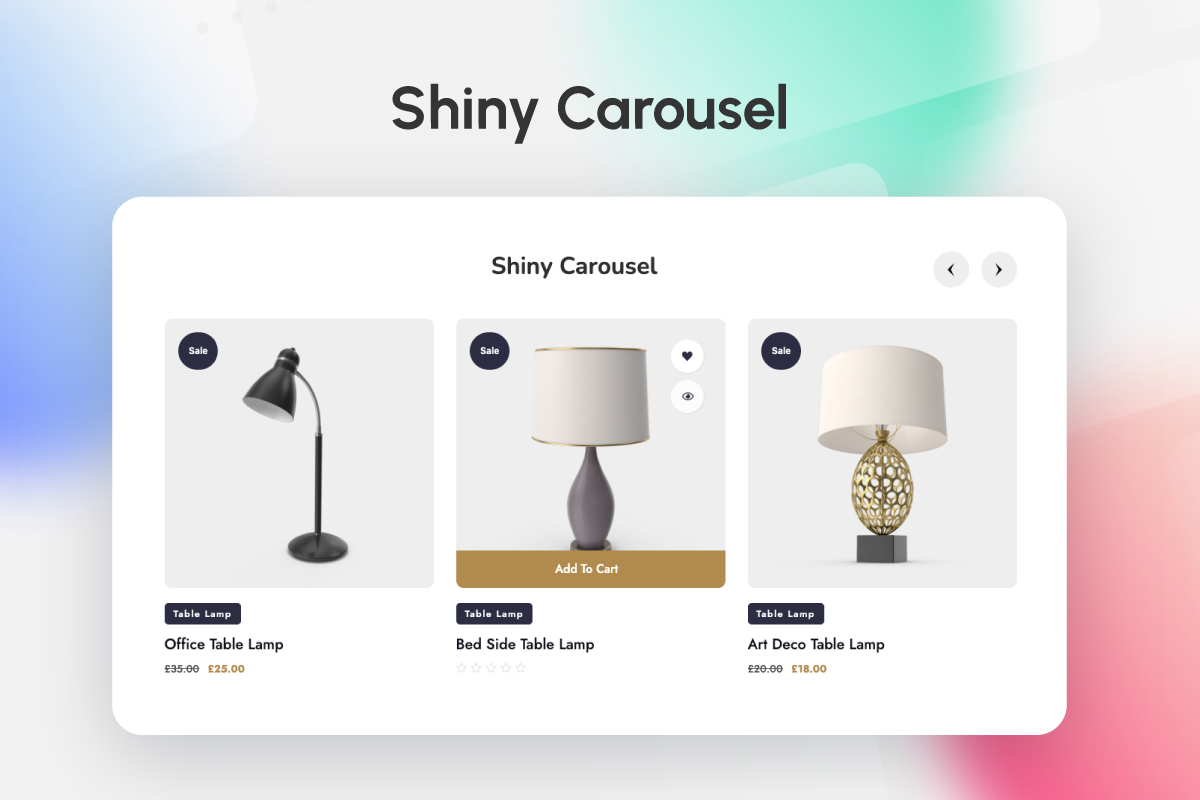
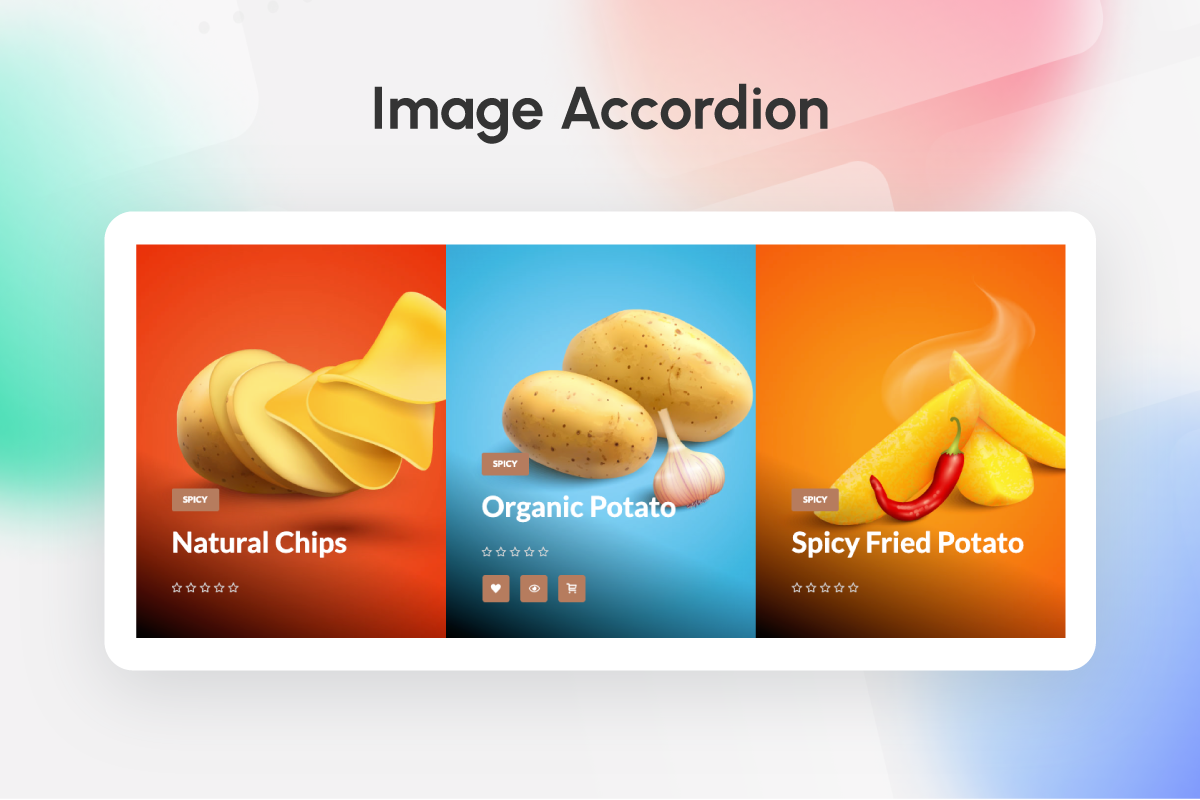
- Display products in grids, lists, tables, accordions, carousels and sliders.
- Present product categories and subcategories in grids or carousels.
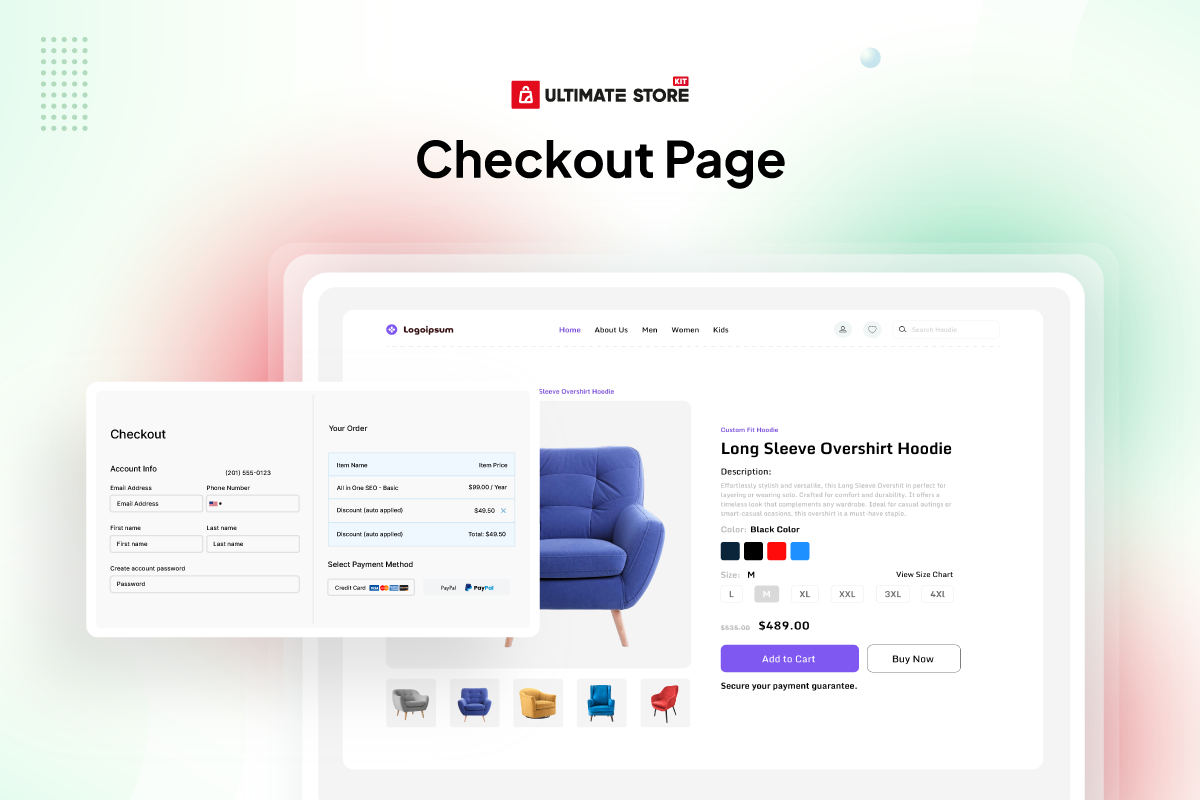
- Design cart, checkout, order, single-product and account page layouts.
- Add product reviews, variation swatches, a mini cart, wishlist tools and comparison tools using the relevant widgets.
- Create supporting store content with brand, featured box, information list, QR code, marquee and breadcrumb widgets.
- Install and activate Ultimate Store Kit from the Plugins area in WordPress.
- Open the page you want to design with the Elementor editor.
- Add the Ultimate Store Kit Elementor widget that matches the content you want to display.
- Use product, category, review, cart, checkout, order or account widgets according to the page you are building.
- Use the Template Builder when you want to create layouts for WooCommerce store pages.
安装:
- Upload
ultimate-store-kit.phpto the/wp-content/plugins/directory - Activate the plugin through the 'Plugins' menu in WordPress
- Open the Elementor editor and add an Ultimate Store Kit widget.
屏幕截图:
常见问题:
Is Ultimate Store Kit a WooCommerce store builder?
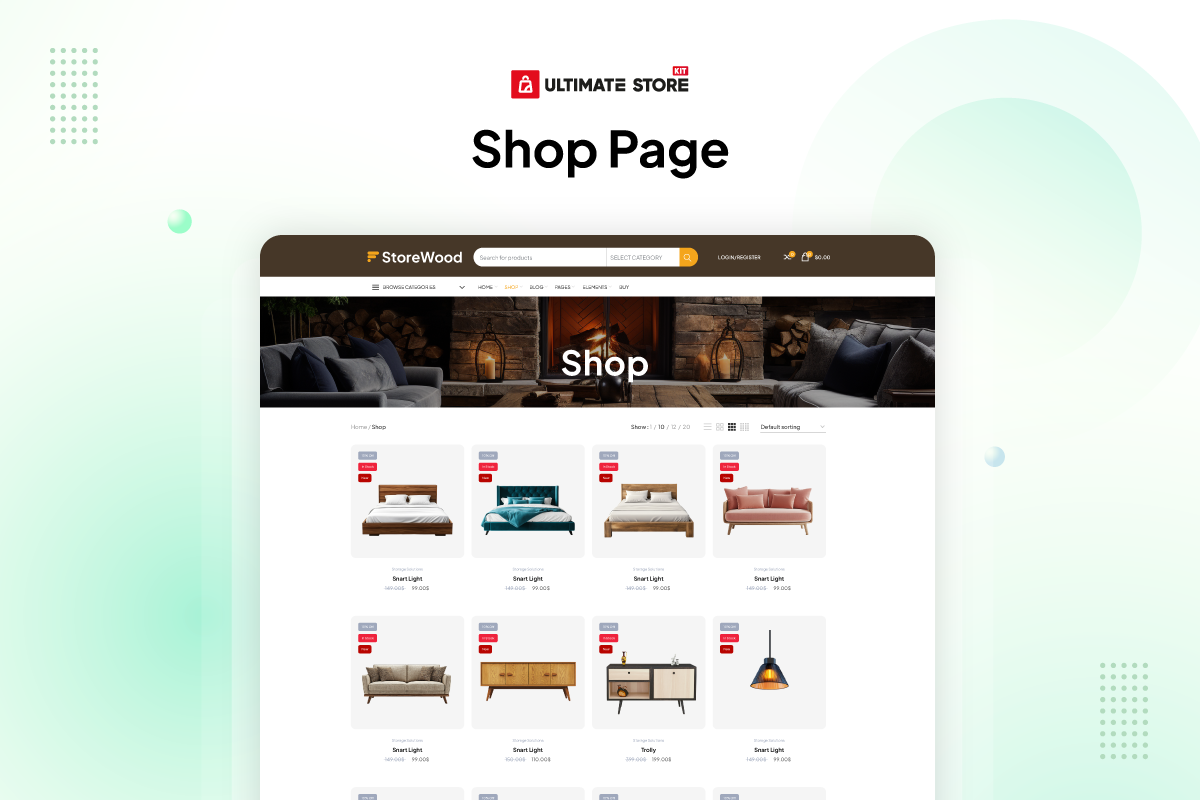
Yes. Ultimate Store Kit works as a WooCommerce store builder for Elementor. Use the Template Builder and WooCommerce widgets to design product displays and layouts for shop, product, cart, checkout, order and account pages.
Can I use Ultimate Store Kit as an EDD store builder?
Yes. The EDD store builder features work with Easy Digital Downloads product data. You can create EDD product and category grids or carousels using Beauty, Classic, Standard and Trendy layouts. EDD review widgets are listed in the Pro collection.
Is Ultimate Store Kit an Elementor addon or an Elementor widget plugin?
Ultimate Store Kit is an Elementor addon that contains a collection of store-focused Elementor widgets. Each Elementor widget handles a specific layout or store function, while the Template Builder combines those widgets into complete page layouts.
What is included in the Elementor store addons?
The Elementor store addons include WooCommerce addons, EDD addons and general design widgets. The available tools cover product grids, carousels, sliders, categories, reviews, tables, accordions, cart and checkout layouts, account areas, brand displays and other widgets listed in this readme.
Which WooCommerce widgets are included?
Instead of providing only one WooCommerce Store Widget, Ultimate Store Kit includes multiple WooCommerce widget options. These include product grids, product carousels, sliders, product categories, reviews, a mini cart, product tables, product lists, page layouts, variation swatches and other free and Pro widgets listed above.
Which premium WooCommerce addons are included in Ultimate Store Kit Pro?
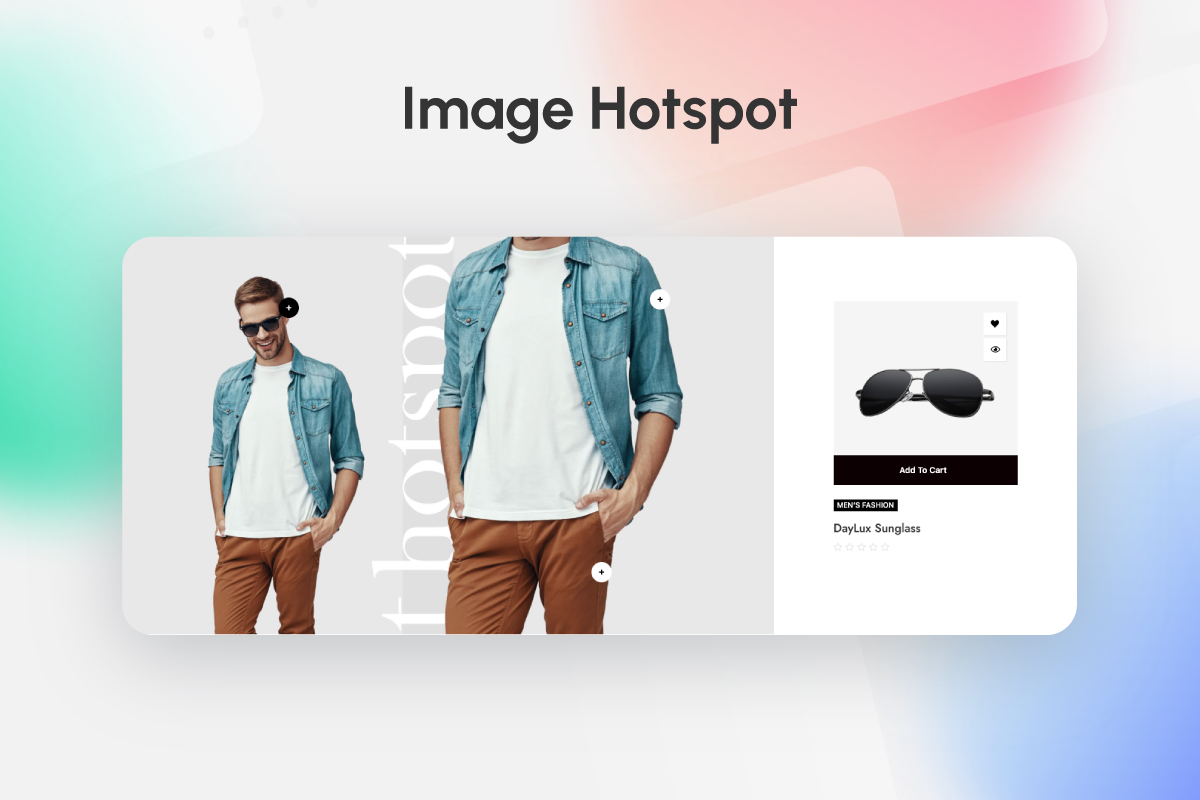
Ultimate Store Kit Pro includes individual account, checkout, product, thank-you, wishlist, comparison and EDD review widgets. Verified Pro additions include Product Filters, Image Hotspot, Call For Price, Short Description and My Account Page. The complete Pro Elementor widget inventory is listed above.
Is Product Filters a Pro WooCommerce widget?
Yes. Product Filters is listed as a Pro WooCommerce widget on the StoreKit widget and pricing pages. It can be used as part of an Elementor-based WooCommerce store design to give shoppers product-filtering controls.
Are the Pro WooCommerce templates the same as the page widgets?
No. Templates and widgets are separate items even when their names are similar. For example, Page Cart and Page Checkout are listed in the free widget collection, while Cart and Checkout are also listed as Pro ready-made template types. StoreKit also lists Pro template choices for Single Page, Order Received and My Account.
Which productivity tools are listed for Ultimate Store Kit Pro?
The StoreKit comparison lists Live Copy or Paste and Duplicator as the additional Pro productivity tools. White Label Branding is plan-specific: the pricing page shows it for the Developer plan, not the Personal or Business plans.
Which EDD widgets and EDD addons are included?
The EDD addons include Beauty, Classic, Standard and Trendy product grids and carousels, plus EDD category grid and carousel widgets. The Pro version also lists EDD Product Reviews and EDD Product Review Carousel. Each EDD widget is designed for use with Elementor.
Can the WooCommerce addons help with WooCommerce store design?
Yes. You can use the WooCommerce addons for WooCommerce store design in Elementor, including product showcases and layouts for cart, checkout, order, single-product and account pages. The exact available widgets depend on whether you use the free or Pro version.
Which WordPress and Elementor versions are listed as compatible?
This release requires WordPress 6.8 or later and PHP 7.0 or later. The readme lists compatibility tested through WordPress 7.0. Ultimate Store Kit requires Elementor 4.0.0 or later and lists testing through Elementor 4.2.2.
Do you provide documentation?
Yes. The documentation covers Ultimate Store Kit features and widgets. Use the documentation link near the beginning of this readme to learn how to configure the available tools.
What are the benefits of your plugin?
Ultimate Store Kit combines WooCommerce and EDD store design tools in one Elementor addon. You can build product displays and customize key store page layouts without moving product data to a separate eCommerce platform.
Does your plugin work with my theme?
Ultimate Store Kit is designed for use with WordPress themes that support Elementor. If you encounter a theme-specific conflict, use the support link near the beginning of this readme.
How can I import my products from the existing EDD/WooCommerce/Digital Downloads store?
You do not have to import products into Ultimate Store Kit. The plugin does not use a separate platform to store your shop data; it reads product data from your existing WooCommerce or Easy Digital Downloads store in WordPress.
Is Ultimate Store Kit an eCommerce platform?
No. Ultimate Store Kit is not a separate eCommerce platform. It is an Elementor store addon for designing content and page layouts that use data from WooCommerce or Easy Digital Downloads.
Where can I request new features?
Use the support link near the beginning of this readme to contact the team and request a feature.
Do I need Elementor Pro to use Ultimate Store Kit?
No. Ultimate Store Kit works with both the free and Pro versions of the Elementor page builder.
Where can I see the Wishlist after I click the Wishlist button?
The Wishlist Button and Wishlist Products widgets are listed as Pro widgets. After adding a product to the wishlist, log in to the store and open the My Account area to view the wishlist.
How can I upgrade to the Pro plugin?
Visit BdThemes.com or use the licensing option on the plugin page to purchase an Ultimate Store Kit Pro license.
How can I report security bugs?
You can report security bugs through the Patchstack Vulnerability Disclosure Program. The Patchstack team helps validate, triage and handle any security vulnerabilities. Report a security vulnerability.
更新日志:
- Added: Flash Sale countdown module added (Pro)
- Added: Back Order and Pre Order Modules added (Pro)
- Added: Multistep checkout module added (Pro)
- Added: Product Discount Marquee added (Pro)
- Added: Vacation Mode module added (Pro)
- Added: Additional checkout field module added (Pro)
- Added: Buy One Get One module added - 2x1 / 3x2 deals, free gifts (automatic or customer's choice), buy-one-get-the-same and quantity discounts (Pro)
- Added: PDF Invoice module added - invoices, packing slips and credit notes, attached to emails and downloadable by customers (Pro)
- Added: Variation Swatches - Colour controls for background, text, border, selected / hover, selected background, out of stock and tooltips, plus gap between swatches and font size (Pro)
- Added: Multistep Checkout - An Additional Information step, shown when the Additional Checkout Fields module places fields in that section (Pro)
- Added: Back Order / Pre-Order - Per-variation support for variable products: messages, countdowns and button text follow the selected variation (Pro)
- Added: BdThemes deals notice on the Dashboard, Plugins screen and plugin dashboard; “Don’t Show Again” hides it in every BdThemes plugin
- Fixed: Fixed an issue with the currency switcher width (Pro)
- Fixed: The plugin no longer overrides the theme’s WooCommerce Cart Page by default. The Template Builder cart is now used only when a cart template is explicitly assigned; otherwise, the theme’s default cart page is displayed.
- Fixed: Search icon position
- Changed: The single product quantity buttons no longer use wc_enqueue_js(), deprecated since WooCommerce 10.4
- Fixed: String translation issue fixed
- Fixed: The Type and Status column headings and the Active and Inactive status labels in the Template Builder list were hard-coded, so they could not be translated
- Fixed: Template Builder could not create a template. Saving failed because the template type value was having its separator stripped, so no type was ever recognised as valid
- Fixed: Filtering the Template Items list by template type returned no results, and the selected type was not kept in the filter dropdown
- Fixed: The search icon in the admin widgets toolbar sat below the centre of the search field
- Security: Removed a template-preview bypass that accepted a fixed token in place of a nonce on hosts whose name matched a demo list, which could let a visitor render the Elementor content of an unpublished post. Preview now requires a valid nonce and edit permission for that template
- Security: Removed an unused public AJAX endpoint for variation images that was reachable without authentication
- Changed: Prefixed plugin functions, options, transients, quick-view Kit settings and script/style handles for WordPress.org naming compliance. Saved settings are migrated automatically on update
- Fixed: Quick-view modal styling, assigned builder templates and the compare page setting are carried over to the new setting names, so existing configurations are preserved
- Fixed: Quantity buttons no longer remove WooCommerce's own hooks on the single product page, which could suppress store notices
- Fixed: The Product Table stylesheet is now registered by this plugin instead of relying on another plugin providing it
- Fixed: Builder preview data is no longer stored permanently in the options table
- Updated: DataTables to 3.0.3 and Tippy.js to 6.3.7, and rebuilt the bundled assets
- Removed: Unused helper functions and a stale third-party credit link
- Removed: Deprecated BdThemes product-feed remote endpoint (returned an empty response) and its unused fetch code
- Fixed: Admin dashboard could hang and return a gateway timeout when the remote news feed server was slow or unreachable
- Updated: System improved
- Updated: Admin API Biggopti removed
- Added: Tooltip text color and background styling controls added in the action button style section for product grid and carousel widgets
- Fixed: Security issue where data returned by the promotions API could be injected as script into the WordPress admin area
- Fixed: Promotion links and images are now restricted to http(s) and mailto addresses
- Updated: Security improved
- Fixed: Product text now falls back to the full description when the short description is empty
- Fixed: Text Style visibility now correctly follows the text toggle in the mentor slider widget
- Fixed: Pause on hover now appears only when autoplay is enabled
- Fixed: Improved output escaping and attribute sanitization in the shiny grid widget
- Fixed: Broken hover action button layout in the EDD beauty grid widget
- Fixed: Improved alt attribute escaping in the EDD beauty grid widget
- Fixed: Security vulnerability patched ( Thanks to Bao - BlueRock )
- Updated: Made compatible with WordPress version 7.0.1
- Updated: Made compatible with WordPress version 7.0
- Improved: Made compatible with Ultimate Store Kit Pro plugin
- Fixed: Admin dashboard layout and responsive grid display when running free and Pro plugins together
- Added: Login page template added to the template builder for WooCommerce
- Improved: Biggopti dashboard UI and CSS refined for a cleaner experience
- Fixed: Template builder widgets not showing in the Elementor editor panel (page cart, page checkout, page order, page single)
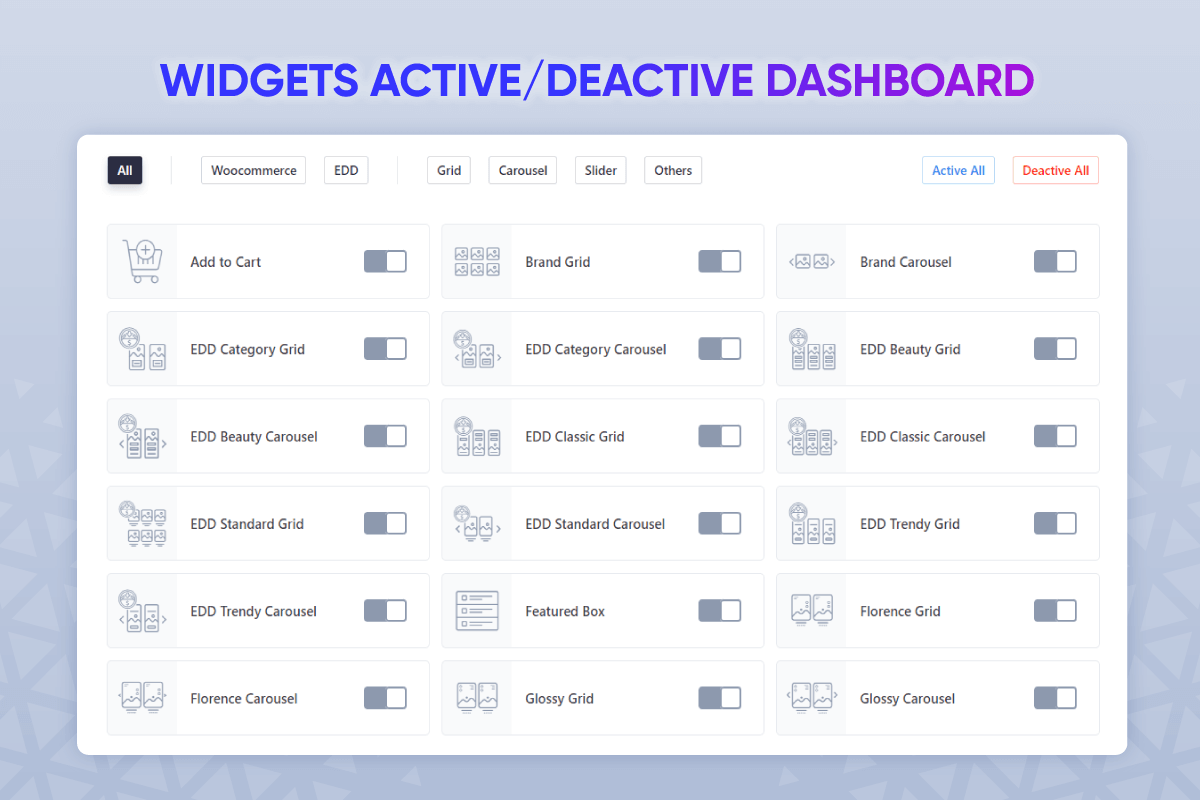
- Fixed: Activate and deactivate button issue resolved in the widgets page
- Fixed: Heaven slider, image hotspot, mentor slider and showcase slider widget feedback issues
- Fixed: Florence grid, glossy grid and shiny grid template feedback issues
- Fixed: Template builder modal strings are now properly translatable
- Fixed: Admin dashboard script translations now load correctly for the ultimate-store-kit-admin script
- Improved: Refactored core system architecture for enhanced performance and maintainability
- Improved: Redesigned admin dashboard with modernized UI components and streamlined user experience
- Fixed: Template builder modal strings are now properly translatable
- Fixed: Admin dashboard script translations now load correctly for the ultimate-store-kit-admin script
- Updated: System improved
- Added: Pagination support with style controls for the product reviews widget
- Added: New control to show or hide the shipping form and made widget texts dynamic in the page checkout widget
- Fixed: Query controls Include/Exclude By Terms dropdown now hides taxonomy terms with no posts (only terms that have at least one post are shown)
- Updated: Made compatible with Elementor version 4.0.0
- Updated: System improved
- Added: Dashboard feed added
- Updated: System improved
- Fixed: Title hover issue in the grid & carousel widgets
- Updated: System improved
- Fixed: Action Button style section visibility fixed in mentor slider, product accordion & showcase slider
- Fixed: Removed hard-coded (prev & next) text from mentor slider widget
- Added: Empty product message & offcanvas border radius controls added in the mini cart widget
- Fixed: Typography issue fixed in the page cart widget
- Fixed: Border width and border radius issue fixed in the mini cart widget
- Fixed: Template builder security vulnerability patched - Added capability check and nonce verification to prevent unauthorized access to template data (CVSS 4.3)
- Updated: Modified the hover effect in the shiny grid widget
- Added: New control added to the add to cart button section in the showcase slider widget
- Fixed: Applied correct condition for changing the title tag in the showcase slider widget
- Fixed: Image width issue fixed in showcase slider widget
- Added: Add to cart margin added in shiny grid widget
- Added: Added current query in all woocommerce widget
- Added: Added aria-label attribute to links for better accessibility
- Fixed: Removed hard-coded title tag from shiny grid widget
- Updated: Made compatible with WordPress version 6.9
- Fixed: Proper condition applied for title and image controls in the product list widget
- Fixed: Notice duplicate issue fixed
- Updated: System Improved
- Fixed: Category spacing issues fixed in the heaven slider and product image accordion widgets
- Updated: Notice design improved
- Fixed: API Banner duplicate issue fixed
- Updated: System Improved
- Fixed: Action button design issue fixed in edd classic carousel widget
- Fixed: Corrected wrong control name and border type condition logic issue fixed
- Fixed: HTML tag validation issue fixed
- Fixed: Security issue fixed
- Added: Added dynamic tag support for category markup
- Improved: Web accessibility enhanced for pagination Previous/Next links ( Thanks to Oktawia )
- Fixed: Pagination Previous/Next links appearance issue fixed for grid-type widgets
- Fixed: PHP deprecation warning for implicitly nullable parameter in optional() function
- Fixed: Swiper carousel widgets item gap ( 0 Value ) not working issue fixed
- Fixed: Action button normal color, hover color, normal background and hover background controls issues fixed in the mentor slider widget
- Fixed: Element caching compatibility fixed
- Fixed: License related duplicate notice showing issue fixed
- Fixed: Template Builder access issue fixed
- Fixed: DCI Notice removed for security reason
- Added: Admin Store API Notice added
- Added: Dynamic Content support for several controls
- Added: Border color controls added for EDD grid and EDD carousel widget
- Added: Image alt text added for EDD Category grid and carousel widget
- Fixed: Deprication error fixed
- Fixed: Resolved regular notice display problem for white-label users
- Fixed: Add to Cart button show/hide issue fixed in Shiny grid and Shiny carousel widgets
- Fixed: Conditional logic applied to the Product Category widget to show or hide images
- Fixed: Alignment issue fixed in EDD trendy carousel widget
- Updated: Thumbs controls updated in mentor slider widget
- Fixed: Alignment issue fixed in EDD Trendy Carousel Widget
- Fixed: Action button typography fixed in EDD Widgets
- Fixed: Alignment fixed in EDD Widgets
- Added: Mobile Menu Widget Added
- Added: Typography control added under Tabs Content section in the Single Product Page widget
- Added: Order Again Button's style control added inside the Order details section in the Order Page widget
- Fixed: Fatal error "Call to a member function get_id() on null" fixed in Builder Integration
- Fixed: Fatal error "Call to undefined method get_settings_for_display()" fixed in Mini Cart Module
- Fixed: Added proper null checking for product retrieval in template preview functionality
- Fixed: Preserved show/hide functionality in mini cart widget while fixing AJAX fragment updates
- Fixed: CartPage button text alignment issue fixed in CartPage Widget
- Fixed: List style type issue fixed in Checkout Page widget
- Added: Price regular color added in single page widget
- Fixed: JS error fixed in Dashboard Settings
- Fixed: Page cart widget quantity plus minus design issue fixed
- Fixed: WooCommerce quantity plus/minus button issue fixed
- Fixed: Quick view issue fixed
- Fixed: Mentor slider issue fixed
- Added: Column options and image size settings have been added for the Shiny Grid, Florence Grid, and Glossy Grid List layout.
- Updated: The overall design for the Shiny Grid, Florence Grid, and Glossy Grid has been further improved.
- Updated: Improved styling and settings controls for Checkout (Page) widget.
- Updated: Showcase Slider design has been improved.
- Fixed: WPML integration with Elementor editor for Theme Builder
- Fixed: Resolved jQuery Migrate warning ( Thanks to BackuPs )
- Fixed: DCI Notice transition issue fixed
- Fixed: Text domain translate issue fixed
- Updated: Security issue improved
- Added: Made Compatible with WordPress Version 6.8
- Added: Product widgets badge display type option added
- Added: Image position and text limit option added in product accordion widget
- Added: Text Alignment option added in image hotspot widget
- Added: Button offset added in featured box widget
- Fixed: Offcanvas shows on page loading issue fixed in Mini Cart widget
- Fixed: Security issue fixed
- Updated: Only one plugin DCI notice will show at a time
- Fixed: Product price color, view cart & checkout button background issue fixed in mini cart widget
- Added: Mentor Slider video tutorial added
- Updated: Query updated
- Added: Image Resolution option added in image hotspot widget
- Added: Tabs active line color added in product single page widget
- Fixed: Thumbs background issue fixed in heaven slider widget
- Fixed: Top spacing issue fixed in product description widget
- Fixed: Security issue fixed ( Thanks to domiee13 )
- Added: Image Hotspot video tutorial added
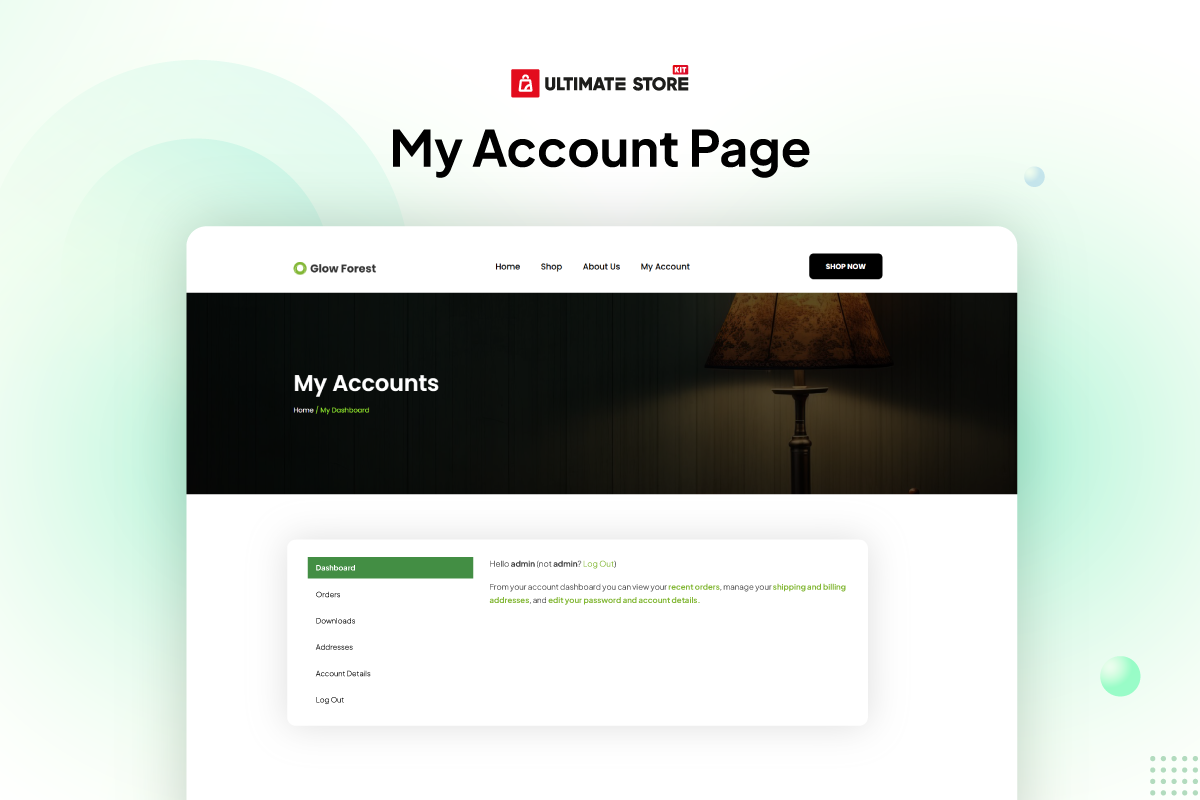
- Added: My Account Page widget added (Pro)
- Added: Item background style added in florence grid widget
- Fixed: Validate: null checking for post
- Fixed: Dashboard other widgets all active issue fixed
- Fixed: List layout single column issue fixed in florence grid
- Fixed: Input field issue fixed in page checkout & page order widget
- Fixed: Wishlist widgets not working issue fixed
- Fixed: Variation swatches issue fixed
- Fixed: Warning error for result count issue fixed
- Fixed: Page checkout & page cart controls fixed
- Fixed: Color issue fixed in mini cart widget
- Fixed: Remove button color issue fixed in mini cart widget
- Updated: System improved