
Unattached Media Manager
| 开发者 | sungraizfaryad |
|---|---|
| 更新时间 | 2026年9月7日 22:11 |
| PHP版本: | 7.4 及以上 |
| WordPress版本: | 7.1 |
| 版权: | GPLv2 or later |
| 版权网址: | 版权信息 |
详情介绍:
- WordPress's "Unattached" filter actually works — It now shows only truly unused media
- You can use WordPress's native tools — No need to depend on third-party plugins to manage media
- Import/export plugins work correctly — Tools like WP All Import, WP Migrate, Duplicator, and others can now properly identify and migrate media with their associated posts
- You can safely uninstall this plugin — The attachments remain as part of WordPress's native structure
- Scan — The plugin finds all media usage across your site (content, ACF, blocks, widgets, options, etc.)
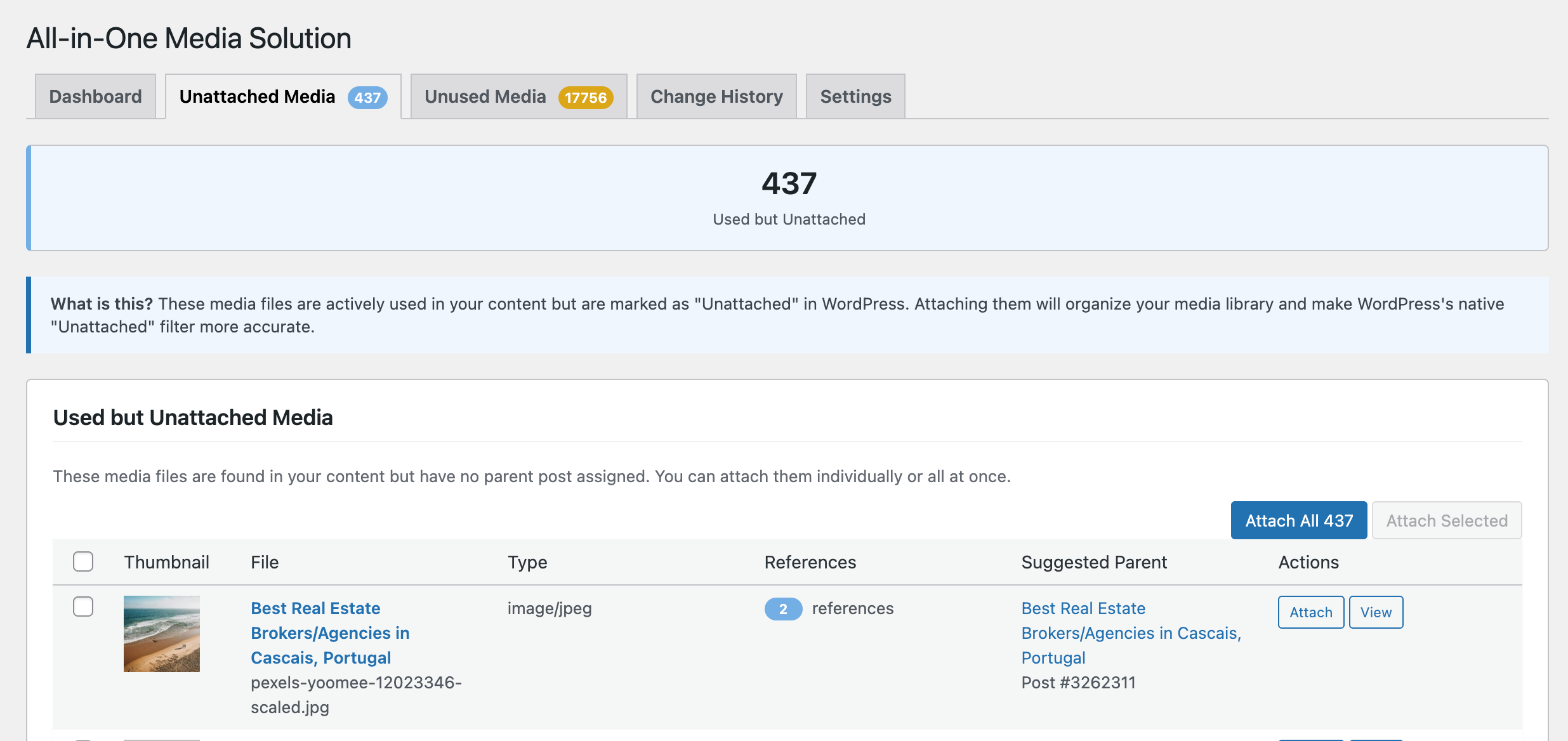
- Attach — One-click to properly attach all "used but unattached" media to their parent posts
- Review — Now WordPress's "Unattached" filter shows only genuinely unused files
- Clean Up — Use WordPress's native tools OR this plugin's safe deletion features
- Done — Uninstall if you want; the fixes stay with WordPress
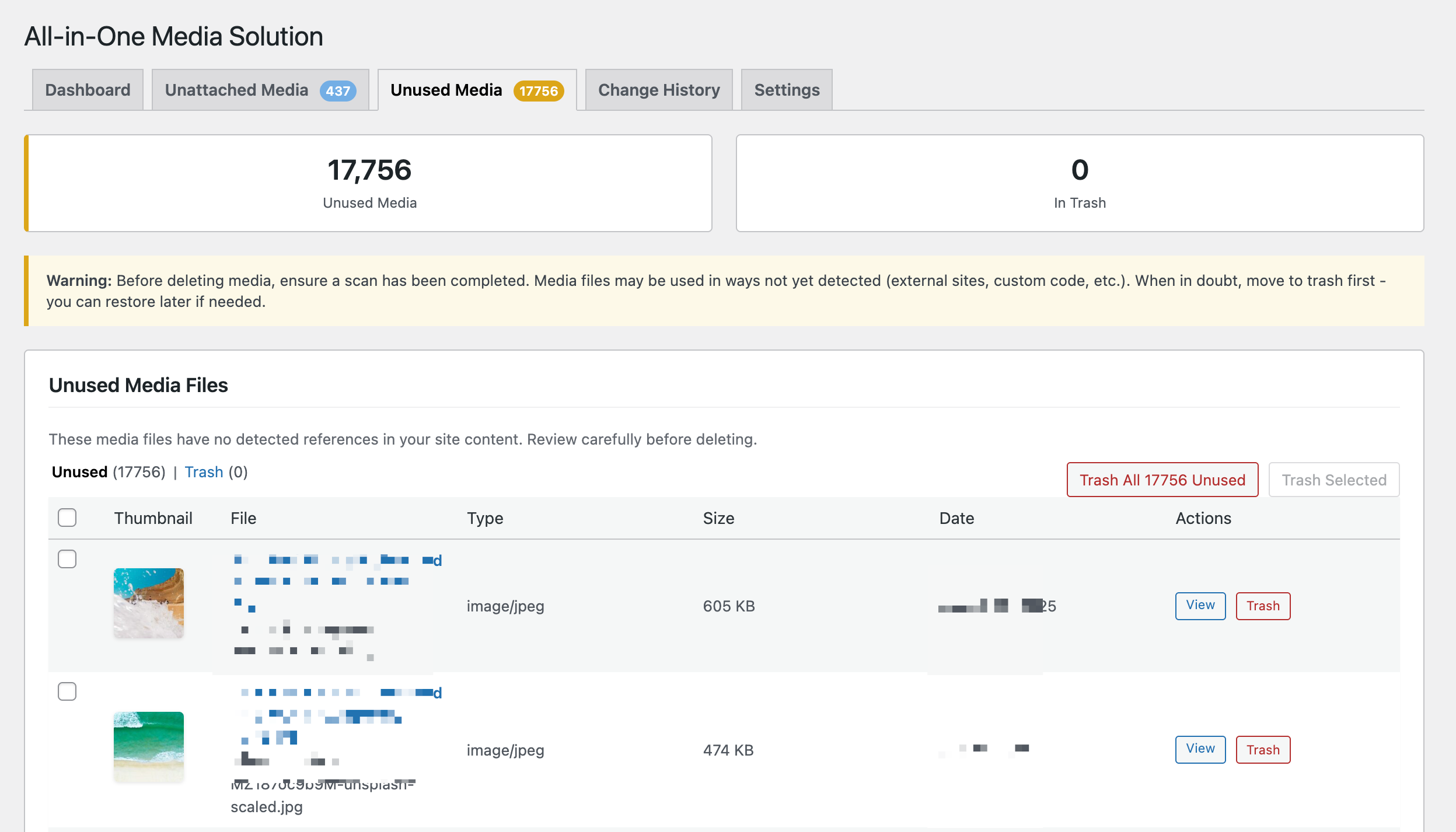
- Trash support — Move to trash first, restore if needed
- Permanent delete — Remove forever when you're sure
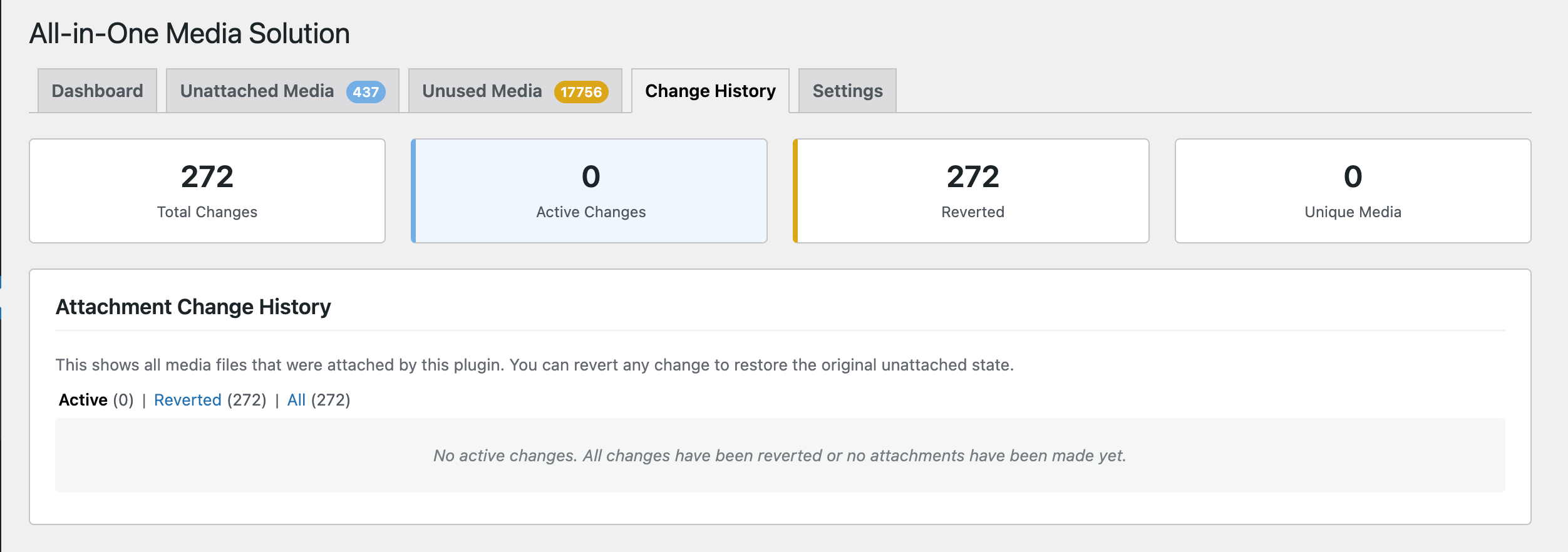
- Change history — Track all attachment changes with one-click revert
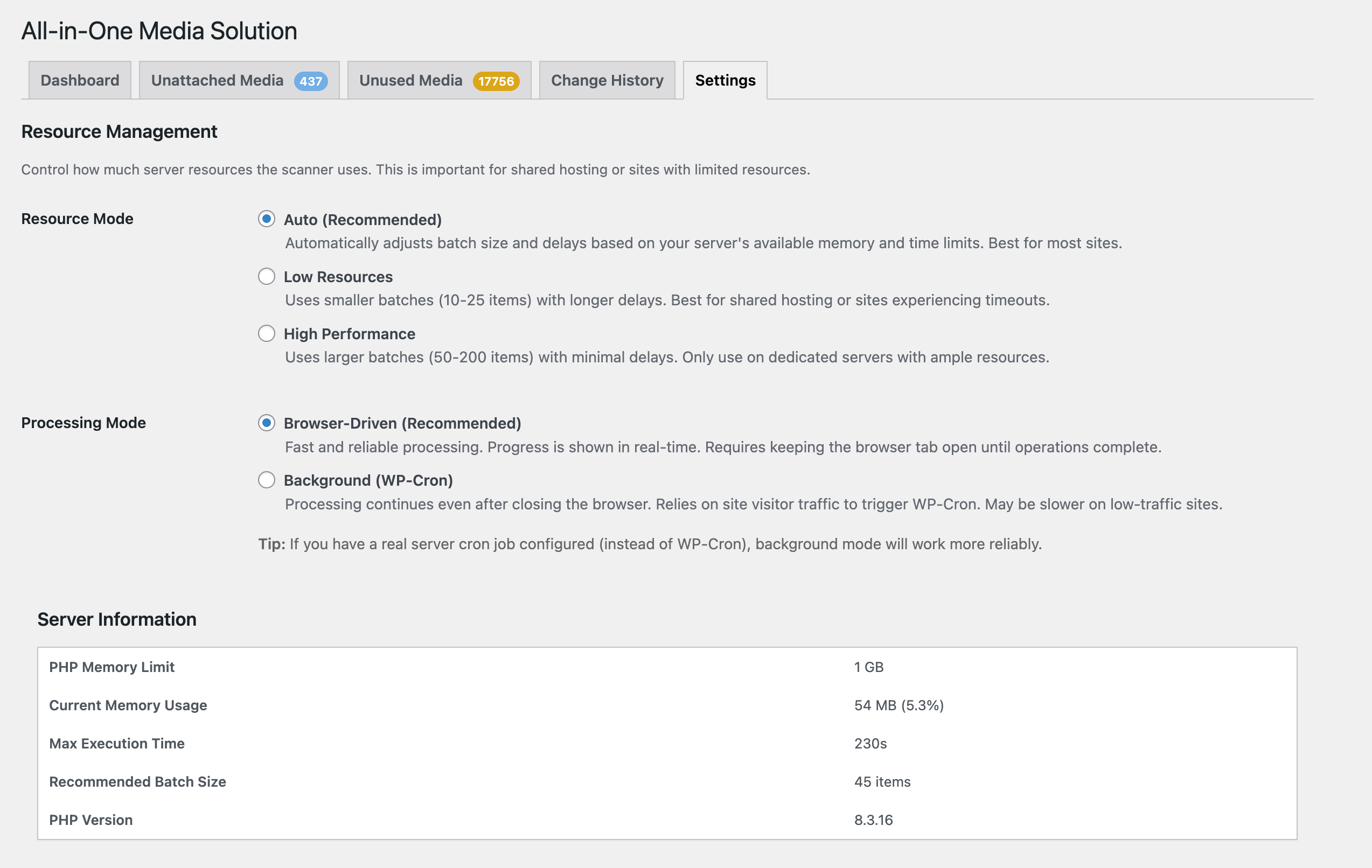
- Browser-Driven (Recommended) — Fast and reliable with real-time progress. Keep the browser tab open until complete.
- Background (WP-Cron) — Processing continues even after closing your browser. Ideal for server cron setups.
- Comprehensive Scanning — Detects media usage in post content, featured images, Gutenberg blocks, ACF fields, Elementor, Meta Box, WooCommerce, SEO plugins, widgets, theme options, and more
- Fix Unattached Media — One-click to properly attach all "used but unattached" media
- Media Library Integration — See usage count directly in your Media Library list view
- Safe Deletion — WordPress trash support with restore capability
- Change History — Full audit trail with one-click revert for any attachment
- Pause & Resume — Stop any operation and continue later
- Resource Aware — Three modes (Low/Auto/High) for shared hosting to dedicated servers
- Export Reports — Download CSV reports of all media usage
- Developer Friendly — Hooks, filters, REST API, and WP-CLI commands
- The block editor (Gutenberg)
- Page builders like Elementor or Beaver Builder
- ACF image/gallery fields
- WooCommerce product galleries
- Theme customizer settings
- Widget areas
- Shortcodes
- Custom meta boxes
- Never blocks your site - All heavy operations are processed in batches
- Adaptive resource usage - Automatically detects server limits and adjusts accordingly
- Three resource modes:
- Low Resources - 5 items/batch, 2-minute intervals (for shared hosting)
- Auto (Recommended) - 15 items/batch, 1-minute intervals (adjusts automatically)
- High Performance - 50 items/batch, 30-second intervals (for dedicated servers)
- Two processing strategies - Choose browser-driven (fast) or background WP-Cron mode
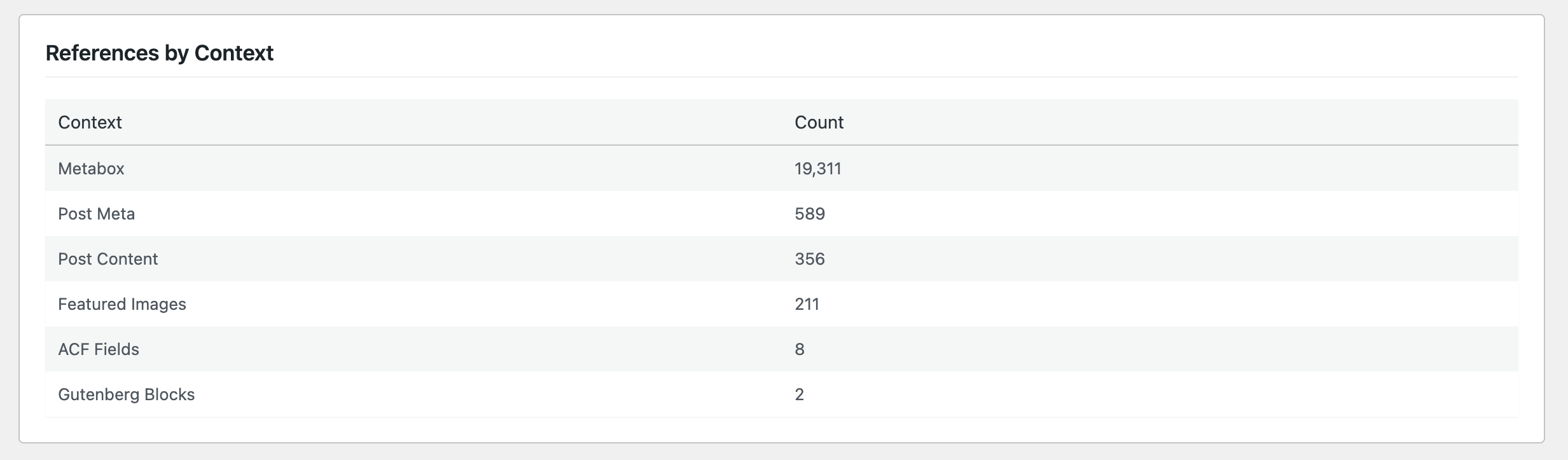
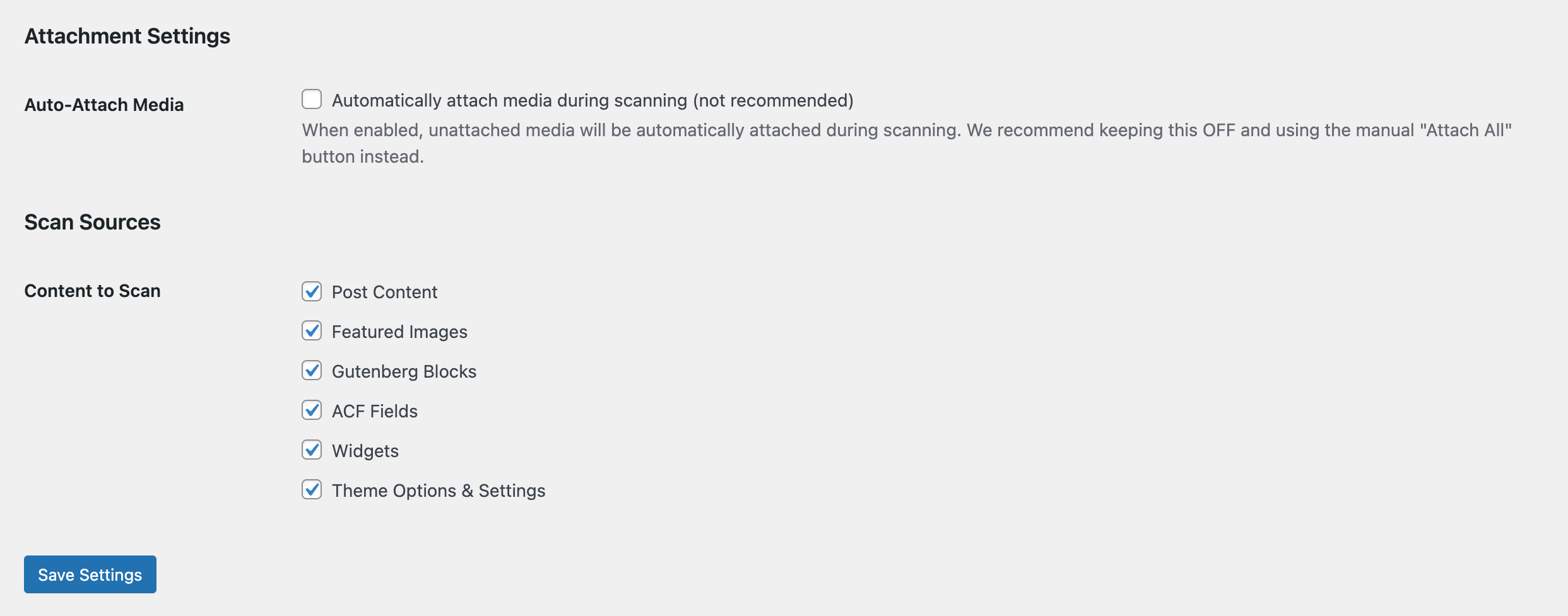
- Post Content - Classic editor, Gutenberg blocks, shortcodes, inline styles, data attributes
- Featured Images - Thumbnail assignments
- ACF Fields - Image, gallery, file, repeater, flexible content, and group fields
- Gutenberg Blocks - Core image, gallery, cover, media & text blocks
- Elementor - All widgets, backgrounds, galleries, sliders, and responsive images
- Meta Box - All field types including groups and cloneable fields
- WooCommerce - Product galleries, variation images, downloadable files, category thumbnails
- SEO Plugins - Yoast SEO, Rank Math, All in One SEO, SEOPress (OpenGraph & Twitter images)
- Widgets - Image widgets, text widgets with media, custom HTML
- Theme Options - Customizer settings, theme mods, custom logos
- Options Table - Plugin settings that store media IDs or URLs
- Video & Audio - HTML5 video/audio elements, poster images, source tags
- Responsive Images - srcset attributes and lazy-loading data attributes
- Hooks & Filters - Extend scanning with custom parsers
- REST API - Query media usage programmatically
- WP-CLI Commands - Run scans from the command line (
wp unmam scan) - Custom Post Types - Automatically scans all public post types
安装:
- Upload the
unattached-media-managerfolder to the/wp-content/plugins/directory - Activate the plugin through the 'Plugins' menu in WordPress
- Go to Media → Media Solution to access the dashboard
- Click Start Full Scan to begin indexing your media references
- WordPress 5.8 or higher
- PHP 7.4 or higher
- MySQL 5.6 or higher
- PHP memory_limit of 256M or higher
- max_execution_time of 60 seconds or higher
屏幕截图:
常见问题:
Will scanning slow down my site?
No. The scanner processes items in small batches and automatically adjusts its resource usage. Visitors to your site won't notice any slowdown.
Can I close my browser during operations?
It depends on your chosen processing mode. With Browser-Driven mode (recommended), you need to keep the tab open. With Background (WP-Cron) mode, operations continue even after closing your browser — though this requires WP-Cron to be working properly on your site.
What if I accidentally delete something?
If you used "Move to Trash" instead of "Delete Permanently", you can restore from the Trash view in the Unused Media tab. This is why we recommend always using Trash first.
What if I attached media incorrectly?
Go to the Change History tab and click Revert on any change. This will detach the media from the post it was attached to.
What happens if the scan gets stuck?
You can pause the scan at any time and resume it later. If something goes wrong, use the Stop button to reset and start fresh.
Does this work with page builders?
Yes. Unattached Media Manager scans all post content, which includes content created by page builders like Elementor, Beaver Builder, Divi, and others. The scanner looks for both image IDs and URLs in the content.
Does this work with ACF?
Yes. There's a dedicated ACF parser that understands image fields, gallery fields, file fields, repeaters, flexible content, and group fields.
Will it detect images added via code/theme?
If images are stored in the database (post meta, options, theme mods), they will be detected. Images hardcoded in PHP theme files are not detected as they're not stored in the database.
Is it safe to delete media marked as "unused"?
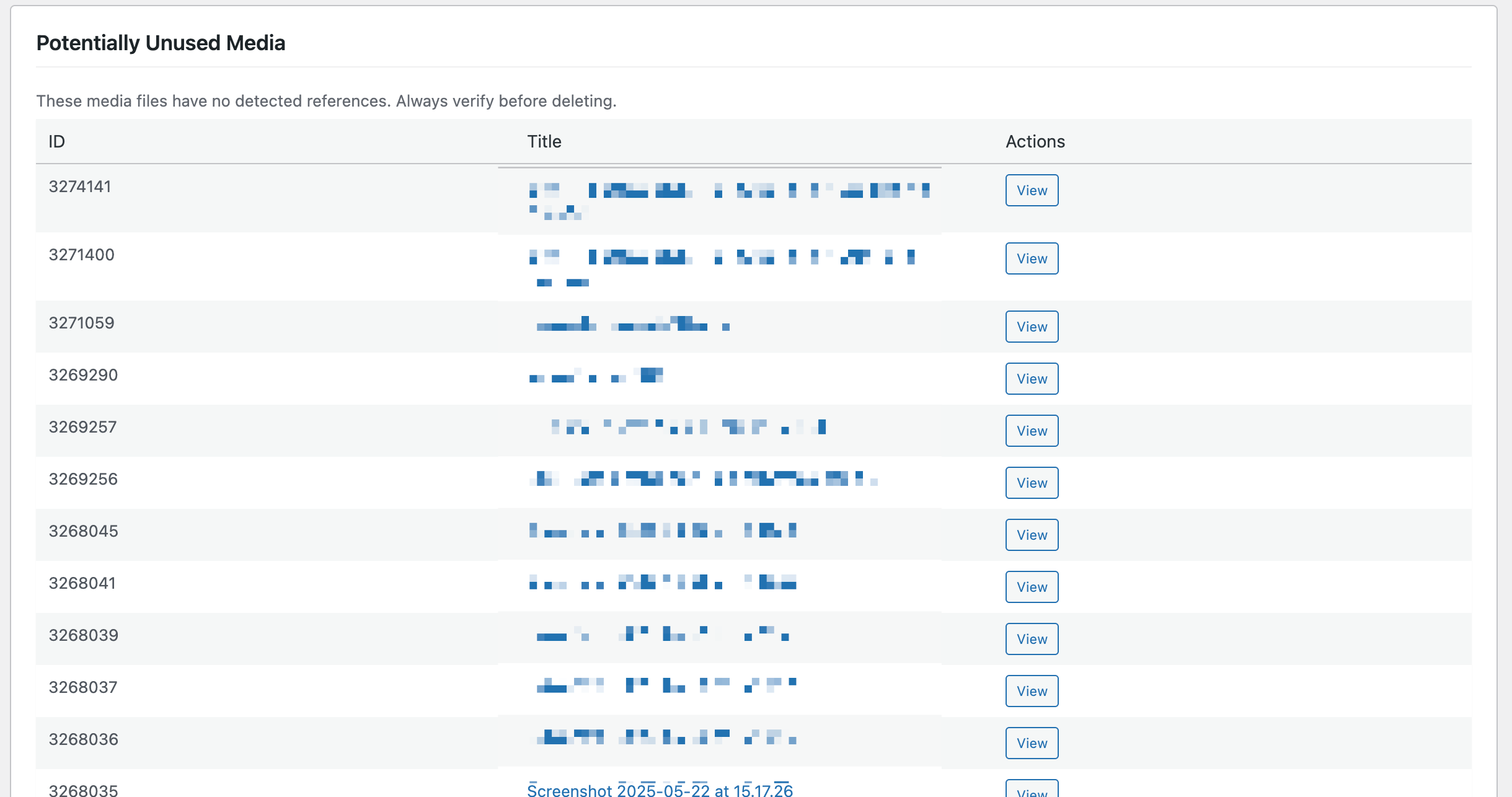
Always review before deleting! The scanner indexes database references, but images might be:
- Hardcoded in theme files
- Used by external services
- Linked from other websites
- Used in custom code We strongly recommend using Trash first and waiting a few days before permanently deleting.
I trashed unused media but the images are still showing. Is it broken?
No, that is how WordPress works. Trashing media only changes its status. The file stays on your server and images already placed in your content keep displaying, so you will not see broken images either way. Use your server access logs or a staging copy to confirm what is really in use, and see "What Trashing Does And Does Not Do" above.
Will my trashed media stay in the trash until I empty it?
No. WordPress deletes trashed items automatically once they are older than the EMPTY_TRASH_DAYS setting, which is 30 days by default, and for media that deletes the files from your server too. If you want to keep things in the trash for longer while you check them, raise that value in wp-config.php.
The Trash buttons are missing. Why?
Your site has EMPTY_TRASH_DAYS set to 0 in wp-config.php, which disables the WordPress trash entirely. With that setting a "move to trash" would delete files immediately and permanently, so the plugin hides those buttons rather than destroy media behind a button labelled Trash. Set EMPTY_TRASH_DAYS to a positive number to get them back.
Does this work with Multisite?
Currently, Unattached Media Manager works on individual sites. Network-wide scanning for Multisite is planned for a future release.
My server has very limited resources. Will this work?
Yes! Set the Resource Mode to "Low Resources" in Settings. This uses smaller batches (5 items) with longer intervals (2 minutes) to prevent timeouts on shared hosting.
How do I extend the scanner?
Use the unmam_parsers filter to add custom parsers:
add_filter( 'unmam_parsers', function( $parsers ) { $parsers['my_custom'] = new My_Custom_Parser(); return $parsers; } );
Your parser should implement the UNMAM_Parser_Interface.
更新日志:
- Downloadable files on product variations were never scanned. The check ran against the parent product, and a variable product is not itself downloadable, so files attached to its variations were invisible and could appear in the Unused list. Files in
woocommerce_uploadsare the common case. Reported by @galbaras. Downloadable files on simple products were already handled and are unaffected. - Images on hidden or disabled product variations were also missed, because only purchasable, visible variations were being read. All variations are now scanned, whatever their status.
- Taxonomy terms are now scanned. A new scan step reads the data stored on every term in the taxonomies you have selected. Media found there is protected from deletion.
- Scanning terms is on by default. After updating, every taxonomy on your site is selected automatically. You can untick individual taxonomies under Settings, and anything you untick stays unticked.
- New taxonomies are picked up on their own. Register a taxonomy later and it is added to the scan, the same way post types have worked since 1.2.0.
- Wider ACF field coverage, on both posts and terms. WYSIWYG, Textarea, Text, URL, Link, oEmbed and Icon Picker fields are now read for media, alongside the Image, Gallery and File fields that were already supported.
- Media referenced inside stored HTML is now found. A custom field holding a block of markup (rather than a tidy single value) has its image tags and upload links read properly.
- Where Used shows terms. A file used on a term now names the term and links to it, in the media modal, the REST API and WP-CLI.
- Replace Media works on terms. Replacing a file now updates references held in term meta.
- Fixed: the REST and WP-CLI scan commands could not run every step. Both had a hardcoded list of scan steps that had fallen out of date, so the custom database tables step was unreachable through them. Both now follow the real pipeline.
wp_termmeta.meta_value under Custom Database Tables as a workaround, you can remove it after running a full scan on this version.
Your unused count may go down after updating, because files that were wrongly listed as unused are now correctly recognised as in use. Re-run a full scan after updating.
1.2.0
This release is mostly about the accuracy of the Unused list, in both directions.
Media that was in use but reported as unused
- Post types added after the plugin were never scanned. The list of post types to scan was stored once and never refreshed, so installing any plugin that registers its own post type (WooCommerce is the common case) left everything in it unscanned, and all of its images looked unused. The list is now reconciled against what is actually registered. Post types you have deliberately unticked stay unticked.
- Only publicly visible post types could be scanned. That excluded page-builder template types, and in stock WordPress it also excluded reusable blocks (patterns) and navigation menus. Any post type with an admin screen can now be scanned.
- Saving a post and running a full scan disagreed. Saving indexed any post type while a full scan honoured the allow-list, so a scan could delete references that saving had just created. Both now use the same list.
- The WooCommerce and SEO parsers were never actually run for site-wide media. The WooCommerce placeholder image, WooCommerce product category thumbnails, and the default OpenGraph images for Yoast and Rank Math were all unprotected despite the code for them existing.
- The settings scan was capped and filtered. It only looked at options whose name matched one of five patterns, then stopped after 1000 rows with no warning. It now scans every option except a small skip list, resumes across batches, and records anything skipped for being oversized.
- Media URLs inside settings were only found under certain key names (url, src, image, logo, icon, background). Any other key was ignored.
- Filename matching was too loose. A file called
A.pngalso matchedbanana.png, so the wrong attachment was credited with the reference. That kept unrelated files out of the Unused list, and could leave the file that really was referenced looking unused. Matching is now anchored to the whole filename. CDN and changed-domain URLs still resolve. - The Meta Box parser treated every numeric custom field as an attachment ID, so prices, user IDs and statuses became media references.
wp-image-{ID}classes anddata-idattributes were trusted without checking the ID. Those survive content being copied between sites. They are now verified, and fall back to reading the image URL instead, which finds more than before.
- New "Restore All" button. Trashing every unused file was already one click, but restoring had to be done one page at a time.
- The trash buttons have been reordered. Restore now comes first, with Delete Permanently and Empty Trash separated to the right. Restore previously sat between the two destructive buttons.
- New page size control (20, 50, 100, 200) on the Unused and Trash lists, which were fixed at 20.
- Fixed
wp unmam stats, which printed "Invalid field: Metric" instead of any statistics. - Reference rows that point at deleted attachments are no longer created, so the count shown by WP-CLI and the count shown in the admin now agree.
- Fix (data loss): On sites with
EMPTY_TRASH_DAYSset to 0 the WordPress trash is disabled, and "Move to Trash" silently deleted the file from the server while reporting that it had been trashed. The plugin now refuses to trash on those sites, hides the Trash buttons, and explains why. - New: The Trash view now states plainly that trashed files remain on the server and that images already placed in your content keep displaying, so a trashed file that is still in use will not show up as a broken image.
- New: The Trash view warns that WordPress empties the trash automatically after
EMPTY_TRASH_DAYS(30 by default), which permanently deletes the files, without anyone clicking Empty Trash. - Docs: Corrected the deletion guidance in the readme. Previous versions suggested watching the site for missing images after trashing, which can never happen and gave a false sense of safety. Replaced with methods that actually work (server access logs, staging copy).
- New: "Copy URL" button on each row of the Unused Media tab — grab a file's public URL in one click, with a fallback for sites served over plain HTTP.
- New: The "View" action now opens the actual file (e.g. /wp-content/uploads/.../image.jpg) in a new tab instead of the attachment editor, so you can see the full-size file straight away. The title link still goes to the editor.
- New: "Export URLs (CSV)" button on the Unused Media tab, plus
wp unmam unused --format=csv, to export the list of unused file URLs — handy for comparing against a site crawl. The full media report (Export Report) now includes a URL column too. - New: Exclude files from the Unused list. Click "Exclude" on any row and it disappears from the report (and stops counting toward the unused total). Excluded files live under a new "Excluded" view where you can bring them back with "Include". This reuses the existing "Marked Safe" flag, so files marked safe in the Media Library are excluded here as well.
- Fix: WP-CLI help examples referenced
wp mui; the command iswp unmam. Updated throughout.
- New: "Custom Database Tables (Advanced)" setting. Some plugins store content (and the media URLs inside it) in their own database tables rather than in posts or options — newsletter plugins are a common example. You can now list those
table.columnlocations and the scanner will read them, protecting any referenced media from being flagged as unused. - Security: Each table/column entry is strictly validated against the live database schema before any query runs — only existing tables (within this site's table prefix) and text columns are accepted, and all queries are read-only. Invalid entries are reported back rather than silently dropped.
- Note: Media discovered in a custom table is protected from deletion but is not attached to a post (there is no post to attach it to) — it simply stops appearing in the Unused list.
- Internal: The scan pipeline now derives its step list from a single source of truth, so the custom-tables step integrates cleanly and existing installs that don't use it behave exactly as before.
- New: "Post Types to Scan" section on the Settings page. The scanner now auto-discovers every public post type registered by your theme or plugins (e.g. Projects, Portfolio, Events) and lets you tick the ones to include. Custom post types are scanned by default on new installs.
- New: Existing 1.0.7 installs automatically receive the new setting populated with all currently registered public post types on the first read after upgrade — no rescan or re-activation required.
- New:
unmam_scan_post_typesfilter for developers who want to override the allow-list programmatically. - Fix: Save Settings button was a no-op in 1.0.7 — form field names did not match the save handler, so all toggle changes were silently discarded. Settings now persist correctly.
- Improved: Tampered form submissions can no longer register arbitrary post-type slugs; the save handler intersects against currently registered public types.
- Confirmed compatibility with WordPress 7.0
- New: Filter Unused Media by filename, mime type, and upload date range
- Improved: Skip
_mfrh_historyand_original_filenamemeta keys (Media File Renamer plugin internals — not actual media references) - Improved: Confirmed Rank Math Schema video thumbnail meta (
rank_math_schema_VideoObject) is matched by the generic post meta walker
- Maintenance releases: WordPress.org SVN asset structure fixes (banner, icon, screenshots), readme metadata updates. No functional code changes.
- Initial release
- Scanning Features:
- Comprehensive media scanning across posts, ACF, blocks, widgets, and options
- Dual processing modes: Browser-Driven (fast) or Background (WP-Cron)
- Pause and resume functionality
- Adaptive resource management (Low/Auto/High modes)
- Media Management:
- One-click fix for unattached media
- Trash/restore functionality for safe deletion
- Permanent delete option for confirmed unused media
- Bulk operations for trash, restore, and delete
- Empty trash function
- Tracking & Safety:
- Full change history with audit trail
- One-click revert for any attachment change
- Background job queue for all bulk operations
- Universal stop button for any operation
- Developer Tools:
- REST API endpoints
- WP-CLI commands (
wp aioms) - Extensible parser system
- UI/UX:
- Media Library integration with usage counts
- CSV export functionality
- Real-time progress updates
- Sticky status bar for background operations