
URL Autolinker by Jerin.ca
| 开发者 |
jerinpallath0
urlautolinker |
|---|---|
| 更新时间 | 2026年2月24日 12:18 |
| PHP版本: | 7.2 及以上 |
| WordPress版本: | 6.9 |
| 版权: | GPLv2 or later |
| 版权网址: | 版权信息 |
详情介绍:
- Save unlimited URLs with aliases (keywords).
- Automatically link keywords to saved URLs in post/page content.
- Link attributes: follow/nofollow controls and open links in a new tab.
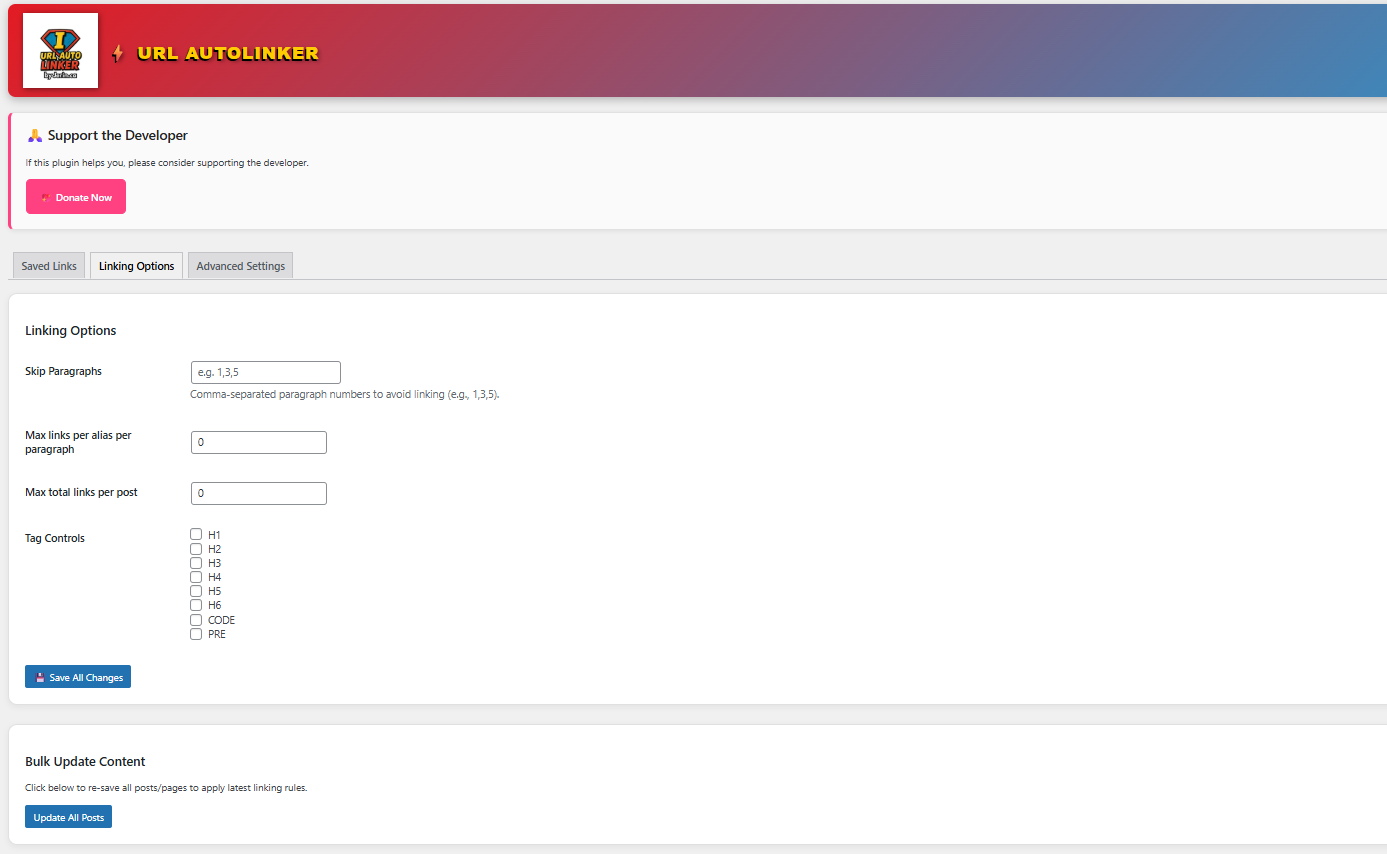
- Link limits: maximum links per alias per paragraph and total auto-links per post.
- Targeting controls: post type whitelist and post/page blacklist controls.
- Content exclusions: exclude specific HTML areas (headings, lists, tables, code blocks, etc.).
- Safety behavior: optionally skip targets that are already manually linked.
- Performance: optional caching of compiled rules for faster processing on large sites.
- AI Links (service-based):
- Smart Suggestions (suggest internal links + anchor phrases for an entire post/page)
- Zero-Link Posts (surface content that likely needs internal links)
- Pro UI/pages: Pro-only pages/sections inside the plugin admin (when Pro is enabled).
- License validation: remote license status checks and subscription status caching. Note: The free plugin provides core alias-to-link automation. Pro features are optional and require an active license.
安装:
- Upload the plugin files to the
/wp-content/plugins/url-autolinker/directory, or install the plugin through the WordPress Plugins screen. - Activate the plugin through the “Plugins” screen in WordPress.
- In your WordPress admin menu, open URL Autolinker.
- Add your URLs and aliases (keywords).
- Save changes — your content will now auto-link based on your saved rules.
屏幕截图:
常见问题:
What is included in the free version?
The free version includes:
- saving unlimited URLs with aliases (keywords)
- automatically linking those keywords in post/page content
What does Pro add?
Pro adds link attribute controls (follow/nofollow, new tab), link limits, post targeting controls, HTML exclusion options, performance caching, and AI-powered link suggestions (service-based), plus Pro-only admin pages.
Will this plugin change or break my existing links?
The free version focuses on inserting links for your saved aliases. Pro includes an option to skip text that is already linked manually, which helps avoid double-linking.
Does this work with custom post types?
Pro includes post type targeting controls. The base auto-linking behavior runs on content processed through the_content.
Does the plugin contact external servers?
Free mode does not require external requests. If you enable Pro, the plugin may contact the Pro service for license validation and AI features (if used). If you operate a Pro service, it’s recommended to publish a privacy policy/terms page on your Pro site and reference it in your plugin UI and/or documentation.
Is there a Pro version?
Yes. Pro is optional and activated with a license key.
更新日志:
- Maintenance release.
- Pro (AI Links): Smart Suggestions now runs on the full post/page in one request (no line-by-line paragraph scanning).
- Pro (AI Links): Added "Add selected to Saved URLs" so suggestions can be saved as normal auto-link rules instead of directly editing posts.
- Pro: Added AI Links page with Smart Suggestions + Zero-Link Posts.
- Pro: Tabbed UI with full-width layout and loading spinner.
- Fix: Auto-linking now works reliably in long posts/paragraphs even when content contains HTML entities (e.g., ampersands) by safely inserting generated links into the DOM.
- Fix: Excluding no longer accidentally disables auto-linking inside normal paragraphs (common in block builders).
- Improvement: More Unicode-friendly matching + chunked rule patterns to reduce PCRE edge cases on large keyword sets.
- Pro gating: Stats pages now enforce Pro access (blocked + CTA) unless Pro is enabled.
- Added: "Enable Pro features" toggle (keeps key saved but disables Pro behavior when off).
- Update: "Update All Posts" is available for all users.
- UI: "Support the Developer" banner hides automatically when Pro is enabled.
- Pro gating: lock Pro-only tabs/pages when API key is inactive (blurred UI + CTA).
- Free mode: Saved Links remain available; auto-linking runs only when Pro is active.
- Added: Pro API key license validation (remote check + cached status).
- Added: "Check License Now" button on Buy Pro page.
- Added: Daily background license re-check via WP-Cron.
- Fix: Removed file-scope uninstall variable to satisfy plugin checks.
- Tweak: Admin headings updated (smaller, bold, uppercase, more readable).
- Fix: Stable tag aligned with plugin version for WordPress.org packaging.
- Fix: Added nonce verification for statistics refresh actions.
- Fix: Improved admin asset versioning to reduce caching issues.
- Fix: Minor security hardening and code-quality improvements.
- Fix: General Settings and Link Settings tabs now render correctly.
- Added General/Content/Link/Advanced settings tabs.
- Added uninstall retention option, admin bar indicator toggle, batch size control, and minimum editor role setting.
- Added post type whitelist, post/page blacklist (and optional child pages), case sensitive matching, HTML exclusion areas, and per-paragraph global link limit.
- Added global nofollow + customizable link output template.
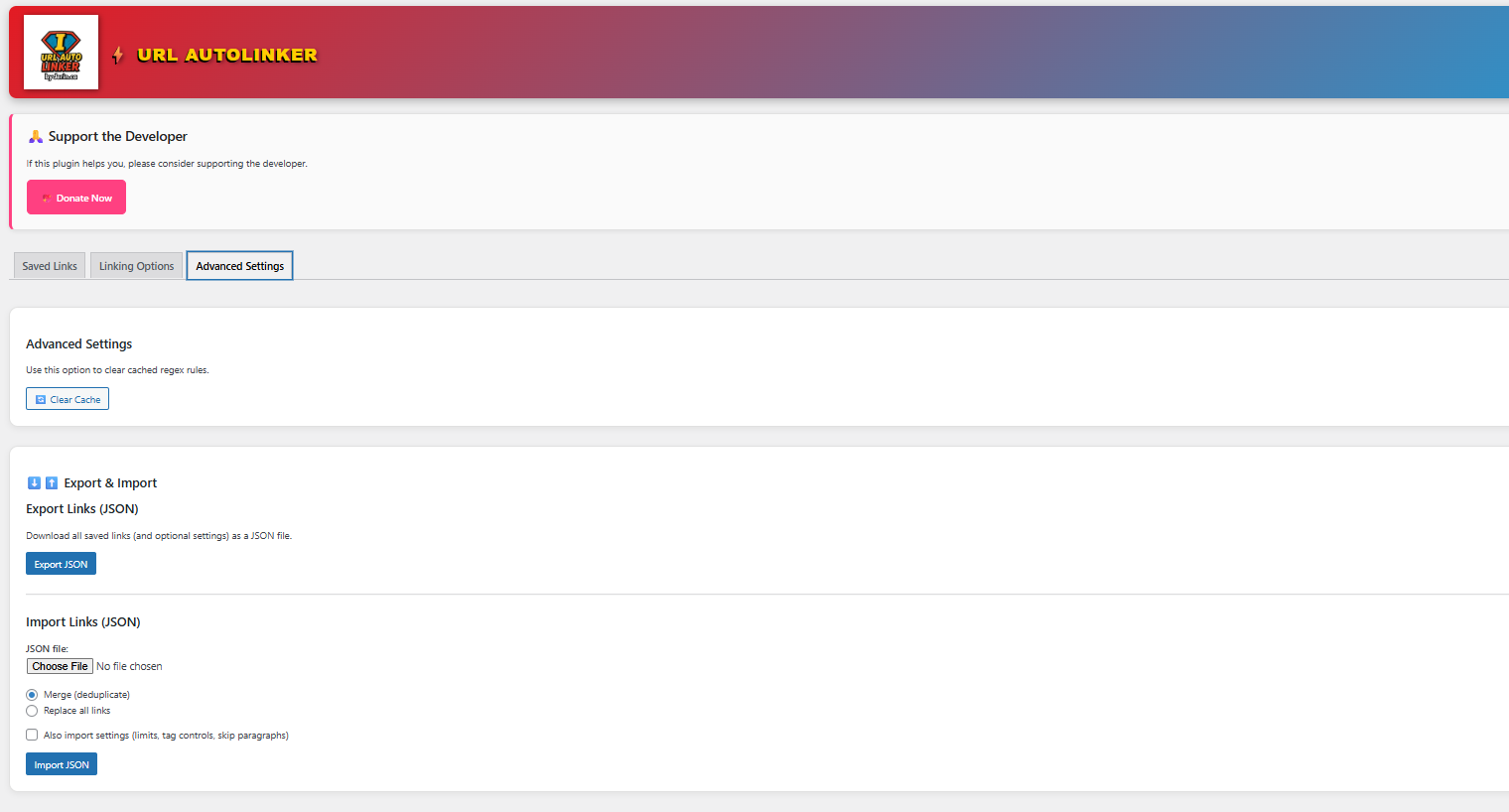
- Added cache toggle and improved cache clearing.
- Fixed admin tabs on Statistics pages (stats menu tabs now open correctly).
- Minor version bump.
- Improved admin data saving with pagination-safe merging and better duplicate prevention.
- Added export/import and bulk update enhancements.
- Security hardening: added nonce verification and stricter sanitization.
- Compatibility: replaced parse_url() with wp_parse_url() and removed PHP 7.4-only syntax.
- Admin UI: bundled local icon and improved escaping/output handling.
- Misc: updated "Tested up to" and aligned readme stable tag.
- Added searchable, sortable admin table.
- Added per-paragraph and total post limits.
- Improved sanitization and validation.
- Introduced Pro banner for upcoming features.
- Initial release with basic alias-to-URL auto-linking.