
User and Login Management
| 开发者 | miniOrange |
|---|---|
| 更新时间 | 2026年9月21日 12:45 |
| 捐献地址: | 去捐款 |
| PHP版本: | 5.4.0 及以上 |
| WordPress版本: | 7.1 |
| 版权: | Expat |
| 版权网址: | 版权信息 |
详情介绍:
安装:
Prerequisites
I. To install the User and Login Management plugin, the minimum requirements are:
- **WordPress version 5.0**
- **PHP version 5.2.0**
- Visit
Plugins > Add New. - Search for
miniOrange User and Login Management. Find and install theUser and Login Management plugin. - Activate the plugin from your Plugins section.
- Download the User and Login Management.
- Unzip and upload the `login-and-user-management` directory to your `/wp-content/plugins/` directory.
- Activate the User and Login Management plugin from your Plugins section.
- Go to the Import/Export Users tab inside the Plugin. Click on the Export Users Tab.
- Click on the Export Button inside Export Users section a default CSV file will get downloaded.
- Enter the users' details as per file format and import users to WordPress.
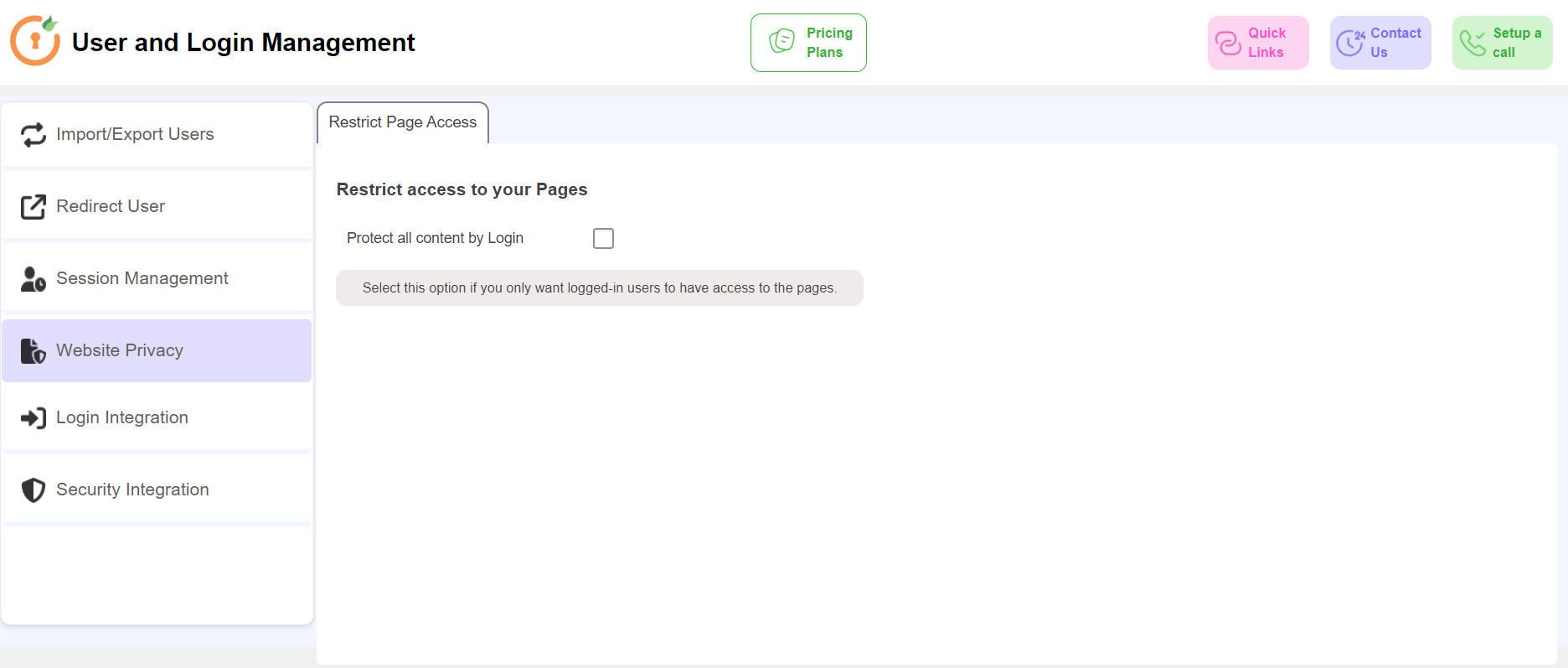
- Go to the Website Privacy tab in the plugin. And enable Protect all content by login by clicking on the checkbox.
- A check box will appear, Add Public Pages. Enable the checkbox, and a box will appear to add the URL of pages to be made public.
- Enter the URL of the page that you want to make public and click on the Save button. The page will now be publicly accessed.
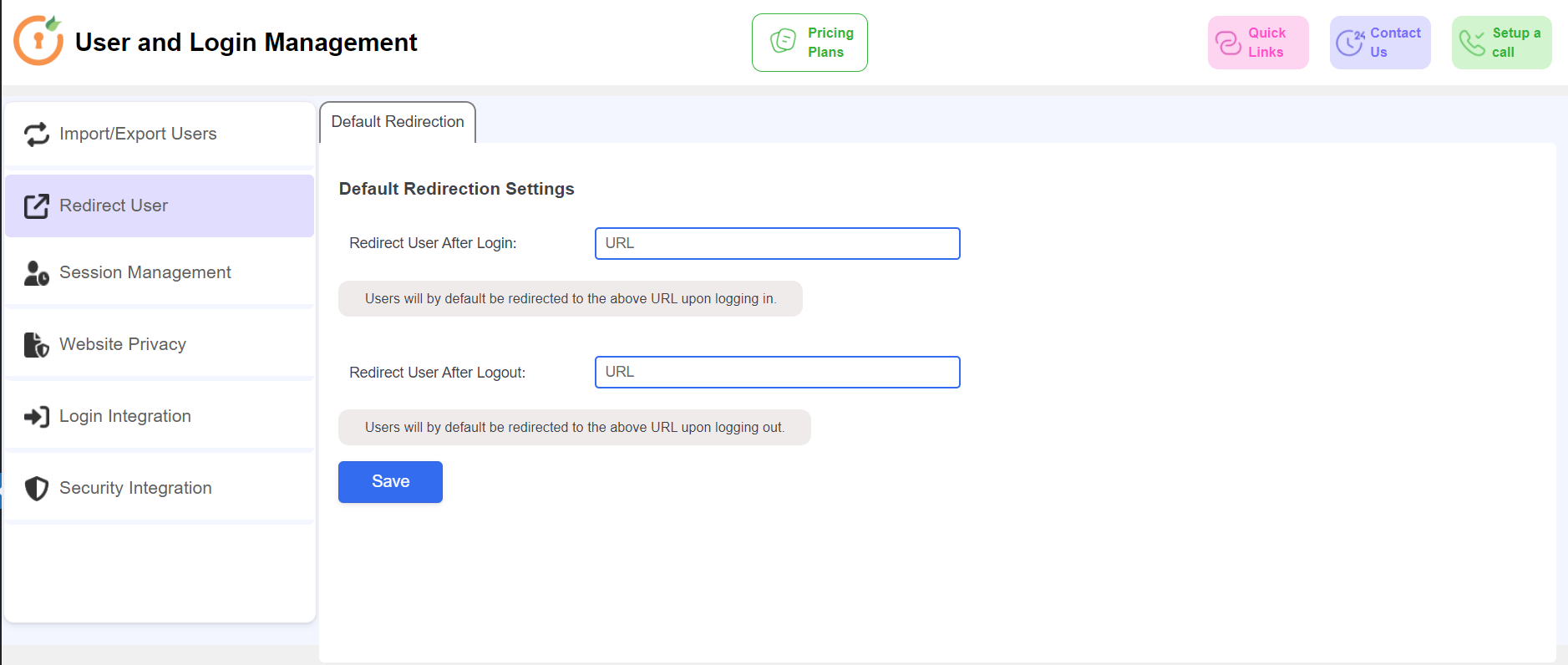
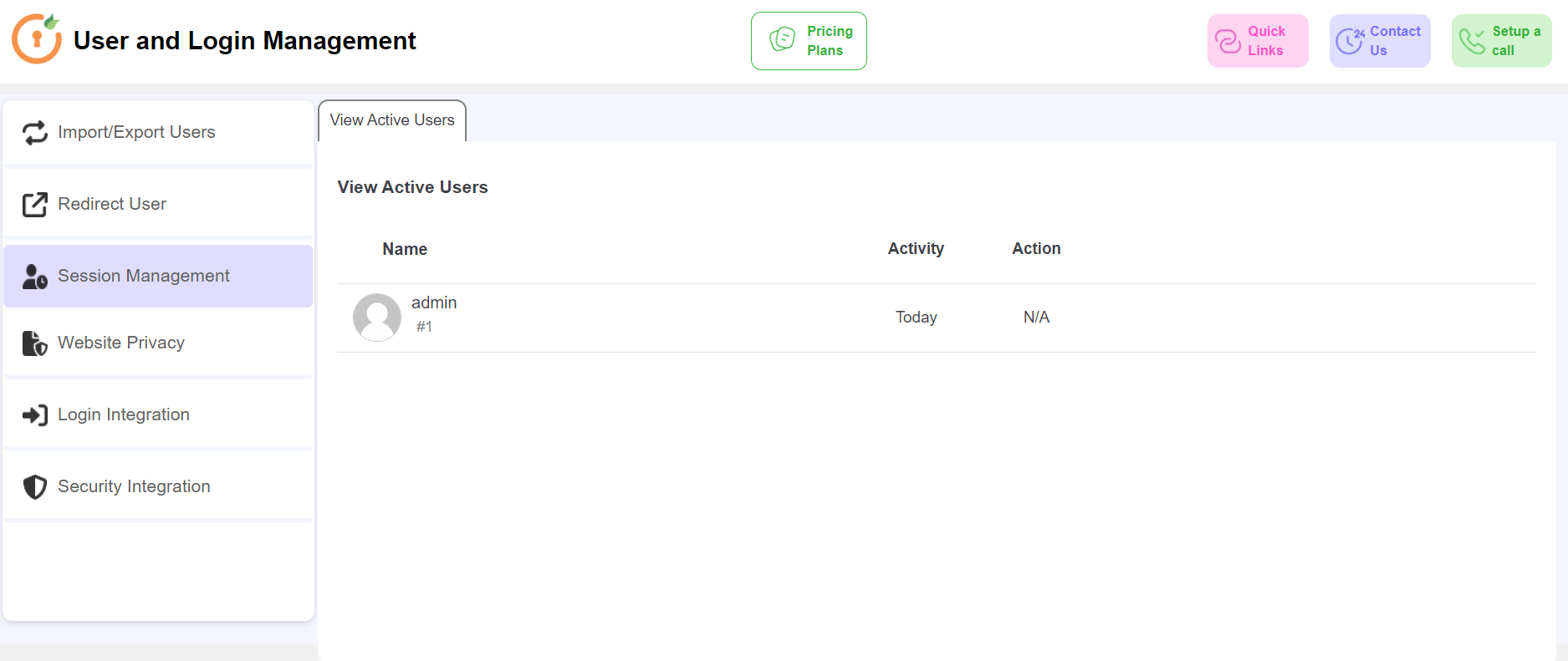
屏幕截图:
更新日志:
1.1.0
- Security Fixes
- Compatibility with WordPress 7.1
- Minor bug fixes
- UI Improvements
- Compatibility with WordPress 6.7
- Compatibility with WordPress 6.6
- UI Improvements
- Compatibility with WordPress 6.5
- Usability Improvements
- Bug fixes.
- Compatibility with WordPress 6.4
- Added option to download csv template for user(s) import.
- UI Improvements.
- Compatibility with WordPress 6.3
- Added User profile picture management feature.
- UI Improvements.