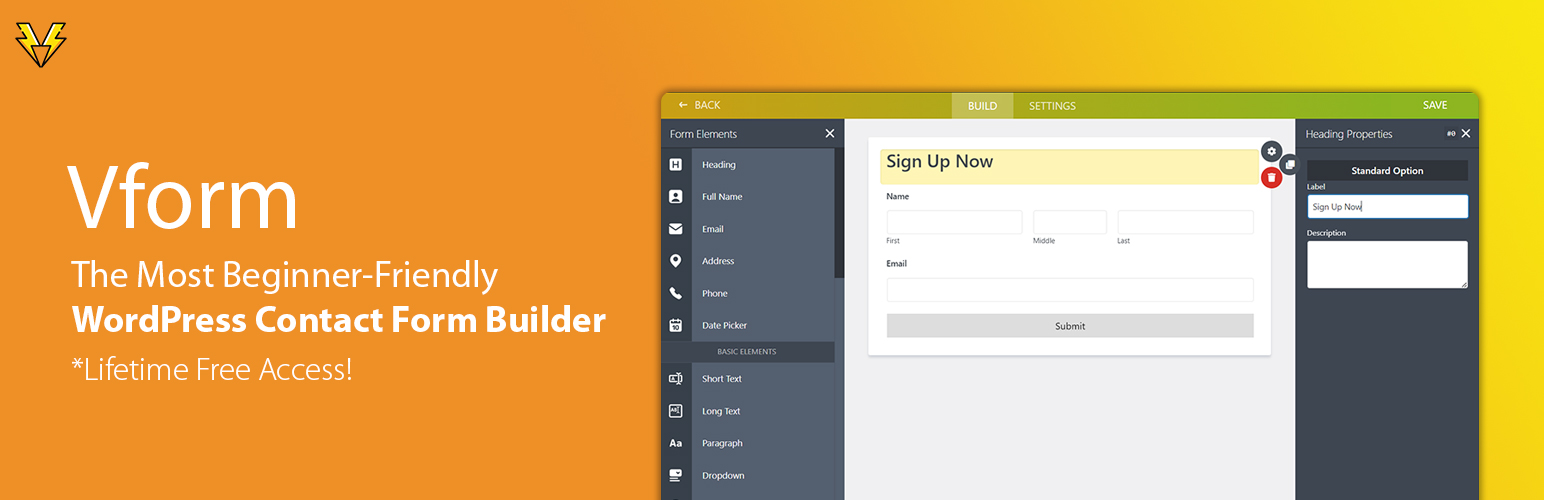
VPSUForm – Drag & Drop Contact Form Builder with Email Automation
| 开发者 | vikasratudi |
|---|---|
| 更新时间 | 2026年10月27日 16:42 |
| 捐献地址: | 去捐款 |
| PHP版本: | 7.0 及以上 |
| WordPress版本: | 7.1 |
| 版权: | GPLv2 or later |
| 版权网址: | 版权信息 |
标签
下载
详情介绍:
- Contact forms for any business website
- Lead capture forms that send leads straight to Google Sheets or your CRM
- Popup contact and quote forms opened from a button, a delay, scroll or exit intent
- Newsletter signup forms with an automatic welcome email
- Multi-step forms that reduce drop-off on long forms
- Job application forms with resume upload
- Event registration forms and volunteer signup forms
- Appointment request and quote request forms
- Support ticket and feedback forms
- Survey forms with rating and NPS fields
- Consent and agreement forms with e-signature
- Popup forms with a customizable button and a copy-and-paste shortcode generator
- Email autoresponder and follow-up sequences without a third-party tool
- Conditional logic for fields, sections and email notifications
- Built-in honeypot, reCAPTCHA and hCaptcha spam protection
- Entries stored in your own WordPress database with CSV export
- Works with Gutenberg, Elementor and shortcodes
- Contact Form
- Lead / Newsletter Signup
- Event Registration
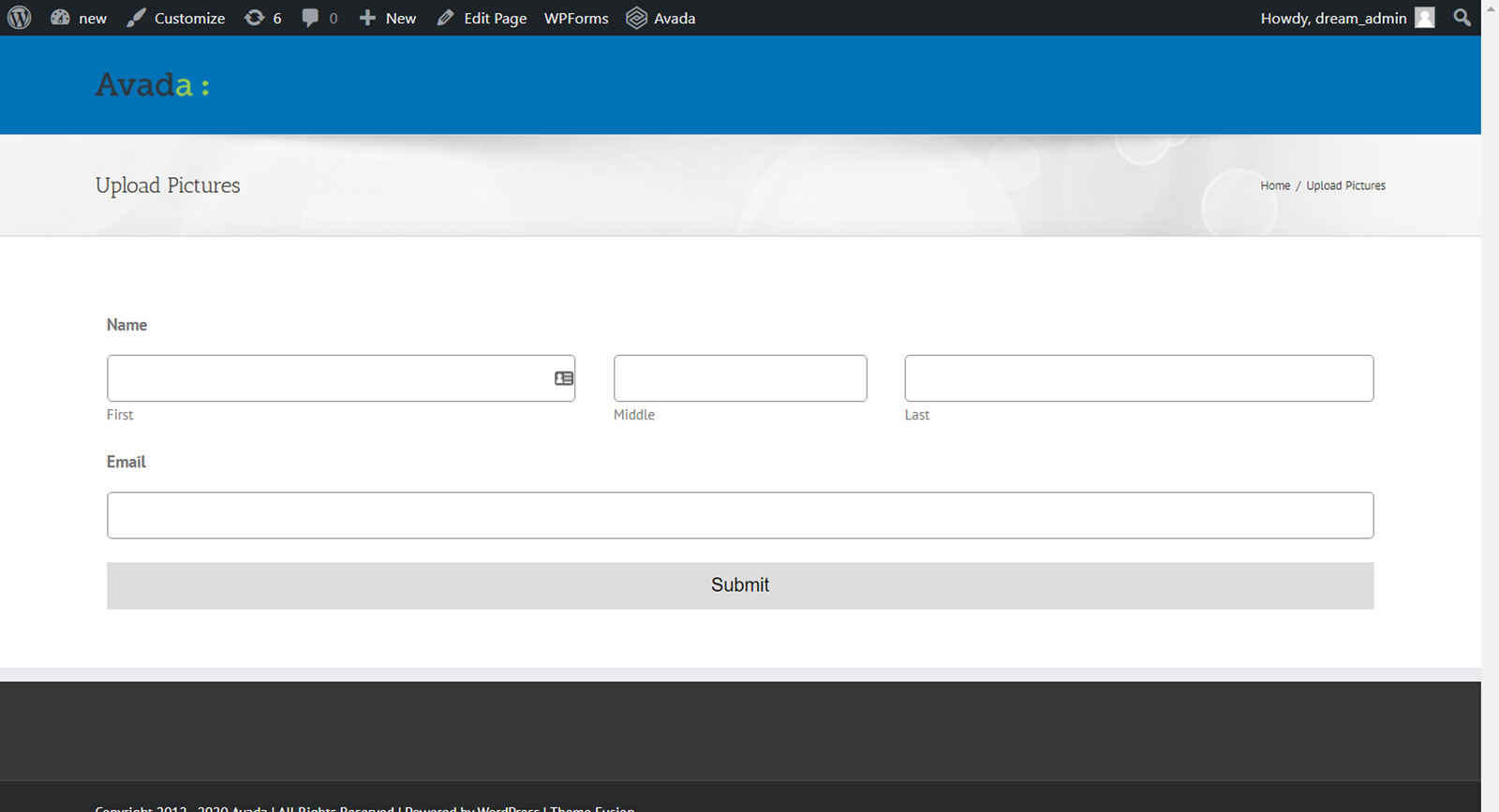
- File Upload Form
- Auction Item Registration
- Volunteer Registration
- Job Application
- Support / Ticket Form
屏幕截图:
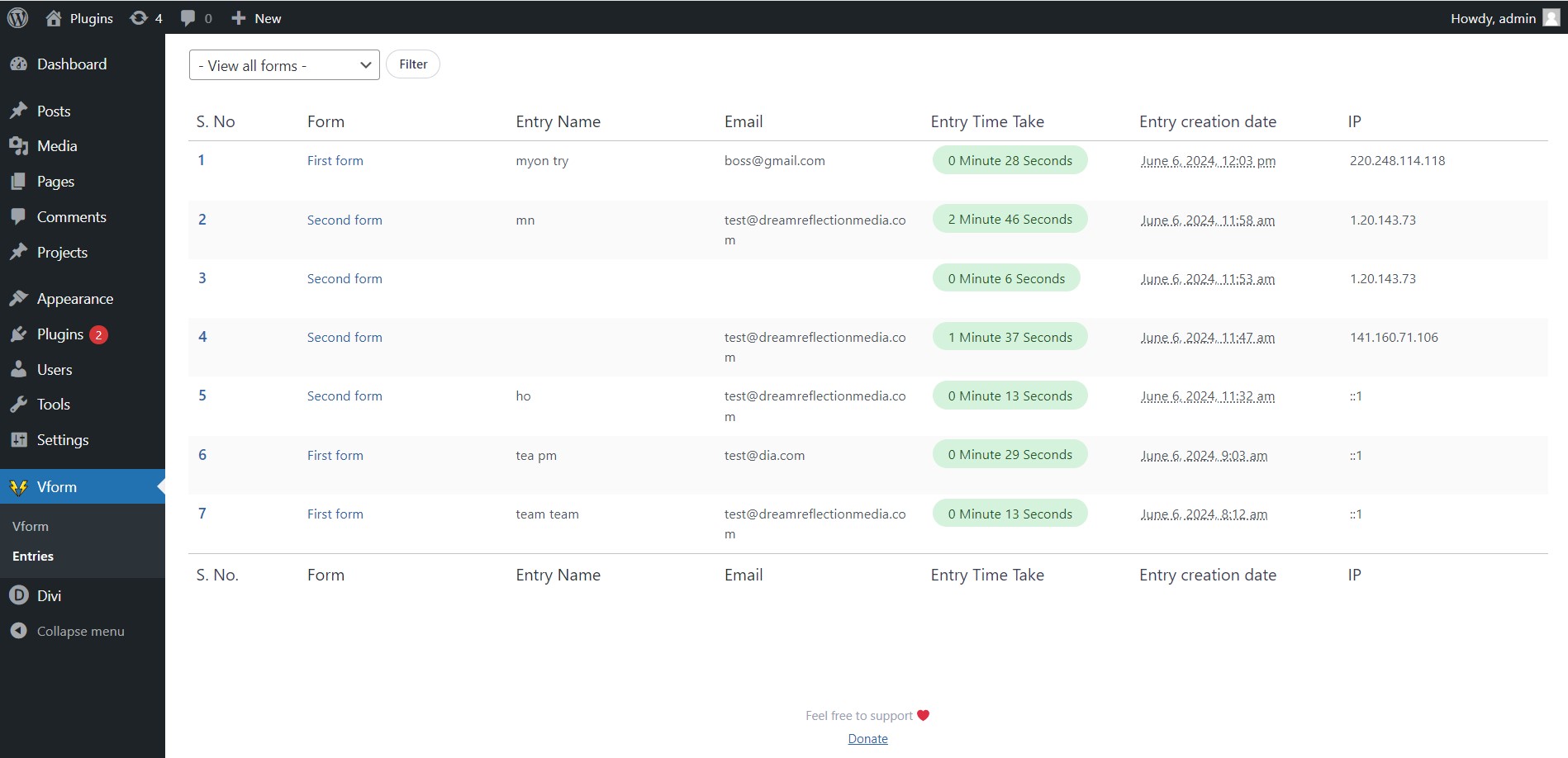
常见问题:
Do I need to know how to code?
No. VPSUForm is built for people who don't code. The entire form builder is visual — drag fields in, configure them with dropdowns and toggles, and publish with a shortcode or block.
What types of forms can I build?
Contact forms, lead capture forms, multi-step forms, job applications, event registrations, feedback surveys, file upload forms, appointment requests, support tickets, volunteer signups — pretty much any form type you'd need on a WordPress site.
Does it work with Elementor and Gutenberg?
Yes. VPSUForm has a dedicated Elementor widget and a Gutenberg block. You can also use the shortcode anywhere.
Can I show a form in a popup?
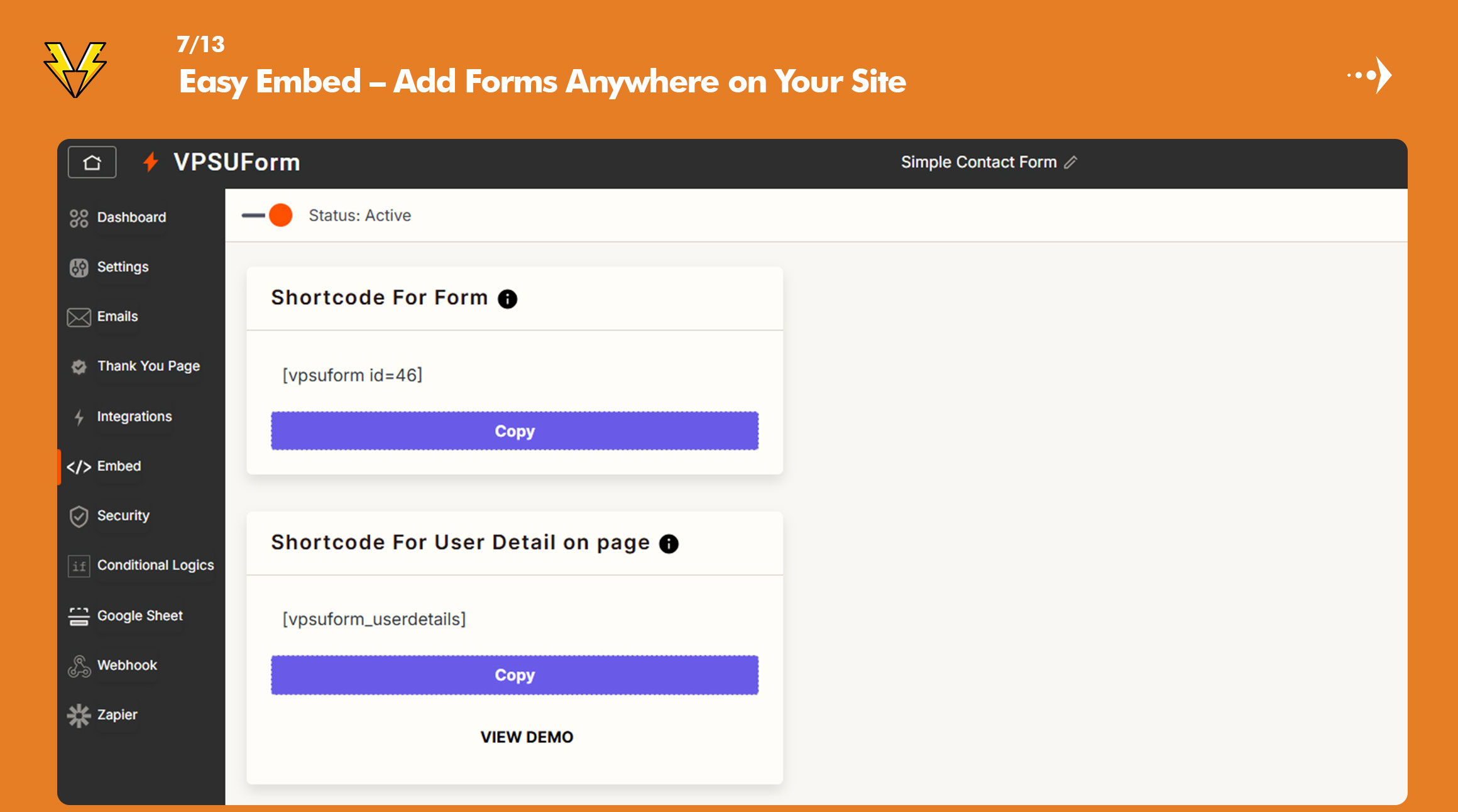
Yes. Open your form in the builder, go to the Embed tab, and use the Popup Button Shortcode generator. Choose how the popup opens, style the button, and copy the shortcode.
How does the email automation work?
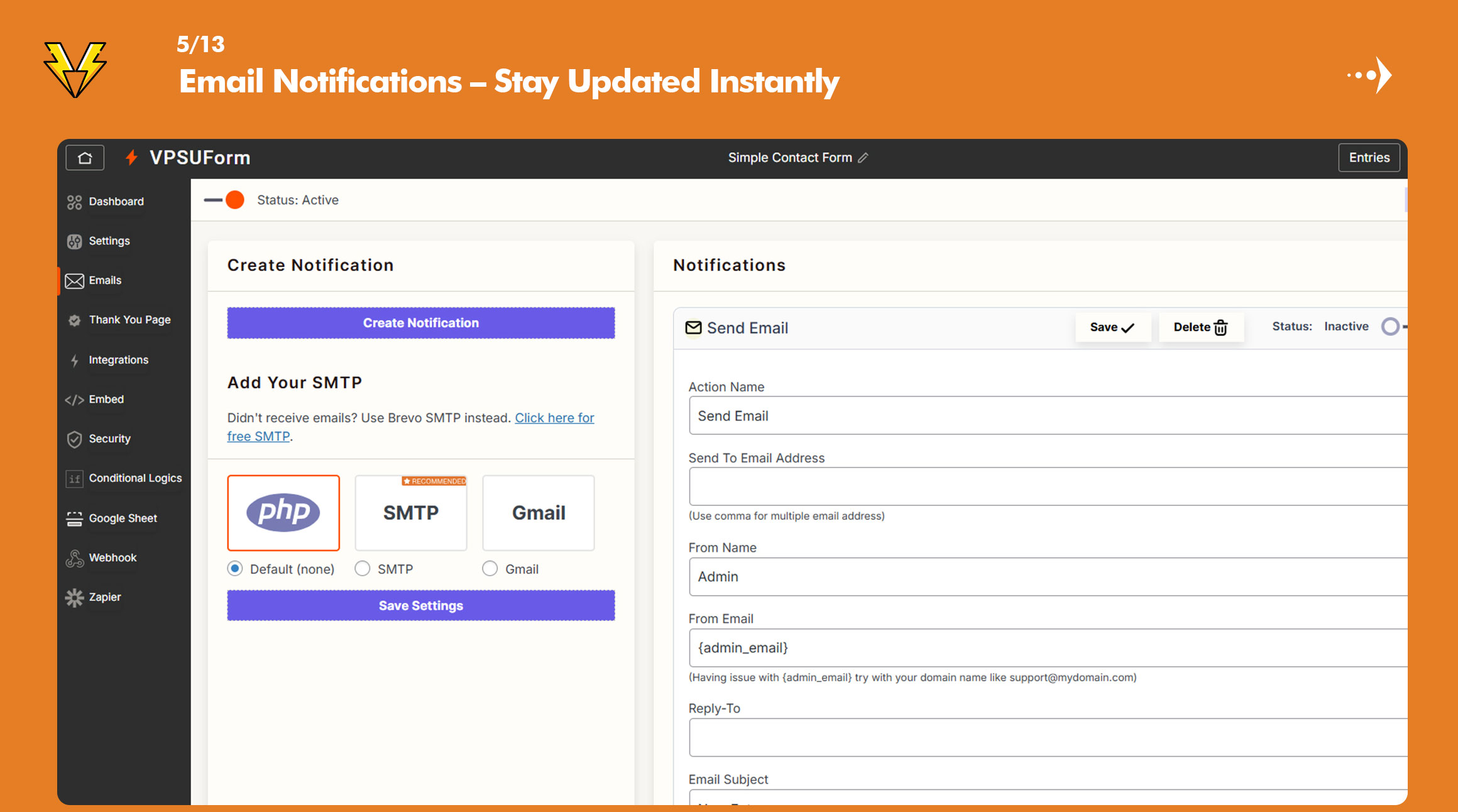
After someone submits a form, you can trigger one or more emails automatically — to the user, to your team, or to any email address. You set the subject, body, delay, and conditions. It's all managed inside WordPress with no third-party service required.
Can I send form data to Google Sheets?
Yes. Connect your Google account inside VPSUForm settings and choose which sheet to send submissions to. New entries appear in the sheet in real time.
Does VPSUForm protect against spam?
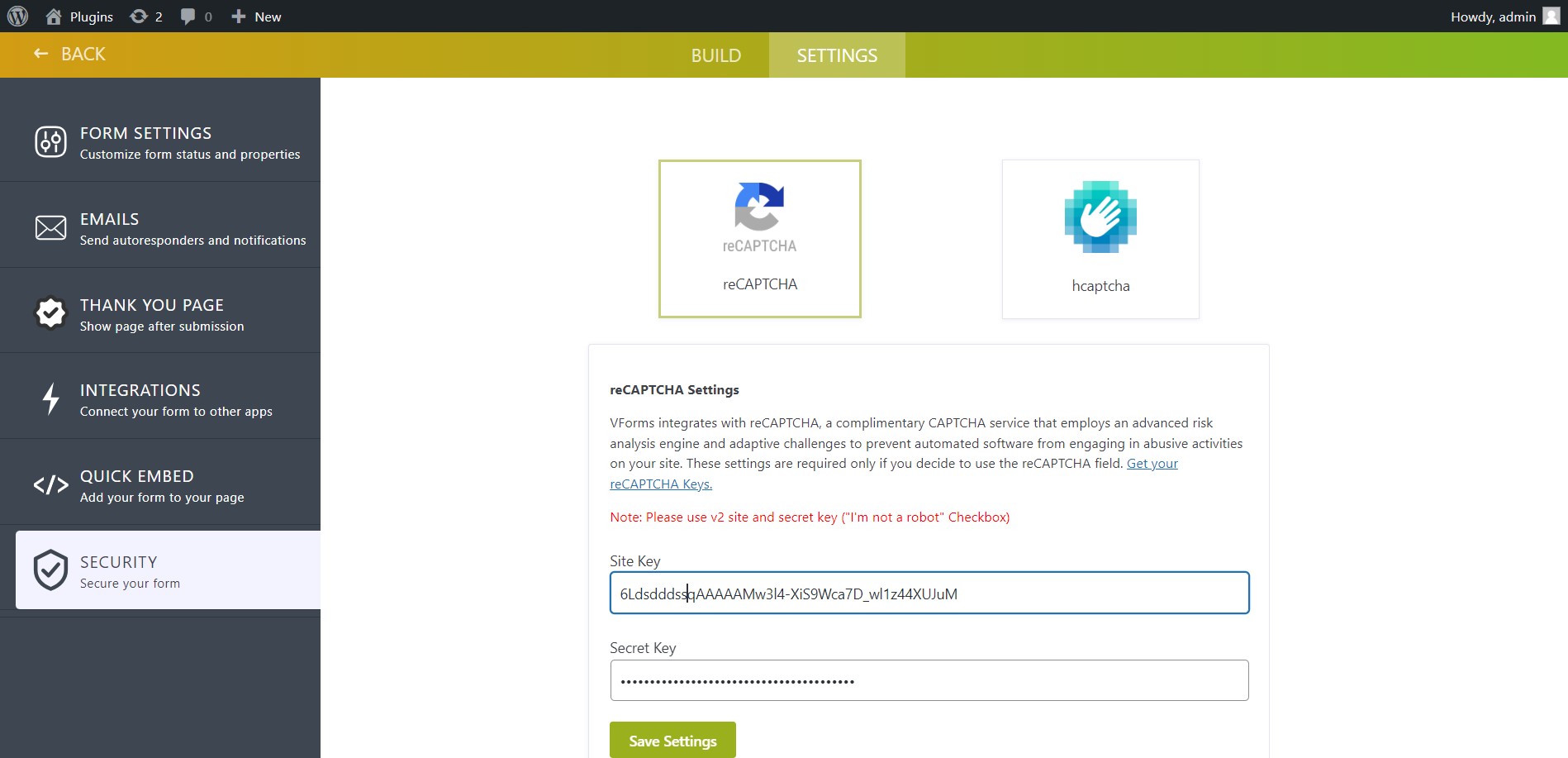
Yes. Every form has a built-in honeypot that blocks most automated bots without bothering real visitors. You can also enable Google reCAPTCHA or hCaptcha per form for stronger protection.
What is the honeypot and can I turn it off?
The honeypot is a hidden field that people never see but bots usually fill in. When it is filled, the submission is rejected. It is on by default. Developers can disable it with: add_filter( 'vpsuform_honeypot_enabled', '__return_false' );
Can I export form entries?
Yes. Go to Entries → Export and download a CSV of all submissions for any form. You can also filter by date before exporting.
Does VPSUForm work with SMTP plugins?
Yes. You can configure SMTP directly in VPSUForm settings, or it will use whatever SMTP plugin you have installed (WP Mail SMTP, FluentSMTP, etc.).
Does it slow down my site?
VPSUForm is built to be lightweight and only loads its scripts where forms are used.
What if something breaks or I have a question?
Post in the WordPress support forum or contact us through vpsuform.info/contact-us. We respond to every thread.
Can I close a form after a certain number of entries?
Yes. Open the form in the builder, go to Limits & WhatsApp, and set a maximum number of entries or an open and close date. You can write your own message for visitors.
How do I send visitors to WhatsApp after they submit?
In the builder, open Limits & WhatsApp, turn on the WhatsApp card, add your number with the country code, and write the pre-filled message.
更新日志:
- Added built-in honeypot spam protection on all forms
- Security checks now run before file uploads and signature saving
- Fixed the loading spinner staying visible after a failed submission
- Preview Form now only open as a admin.
- User details page shortcode fixes
- Added popup forms with the [vpsuform_popup] shortcode (button, delay, scroll and exit-intent triggers)
- Added instant alerts to Telegram, Slack and Discord
- Added entry limits and open/close schedule for forms
- Added WhatsApp button after submit with a pre-filled message
- More email providers added
- Improved automation UI
- Email logs now track delivery errors
- Overall UI Improved
- Email Templates added
- Fixed a conditional logic bug affecting certain field combinations
- Confirmed compatibility with WordPress 7.0
- Required update for Pro users (resolves a license validation issue)
- General bug fixes
- Fixed an issue where entry data wasn't saving correctly in certain server configurations
- Fixed address field not saving all subfields correctly
- Updated email tags to support new field types
- Fixed CSS layout issues on certain themes
- Added table-formatted data in email notifications
- Added option to send attached images only (not all files) in email
- Added CSV export improvements and new export options
- Added Geolocation field — capture user's location inside a form
- Added E-Signature field — let users sign directly in the form
- Bug fixes
- Fixed per-field error message display not appearing correctly
- Patched a security vulnerability
- UI improvements across the builder
- Added two-step / multi-step form support
- Added email attachment support — send files submitted through the form
- Added Email Automation — create automated email sequences triggered by form submissions
- Minor UI updates
- Added test email and SMTP connection test tool
- Rebuilt analytics section
- Brand new admin UI
- Fixed a security vulnerability
- Fixed conditional logic bugs
- Various small fixes
- Fixed star rating field not rendering correctly
- Fixed weekday field values
- Fixed select-all entries checkbox bug
- Fixed date/time field issues
- Fixed default field value not applying on load
- Fixed date/time saving issue
- Added select-all entries option
- Fixed Excel export bug
- Fixed date/time field format issue
- Fixed last-updated timestamp bug
- Fixed form clone bug
- Improved date field handling
- Fixed form clone bug
- Fixed entries showing in wrong timezone
- Upgraded date/time field handling
- Added option to select a specific target sheet in Google Sheets integration
- Fixed email not sending in certain configurations
- Minor additions
- Added import/export form feature
- Added repeater input field
- Added background transparency option
- Fixed SMTP connection issue
- Fixed database table creation issue on fresh installs
- Bug fixes
- Added Application ID feature for form tracking
- Bug fix
- Fixed email and input validation edge cases
- Bug fix
- Fixed PHP warnings on certain server configurations
- Plugin rebranded from VForm to VPSUForm
- Bug fixes
- UI fixes and bug fixes
- Fixed required field validation bug
- Added Gmail sending support
- Unlocked premium form templates
- Bug fixes
- Added width/height options for input fields
- Added drag-to-reorder for multiple choice and checkbox options
- Added Webhook authentication option
- Added video field
- Added image options for radio and checkbox fields
- Fixed Terms & Conditions required checkbox
- Fixed datetime field bug
- Added Rating field
- Added Net Promoter Score (NPS) field
- Added Range Slider field
- Added Phone with Country Code field
- Zapier integration launched
- Bug fix
- Fixed checkbox and radio field bug
- Bug fix
- Added Webhook integration
- Bug fix
- Added SMTP integration
- Fixed XSS vulnerability
- Conditional Logic launched
- Fixed CSS styling issues
- Added Ctrl+S to save, Delete key to remove fields
- Added min/max for number fields
- Added search field focus
- More date field options
- Bug fix
- Email delivery fixes
- Bug fix and email fixes
- Bug fix
- Fixed email sending bug
- Added compatibility with WordPress default block editor
- Fixed required field bug
- Added Google Sheets integration
- Bug fix
- Added file upload field
- Added multiple email address support per notification
- Fixed form preview bug
- Updated notifications UI
- Added input border style option
- Bug fix
- Added VPSUForm element for Elementor
- Bug fixes
- Added icon option on input fields
- Extended date year range
- Added custom width option
- Terms & Conditions field now always required
- Updated entries UI
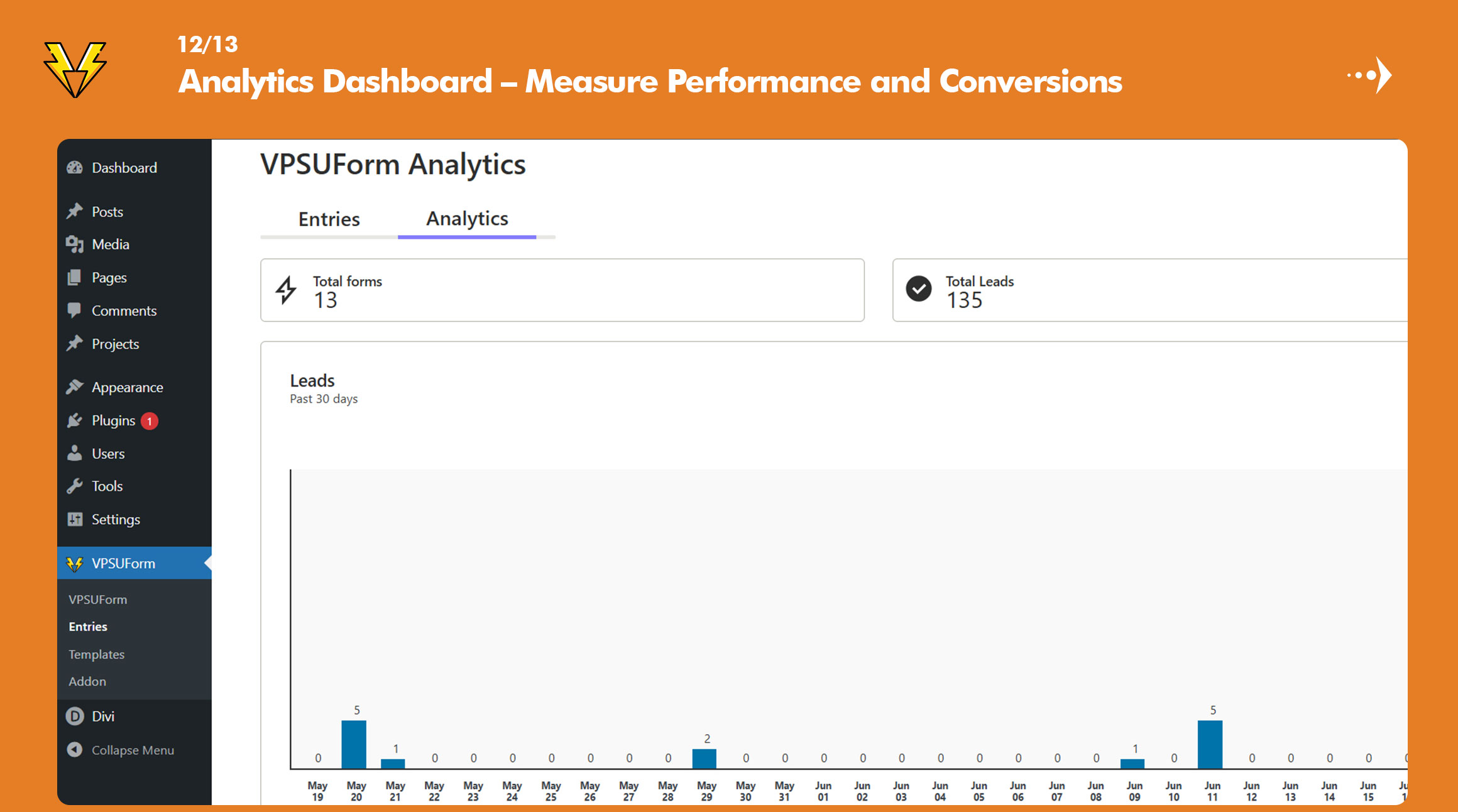
- Added analytics
- Added duplicate entry prevention option
- Bug fix
- UI updates
- Added option to hide address subfields
- Bug fix
- Fixed admin font issue
- Multiple forms can now be used on the same page
- Minor UI updates
- Updated form creation steps
- Added quick edit option
- Added form preview
- Added form sorting
- Fixed several bugs
- Updated full name field
- Updated field CSS classes
- Submit button now added automatically
- Drag-and-drop field ordering added
- Fields now insert after the currently selected element
- Added date/time format options per field
- Fixed broken access control vulnerability
- Added CSV export
- Bug fix
- Bug fix
- Added email templates
- Added HTML confirmation email option
- Bug fix
- Increased label font size
- UI improvements
- Bug fix
- Bug fix
- Fixed XSS vulnerability
- Added CAPTCHA spam protection
- Bug fixes
- Added form field search
- Bug fixes
- Form validation fixes
- Added multiple email notifications
- Added user details on page feature
- Small bug fix
- WooCommerce bug fixes
- Bug fixes
- Fixed email sending issue
- New layout
- Updated entries view
- Bug fixes
- Added test email option
- Fixed email sending bugs
- Inline form layout (single row)
- Small bug fixes
- UI changes
- Small bug fixes
- All advanced fields now available
- Small bug fixes