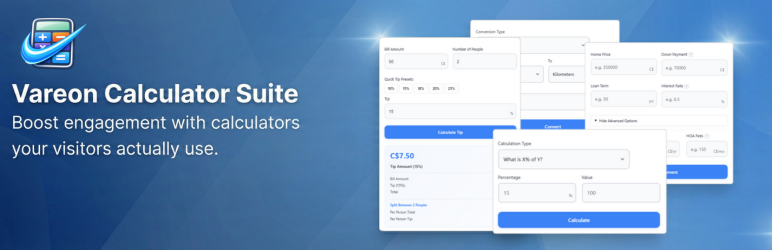
Vareon Calculator Suite Lite
| 开发者 | vareon |
|---|---|
| 更新时间 | 2026年4月15日 03:45 |
| PHP版本: | 8.0 及以上 |
| WordPress版本: | 6.9 |
| 版权: | GPLv2 or later |
| 版权网址: | 版权信息 |
详情介绍:
Vareon Calculator Suite Lite gives you a curated set of calculators that can be embedded anywhere on your WordPress site with Gutenberg blocks or shortcodes.
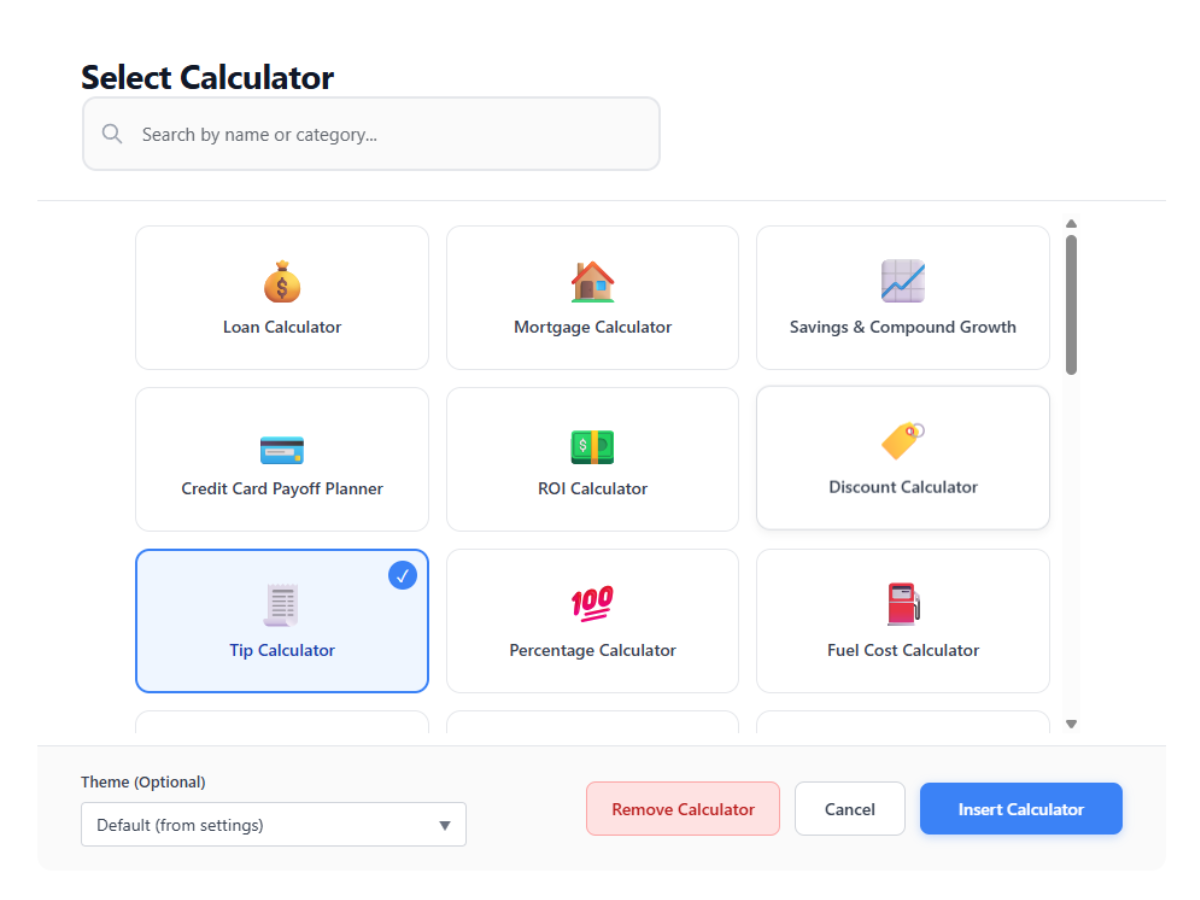
Available calculators in Lite (14 total):
- Finance: Loan, Mortgage, Savings and Compound Growth, Credit Card Payoff, ROI
- Everyday Life: Tip, Discount, BMI, Fuel Cost
- Education: GPA, Grade Calculator
- Utilities: Percentage, Age, Unit Converter
- Blocks and Shortcodes - add calculators from the block inserter or with
[vareon]/[vareoncalc] - Live Block Preview - choose a calculator and preview it directly in the editor
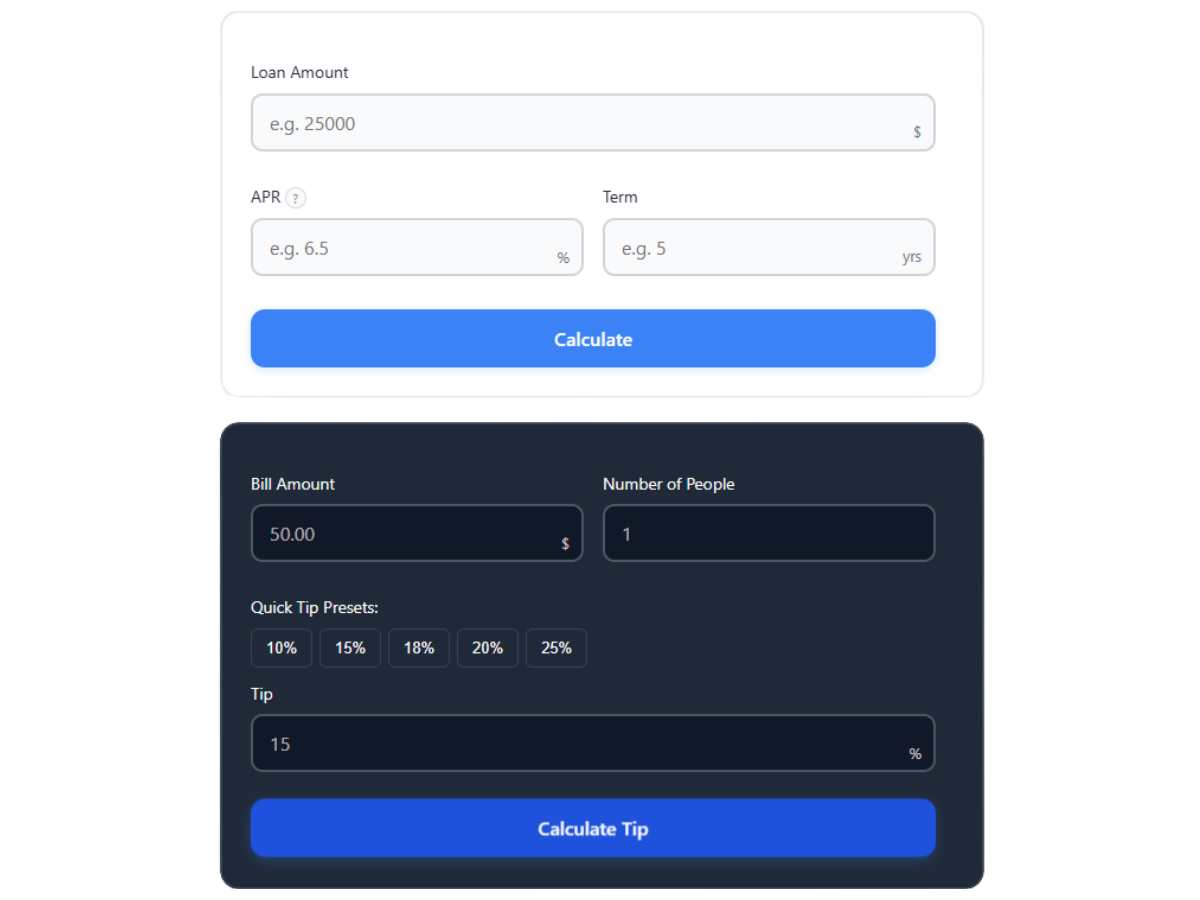
- Built-in Theme Presets - use Light, Dark, or Modern globally, or override them per block or shortcode
- Flexible Branding Control - branding is off by default, with global and per-embed overrides available
- Smart Validation - sensible defaults and validation for incomplete or invalid input
- Responsive Layouts - calculators are built to work on phones, tablets, and desktops
- Accessible UI - keyboard-friendly, ARIA-aware interfaces with readable result states
安装:
- Upload the
vareon-calculator-suite-litefolder to/wp-content/plugins/ - Activate the plugin through the Plugins menu in WordPress
- Review settings at Settings > Vareon Calculator Suite
- Add calculators to your pages or posts using blocks or shortcodes
屏幕截图:
常见问题:
Can I add multiple calculators on one page?
Yes. You can use multiple blocks or multiple shortcodes on the same page.
Which themes are available in Lite?
Lite supports the built-in light, dark, and modern presets.
Can I override the theme for one calculator only?
Yes. Blocks can use their own theme selection, and shortcodes can use the theme attribute.
Can I control branding?
Yes. Branding is off by default, and you can enable it globally or override it per block or shortcode.
Are the calculators mobile-friendly?
Yes. The calculators are responsive and designed to work across common screen sizes.
Do the calculators require JavaScript?
Yes. The calculators use modern JavaScript modules and render interactively in the browser.
更新日志:
Version 1.5.0 - April 2026
Calculator Overhaul
- Completely redesigned the calculator UI for better readability, stronger mobile usability, and a more modern visual style.
- Added two upgraded calculator frameworks depending on the tool: a streamlined Two-Step layout and an improved Wizard flow.
- Added a new Modern preset to Lite, giving users a darker slate/black alternative to the Light theme.
- Refined result views, interaction states, and responsive behavior across the suite.
- Age: fixed date borrowing logic, added Milestone Horizon for the next 1,000th day alive, and enhanced the Next Birthday result with the weekday.
- BMI: added Actionable Delta guidance, extended the BMI spectrum to 50, fixed Imperial input issues, and added a disclaimer for edge cases such as muscle mass and age.
- Credit Card Payoff: added Minimum Payment mode, an editable What If planner, improved payoff date accuracy, and introduced a full amortization schedule toggle.
- Discount: added Tax, Quantity, and Reverse modes, improved the receipt view with Total at Register, and strengthened screen-reader accessibility.
- Fuel Cost: corrected MPG calculation logic, added an Annual Commute insight, improved mobile keypad behavior, and made passenger-cost updates instant.
- GPA: fixed weighted-scale logic and improved cumulative tracking.
- Grade Calculator: refined required-score math for edge cases and more reliable targets.
- Loan: added one-click presets, a Years / Months toggle, Extra Payment support, and a Cost of Money metric.
- Mortgage: added an Advanced panel for PMI, taxes, insurance, HOA, and extra payments, improved amortization accuracy, added interest-savings analysis, and introduced visual breakdown charts.
- Percentage: expanded Lite access, added Reverse Percent and Find Whole modes, and improved handling for negative numbers and zero-start edge cases.
- ROI: added a Time Unit selector, Inflation Rate support for Real ROI, and new break-even guidance for loss scenarios.
- Savings: added inflation, tax, and annual contribution-growth inputs, introduced Real Purchasing Power outputs, and upgraded the engine for dynamic monthly cash-flow simulation.
- Tip: added Smart Rounding, improved split-mode emphasis around Per Person, and tightened preset/custom-input state handling.
- Unit Converter: added Volume and Speed categories and improved result formatting with smarter rounding.
- Rebuilt the Lite settings preview into a more interactive split-view live preview with calculator switching, width presets, custom width controls, zoom controls, retry/reset actions, drag-to-pan, and persistent preview state.
- Fixed editor and frontend width handling for aligned calculators.
- Added explicit width caps by alignment: 645px for default, 700px for left/center/right, and 1340px for wide/full.
- Added a hard minimum width clamp of 300px plus a recommended minimum width of 410px for healthier layouts.
- Added tighter responsive handling for smaller embeds, including dedicated 410px tight mode and 360px micro mode adjustments to reduce stacking and overflow issues.
- Replaced the old docs button collection with a dedicated Docs screen.
- Added a built-in Shortcode Builder in Docs with copy support and a live embed summary.
- Refreshed settings UI details, including updated icons.
- Added a new Review Plugin notice.
- Added "Docs" quick link to the plugins list page.
- Added an admin-only Pro Waitlist tab that links to the official Vareon site.
- Persisted settings tip dismissal for administrators across sessions.
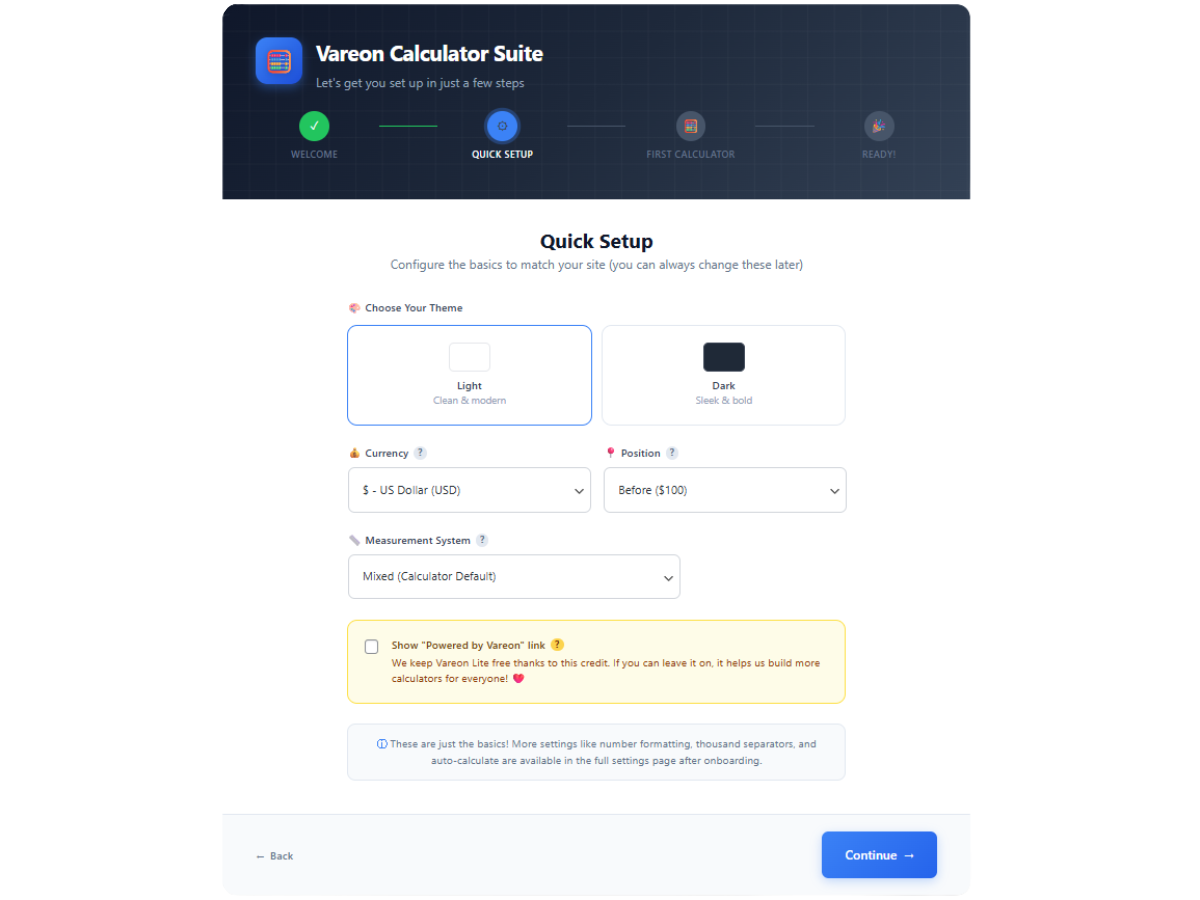
- Added a Region Preset (Quick Setup) section at the top of General settings: choose US, European (EU), or UK/Commonwealth to apply currency, thousand/decimal separators, and measurement units together (Imperial, Metric, or Mixed respectively).
- When your saved options match a preset exactly, that preset stays selected; otherwise the control shows Custom so you can keep fine-tuned combinations.
- Improved frontend performance by splitting the calculator CSS into smaller calculator-specific files and only enqueueing the styles needed on the page.
- Improved frontend and admin asset cache busting, including preview-related asset versioning for more reliable updates.
- Updated privacy and uninstall cleanup coverage for admin dismissal preferences.
- Consolidated duplicate script_loader_tag handling into a single location.
- Removed duplicate currency-catalog.php require.
- Standardized admin asset cache busting to use filemtime() consistently.
- Removed deprecated block_categories filter (WP 5.8+).
- We made a total revamp of the Vareon.dev website with new design and articles explaining all the available calculators. Other content is also planned, therefore please visit the website periodically, for relevant content.
- Auto-Calculate on Input setting (incompatible with new calculator designs). Version 1.0.3 - January 2026
- Updated readme Version 1.0.2 - January 2026
- Minor fix to logo and readme Version 1.0.1 - January 2026
- Minor Logo fixes Version 1.0.0 - January 2026
- Curated library of embedded calculators covering finance, health, education, and daily utilities.
- Gutenberg block with alignment controls and per-block overrides.
- Modern UI driven by CSS custom properties, light/dark presets, and responsive layouts.
- Built-in validation and accessible messaging for every calculator.