VariationX - Variations as Radio Buttons for WooCommerce
| 开发者 | wpxteam |
|---|---|
| 更新时间 | 2026年6月11日 00:36 |
| 捐献地址: | 去捐款 |
| PHP版本: | 7.2 及以上 |
| WordPress版本: | 7.0 |
| 版权: | GPLv2 or later |
| 版权网址: | 版权信息 |
详情介绍:
安装:
- Upload the plugin folder to
/wp-content/plugins/or install via the WordPress Plugin Installer. - Activate the plugin through the Plugins screen in WordPress.
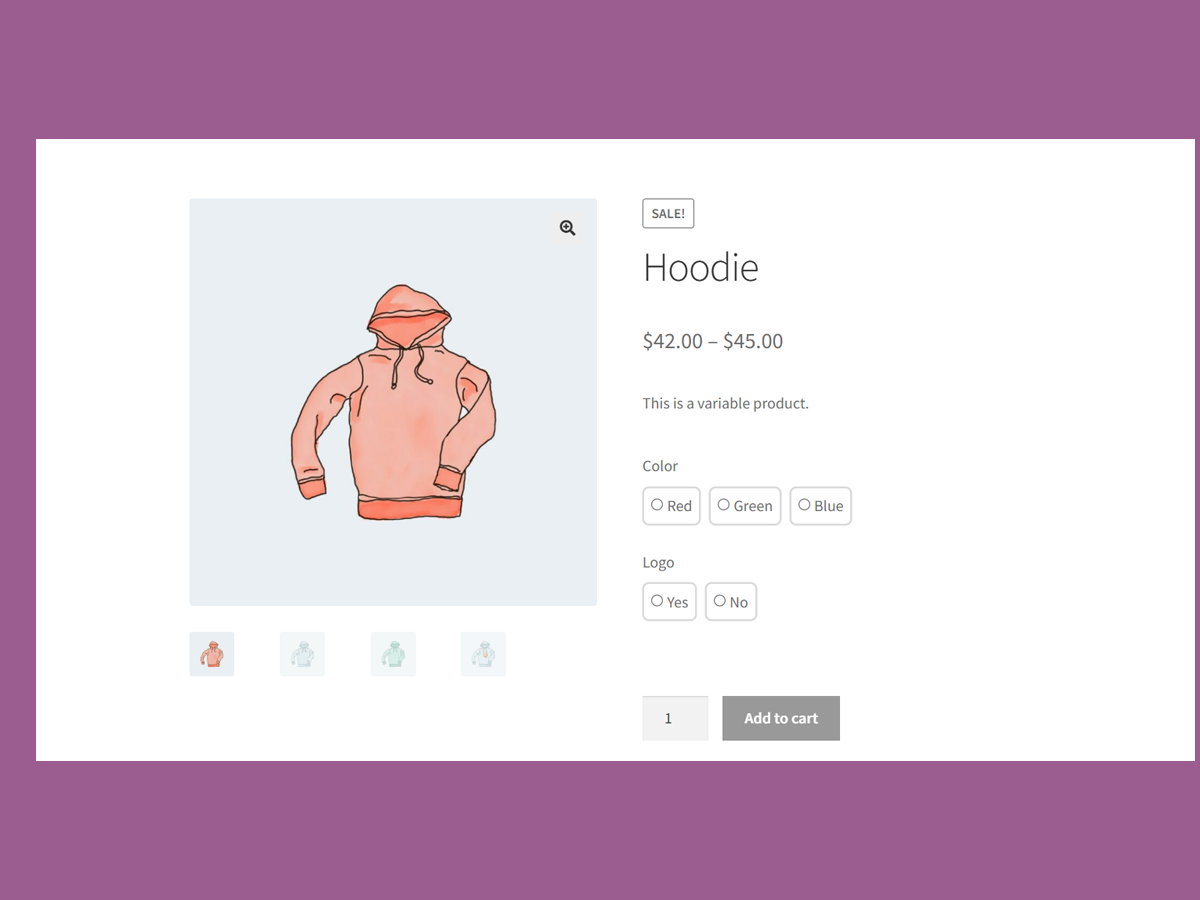
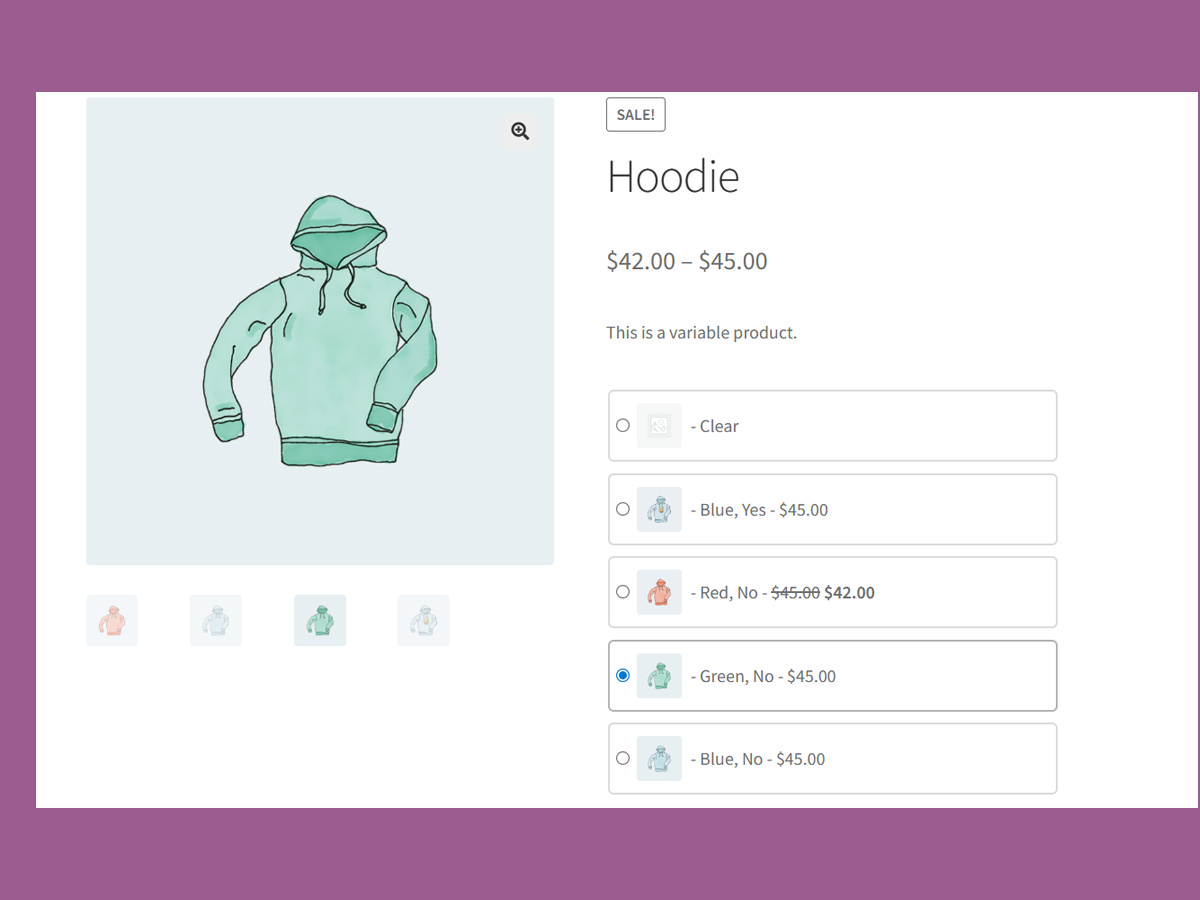
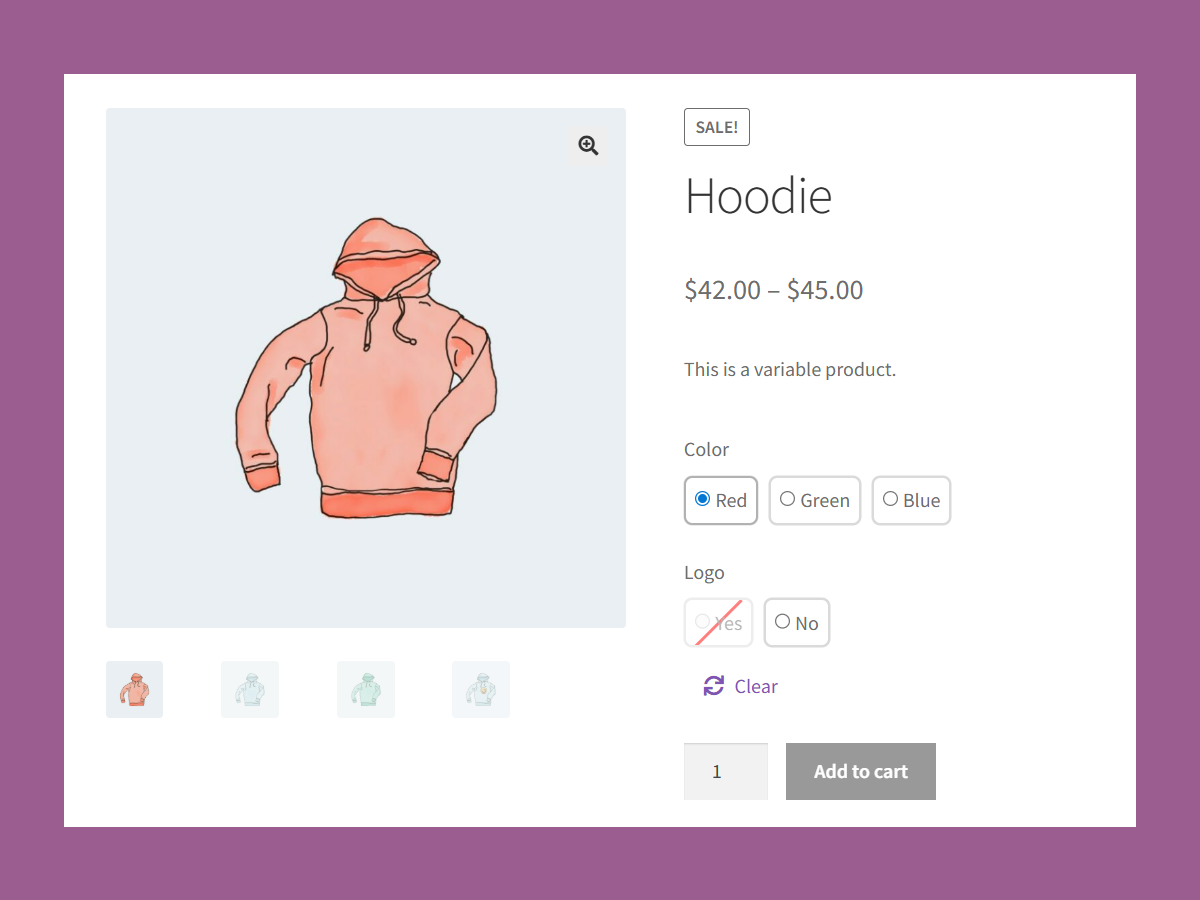
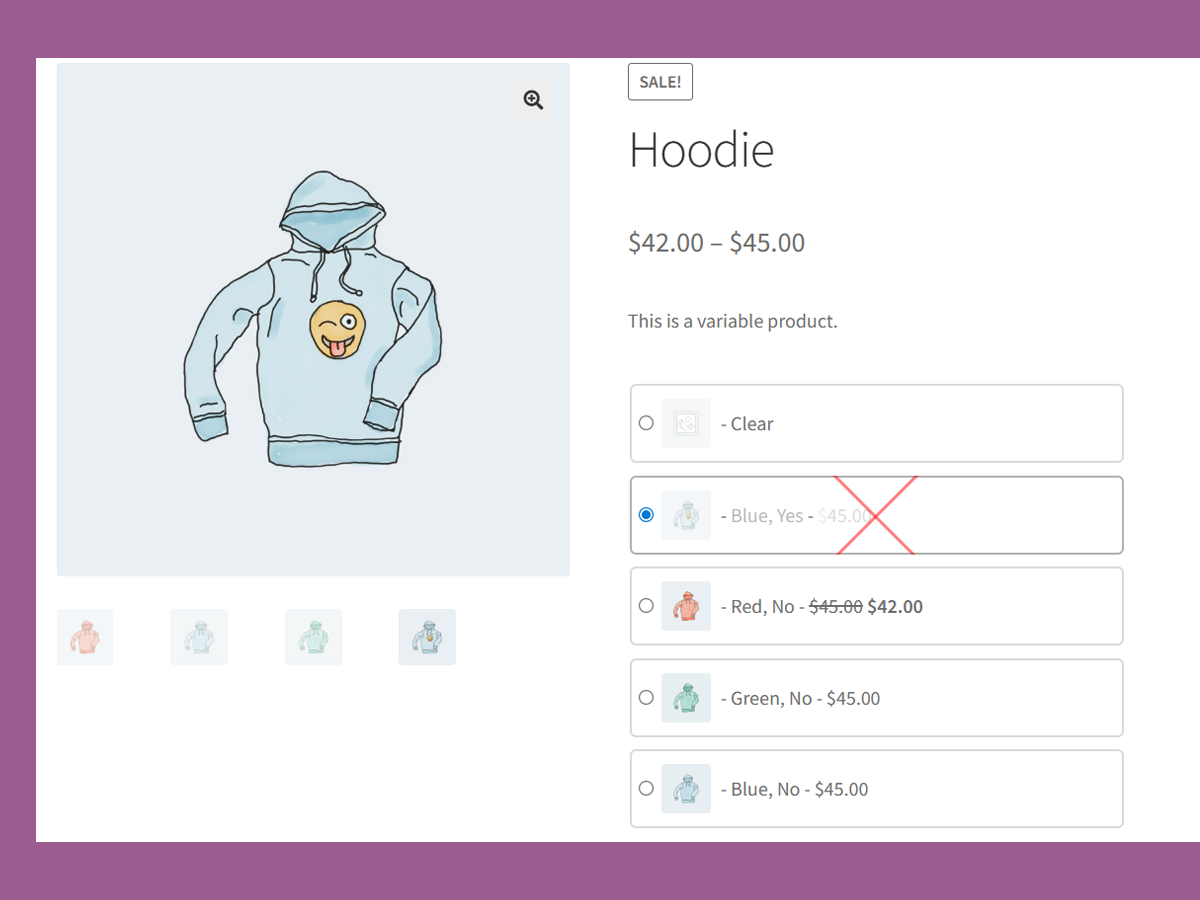
- Visit any WooCommerce variable product page — your dropdowns will now be radio buttons!
屏幕截图:
![Grid View of Variation Radio buttons on a variable product. [Pro Feature]](https://cdn.jsdelivr.net/wp/variations-as-radio-buttons/assets/screenshot-4.png)
![Bulk Cart & New tag for newly added variations. [Pro Feature]](https://cdn.jsdelivr.net/wp/variations-as-radio-buttons/assets/screenshot-5.png)
![Variation Radio Buttons limit. [Pro Feature]](https://cdn.jsdelivr.net/wp/variations-as-radio-buttons/assets/screenshot-6.png)
常见问题:
Will this work with any theme?
VariationX followed WooCommerce coding standards and best practices. As a result, it should seamlessly integrate with all themes that also follow WooCommerce standards. If you have a custom-styled theme, it may require some minor CSS tweaks.
Does VariationX allow custom styling to the Radio Buttons?
Yes, you can apply a custom style to the radio buttons offered by VariationX. Targeting this CSS class (.rvwoo-radio-variation), you can customize the layout, spacing, and label of the variation as radio buttons.
How does VariationX deal with products that have multiple attributes?
It is common for a product to have several attributes (for example, color and size). VariationX has you covered for products with several attributes. Each variation attribute will be displayed as a separate group of radio buttons.
Is there a premium version for VariationX?
Yes, VariationX has a premium version called VariationX PRO. It comes with several advanced features. The most distinguished feature, called Bulk Cart, allows users to Add to Cart multiple product variations at the same time. Follow this link to try the Bulk Cart demo.
更新日志:
- Setting: Default selected "Variations to radio buttons".
- Feature: Add/remove product with variation radio buttons.
- Compatibility: WordPress 7.0 & WooCommerce 10.7.0.
- Added features and settings page.
- Initial release: Replace dropdowns with radios on product pages.