Vatigo – EU VAT & UID Validator for Contact Form 7, WPForms & Fluent Forms
| 开发者 | deb_ugger |
|---|---|
| 更新时间 | 2026年10月3日 12:46 |
| PHP版本: | 8.0 及以上 |
| WordPress版本: | 7.0 |
| 版权: | GPLv2 or later |
| 版权网址: | 版权信息 |
详情介绍:
- Catches typos before they reach your inbox – no more "ATU1234567" (one digit short) or "DE 123 456 78" in your invoices
- All 27 EU member states with country-specific format rules
- Tolerant input – spaces, dots, dashes and lowercase letters are normalized automatically (
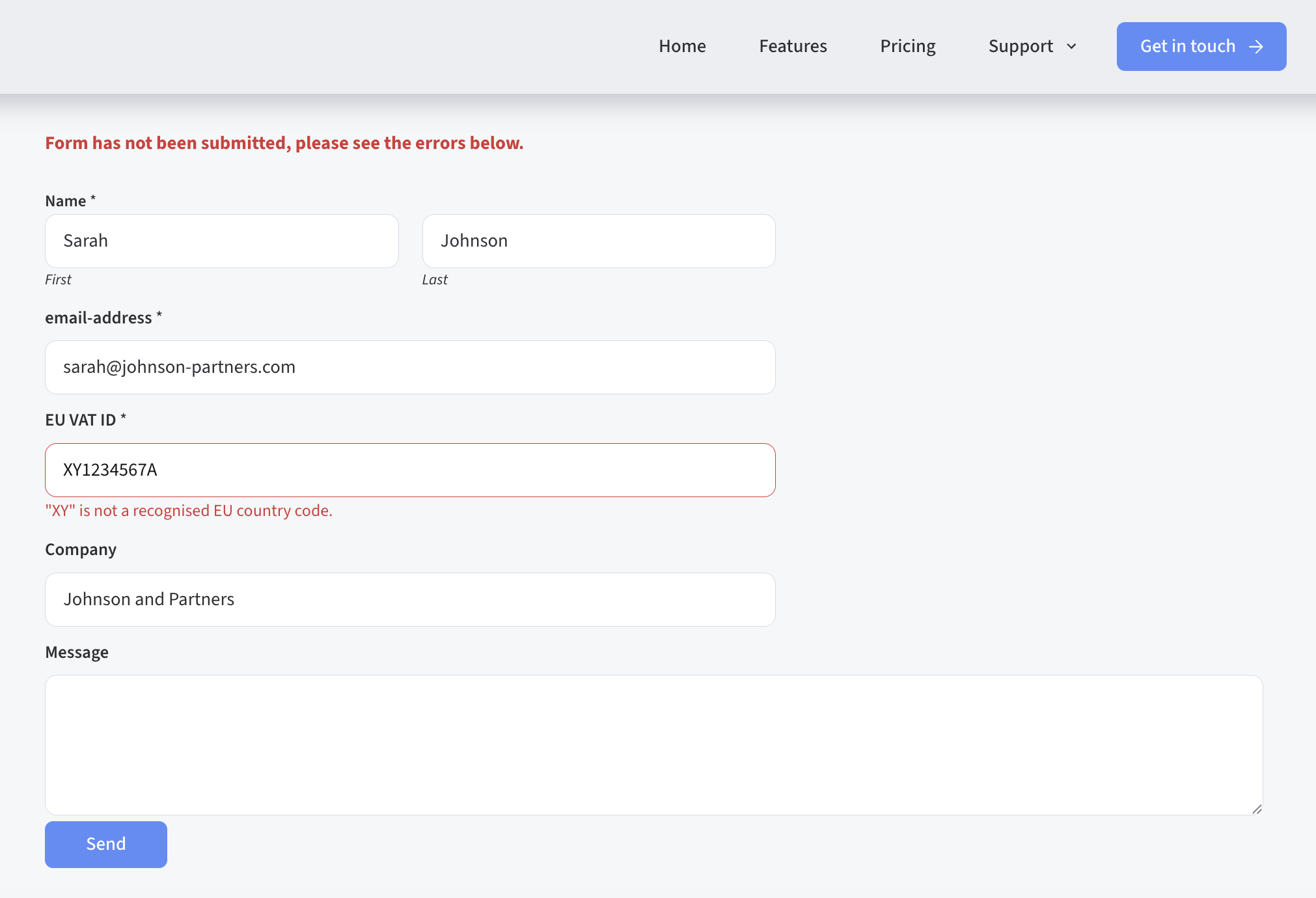
atu 1234-5678→ATU12345678) - Helpful error messages – the user sees exactly which country format is expected, including an example
- Real-time inline feedback while typing (WPForms)
- Server-side validation on every submission – works even with JavaScript disabled
- 100 % offline – no external requests, no tracking, nothing leaves your server
- GDPR-friendly – VAT IDs are validated in memory and never stored
- Custom error messages via the settings page
- Developer-friendly – add any other form plugin through a simple integration API
- Austria – UID-Nummer –
ATU12345678 - Belgium – BTW / n° TVA –
BE0123456789orBE1123456789 - Bulgaria – ДДС номер –
BG123456789 - Croatia – PDV ID –
HR12345678901 - Cyprus – ΦΠΑ –
CY12345678A - Czech Republic – DIČ –
CZ12345678 - Denmark – CVR / moms –
DK12345678 - Estonia – KMKR –
EE123456789 - Finland – ALV-numero –
FI12345678 - France – numéro de TVA intracommunautaire –
FRXX123456789 - Germany – USt-IdNr. –
DE123456789 - Greece – ΑΦΜ –
EL123456789 - Hungary – közösségi adószám –
HU12345678 - Ireland – VAT number –
IE1234567A - Italy – Partita IVA –
IT12345678901 - Latvia – PVN –
LV12345678901 - Lithuania – PVM kodas –
LT123456789 - Luxembourg – n° TVA –
LU12345678 - Malta – VAT number –
MT12345678 - Netherlands – btw-id –
NL123456789B01 - Poland – NIP –
PL1234567890 - Portugal – NIF –
PT123456789 - Romania – CIF / CUI –
RO12345678 - Slovakia – IČ DPH –
SK1234567890 - Slovenia – ID za DDV –
SI12345678 - Spain – NIF / CIF –
ESA12345678 - Sweden – momsregistreringsnummer –
SE123456789012
uid_vat form tag to your form template:
[uid_vat uid-field] – optional field
[uid_vat* uid-field] – required field
With placeholder:
[uid_vat* eu-vat-id placeholder "e.g. ATU12345678"]
Required validation uses the Contact Form 7 Schema-Woven Validation (CF7 5.6+).
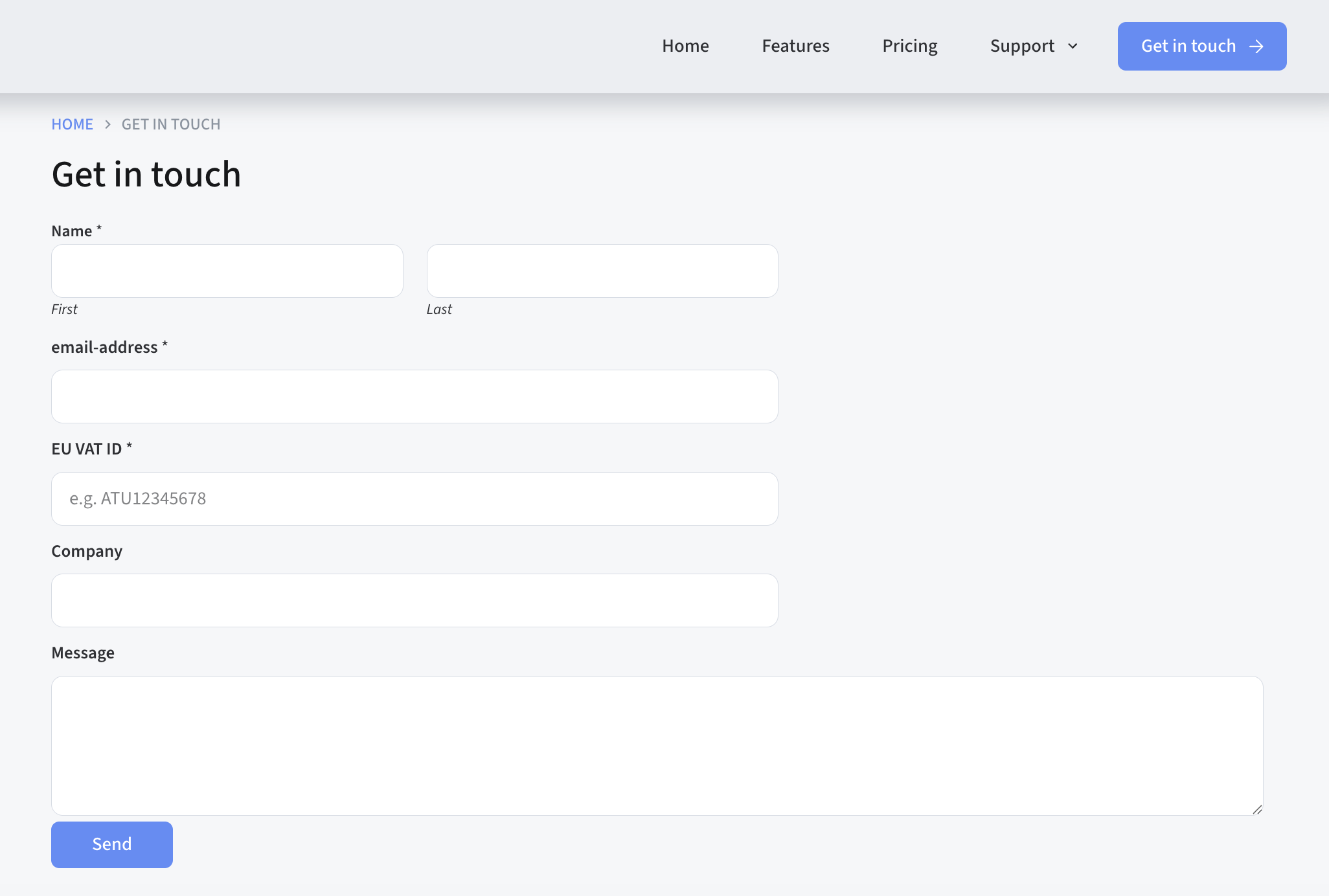
WPForms: EU VAT ID field
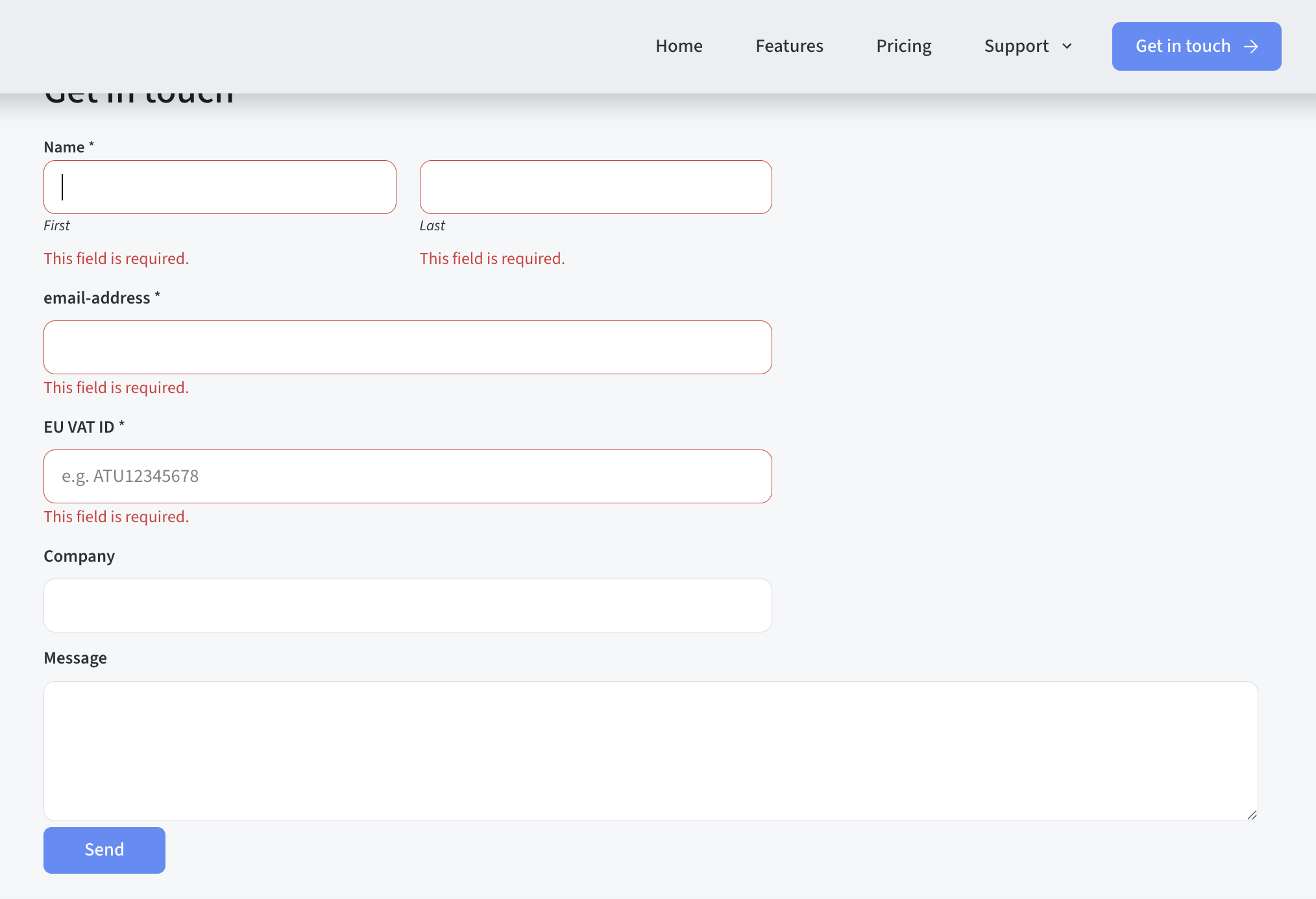
Drag the EU VAT ID field from the field panel into your form. It supports required validation, custom labels, placeholder text and real-time inline feedback while the user types.
Fluent Forms: EU VAT ID field
Drag the EU VAT ID field from the General Fields section into your form.
Styling the inline feedback
The real-time feedback (WPForms) uses the class .vatigo-feedback. To hide it, add this to your theme's CSS:
.vatigo-feedback { display: none; }
For developers
Register an integration for any other form plugin:
add_action( 'vatigo_register_integrations', function( $manager ) { $manager->register( new My_Custom_Integration() ); } );
Your class must extend Vatigo_Integration_Base and implement all abstract methods. The settings page shows a complete example.
Coming in Vatigo Pro
- Live validation against the official EU VIES database (checks whether the VAT number actually exists)
- More features for B2B workflows
安装:
- In your WordPress admin, go to Plugins → Add New and search for "Vatigo".
- Click Install Now, then Activate.
- Go to Settings → EU VAT Validator and enable the integrations for the form plugins you use.
- Add the EU VAT ID field to your form (see the instructions for your form plugin above).
屏幕截图:
常见问题:
What exactly does Vatigo check?
Vatigo checks whether a VAT ID has a valid format for its EU country: correct country prefix, correct length and the right mix of digits and letters. This catches the vast majority of typos and incomplete entries before the form is submitted.
Does Vatigo check whether the VAT number really exists (VIES)?
Not in the free version. The free version validates the format only, entirely offline. A live check against the official EU VIES database is planned for Vatigo Pro.
Which form plugins are supported?
Contact Form 7, WPForms (Lite and Pro) and Fluent Forms. Other form plugins can be connected through the developer API.
Does it work with the Austrian UID and the German USt-IdNr.?
Yes. "UID-Nummer" (Austria), "USt-IdNr." (Germany), "BTW-nummer" (Netherlands, Belgium), "numéro de TVA" (France), "Partita IVA" (Italy) and "NIF/CIF" (Spain) are all national names for the EU VAT identification number. Vatigo supports all 27 EU member states.
What about Swiss, UK or Norwegian VAT numbers?
Vatigo validates EU VAT IDs only. Switzerland (CHE…), the United Kingdom (GB…, since Brexit) and Norway are not EU member states and are not supported.
Can users type the VAT ID with spaces or lowercase letters?
Yes. Spaces, dots and dashes are removed and letters are converted to uppercase before validation, so atu 1234 5678 is accepted as ATU12345678.
Does this call an external API?
No. All validation happens on your server. No data is sent to third parties.
Is this GDPR compliant?
Yes. Vatigo does not store or transmit any personal data. VAT IDs are validated in memory and discarded. What happens with the submitted form data is up to your form plugin.
Can I customise the error messages?
Yes. Go to Settings → EU VAT Validator and enter a custom error message. Leave the field empty to use the default country-specific messages, which include an example of the expected format.
The inline feedback looks different from my theme – can I style it?
Yes. The feedback element uses the class .vatigo-feedback. You can hide or restyle it via your theme's CSS.
Can I add support for another form plugin?
Yes. Extend Vatigo_Integration_Base and register your class via the vatigo_register_integrations action hook. See the settings page for a code example.
更新日志:
- Fix: Belgian VAT numbers starting with 1 (issued since 2023) are now accepted
- Tested with WordPress 7.0
- Improved plugin description and documentation
- Initial release
- Contact Form 7 integration with SWV required validation support (CF7 5.6+)
- WPForms integration with real-time inline feedback
- Fluent Forms integration
- Pattern validation for all 27 EU member states
- Admin settings page with integration toggle and hook reference
- Custom error message override
- Extensible integration API