Vedrixa Forms – User Registration Form, Signup Form & Drag & Drop Form Builder
| 开发者 | registrationformbuilder |
|---|---|
| 更新时间 | 2026年7月11日 19:46 |
| 捐献地址: | 去捐款 |
| PHP版本: | 7.4 及以上 |
| WordPress版本: | 7.0 |
| 版权: | GPLv2 or later |
| 版权网址: | 版权信息 |
详情介绍:
Create powerful user registration forms, signup forms, and contact forms in WordPress without writing any code.
Vedrixa Forms is a fast and lightweight drag and drop form builder plugin for WordPress designed for frontend user registration, signup forms, and lead generation.
Build complete user registration systems in WordPress — without using multiple plugins.
A powerful alternative to Contact Form 7 and WPForms, especially for user registration and signup workflows.
Easily create:
- User registration forms
- Signup forms
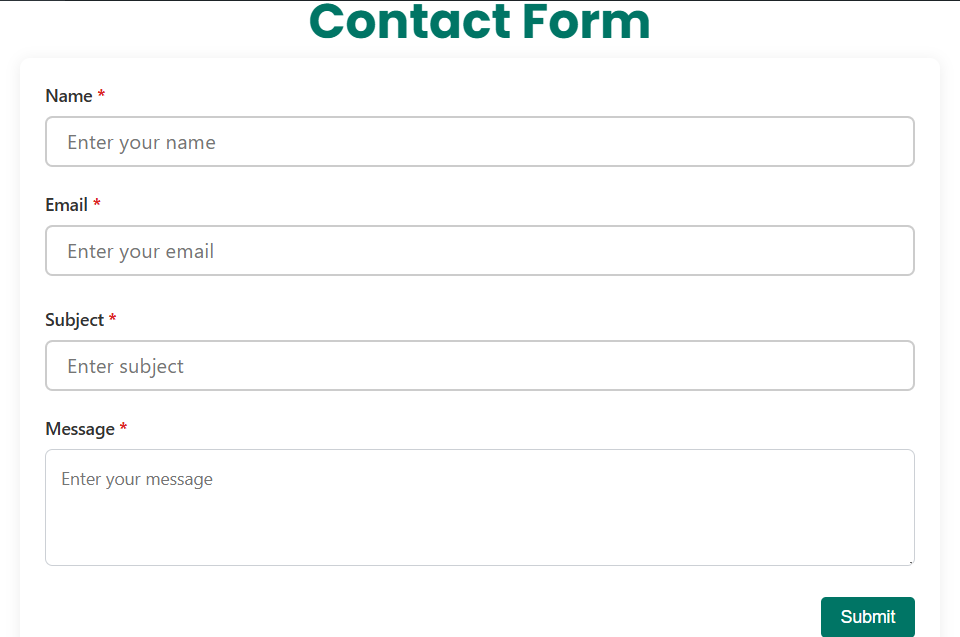
- Contact forms
- Membership forms
- Lead generation forms —all from a single plugin.
- No coding required
- Real-time preview
- Fast form creation
- Works with any WordPress theme including Astra, Neve, and GeneratePress
- Shortcode-based embedding
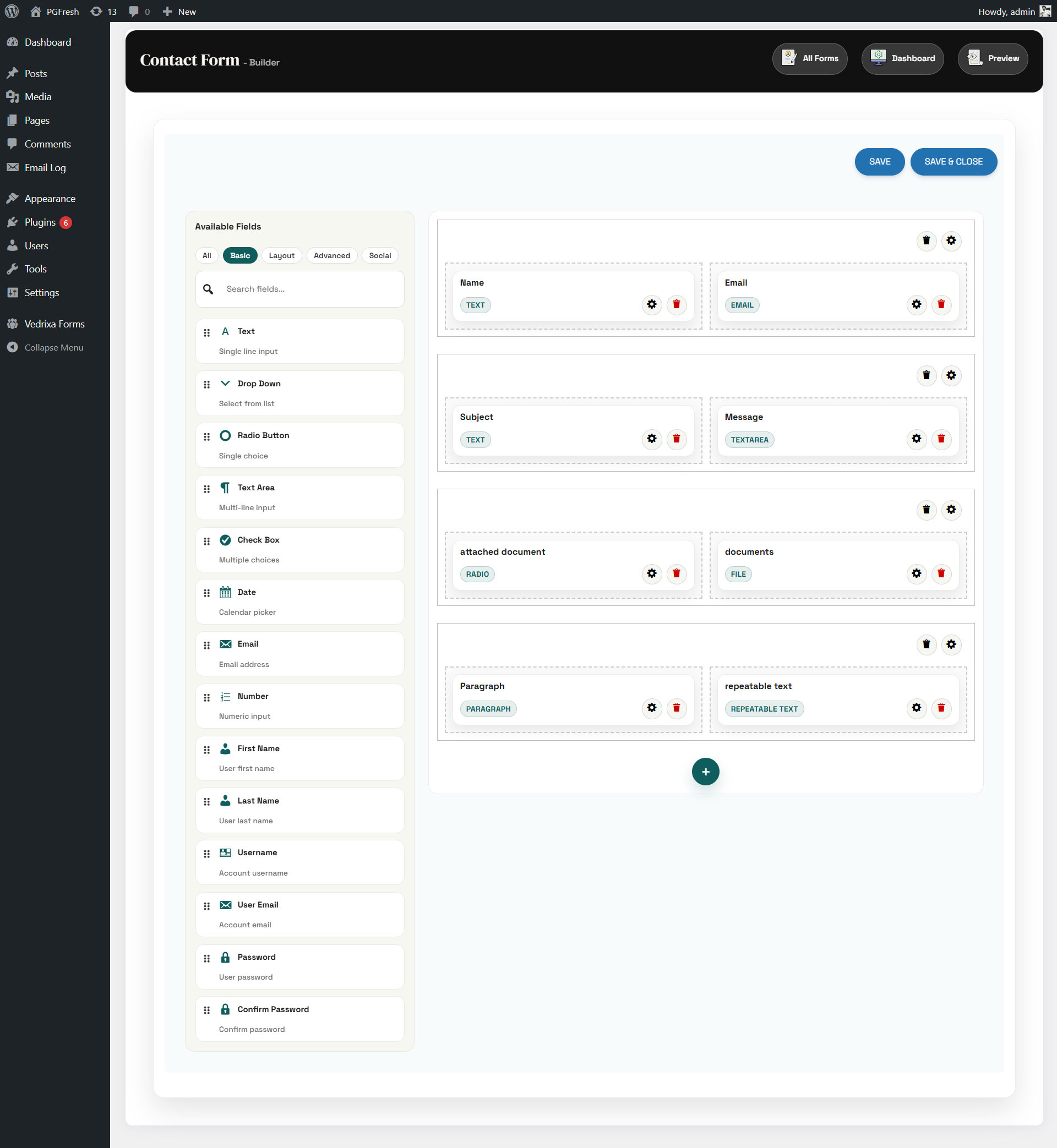
- Drag-and-drop WordPress form builder
- Frontend user registration forms
- Contact form builder
- Email notifications & autoresponders
- Google reCAPTCHA spam protection
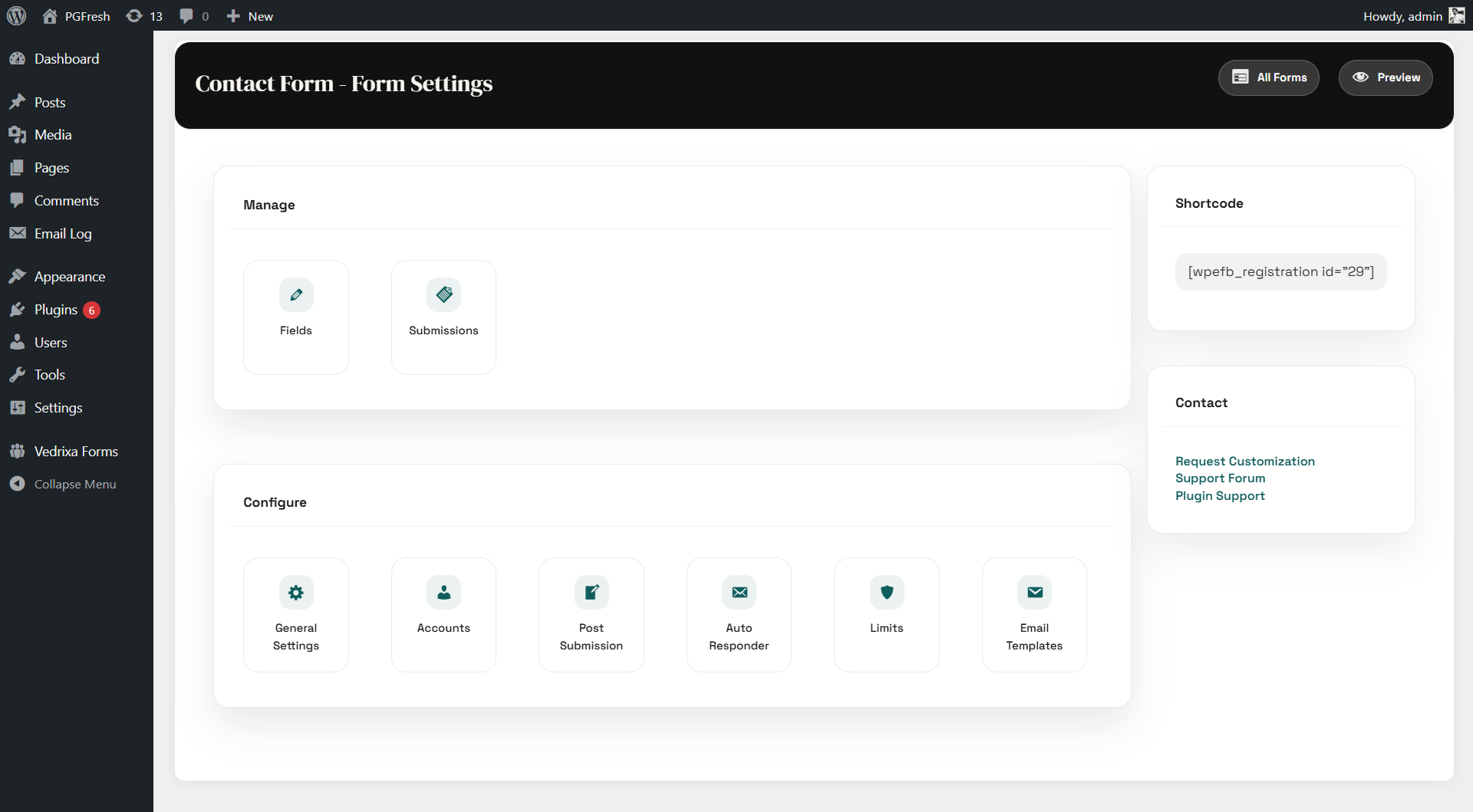
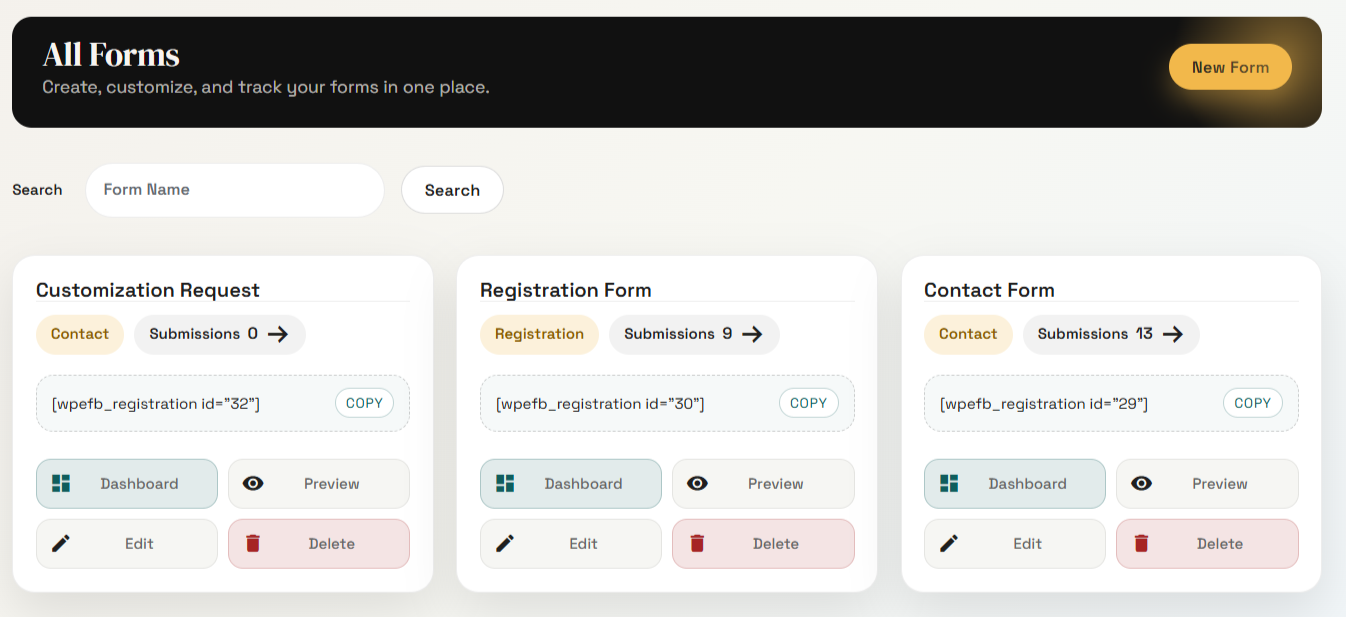
- Submission management dashboard
- Role assignment during registration
- Account activation & email verification
- Password validation rules
- AJAX-powered form submission
- Shortcode support
- Create frontend user registration forms
- Assign user roles automatically
- Control account approval workflows
- Collect custom profile data
- Build membership-ready signup flows
- View and manage submissions
- Track user registrations and leads
- Filter and organize entries
- Export-ready structure (Pro)
- Admin notifications
- User autoresponders
- SMTP compatible
- Lightweight and optimized for speed
- Built with WordPress coding standards
- Secure data handling (sanitization & escaping)
- AJAX-powered submissions
- Developer-friendly structure
[wpefb_registration id="1"]
🧩 Use Cases
- User registration forms
- Signup forms
- Membership websites
- Contact forms
- Lead generation forms
- Event registration forms
- Feedback forms
- Newsletter forms
- Conditional logic
- File uploads
- Save & resume forms
- Frontend user dashboard
- Payment forms (Stripe & PayPal)
- Advanced automation
- Reporting & analytics
- Clean and simple UI
- Fast setup
- Registration-focused features
- No coding required
- All-in-one solution
安装:
- Upload plugin to
/wp-content/plugins/ - Activate via Plugins menu
- Open Vedrixa Forms
- Create your form
- Add shortcode to page
屏幕截图:


更新日志:
1.2.1: July 11, 2026
- UI improvements.
- Added: Security fixes.
- Improved overall compatibility and stability with WordPress 7.0.
- Improved form builder UI for better usability
- Added review notification system
- Improved performance and faster form load time
- New features added
- UI improvements
- UI improvements
- Minor fixes
- Initial release