
Version Hopper
| 开发者 | sajjad67 |
|---|---|
| 更新时间 | 2026年5月30日 04:30 |
| PHP版本: | 7.4 及以上 |
| WordPress版本: | 7.0 |
| 版权: | GPLv2 or later |
| 版权网址: | 版权信息 |
详情介绍:
Version Hopper allows administrators to rollback, downgrade, or upgrade WordPress plugins and themes to any previous version available on WordPress.org.
安装:
- Upload the
version-hopperfolder to the/wp-content/plugins/directory. - Activate the plugin through the 'Plugins' menu in WordPress.
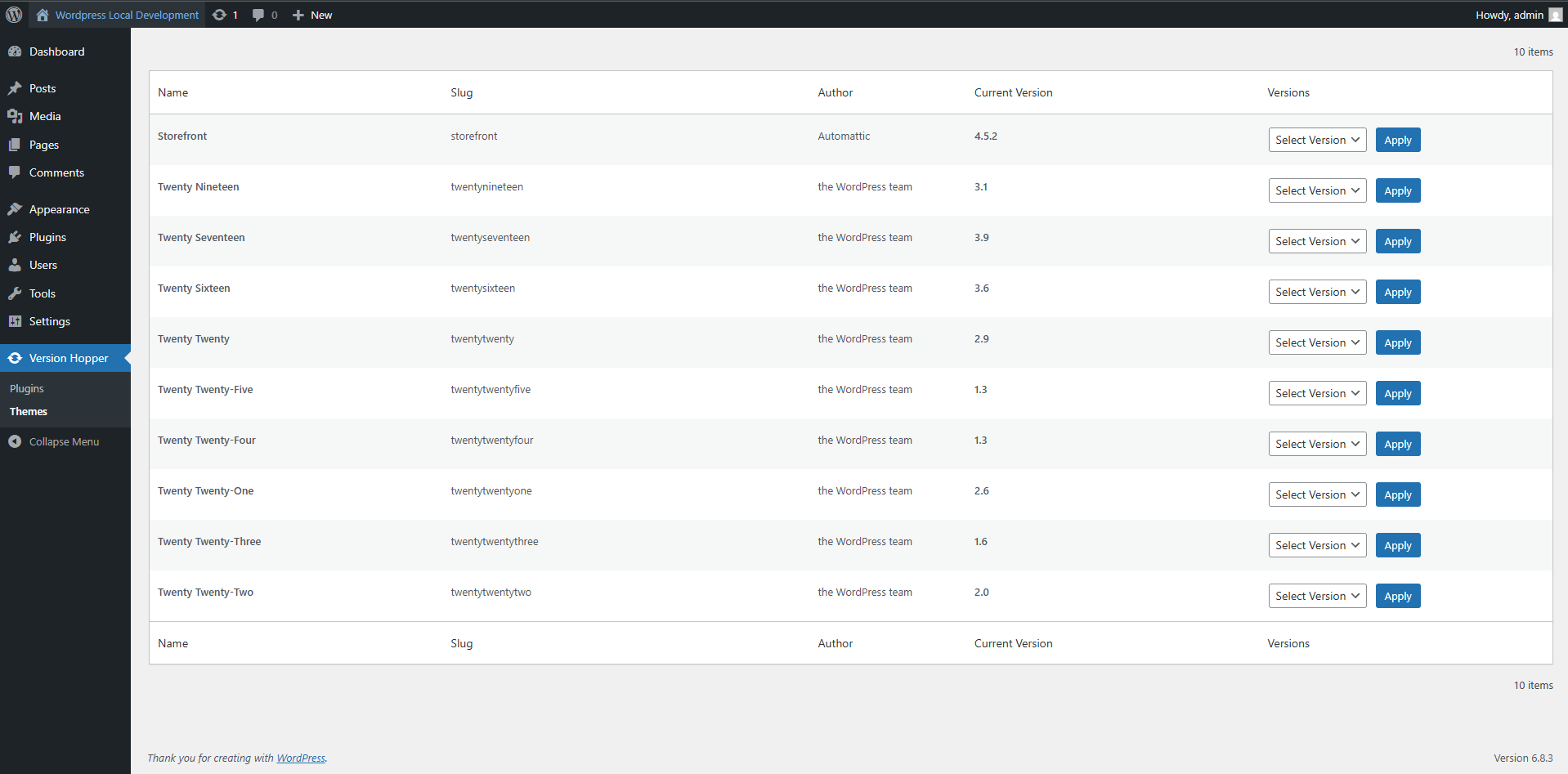
- Go to Version Hopper to start switching plugin and theme versions.
屏幕截图:
常见问题:
Can I switch to a version not listed on WordPress.org?
No. Version Hopper only supports versions available through WordPress.org.
Is it safe to downgrade plugins?
Yes, Version Hopper uses WordPress' native upgrader API. However, always backup your site before downgrading.
Can I switch themes as well?
Yes, you can switch installed themes to any previous version available on WordPress.org.
更新日志:
1.0.2
- Compatibility checkup for latest wp version 7.0
- Compatibility checkup for latest wp version 6.9
- Initial release.
- Plugin and theme version switching via WordPress.org.
- AJAX-based feedback messages.
- Native WordPress upgrader API integration.