
VS Contact Form
| 开发者 | Guido07111975 |
|---|---|
| 更新时间 | 2026年8月15日 23:19 |
| PHP版本: | 6.0 及以上 |
| WordPress版本: | 7.1 |
| 版权: | GPLv3 |
| 版权网址: | 版权信息 |
标签
下载
详情介绍:
- Free and lightweight
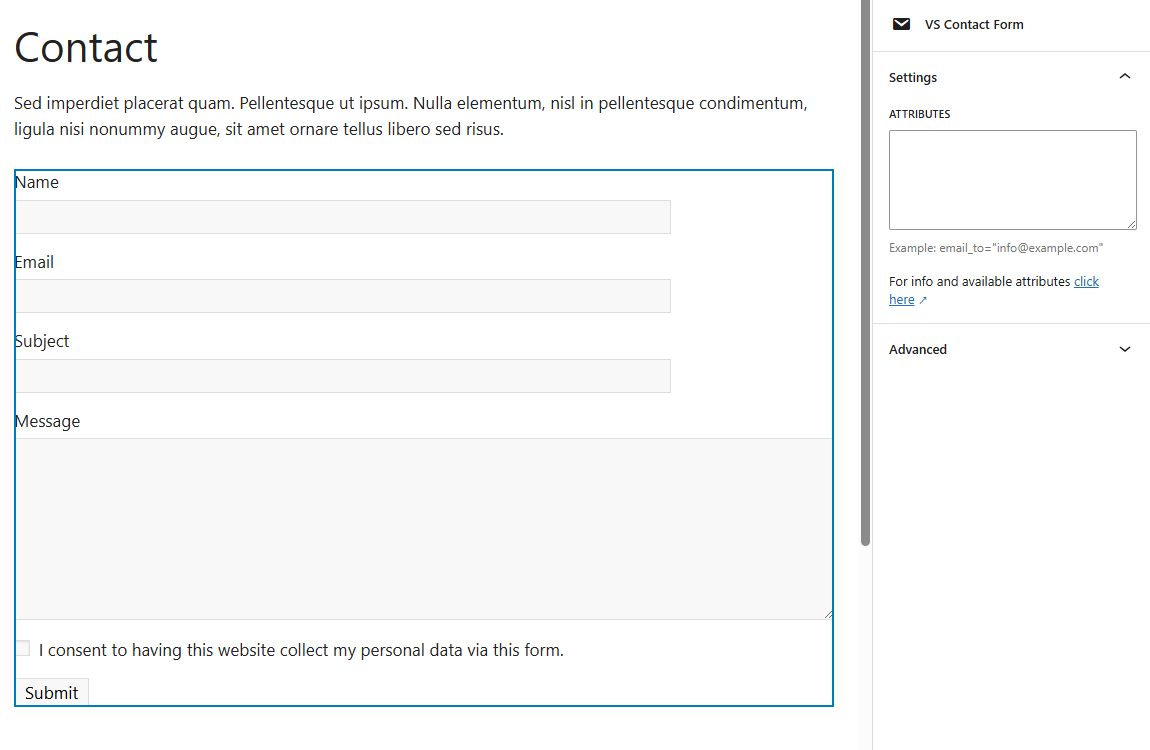
- Support for Block Editor and Classic Editor
- Display your form with block, shortcode or widget
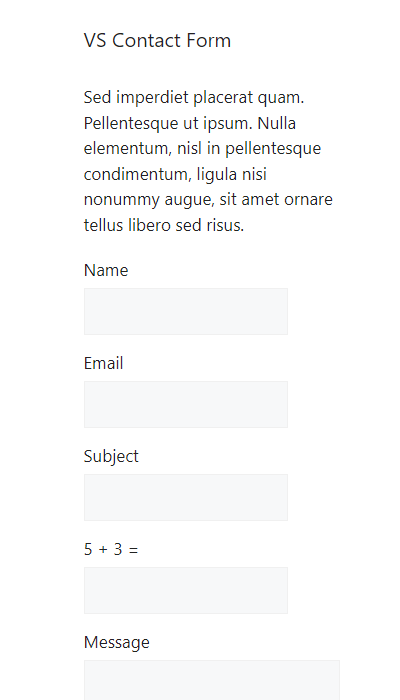
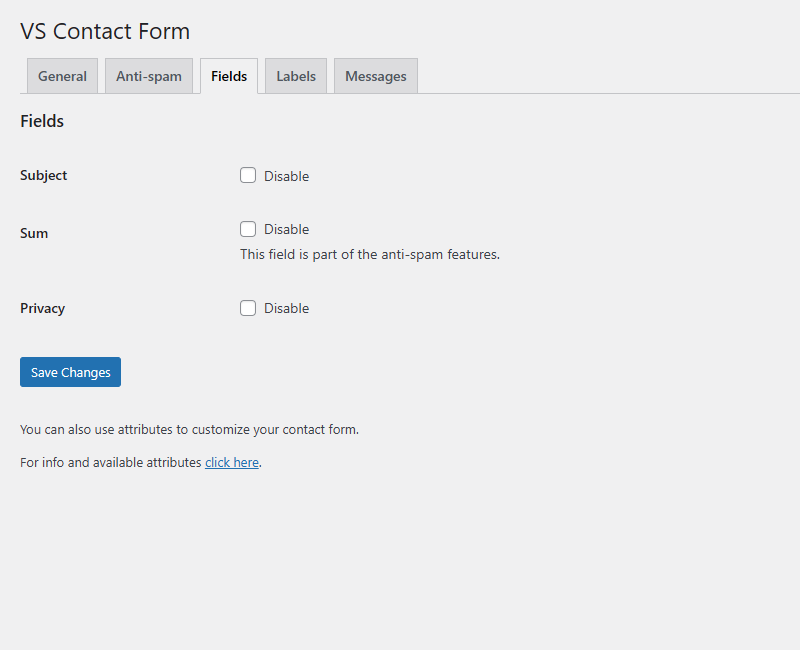
- Fields for Name, Email, Subject and Message
- Privacy consent checkbox
- Customize your form via the settings page or with attributes
- List form submissions in your dashboard
- Built-in anti-spam features
- Documentation at WP plugin page
- Active support from developer at WP forum
[contact] to a page. This will display your form.
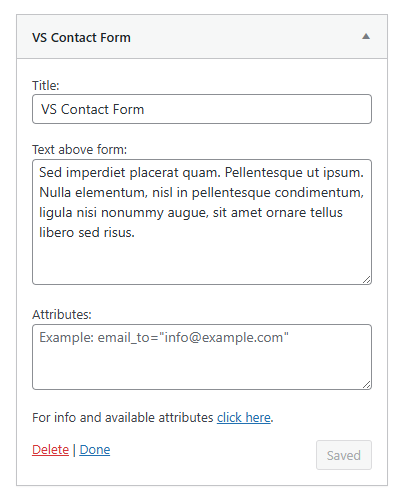
Or go to Appearance > Widgets and use the VS Contact Form widget.
Customize your form via the settings page or with attributes.
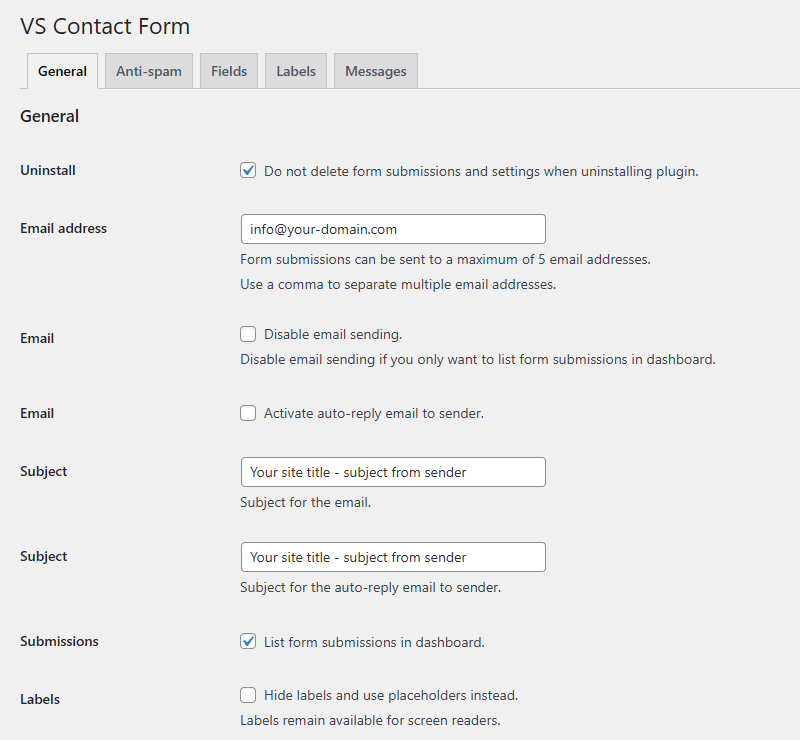
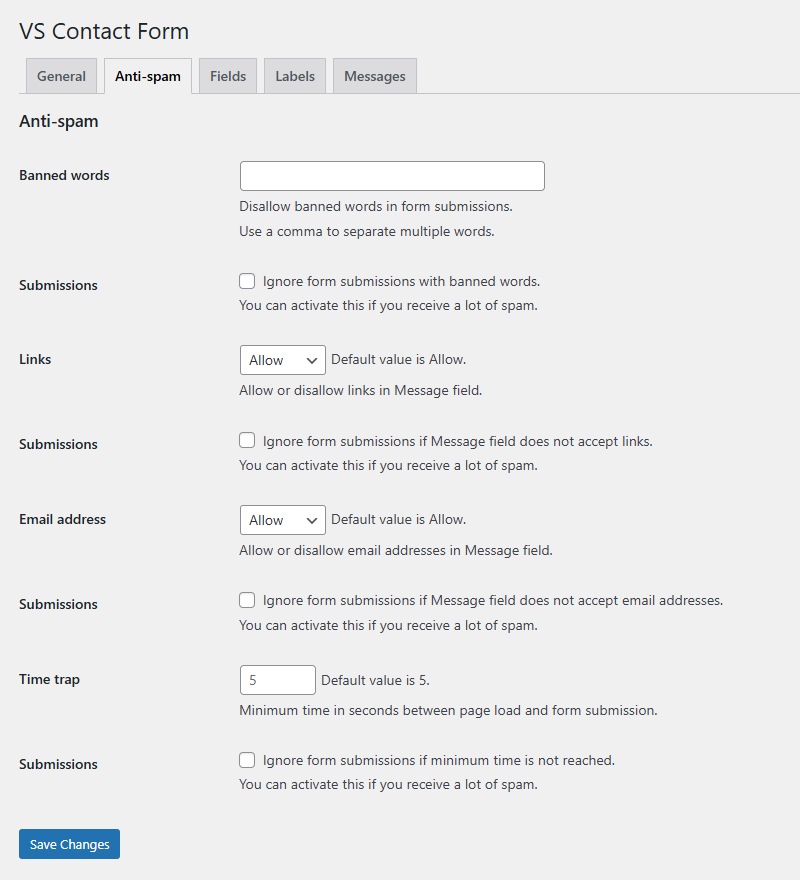
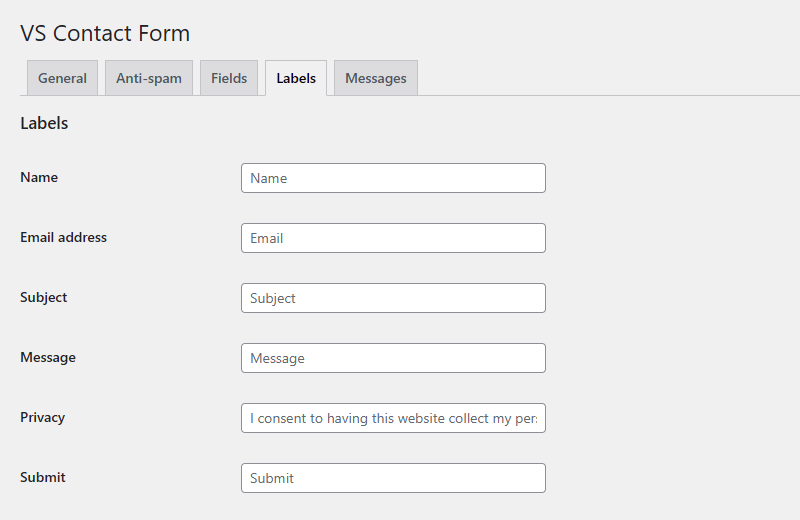
Settings page
The settings page is located at Settings > VS Contact Form.
Attributes
Settings and labels can be overridden by adding attributes to the block, shortcode, or widget.
This can be useful when having multiple contact forms on your website.
Misc:
- Add custom CSS class to form:
class="your-class-name" - Change email address for sending:
email_to="your-email-address" - Send to multiple email addresses (max 5):
email_to="first-email-address, second-email-address" - Change "From" email header:
from_header="your-email-address" - Change subject in email:
subject="your subject" - Change subject in auto-reply email to sender:
subject_auto_reply="your subject"
- Name:
label_name="your label" - Email:
label_email="your label" - Subject:
label_subject="your label" - Message:
label_message="your label" - Privacy consent:
label_privacy="your label" - Submit:
label_submit="your label"
- Name:
placeholder_name="your placeholder" - Email:
placeholder_email="your placeholder" - Subject:
placeholder_subject="your placeholder" - Message:
placeholder_message="your placeholder"
- Name:
error_name="your label" - Email:
error_email="your label" - Subject:
error_subject="your label" - Sum:
error_sum="your label" - Message:
error_message="your label" - Message - more than 1 link is not allowed:
error_message_has_links="your label" - Message - links are not allowed:
error_message_has_links="your label" - Message - email addresses are not allowed:
error_message_has_email="your label" - Banned words:
error_banned_words="your label" - Privacy consent:
error_privacy="your label"
- Displayed when sending succeeds:
thank_you_message="your message" - Displayed in the auto-reply email to sender:
auto_reply_message="your message"
[contact email_to="your-email-address" subject="your subject" label_submit="your label"]
When using the block or the widget, don't add the main shortcode tag or the brackets.
Example: email_to="your-email-address" subject="your subject" label_submit="your label"
Display form submissions in dashboard
Via the settings page you can activate form submissions being stored and displayed in your dashboard.
After activation go to menu item "Submissions". Your form submissions will be listed here.
SMTP
SMTP (Simple Mail Transfer Protocol) is an internet standard for sending emails.
By default, WordPress uses the PHP mail() function for sending emails. But when using SMTP there's less chance your form submissions are being marked as spam.
You must install an additional plugin for this, such as WP mail SMTP.
Cache
If you're using a caching plugin and want to avoid conflicts with the contact form, exclude your contact page from caching. This can be done via the settings page of most caching plugins.
Have a question?
Please take a look at the FAQ section.
Translation
Translations are not included, but the plugin supports WordPress language packs.
More translations are very welcome!
The translation folder inside this plugin is redundant, but kept for reference.
Credits
Without help and support from the WordPress community I was not able to develop this plugin, so thank you!
屏幕截图:



常见问题:
How do I set plugin language?
The plugin will use the website language, set in Settings > General. If translations are not available in the selected language, English will be used.
Does plugin support multilingual websites?
Yes, but do not set custom labels for Name, Email, Subject, etc with the label attributes or via the settings page. Use a multilingual plugin instead. If each language has its own form, than each form can have its own label attributes.
What is the default email address?
By default form submissions will be send to the email address set in Settings > General. You can change this via the settings page or by using an attribute.
Why is the "from" email address not from sender?
I have used a default "From" email header to avoid form submissions being marked as spam. Best practice is using a "From" email header (an email address) that ends with your website domain. The default "From" email header starts with "wordpress" and ends with your website domain. You can change this by using an attribute. Your reply to sender will use another email header, called "Reply-To", which is the email address that sender has filled in.
Why does the form look different between themes?
The plugin uses minimal styling and therefore also depends on the styling of your theme.
Can I display multiple forms on the same page?
Do not add multiple blocks, shortcodes or widgets to the same page. This might cause a conflict. But you can display a form by using the block or the shortcode and a form by using the widget.
Can I add extra fields to form?
If you want extra fields you should use another contact form plugin, such as WPForms.
Why does form submission fail?
An error message is displayed if plugin was unable to send form. Or nothing seems to happen after pressing submit.
- Install an SMTP plugin and try again
- If you are using an SMTP plugin, check the settings page of that plugin for mistakes
- With most SMTP plugins you can test the mail function by sending a test mail
- Or test the mail function with the Health Check & Troubleshooting plugin
- Disable caching and try again
- Check the built-in anti-spam features, by activating debugging via the settings page
mail() function. Sending via SMTP will solve this.
For more info about SMTP check the "SMTP" section above.
For more info about caching check the "Cache" section above.
Why do I not receive form submissions?
- Check the junk/spam folder of your mailbox
- If you are using attributes, check your attributes for mistakes
- Check the settings page for disabled email sending or a wrong email address
- Install an SMTP plugin and try again
- If you are using an SMTP plugin, check the settings page of that plugin for mistakes
- With most SMTP plugins you can test the mail function by sending a test mail
- Or test the mail function with the Health Check & Troubleshooting plugin For more info about SMTP check the "SMTP" section above.
Does this plugin have anti-spam features?
Of course, the default WordPress validating, sanitizing and escaping functions are included. Also included are a sum field, hidden honeypot fields and a hidden time trap. And you can limit the number of links and email addresses that is allowed in Message field.
How does the "ignore form submissions" feature work?
If you receive a lot of spam you can choose to ignore form submissions with banned words, links or email addresses. Sender can still fill out the form and include banned words, links or email addresses. But nothing happens with this form submission. So sender gets the impression form is successfully send and moves on. You can activate this feature via the settings page.
Does this plugin meet the conditions of the GDPR?
The General Data Protection Regulation (GDPR) is a regulation in EU law on data protection and privacy for all individuals within the European Union. I did my best to meet the conditions of the GDPR:
- Form contains a privacy consent checkbox
- You can disable collection of IP address
- Form submissions are safely stored in database, similar to how the default posts and pages are stored
- You can easily delete form submissions
- You can disable form submissions being stored in database
Why is there no semantic versioning?
The version number won't give you info about the type of update (major, minor, patch). You should check the changelog to see whether or not the update is a major or minor one.
How can I make a donation?
You like my plugin and want to make a donation? There's a PayPal donate link at my website. Thank you!
Other questions or comments?
Please open a topic in the WordPress.org support forum for this plugin.
更新日志:
- Minor changes in code
- Updated HTML structure
- Minor changes in code
- Fix: strip backslashes from emails
- Fix: PHP session related error on Site Health page
- New: setting to ignore form submissions if minimum time is not reached
- Sum captcha: replaced WP transient with PHP session
- In rare cases transients were flooding the database
- PHP sessions last until the browser is closed
- So especially for high traffic websites this is a better approach
- Minor changes in code
- Added support for ClassicPress
- The block will only load in WP 6.3 and higher
- Reverted the "Requires at least" version to 6.0
- New: expired transients are deleted when new transient (for sum field) is created
- This avoids the flooding of database with expired transients
- Fix: form reset script
- Minor changes in code For all versions please check file changelog.