
Video Gallery for YouTube – turn your channel into a stunning gallery
| 开发者 |
abuhayat
btechnologies bplugins |
|---|---|
| 更新时间 | 2026年7月26日 20:29 |
| 捐献地址: | 去捐款 |
| PHP版本: | 6.5 及以上 |
| WordPress版本: | 7.0 |
| 版权: | GPLv3 or later |
| 版权网址: | 版权信息 |
详情介绍:
Turn your YouTube channel or playlists into a beautiful, customizable video gallery on your WordPress site – no coding required.
Demos | Documentation
[youtube https://www.youtube.com/watch?v=ii9Q-89wfZo]
Why Video Gallery for YouTube?
Embedding videos one by one is slow, and single embeds don't show off a channel. Video Gallery for YouTube lets you display your entire YouTube channel or playlist as a visually stunning gallery, seamlessly integrated with Gutenberg through an intuitive block interface.
Choose from three layout types, configure the player, and control exactly which video information appears – title, views, likes, comments, and date. Combine different layouts to create an engaging multimedia experience that keeps your audience watching, and it all stays responsive on mobile and tablet devices.
Free Features
- Channel or Playlist Source: Display YouTube channel or playlist videos anywhere on your site.
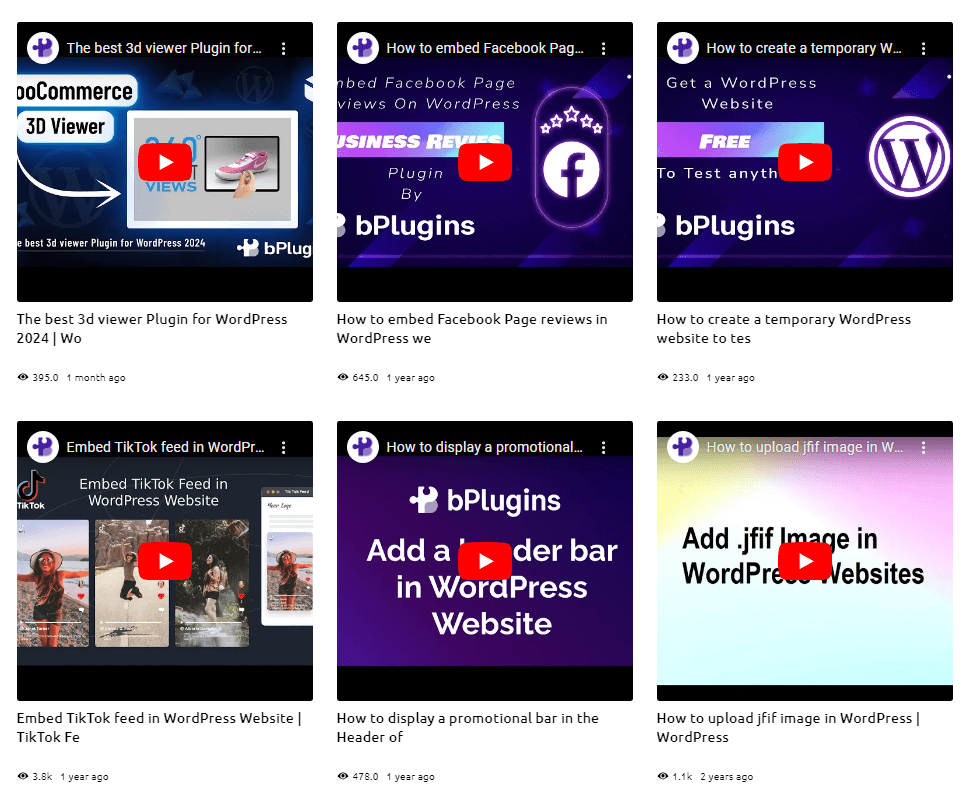
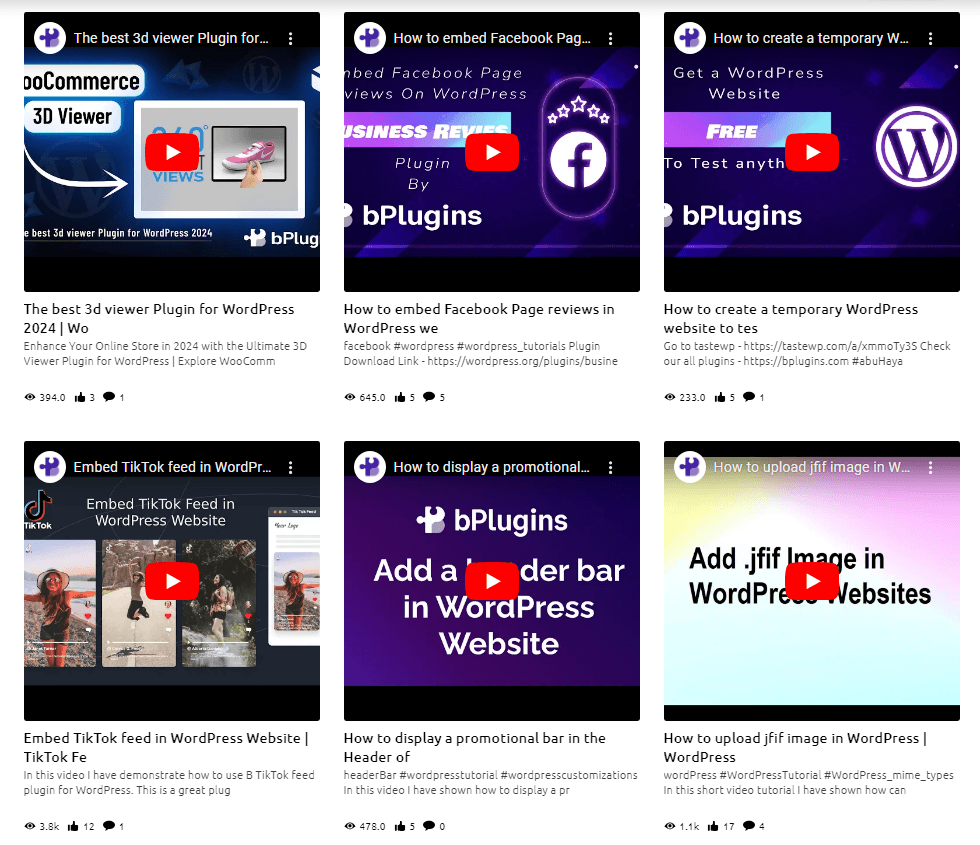
- Three Layout Types: Default, Grid Details, and Playlists.
- Video Sorting: Filter videos by order – Date, Title, or Rating.
- Videos Per Page: Set how many videos display at once, with a load more button.
- Grid Controls: Configure columns and adjust column and row gaps.
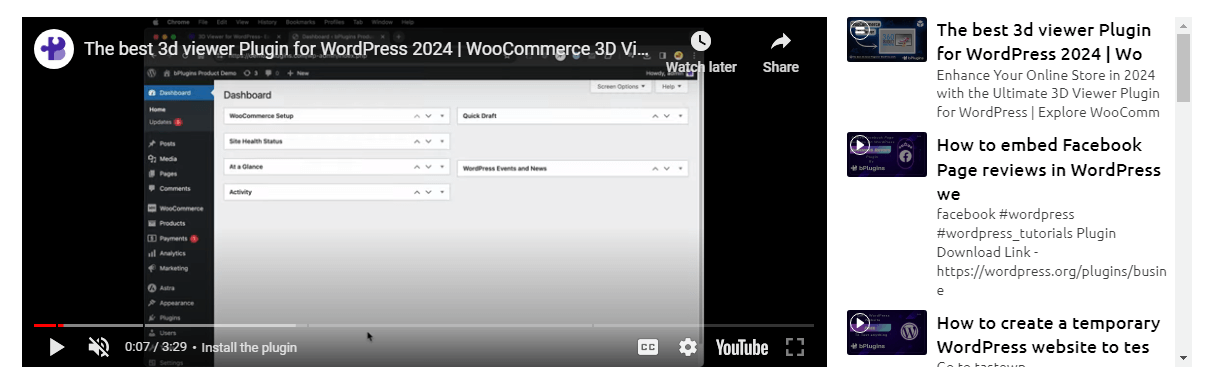
- Player Options: Customize player height and toggle player controls, post-playback channel suggestions, video logo, and fullscreen icon.
- Video Info Show/Hide: Toggle Title, Views, Likes, Comments, and Date per video.
- Title Controls: Define title text length, redirect by clicking the title, and customize title typography and color.
- Styling Options: Set cover image border radius and adjust video info size and color.
- Responsive Design: Galleries perform seamlessly on mobile and tablet devices.
- Install and activate the plugin.
- Open the page or post where you want to show the gallery.
- Click the + button in the Gutenberg editor and search for Video Gallery For YouTube.
- Select the block, set up your gallery, then customize the view from the right sidebar.
- Publish the page. Enjoy!
- YouTubers & content creators: Showcase your channel and grow watch time from your own site.
- Course creators & educational sites: Organize lesson videos in clean playlist layouts.
- Business & portfolio sites: Present product demos, testimonials, and media coverage.
- Marketers & influencers: Keep landing pages fresh with your latest video content.
安装:
From your WordPress dashboard (recommended):
- Go to Plugins → Add New.
- Search for "Video Gallery for YouTube".
- Click Install Now, then Activate.
- In the block editor, search for the Video Gallery For YouTube block and add it to any page or post.
- Download the video-gallery-for-youtube plugin (.zip file).
- In your admin area, go to Plugins → Add New and click Upload Plugin.
- Choose the
video-gallery-for-youtube.zipfile and click Install Now. - Activate the plugin – or upload the extracted folder to
/wp-content/plugins/and activate from the Plugins menu.
屏幕截图:
常见问题:
Is Video Gallery For YouTube free?
Yes, Video Gallery For YouTube is a free Gutenberg block plugin.
Does it work with any WordPress theme?
Yes, it works with any standard WordPress theme.
Can I display an entire YouTube channel or playlist?
Yes. You can display videos from a YouTube channel or a playlist, and sort them by Date, Title, or Rating.
What layouts are available?
There are three layout types: Default, Grid Details, and Playlists. You can also configure columns and adjust column and row gaps.
Can I hide video details like views or likes?
Yes. You can show or hide the Title, Views, Likes, Comments, and Date for each video, and control the title text length.
Can I change block settings?
Yes, you can change all block settings from the Gutenberg block editor's right sidebar.
How many times can I reuse the block?
You can use it unlimited times across your site.
Where can I get support?
You can post your questions on the support forum here.
更新日志:
1.0.4 (14 March, 2024)
- New feature load more button added
- New option added: Box padding and border.
- Solved all issues.
- Initial Release