
VideoPronto – Instant Video for Local Business Websites
| 开发者 | vigivideo |
|---|---|
| 更新时间 | 2026年10月18日 21:43 |
| PHP版本: | 7.4 及以上 |
| WordPress版本: | 7.1 |
| 版权: | GPLv2 or later |
| 版权网址: | 版权信息 |
详情介绍:
- Connect in one click. Sign in to ViGi and approve the connection. No API keys to copy.
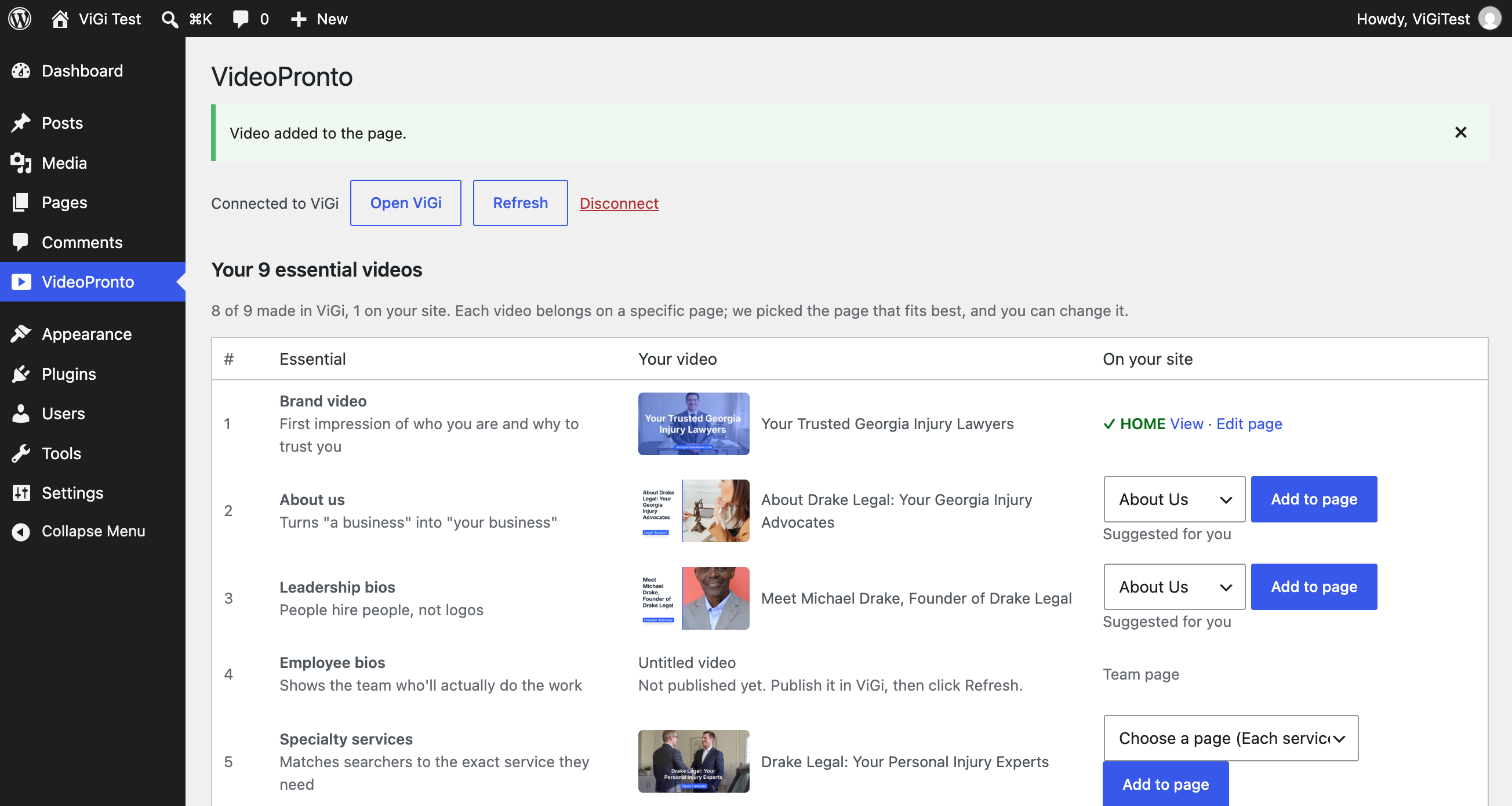
- Your 9 essential videos in one place. See which ones are made, which are on your site, and which are still missing.
- One-click placement. ViGi suggests the right page for each video (brand video on your homepage, FAQs on your FAQ page) and adds it for you. You can pick a different page any time.
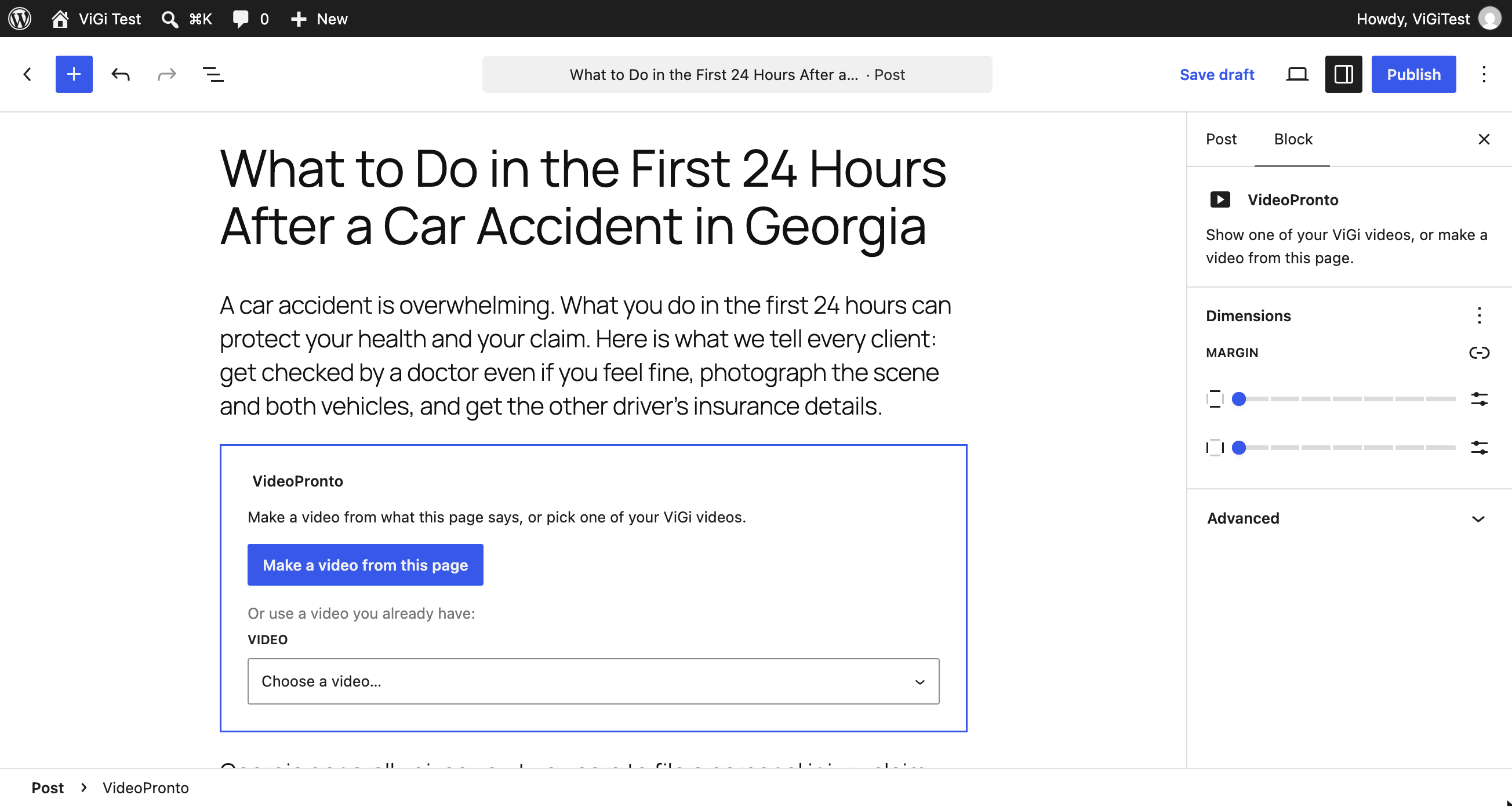
- Quick create: a video for any page or post. Wrote a new blog post? Click "Make a video from this page" in the VideoPronto block, or "Make a ViGi video" under the post in your Posts list. ViGi turns what the page says into a video and adds it to the page. It goes live once you review and publish it in ViGi. Works for drafts too.
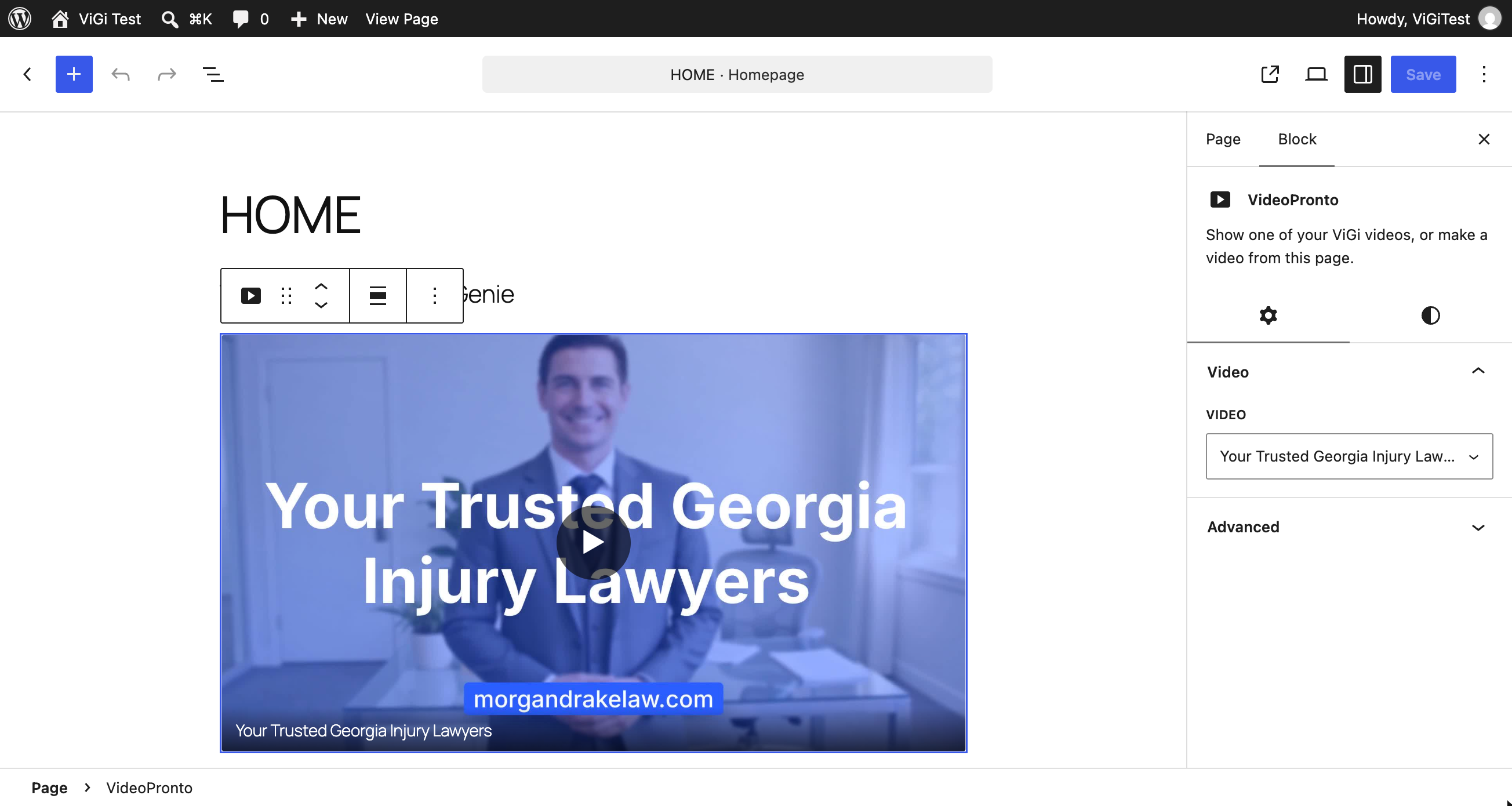
- A "VideoPronto" block and a shortcode. Add any of your videos to any post or page. The shortcode also works in page builders such as Elementor and Divi.
- Search-friendly. Videos play in a standard HTML5 player with no extra scripts, and include VideoObject markup so search engines can understand them.
安装:
- Install and activate the plugin.
- Go to VideoPronto in the admin menu and click Connect to ViGi.
- Sign in to ViGi (or create a free account) and approve the connection.
- Back in WordPress, click Add to page next to each video.
- To make a video for a new post or page, add the VideoPronto block and click Make a video from this page.
屏幕截图:
常见问题:
Do I need a ViGi account?
Yes. ViGi makes the videos; this plugin places them on your site. Your first video is free.
Will it change my pages?
Only when you click Add to page. It adds one VideoPronto block (or a shortcode on classic-editor pages) and WordPress keeps a revision, so you can undo it from the page's revision history. Pages built with Elementor, Divi, Beaver Builder or WPBakery are never changed automatically; copy the shortcode and add it with your page builder instead.
What happens if I disconnect or deactivate the plugin?
Disconnecting keeps videos already on your pages playing. Deactivating or deleting the plugin removes the player; the block or shortcode stays in your content and simply shows nothing.
How does Quick create work?
ViGi reads the text of the page or post (title, excerpt and content, including unsaved changes in the editor), writes a short video script in your business's voice, and makes the video. It's added to the page right away but stays hidden from visitors until you review and publish it in ViGi, usually a few minutes later. Your first video is free; after that, Quick create is included in ViGi's paid plans.
Will videos slow down my site?
No. Videos use the browser's built-in player with no extra scripts, and the video itself only downloads when a visitor presses play.
Does it help my site show up in search?
Each video includes VideoObject structured data (title, description, thumbnail, length), which helps Google and Bing understand and show your videos. Videos on your own pages also tend to keep visitors on the page longer.
Does it work with my theme or page builder?
It works with any theme. The VideoPronto block works in the block editor, and the shortcode works in the classic editor and in page builders such as Elementor, Divi, Beaver Builder and WPBakery.
Can I put a video on a different page?
Yes. ViGi suggests a page for each video, but you can pick any page from the list before clicking Add to page, or add the block yourself anywhere.
Where are the videos hosted?
Videos are hosted by ViGi and play directly from ViGi's video storage.
更新日志:
- After your first video is live, the VideoPronto screen shows a short, optional request for an honest review. Choosing either button hides it for good.
- Renamed to VideoPronto (formerly ViGi Video).
- Quick create: make a video for any page or post from the block, the Posts and Pages lists, or the VideoPronto screen. The video is added to the page and goes live once you publish it in ViGi.
- Editors see each video's progress (being made, ready for review, publishing) in the block and on the page.
- First release: connect, essential videos board, one-click placement, block, shortcode and VideoObject markup.