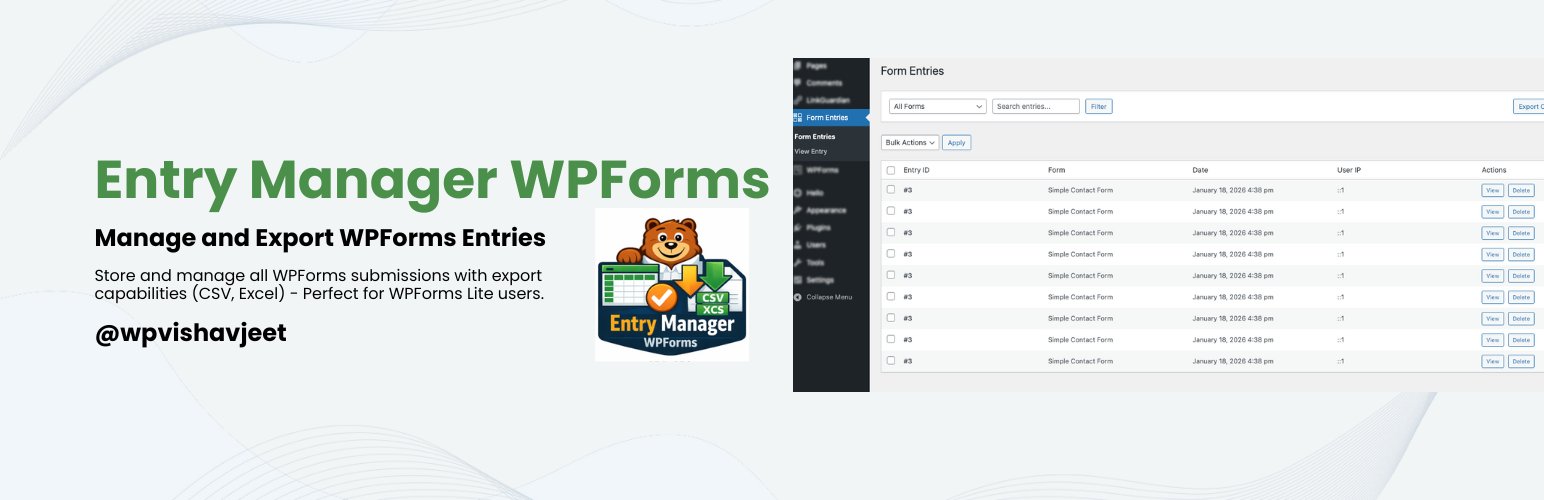
Vishavjeet Entry Manager WPForms - Manage and Export Form Entries
| 开发者 | wpvishavjeet |
|---|---|
| 更新时间 | 2026年1月19日 12:49 |
| PHP版本: | 7.4 及以上 |
| WordPress版本: | 6.9 |
| 版权: | GPLv2 or later |
| 版权网址: | 版权信息 |
详情介绍:
- Automatic Entry Storage - All form submissions are automatically saved to your database
- User-Friendly Dashboard - View all your form entries in a clean, organized admin interface
- Powerful Export Options - Export entries in multiple formats:
- CSV (Comma Separated Values)
- Excel (XLS format)
- Advanced Filtering - Filter entries by form, search through submissions
- Bulk Actions - Delete multiple entries at once
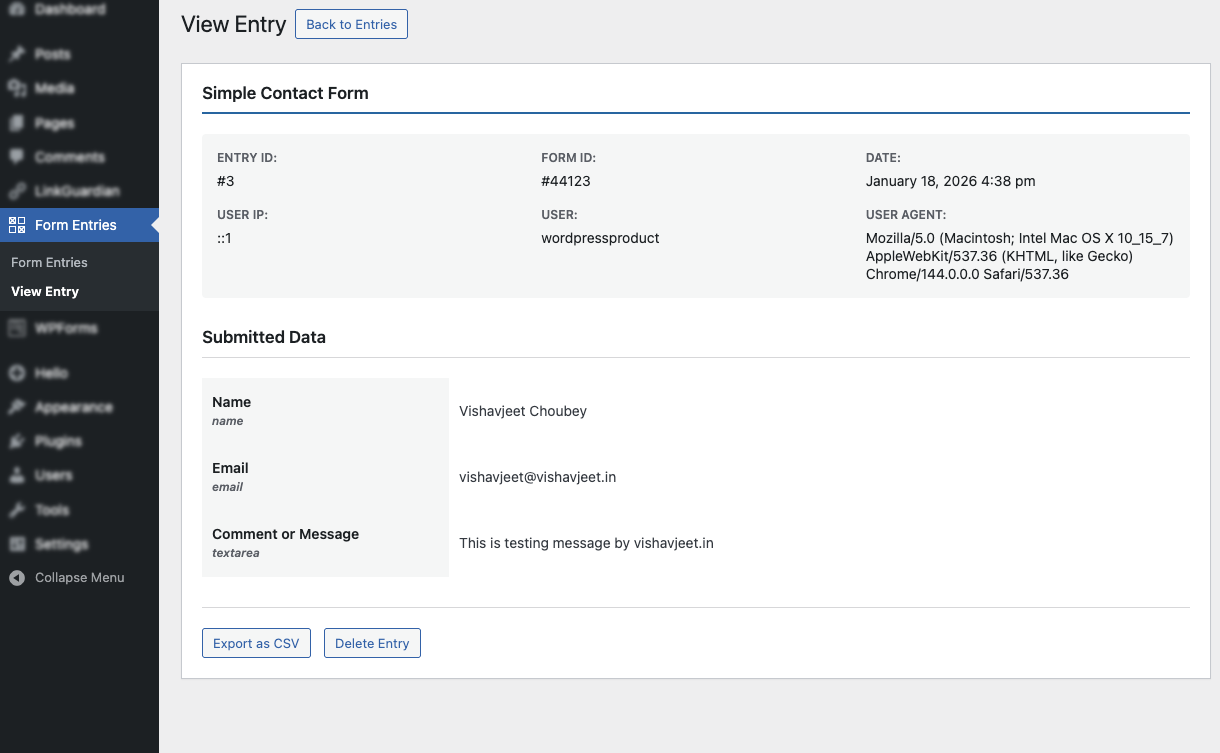
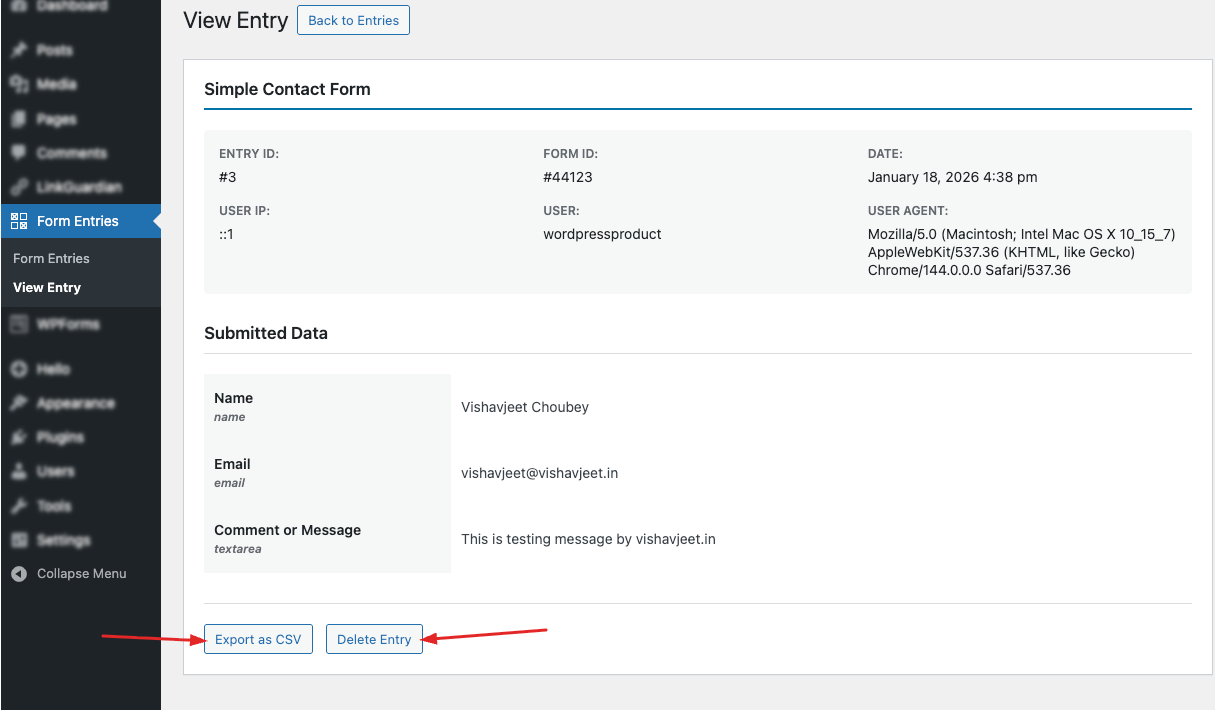
- Entry Details - View complete submission details with all form fields
- User Information - Track submitter IP address, user agent, and WordPress user
- No External Dependencies - All exports work without any external CDN or API calls
- Privacy Friendly - All data stored in your WordPress database
- Translation Ready - Fully internationalized and ready for translation
- WPForms Lite users who need entry management
- Small businesses tracking customer inquiries
- Event registrations and RSVPs
- Contact form submissions
- Survey responses
- Newsletter signups
- Job applications
- And much more!
- Install and activate the plugin
- Create forms with WPForms (Lite or Pro)
- Entries are automatically saved when forms are submitted
- Access entries from the "Form Entries" menu in WordPress admin
- View, filter, and export entries as needed
- All data is stored in your WordPress database
- No data sent to external services
- Follows WordPress coding standards
- Secure data handling and sanitization
- GDPR friendly
- Object-oriented code structure
- Follows WordPress coding standards
- Clean and documented code
- Extensible architecture
- Action and filter hooks for customization
- WordPress 6.0 or higher
- PHP 7.4 or higher
- WPForms Lite or Pro
安装:
- Log in to your WordPress admin panel
- Navigate to Plugins > Add New
- Search for "Vishavjeet Entry Manager WPForms - Manage and Export WPForms Entries"
- Click "Install Now" and then "Activate"
- Download the plugin zip file
- Extract the zip file
- Upload the
vishavjeet-entry-manager-wpformsfolder to/wp-content/plugins/directory - Activate the plugin through the 'Plugins' menu in WordPress
- Make sure WPForms is installed and activated
- Go to "Form Entries" in the WordPress admin menu
- Your form submissions will start appearing automatically
屏幕截图:
常见问题:
Does this plugin work with WPForms Lite?
Yes! This plugin is specifically designed to add entry management features to WPForms Lite, but it also works perfectly with WPForms Pro.
Does this work with WPForms Pro?
Yes, the plugin works with both WPForms Lite and Pro versions. However, WPForms Pro already includes its own entry management system.
Where are the entries stored?
All entries are stored in a custom database table in your WordPress database. No external services are used.
Can I export old entries?
Yes! You can export entries from any time period. The plugin stores all historical submissions.
What data is captured from submissions?
The plugin captures all form field data, submission date/time, user IP address, user agent, and WordPress user ID (if logged in).
Can I delete entries?
Yes, you can delete individual entries or use bulk actions to delete multiple entries at once.
Does it slow down my website?
No, the plugin is optimized for performance and only loads on admin pages when needed.
Is it GDPR compliant?
Yes, all data is stored locally in your database. You have full control over the data and can delete entries at any time.
Can I customize the export format?
The plugin provides three export formats out of the box (CSV, Excel). Developers can extend these using WordPress hooks.
Does it support file uploads?
Yes, file upload URLs are stored and displayed in the entry view.
What happens if I deactivate WPForms?
The plugin requires WPForms to be active. If WPForms is deactivated, you'll see an admin notice.
Will I lose my entries if I deactivate this plugin?
No, entries are stored in the database and will remain there even if you deactivate the plugin.
更新日志:
- Improvement: Enhanced form entries filter data
- Enhancement: Improved performance
- Improvement: Enhanced form entries view
- Enhancement: Improved performance
- Initial release
- Automatic entry storage for all WPForms submissions
- Admin interface for viewing entries
- Filter entries by form and search
- Export to CSV format
- Export to Excel format
- Bulk delete functionality
- Entry detail view
- User IP and agent tracking
- Translation ready