
Volixta Task Manager Lite – Project Management, Kanban Boards & To-Do Lists
| 开发者 | volixta |
|---|---|
| 更新时间 | 2026年11月1日 00:37 |
| PHP版本: | 8.1 及以上 |
| WordPress版本: | 7.1 |
| 版权: | GPLv2 or later |
| 版权网址: | 版权信息 |
详情介绍:
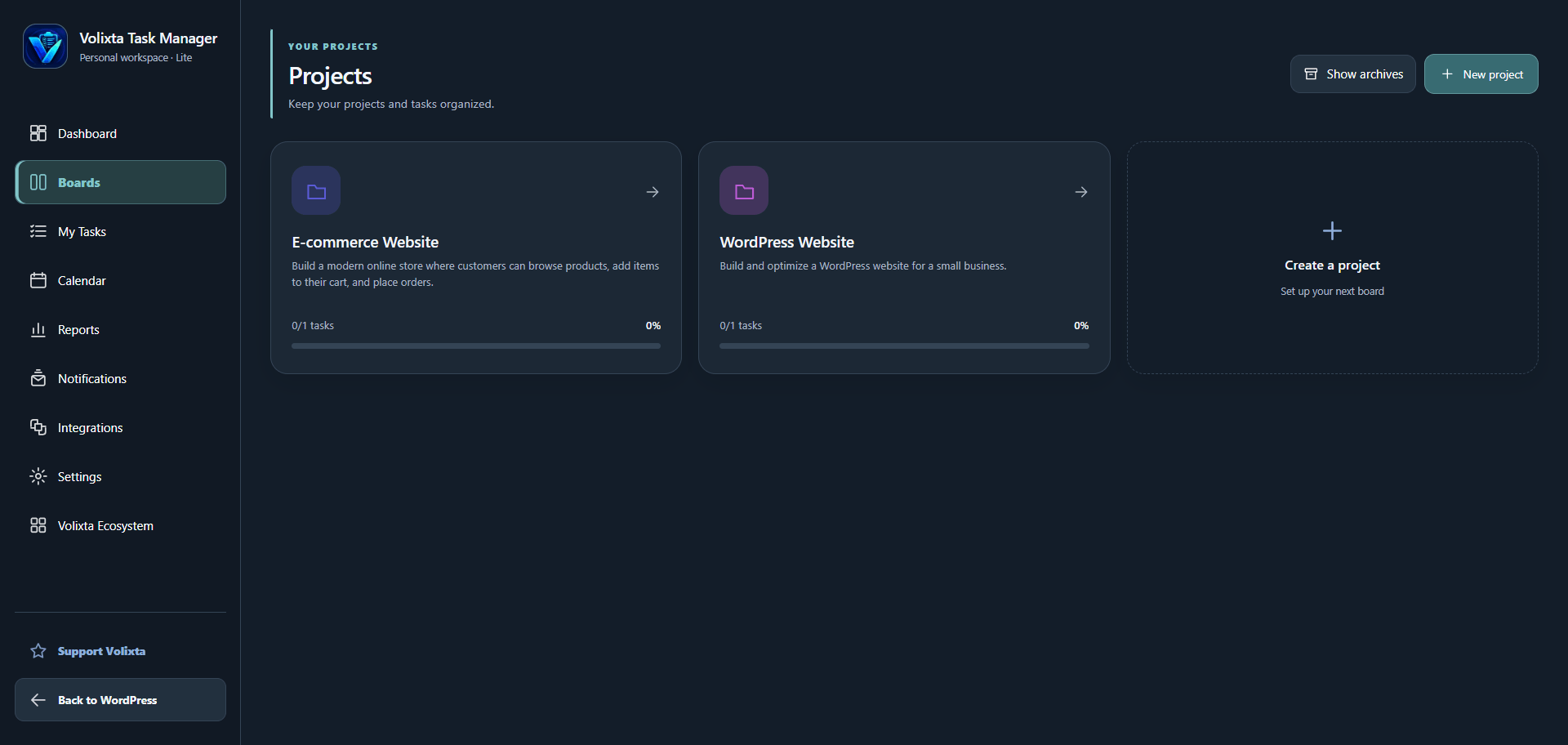
- Create unlimited projects and tasks.
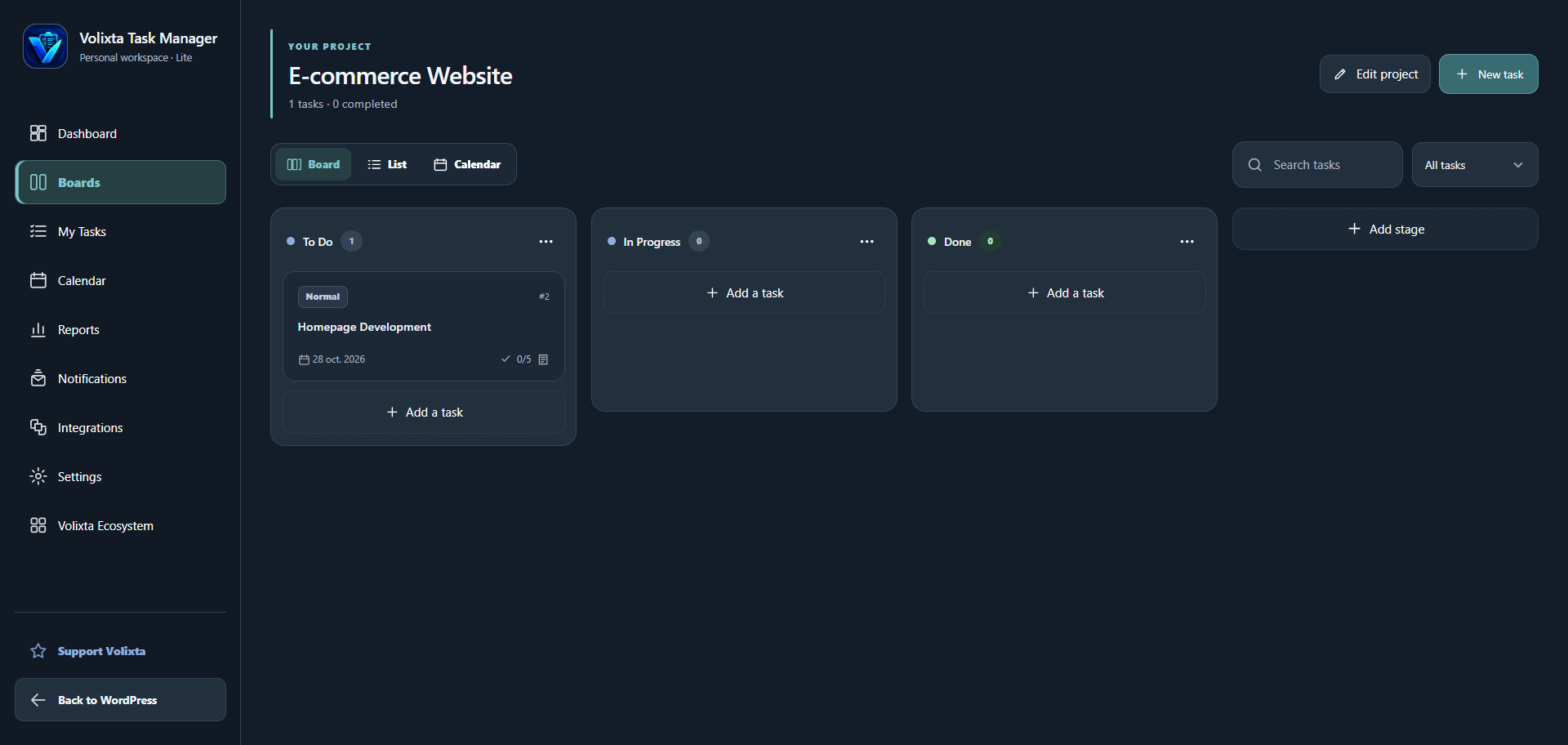
- Organize work with customizable Kanban stages.
- Drag and drop tasks between stages.
- Switch between board, list and calendar views.
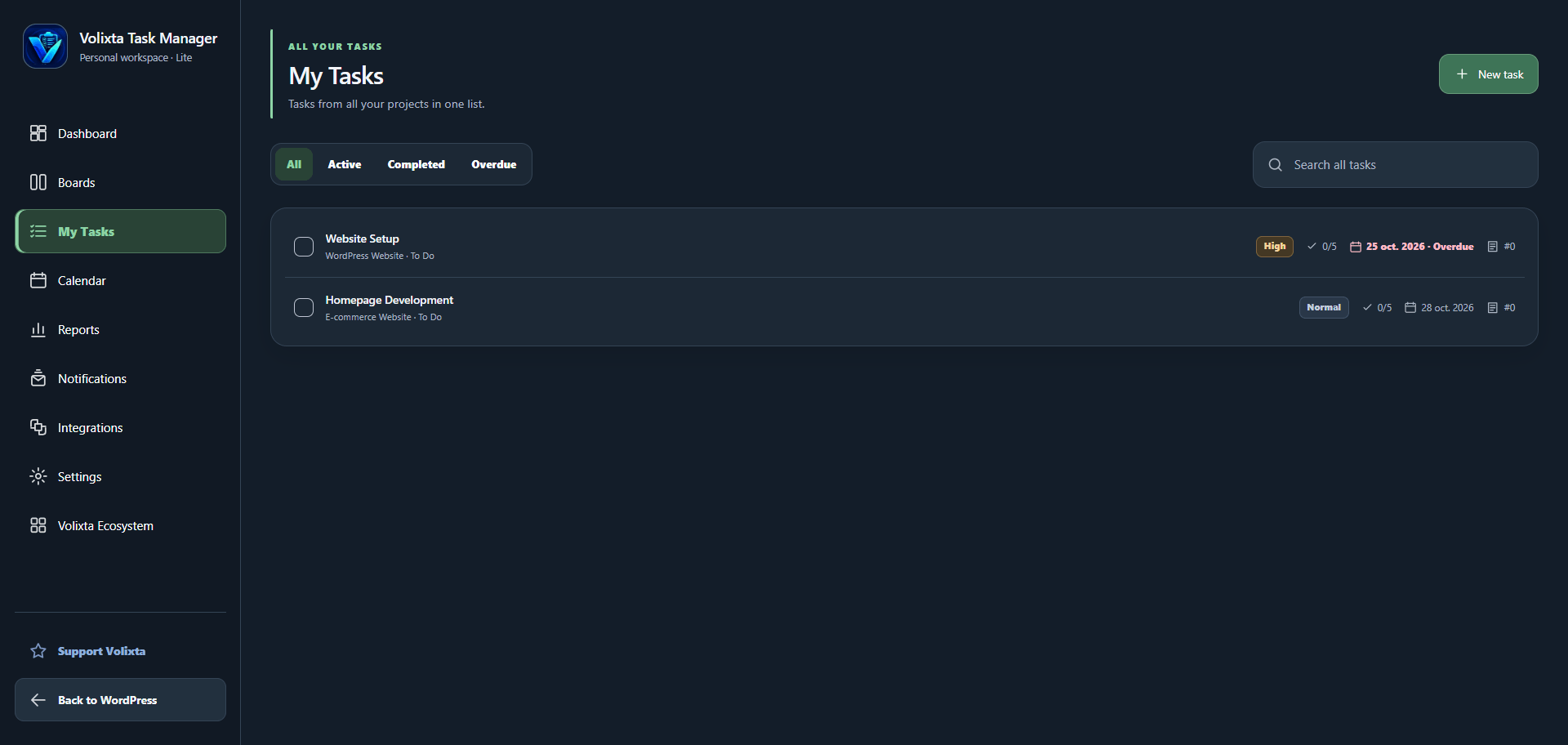
- Search and filter tasks.
- Duplicate or archive projects and tasks.
- Personalize projects with custom colors.
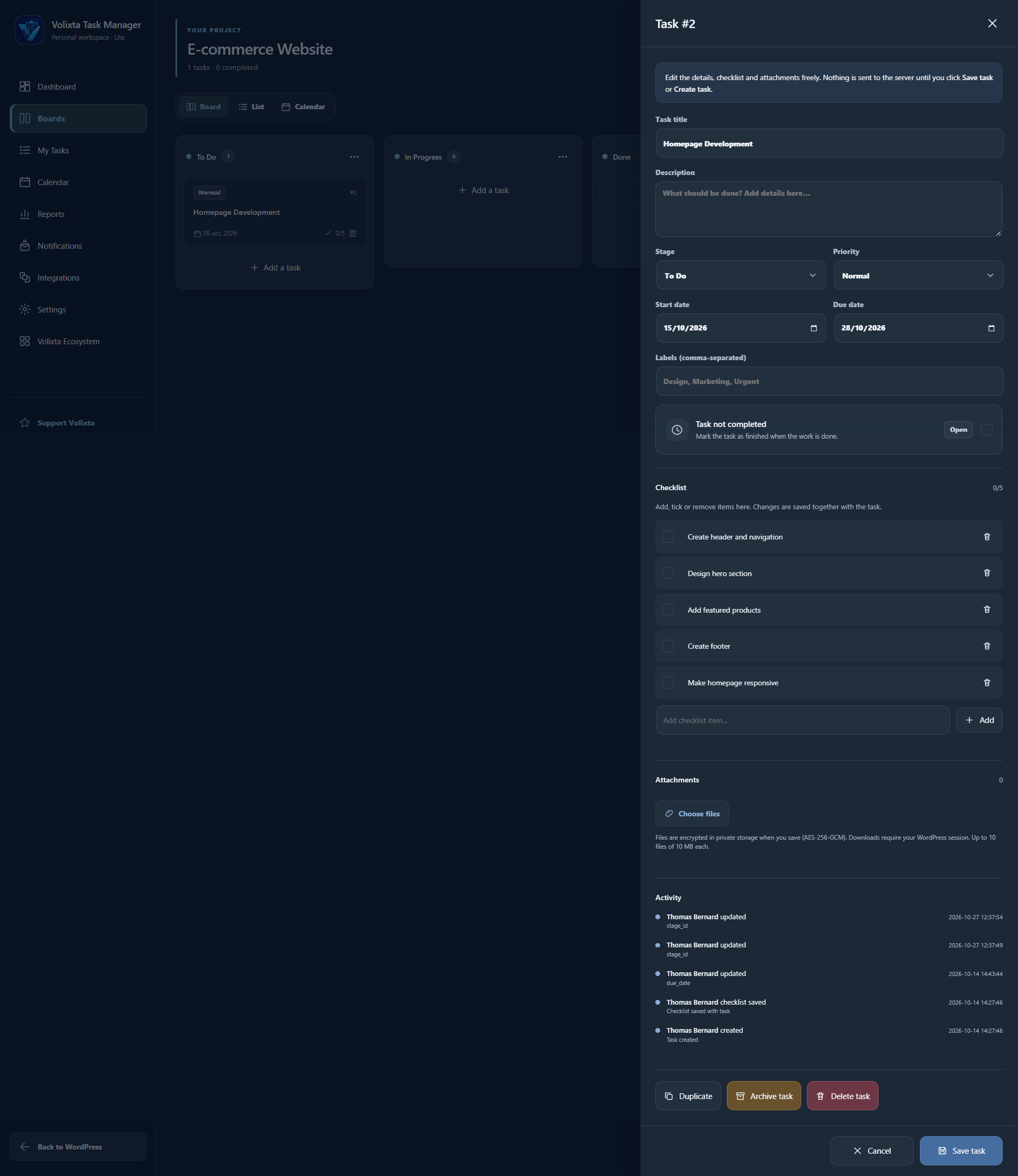
- Add descriptions, priorities, labels and deadlines.
- Break down tasks with interactive checklists.
- Attach private, encrypted files.
- Review task activity and completion history.
- Track tasks across projects from one centralized view.
- Quickly identify overdue and upcoming work.
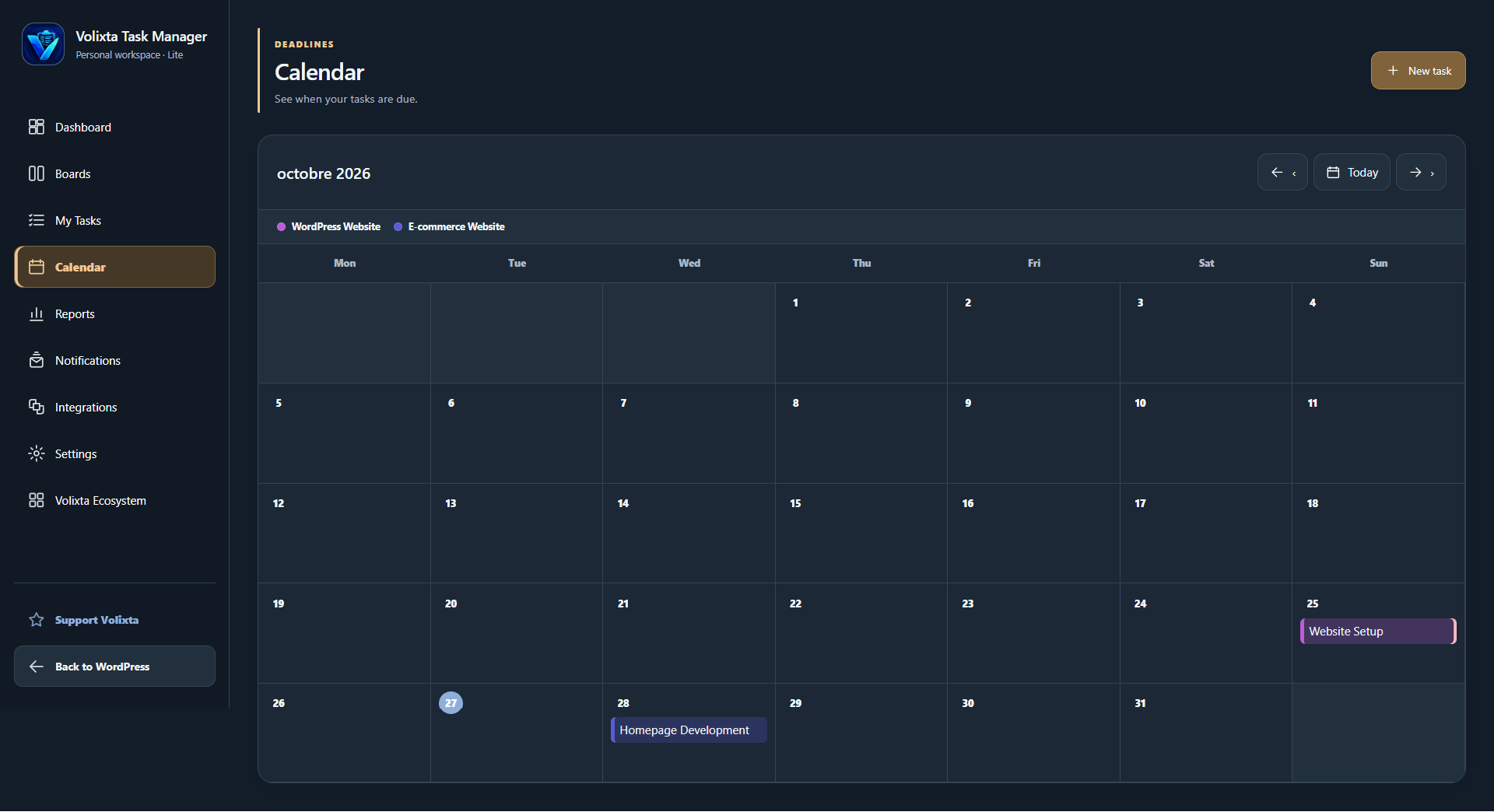
- View scheduled tasks with project-specific colors.
- Track upcoming and overdue deadlines.
- Display a task overview widget on the WordPress Dashboard.
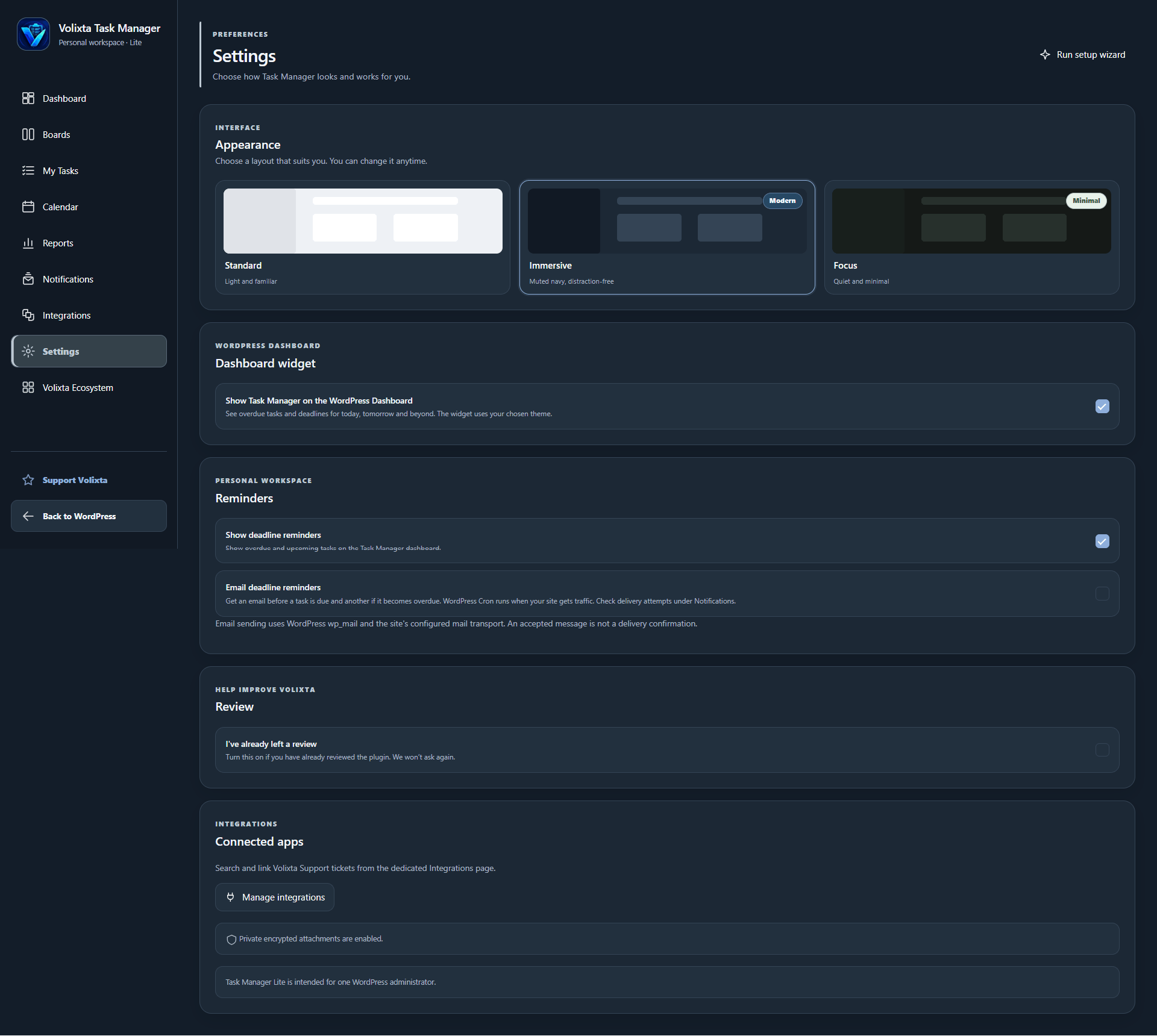
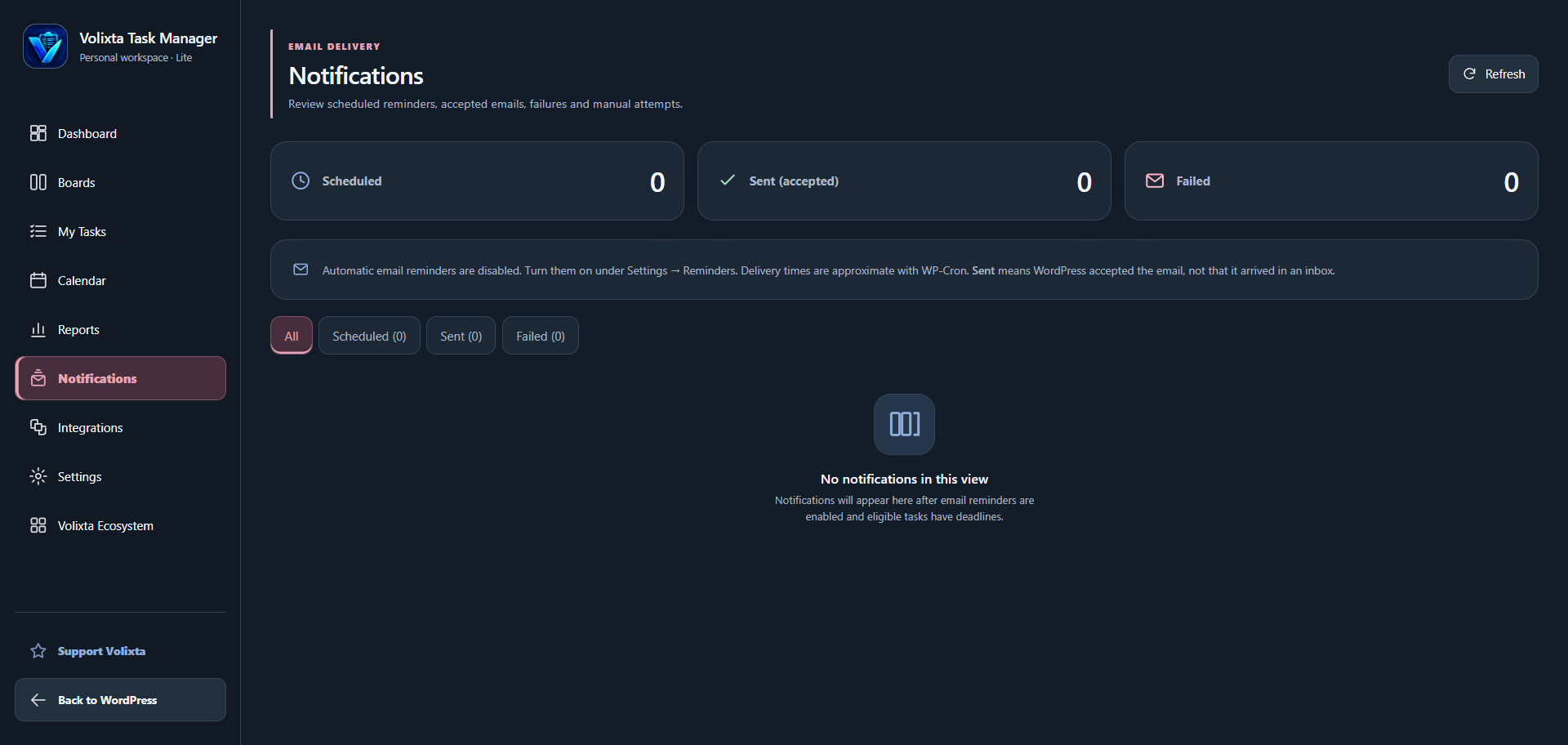
- Enable optional on-screen and email reminders.
- Review scheduled, accepted and failed email attempts.
- Manually send or resend reminders when available.
wp_mail() and WP-Cron and are disabled by default. Delivery depends on your site's mail configuration and scheduled task execution.
Dashboard and reports
Get a clear overview of your workload without opening every project.
- View active projects and task statistics.
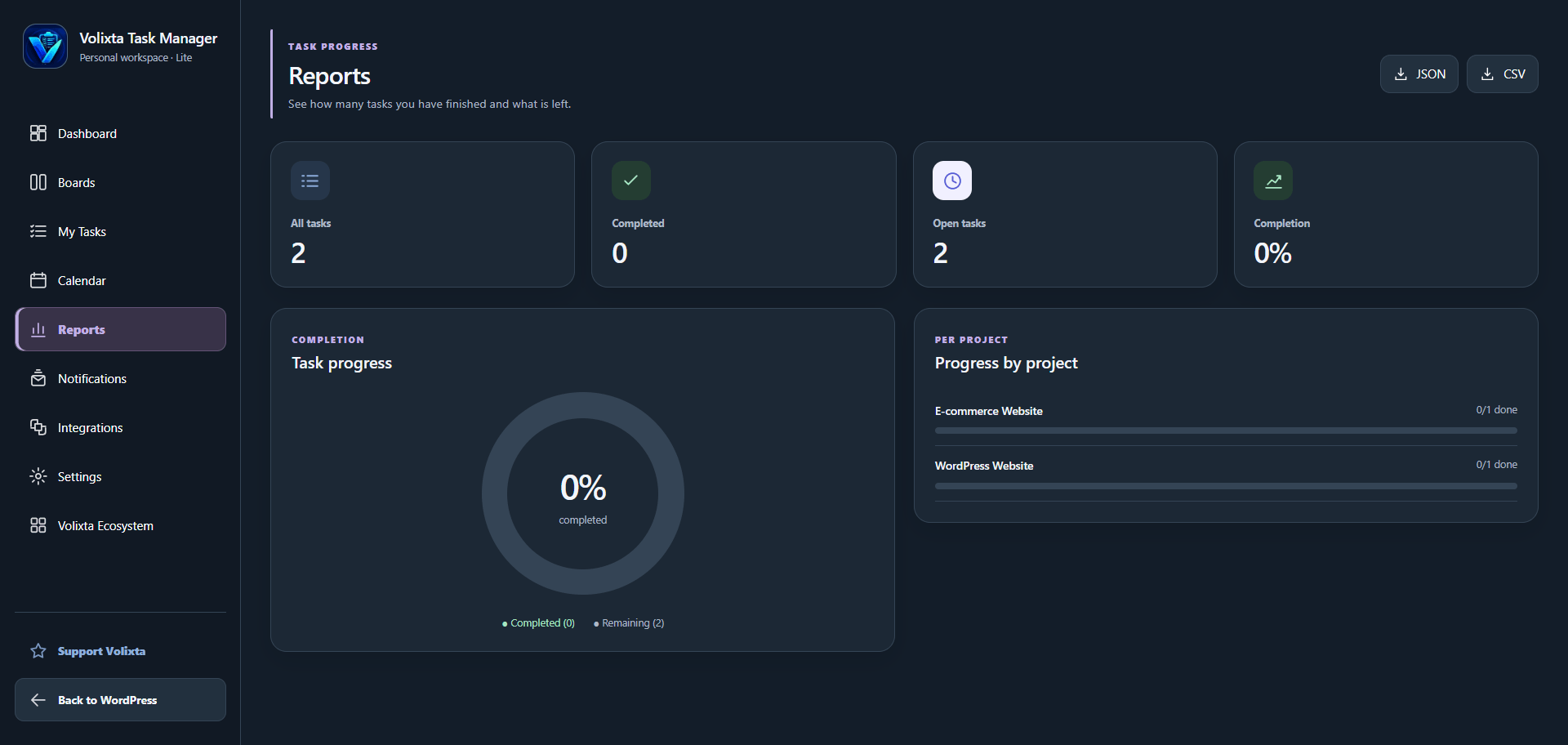
- Monitor completed, open and overdue tasks.
- Follow progress across individual projects.
- Review upcoming priorities and deadlines.
- Export task information as CSV or JSON.
- Standard - A clean, light interface.
- Immersive - A dark workspace for comfortable navigation.
- Focus - A minimal design with fewer distractions.
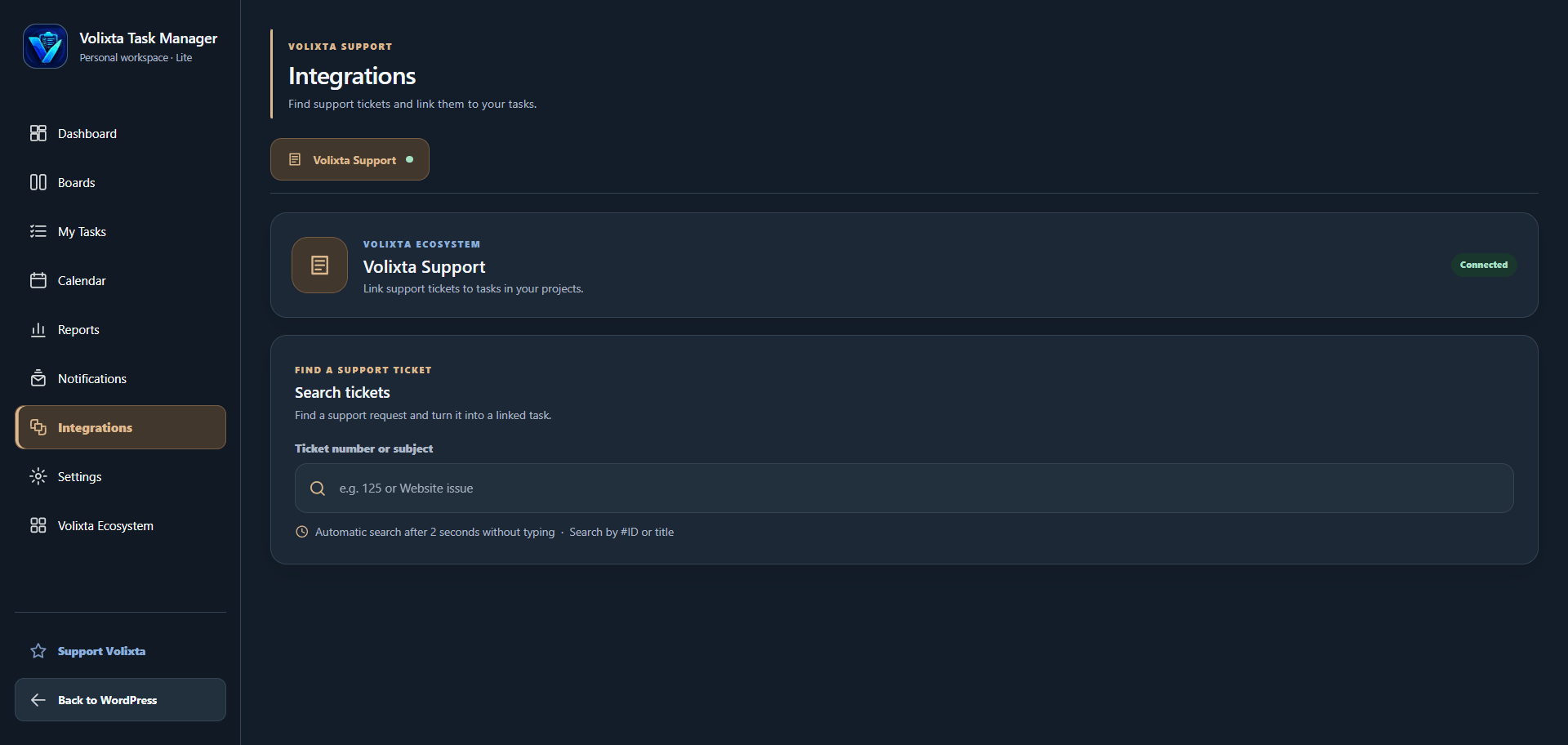
- Find support tickets by number or subject.
- Create tasks directly from existing tickets.
- Automatically carry over ticket titles and priorities.
- Link tasks to their original support requests.
- Open previously linked tasks without creating duplicates.
- Navigate between support tickets and related tasks.
- Volixta Support - Customer support and ticket management.
- Volixta Analytics Lite - Website traffic and visitor analytics.
- Volixta SSL & Security Headers - SSL and security header management.
- Volixta Database Manager - Database inspection and cleanup.
- Volixta Booking - Appointment scheduling and booking management.
- Freelancers managing client projects.
- WordPress developers organizing development tasks.
- Website owners planning updates and maintenance.
- Content creators tracking publishing schedules.
- Anyone looking for a simple, self-hosted task management workspace.
安装:
- In WordPress, go to Plugins > Add New Plugin and search for "Volixta Task Manager Lite" when available in the directory, or choose Upload Plugin and select the ZIP file.
- Activate the plugin while signed in as the administrator who will own the personal workspace.
- Follow the six-step setup wizard, or skip it to use the default settings.
- Open Volixta Task Manager in the WordPress admin menu.
- Create a project, add tasks and choose your deadlines, stages and checklists.
- Optionally enable email reminders in Settings and enable the WordPress Dashboard widget.
- To connect support tickets, install and activate Volixta Support, then open Integrations in Task Manager.
- To discover other Volixta plugins, open Volixta Ecosystem and use the available installation, activation or navigation actions.
屏幕截图:


常见问题:
Does Volixta Task Manager Lite require Volixta Support?
No. Volixta Task Manager Lite works independently. Volixta Support is only required if you want to create tasks linked to support tickets.
How does the Volixta Support integration work?
Install and activate both plugins. You can then search for support tickets and create linked tasks from the Task Manager integration interface. Task Manager also adds contextual actions to the Volixta Support admin interface for the authorized administrator.
Does creating a task change the original support ticket?
No. The task is linked to the original ticket, but the ticket remains in Volixta Support. Task completion and ticket status are not automatically synchronized.
Can I create multiple tasks from the same support ticket?
The integration checks whether a ticket already has a linked task. If one exists, it opens the existing task instead of creating another through the ticket conversion action.
How do I install other Volixta plugins?
Open Volixta Ecosystem from the Task Manager navigation. For supported WordPress.org plugins, use the Install plugin action if it is available. You can then activate the installed plugin. The available actions depend on your WordPress permissions and whether the plugin is already installed.
Are other Volixta plugins required?
No. All plugins listed on the Volixta Ecosystem page are optional.
Is Volixta Task Manager Lite suitable for personal task management?
Yes. It is designed for a single WordPress administrator to manage personal projects, to-do lists and deadlines directly in WordPress.
Can several users work on the same projects?
No. The Lite edition has one workspace owner. It does not provide shared team boards, member assignments or multi-user project collaboration.
Can I customize my Kanban board?
Yes. Start with To Do, In Progress and Done. You can rename stages, add more stages and move tasks between them.
How are tasks displayed in the calendar?
Tasks with due dates appear in the calendar. Their project colors help distinguish work from different projects, and the calendar includes a project color legend.
Can I see today's and tomorrow's tasks on the main WordPress Dashboard?
Yes. The optional dashboard widget shows unfinished tasks grouped by deadline: overdue, today, tomorrow, within seven days, later or without a due date. You can turn it on or off in Task Manager Settings. Only the workspace owner can see it.
更新日志:
- Updated the plugin's WordPress.org listing title to better highlight its project management, Kanban boards, and task management features.
- Improved responsive layouts and sidebar navigation across desktop, tablet, and mobile.
- Simplified page headers for a cleaner workspace.
- Refined project, task, and stage forms for easier use on mobile.
- Improved dashboard buttons and visual consistency across design palettes.
- Enhanced notification loading with better feedback and error handling.
- Optimized notification counters for smaller screens.
- Improved Kanban board layout, column sizing, and filter alignment.
- Fixed minor spacing, alignment, and navigation issues.
- Improved: Unified the interface layout across Standard, Immersive and Focus themes.
- Improved: Standard theme now uses the same sidebar navigation, header and content structure as the other themes, with a light color palette.
- Improved: Responsive navigation and styling for smaller screens.
- Fixed: Inconsistent interface layouts and styling between appearance modes.
- Improved: Updated the readme.txt with clearer plugin descriptions and Volixta Support integration details.
- Fixed: Removed a duplicate logo from the setup wizard welcome screen.
- Improved: Cleaned up unused CSS.
- Fixed: Removed embedded CSS from reminder emails and used email-compatible inline attributes for a mobile-friendly layout.
- Improved: Ensured WordPress administration assets use properly scoped script and style enqueue hooks.
- Initial release with projects, customizable Kanban boards, task lists, calendar, reports, private attachments, reminders, and optional Volixta Support integration.