Vora Elements
| 开发者 | wpvora |
|---|---|
| 更新时间 | 2026年10月8日 12:58 |
| PHP版本: | 7.4 及以上 |
| WordPress版本: | 7.1 |
| 版权: | GPLv2 or later |
| 版权网址: | 版权信息 |
详情介绍:
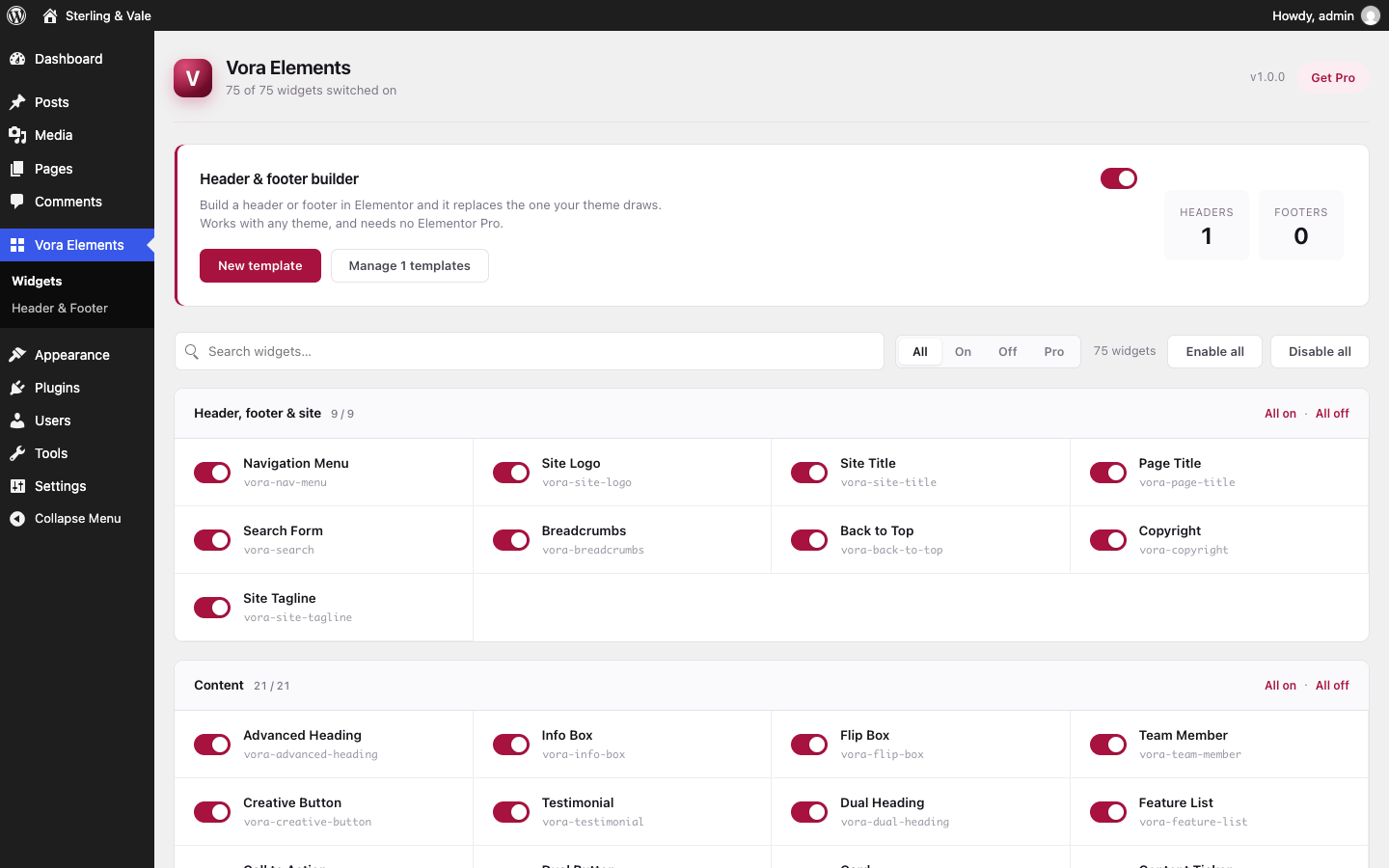
- Header, footer and site: navigation menu, mega-ready dropdowns, site logo, site title, site tagline, page title, breadcrumbs, search form, copyright, back to top, cart icon
- Text and headings: advanced heading, dual-colour heading, gradient heading, animated text, drop cap, content ticker
- Boxes and calls to action: info box, icon box, image box, flip box, card, call to action, promo box, creative button, dual button, image button
- People and proof: team member, testimonial, review, logo grid, logo carousel
- Data and tables: data table, info table, pricing table, price list, progress bar, counter, feature list
- Media: image accordion, before/after compare, image hover, image scroll, image hotspots, filterable gallery, lightbox gallery, media carousel, video box, sticky video
- Layout: advanced tabs, advanced accordion, content switcher, content reveal, tooltip, step flow, interactive circle, shape divider
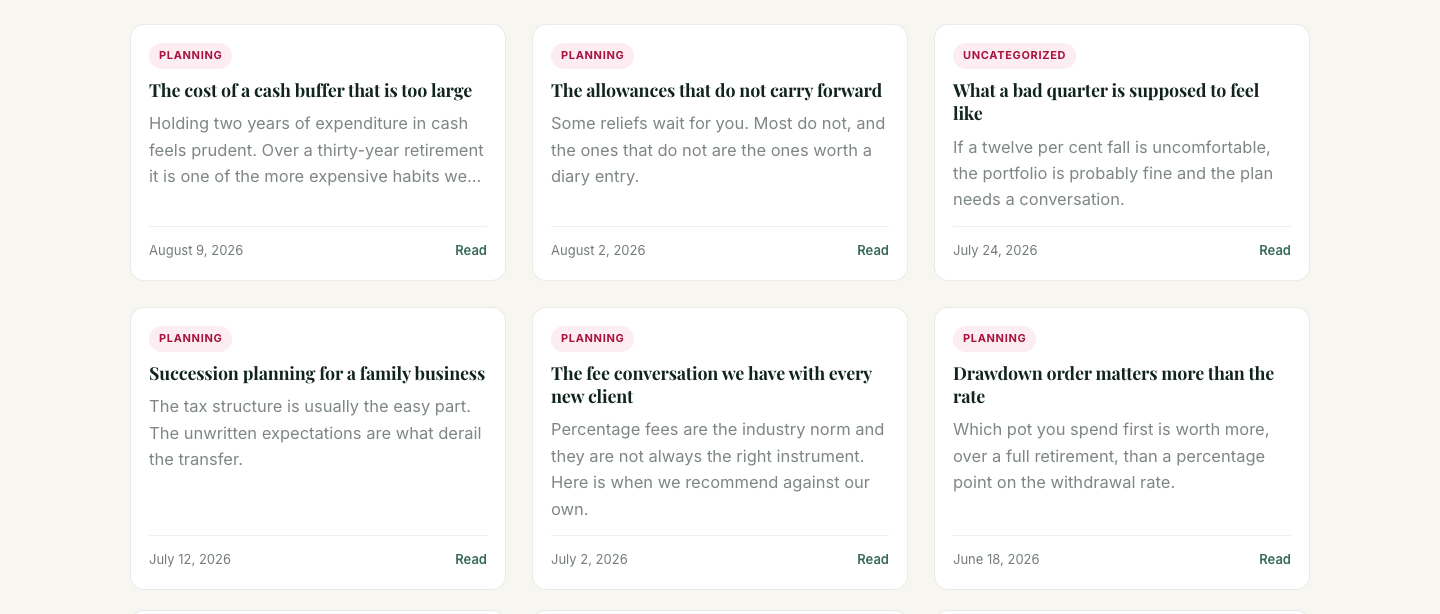
- Posts: post grid, post list, post tabs, taxonomy list, author box, table of contents
- Marketing and social: countdown, event calendar, world clock, social icons, social share, WhatsApp button
- WooCommerce, when WooCommerce is active: product grid, product carousel, product categories, product search, mini cart
- Form stylers, each registered only when its form plugin is active: Contact Form 7, WPForms, Gravity Forms, Ninja Forms, Fluent Forms, Formidable Forms.
- Donation Form, registered only when Vora Donations is active: places a one-time or recurring donation campaign and styles it. These render the form plugin's own shortcode, so its validation, nonces and email all keep working — what the widget adds is styling controls.
youtube-nocookie.com is the default
host when it finally loads.
Countdown resolves the author's date in the site's timezone on the server and
ships a UTC timestamp, so the browser only ever subtracts. Parsing the author's
string in the browser — the usual implementation — gives every visitor outside
the site's timezone the wrong deadline.
Media Carousel is a native scroll container with CSS scroll-snap rather than a
carousel library. That is around 10KB against roughly 160KB for the usual
bundle, it keeps the platform's own momentum and trackpad behaviour, it is
exposed to assistive technology as a scrollable region for free, and it works
before the script has loaded.
Table of Contents is built in PHP from the post's own headings, so it is in
the HTML for search engines and reader modes and causes no layout shift. It
reads Elementor's element tree on builder pages and post_content on
theme-rendered posts — a contents widget that reads only one of those lists
nothing on half the web.
Filterable Gallery removes filtered-out items with the hidden attribute
rather than fading them out, so a keyboard user does not tab through a dozen
invisible links.
Accessibility
Submenus, tabs, accordions and carousels are operated by real buttons carrying
aria-expanded or aria-current, not by hover alone — hover does not exist on
a touch screen and cannot be reached from a keyboard. Anything that moves by
itself has a way to stop it. Every widget respects prefers-reduced-motion.
Multilingual and right-to-left
Every string in the plugin is translatable, in the admin screens and in what
visitors see, and a POT file ships in /languages for anyone starting a
translation.
Thirty-eight of the widget stylesheets carry a right-to-left counterpart, so on
an Arabic, Hebrew, Persian or Urdu site the submenus open on the correct side,
the carousel arrows point the correct way and icons sit on the correct side of
their labels. WordPress swaps the files itself on an RTL locale; a
left-to-right site loads nothing extra and pays nothing for this.
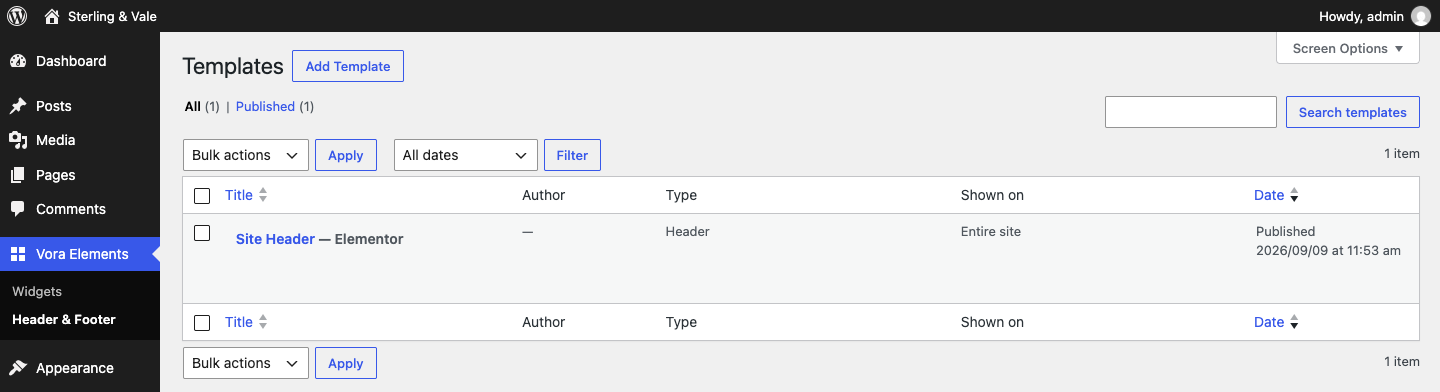
Header and footer templates are a translatable post type, declared through a
wpml-config.xml that both WPML and Polylang read, so each language can have
its own header without any configuration. [vora_template id="12"] resolves to
the current language's version of that template where one exists, and falls
back to the original where it does not — so a translated page does not end up
showing an untranslated block.
Numbers and dates follow the site's locale rather than US conventions: the
counter widget uses the locale's own thousands and decimal marks (so a German
site reads 1.234,5 and not 1,234.5), and dates are formatted with the site's
settings and translated month and day names.
安装:
- Install and activate Elementor.
- Upload the
vora-elementsfolder to/wp-content/plugins/, or install it from Plugins → Add New. - Activate the plugin.
- The widgets appear in Elementor's panel under Vora Elements.
屏幕截图:
常见问题:
Does this work with any theme?
Yes. The widgets style themselves and inherit your theme's colours and fonts where it makes sense to.
Do I need Elementor Pro?
No. The header and footer builder here covers the part of Elementor Pro's theme builder that most sites install it for.
Will it slow my site down?
Each widget's CSS and JavaScript is registered but not enqueued until a page actually uses that widget, so the cost is proportional to what is on the page rather than to what the plugin contains. Widgets you switch off in Settings are not registered at all.
Can I turn widgets off?
Yes, individually or by group, under Settings. A widget already used on a page keeps working until you remove it.
Does it work with WPML or Polylang?
Yes. Header and footer templates are declared translatable in a
wpml-config.xml, which both plugins read, so each language gets its own
templates and the template list is already filtered to the language being
edited. The [vora_template] shortcode follows the current language too.
Does it support right-to-left languages?
Yes. The stylesheets that contain directional rules ship a flipped counterpart, and WordPress serves those instead on an RTL locale. Nothing extra is loaded on a left-to-right site.
Can I put a tracking or chat script in a header or footer template?
Yes, in an Elementor HTML widget, provided the template was created by a user
who is allowed to save unfiltered HTML — an administrator, or an editor on a
single site. That is the same rule WordPress applies to scripts in ordinary
post content, and it matters more for a template, because a template renders on
every page of the site rather than on one post. A template's markup is escaped
on output, and a script saved by a user without that capability is removed
rather than printed. Structured data (application/ld+json) is always kept.
What happens to my templates if I delete the plugin?
Nothing — they are left in place, so reinstalling picks up where you left off. There is a setting to remove everything on uninstall, and it is off by default.
更新日志:
- First release: 80 widgets and the header and footer builder.