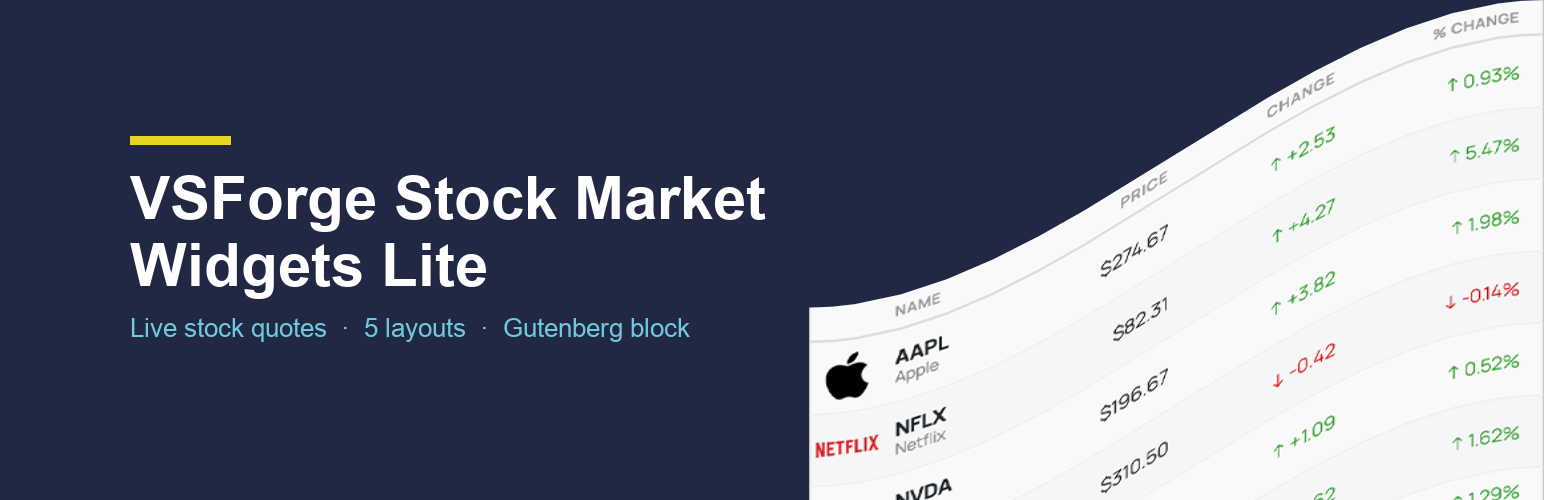
VSForge Stock Market Widgets Lite
| 开发者 | vitaliysemenko |
|---|---|
| 更新时间 | 2026年8月7日 01:22 |
| PHP版本: | 7.4 及以上 |
| WordPress版本: | 7.0 |
| 版权: | GPLv2 or later |
| 版权网址: | 版权信息 |
详情介绍:
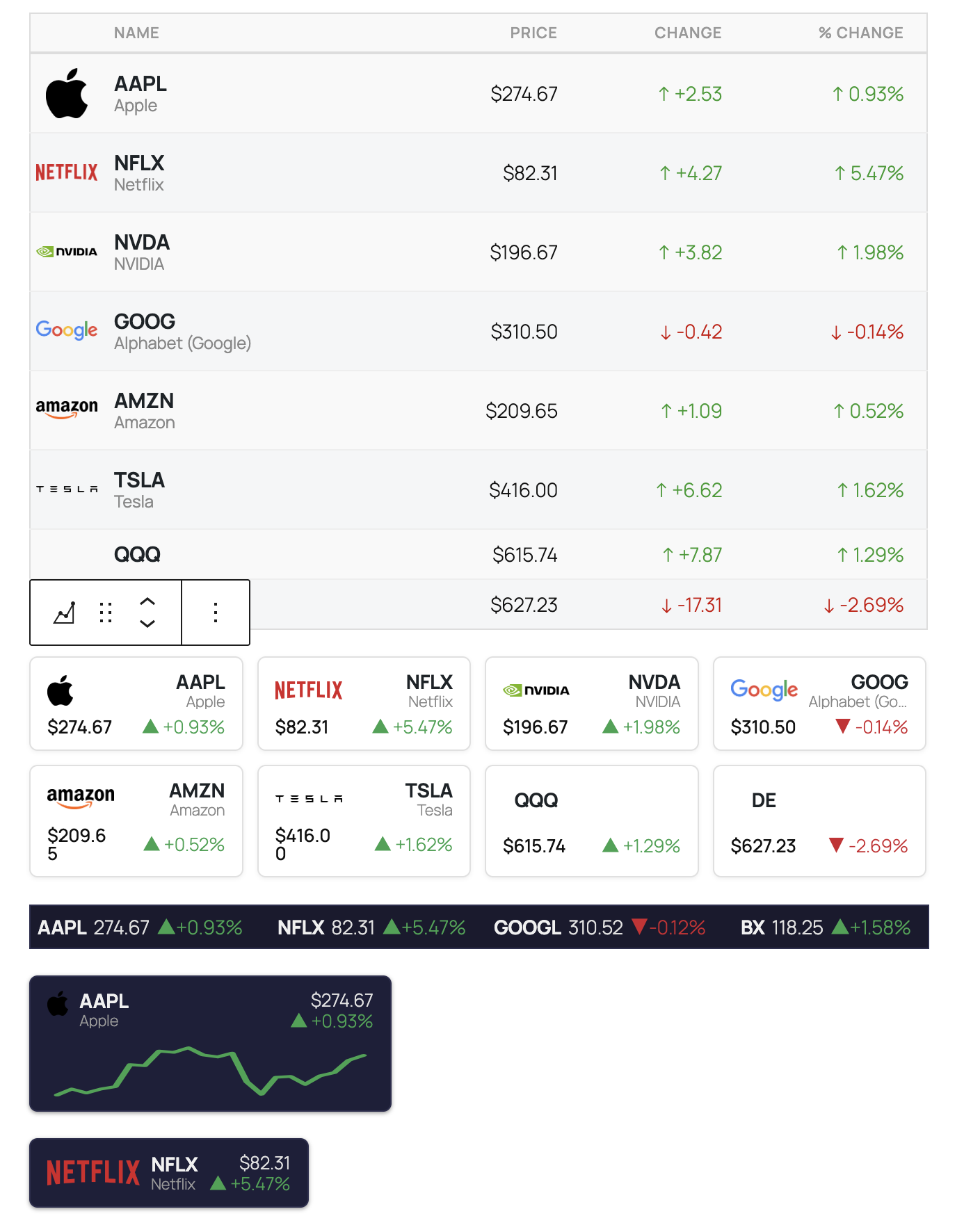
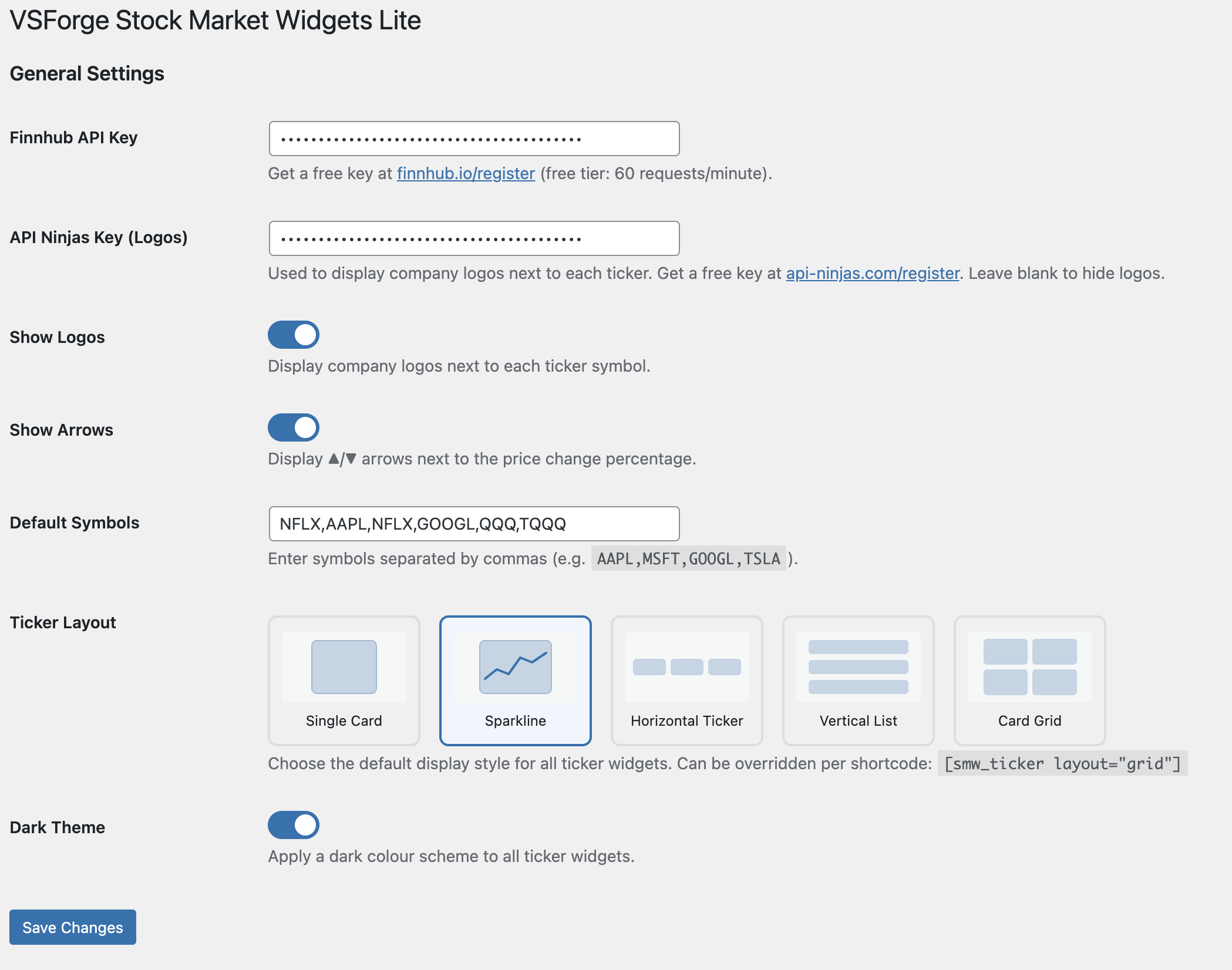
- Single Card — one symbol as a prominent price card
- Sparkline — price card with a 30-day trend mini-chart
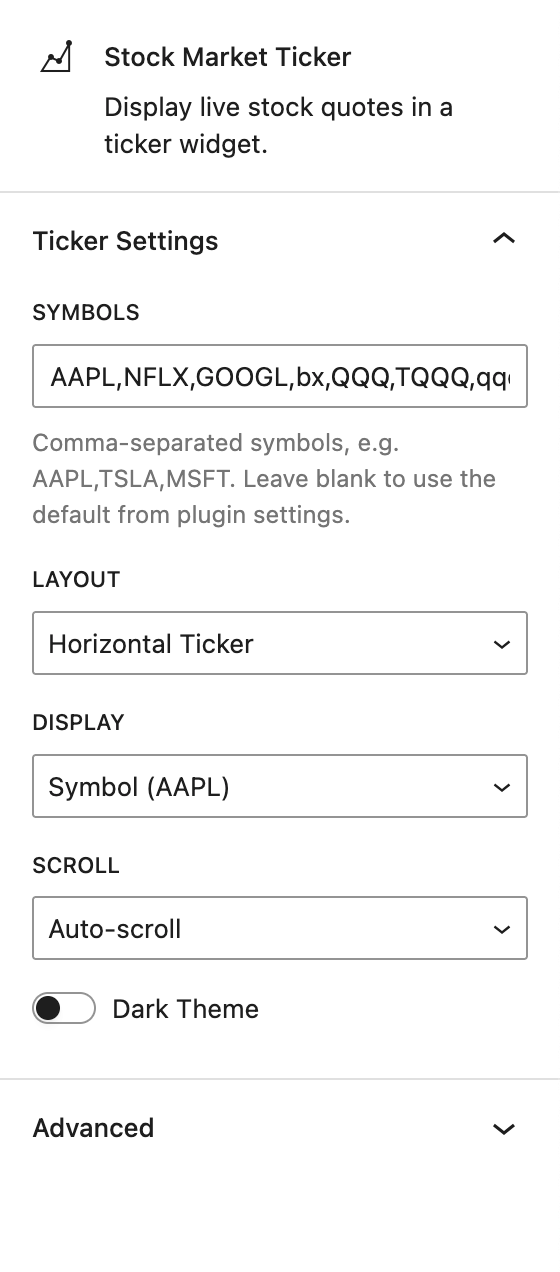
- Horizontal Ticker — all symbols in a classic scrollable ticker band (static or auto-scroll)
- Vertical List — financial-table style with logo, name, price and change columns
- Card Grid — responsive grid of individual price cards
- Powered by the Finnhub free API (60 requests/minute) — get a free key
- Optional company logos via the free API Ninjas logo endpoint
- Dark theme support — toggle globally or per widget
- Shortcode
[vsforge_smw_ticker]with per-widget overrides for layout, symbols, display, scroll and theme - Native Gutenberg block with live preview in the editor
- Translations included for English, Spanish, French, German, Portuguese (Brazil), Japanese, Russian
- Lightweight — no jQuery dependency, vanilla JS only
- Results cached with WordPress transients (5 min for quotes, 1 h for sparklines, 7 days for logos)
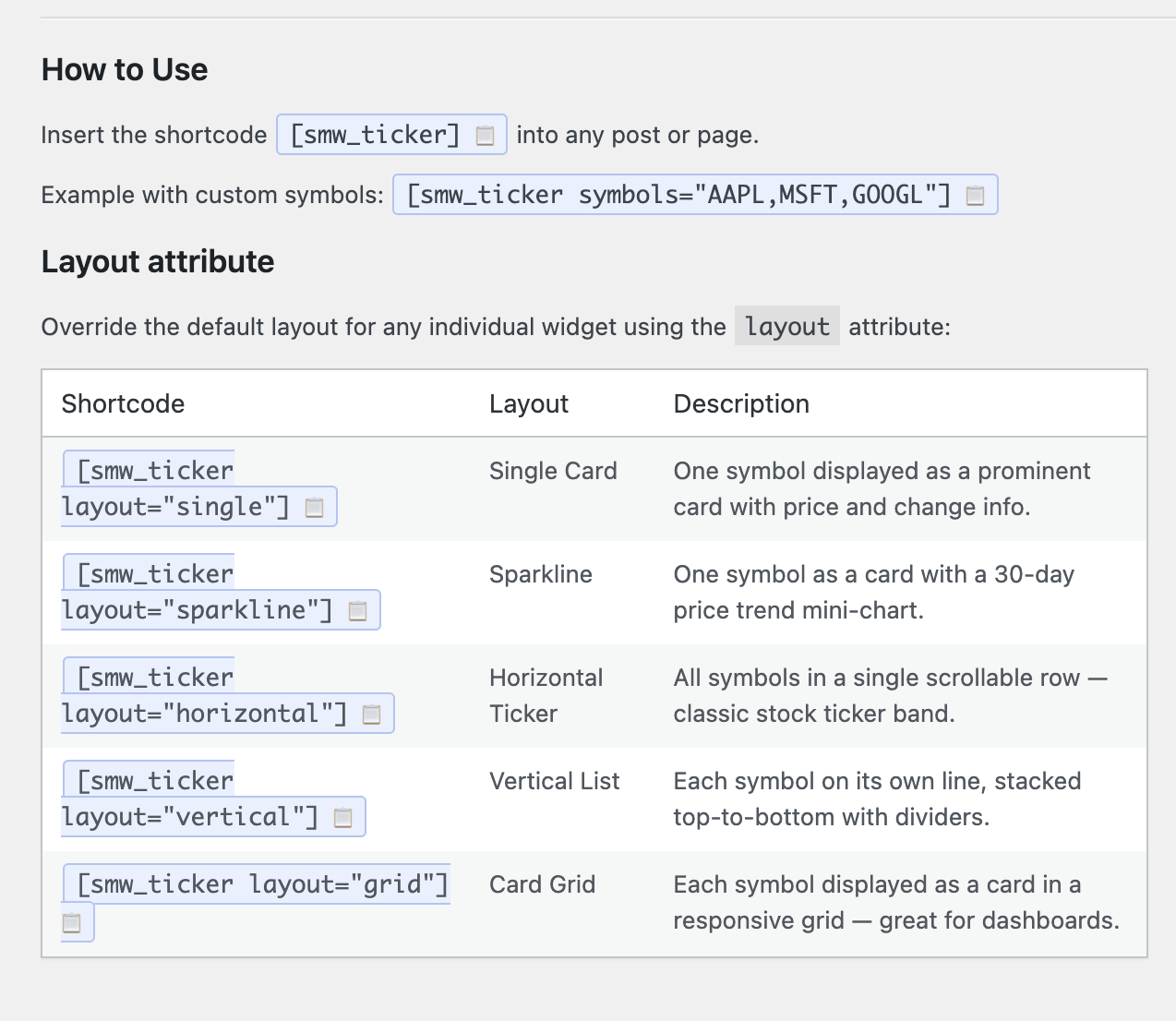
[vsforge_smw_ticker]
Uses the symbols and layout configured in Settings → Stock Market Widgets.
[vsforge_smw_ticker symbols="AAPL,MSFT,GOOGL,TSLA"]
Override the symbols for this widget only.
[vsforge_smw_ticker layout="grid" symbols="AAPL,MSFT,AMZN,GOOGL,META,TSLA"]
Card grid with custom symbols.
[vsforge_smw_ticker layout="sparkline" symbols="AAPL"]
Sparkline card for a single symbol.
[vsforge_smw_ticker layout="horizontal" scroll="auto" dark="1"]
Auto-scrolling horizontal ticker with dark theme.
Privacy
This plugin makes server-side requests to the following external services. No personal data is transmitted.
- finnhub.io — real-time stock quotes (required). Privacy Policy
- api.api-ninjas.com — company logos (optional, only if an API Ninjas key is configured). Privacy Policy
- query1.finance.yahoo.com — historical closing prices for the Sparkline layout (no key required). Privacy Policy
安装:
- Upload the
vsforge-stock-market-widgets-litefolder to the/wp-content/plugins/directory, or install directly through the WordPress Plugins screen. - Activate the plugin through the Plugins screen in WordPress.
- Go to Settings → Stock Market Widgets and enter your free Finnhub API key.
- Optionally enter a free API Ninjas key to enable company logos.
- Add the
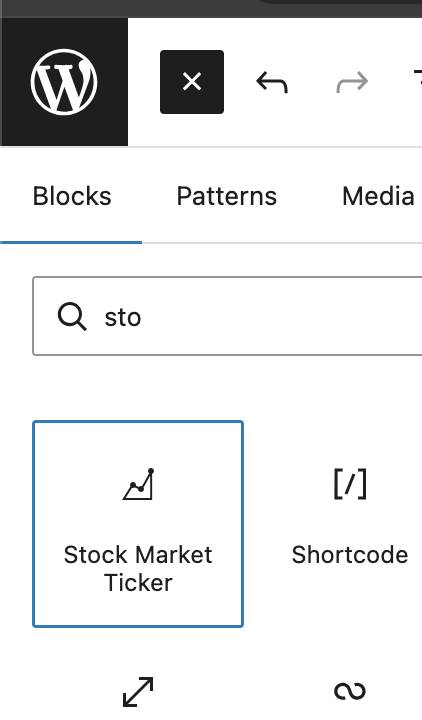
[vsforge_smw_ticker]shortcode to any post or page, or insert the Stock Market Ticker block in the Gutenberg editor.
屏幕截图:
常见问题:
Do I need a paid API plan?
No. Both Finnhub and API Ninjas offer free tiers that are sufficient for normal usage. Finnhub's free plan allows 60 API requests per minute.
How do I get a Finnhub API key?
Register for free at finnhub.io/register. After registration, copy your API key from the dashboard and paste it into Settings → Stock Market Widgets → Finnhub API Key.
Where do I get a logo API key?
Register for free at api-ninjas.com/register. Logos are optional — the plugin works without them.
Can I display multiple widgets with different layouts on the same page?
Yes. Each shortcode instance can have its own layout, symbols, scroll, and dark attributes, overriding the global defaults.
Which stock exchanges are supported?
Any symbol supported by Finnhub — US stocks (NYSE, NASDAQ), major international exchanges, forex and crypto pairs (e.g. BINANCE:BTCUSDT). Refer to the Finnhub symbol search for details.
How often are prices updated?
Quotes are cached for 5 minutes. Refreshing the page or the AJAX call after the cache expires fetches fresh data from Finnhub.
Is the plugin compatible with page caching plugins?
Yes. Price data is fetched via AJAX after page load, so full-page caches do not affect quote freshness.
更新日志:
- Initial release.
- Five layouts: single card, sparkline, horizontal ticker, vertical list, card grid.
- Finnhub API integration with transient caching.
- Optional company logos via API Ninjas.
- Dark theme support.
- Gutenberg block with live editor preview.
- Translations: es_ES, fr_FR, de_DE, pt_BR, ja, ru_RU.